




Top 11 Pi Agent Skills Every Developer Must Use
A few days ago, I wrote a full post on the top 10 Pi Agent extensions, so this is the follow-up.
Just like pretty much every other coding agent now, Pi supports skills. But skills and extensions do very different jobs.
An extension can give Pi a new tool, a slash command, a custom UI, or something like MCP support. A skill is mostly instructions stored in the SKILL.md file, which is sort of universal across coding agents.
Skills teach the agent. Extensions extend the agent.
And just like extensions, there are tons of skills that you can use for your workflow.
⚠️ NOTE: This list is strictly about Pi skills or skills in general. A few packages here also include a tiny bootstrap extension, but the skill content is still clearly the main focus.
Most of these are my personal favourites and are genuinely among the best skills I use with Pi Agent. They’re not just random picks. I found most of them through Reddit, tried them myself, and they turned out to be really, really good.
Let's get into it.
TLDR
If you just want the list, here you go.
Superpowers gives the agent a complete development methodology covering planning, TDD, debugging, reviews, and execution.
impeccable provides Pi with a proper frontend design workflow, including commands for everything.
Anthropic Agent Skills is the official skills repo with useful picks like
mcp-builder,webapp-testing, andskill-creator.mattpocock/skills includes developer-focused skills like Grill Me and TDD for challenging assumptions and building test-first.
ponytail pushes the agent toward smaller diffs and simpler implementations instead of generating unnecessary code.
addyosmani/agent-skills provides 24 engineering skills that cover pretty much the entire software development lifecycle.
caveman cuts down verbose agent responses while keeping code and technical details intact.
graphify turns your codebase into a knowledge graph so the agent can understand it without constantly rereading files.
vercel-labs/agent-skills gives agents React best practices and web design guidelines straight from Vercel.
trailofbits/skills adds security-auditing workflows from the Trail of Bits security team.
remotion-dev/skills teaches the agent how to build programmatic videos with React and Remotion.
One thing before you start installing stuff.
You definitely do not need all of these. Pick the general-purpose ones that fit how you work, then add the stack-specific stuff when you actually need it.
How Pi Agent Skills Work?
Pi follows the Agent Skills format used across other coding agents. A skill is basically a folder containing a SKILL.md file with its name, description, and instructions.
Pi does not put every installed skill into your context window either.
At startup, it only provides the model with the name and description of each skill, then loads the full instructions when the skill is relevant.
You can also invoke one manually with
/skill:<skill-name>Global Pi skills can live in
~/.pi/agent/skills/Project-specific ones can live in
.pi/skills/Pi also works well with shared agent directories such as ~/.agents/skills/ and .agents/skills/, which makes it easier to reuse skills across other coding agents as well.
Most packaged skills can simply be installed with
pi install npm:<package-name>Or from GitHub with
pi install git:github.com/<user>/<repo>Enough setup. Here are the ones worth checking out.
I also did a complete architecture, pricing, efficiency, and UX comparison with Claude Code: Pi Agent vs Claude Code
1. superpowers
ℹ️ A complete SDE workflow covering planning, TDD, debugging, reviews, and execution.
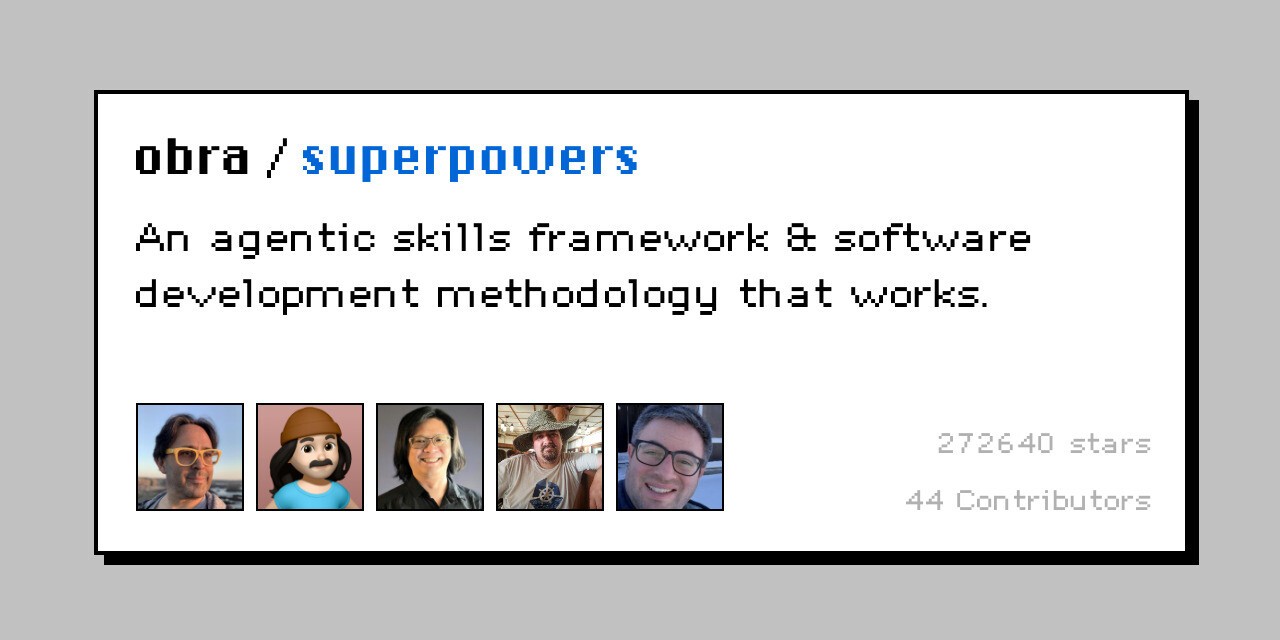
superpowers is probably the biggest name in the agent skills ecosystem right now. Created by Jesse Vincent, it turns common software engineering practices into actual workflows the agent can follow.
Instead of simply telling Pi to "plan first", it gives it dedicated skills for brainstorming, implementation planning, Git worktrees, TDD, systematic debugging, code review, and properly finishing work.
What it does
Makes the agent understand the problem before coding
Creates concrete implementation plans
Adds TDD and systematic debugging workflows
Supports isolated work through Git worktrees
Adds code review and branch completion workflows
It has around 217K stars, making it the largest methodology-style repo on this list.
💡 If you want one opinionated skill pack to shape how your agent approaches software development, this is probably the first one to look at.
Install
Superpowers has native Pi support, so installation is just one command.
pi install git:github.com/obra/superpowersIt also includes a small bootstrap extension that keeps the Superpowers workflow available after session startup and compaction.
Resources
GitHub obra/superpowers
Author blog.fsck.com
2. Impeccable
ℹ️ Gives Pi an actual frontend design system instead of a prompt telling it to make things look better.
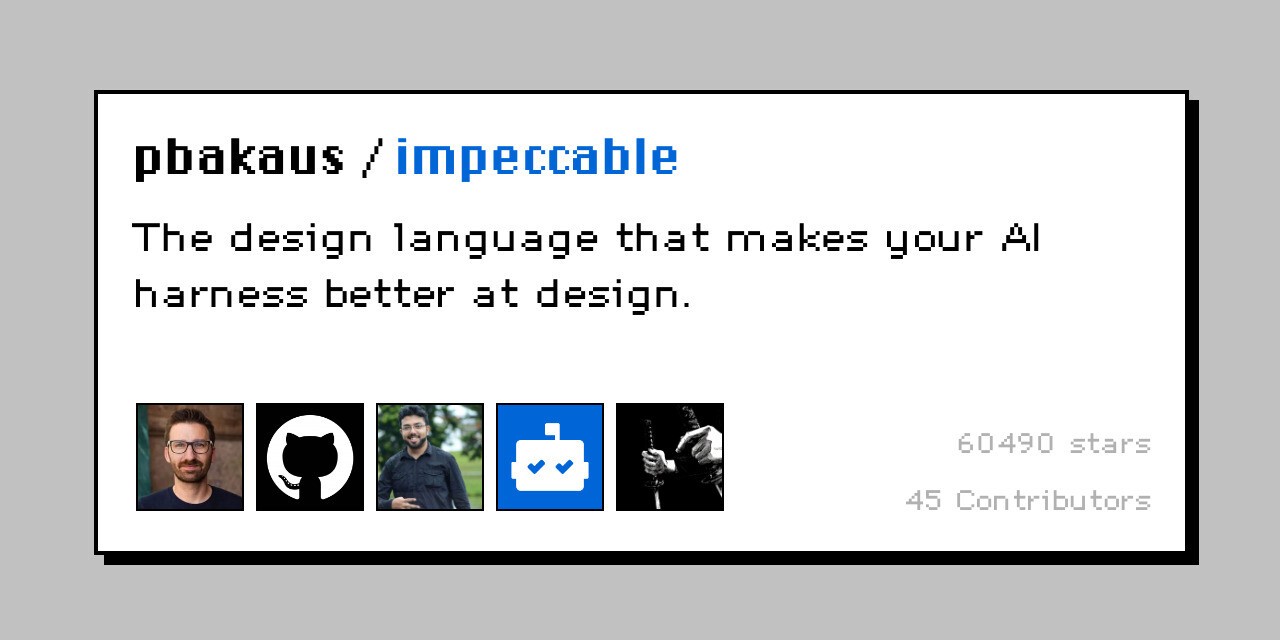
impeccable is probably one of the best skills here if you use Pi for frontend work.
Most coding agents can now build a working UI. The problem is that they often fall back to the same fonts, the same cards, the same gradients (you know how AI sites have that specific gradient-heavy look), and the same layouts. Impeccable is basically built to fight that.
Instead of simply telling Pi to "make it look better", it gives the agent a proper design vocabulary with 23 commands for things like critique, audit, polish, layout, typeset, bolder, quieter, animate, and more.
What it does
Gives Pi structured frontend design guidance
Adds commands for polish, layout, typography, and motion
Helps catch generic AI-looking design patterns
Improves existing UI
Has a dedicated Pi version
The repo is sitting around 60K stars.
This one feels less like a single prompt and more like giving the agent a proper design brain.
💡 I really like this one right after superpowers. Superpowers changes how the agent approaches logic. Impeccable changes how the frontend it ships actually looks.
Install
Impeccable has its own installer and supports Pi directly.
npx impeccable installThen start the skill in Pi with
/skill:impeccable initAfter that, you can use the individual workflows as needed.
/skill:impeccable audit
/skill:impeccable polish
/skill:impeccable bolder
Resources
GitHub pbakaus/impeccable
Website impeccable.style
3. Anthropic Agent Skills
ℹ️ Official skills for MCP development, web app testing, frontend work, skill creation, and more.
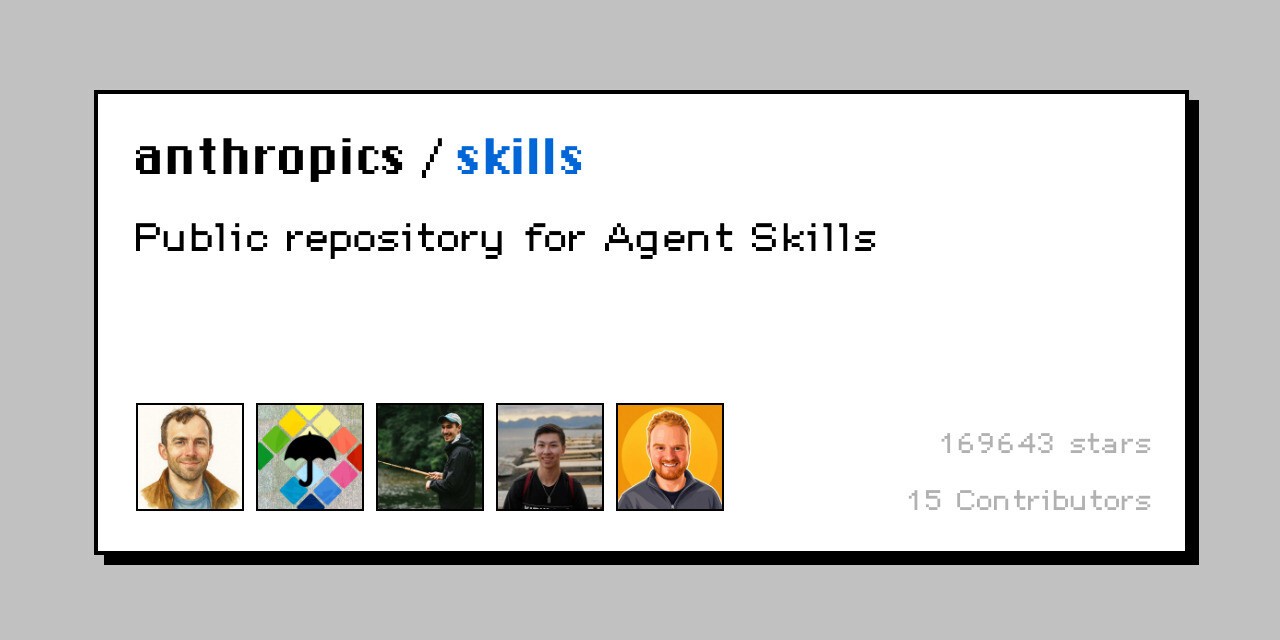
Anthropic maintains the official public Agent Skills repository, which contains some really useful developer skills.
mcp-builder Helps with building MCP servers, webapp-testing gives the agent a proper web testing workflow, and skill-creator teaches the agent how to create new skills. There are also skills for frontend work, the Claude API, and other common workflows.
What it does
Adds MCP server development guidance
Adds web app testing workflows
Helps create new agent skills
Includes frontend development guidance
Comes directly from Anthropic
The repository has around 170K stars.
💡 You do not need the whole repo either. Just install the individual skills that are actually useful to you.
Install
The easiest way to install Anthropic's skills for Pi is with the open skills installer.
npx skills add anthropics/skills -a pi -gThat lets you choose which skills you want.
If you only want something like mcp-builder, you can install it directly.
npx skills add anthropics/skills --skill mcp-builder -a pi -gResources
GitHub anthropics/skills
Agent Skills standard agentskills.io
4. mattpocock/skills
ℹ️ Developer-focused skills for things like TDD from the TypeScript guy.
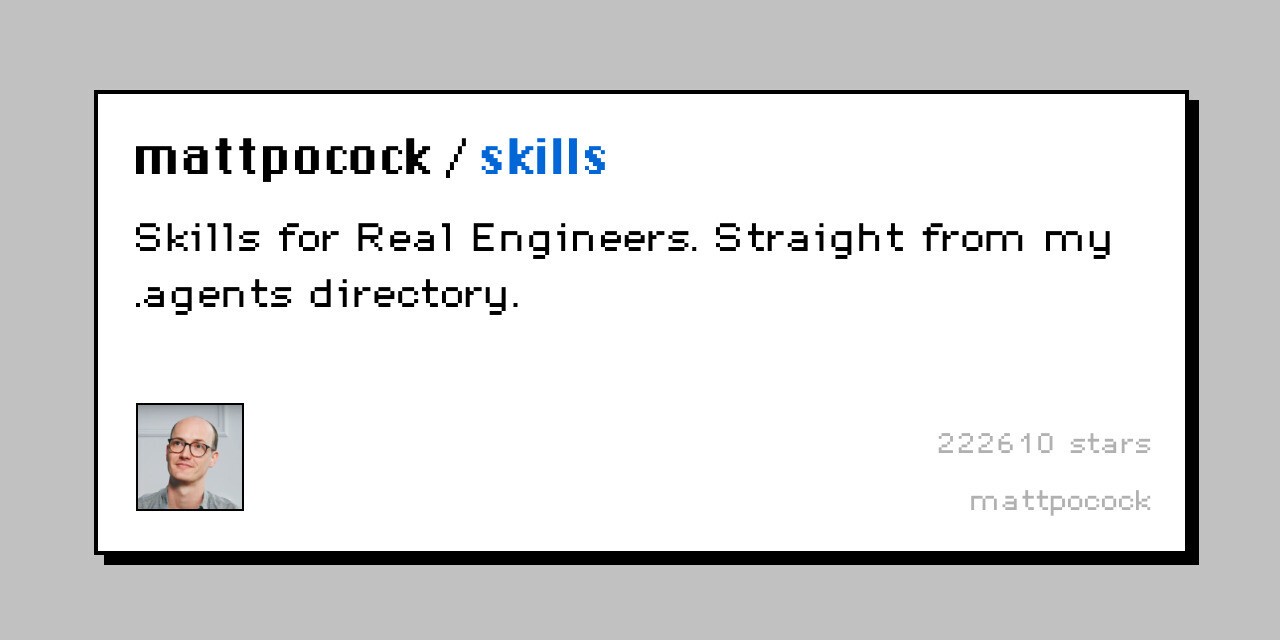
Matt Pocock's skills repo has grown ridiculously fast, and the two skills I like the most here are Grill Me and TDD.
Grill Me challenges the agent to think instead of immediately agreeing with whatever you say. The TDD skill does what the name suggests and pushes the agent into a proper test-first development workflow.
What it does
Adds a proper TDD workflow
Makes the agent challenge weak assumptions
Encourages better reasoning before implementation
Keeps the workflows small and composable
The repo is sitting around 116K stars, with roughly 101K of those coming in under 90 days.
That is some insane growth.
Install
Install the repo and select the skills you want for Pi.
npx skills@latest add mattpocock/skills -a pi -gIf you only want one specific skill
npx skills@latest add mattpocock/skills --skill <skill-name> -a pi -gResources
GitHub mattpocock/skills
5. ponytail
ℹ️ Makes the agent look for the smallest valid solution before writing more code.
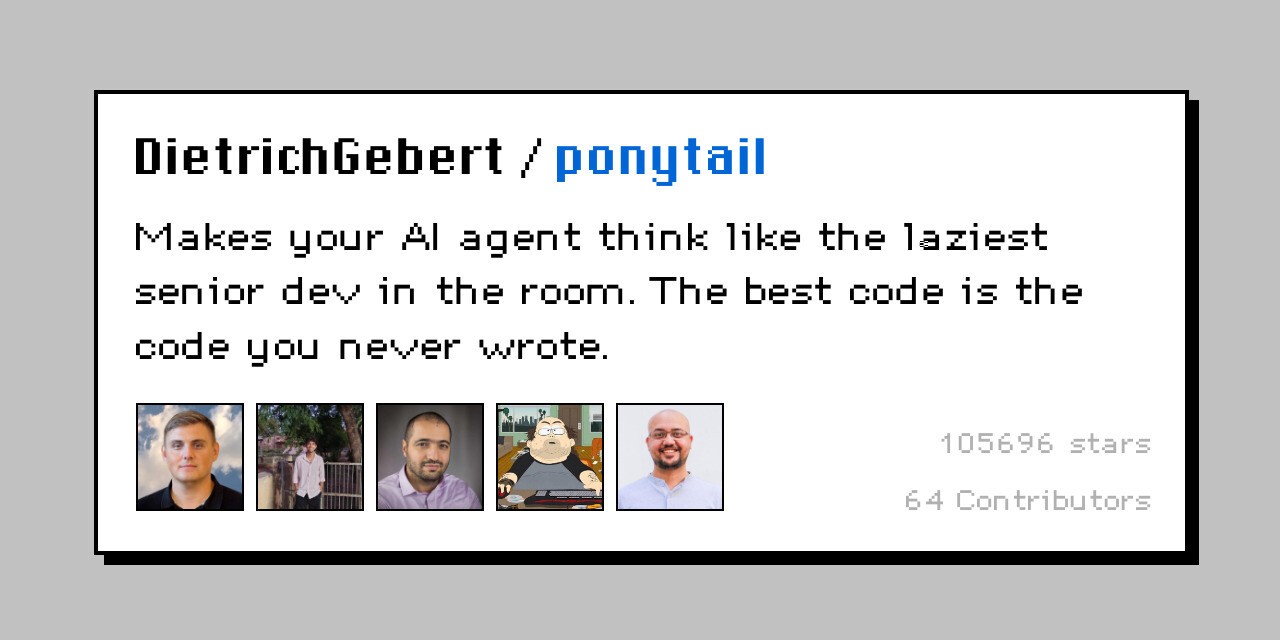
Before writing anything, the agent checks whether a solution already exists, whether the standard library can handle it, whether the platform has a native feature, or whether an existing dependency already solves the problem.
Basically, more code becomes the last resort rather than the first.
What it does
Pushes the agent toward smaller implementations
Reuses existing code before creating abstractions
Prefers standard library and native features
Avoids unnecessary dependencies
Keeps validation, security, and error handling intact
It also has different intensity levels.
/ponytail lite
/ponytail full
/ponytail ultra
💡 The project's own benchmark reported 54 percent fewer lines of code, 22 percent fewer tokens, 20 percent lower cost, and 27 percent less time.
It has around 100K stars, and this is one of the skills here with proper Pi packaging.
Install
pi install npm:@dietrichgebert/ponytailOr
pi install git:github.com/DietrichGebert/ponytailResources
GitHub DietrichGebert/ponytail
Package pi.dev ponytail
Website ponytail.dev
6. addyosmani/agent-skills
ℹ️ Twenty-four engineering skills covering pretty much the whole software development lifecycle.
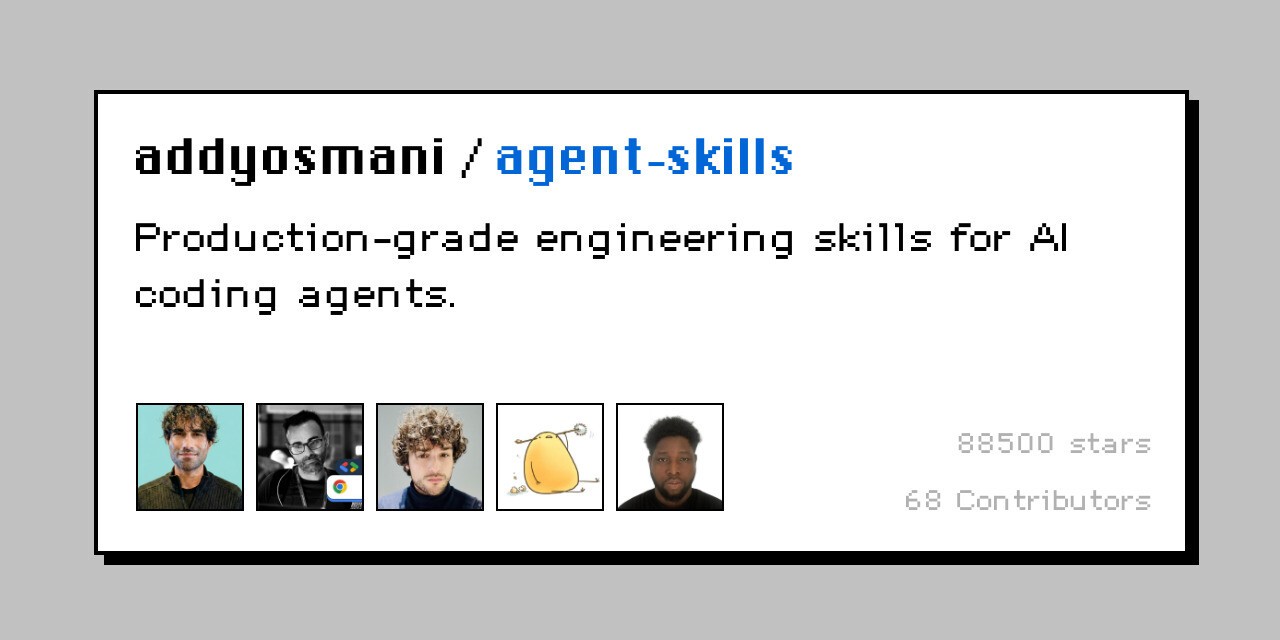
This one comes from Addy Osmani and gives you 24 standalone engineering skills covering planning, specs, implementation, testing, debugging, code review, security, Git, performance, architecture, observability, APIs, databases, and more.
The nice part is that you can use individual skills instead.
What it does
Covers planning and implementation
Adds testing and debugging workflows
Includes review and security skills
Covers performance, architecture, and observability
Lets you install only the skills you need
The repo has around 87K stars.
If something like Superpowers feels too opinionated, I really like this approach. Just pick the workflows you need and leave the rest.
Install
Install the collection for Pi with
npx skills add addyosmani/agent-skills -a pi -gYou can also browse the available skills before installing anything.
npx skills add addyosmani/agent-skills --listOr install one directly.
npx skills add addyosmani/agent-skills --skill test-driven-development -a pi -gResources
GitHub addyosmani/agent-skills
7. caveman
ℹ️ Makes your agent say the same useful stuff with way fewer tokens.
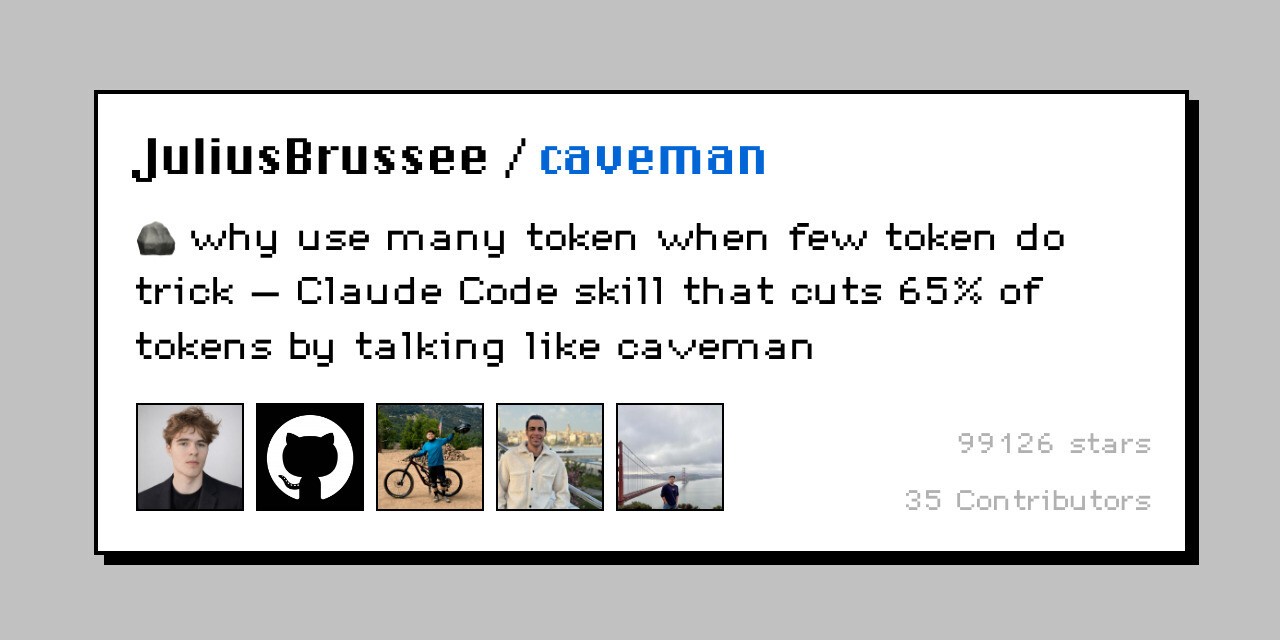
This one is mostly about stopping coding agents from talking so damn much.
caveman strips out filler, pleasantries, hedging, and unnecessary wording while keeping the actual technical information intact. Code blocks, commands, URLs, paths, and error messages are meant to stay untouched.
The project claims around 65 per cent token reduction across its benchmarks.
What it does
Compresses verbose agent responses
Keeps technical information intact
Leaves code blocks untouched
Supports different compression levels
Reduces unnecessary output tokens
It has around 68K stars.
You also get different modes.
/caveman lite
/caveman
/caveman ultra
💡 If you constantly tell your coding agent to "be concise", you can probably stop doing that after installing this.
Install
Install Caveman directly for Pi with
npx skills add JuliusBrussee/caveman -a pi -gThen activate it with
/cavemanCaveman also has its own multi-agent installer if you want it installed across everything on your machine.
curl -fsSL https://raw.githubusercontent.com/JuliusBrussee/caveman/main/install.sh | bashResources
GitHub JuliusBrussee/caveman
8. graphify
ℹ️ Turns your codebase into a knowledge graph so the agent does not have to keep rereading everything.
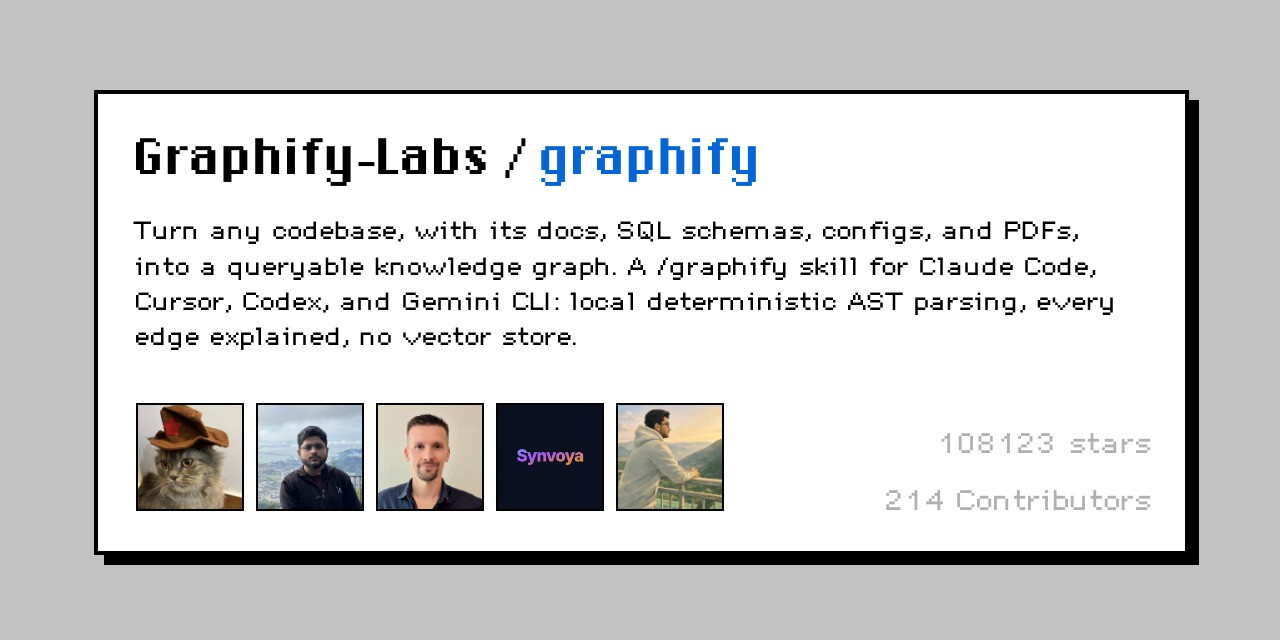
Most coding agents understand a repository by searching files, reading them, and then repeating the same thing whenever they need context again.
graphify Turns your codebase, docs, schemas, configs, and other project information into a queryable knowledge graph instead. The agent can then ask questions about relationships and architecture without repeatedly pulling the same raw code into context.
The project claims up to 71.5x fewer tokens per query for some graph-based queries.
What it does
Turns a codebase into a knowledge graph
Maps relationships across the repository
Reduces repeated file reading
Helps with architecture and dependency questions
Works particularly well with larger codebases
It has around 59K stars.
💡 This one gets way more interesting once your repo becomes large enough that the agent spends half its time searching around for context.
Install
Graphify has its own CLI, so install it first.
uv tool install graphifyyThen install its skill specifically for Pi.
graphify install --platform piIf you only want it for the current project
graphify install --platform pi --projectThen you can start using Graphify from the agent.
Resources
GitHub Graphify-Labs/graphify
9. vercel-labs/agent-skills
ℹ️ React best practices and web design guidelines straight from Vercel.
If you build React or frontend apps, this one is pretty easy to recommend.
Vercel's agent skills include React Best Practices and Web Design Guidelines, giving the agent concrete frontend rules to follow rather than relying entirely on whatever patterns the base model remembers.
What it does
Adds React and Next.js best practices
Gives the agent web design guidelines
Improves frontend implementation choices
Helps review accessibility and UX
Adds performance-focused React guidance
The repo has around 27.5K stars.
💡 Framework and vendor skills are probably the easiest ones to choose. If you use the stack, install them. If you do not, skip them.
Install
Install the Vercel skill collection for Pi with
npx skills add vercel-labs/agent-skills -a pi -gIf you only want the React skill
npx skills add vercel-labs/agent-skills --skill vercel-react-best-practices -a pi -gOr just the web design guidelines
npx skills add vercel-labs/agent-skills --skill web-design-guidelines -a pi -gResources
GitHub vercel-labs/agent-skills
10. trailofbits/skills
ℹ️ Security auditing skills from an actual security firm.
There are a lot of random security prompts and skills floating around GitHub. This is a little different because it comes from Trail of Bits.
The repo includes skills for code auditing, building security context, reviewing GitHub Actions, analyzing C and C++ code, differential reviews, Semgrep rules, smart contracts, insecure defaults, and more.
What it does
Adds structured security auditing workflows
Helps identify risky implementation patterns
Includes code and differential review skills
Covers smart contract security
Comes from an actual security engineering team
The repo has around 5.5K stars.
That number is obviously smaller than some of the massive repos above, but for something security-related, I care a lot more about who made it than how many stars it has.
⚠️ Security skills can still miss things. Treat them as another review layer, not a replacement for an actual security audit.
Install
There are a lot of skills in this repo, so first see what is available.
npx skills add trailofbits/skills --listThen install the one you want for Pi.
npx skills add trailofbits/skills --skill <skill-name> -a pi -gFor example
npx skills add trailofbits/skills --skill audit-context-building -a pi -gResources
GitHub trailofbits/skills
11. remotion-dev/skills
ℹ️ Teaches the agent how to build programmatic videos using React and Remotion.
This is probably the most niche one on the list, but it is also a really fun one.
Remotion lets you create videos programmatically using React. remotion-dev/skills gives the agent Remotion-specific best practices for animations, timing, compositions, media, transitions, rendering, and other video workflows.
What it does
Teaches Remotion development patterns
Helps build video compositions with React
Adds guidance for animations and transitions
Covers media and rendering workflows
Makes programmatic video generation much easier
The repo has around 3.4K stars.
If you never touch video, obviously skip it. But if you make demos, product videos, social clips, or automated video pipelines, it is genuinely useful.
Install
Install the Remotion skills directly for Pi with
npx skills add remotion-dev/skills -a pi -gIf you only want them for the current project, remove the -g.
npx skills add remotion-dev/skills -a piResources
GitHub remotion-dev/skills
Wrap Up!
The nice thing about skills is that you can shape Pi around the way you work instead of stuffing everything in.
For most developers, ponytail plus either superpowers or bigpowers is already a rock-solid starting point. From there, add framework-specific or smaller skills only when you really need them.
And if you want to extend what Pi can actually do, check out the previous post on the top 10 Pi Agent extensions.
⚠️ One last thing. Skills are still instructions being handed to an agent with access to your machine, and some can include scripts that the agent may execute. Check the source and understand what you are installing.
These are the 11 I would look at first.
Let me know if I missed an obvious one. ✌️

 Get started



