




Many people start with the directory. They open it and connect a dozen of skills because this feels productive. A week later, they use one tool and forget about the permissions they gave to the others.
Keep your setup small. Choose two or three workflows that you use often, and connect one or two apps that contain the information you need.
What is a skill?
A skill is a defined process. It tells ChatGPT how to complete a task in the same way each time, and it can contain instructions, examples, and code. You can use it as a standard procedure for a task. This is different from
A ChatGPT app gives ChatGPT access to another service. It connects ChatGPT to Gmail, Drive, Slack, or SharePoint, so it can read your information.
A plugin can contain skills and apps. Some plugins contain only skills, while others contain a skill and the app that it needs.
Skills use the open Agent Skills standard. Each skill is a folder that contains a SKILL.md file. You can write it once and use it in ChatGPT, Codex, Claude, or Cursor.
Check these three limits first
Personal Skills are available on Business, Enterprise, Healthcare, and Edu plans.
An admin must enable Personal Skills on Enterprise and Edu plans. OpenAI started to enable them automatically for Enterprise workspaces on 23 July, unless a workspace chose to disable them. The desktop app and the web app do not sync skills. If you create a skill on the web, you must also add it to the desktop app.
How to install a skill
There are four ways to add one. For most people, asking ChatGPT to create it is the easiest place to start.
Ask ChatGPT to create it
Go to Skills → Create → Create with chat, or request a skill in a regular conversation. Eligible accounts already include
skill-creator, so you can describe the workflow you want without writing YAML yourself.Use the editor
Go to Skills → Create → Create with editor when you want precise control over the instructions and supporting text.
Upload a folder
Go to Create → Upload from your computer to import a skill from GitHub, a colleague or another trusted source.
Install a shared skill
Go to Skills → Shared with me, open the ••• menu for the skill and select Install.
Review a skill before you install it
ChatGPT scans uploaded skills, and it approves most of them immediately. It marks some as Needs Review and blocks risky ones.
The scan checks for clear problems, but you must also review the skill. A skill can contain instructions and code, so read its files before you install it.
How to decide if you need a skill
Ask yourself one question: Do you explain the same format every week?
If you have typed “pull out the action items and owners” more than three times, you can create a skill for that task.
These 10 skills are useful for many people.
TL;DR: Top 10 Skills at a Glance
# | Skill | Source | Best for | Works in ChatGPT? |
|---|---|---|---|---|
1 | Composio Skills | Composio Official | Giving skills real access to Gmail, Slack, Notion, CRMs and 1,500+ apps | Via Plugin from OpenAI marketplace |
2 | Skill Creator | OpenAI, built-in | Creating and improving your own skills | Native |
3 | Humanizer | Community (blader) | Stripping AI tells from drafts | Upload the SKILL.md |
4 | Writing Guidelines | Vercel | Clearer, more consistent prose | Adapt with Skill Creator |
5 | Brand Guidelines | Anthropic | Applying your brand's colours and type consistently | Rebuild with your brand |
6 | Theme Factory | Anthropic | Reusable visual themes for decks and docs | Themes are portable text |
7 | Notion Meeting Intelligence & Knowledge Capture | OpenAI Plugins (Notion) | Meeting prep and turning chats into wiki pages | Plugin Directory; needs the Notion app |
8 | KPI Reporting & Market Sizing | OpenAI Plugins (Data Analytics) | Scorecards, WBR/QBR readouts, TAM/SAM/SOM | Upload individual SKILL.md files |
9 | Marketing Skills | Anthropic knowledge-work-plugins | Campaign briefs, competitive briefs, brand review | Upload individual SKILL.md files |
10 | Research Paper Review | BESSER-PEARL | Rigorous pre-submission paper review | Documented for ChatGPT |
1. Composio: Connect your work apps to ChatGPT in seconds
Composio is interesting because it separates two things that are often bundled together: knowing how to do a workflow and having access to the app required to do it.
3 examples show why this is useful.
ChatGPT Gmail Automation covers workflows such as searching email, replying, creating drafts, working with labels and handling attachments. Instead of repeatedly explaining how you want your inbox handled, you can build a repeatable workflow around it, for example, finding customer emails that still need a response, summarising them and preparing drafts.
ChatGPT Notion Automation works with pages, databases, blocks, comments and search. That makes it useful for workflows where ChatGPT needs to do something with the result of a conversation: create a project page, add an item to a database, update documentation or record a decision in the right place.
ChatGPT Slack Automation covers messages, channels, search, reactions, threads and scheduled messages. A skill could, for example, search a project channel for recent decisions, summarise what changed and prepare or post an update to the appropriate channel.
That is what makes the Composio collection more interesting than a directory of prompts. The skill contains the operating procedure; Composio supplies the connection that lets the agent act on the real service.
How to install Composio in ChatGPT
Search for Composio in the OpenAI marketplace or click on this link: Composio <> ChatGPT
Now click Install in the top right.
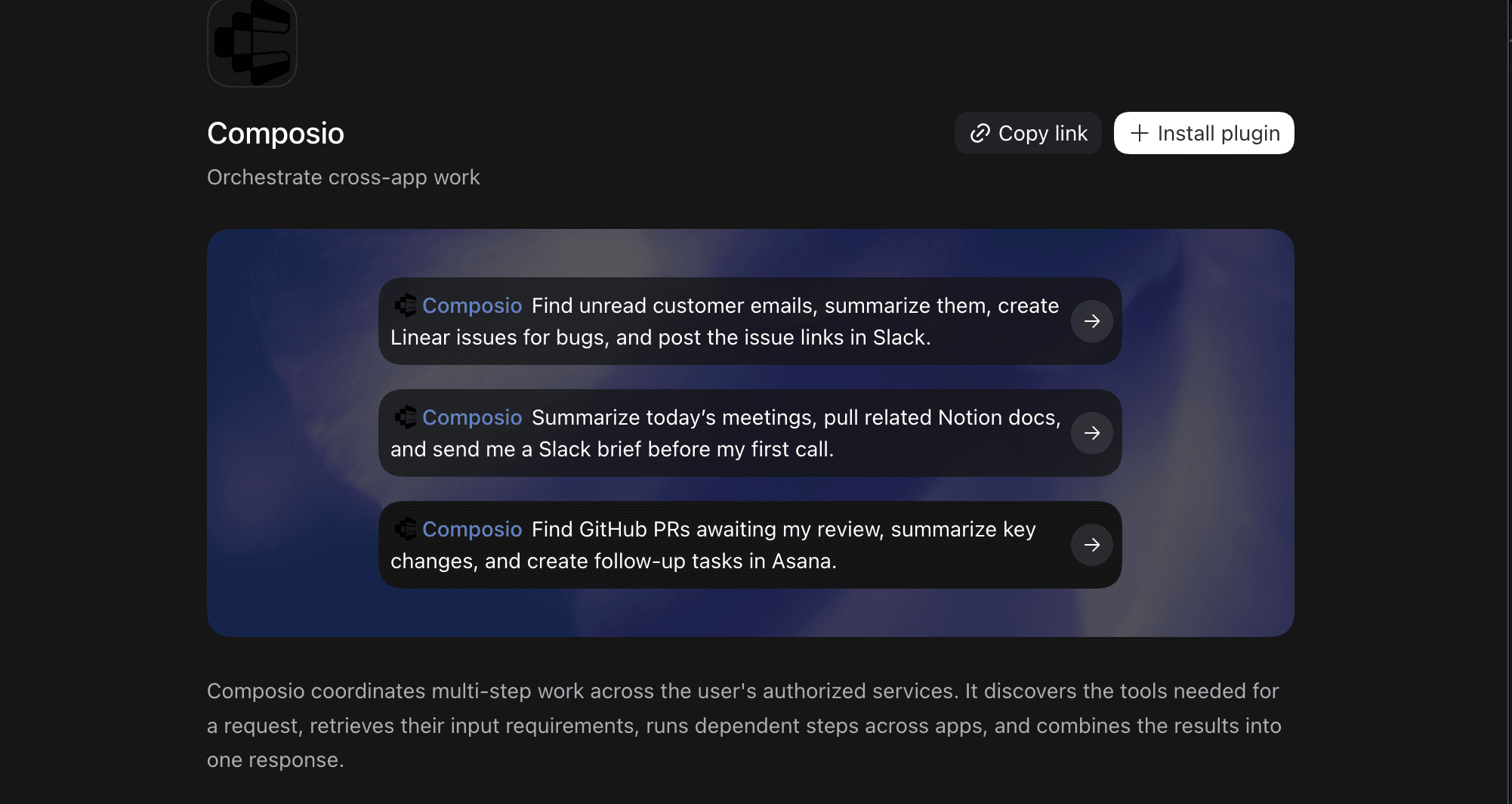
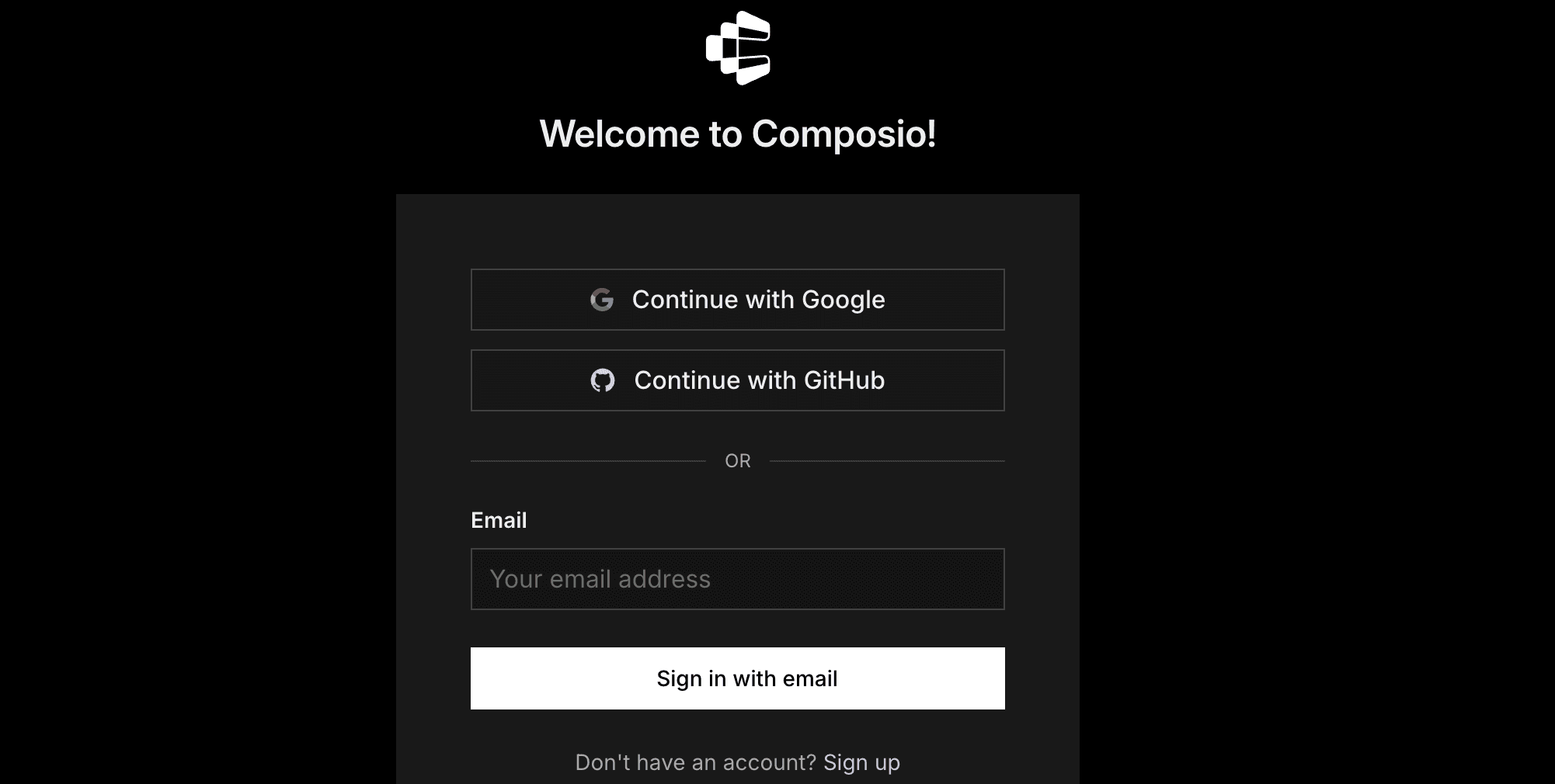
You'll be redirected to the Composio sign-in screen.
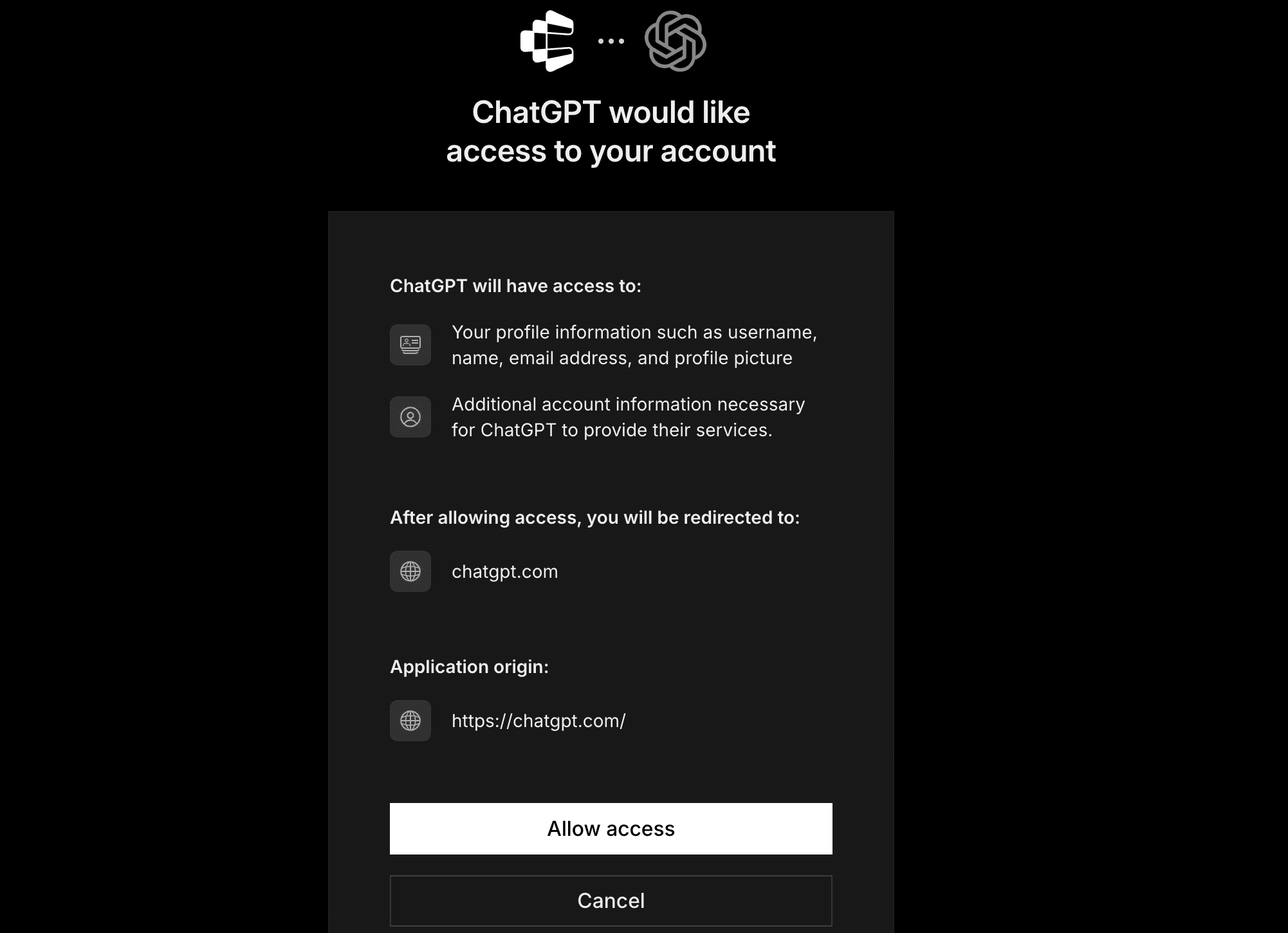
Now authorise ChatGPT to access Composio.
And you're done. Go back to the ChatGPT app and type
/composioand your promptComposio Find unread customer emails, summarize them.During first runs, you'll need to authorise your applications, and then you're good to go.
Composio skill defines how to effectively use the underlying MCP and CLI tool to securely and reliably complete workflows.
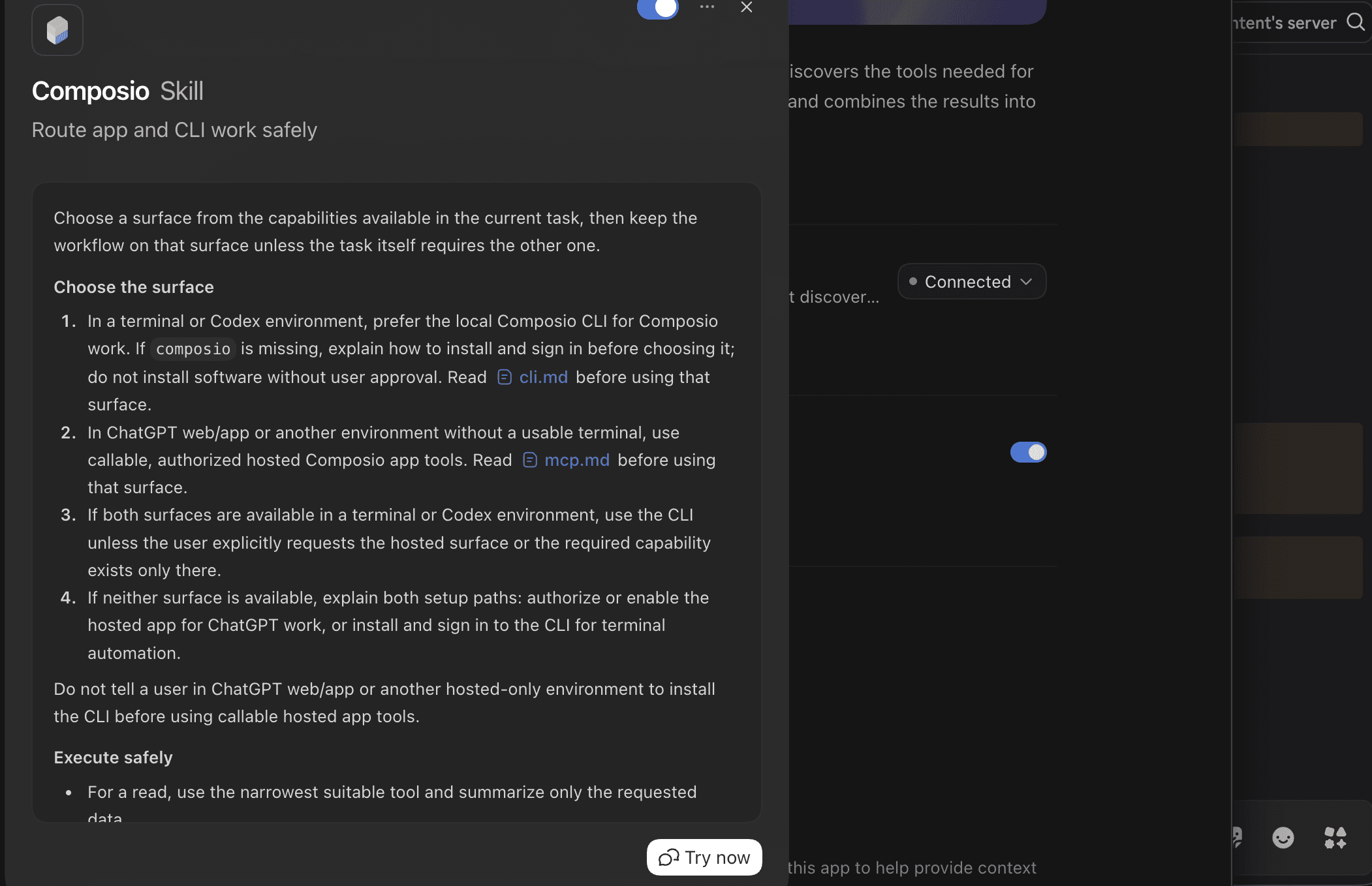
That is it - Composio tools are now available in ChatGPT Work. Ask it to work with your Composio account, and it will run the actions you authorise.
What you can do after connecting Composio
Prepare for meetings: Pull context from your calendar, recent emails and CRM notes into a briefing.
Turn conversations into tasks: Extract action items from Slack and create tasks in Linear or Asana.
Handle customer follow-ups: Find unanswered emails, draft replies, and log the interaction in your CRM.
Keep documentation current: Turn project decisions and meeting notes into organised Notion pages.
Create weekly updates: Gather completed tasks and team discussions, then draft a progress report.
Organise sales handoffs: Collect deal details, customer requirements and open questions into a shared document.
Best use: repeatable workflows where ChatGPT needs to move between conversation and real work happening in email, documents, project-management tools, CRMs and other external services.
Start automating now: dashboard.composio.dev
Eligible ChatGPT accounts include OpenAI's skill-creator by default. You don't need to find a repository, write YAML front matter yourself, or install a separate package.
Ask ChatGPT to create or modify a skill, and it can automatically invoke Skill Creator. You can also start from Skills → Create → Create with chat.
Skill Creator is useful because a good skill is more than a saved prompt. It can turn a repeated process into a reusable workflow: what information to collect, what sequence to follow, what reference material to use and what the final output should look like.
One detail matters more than it first appears: the skill's description. OpenAI's Skill Creator says the description determines when a skill should be used, and recommends describing both what the skill does and the situations in which it should fire. The full instructions are loaded only after the skill triggers.
So this is weak:
Reviews reports.This is much better:
Review weekly marketing reports for missing metrics, unsupported claims, inconsistent
comparisons and unclear next actions. Use when the user asks to review,
QA or prepare a marketing performance report.
The second tells ChatGPT when the skill belongs in the conversation.
In Codex, OpenAI also provides $skill-creator. Codex separately includes$skill-installer, which installs skills from curated sources or GitHub repositories. They are different tools: one creates, the other installs.
Best use: build skills around your own repeated work before filling your account with somebody else's.
ChatGPT fit: Excellent. It is a single Markdown file with no dependencies.
Humaniser is the most-starred pure-instruction skill on GitHub, and it does one thing: rewrite AI-sounding text so it reads as a person wrote it, without changing what it says.
The skill is built on the Wikipedia "Signs of AI writing" guide maintained by WikiProject AI Cleanup. It lists 35 named patterns grouped by strength and frequency: staging sentences that signal importance instead of adding a fact, triads and dashes applied by rule, ordinary facts dressed up as pivotal, bold and title case on every list item, and so on. Then it walks through a draft, an audit ("what makes this so obviously AI-generated?") and a final pass.
It also supports voice matching. Paste two or three paragraphs of your own writing first, and Humaniser follows your rhythm, word choice and punctuation habits.
To install in ChatGPT: download the repository as a ZIP from GitHub, then go to Skills → Create → Upload from your computer. The SKILL.md sits at the repository root and the repo ships an agents/openai.yaml with the display name and default prompt, so it uploads cleanly.
To use it:
Here's a sample of my writing for voice matching: [2–3 paragraphs]

<p>Now humanize this text: [paste the draft]</p>
Best use: the last pass on anything ChatGPT drafted that a human will actually read: emails, LinkedIn posts, customer replies, blog intros.
Related: Top design skills for Claude and Codex
ChatGPT fit: Good to adapt
The underlying guidelines are strong, and this is the most useful skill on the list for writers.
The skill around them is shaped for code review. It reads files you point it at, it fetches the current guidelines from a URL before each review, and it reports findings as file and line references.
To install in a coding agent: run npx skills add vercel-labs/agent-skills --skill writing-guidelines
To use it in ChatGPT:
Open Vercel's
writing-guidelinesrepository and use itscommand.mdas the reference material.Create a Personal Skill with Skill Creator and add those guidelines as a supporting reference.
Tell the skill to review documents or text supplied in ChatGPT.
Change the output format to identify findings by section, paragraph or quoted sentence instead of relying on repository file paths and line numbers.
Keep Vercel's editorial system: rules for voice, structure, headings, code examples, typography, concision, and common AI-writing habits. The coding-agent wrapper is the part you adapt.
Vercel also publishes a separate Web Design Guidelines skill for reviewing interfaces. Do not confuse the two.
ChatGPT fit: Excellent template. Replace Anthropic's brand system with your own.
Anthropic's Brand Guidelines skill applies Anthropic's visual identity to generated artefacts. It defines a colour palette, heading and body fonts, fallback fonts and rules for applying colour to text, shapes and other elements. It does not contain your company's branding, and it is not a general brand-voice skill.
To read it: open https://raw.githubusercontent.com/anthropics/skills/main/skills/brand-guidelines/SKILL.md in a browser.
To use it in ChatGPT: treat the file as a template. Ask Skill Creator to build a Brand Guidelines skill with the same structure, then replace Anthropic's colours and typography with your palette, approved typefaces, spacing and layout rules, logo guidance and the combinations that must never be used. Attach your brand PDF as a reference file if you have one.
The workflow has two stages: first, create an aesthetic direction based on ideas such as form, space, colour, composition and visual hierarchy; then express that philosophy as a highly visual PNG or PDF. Anthropic's instructions deliberately favour sparse text and strong visual composition rather than treating the result like a decorated document.
The useful idea is that It turns a static brand guide into instructions an agent applies every time it creates a document, deck, or graphic.
Best use: teams that generate decks, one-pagers and social graphics in ChatGPT and are tired of fixing the colours afterwards.
ChatGPT fit: Highly portable. The theme definitions are plain text you can lift into your own skill.
Theme Factory is a reusable styling system. Anthropic ships it with ten preset themes, each defining a colour palette, heading font, body font and overall visual identity, and the skill applies the chosen theme consistently across presentations, documents, reports and HTML pages.
The useful part is not the ten themes. It is the idea of turning visual preferences into something an agent can reuse. Instead of asking ChatGPT to "make this look professional" every time, you create themes such as Board Report, Product Launch, Editorial or Dark Technical, each with fixed colours, typography and usage rules, and apply the same one whenever you build a new deck.
To use it in ChatGPT: the raw file is at https://raw.githubusercontent.com/anthropics/skills/main/skills/theme-factory/SKILL.md
The theme definitions are structured design text, so copy the ones you like into a skill of your own, add your own themes, and keep Anthropic's "ask the user to pick a theme first" step. Some implementation details, such as available fonts or how the final file is produced, depend on the tools in your ChatGPT environment.
Related: Anthropic's Canvas Design skill in the same repository is worth reading for its two-stage method: define a visual philosophy first (form, space, colour, hierarchy), then produce the artefact. The original leans on a local fonts directory and a code-refinement loop that will not transfer unchanged, but the philosophy-first pattern drops straight into a ChatGPT skill.
Best use: build a small library of visual styles you actually reuse instead of describing your preferred colours and typography from scratch every time.
7. Notion Meeting Intelligence & Knowledge Capture
OpenAI's Notion plugin bundles four skills, and two of them are exactly what knowledge workers keep rebuilding by hand:
notion-meeting-intelligence Preps a meeting from workspace context. It confirms the goal, attendees and decisions needed, searches Notion for prior notes, specs and OKRs, picks the right template (status, decision, planning, retro, 1:1, brainstorming), then drafts an agenda or pre-read in Notion with owners, timeboxes and source links.
notion-knowledge-capture Turns a conversation into a durable page. It classifies what you are capturing (decision, how-to, FAQ, wiki entry), finds the right database, extracts facts, decisions, and rationale, creates the page against that database's schema, and links it from hub pages.
The other two, notion-research-documentation and notion-spec-to-implementationare useful if research synthesis or engineering handoff is part of your week.
To install: open Plugins in ChatGPT and search for Notion. Install the plugin and connect the Notion app when prompted. If your admin imports plugins from GitHub instead, note that this plugin declares an MCP server, so it may be labelled Desktop only.
Best use: any team that lives in Notion and wants meeting prep and decision logging to happen from the chat where the discussion took place.
8. KPI Reporting & Market Sizing
ChatGPT fit: Good. The individual skills are pure instruction files you can upload one at a time.
OpenAI's Data Analytics plugin ships fifteen skills. The full plugin expects connected warehouses and a notebook runtime, and it declares MCP servers, so do not import the whole thing into web ChatGPT. Two of its skills, though, are plain SKILL.md files that work on whatever numbers you paste or upload.
kpi-reporting produces KPI readouts, scorecards, WBR/MBR/QBR updates and executive summaries. It forces the discipline most weekly updates skip: define the metric contract, pick the right comparison and target, separate validated drivers from guesses, and end with the operating implication.
market-sizing produces TAM/SAM/SOM estimates with transparent assumptions. It frames the market boundary, chooses a sizing method, separates evidence from assumptions, runs sensitivity and states what would most improve confidence.
Both skills tell ChatGPT to stop and ask when a required data source is missing rather than substitute a weaker one, which is the behaviour you want in anything a leadership team will read.
To install: download the kpi-reporting or market-sizing folder from the repository (each is a SKILL.md plus an agents/ folder), zip it and upload it through Skills → Create → Upload from your computer. The skills reference sibling skills like $build-report and $visualize-data; ChatGPT will simply produce the output inline if those are not installed.
Best use: anyone who owns a weekly or monthly metrics update, or who gets asked "how big is this market?" more than once a quarter.
9. Marketing Skills: Campaign Plan, Competitive Brief, Brand Review
ChatGPT fit: Strong. Written for Claude's desktop app, but the skills are plain Markdown and run anywhere.
Anthropic's knowledge-work-plugins repository is organised by job: sales, marketing, finance, legal, HR, customer support, product management and more. Each plugin's skills/ folder is a set of SKILL.md files that ChatGPT can upload directly. The marketing set is the most immediately useful:
campaign-plan generates a full campaign brief with objectives, audience, messaging, channel strategy, a week-by-week content calendar with dependencies and success metrics.
competitive-brief researches competitors and produces a positioning and messaging comparison: recent news, content strategy, review-site themes, a 2x2 positioning matrix and the gaps nobody has claimed.
brand-review checks a draft against your brand voice, style guide, and messaging pillars; flags deviations by severity and provides before/after fixes, including unsubstantiated claims and missing disclaimers.
The same folder has email-sequence, seo-audit, performance-report and draft-content. The sales plugin next door has call prep and pipeline review; finance has reconciliation and variance analysis.
To install: open the skill folder on GitHub, download it, and upload it via Skills → Create → Upload from your computer. Some skills reference a CONNECTORS.md placeholder for CRM or analytics tools; delete those lines or point them at your Composio connections.
Once installed, the skills fire on plain requests. For example:
Build a campaign plan for our Q4 launch of the new analytics dashboard.
Target: mid-market SaaS ops leads. Budget: $40k. Channels: LinkedIn, email,
webinar. I need a six-week content calendar with owners and success metrics.
Review this landing-page draft against our brand voice and messaging
pillars. Flag anything off-tone, any unsupported claims and any missing
disclaimers, and give me a before/after fix for each.Best use: marketers who want a repeatable brief-to-plan-to-review loop instead of starting from a blank prompt each campaign.
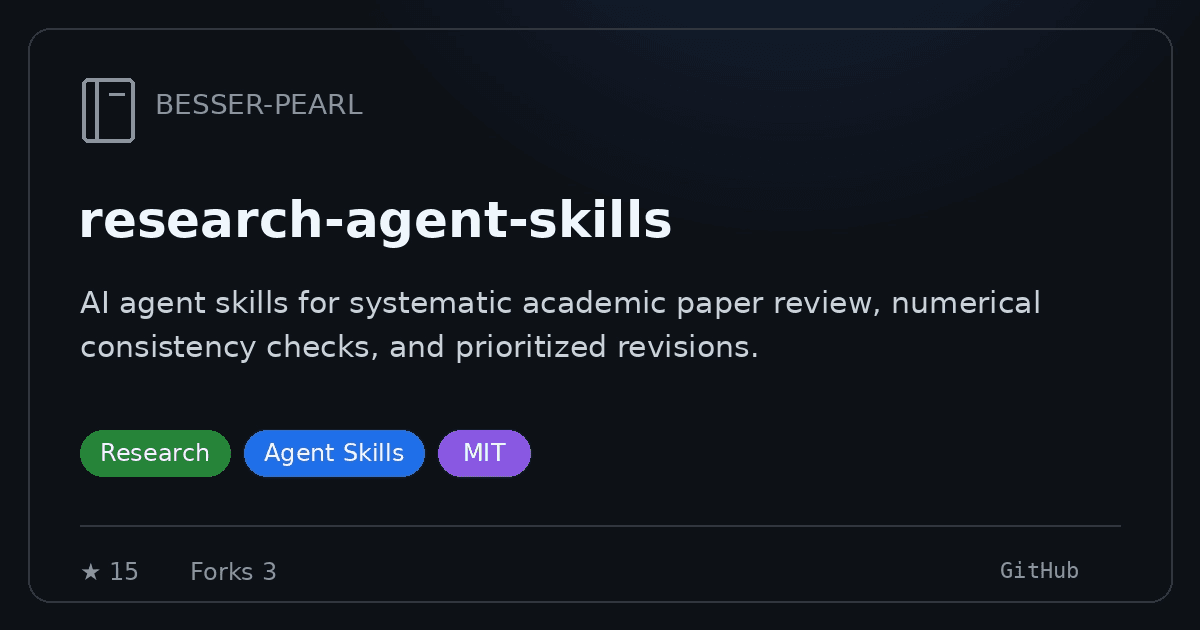
Research Paper Review GitHub preview
ChatGPT fit: Strong. You can use the workflow with ChatGPT and other conversational AI assistants.
Research Paper Review is a focused skill for evaluating an academic paper before submission or revision. Give it a PDF, LaTeX source or pasted text, and optionally specify the target venue and paper type.
The skill produces a structured review covering the paper's summary, strengths, weaknesses and numerical consistency. It also provides venue-specific recommendations and a prioritised list of changes, which makes the output more useful than a generic paper summary.
Its narrow scope is an advantage. Academic Research Skills covers an entire research pipeline, while Research Paper Review concentrates on one repeatable task: finding the problems that could weaken a submission and turning them into concrete revisions.
To use it in ChatGPT: review the repository files, then upload the skill or adapt its review procedure with Skill Creator. Provide the paper and, when relevant, the intended conference, journal or submission type.
For example:
Review this paper as a full research-paper submission for the target venue.
Check its claims, evidence, numerical consistency, strengths and weaknesses,
then prioritize the revisions.
Best use: getting a rigorous second-pass review before submitting or revising an academic paper.
Academic Skills is a research-focused collection built around the Agent Skills open standard. It currently includes seven main workflows: reading papers, generating research ideas, designing experiments, writing mathematical proofs, drafting papers, reviewing submissions, and analysing fit with potential professors.
Together, they form a fairly complete research pipeline:
read → brainstorm → design → prove → write → review → revise
The useful part is that each stage has its own instructions rather than trying to turn “academic research” into one giant prompt. A paper-reading workflow can feed into idea generation, which can lead into experiment design and eventually paper writing and review.
To install in Codex:
git clone <a href="https://github.com/voidful/academic-skills">https://github.com/voidful/academic-skills</a> ~/.codex/skills/academic-researchThe repository also documents project-level installation under .codex/skills/academic-research.
The catch: the documented OpenAI setup is primarily a Codex workflow. The repository assumes an agent environment with a skills directory and supporting files that the research process can read.
ChatGPT supports uploading Agent Skills, so individual parts of the collection may be portable, but I would not assume the complete repository will behave unchanged in an ordinary ChatGPT conversation. If you want to use it there, review the individual SKILL.md files and adapt the workflows you actually need.
Best for: researchers, PhD students and academics who want a structured workflow spanning paper reading, idea development, experiments, writing and review. The complete collection is most naturally suited to Codex or another agent environment with filesystem access.
What I would actually install
Do not install all 10. If you use ChatGPT for ordinary knowledge work, I would start with Skill Creator and build one skill around something you genuinely repeat.
If your workflow needs live external services, look at Composio next. The combination is powerful: your skill defines how the work should be done; the app/MCP layer provides the data and actions required to do it. Then use collections such as Vercel Writing Guidelines, Anthropic Brand Guidelines, Canvas Design and Theme Factory as reference material. They show how experienced teams encode taste, standards and process into reusable instructions.
If you write software, the list changes. Impeccable, Matt Pocock's skills and Superpowers become much more interesting because Codex provides the repository, shell, git and agent environment those projects were actually designed around, and that is the useful rule for evaluating skills in 2026:
Read theSKILL.mdbut also read the environment around it.
A good skill tells an agent what to do.
A working skill also has access to everything it needs.

 Get started