




TL;DR
Claude Code and Codex both default to the same look: purple gradient, Inter, four cards in a grid. Design skills override that default with explicit constraints.
Start with frontend-design from Anthropic or frontend-skill from OpenAI. It is the floor, it is free, and it bans the fonts that give vibe-coded pages away.
If you build both marketing sites and product UI, add impeccable. It is the only skill here that treats those as different problems.
Pair any design skill with Playwright. Without a visual feedback loop the model cannot grade its own work.
Skills streamline what you already know about design. They do not replace taste.
If you've done any design with Claude Code or Codex, whether a dashboard or a landing page, they will look almost identical. Purple and white gradient, Inter font, same colour palette. Four cards in a grid. A faint hover state if you're lucky.
At this point anyone can spot a vibe-coded page. Every prompt produces the median, and the median is exhausted.
So what's the solution? Skills. They are SKILL.md files that ship with both Claude Code and Codex, loaded into context when relevant, and they override the model's default aesthetic instincts with explicit constraints. They force the LLMs to obey guidelines so you can reliably generate websites with your brand palettes and designs.
Below are 10 skills I have personally used that are worth installing in your coding agent, whether it's Claude Code or Codex. If Codex is your main agent, we have a separate roundup of Codex skills worth installing, and one for Claude Code skills.
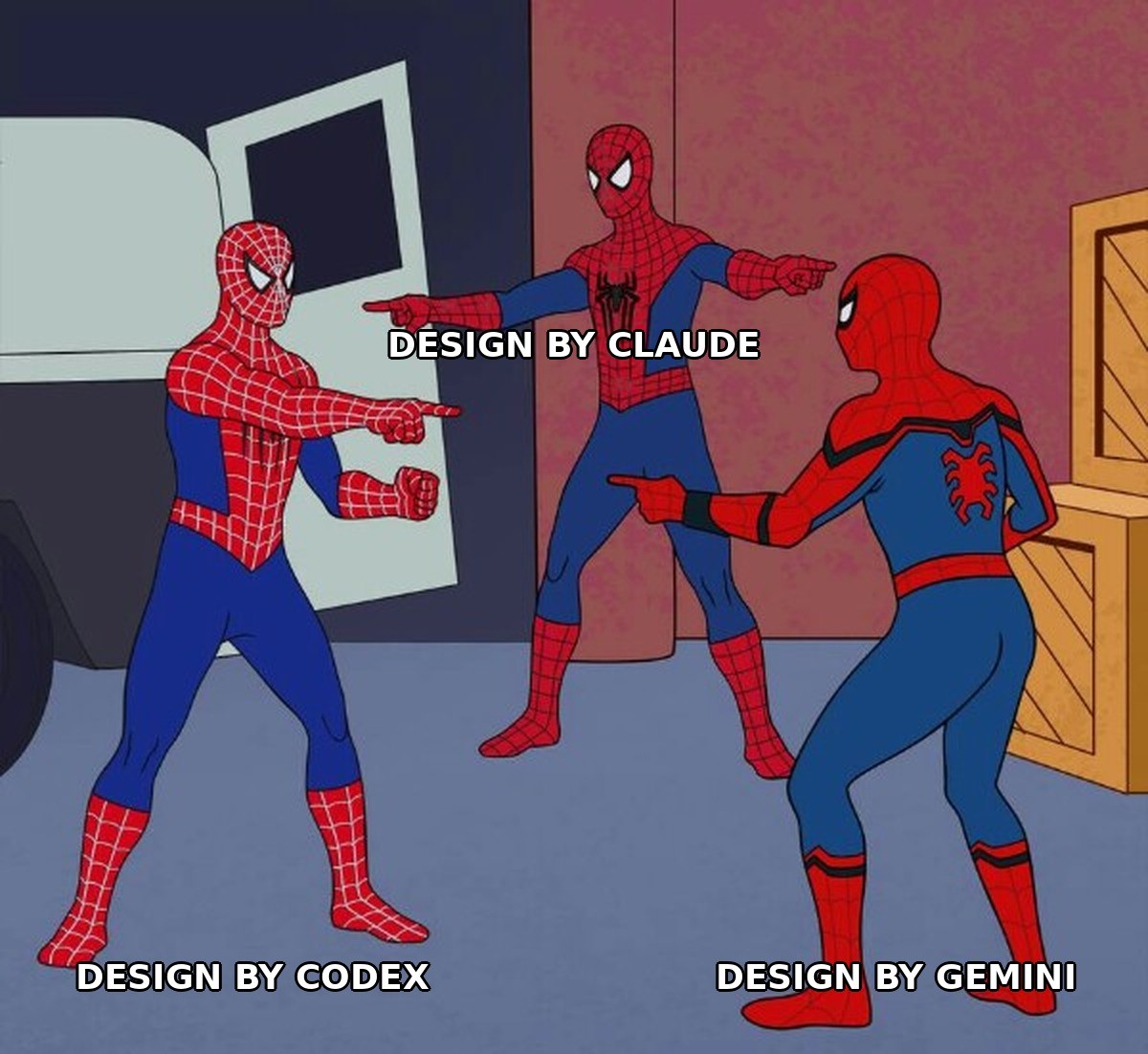
Which design skill should you use?
If you only install one, install the first. The rest depend on what you are building.
Skill | Best for | Works with |
|---|---|---|
frontend-design / frontend-skill | Everyone. The baseline aesthetic guardrail | Claude Code, Codex |
impeccable | Teams building both marketing sites and product UI | Claude Code, Codex, Cursor, Gemini CLI |
Figma implement design | Translating an existing Figma file faithfully | Claude Code, Codex |
playwright / webapp-testing | Visual verification. Pair this with any skill above | Claude Code via MCP, Codex |
designer skills collection | Full design process, handoff specs and QA steps | Claude Code |
theme-factory | Locking color and type tokens before you build | Codex |
Design process pack | Spec-first workflows, requirements before code | Claude Code |
Composio Skill | Pulling Figma assets and syncing tokens across tools | Claude Code, Codex |
Excalidraw diagram skill | Shareable architecture and flow diagrams | Claude Code, Codex |
accesslint | WCAG compliance and accessibility audits | Claude Code |
How to install a design skill
Most skills here install one of four ways. Run the command in your project root, then start a new session so the agent picks the skill up.
Anthropic plugins: claude plugin add anthropic/frontend-design
The skills CLI: npx skills add owner/repo
A marketplace: /plugin marketplace add owner/repo, then install from the list it returns
A repo-specific installer script, used by the Composio awesome-codex-skills collection. Clone the repo first, then run its installer with the skill path
Confirm the skill loaded by asking the agent which skills it currently has in context. If it does not list the one you just added, restart the session.
1. Frontend-design (anthropic) and frontend-skill (openai)
the canonical starting point on both sides. Anthropic's version has 277,000+ installs as of March 2026 and explicitly bans Inter, Roboto, Arial, and Space Grotesk. openai's parallel skill for Codex was published alongside GPT-5.4 with similar guardrails: no generic SaaS card grid as the first impression, no carousel without narrative purpose, no app UI made of stacked cards instead of a real layout.
What frontend-design does: Bans overused fonts and forces an aesthetic direction
Bans overused fonts (Inter, Roboto, Arial, Space Grotesk) before any code is written
Forces the model to commit to an explicit aesthetic direction up front — brutalist, editorial, retro-futuristic, maximalist
Codifies failure modes to reject: carousels without narrative, generic SaaS card grids, app UIs built from stacked cards
Provides litmus checks: single visual anchor per screen, scannable headlines, motion only where it adds hierarchy
Best for: everyone. This is the floor, not the ceiling.
💡NB: banning fonts is a band-aid for a training-data problem, not a design philosophy. Seniors know taste comes from understanding constraints, not from a blocklist. Still the right starting point because it's the floor everyone agrees on.
install:
claude plugin add anthropic/frontend-design/frontend-skillinside codex. If you are already running Claude Code plugins, this one installs the same way as the rest.
2. Impeccable
Most design skills, including Anthropic's own frontend design, collapse everything into a single vocabulary, but a landing page and a dashboard live by contradictory rules.
Impeccable runs in two modes (brand and product) with commands like typeset, colorize, bolder, quieter that adjust based on which one you're in. Works with Cursor, Claude Code, Gemini CLI, and Codex CLI.
What impeccable does: Separate modes for marketing sites and product UI
Runs in two distinct modes: brand (marketing, portfolios, editorial) and product (app UI, dashboards, internal tools)
Bundles 23 commands in one skill:
typeset,colorize,animate,layout,bolder,quieter,delightShips with 27 deterministic anti-pattern detection rules across typography, colour, layout, and motion
Works across Claude Code, Cursor, Codex CLI, and Gemini CLI without separate configs
Best for: teams who ship both a marketing site and a product, and are tired of one vocabulary serving both badly.
💡NB: the brand-vs-product split is exactly how seniors actually think. A marketing site and an internal admin tool need opposite things, and most skills pretend they don't. One of the few that respects the distinction. install: `npx skills add pbakaus/impeccable`.
3. Figma implement design
For when the Figma file already exists, and you want faithful translation instead of riffing.
On Codex, it ships as figma-implement-design. In Claude Code, there's a parallel public Figma skill that gives Claude a more structured way to move from design to implementation, keeping the gap between what's designed and what's built as small as possible.
What Figma implement design does: Turns Figma files into production code
Translates Figma files into production code that respects your existing design system
Handles multiple states per design (hover, selected, empty, loading) without separate prompts
Pairs natively with Playwright to verify visual fidelity across viewport sizes
Reduces the gap between what was designed and what gets shipped
Best for: teams with a real Figma file and a design system already in place.
💡NB: the gap between design intent and shipped UI is where junior teams lose all their craft. anything that closes it is high value. pair with playwright for verification. install: available as figma-implement-design in Codex. In Claude Code, add the public Figma skill from the plugin marketplace.
4. Playwright / webapp-testing
With playwright wired in, Codex can open the app in a real browser, compare the implementation to your screenshots for different screen sizes, and iterate on layout or behaviour until the result is closer to the target.
Claude Code runs the same loop through MCP: it opens a headless browser, navigates the application, takes screenshots of every page, and then runs the design review skill against those screenshots autonomously.
What playwright does: Gives the agent a visual feedback loop
Opens the app in a real headless browser and screenshots every page automatically
Compares implementation against reference screenshots across multiple viewports
Iterates on layout and behaviour until visuals match the target without manual review
Verifies state transitions, navigation flows, and responsive breakpoints
Best for: pairing with any other skill on this list. On its own it verifies nothing about taste, but nothing else here works properly without it.
NB: the visual feedback loop is the single highest-leverage thing you can give an agent doing design work. without it, you're trusting a blind model. with it, the model can grade itself. nothing else in this list comes close. Install: add the Playwright MCP server to Claude Code, or enable the webapp-testing skill in Codex.
5. Designer skills collection (owl-listener)
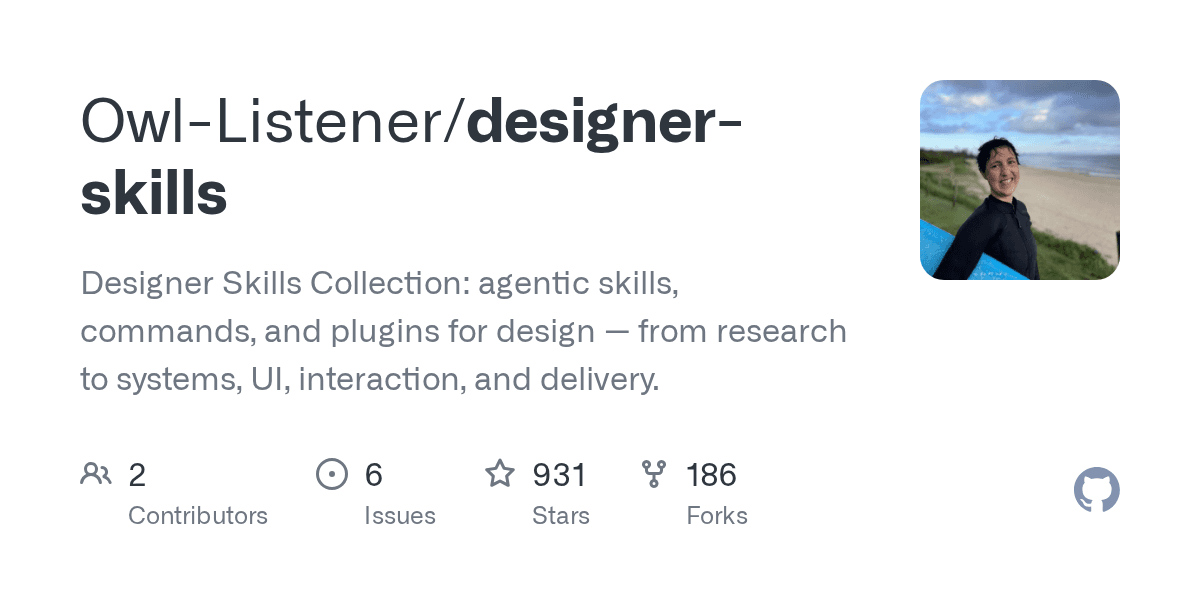
63 design skills and 27 commands organised into 8 plugins covering research, systems, strategy, UI, interaction design, prototyping and testing, design ops, and the everyday toolkit stuff like writing rationale and building case studies.
Commands chain skills together so /discover runs a full research discovery cycle, /strategise builds a UX strategy from vision through to metrics, and /handoff generates a developer handoff package with measurements, behaviours, edge cases, and a QA checklist.
What the designer skills collection does: 63 skills across the full design process, research to handoff
63 skills across 8 plugins: research, systems, strategy, UI, interaction, prototyping, design ops, toolkit
27 commands chain skills into full workflows:
/discover,/strategize,/handoffGenerates dev handoff packages with measurements, behaviours, edge cases, and QA checklists
Encodes scaffolding for writing design rationale and building case studies
Best for: designers who own the process end to end, not just the pixels.
💡NB: strong on process, weaker on taste. the value is in the unglamorous parts (handoff specs, rationale writing, QA checklists) that juniors skip and seniors live by. install: `/plugin marketplace add Owl-Listener/designer-skills`.
6. Theme-factory (composio's awesome-codex-skills)
Creates reusable theme tokens and palettes. The cleanest way to stop the agent from inventing one-off colour values for every component.
What theme-factory does: Generates reusable color and type tokens
Generates reusable theme tokens: colours, spacing scales, typography ramps
Outputs CSS variable systems with consistent naming conventions
Produces palette variations (light, dark, high-contrast) from a single source
Stops the agent from inventing one-off hex values for every new component
Best for: anyone starting a new project. Set the tokens before you generate a single component.
NB: theme tokens are foundational. A system without them is just a mood board. Surprised this skill isn't more widely installed. Install: this collection ships its own installer rather than using the skills CLI. Clone the repo, then run:
git clone https://github.com/ComposioHQ/awesome-codex-skills.git
python skill-installer/scripts/install-skill-from-github.py --repo ComposioHQ/awesome-codex-skills --path theme-factory
7. Design process pack (Julian Oczkowski)
7 skills that follow a professional design workflow from vague idea to a working, accessible, reviewed frontend. requirements gathering → design brief → information architecture → design tokens → task decomposition → frontend generation → review.
The requirements skill is the unglamorous hero. The LLM becomes relentless and stress-tests your requirements before a single line of code gets written. You might spend 20 minutes answering questions, which is the point
What the design process pack does: Enforces requirements before code
7 skills covering the full flow: requirements gathering, design brief, IA, tokens, task decomposition, generation, review
Requirements skill stress-tests your input with 20+ minutes of questions before any code is generated
Design review skill runs autonomously when paired with Playwright MCP
Output mirrors a real professional design workflow rather than a vibe-coded prompt loop
Best for: teams who keep shipping the wrong thing quickly and want to slow down the front half.
💡NB: the requirements-first ordering is the whole game. Juniors prompt-first, seniors spec-first. This skill enforces the discipline that experienced designers carry in their heads. install:
npx skills add julianoczkowski/designer-skillsIn Claude Code you can install the whole set as a plugin instead, with
/plugin marketplace add julianoczkowski/designer-skillsthen
/plugin install designer-skills@designer-skills
8. Composio Skill
Connects Claude Code and Codex to apps like GitHub, Slack, and Notion. It lets the agent work beyond your local repo and across the apps you already use. Useful when your work lives across tools, not just inside the repo. For designers, this means the agent can pull assets and specs from Figma, sync tokens to Linear, and post review screenshots to Slack.
What the Composio skill does: Connects your agent to Figma, Linear, Slack and more
Connects Codex and Claude Code to 1000+ apps via the Composio CLI, GitHub, Slack, Notion, Figma, Linear, and more
Pulls Figma assets and design specs directly into the agent's context
Syncs design tokens across Linear, Notion, and your repo without manual copy-paste
PostS review screenshots and progress updates to Slack channels automatically
Best for: designers whose work is spread across Figma, Linear, Notion and Slack rather than sitting in one repo.
NB: not a craft skill, but design rarely lives in one tool. seniors spend half their time stitching across figma, notion, linear, and slack. anything that automates that stitching frees up time for the actual thinking.
9. Excalidraw diagram skill
Most agent-generated diagrams are placeholder garbage. This one isn't. The Excalidraw skill generates a diagram you can actually share, not a placeholder you'd redraw yourself.
What the Excalidraw skill does: Produces diagrams you can share and edit
Generates Excalidraw-format diagrams that open natively in Excalidraw, not just screenshots
Supports flowcharts, system architecture, sequence diagrams, and ER diagrams
Produces
.excalidrawfiles you can share, edit, and version-controlWorks across Claude Code and Codex via the standard SKILL.md format
Best for: architecture and flow diagrams that need to survive a review.
💡NB: narrow scope, high quality output. a senior would rather have one skill that produces shareable diagrams than ten that produce pretty mermaid charts no one reads.
install:
npx skills add https://github.com/coleam00/excalidraw-diagram-skill --skill excalidraw-diagram10. Accesslint
High skill quality, focused scope. Useful for any UI/UX engineer who takes accessibility seriously, design system teams that need to enforce WCAG compliance, and developers preparing for accessibility audits. handles contrast checks, semantic HTML review, and colour-only signal detection.
What accesslint does: Catches WCAG failures before you ship
Colour contrast checks against WCAG AA and AAA thresholds
Semantic HTML review: heading hierarchy, ARIA usage, form label associations
Detects colour-as-only-signal patterns in status indicators, links, and error states
Flags accessibility regressions before shipping instead of after a failed audit
Best for: design system teams with a compliance requirement, and anyone who has ever failed an audit.
NB: the unsexy stuff that separates seniors from juniors. Nobody installs this until they fail an audit, and by then, they've shipped a dozen accessibility regressions. Install it before you need it.
install:
git clone https://github.com/accesslint/claude-marketplace.git && cp -r claude-marketplace/plugins/accesslint/skills/* ~/.claude/skillsFrequently asked questions
What is the best frontend skill for Claude?
Anthropic's frontend-design is the best starting point. It ships with Claude Code, has over 277,000 installs, and bans the overused fonts and layout patterns that make generated pages look identical. If you build both marketing sites and product UI, add impeccable alongside it, because it treats those as separate problems with separate rules.
How do you add a frontend design skill in Claude?
Run claude plugin add anthropic/frontend-design in your project root, then start a new session so the agent loads it. For community skills, use npx skills add owner/repo or add a marketplace with /plugin marketplace add owner/repo. Confirm it worked by asking the agent which skills it has in context.
Can Claude do front-end development?
Yes. Claude Code writes, runs and tests frontend code directly in your repo. The limitation is aesthetic rather than technical: without a design skill it defaults to a recognisable house style. Skills constrain that default, and pairing one with Playwright lets the model screenshot its own output and correct itself.
Is there a Claude design skill?
There are several. Anthropic ships frontend-design officially. Community options include impeccable for brand-versus-product modes, the designer skills collection for full design process coverage, and accesslint for accessibility. All ten covered above work with Claude Code, Codex, or both.
End Note
Taste comes from humans. I use many design skills, but they never figure out my unique taste. LLMs, as of now, are not capable enough to come up with novel designs, and that's fine, and you shouldn't expect them to be. Skills enable you to streamline what you already know, and that's honestly a 2x productivity boost.
Most of the skills above assume your work sits in one repo. Design work rarely does. If you want Claude Code and Codex to reach Figma, Linear, Notion and GitHub in the same session, Composio connects all of them through one integration, so the agent can pull a spec and push a screenshot without you moving between tabs.

 Get started



