




I switch between coding harnesses; it’s Claude Code, and for personal stuff, it’s always OpenCode.
And over time, I’ve ended up using a bunch of Skills inside OpenCode for everything from routine coding tasks to oddly specific workflows.
So I collated some of the best OpenCode Skills I’ve found.
TL;DR
OpenCode Skill | What it does | ||
|---|---|---|---|
|
| ||
Obra Superpowers | A full agentic software development methodology for planning, TDD, and skill-driven execution. | ||
Vercel React Best Practices | A rulebook for React and Next.js performance reviews and refactors. | ||
Vault Daydream | Finds surprising connections between notes in an Obsidian vault using multi-agent scoring. | ||
Anthropic Skill Creator | Helps create, test, benchmark, and improve reusable SKILL.md files. | ||
Anthropic Frontend Design | Forces an explicit aesthetic direction and builds higher-quality UI implementations. | ||
Anthropic MCP Builder | Guides building MCP servers with protocol, SDK setup, and evals. | ||
Cloudflare Skills | A product map for building on Workers, storage, networking, and IaC. | ||
stop-slop | Cleans up obvious AI-writing tells in docs, READMEs, and release notes. | ||
Anthropic Webapp Testing | Provides a repeatable Playwright-based workflow for testing local web apps. |
What is an OpenCode skill?
An Agent Skill is a folder with a SKILL.md file that OpenCode or any agent can discover and load through its native skill tool.
The file uses YAML front matter for fields such as name and description, and Markdown instructions that tell the agent how to perform a repeatable task.
OpenCode looks for skills in project and global locations, including .opencode/skills, ~/.config/opencode/skills, .claude/skills, and .agents/skills. This means OpenCode is compatible with Claude skills.
The agent initially sees the skill names and descriptions, then loads full instructions only when a task matches or you ask for a skill directly.
Skills are different from plugins. Skills are markdown instruction files for repeated tasks, while plugins in OpenCode extend its functionalities.
Best OpenCode skills
1. Composio Skills + CLI: Connect OpenCode to 1,500+ apps in minutes
Composio connects OpenCode to external apps such as GitHub, Slack, Gmail, Linear, Notion, and Jira.
Composio Skills are execution playbooks for specific tasks. Each playbook can include the required tools, their execution order, and common mistakes to avoid. Skills are returned automatically when an agent searches for tools, so there is nothing separate to install, enable, or reference by ID.
The CLI gives OpenCode a terminal interface to find and execute those tools. It also handles account authentication, schema inspection, parallel actions, and multi-step workflows.
Install and authenticate the Composio CLI:
curl -fsSL https://composio.dev/install | sh
composio login
composio whoami
Once the CLI is installed, you can ask OpenCode to connect with the apps, and you'll be redirected to an auth screen. After you approve Composio, OpenCode can work with your apps.
Get started for free: dashboard.composio.dev
2. Obra Superpowers: A complete agentic software development methodology with composable skills
Superpowers turn OpenCode from a fast code generator into a disciplined engineer. It depends on a bootstrap plugin that injects a "1% rule" into every session. Essentially, if there's even a slim chance a skill applies to your situation (as slim as 1%), the agent must invoke it. The skill goes through a comprehensive process (brainstorm → plan → TDD → subagent execution → review) rather than performing a single task.
Activates
brainstormingbefore any creative work to extract a real specEnforces red/green/refactor TDD with the
test-driven-developmentskillBreaks features into 2–5 minute tasks via
writing-plansRuns
subagent-driven-developmentwith two-stage code reviewIncludes
systematic-debugging,using-git-worktrees, andverification-before-completionSkills auto-update on session start via a separate
superpowers-skillsrepo
Install the plugin in OpenCode
Add to your opencode.json:
{ "plugin": ["superpowers@git+https://github.com/obra/superpowers.git"] }Restart OpenCode and verify
prompt: Tell me about your superpowersinvoke a skill directly
prompt: Use the brainstorming skill to help me design a new auth flow.`Resources: repository · OpenCode install guide · skills repository · marketplace
3. Vercel React Best Practices: React and Next.js performance rules from Vercel Engineering
This skill gives OpenCode a concrete rulebook for performance work in React and Next.js. It depends on the Agent Skills format and Vercel’s compiled rule files. It stands out because it prioritises rules by impact, rather than grouping them into a loose style guide.
Flags fetch waterfalls and await
Guides bundle-size refactors
Checks RSC and SSR serialisation patterns
Covers memorisation and re-render rules
Points to per-rule files with examples
Install the skill
npx skills add https://github.com/vercel-labs/agent-skills --skill react-best-practicesRestart OpenCode and invoke it
prompt: Use the react-best-practices skill to review this Next.js page.Resources: repository · skills directory
4. Vault Daydream: Mine your Obsidian vault for non-obvious connections between notes
This one's strange in the best way. Vault Daydream is a multi-agent skill that mimics the brain's default mode network, and a random connection between two unrelated memories suddenly surfaces. It's based on Gwern's "LLM Daydreaming" essay, which proposed that LLMs don't have breakthrough insights partly because they lack background processing. This skill is one of the few working implementations of that idea, where you can actually point at your own notes.
Sample random pairs of notes from your Obsidian vault (last 120 days by default)
Dispatches Sonnet subagents as the generator to find non-obvious links between pairs
Dispatches Haiku subagents as the critic, scoring on novelty, coherence, and usefulness
Filters insights below a 7.0/10 average score before surfacing them
Writes accepted daydreams back into your vault as new notes with backlinks
Costs roughly $0.40–0.50 per run (around 50 pairs) on Claude Code
Install the skill
git clone https://github.com/glebis/claude-skills.git
cp -r claude-skills/daydream ~/.claude/skills/
# Then edit instructions.md to point VAULT_ROOT at your Obsidian vault
Restart your agent and invoke it
prompt: /daydreamResources: repository · Gwern's original essay
5. Anthropic Skill Creator: Create, test, benchmark, and improve SKILL.md files
Skill Creator is Anthropic’s own skill for making and improving other skills. It depends on test prompts, eval metadata, benchmark aggregation scripts, and a review viewer. It is most useful when you want OpenCode behaviour to become a reusable package instead of a one-off prompt.
Drafts SKILL.md frontmatter and instructions
Creates realistic trigger and task evaluations
Runs with skill and baseline comparisons
Aggregates pass rate, timing, and token data
Optimises skill descriptions for triggering
Install the skill
npx skills add https://github.com/anthropics/skills --skill skill-creatorRestart OpenCode and invoke it
prompt: Use the skill-creator skill to turn our release workflow into a reusable skill.Resources: repository · SKILL.md
6. Anthropic Frontend Design: Build production-grade UI with a stronger visual point of view
Frontend Design gives OpenCode a design brief before it writes UI code. Design skills ensure the AI agents follow specific guidelines and don't default to their purple-gradient slop gen. It depends on the agent choosing an aesthetic direction and then implementing working HTML, CSS, JavaScript, React, or Vue. It is useful when your default agent output keeps producing generic dashboards and landing pages.
Forces a named aesthetic direction before coding
Covers typography, colour, motion, and layout
Discourages generic AI UI patterns
Supports React, Vue, HTML, CSS, and JS
Maps implementation complexity to design intent
Install the skill
npx skills add https://github.com/anthropics/skills --skill frontend-designRestart OpenCode and invoke it
prompt: Use frontend-design to redesign this onboarding page.Resources: repository · SKILL.md
7. Anthropic MCP Builder: Build MCP servers with protocol, SDK, and evaluation guidance
MCP Builder guides OpenCode through the full lifecycle of a Model Context Protocol server. It depends on the MCP protocol docs, plus the TypeScript SDK or the Python FastMCP references. The differentiator is that it treats eval creation as part of the server build. MCP with OpenCode is a genuinely powerful combination, giving your agent access to gated external data sources.
The Plugin
Balances API coverage with workflow tools
Recommends TypeScript and streamable HTTP defaults
Uses Zod or Pydantic schemas for tools
Adds MCP Inspector testing steps
Defines 10 read-only evaluation questions
Install the skill
npx skills add https://github.com/anthropics/skills --skill mcp-builderRestart OpenCode and invoke it
prompt: Use mcp-builder to create a TypeScript MCP server for our internal API.Resources: repository · SKILL.md
8. Cloudflare Skills: Build Workers, storage, AI, networking, security, and IaC on Cloudflare
Cloudflare’s platform skill gives OpenCode a product map for Cloudflare development. It depends on the Cloudflare docs, as limits, config, pricing, and APIs change. It is useful when a task spans Workers, Pages, KV, D1, R2, Vectorize, Workers AI, Wrangler, and deployment choices.
Routes tasks through Cloudflare product decision trees
Covers Workers, Pages, D1, R2, KV, and Durable Objects
Includes Workers AI, Vectorize, Agents SDK, and AI Gateway
Points agents to current docs and changelogs
Pairs with Cloudflare remote MCP servers
Install Cloudflare skills
npx skills add https://github.com/cloudflare/skillsRestart OpenCode and invoke it
prompt: Use the cloudflare skill to design a Workers + D1 architecture for this API.Resources: repository · SKILL.md
9. stop-slop: Strip AI tells out of docs, READMEs, and release notes (bonus pick)
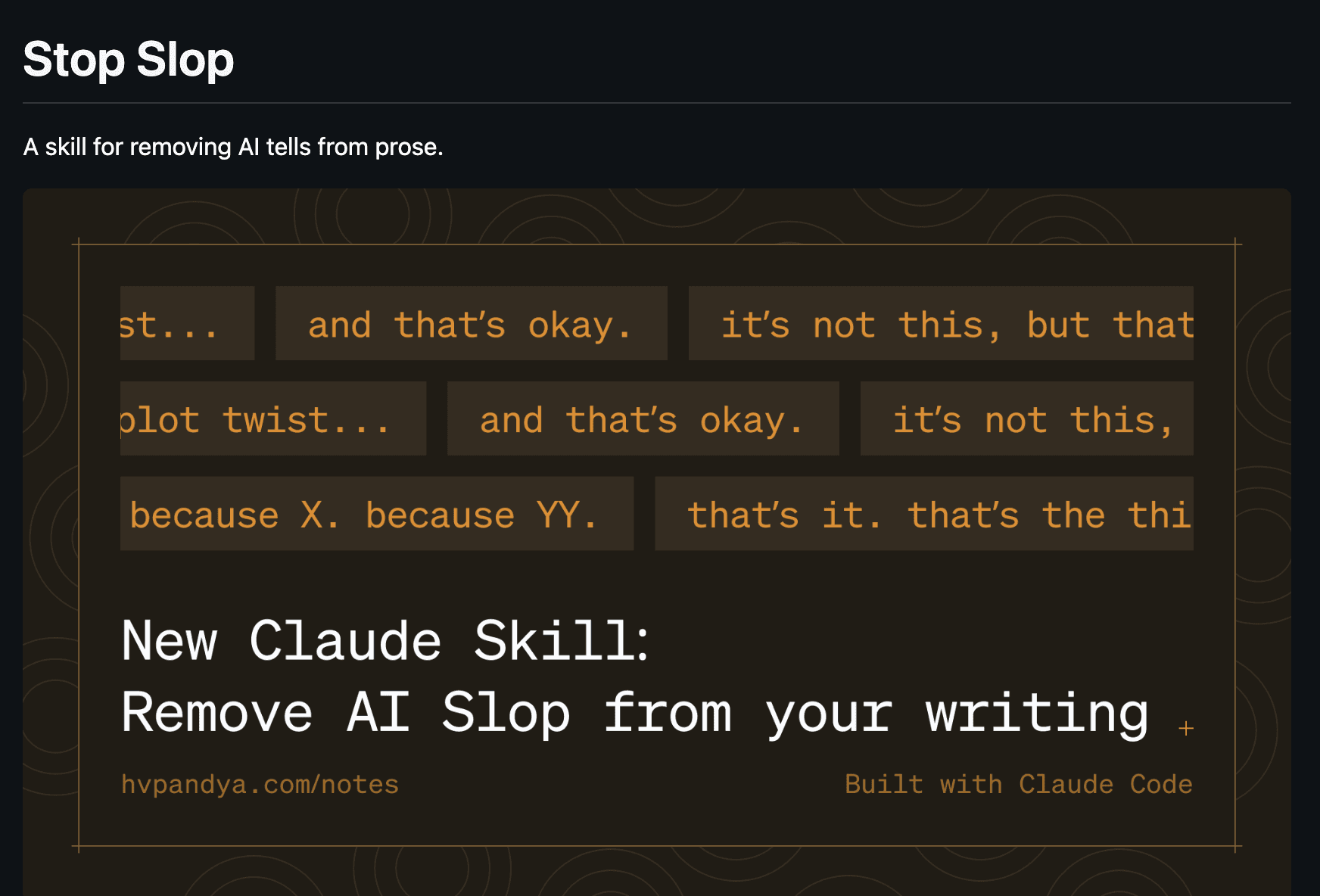
This one's a bonus. It's not a coding skill at all. stop-slop gives OpenCode a rulebook for cleaning up the obvious AI-written tone in prose, depending on a SKILL.md plus three reference files (phrases, structures, examples) that load on demand. It's worth installing if you use OpenCode for docs and writing as much as code.
Removes filler phrases, throat-clearing openers, and em-dash reveals
Breaks formulaic structures like binary contrasts and dramatic fragmentation
Enforces active voice with a real human subject in every sentence
Includes a 1–10 scoring rubric across five dimensions with a 35/50 revision threshold
Pairs naturally with READMEs, blog posts, release notes, and commit messages
install the skill
bash
mkdir -p ~/.agents/skills
git clone https://github.com/hardikpandya/stop-slop.git ~/.agents/skills/stop-slop
Restart OpenCode and invoke it
prompt: Use stop-slop to clean up the AI tone in this README draft.Resources: repository · SKILL.md
10. Anthropic Webapp Testing: Test local web apps with Playwright and server helpers
Webapp Testing gives OpenCode a repeatable browser-testing workflow for local apps. It depends on Python Playwright scripts and a bundled server lifecycle helper. It stands out because it tells the agent to inspect the rendered page first, then act with selectors it discovered.
Runs native Python Playwright scripts
Starts one or more local servers with with_server.py
Waits for network idle before DOM inspection
Captures screenshots and browser logs
Uses a reconnaissance-then-action workflow
Install the skill
npx skills add https://github.com/anthropics/skills --skill webapp-testingRestart OpenCode and invoke it
prompt: Use webapp-testing to verify the checkout form at http://localhost:5173.Resources: repository · SKILL.md
Some Note
Treat skills like small, versioned playbooks. Install only what you will use, and keep them updated as your workflows evolve.
Install the narrow skills first that match your repo. Then, use Composio as the tool layer when OpenCode needs to leave the filesystem and act across GitHub, Slack, Linear, Jira, Notion, Salesforce, or other SaaS tools.
Try Composio →https://dashboard.composio.dev

 Get started