




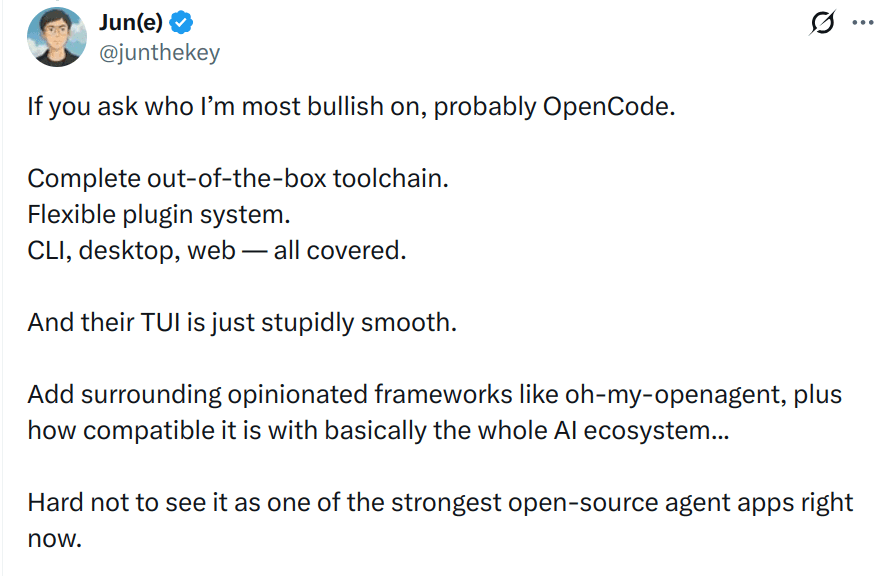
OpenCode plugins are getting interesting now. The community is growing insanely fast and it's truly one of the best AI coding agent out there.
And you can actually make it even better with Skills and Plugins. Skills help you avoid repeating the same boring workflows over and over. Plugins add new functionality and modify how your agent behaves.
That’s where things get fun.
Can it remember project context across sessions? Can it stop the agent from touching sensitive files? Can it manage long-running tasks? Can it pull in fresh docs? Can it connect to GitHub, Linear, Slack, Jira, or whatever your team already uses?
That’s what makes OpenCode plugins worth trying.
⚠️ Quick note: Not everything here is a “plugin” in the strictest sense. Some are OpenCode plugins, some are MCP servers, and some are plugin-style tools that fit naturally into an OpenCode workflow.
Also, the order does not really matter. This is not a scientific ranking. These are just the ones I have used and believe are actually worth looking at.
TL;DR
If you just want the useful picks, here’s the list:
Composio: Connects OpenCode to external apps and external tools through MCP.
Context7: Gives OpenCode fresh library docs so it stops guessing outdated APIs.
Opencode Mem: Adds persistent memory for long-running coding sessions.
Envsitter Guard: Protects
.envfiles and sensitive secrets from unsafe agent reads or edits.Oh My Opencode Slim: Adds lightweight agent orchestration, background tasks, LSP/AST tools, and MCP support.
OpenCode Worktree: Makes it easier to run isolated coding sessions with Git worktrees.
Opencode Notify: Sends native OS notifications when OpenCode finishes a task.
Dynamic Context Pruning: Reduces token usage by pruning stale context during long OpenCode sessions.
Daytona Sandbox Plugin: Runs OpenCode sessions inside isolated Daytona sandboxes and syncs changes back through Git branches.
Overall, these are the kinds of OpenCode plugins and tools that make it better at actual software work, not just “writing more code.”
How to install OpenCode plugins
OpenCode plugins let you extend OpenCode by hooking into events and changing its behaviour. The official docs say plugins can be used to add new features, integrate external services, or modify OpenCode’s default behaviour.
For local plugins, you can place JavaScript or TypeScript files in one of these folders:
.opencode/plugins/or globally:
~/.config/opencode/plugins/For npm-based plugins, add them to your opencode.json config:
{
  "$schema": "https://opencode.ai/config.json",
  "plugin": ["opencode-helicone-session", "opencode-wakatime"]
}
OpenCode also supports MCP configuration, which matters because a lot of the most useful “plugins” in an AI coding workflow are actually MCP servers.
A basic MCP config looks like this:
{
  "$schema": "https://opencode.ai/config.json",
  "mcp": {
    "context7": {
      "type": "local",
      "command": ["npx", "-y", "@upstash/context7-mcp"]
    }
  }
}
After adding a plugin or MCP server, restart OpenCode if it does not show up properly.
Enough of that. Let's move on to my top 9 OpenCode plugin picks.
Best OpenCode Plugins
1 . Composio
ℹ️ Connects OpenCode to external apps, MCP tools, and real-world services.

This is probably the most useful one if you want OpenCode to do anything beyond local repo edits. It connects OpenCode to your apps.
A lot of engineering work doesn't live only inside the codebase.
It lives in GitHub issues, Linear tickets, Slack threads, Jira tasks, Notion docs, Gmail, Figma files, Stripe dashboards, internal tools, and all the other stuff teams keep duct-taping together.
That’s where Composio fits really well.
Instead of wiring every tool manually, you can connect OpenCode to external apps via Composio MCP. Composio supports 1,000+ toolkits and 20,000+ tools across MCP and APIs.
What it does
Connects OpenCode to apps like GitHub, Linear, Jira, Slack, Figma, Stripe, and more
Handles authentication flows instead of making you build them manually
Lets OpenCode use external context and take actions outside the repo
Works through MCP-style workflows
Think of it as OpenCode's tool layer.
Without it, OpenCode is mostly working with your files.
With it, OpenCode can start working with the systems around your files.
Install
You can add Composio as a remote MCP server in OpenCode:
{
  "$schema": "https://opencode.ai/config.json",
  "mcp": {
    "composio": {
      "type": "remote",
      "url": "https://connect.composio.dev/mcp"
    }
  }
}
Then authenticate:
opencode mcp auth composioIf you want OpenCode to work with your team's actual tools, this becomes useful very quickly.
Connect OpenCode to tools you use: dashboard.composio.dev
2 . Oh My Opencode Slim
ℹ️ Adds lightweight agent orchestration, background tasks, LSP/AST tools, tmux visibility, and MCP support.
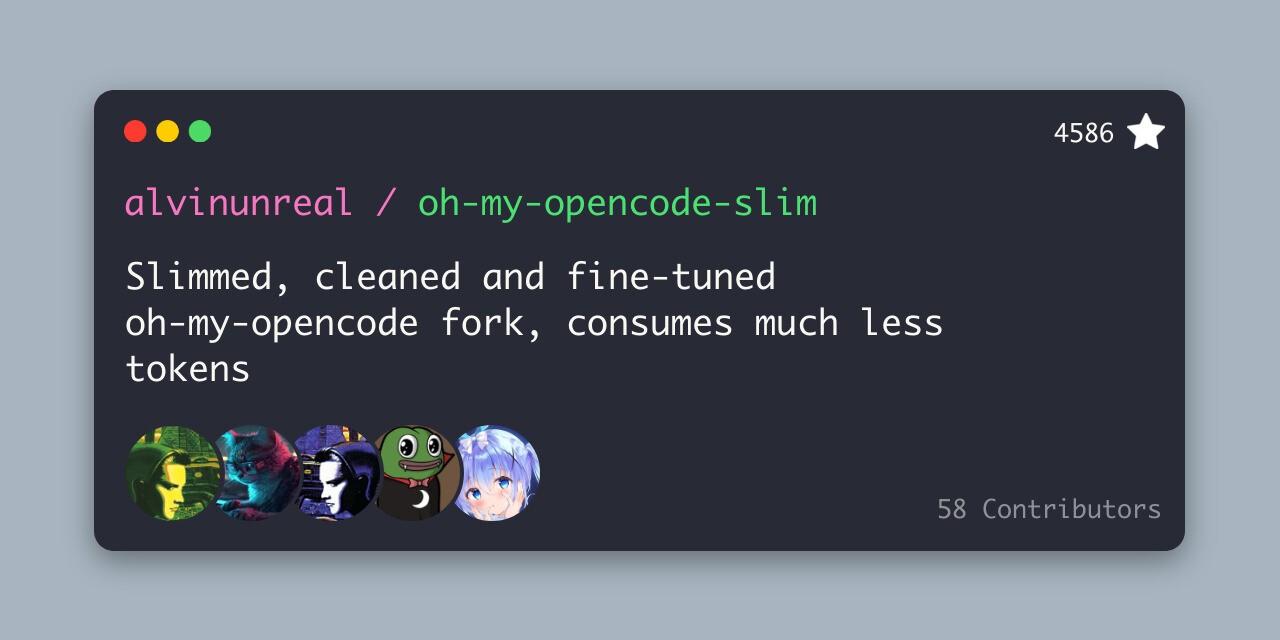
Oh My Opencode is one of the bigger community projects around OpenCode.
But bigger does not always mean better for everyone.
That’s why the Slim version is interesting.
The goal is not just “more agents.” The goal is making OpenCode feel more organized when a task is too large for one messy back-and-forth session.
What it does
Adds specialized sub-agents
Helps with background task management
Provides LSP and AST-aware tools
Supports tmux visibility for live agent work
Includes MCP support
This is useful when a single OpenCode agent starts feeling too messy.
For small changes, you probably don’t need it.
For larger tasks where you want exploration, planning, implementation, and review to feel more separated, this makes more sense.
Install
Follow the project’s repo instructions.
In most OpenCode setups, plugin-style installation will either use local plugin files:
.opencode/plugins/or npm plugin config:
{
  "$schema": "https://opencode.ai/config.json",
  "plugin": ["oh-my-opencode-slim"]
}
I would not install this just because it sounds powerful.
Install it when you actually need more structure.
Resources:
GitHub: alvinunreal/oh-my-opencode-slim
Website: Oh My Opencode Slim
Quick reference: oh-my-opencode-slim docs
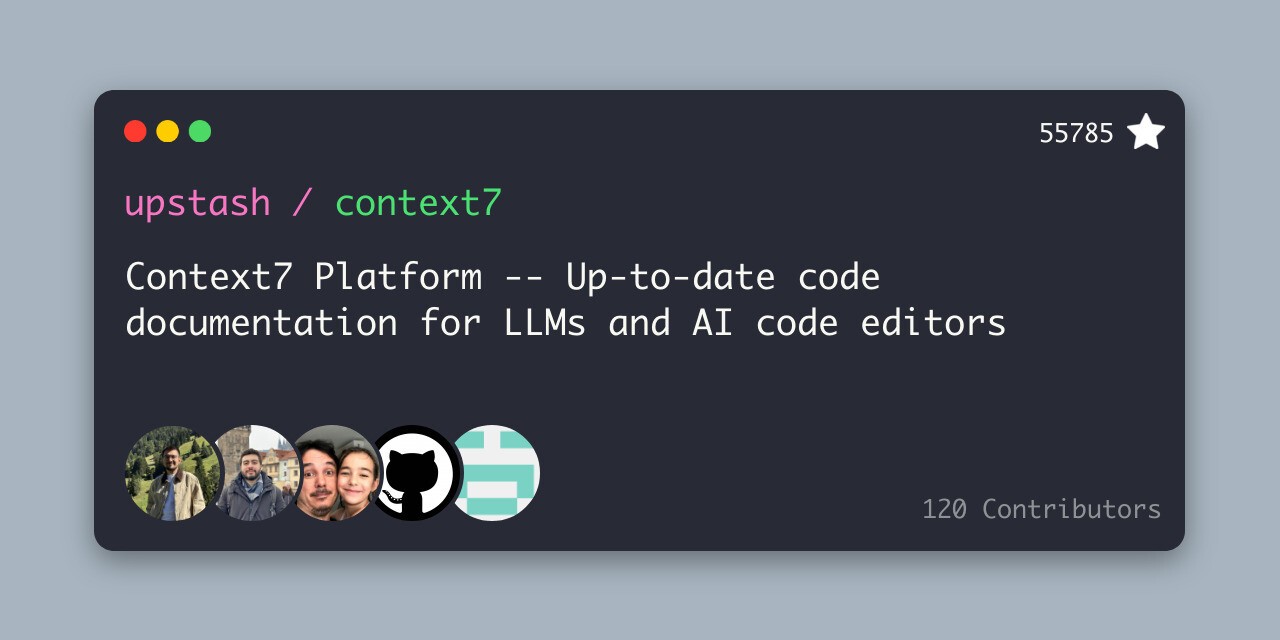
3. Context7
ℹ️ Gives OpenCode up-to-date library docs and code examples.
This one is almost mandatory if you use OpenCode for framework-heavy work.
Because AI coding agents are really good at confidently using APIs that no longer exist.
Next.js changes. React changes. Prisma changes. Stripe changes. LangChain changes every time you blink.
Context7 helps by bringing fresh docs and examples into the agent’s context instead of relying only on model memory. Its repo describes it as a platform for up-to-date code documentation, and its setup supports OpenCode as a target.
What it does
Fetches current library documentation
Helps avoid outdated APIs and hallucinated function names
Works through MCP or CLI-style workflows
Useful for frontend, backend, SDK, and framework-heavy work
The best part is how natural the workflow feels.
You can ask OpenCode something like:
Build this with the latest Next.js middleware docs. Use Context7.And now the agent has a much better chance of writing code against the current API instead of whatever it half-remembers.
Install
Context7 setup can be done with:
npx ctx7 setupYou can target OpenCode during setup:
npx ctx7 setup --opencodeOr configure it manually as an MCP server:
{
  "$schema": "https://opencode.ai/config.json",
  "mcp": {
    "context7": {
      "type": "local",
      "command": ["npx", "-y", "@upstash/context7-mcp"]
    }
  }
}
Very simple idea. Very useful in practice.
Resources:
GitHub: upstash/context7
Docs: Context7 README
OpenCode MCP docs: OpenCode MCP servers
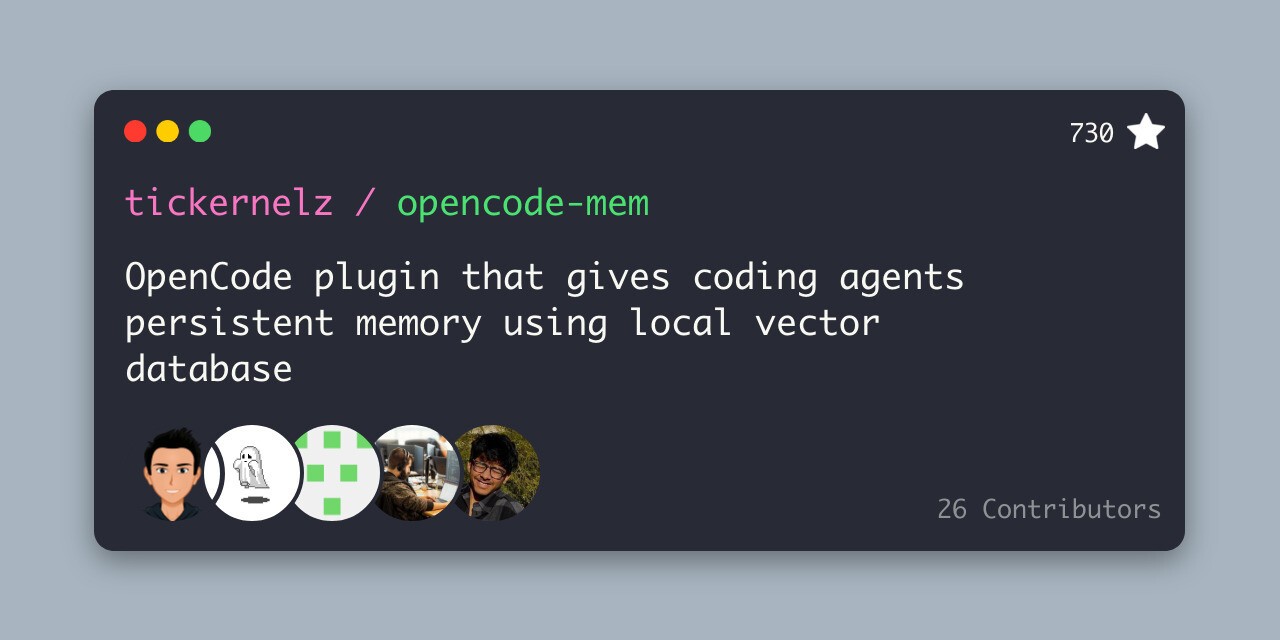
4. Opencode Mem
ℹ️ Adds persistent memory across OpenCode sessions.
This one is for people who hate repeating the same project context again and again.
You know the loop.
“This repo uses pnpm.”
“Don’t touch this folder.”
“We follow this API pattern.”
“Use this testing style.”
“That service is deprecated.”
“Never run that migration locally.”
Then two sessions later, the agent forgets everything.
Opencode Mem tries to fix that with persistent memory. The Awesome Opencode list describes the broader ecosystem as a curated list of OpenCode plugins, themes, agents, projects, and resources.
What it does
Gives OpenCode memory across sessions
Stores useful project and user context
Helps the agent avoid repeating old mistakes
Works well for long-running projects
This is especially useful if you use OpenCode every day in the same repo.
Small one-off tasks don’t need memory.
But for real projects, memory starts to matter a lot.
Install
If available as an npm plugin, add it to your OpenCode config:
{
  "$schema": "https://opencode.ai/config.json",
  "plugin": ["opencode-mem"]
}
Or install it locally:
mkdir -p .opencode/pluginsThen place the plugin file inside:
.opencode/plugins/I’d try this first if you constantly give OpenCode the same instructions.
Resources:
GitHub: tickernelz/opencode-mem
README: OpenCode Memory README
Awesome OpenCode: awesome-opencode
5. Envsitter Guard
ℹ️ Helps prevent agents from reading or editing sensitive
.envfiles.
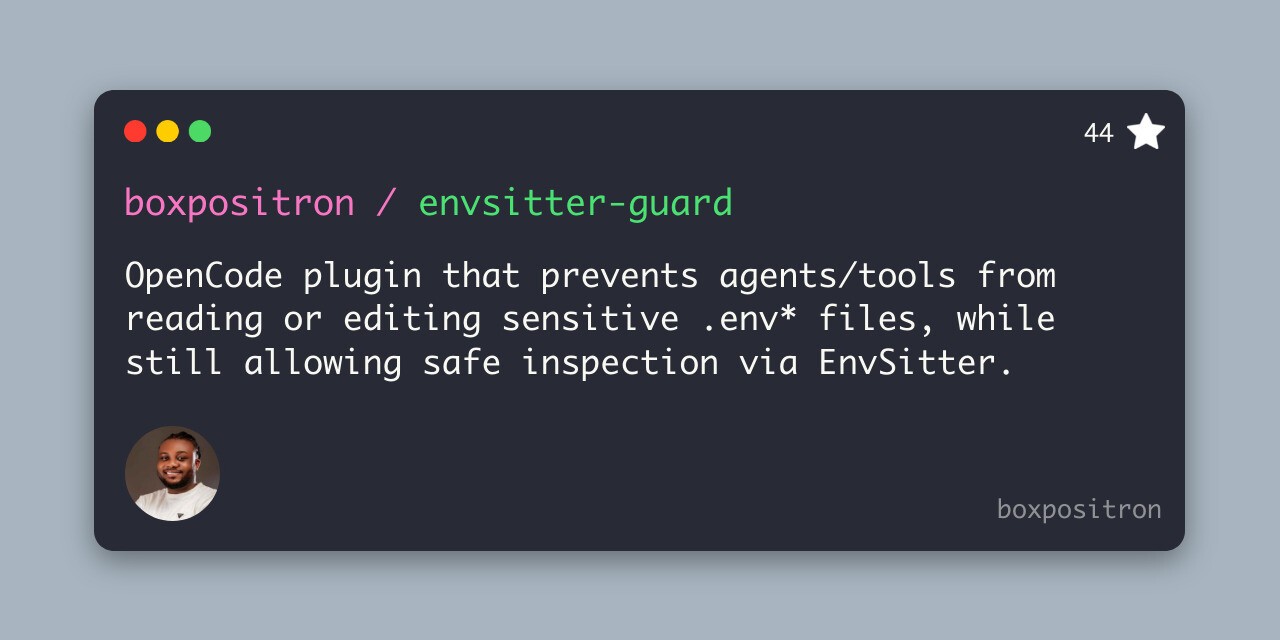
This is one of those boring plugins that becomes very important the second something goes wrong.
Coding agents can inspect files, run commands, edit configs, and sometimes do things too confidently.
That’s fine when they’re editing a button component.
It’s less fine when they start poking around .env, .env.local, production credentials, API keys, or tokens.
Envsitter Guard is designed for the part of agentic coding most people ignore until it hurts: secret safety.
What it does
Blocks unsafe reads or edits of sensitive environment files
Helps protect API keys and secrets
Still allows safer inspection of environment structure
Useful for production repos and team projects
This is not the flashiest plugin.
But honestly, every serious coding-agent setup needs some kind of guardrail around secrets.
Install
If available as an npm plugin, add it to your config:
{
  "$schema": "https://opencode.ai/config.json",
  "plugin": ["envsitter-guard"]
}
Or place it as a local plugin:
.opencode/plugins/Use this especially if you work in repos with real credentials.
Which is most repos, eventually.
Resources:
GitHub: boxpositron/envsitter-guard
Related project: boxpositron/envsitter
Awesome OpenCode: awesome-opencode
6. OpenCode Worktree
ℹ️ Makes Git worktree-based agent workflows less annoying.
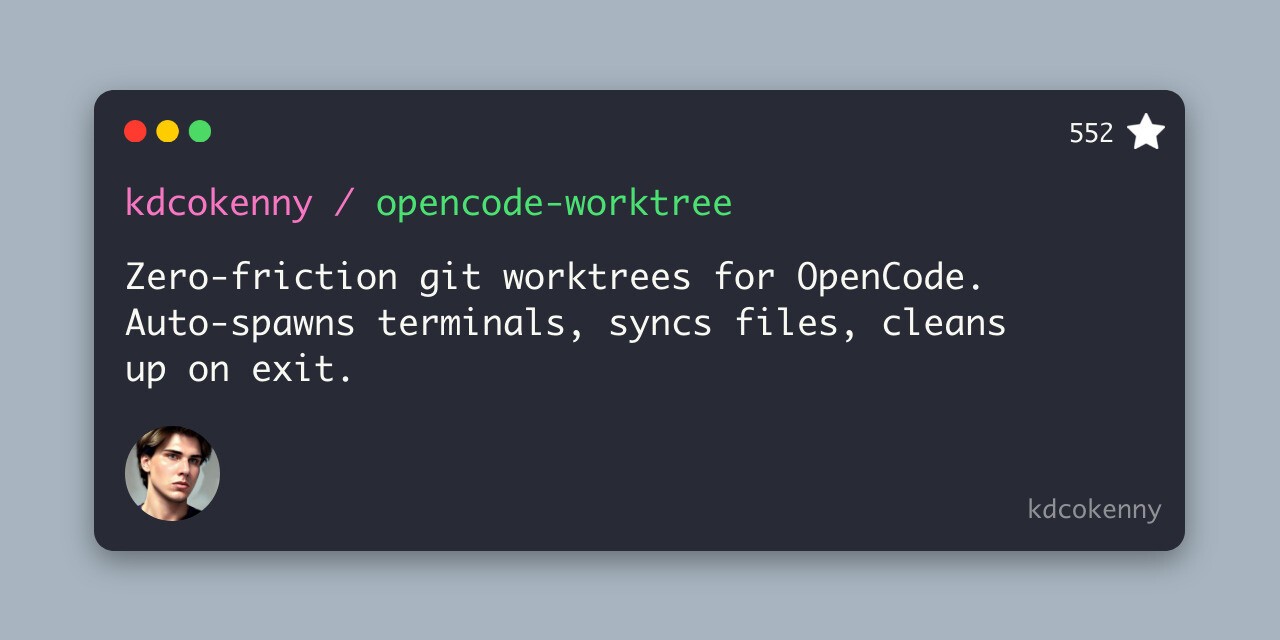
This plugin solves a very real developer problem.
You want OpenCode to work on something.
But you also don’t want it messing with your current branch, dirty files, half-written changes, or local experiment.
Git worktrees are great for this, but they are not always fun to manage manually.
OpenCode Worktree gives OpenCode a smoother worktree workflow.
What it does
Creates isolated worktree sessions
Helps keep agent work away from your current branch
Auto-spawns terminals for separate work areas
Helps clean up after sessions
This is especially useful if you run multiple agents or want OpenCode to work on experimental changes without touching your main workspace.
Install
Install through the plugin’s repo instructions, usually either as an npm plugin:
{
  "$schema": "https://opencode.ai/config.json",
  "plugin": ["opencode-worktree"]
}
or as a local plugin:
.opencode/plugins/This is not something every beginner needs.
But once you start giving OpenCode bigger tasks, worktree isolation becomes very nice.
Resources:
GitHub: kdcokenny/opencode-worktree
OpenCode plugin docs: OpenCode Plugins
Git docs: git worktree
7. OpenCode Notify
ℹ️ Sends native OS notifications when OpenCode finishes tasks.
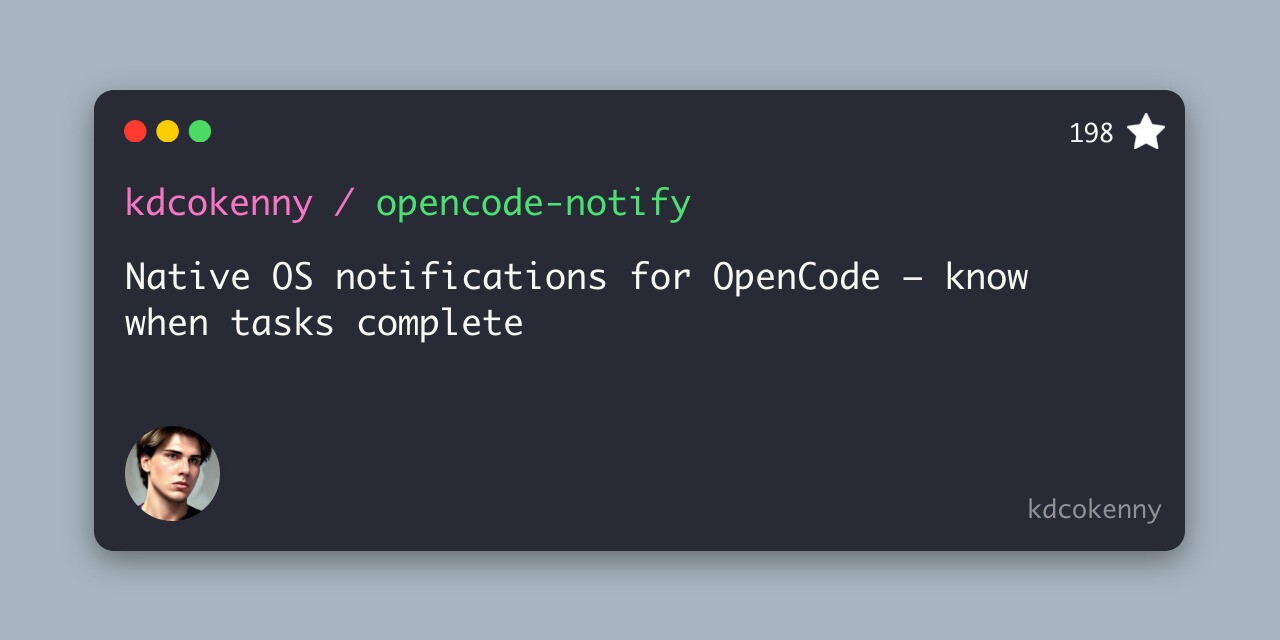
This one is simple.
And that’s why it’s good.
OpenCode tasks can take a while. Tests run. Builds fail. The agent retries. It edits files. It runs checks again.
You don’t want to sit there staring at the terminal the whole time.
Opencode Notify adds native OS notifications so you know when tasks complete.
What it does
Sends native desktop notifications
Helps you step away while OpenCode works
Useful for long-running agent tasks
Keeps the workflow lightweight
Not every plugin needs to be some massive orchestration layer.
Sometimes the best plugin is the one that tells you, “Hey, the agent is done.”
Install
Add it through your OpenCode plugin config if published as npm:
{
  "$schema": "https://opencode.ai/config.json",
  "plugin": ["opencode-notify"]
}
or install it locally in:
~/.config/opencode/plugins/Small plugin.
Very easy to appreciate after one long test run.
Resources:
GitHub: kdcokenny/opencode-notify
OpenCode plugin docs: OpenCode Plugins
Awesome OpenCode: awesome-opencode
8. Dynamic Context Pruning
ℹ️ Prunes stale context in long OpenCode sessions to reduce token usage without changing your actual session history.
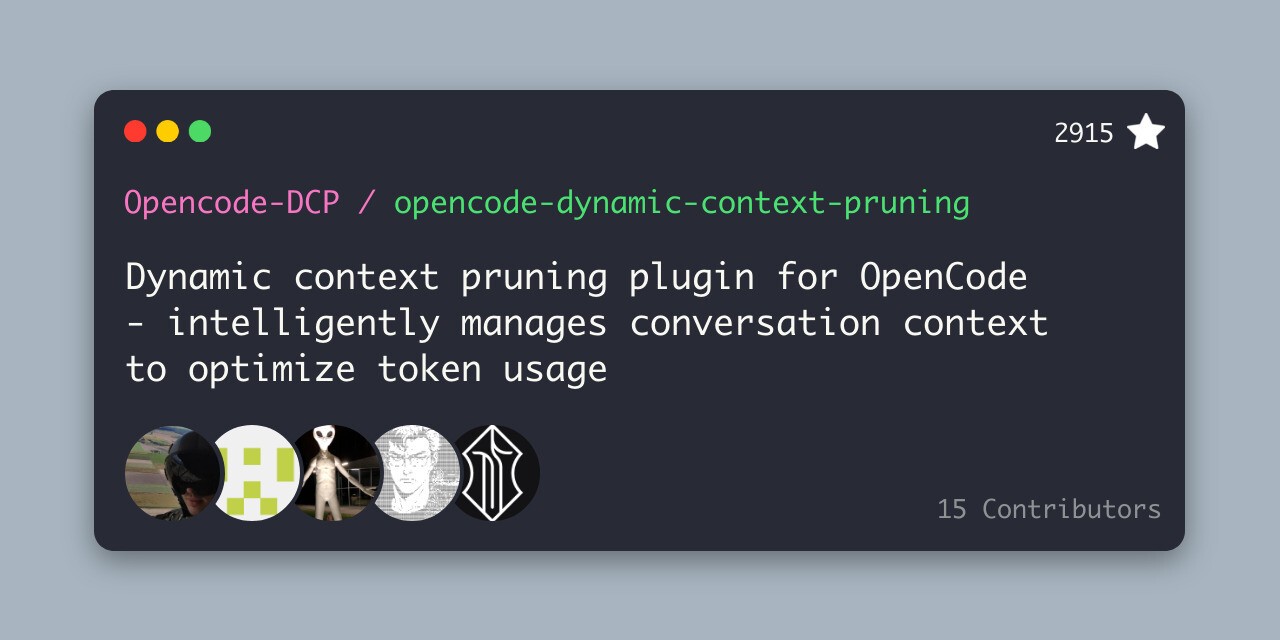
Long OpenCode sessions can eat up your context.
Suddenly your context is full of old tool outputs and stale conversation history.
That is where Dynamic Context Pruning is useful.
It is an OpenCode plugin that automatically reduces token usage by managing conversation context. Instead of keeping everything in the prompt forever, it can replace older, less useful content with placeholders before sending requests to the model.
The nice part is that it does not modify your actual session history. It only changes what gets sent to the LLM.
You can install it globally like this:
opencode plugin @tarquinen/opencode-dcp@latest --globalSuper handy and useful for almost everyone. If you work on bigger repos, even better.
Honestly, it is one of my favourites.
Resources:
OpenCode Cafe: OpenCode Cafe
9. Daytona Sandbox Plugins
ℹ️ Runs OpenCode sessions inside isolated Daytona sandboxes, so agents can work without directly touching your local machine
This one is for people who want a safer way to let OpenCode work on code.
The Daytona Sandbox Plugin runs OpenCode sessions inside isolated Daytona sandboxes. Each session has its own remote sandbox, and it syncs changes back to your local machine via Git branches.
Even those who oppose coding agents because of security concerns can now use them, since nothing runs on your machine.
Install it by adding the plugin to your opencode.json:
{
  "$schema": "https://opencode.ai/config.json",
  "plugin": ["@daytona/opencode"]
}
You also need a Daytona account and API key:
export DAYTONA_API_KEY="your-daytona-api-key"After that, start OpenCode in a git repo:
opencodeOpenCode will create branches like this:
opencode/1
opencode/2
So you can inspect the agent’s changes before merging them into your actual branch.
Super handy and useful. I suggest everyone who works with coding agents most of the time, especially OpenCode, use this. A complete game-changer.
Resources:
OpenCode Cafe: OpenCode Cafe
OpenCode Plugins vs. Skills
Before we get into the list, it’s worth clearing up one thing.
OpenCode has both Plugins and Skills, and they are not the same thing.
They work together, but they solve different problems.
Skills are reusable instructions.
They teach the agent how to perform a specific task. Think code reviews, writing tests, debugging, frontend cleanup, release checklists, or using a certain library correctly.
A skill doesn't add a new feature to OpenCode. It gives the agent a better workflow.
Related: Best OpenCode Skills
Plugins are extensions.
They change what OpenCode can do, or how it behaves. A plugin can connect to external tools, react to events, add notifications, block unsafe actions, manage worktrees, or modify the agent’s behaviour.
So the easiest way to think about it is this:
Skills = better instructions
Plugins = extra functionality
Or even simpler:
Skills teach the agent.
Plugins extend the agent.
For example:
Skill: Review this PR using our team’s checklist.
Plugin: Connect OpenCode to GitHub so it can read the PR.
Another example:
Skill: Follow this debugging workflow when tests fail.
Plugin: Send me a desktop notification when the agent is done.
You usually want both.
That’s why this list includes a few things that are not “plugins” in the strictest sense. Some are plugins, some are MCP servers, and some are closer to skills or workflow extensions.
But they all do the same important thing: They make OpenCode better at real work.
How to convert Claude Code plugins to OpenCode
ℹ️ You can’t install Claude Code plugins directly in OpenCode, but you can usually convert the useful parts
A lot of people coming from Claude Code already have plugins they like.
Code review plugins. Test helpers. Documentation skills. Deployment workflows. MCP setups. Custom agents and whatnot.
So the obvious question is:
Can you use Claude Code plugins inside OpenCode?
Kind of. Not directly.
Claude Code plugins have their own plugin format. A Claude Code plugin is usually a folder with a .claude-plugin/plugin.json file, and it can include things like skills, agents, hooks, MCP servers, etc. OpenCode does not read that format directly.
But many Claude Code plugins are easy to port because the underlying ideas map pretty well.
So no, it is not a one-click conversion. But yes, many Claude Code plugins can be adapted.
1. Convert Claude Code MCP Servers
This is the easiest one.
If the Claude Code plugin mainly adds an MCP server, you can usually copy the MCP server config into opencode.json.
For example, if a Claude Code plugin ships an MCP server that runs with npx, the OpenCode version might look like this.
{
  "$schema": "<https://opencode.ai/config.json>",
  "mcp": {
    "my-tool": {
      "type": "local",
      "command": ["npx", "-y", "my-mcp-server"]
    }
  }
}
Or, if it uses a remote MCP server:
{
  "$schema": "<https://opencode.ai/config.json>",
  "mcp": {
    "my-tool": {
      "type": "remote",
      "url": "<https://example.com/mcp>"
    }
  }
}
This is usually the cleanest conversion because MCP is already meant to be shared across different AI tools.
2. Convert Claude Code skills to OpenCode skills
Claude Code plugins can include skills in a skills/ directory, usually with a SKILL.md file. Claude Code finds those skills when the plugin is installed.
OpenCode also supports skills through SKILL.md. OpenCode loads that information from your repo or home directory and lets agents pull it in when needed.
So if your Claude Code plugin has something like this:
my-claude-composio-demo-plugin/
  skills/
    code-review/
      SKILL.md
You can usually copy the Claude Code skills into your OpenCode skills folder.
For a project-level skill:
mkdir -p .opencode/skills/code-review
cp my-claude-composio-demo-plugin/skills/code-review/SKILL.md .opencode/skills/code-review/SKILL.md
There may be some Claude-specific variables like ${CLAUDE_PLUGIN_ROOT}, ${CLAUDE_PLUGIN_DATA}, ${CLAUDE_PROJECT_DIR}, so adjust them as needed. Don't blindly copy everything.
3. Convert Claude Code agents to OpenCode agents
Claude Code plugins can add specialised agents as Markdown files inside a agents/ directory. These agents define the role, models, tool rules, and instructions.
OpenCode also supports custom agents. You can define them in:
.opencode/agents/or globally:
~/.config/opencode/agents/OpenCode agents are also based on Markdown, so it's pretty straightforward.
For example, a Claude Code agent like this:
---
name: code-reviewer
description: Reviews code for bugs, security issues, and maintainability
model: sonnet
---

You are a strict code reviewer. Look for bugs, edge cases, security issues, and unclear abstractions.
Could become an OpenCode agent like this.
---
name: code-reviewer
description: Reviews code for bugs, security issues, and maintainability
tools:
  write: false
  edit: false
---

You are a strict code reviewer. Look for bugs, edge cases, security issues, and unclear abstractions.
Then save it here:
.opencode/agents/code-reviewer.mdAfter that, you can invoke it in OpenCode with an agent mention, depending on your setup:
@code-reviewer review the current diff4. Convert Claude Code slash commands to OpenCode commands
Some Claude Code plugins include command-style workflows (similar to Discord slash commands).
OpenCode supports custom commands too. You can create markdown files in:
.opencode/commands/or globally:
~/.config/opencode/commands/For example:
mkdir -p .opencode/commandsCreate:
.opencode/commands/review-diff.mdThen add something like this:
---
description: Review the current git diff
---

Review the current git diff.

Focus on:

- bugs
- security issues
- confusing code
- missing tests

Here is the diff:

!`git diff`
Now you have an OpenCode command you can reuse instead of manually typing the same prompt every time.
⚠️ That's not all. There are also Claude Code hooks. Converting them isn't always simple and depends on the complexity of the plugin, so I'll leave it here.
Apart from that, most other things should be easy to port.
Wrap Up
I wouldn’t install all of these at once. That’s usually how people make their coding agent setup worse, not better.
Start with the problem you actually have.
If OpenCode keeps forgetting context, try Opencode Mem.
If it continues to use outdated APIs, add Context7.
If you want OpenCode to work with real apps and team tools, use Composio.
If you’re worried about secrets, add Envsitter Guard.
If bigger tasks feel messy, look at Oh My Opencode Slim or OpenCode Worktree.
And if you just want to stop staring at your terminal, install Opencode Notify.
That’s really the point.
OpenCode plugins are useful when they remove friction from the work you already do. Not when they add more moving parts just for the sake of it. Also, make sure the plugins are actually secure; they are easy supply chain attack vectors, and you never know who will sneak what into your system.

 Get started



