How to connect Semrush to Grok Bot

Connect Grok Bot to Semrush MCP. List top keywords for your domain, analyze backlinks for competitor example.com, and more using natural language, with authentication handled for you.

Semrush MCP logoSemrush MCP
Dcr Oauth

Semrush MCP is Semrush's hosted MCP server for SEO, keyword, backlink, traffic, market, project, and competitive intelligence data. It provides live, enterprise-grade SEO and competitive insights via a unified hosted API.

14 Tools

Introduction

Grok is xAI's assistant, and its bot builder lets you create a personal agent that holds context, runs skills, and connects to the apps you already use through plugins.

This guide explains how to connect Semrush to a Grok bot using Composio Connect, which handles OAuth, token refresh, and reliability so you do not have to. You add Composio as a plugin, authenticate once, then ask your bot to work with Semrush in plain language.

For exact tool slugs and parameter tables, see the tool catalog in the Composio docs.

Also integrate Semrush MCP with

Why use Composio?

Composio exposes 1,700+ apps to your Grok bot through a single connection, so you get:

  • Connect to 1,700+ apps with on-demand tool loading, so you do not fill your context window with unnecessary tool definitions.
  • Use programmatic tool calling through a remote workbench, letting the model write its own code to handle complex tool chaining. This reduces back-and-forth for frequent tool calls.
  • Handle large tool responses outside the model context to keep conversations lean.

Connecting Semrush to Grok Bot

Once Grok Bot is set up, you connect Semrush entirely from its interface, and the whole flow takes under a minute.

Set up Grok Bot

Get access. Grok Bot is included with Cursor Ultra, Cursor Premium Teams, and SuperGrok Heavy. Get the desktop app for macOS or Windows from x.ai/bot and sign in. An iPhone companion app is also available, and your bots sync across devices.

Create a bot. Pick a suggested role or define your own, then give it a short name, one primary job, and a short description of how it should work. Focused bots work best, because a clear role gives the bot more useful context over time.

Connect Semrush

1. Add the Composio plugin

Click the button. The Composio listing on x.ai opens and launches Grok Bot for you. If the app does not open on its own, click Add to Grok Bot.

Add to Grok Bot
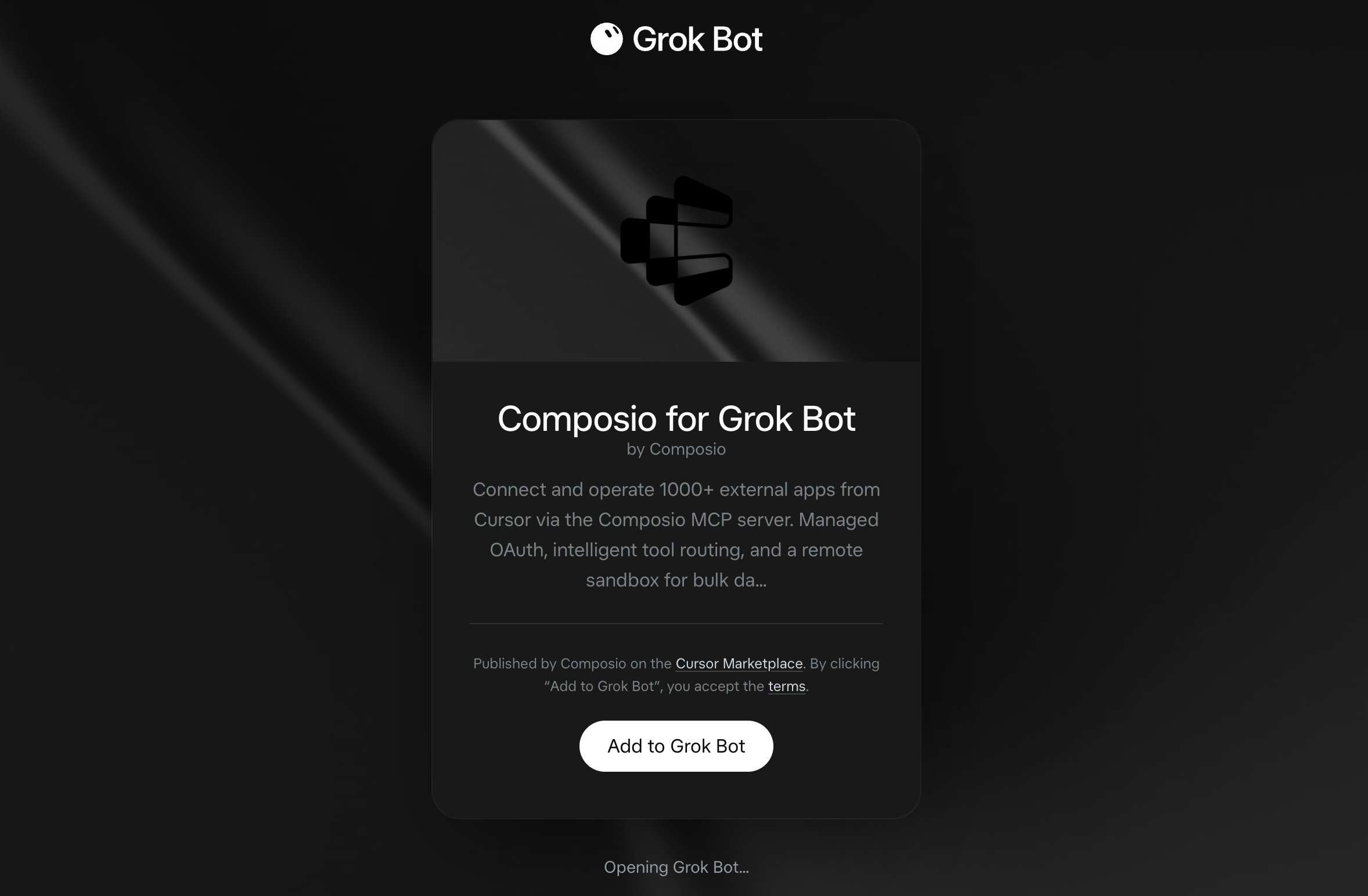
Composio for Grok Bot listing on x.ai with the Add to Grok Bot button

Grok Bot opens the Composio plugin, showing its connector and skills. Click Add.
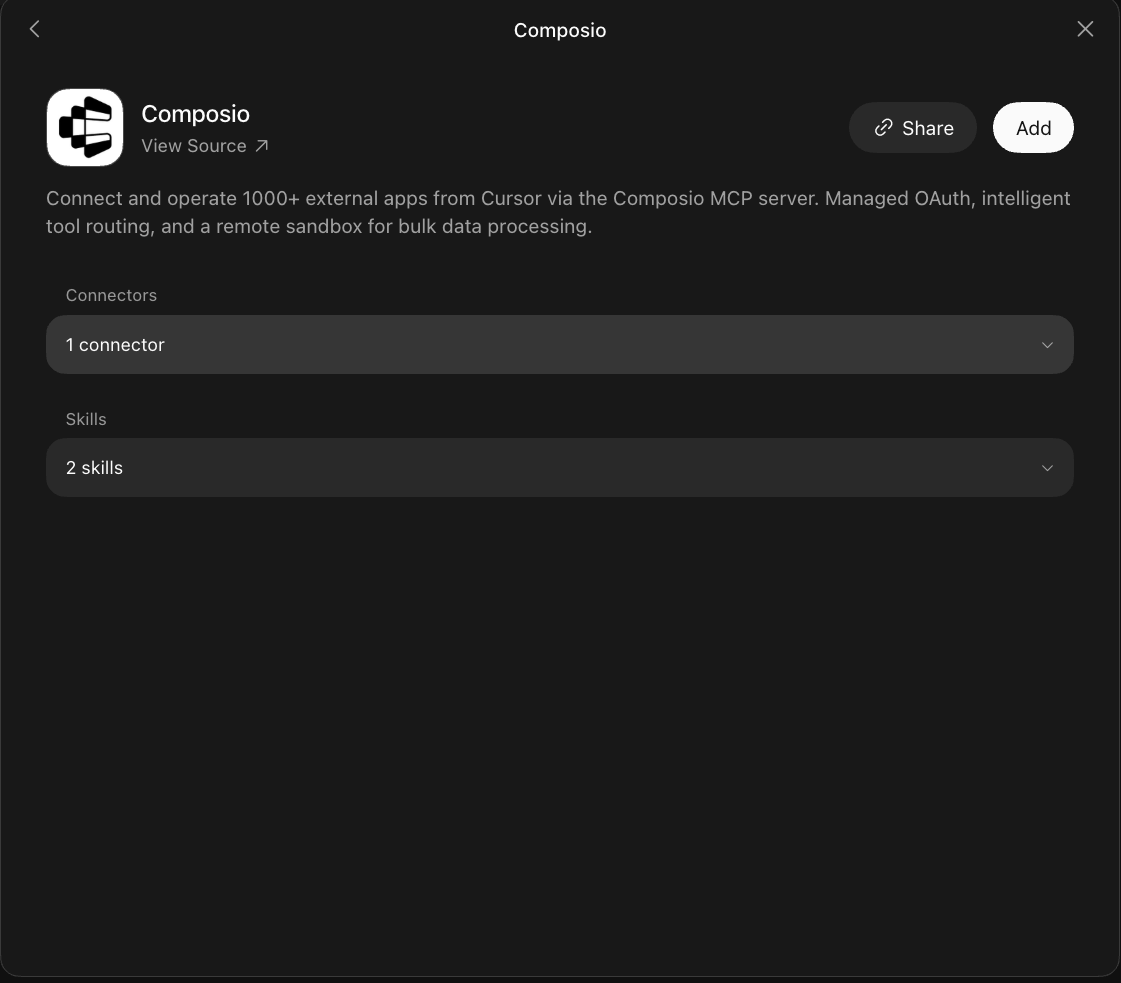
Composio plugin sheet in Grok Bot with the Add button

2. Authenticate

Go to the Installed section and click the Composio entry. You'll see its connector and skills listed.
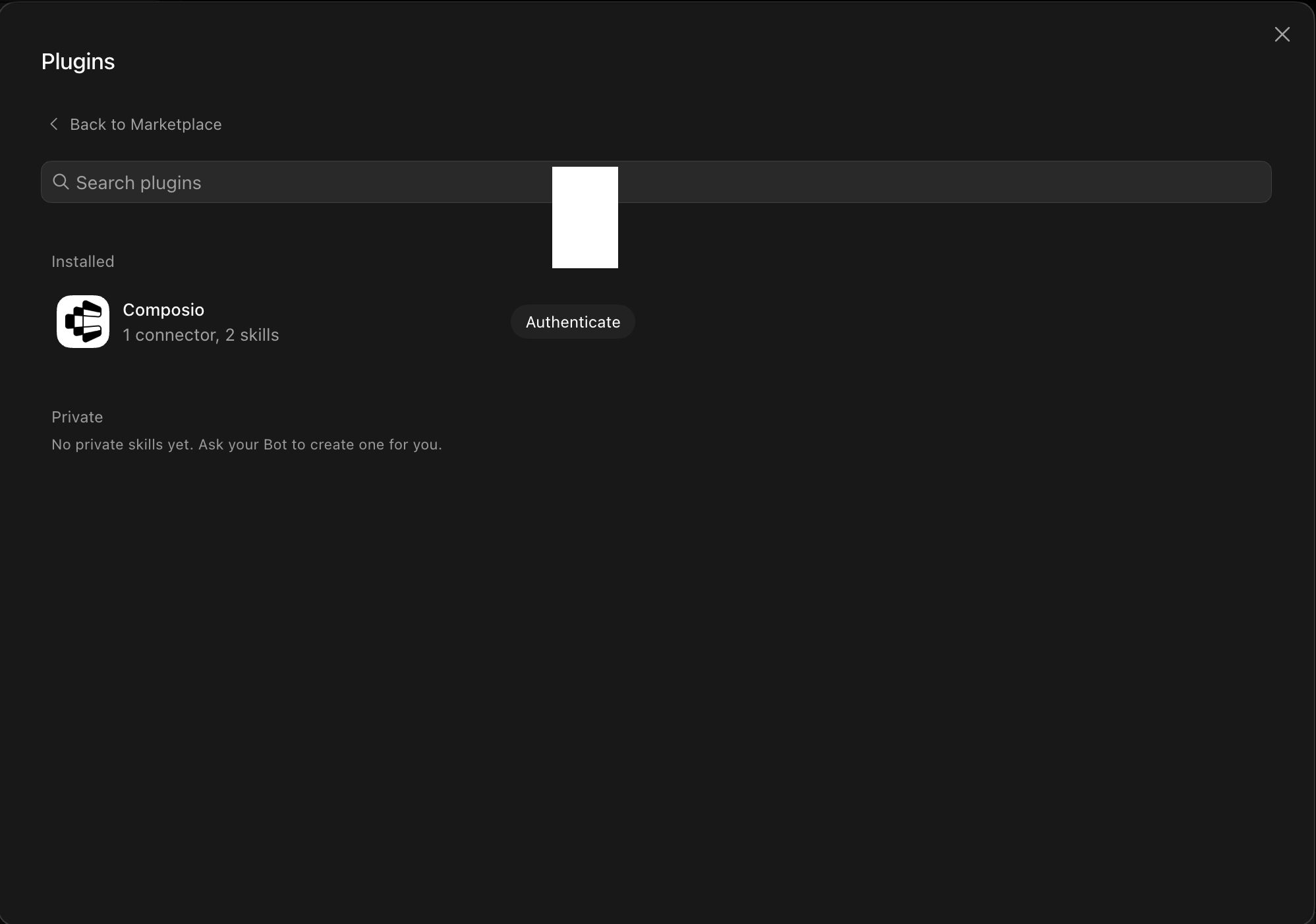
Installed Composio plugin showing the Authenticate button

Click Authenticate. You'll be taken to the Composio consent screen. Review the access it requests and click Authorize. Composio handles the OAuth handshake for you, so you never touch API keys or tokens.
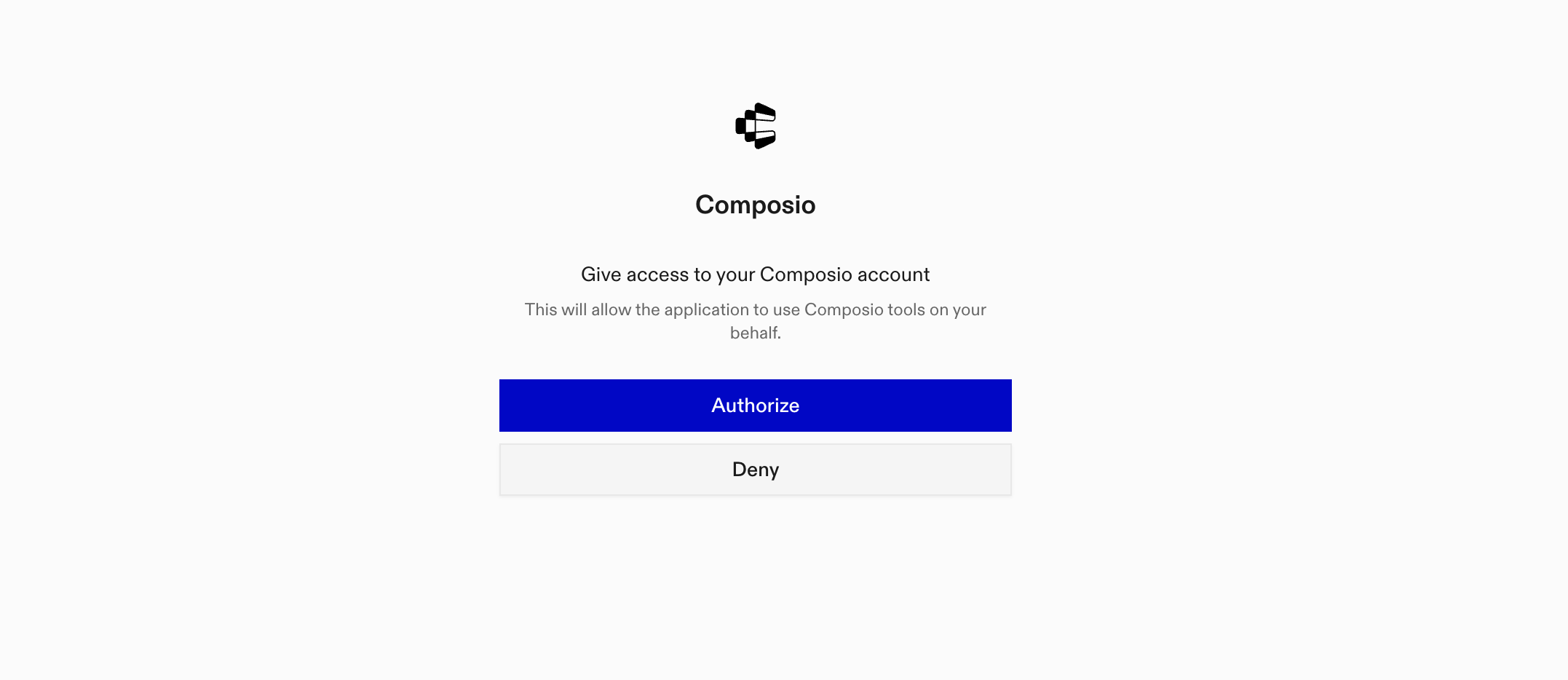
Composio authorization screen with Authorize and Deny

3. Connect your Semrush account

Back in the chat, ask your bot to connect to Semrush or give it any Semrush task.

For example, ask it to:

  • "List top keywords for your domain"
  • "Analyze backlinks for competitor example.com"
  • "Fetch weekly traffic trends for site"

It will prompt you to authenticate and authorize access.

That's it. Composio's tools are now available in your Grok bot, and your Semrush account is ready to use.

What is Grok Bot?

Grok is xAI's assistant, available as a chat interface and a bot builder for creating personal agents that run skills and connect to external apps.

With Composio Connect, your Grok bot can securely access apps like Semrush through MCP without you sharing account credentials directly with the agent.

What is the Semrush MCP server, and what's possible with it?

The Semrush MCP server is an implementation of the Model Context Protocol that connects your AI agent and assistants like Claude, Cursor, etc directly to your Semrush account. It provides structured and secure access to SEO, keyword, backlink, traffic, market, project, and competitive intelligence data, so your agent can research keywords, analyze competitors, inspect backlinks, monitor rankings, and audit sites on your behalf.

  • Keyword and search research: Have your agent find keyword volume, difficulty, CPC, competition, related terms, search questions, SERP results, and advertising history.
  • Competitor and market analysis: Direct your agent to identify organic, paid search, and shopping competitors, compare keyword overlap and backlink profiles, and examine audience overlap.
  • Domain, traffic, and audience insights: Let the agent review domain performance, traffic and engagement trends, acquisition channels, visitor demographics, interests, and geographic distribution.
  • Backlink and ranking analysis: Instruct your agent to inspect backlinks, referring domains, anchor text, Authority Score data, organic rankings, paid search performance, and Google Shopping visibility.
  • Projects and site health monitoring: Have your agent review Semrush projects, check tracked keyword positions over time, and examine site audit health scores, errors, warnings, affected pages, and recommended fixes.

Way Forward

Now that Semrush is connected, extend your setup by connecting the other apps you already use every day, so your Grok bot can run true cross-app workflows end to end.

  • Connect Calendar to turn threads into scheduled meetings automatically.
  • Connect Slack or Teams to post summaries, approvals, and alerts where your team works.
  • Connect Notion, Linear, Jira, or Asana to convert requests into tickets, tasks, and docs.
  • Connect Drive, Dropbox, or OneDrive to fetch, file, and share attachments without manual steps.

Start with one workflow you do repeatedly, then keep adding apps as you find new handoffs. With everything behind a single connection, your bot can coordinate multiple tools safely and reliably in one conversation.

TOOLS

Supported Tools

Every Semrush MCP action and event your agent gets out of the box.

Audience research

Audience Analytics: visitor profile of a domain — demographics (age, gender, income, education, household size, occupation), audience interests, visitor geography by country, audience overlap between domains, purchase conversion, and top domains by industry category.

Backlinks research

Backlink Analytics: for a single domain's link profile — backlinks, referring domains and IPs, anchor texts, geographic and TLD distribution, Authority Score breakdown, domain and referring-domain categories, and historical trends.

Competitors research

Competitive Research: find who competes with a domain in organic search, paid search, and Google Shopping (PLA); compare keyword overlap and backlink profiles between multiple domains; analyze market rankings and backlink competitors.

Domain overview

Domain Overview: high-level counters for a domain, subdomain, subfolder, or URL — Semrush Rank, keyword/traffic/cost totals, PLA, SERP Features.

Execute report

Execute any Semrush report.

Get report schema

Get parameters for a report.

Keyword research

Keyword Analytics: look up any keyword — search volume, CPC, competition, keyword difficulty, SERP results (organic and paid), related keywords, broad match variations, phrase questions, and ads history.

Organic research

Organic Search Analytics: the actual keywords and pages a domain, subdomain, or URL ranks for in organic search (position, volume, traffic).

Paid search research

Paid Search Analytics: keywords that trigger a domain's paid search (Google Ads) results, ad positions, CPCs, traffic estimates, unique ad copies with titles and descriptions, and historical PPC trends.

Position tracking

Position Tracking: ongoing rank monitoring within pre-configured project campaigns — track how a domain ranks for targeted keywords over time, daily position changes in organic and paid search, visibility trends, and landing page performance, by location and device.

Projects

Project Management: list and inspect your Semrush projects (campaigns) — each project's ID, name, and tracked domain, plus which tools are enabled.

Shopping research

Shopping Analytics: keywords that trigger a domain's Google Shopping (PLA) ads, ad positions, traffic estimates, and unique product listings with titles and prices.

Site audit

Site Audit: technical SEO health analysis within pre-configured project campaigns — crawl a website to find errors, warnings, and notices, site health score, page-level issue details with fix recommendations, and historical audit snapshots to track progress.

Traffic overview

Traffic Overview: website traffic volume and engagement — total visits, unique visitors, pages per visit, bounce rate, visit duration, daily/weekly trends, acquisition channels (direct, referral, search, social, paid), traffic destinations, top pages, subdomain and subfolder breakdown.

FAQ

Frequently asked questions

Start with Semrush MCP.It takes 30 seconds.

Managed auth, hosted MCP servers, and every Semrush MCP tool your agent needs.Free to start.

Start building

