How to integrate Remote retrieval MCP with Codex

Connect Codex to Remote retrieval MCP. Show all pending laptop return orders, get company info for acme corp, and more using natural language, with authentication handled for you.

Remote retrieval logoRemote retrieval
Api Key

Remote retrieval is a logistics automation tool for managing laptop and monitor returns. It streamlines return tracking, saving time and hassle for IT and ops teams.

7 Tools

Introduction

Codex is one of the most popular coding harnesses out there. And MCP makes the experience even better. With the Remote retrieval MCP integration, Codex can create return orders, track order details, list pending orders, check device prices, and view company details, all without leaving the terminal or the app, whichever you prefer.

For exact tool slugs and parameter tables, see the tool catalog in the Composio docs.
Also integrate Remote retrieval with

Why use Composio?

Apart from a managed and hosted MCP server, you will get:

  • CodeAct: A dedicated workbench that allows GPT to write its code to handle complex tool chaining. Reduces to-and-fro with LLMs for frequent tool calling.
  • Large tool responses: Handle them to minimise context rot.
  • Dynamic just-in-time access to 20,000 tools across 1700+ other Apps for cross-app workflows. It loads the tools you need, so GPTs aren't overwhelmed by tools you don't need.

How to install Remote retrieval MCP in Codex

Run the setup command

Run this command in your terminal to add the Composio MCP server to Codex.

Terminal

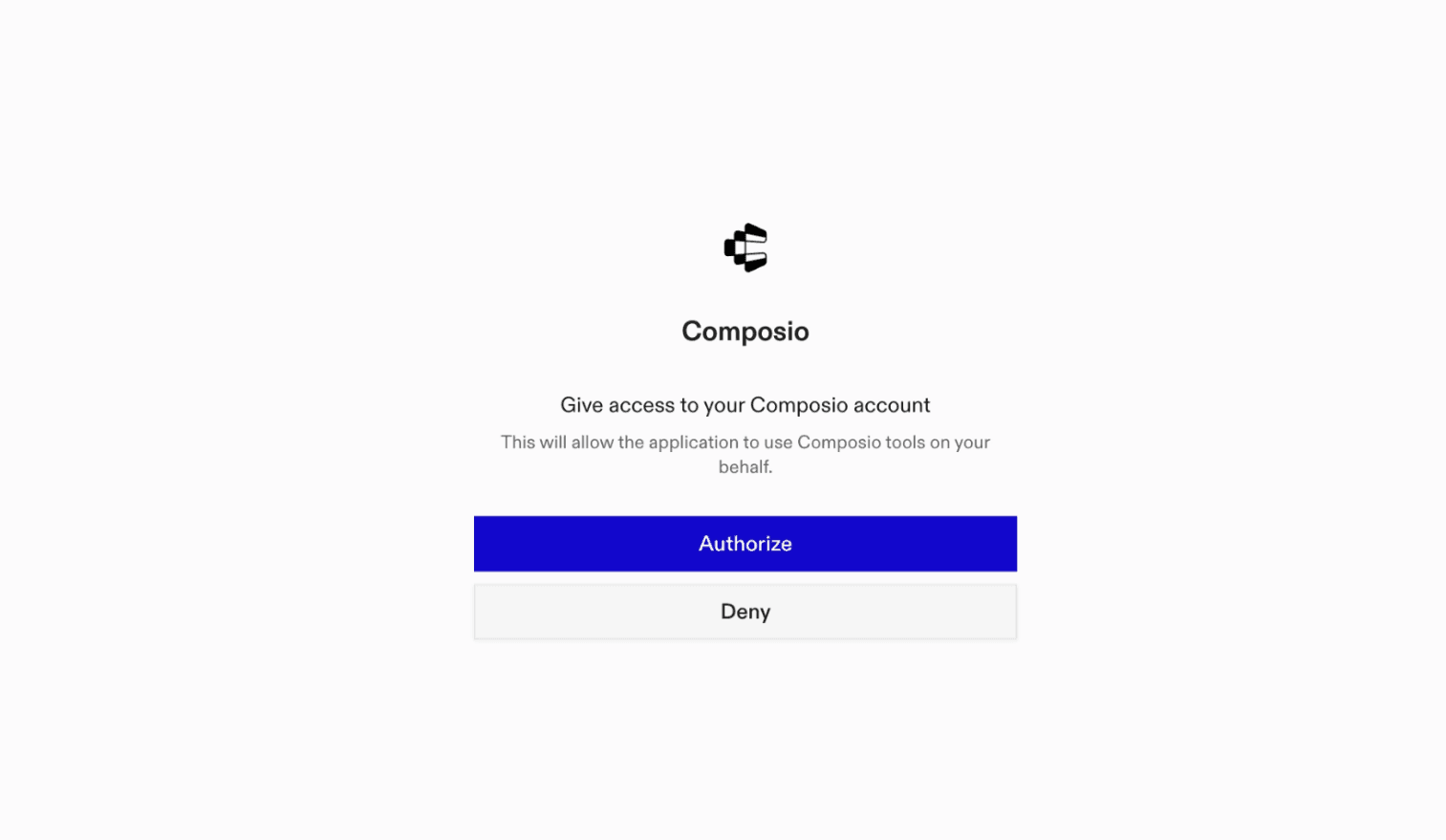
It will initiate the authentication in a browser window, authorize Codex to access your Composio account.

Composio authentication page

(Optional) Authenticate with OAuth

To authenticate manually, run the login command to open a browser window and authorize Codex to access your Composio account.

bash
codex mcp login composio

Verify the connection

Run codex mcp list to confirm Composio appears as a registered MCP server.

bash
codex mcp list

Codex App

Codex App follows the same approach as VS Code.

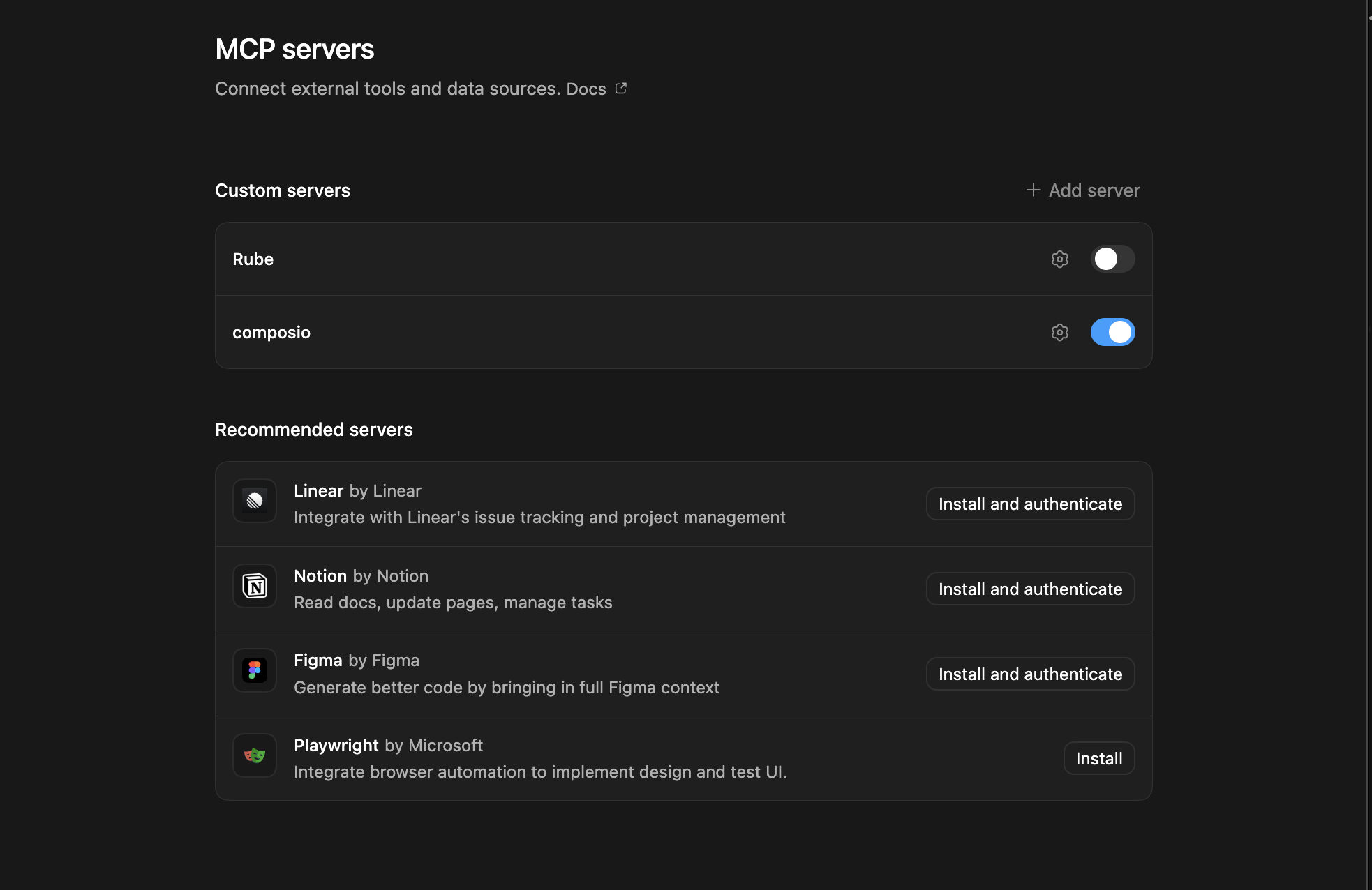
  1. Click ⚙️ on the bottom left → MCP Servers → + Add servers → Streamable HTTP:
  2. Fill the header and Key fields with { "x-consumer-api-key" = "ck_*******" }.
  3. The Key is the Composio API key, that you can find on dashboard.composio.dev
  4. Click on Authenticate and authorize Codex to your Composio account and you're all set.
Codex App MCP setup
  1. Restart and verify if it's there in .codex/config.toml
bash
[mcp_servers.composio]
url = "https://connect.composio.dev/mcp"
http_headers = { "x-consumer-api-key" = "ck_*******" }

Try it

Ask Codex for a Remote retrieval task. The first time, Composio asks you to connect your Remote retrieval account.

For example, ask it to:

  • "Show all pending laptop return orders"
  • "Get company info for Acme Corp"
  • "Validate your Remote Retrieval API key"

What is the Remote retrieval MCP server, and what's possible with it?

The Remote retrieval MCP server is an implementation of the Model Context Protocol that connects your AI agent and assistants like Claude, Cursor, etc directly to your Remote retrieval account. It provides structured and secure access to your company’s equipment logistics, so your agent can perform actions like listing equipment return orders, validating API access, and fetching company details on your behalf.

  • Comprehensive order tracking and listing: Ask your agent to retrieve a paginated list of all equipment return orders, with optional filters for status or date to keep tabs on ongoing returns.
  • Company information retrieval: Let your agent pull detailed company information instantly, helping with audits, reporting, or support workflows.
  • API key validation automation: Have your agent confirm that your API key is valid before performing sensitive actions, ensuring secure and authorized access every time.
  • Status-based filtering of return orders: Easily filter and fetch orders by their current status (e.g., pending, completed) to streamline logistics reviews or escalation processes.

Conclusion

You've successfully integrated Remote retrieval with Codex using Composio's MCP server. Now you can interact with Remote retrieval directly from your terminal, VS Code, or the Codex App using natural language commands.

Key benefits of this setup:

  • Seamless integration across CLI, VS Code, and standalone app
  • Natural language commands for Remote retrieval operations
  • Managed authentication through Composio
  • Access to 20,000+ tools across 1700+ apps for cross-app workflows
  • CodeAct workbench for complex tool chaining

Next steps:

  • Try asking Codex to perform various Remote retrieval operations
  • Explore cross-app workflows by connecting more toolkits
  • Build automation scripts that leverage Codex's AI capabilities
TOOLS

Supported Tools

Every Remote retrieval action and event your agent gets out of the box.

Create Order

Tool to create IT asset retrieval orders for remote employees.

Get All Orders

Retrieve a page of Remote Retrieval orders, including payment, order, and shipment statuses.

Get Company Details

Retrieve Remote Retrieval company details, such as the company name, contact email, address, and record creation date.

Get Device Prices

Retrieve current pricing for supported devices, including laptops, monitors, tablets, and cell phones.

Get Order Details

Retrieve details for a Remote Retrieval order by order ID.

List Pending Orders

Tool to retrieve list of all pending orders.

RemoteRetrieval: Validate User

Tool to validate the provided API key.

FAQ

Frequently asked questions

Start with Remote retrieval.It takes 30 seconds.

Managed auth, hosted MCP servers, and every Remote retrieval tool your agent needs.Free to start.

Start building