




Grok Bot only launched on August 11, 2026, but its tool layer is already one of the most useful parts of the product. Bots can work from a persistent cloud computer, use plugins and MCP servers, browse websites, and keep working after you close your laptop. I’ve covered it in detail here: Guide to Grok bot
The problem is that most Grok plugin lists currently mix several different products together. A Superpowers install for Grok Build, a Gmail connector in normal Grok, and a plugin inside Grok Bot may all be called a “Grok plugin,” even though they run in different places and use different setup flows.
So I went through the Grok Bot docs, the current Marketplace entries, the Grok Build marketplace, the connector docs, and the primary vendor pages.
Here are the 10 integrations I would install first for Grok Bot, how I would set them up, where I'd use them, and where a broader layer like Composio makes more sense.
But first, let’s start with what Grok Bot plugins are and why people use the term interchangeably.
What are Grok Bot plugins?
Grok Bot plugins give your Bot structured access to external tools and data.
You can discover supported connectors and packaged skills from Settings → Plugins → Marketplace, then authenticate the service in your browser when required.
This is useful because Grok Bot already has a browser, terminal, files, and a persistent computer. When a clean connector is available, xAI recommends using it because it gives the Bot a more structured, reliable way to work with the service.
But many people use the terms interchangeably because xAI offers multiple options. The above-stated approach is the official one.
Let’s look at other reasons people get confused, including me, who learned that Grokbot calls the services plugins.
The 10 best Grok Bot plugins
Plenty of integrations already connect to Grok Bot. But installing more plugins does not automatically make a Bot more useful.
The ones worth adding are the ones that help it complete work you already do every day, such as handling email, finding company context, researching the web, updating CRM records, or investigating a production issue.
After going through the current Grok Bot and Cursor Marketplace integrations, these are the ten I would start with.
Index | Plugin | Best for |
|---|---|---|
1 | Composio | Multi-app workflows |
2 | Gmail | Inbox and email workflows |
3 | Slack | Team context and communication |
4 | Notion | Knowledge and project context |
5 | GitHub | Software development |
6 | Google Calendar | Scheduling and daily planning |
7 | Firecrawl | Web research and extraction |
8 | HubSpot | Sales and CRM workflows |
9 | Canva | Content and design workflows |
10 | Sentry | Production debugging |
1. Composio
Best when one Grok Bot needs to work across several apps.
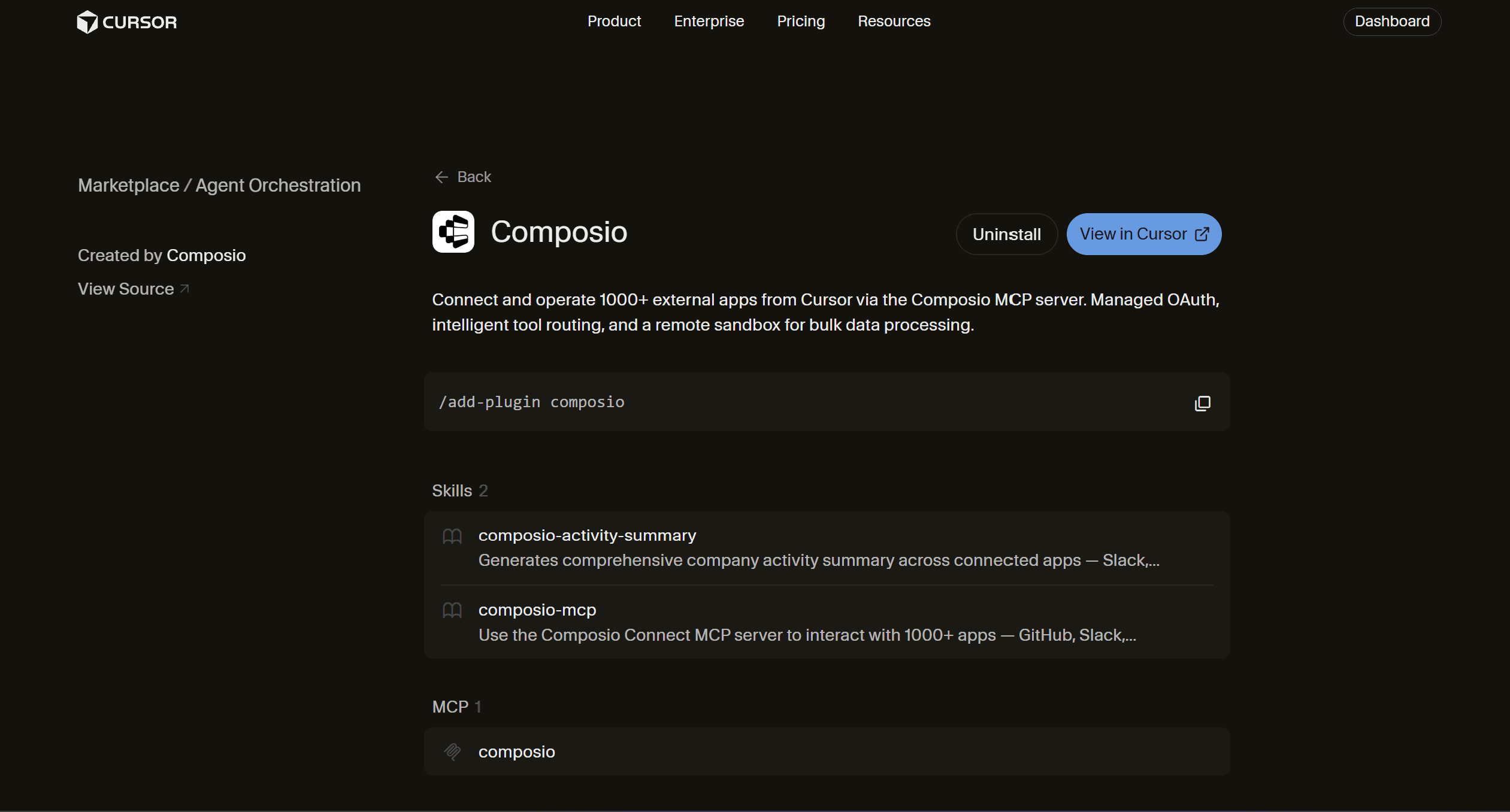
Composio takes a different approach from most plugins in this list. Instead of connecting one service, its current Marketplace plugin gives the agent access to 1,500+ external apps with managed authentication and intelligent tool routing.
It is most useful once a workflow starts crossing systems. A Bot could find information in Slack, check GitHub, read Gmail, work with Notion, and update another business tool without maintaining a separate MCP server for every long-tail integration.
How to install
Settings → Plugins → Marketplace → ComposioInstall it and authenticate individual apps as the Bot needs them.
Its plugin also includes a company activity summary skill that combines information from tools such as Slack, GitHub, Notion, Linear, and Gmail.
When I would use it
Need to work across applications: Google Ads, Meta Ads, PostHog, Ahrefs, etc.
Connecting multiple accounts of the same app
You need granular permissions to control who can access what.
Team-level access to applications.
Apps missing from your native Grok Bot setup
Avoiding separate authentication work for many services
If Gmail is the only app you need, I would use Gmail directly. Composio becomes more valuable as the workflow expands and you need more than just reading and drafting emails.
Official source: Composio plugin
2. Gmail
Best for turning your inbox into a real bot workflow.
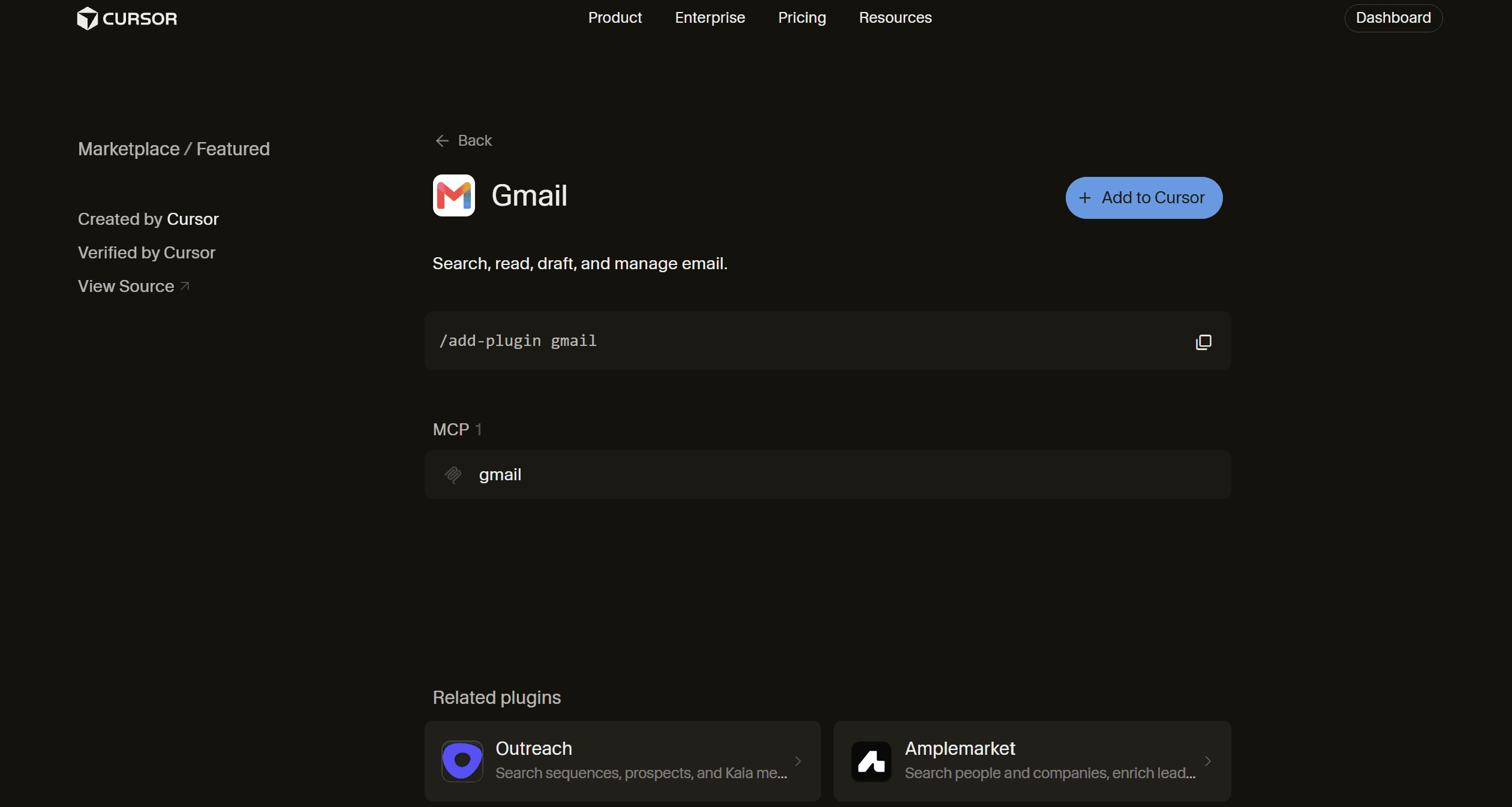
Gmail is probably the most immediately useful Grok Bot integration for most people. It lets the agent search your inbox, read messages, prepare drafts, apply labels, and manage email through Google's remote MCP server.
That becomes much more useful with a persistent Bot. You can have one prepare your inbox before work, find project-related conversations, or draft follow-ups, all while keeping the final send under your control.
How to install
Open:
Settings → Plugins → Marketplace → GmailThen connect the Google account you want the Bot to use.
When I would use it
Morning inbox summaries
Finding old customer or project conversations
Drafting replies and follow-ups
Processing recurring email-based work
I would still keep sending behind an approval step for important emails.
Official source: Gmail plugin
3. Slack
Best for granting Grok Bot access to the conversations your team works in.
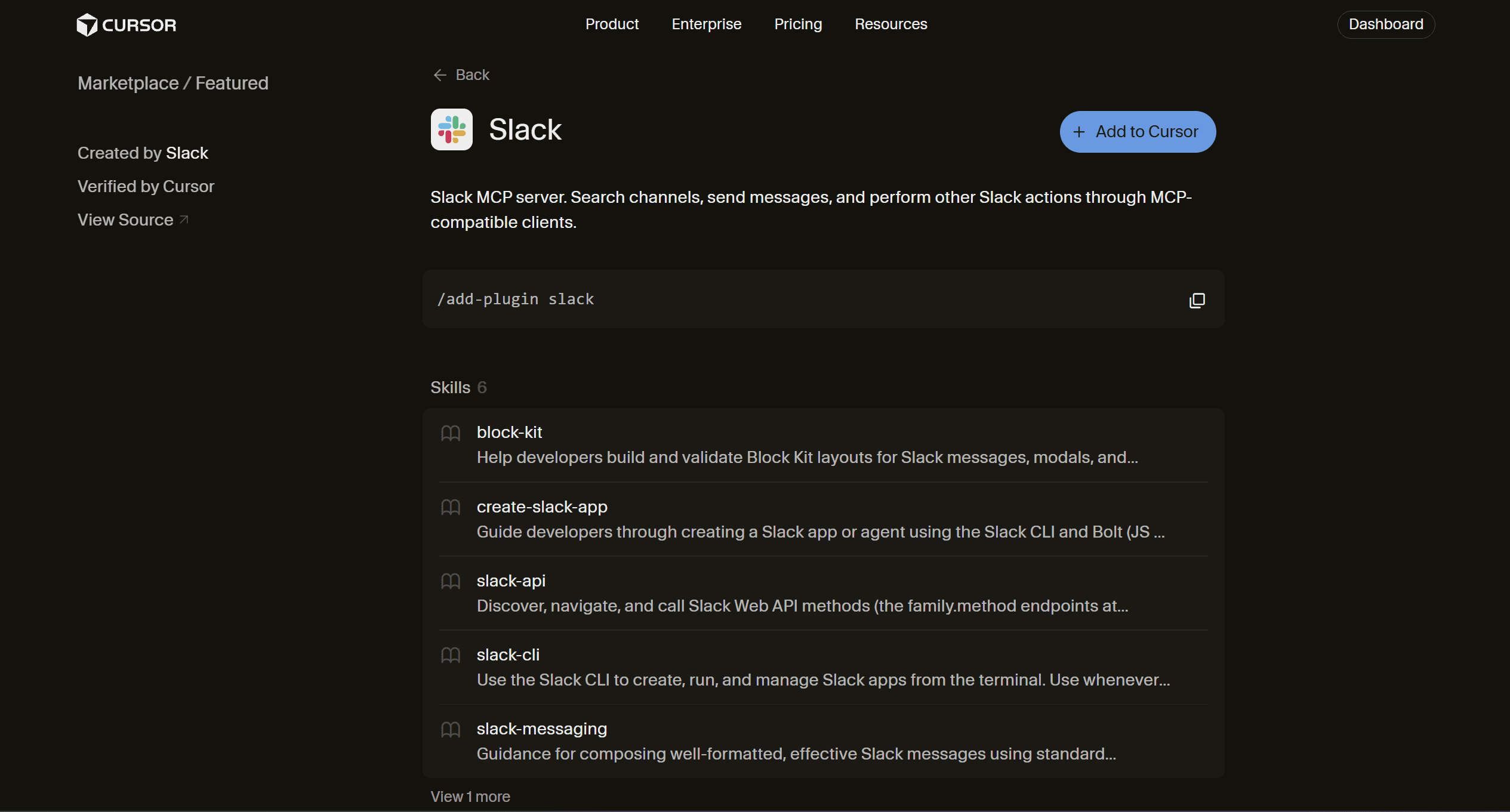
Slack goes further than simple message search. Its current plugin can search channels and send messages, while its packaged commands include channel summaries, discussion search, standups, digests, and announcement drafting.
That makes it especially useful for an operations or Chief of Staff Bot. It can find what happened across several channels, combine that with context from other tools, and prepare a concise update.
How to install
Settings → Plugins → Marketplace → SlackConnect the correct Slack workspace and review the permissions before enabling it.
When I would use it
Daily or weekly channel summaries
Searching past team discussions
Preparing standups
Tracking decisions across projects
Drafting internal announcements
For broad company workspaces, I would be careful about giving the Bot access to channels it does not need.
Official source: Slack plugin
4. Notion
Best for giving Grok Bot long-term company and project context.
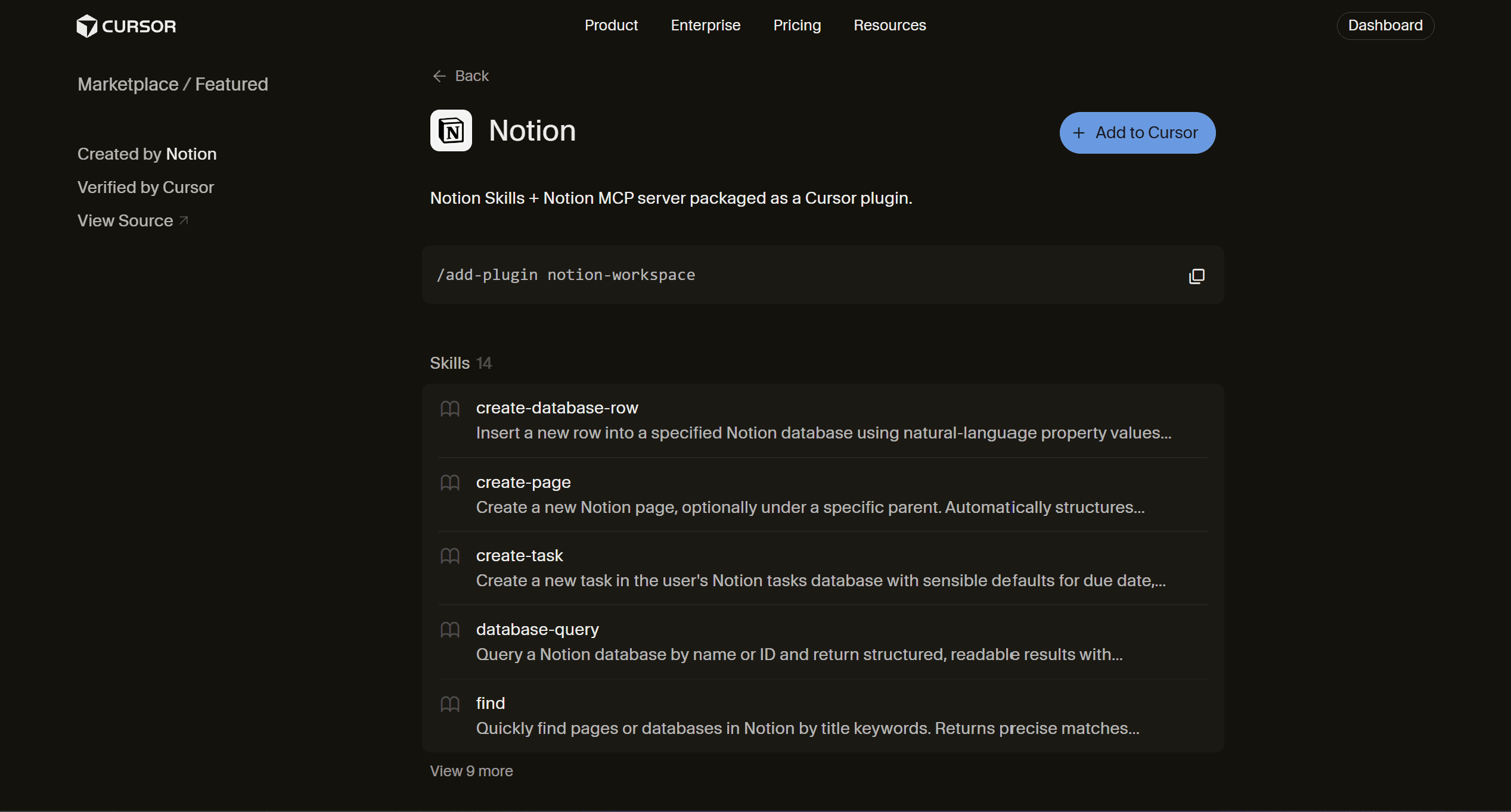
Notion combines its MCP server with skills to find pages, query databases, create pages, create tasks, and update structured workspace information.
This solves one of the most common agent problems. Instead of repeatedly explaining how a project works, the Bot can pull the current process, project brief, meeting notes, or database entry as needed.
How to install
Settings → Plugins → Marketplace → NotionThen authorise the workspace and pages the Bot should access.
When I would use it
Project research
Internal knowledge lookup
Creating meeting or research notes
Updating task databases
Running processes documented in Notion
Official source: Notion plugin
5. GitHub
Best for any Grok Bot that works with software projects.
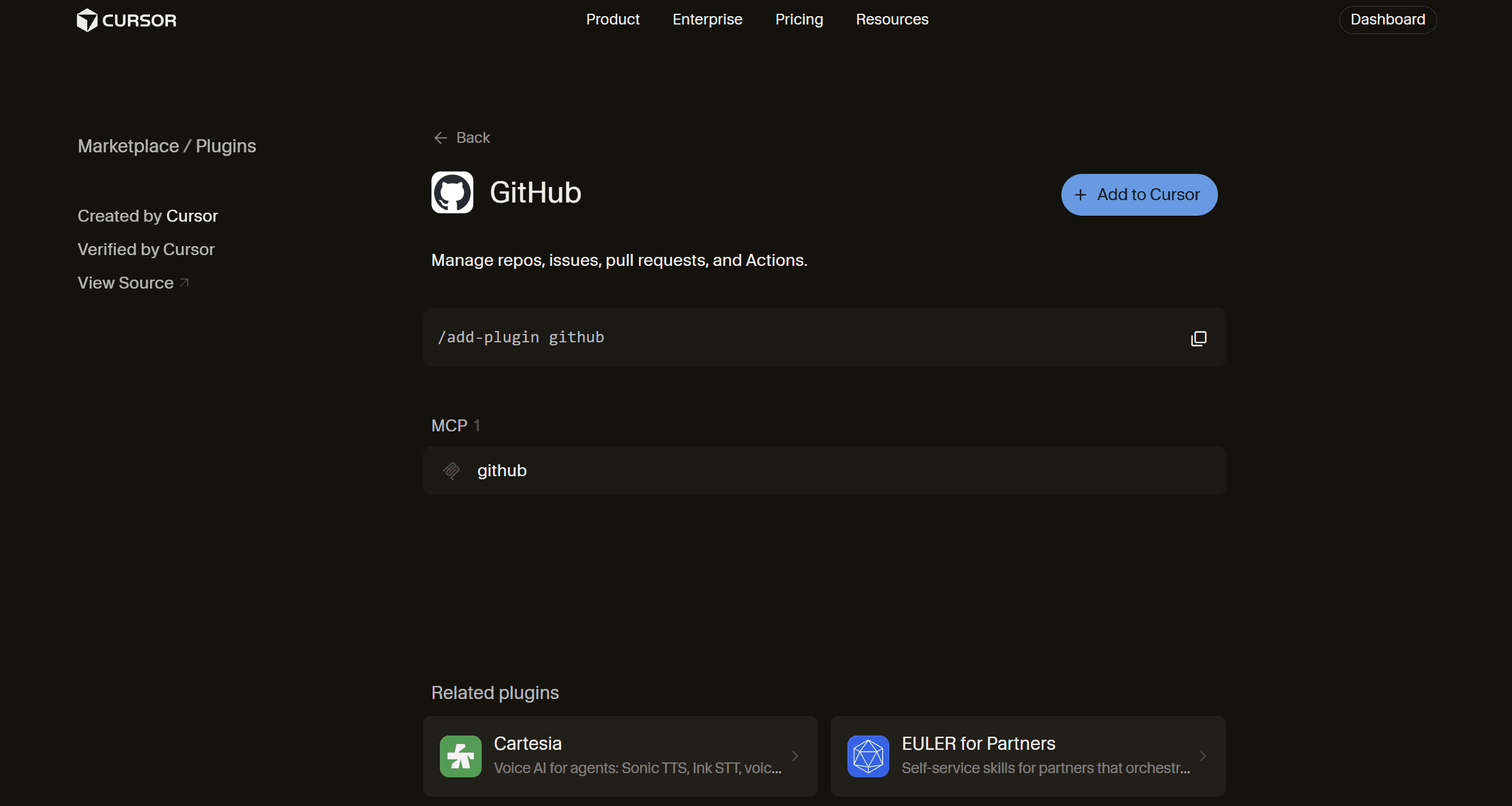
GitHub's plugin covers repositories, issues, pull requests, code search, and GitHub Actions through its MCP integration.
This gives an engineering Bot the missing context between its local work and what is happening in the repository. It can investigate an issue, inspect related code, check a failed Action, or work with a pull request without relying on browser navigation.
How to install
Settings → Plugins → Marketplace → GitHubConnect the GitHub account and repositories the Bot should work with.
When I would use it
Investigating GitHub issues
Pull request workflows
Repository research
GitHub Actions failures
Codebase and project coordination
Official source: GitHub plugin
6. Google Calendar
Best for Bots that help organise your day rather than only answer questions.
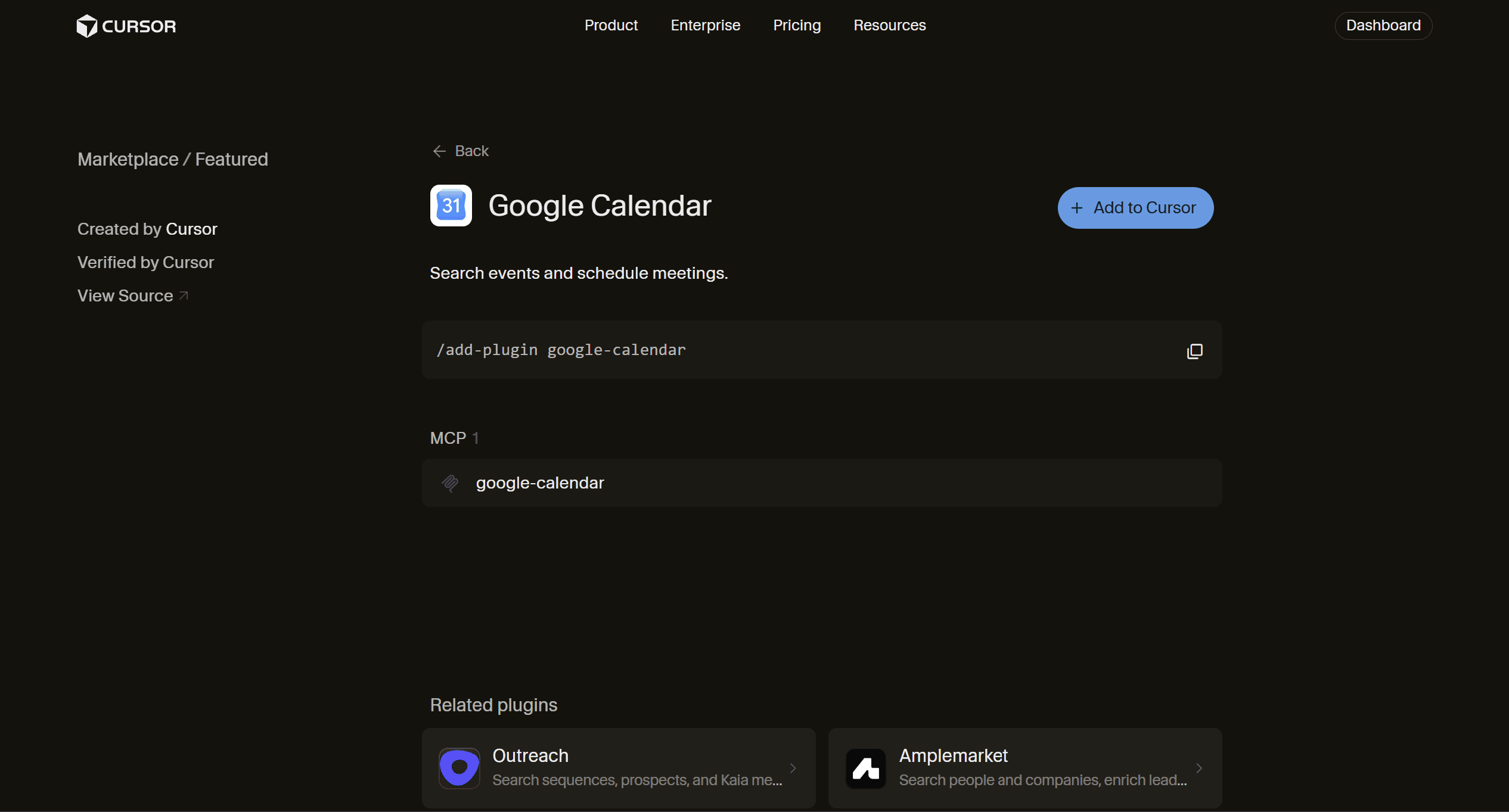
Google Calendar's Marketplace integration can list calendars, search events, and create or update meetings through Google's remote MCP server.
It looks simple, but it becomes useful when combined with Grok Bot's persistent nature. A Bot can check tomorrow's meetings, prepare relevant context from other tools, and give you a briefing before the day starts.
How to install
Settings → Plugins → Marketplace → Google CalendarConnect the calendar you want it to access.
When I would use it
Daily schedule preparation
Meeting research
Finding available time
Creating meetings after approval
Combining calendar context with email or CRM data
Official source: Google Calendar plugin
7. Firecrawl
Best when normal web search is no longer enough.
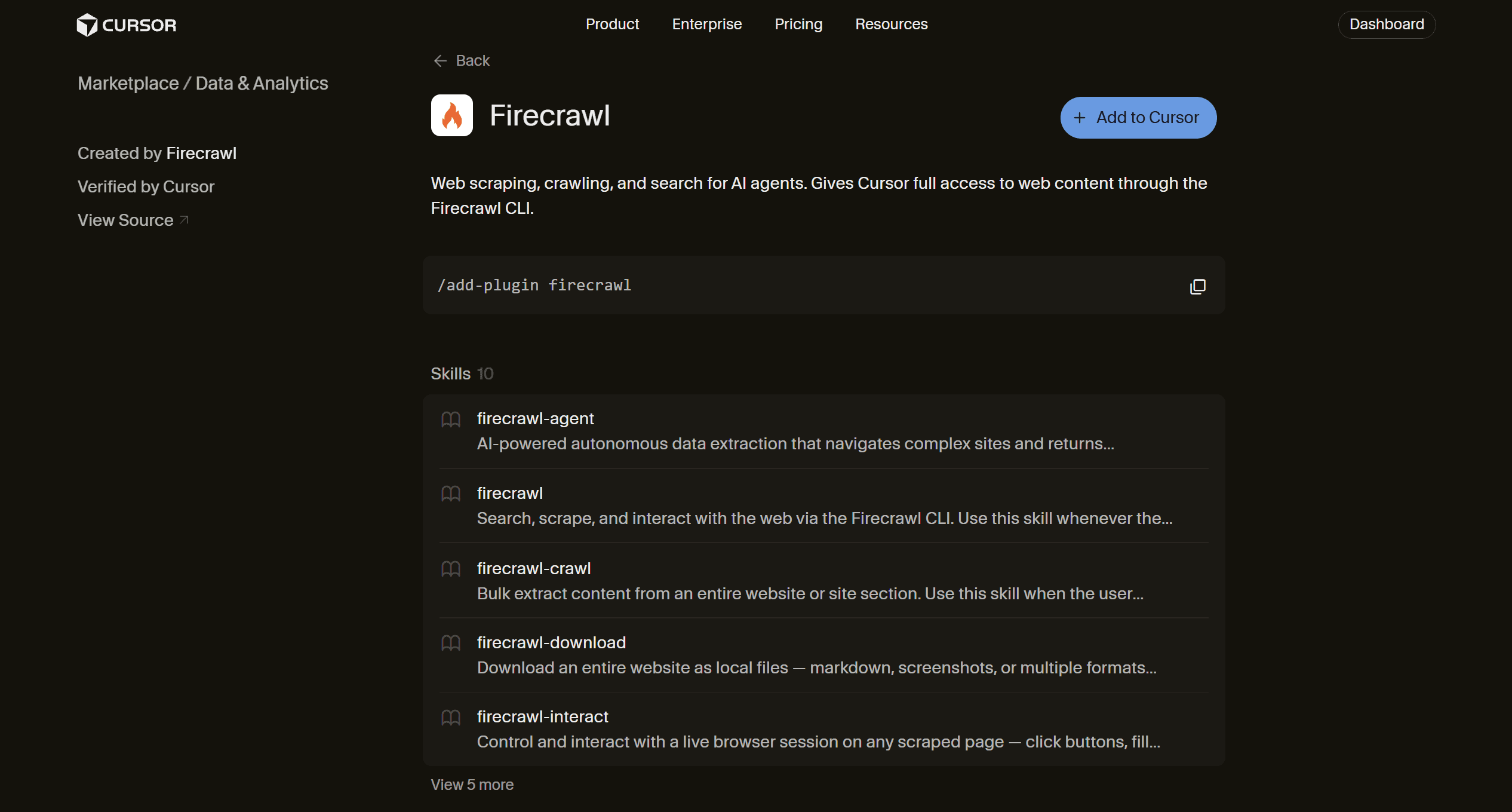
Grok Bot already has browser access, so I would not add another tool just to open websites.
However, Firecrawl adds value by enabling search, scraping, crawling entire site sections, extracting structured information, downloading pages, and interacting with live websites.
That makes it useful for research jobs that would otherwise require the Bot to manually visit dozens or hundreds of pages.
How to install
Settings → Plugins → Marketplace → FirecrawlThen complete Firecrawl's authentication flow.
When I would use it
Competitive research
Documentation crawling
Extracting pricing or product information
Structured web datasets
Research across many pages
For a quick search, Grok's existing web access is usually enough.
Official source: Firecrawl plugin
8. HubSpot
Best for sales and customer workflows built around HubSpot.
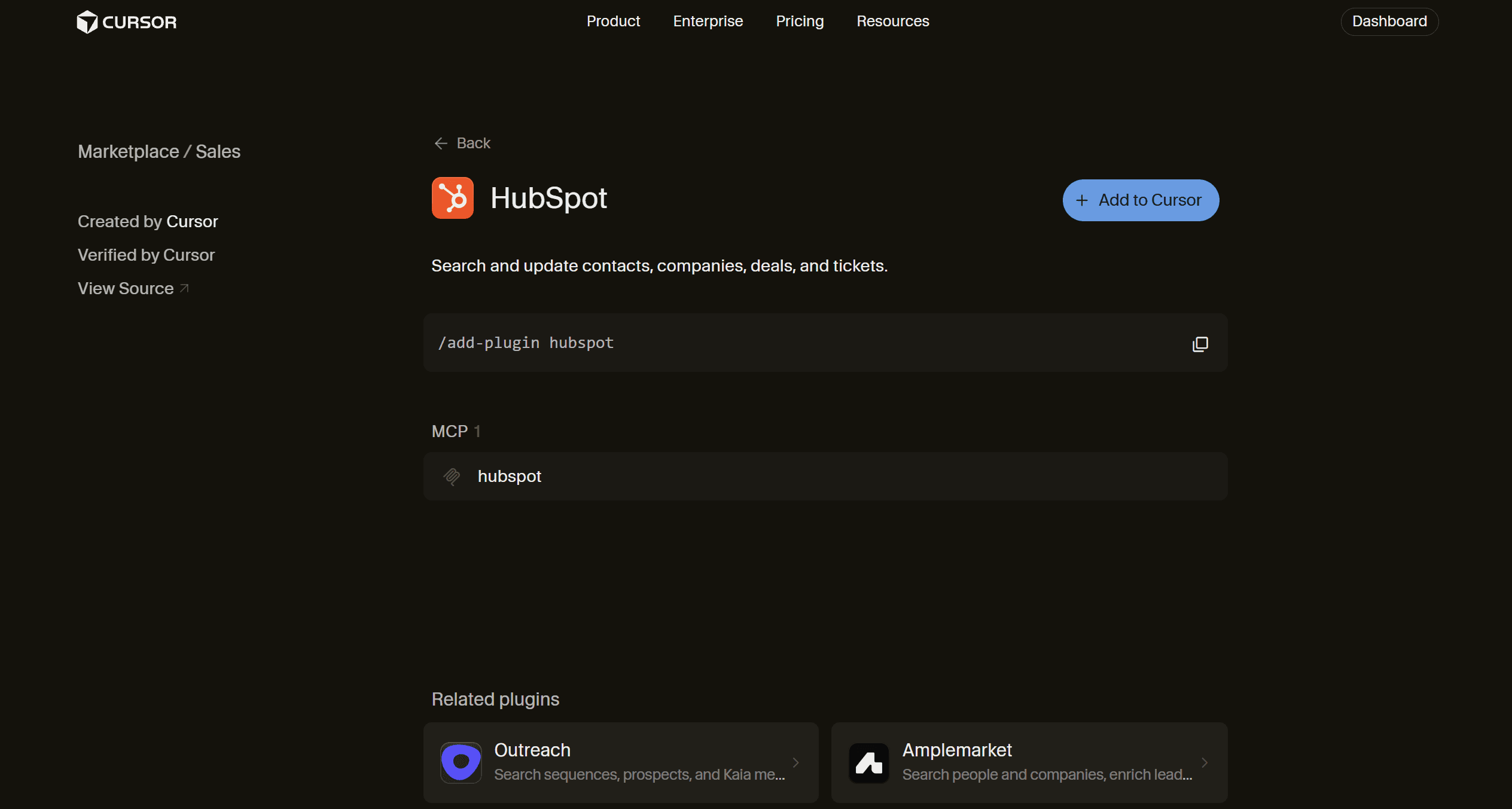
HubSpot's Marketplace integration lets an agent search and update contacts, companies, deals, and tickets.
This is where a sales Bot starts doing more than researching accounts. It can use the existing customer context, prepare the next action, and keep the CRM updated as work progresses.
How to install
Settings → Plugins → Marketplace → HubSpotAuthenticate the required HubSpot account and keep its permissions as narrow as the workflow allows.
When I would use it
Account research
Deal preparation
CRM updates
Customer follow-ups
Support or sales handoffs
Official source: HubSpot plugin
9. Canva
Best for creators who want the Bot to work on the actual design, not just suggest one.
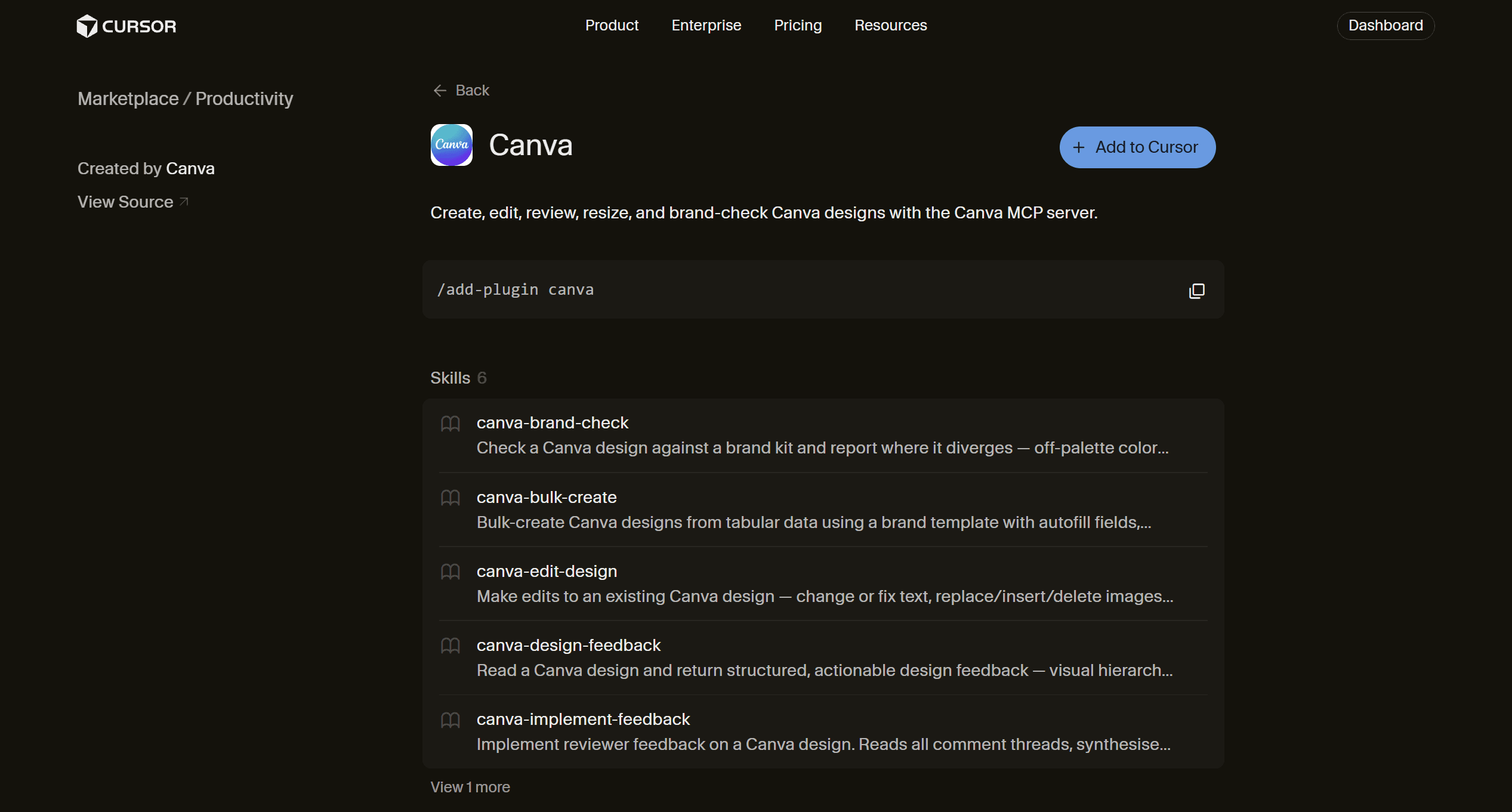
Canva's plugin can create, edit, review, resize, and brand-check designs through the Canva MCP server. It also includes skills for bulk design creation and implementing reviewer feedback.
That is a meaningful difference for content workflows. Your Bot can move from researching and writing a campaign to working with the editable asset that your team will actually use.
How to install
Settings → Plugins → Marketplace → CanvaConnect the Canva workspace and brand resources it needs.
When I would use it
Social graphics
Marketing assets
Design review
Resizing existing assets
Bulk designs from structured data
Applying reviewer feedback
Official source: Canva plugin
10. Sentry
Best for turning production errors into actionable engineering work.
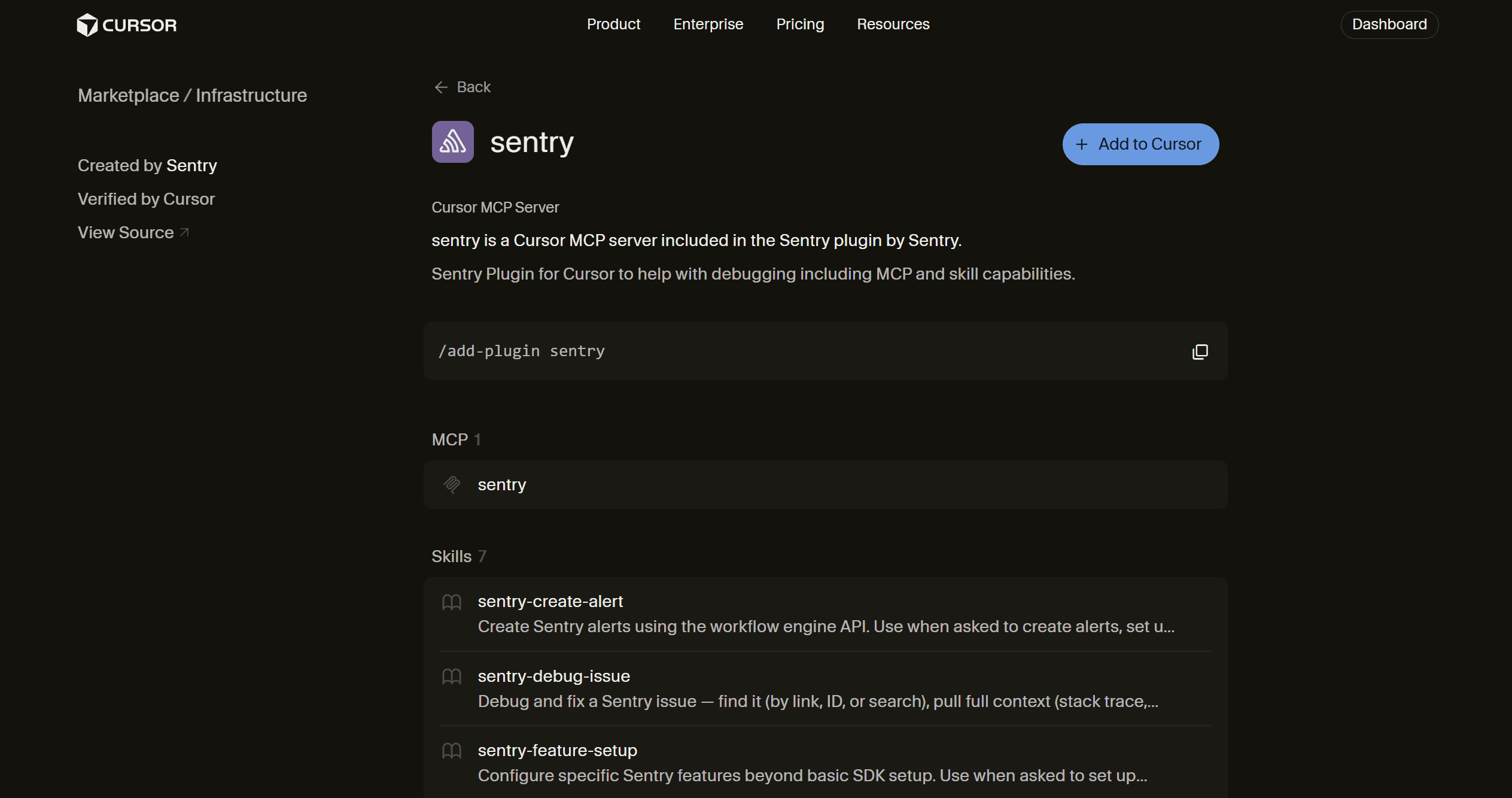
Sentry is more specialised than Gmail or Notion, but for developers it can save a lot of manual investigation. Its plugin can pull stack traces, breadcrumbs, traces, and logs, and includes a dedicated workflow for debugging and fixing known Sentry issues.
This closes an important loop. A Grok Bot can start with the real production error and investigate the surrounding code instead of working from an exception pasted into chat.
How to install
Settings → Plugins → Marketplace → SentryConnect the Sentry organisation and the projects it should access.
When I would use it
Production debugging
Issue triage
Investigating regressions
Logs and traces
Preparing fixes from real errors
If you do not already use Sentry, there is little reason to install it just for Grok Bot.
Official source: Sentry plugin
These ten cover most situations in which adding a plugin meaningfully changes what Grok Bot can do.
I would not install all ten on day one.
I will start with the two or three that correspond to work I already repeat,
Then I make sure the Bot handles those jobs reliably, and
expand only when another integration removes a real manual step.
But that raises another question. Should you keep installing a separate plugin each time the Bot needs another application?
How Composio Fits into Grok Bot Stack
I would still use native plugins when one of them cleanly covers the job.
If an engineering Bot mainly works with GitHub and Sentry, direct integrations are simple and give it focused tools.
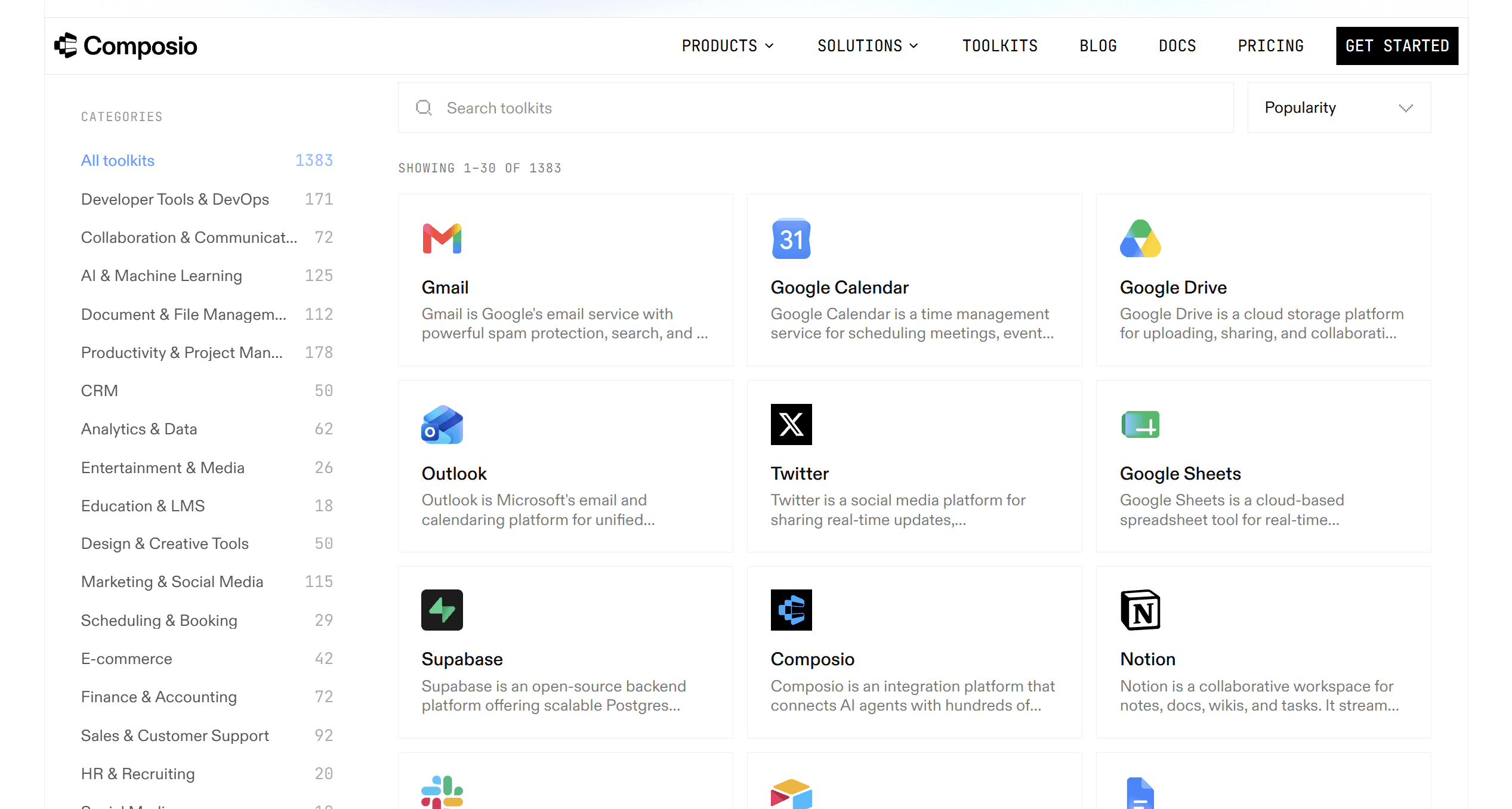
Composio becomes more useful when the workflow starts crossing many systems. Its shared MCP provides one connection to 1,000+ apps and exposes seven meta-tools that let the agent discover and load the required application tools at runtime.
For example, you could keep GitHub and Sentry as specialist integrations but use Composio for Gmail, Slack, Notion, Linear, Jira, or other business tools that the workflow needs.
Composio manages account connections and tool execution while the Bot remains responsible for the overall task.
This gives us three useful starting configurations.
1. Minimal Safe Start
Install:
Gmail
Google Calendar
Notion
This is enough for the assistant-style Bot that prepares your inbox, reads your schedule, and retrieves project context. Best for personal productivity, founders, managers, and knowledge workers.
Start with read-heavy workflows. Keep email sending and calendar changes behind approval. Add composio when the Bot repeatedly needs a fourth, fifth, or sixth business app.
2. Creator and Research Power Pack
Install:
Firecrawl
Canva
Notion
Gmail
Firecrawl handles deep web research, Notion keeps project context, Canva handles final visual assets, and Gmail handles briefs or approvals that arrive via email. Best for Content research, marketing, competitive research, and campaign production.
You can keep the publication manual at first. Add external publishing tools only after the research and creation workflow works reliably.
Can add composio when the Bot needs social schedulers, analytics platforms, project-management apps, or several distribution systems.
3. Full Business Agent Pack
Install:
Slack
Gmail
HubSpot
Notion
Composio
This setup lets a Bot work across communication, customer data, internal knowledge, and additional business applications.
It fits the kind of multi-system work xAI shows in its own Grok Bot examples, including CRM updates, email preparation, operations work, and coordinated research.
Best for sales operations, customer success, founder workflows, and Chief of Staff Bots.
Add GitHub, Sentry, or another direct integration using composio when one part of the workflow becomes important enough to warrant a dedicated toolset.
Note: The more plugins you add, the more heavy the token and storage and context get’s, that’s why we are using composio as our orchestator.
However, token usage is inevitable, so here are a few best practices I follow.
Best Practices to improve performance, token cost, and use multi-agent workflow
Keep the tool surface focused: An agent has to choose among the tools you expose, so loading tools that never matter doesn't improve the workflow.
Prefer structured connectors where possible: Use connectors when available because they provide more structured, reliable integration than browser automation.
Use the browser for browser-specific work: Websites can change, sessions can expire, they can block automation, show CAPTCHAs, or require you to confirm a sensitive action.
Make several bots work in parallel: Each Bot gets its own screen, and several Bots can reason, use connectors, and coordinate at the same time. However, parallel Bots don't get separate security environments.
Avoid unnecessary Bot handoffs: A single focused Bot can often complete a workflow without creating additional roles.
Test a task before scheduling it: Test a skill on a real task before turning it into a routine.
Use the browser teaching feature to improve with repeatable UI workflows: Grok Bot's Teach a task feature can record a browser workflow for up to ten minutes and convert it into a draft skill when the feature is available.
Keep the tool surface smaller with Dynamic tool discovery: Composio exposes seven meta-tools and resolves application tools at runtime rather than exposing its entire catalogue directly.
The key point is to keep only a small set of useful tools the Bot can reliably choose from and get the task done.
With this, we have come to the end of this article. Here are a few things to take away from this article.
Conclusion
Grok Bot already gives you a browser, files, a terminal, memory, routines, and a persistent cloud computer.
You don't need to install a plugin just because it exists. Start with a concrete task, review the result, and turn a stable process into a reusable skill or routine.
When that same workflow starts requiring many unrelated apps, Composio becomes more useful than maintaining another long list of separate connections.
The best Grok Bot setup is the smallest set of trusted tools that lets the Bot complete the work reliably.

 Get started