How to connect GoCardless to Grok Bot

Connect Grok Bot to GoCardless MCP. List recent failed gocardless payments, create a new customer mandate, and more using natural language, with authentication handled for you.

GoCardless MCP logoGoCardless MCP
Dcr Oauth

GoCardless is a bank payment platform for Direct Debit, recurring billing, and account-to-account payments. Use it to collect payments, manage mandates, and reduce failed-card churn.

24 Tools

Introduction

Grok is xAI's assistant, and its bot builder lets you create a personal agent that holds context, runs skills, and connects to the apps you already use through plugins.

This guide explains how to connect GoCardless to a Grok bot using Composio Connect, which handles OAuth, token refresh, and reliability so you do not have to. You add Composio as a plugin, authenticate once, then ask your bot to work with GoCardless in plain language.

Also integrate GoCardless MCP with

Why use Composio?

Composio exposes 1,500+ apps to your Grok bot through a single connection, so you get:

  • Connect to 1,500+ apps with on-demand tool loading, so you do not fill your context window with unnecessary tool definitions.
  • Use programmatic tool calling through a remote workbench, letting the model write its own code to handle complex tool chaining. This reduces back-and-forth for frequent tool calls.
  • Handle large tool responses outside the model context to keep conversations lean.

Connecting GoCardless to Grok Bot

Once Grok Bot is set up, you connect GoCardless entirely from its interface, and the whole flow takes under a minute.

Set up Grok Bot

Get access. Grok Bot is included with Cursor Ultra, Cursor Premium Teams, and SuperGrok Heavy. Get the desktop app for macOS or Windows from x.ai/bot and sign in. An iPhone companion app is also available, and your bots sync across devices.

Create a bot. Pick a suggested role or define your own, then give it a short name, one primary job, and a short description of how it should work. Focused bots work best, because a clear role gives the bot more useful context over time.

Connect GoCardless

1. Add the Composio plugin

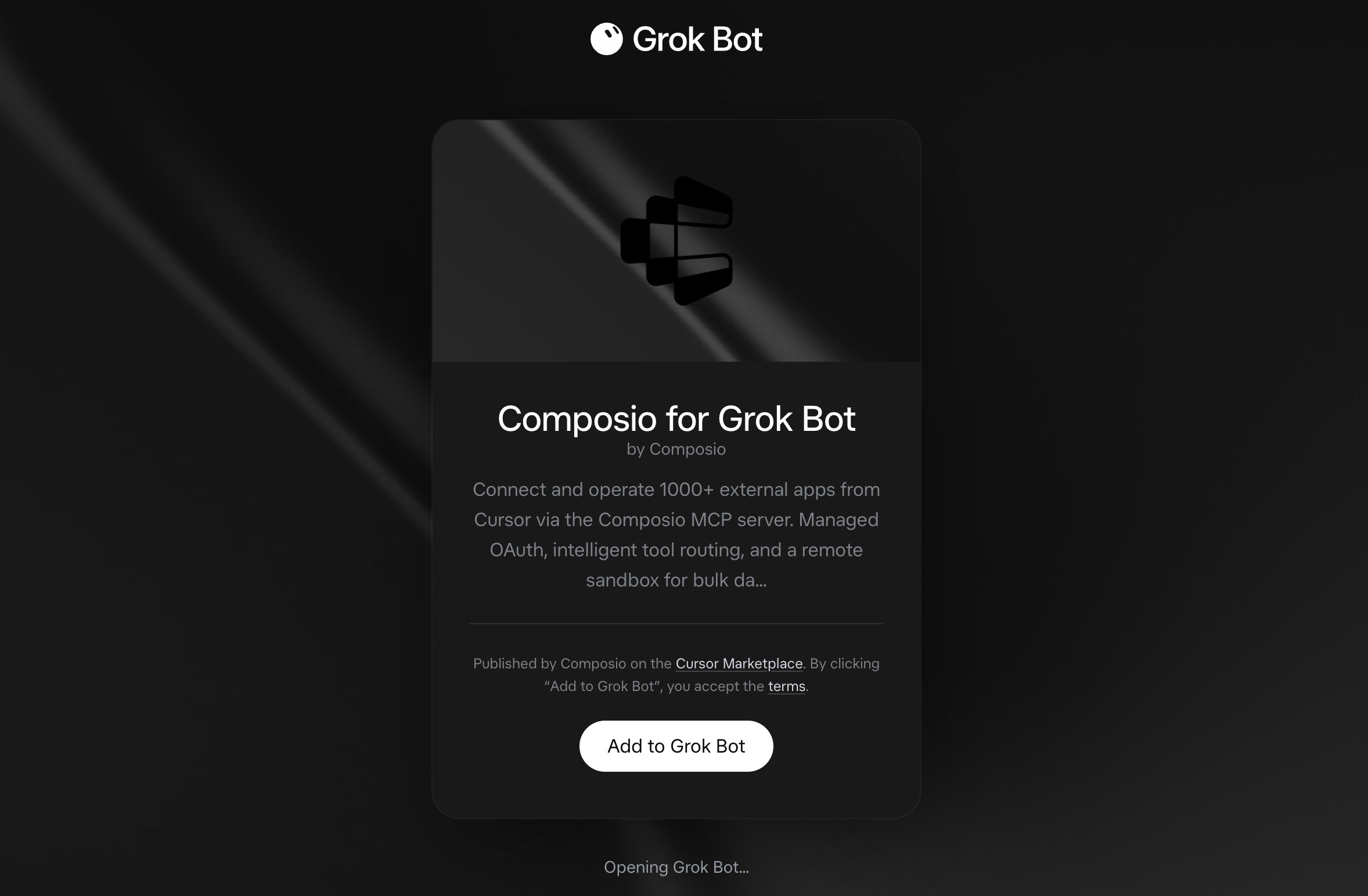
Click the button. The Composio listing on x.ai opens and launches Grok Bot for you. If the app does not open on its own, click Add to Grok Bot.

Add to Grok Bot

Composio for Grok Bot listing on x.ai with the Add to Grok Bot button

Grok Bot opens the Composio plugin, showing its connector and skills. Click Add.
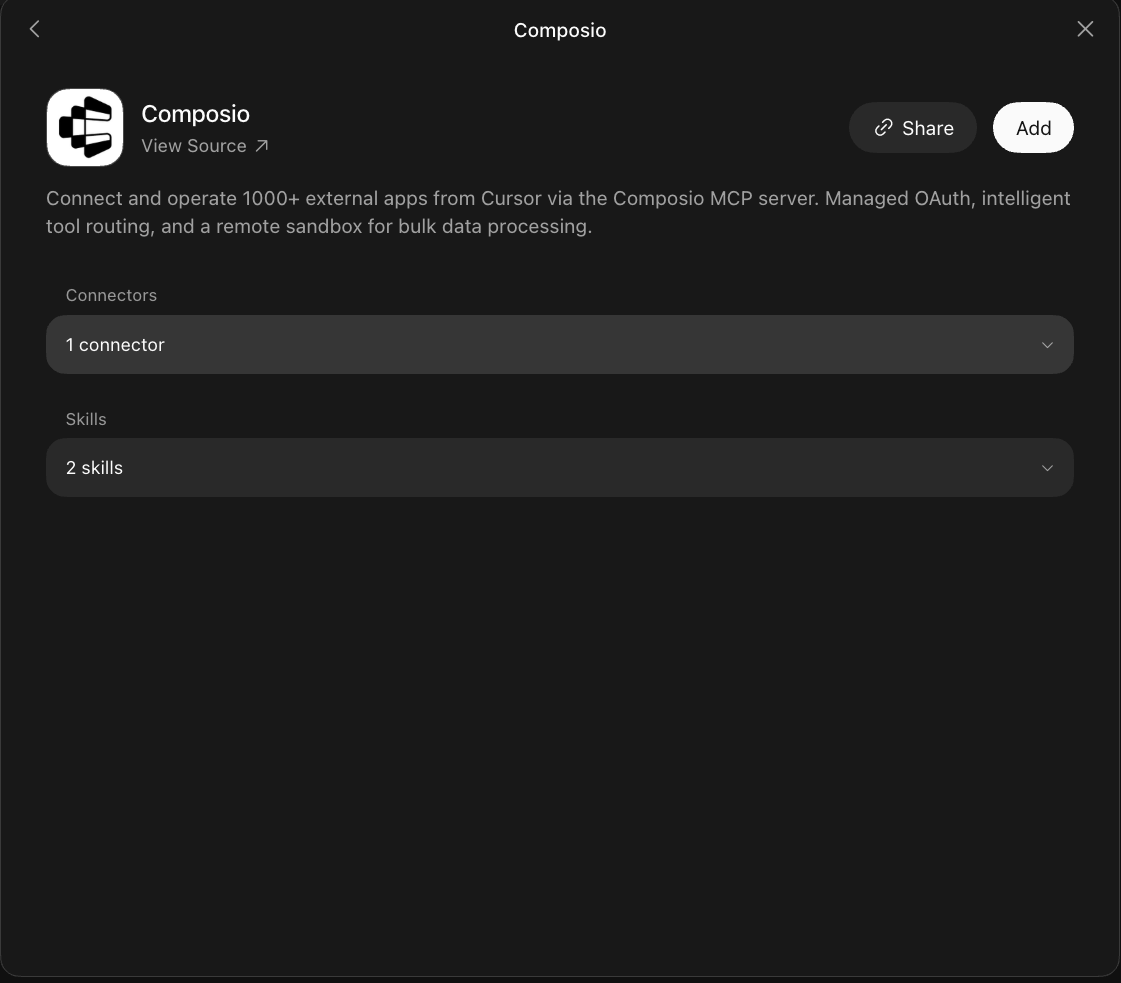
Composio plugin sheet in Grok Bot with the Add button

2. Authenticate

Go to the Installed section and click the Composio entry. You'll see its connector and skills listed.
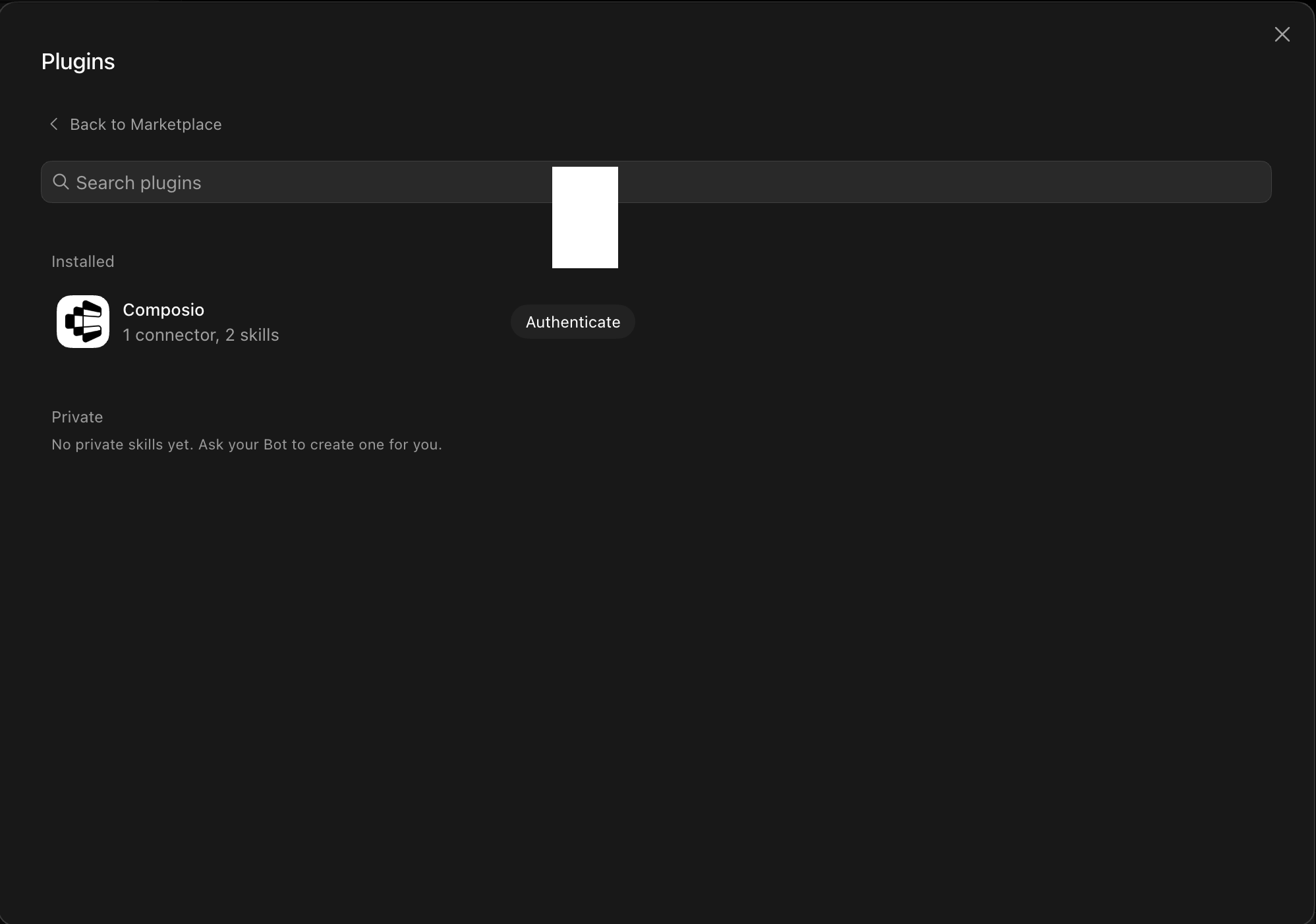
Installed Composio plugin showing the Authenticate button

Click Authenticate. You'll be taken to the Composio consent screen. Review the access it requests and click Authorize. Composio handles the OAuth handshake for you, so you never touch API keys or tokens.
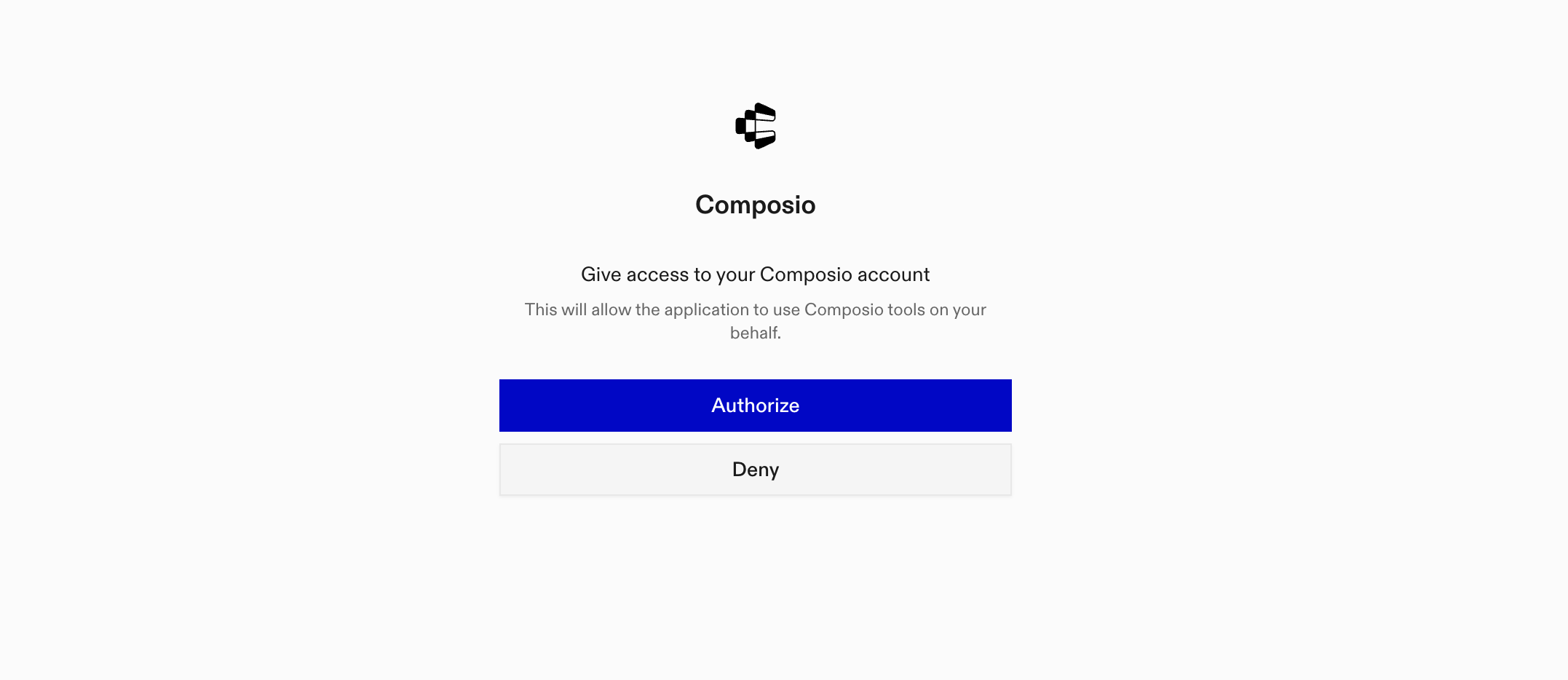
Composio authorization screen with Authorize and Deny

3. Connect your GoCardless account

Back in the chat, ask your bot to connect to GoCardless or give it any GoCardless task.

For example, ask it to:

  • "List recent failed GoCardless payments"
  • "Create a new customer mandate"
  • "Check yesterday's payout reconciliation status"

It will prompt you to authenticate and authorize access.

That's it. Composio's tools are now available in your Grok bot, and your GoCardless account is ready to use.

What is Grok Bot?

Grok is xAI's assistant, available as a chat interface and a bot builder for creating personal agents that run skills and connect to external apps.

With Composio Connect, your Grok bot can securely access apps like GoCardless through MCP without you sharing account credentials directly with the agent.

What is the GoCardless MCP server, and what's possible with it?

The GoCardless MCP server is an implementation of the Model Context Protocol that connects your AI agent and assistants like Claude, Cursor, etc directly to your GoCardless account. It provides structured and secure access to payments, customers, mandates, subscriptions, refunds, and payouts, so your agent can create payments, set up recurring collections, issue refunds, review payment activity, and track settlements on your behalf.

  • Payment collection: Have your agent create or cancel payments and generate payment links or reusable payment template links.
  • Subscriptions and mandates: Direct your agent to create subscriptions, review recurring payment schedules, find Direct Debit mandates, or cancel a mandate.
  • Customers and payment tracking: Let the agent find customers and review payments by status, customer, mandate, subscription, currency, or date range.
  • Refunds and payouts: Instruct your agent to create refunds, review past refunds, and track payouts by status, currency, or date range.
  • Events and integration guidance: Have your agent review account events, check whether GoCardless is using the sandbox or live environment, and read integration guides or code samples.

Way Forward

Now that GoCardless is connected, extend your setup by connecting the other apps you already use every day, so your Grok bot can run true cross-app workflows end to end.

  • Connect Calendar to turn threads into scheduled meetings automatically.
  • Connect Slack or Teams to post summaries, approvals, and alerts where your team works.
  • Connect Notion, Linear, Jira, or Asana to convert requests into tickets, tasks, and docs.
  • Connect Drive, Dropbox, or OneDrive to fetch, file, and share attachments without manual steps.

Start with one workflow you do repeatedly, then keep adding apps as you find new handoffs. With everything behind a single connection, your bot can coordinate multiple tools safely and reliably in one conversation.

TOOLS

Supported Tools

Every GoCardless MCP action and event your agent gets out of the box.

Cancel mandate

Cancel a mandate.

Cancel payment

Cancel a payment before it is submitted to the bank.

Create payment

Create a one-off payment against an existing mandate.

Create payment link

Create a Billing Request — a single-use GoCardless-hosted authorisation link for one payer.

Create payment template link

Create a reusable Billing Request Template — a permanent shareable link that creates a new customer session each time it is visited.

Create refund

Refund all or part of a previously-collected payment back to the payer's bank account.

Create subscription

Create a recurring subscription against a mandate.

Get customer

Retrieve a single customer by ID.

Get environment

Returns the current GoCardless environment (sandbox or live) and step-by-step instructions for switching.

Get mandate

Retrieve a single mandate (Direct Debit authorisation) by ID.

Get payment

Retrieve a single payment by ID.

Get payout

Retrieve a single payout (settlement to your bank account) by ID.

Get refund

Retrieve a single refund by ID.

Get subscription

Retrieve a single subscription (recurring payment schedule) by ID.

Integrate with gocardless

Returns an overview of GoCardless integration options for collecting one-off and recurring bank payments.

List customers

List customers, optionally filtered by creation date.

List events

Audit log of state changes across all resources (e.

List mandates

Search or filter mandates (Direct Debit authorisations) by status, customer, or scheme.

List payments

Search, filter, or count payments by status, customer, mandate, subscription, currency, or date range.

List payouts

Search or filter payouts (settlements to your bank account) by status, currency, or date range.

List refunds

Search or filter refunds by payment, mandate, or date range.

List subscriptions

Search or filter subscriptions (recurring payment schedules) by status, customer, or mandate.

Read gocardless resource

Serves GoCardless API documentation, how-to guides, and code samples — not live account data.

Submit feedback

Submit a rating (1–5) of how helpful this MCP session was.

FRAMEWORKS

How to build GoCardless MCP Agent with another framework

FAQ

Frequently asked questions

With a standalone GoCardless MCP server, the agents and LLMs can only access a fixed set of GoCardless tools tied to that server. However, with the Composio Tool Router, agents can dynamically load tools from GoCardless and many other apps based on the task at hand, all through a single MCP endpoint.

Yes, you can. Grok Bot fully supports MCP integration. You get structured tool calling, message history handling, and model orchestration while Tool Router takes care of discovering and serving the right GoCardless tools.

Yes, absolutely. You can configure which GoCardless scopes and actions are allowed when connecting your account to Composio. You can also bring your own OAuth credentials or API configuration so you keep full control over what the agent can do.

All sensitive data such as tokens, keys, and configuration is fully encrypted at rest and in transit. Composio is SOC 2 Type 2 compliant and follows strict security practices so your GoCardless data and credentials are handled as safely as possible.

Start with GoCardless MCP.It takes 30 seconds.

Managed auth, hosted MCP servers, and every GoCardless MCP tool your agent needs.Free to start.

Start building