How to integrate Ascora MCP with Codex

Connect Codex to Ascora MCP. List all open jobs for today, create a new quotation for customer, and more using natural language, with authentication handled for you.

Ascora logoAscora
Api Key

Ascora is a cloud-based field service management platform for service businesses. It streamlines scheduling, invoicing, and customer operations in one place.

23 Tools

Introduction

Codex is one of the most popular coding harnesses out there. And MCP makes the experience even better. With the Ascora MCP integration, Codex can search and view jobs, create quotations, update customers and suppliers, add notes, and upload attachments, all without leaving the terminal or the app, whichever you prefer.

For exact tool slugs and parameter tables, see the tool catalog in the Composio docs.

Also integrate Ascora with

Why use Composio?

Apart from a managed and hosted MCP server, you will get:

  • CodeAct: A dedicated workbench that allows GPT to write its code to handle complex tool chaining. Reduces to-and-fro with LLMs for frequent tool calling.
  • Large tool responses: Handle them to minimise context rot.
  • Dynamic just-in-time access to 20,000 tools across 1700+ other Apps for cross-app workflows. It loads the tools you need, so GPTs aren't overwhelmed by tools you don't need.

How to install Ascora MCP in Codex

Run the setup command

Run this command in your terminal to add the Composio MCP server to Codex.

Terminal

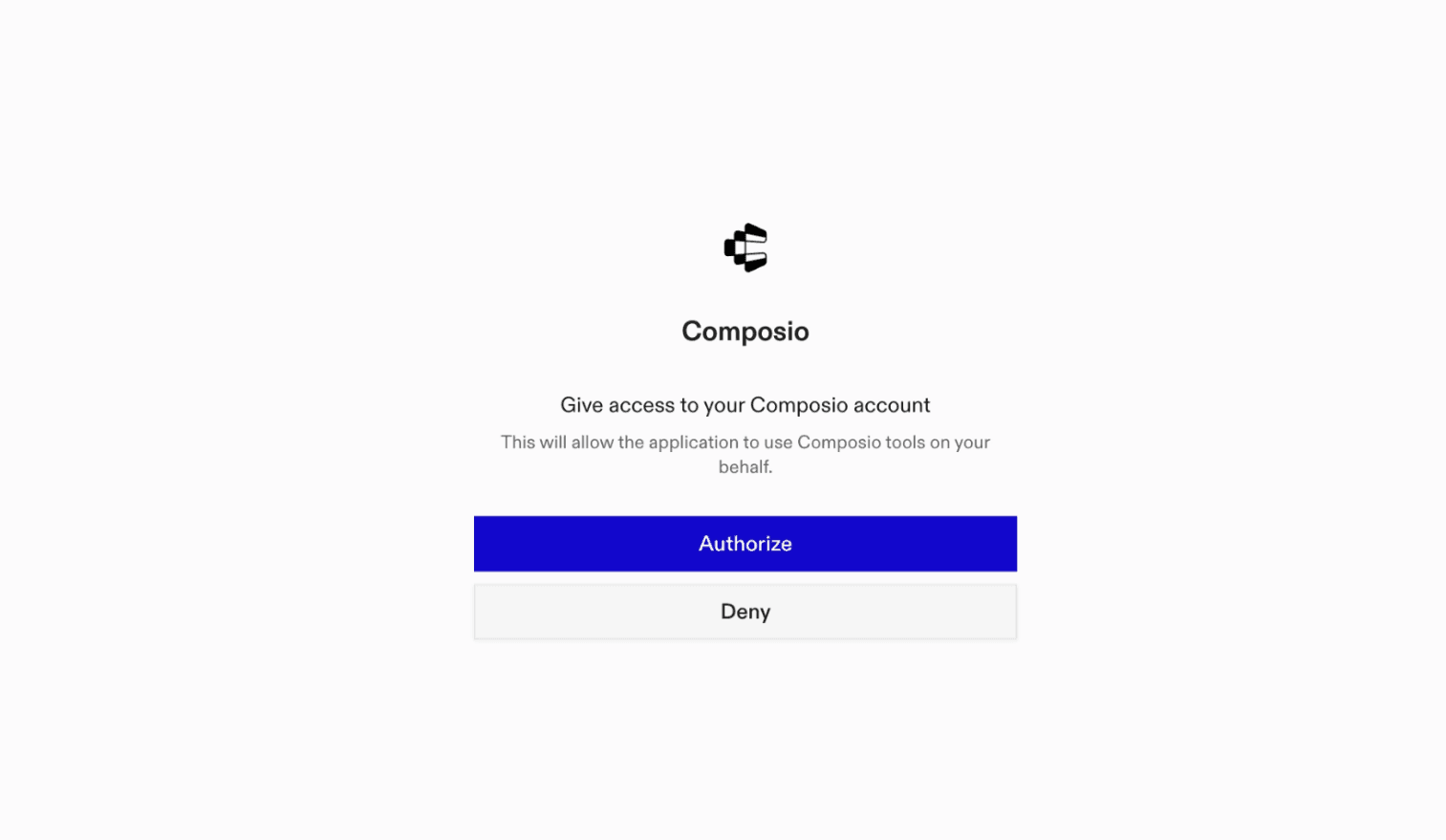
It will initiate the authentication in a browser window, authorize Codex to access your Composio account.

Composio authentication page

(Optional) Authenticate with OAuth

To authenticate manually, run the login command to open a browser window and authorize Codex to access your Composio account.

bash
codex mcp login composio

Verify the connection

Run codex mcp list to confirm Composio appears as a registered MCP server.

bash
codex mcp list

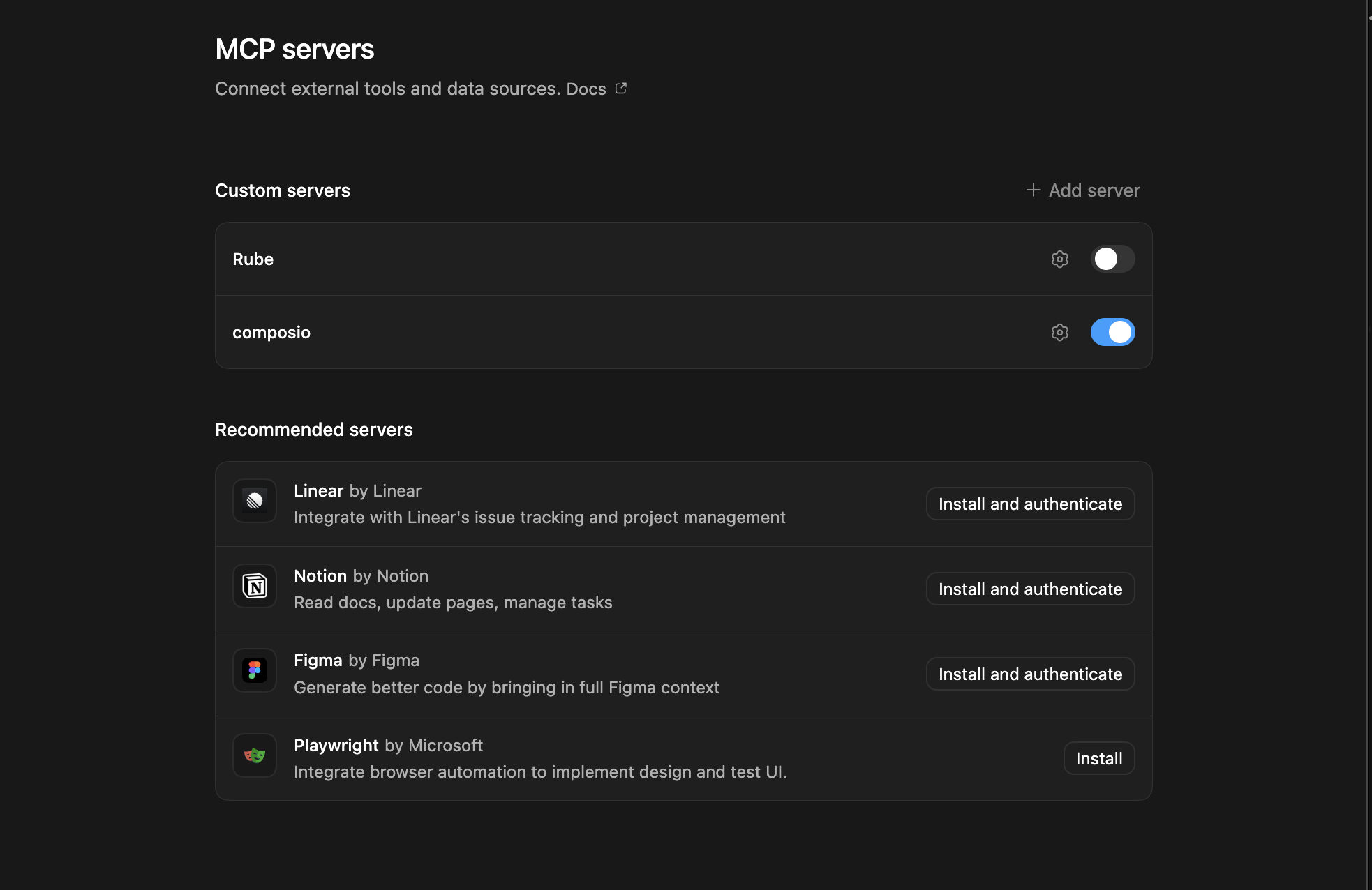
Codex App

Codex App follows the same approach as VS Code.

  1. Click ⚙️ on the bottom left → MCP Servers → + Add servers → Streamable HTTP:
  2. Fill the header and Key fields with { "x-consumer-api-key" = "ck_*******" }.
  3. The Key is the Composio API key, that you can find on dashboard.composio.dev
  4. Click on Authenticate and authorize Codex to your Composio account and you're all set.
Codex App MCP setup
  1. Restart and verify if it's there in .codex/config.toml
bash
[mcp_servers.composio]
url = "https://connect.composio.dev/mcp"
http_headers = { "x-consumer-api-key" = "ck_*******" }

Try it

Ask Codex for a Ascora task. The first time, Composio asks you to connect your Ascora account.

For example, ask it to:

  • "List all open jobs for today"
  • "Create a new quotation for customer"
  • "Delete a customer record by ID"

What is the Ascora MCP server, and what's possible with it?

The Ascora MCP server is an implementation of the Model Context Protocol that connects your AI agent and assistants like Claude, Cursor, etc directly to your Ascora account. It provides structured and secure access to your customers, contacts, jobs, quotes, suppliers, inventory, notes, attachments, and supplier invoices, so your agent can manage customer records, find jobs, create quotations, review inventory, and add job documentation on your behalf.

  • Customer and contact management: Have your agent retrieve customers and contacts, create or update their records, and delete customers when needed.
  • Job search and retrieval: Instruct your agent to find jobs by job number, customer, or address, or retrieve jobs by status, type, and date range.
  • Quotation management: Let the agent create quotations, retrieve existing quotes, and review available labour roles, standard sections, and progress stages.
  • Supplier and inventory visibility: Direct your agent to retrieve suppliers, supplier invoices, inventory categories, kits, supplies, pricing, and stock information.
  • Notes and attachments: Have your agent add notes or upload attachments to customers, jobs, quotes, and other supported Ascora records.

Conclusion

You've successfully integrated Ascora with Codex using Composio's MCP server. Now you can interact with Ascora directly from your terminal, VS Code, or the Codex App using natural language commands.

Key benefits of this setup:

  • Seamless integration across CLI, VS Code, and standalone app
  • Natural language commands for Ascora operations
  • Managed authentication through Composio
  • Access to 20,000+ tools across 1700+ apps for cross-app workflows
  • CodeAct workbench for complex tool chaining

Next steps:

  • Try asking Codex to perform various Ascora operations
  • Explore cross-app workflows by connecting more toolkits
  • Build automation scripts that leverage Codex's AI capabilities
TOOLS

Supported Tools

Every Ascora action and event your agent gets out of the box.

Create Note

Creates a note on an Ascora customer, job, quote, enquiry, invoice, purchase order, or asset.

Create or Update Contact

Tool to create a new contact or update an existing contact for a customer.

Create or Update Customer

Creates or updates a customer in Ascora using a company name and optional contact and street and postal address details.

Create or Update Supplier

Tool to create a new supplier or update an existing supplier in Ascora.

Create Quotation

Creates an enquiry in Ascora for a customer, submitting a quote request with customer details, optional address information, work description, and custom fields.

Delete Customer

Deletes a specific customer by ID.

Get Contact

Tool to retrieve details of a specific contact by their unique identifier.

Get Customer

Tool to retrieve details of a specific customer by their unique identifier.

Get Customers

Retrieves all customers from the Ascora system.

Get Inventory Categories

Retrieves all inventory categories used to organize supplies and kits in Ascora.

Get Inventory Kits

Retrieves all inventory kits from Ascora.

Get Inventory Supplies

Retrieves a paginated list of inventory supplies from Ascora, with pricing and stock information when available.

Get Job

Retrieves details of a specific job by its unique identifier.

Get Jobs

Retrieves a paginated list of jobs from Ascora with optional filtering by job type, status, secondary status, and date range.

Get Quote Labour Roles

Retrieves Ascora labour roles available for use in quotes, including their hourly rates.

Get Quotes

Retrieves a paginated list of quotes from Ascora with optional filtering by status, date range, or customer.

Get Quote Standard Sections

Retrieves standard sections that can be used in quotes.

Get Quote Standard Stages

Retrieves standard stages that can be used in quotes for progress tracking.

Get Supplier

Tool to retrieve details of a specific supplier by ID.

Get Supplier Invoices

Retrieves a paginated list of supplier invoices from Ascora, including invoice number, supplier name, dates, amounts, and status when returned.

Get Suppliers

Retrieves a paginated list of suppliers from Ascora, with details such as name, contact information, address, ABN, and activity status when returned.

Search Jobs

Search for jobs by various criteria including job number, customer, or address.

Upload Attachment

Tool to upload an attachment to an entity (quote, job, customer, etc.

FAQ

Frequently asked questions

Start with Ascora.It takes 30 seconds.

Managed auth, hosted MCP servers, and every Ascora tool your agent needs.Free to start.

Start building