How to integrate All images ai MCP with Kimi Code
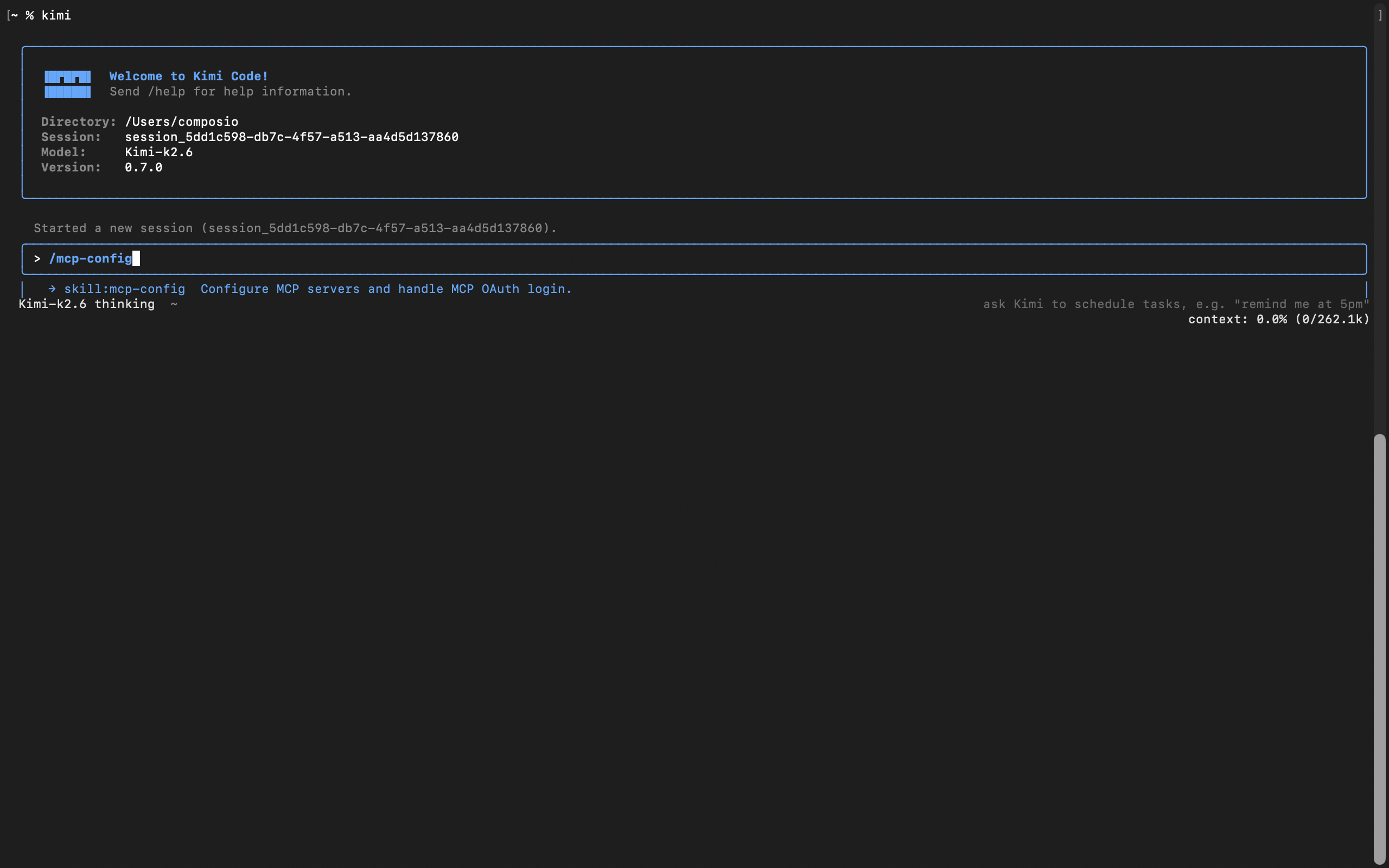
Kimi Code is Moonshot AI's open-source coding agent, powered by Kimi K2.6. It runs in your terminal, reads and edits code, executes shell commands, and plans multi-step tasks, with native MCP support for extending it to outside tools.
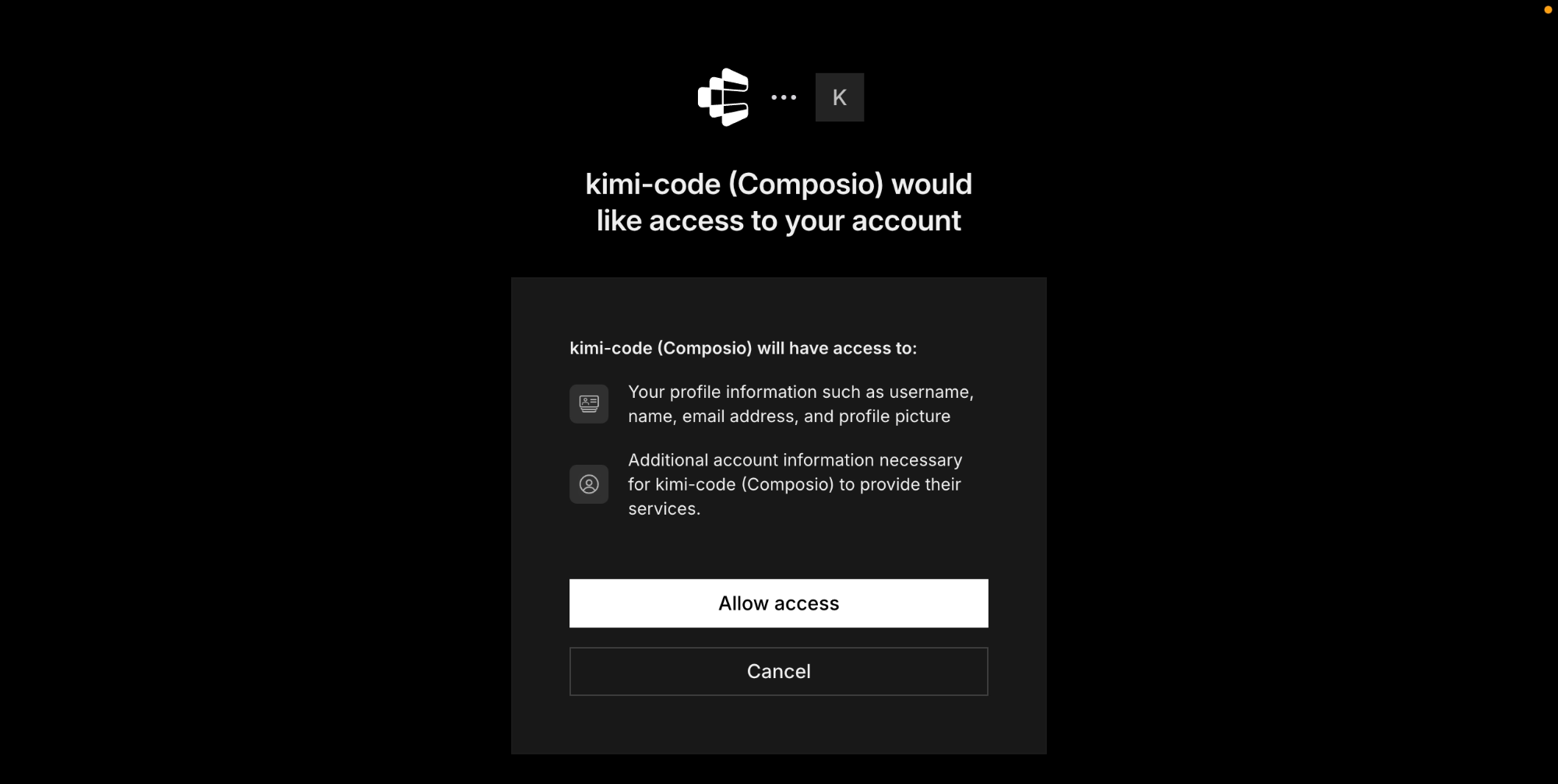
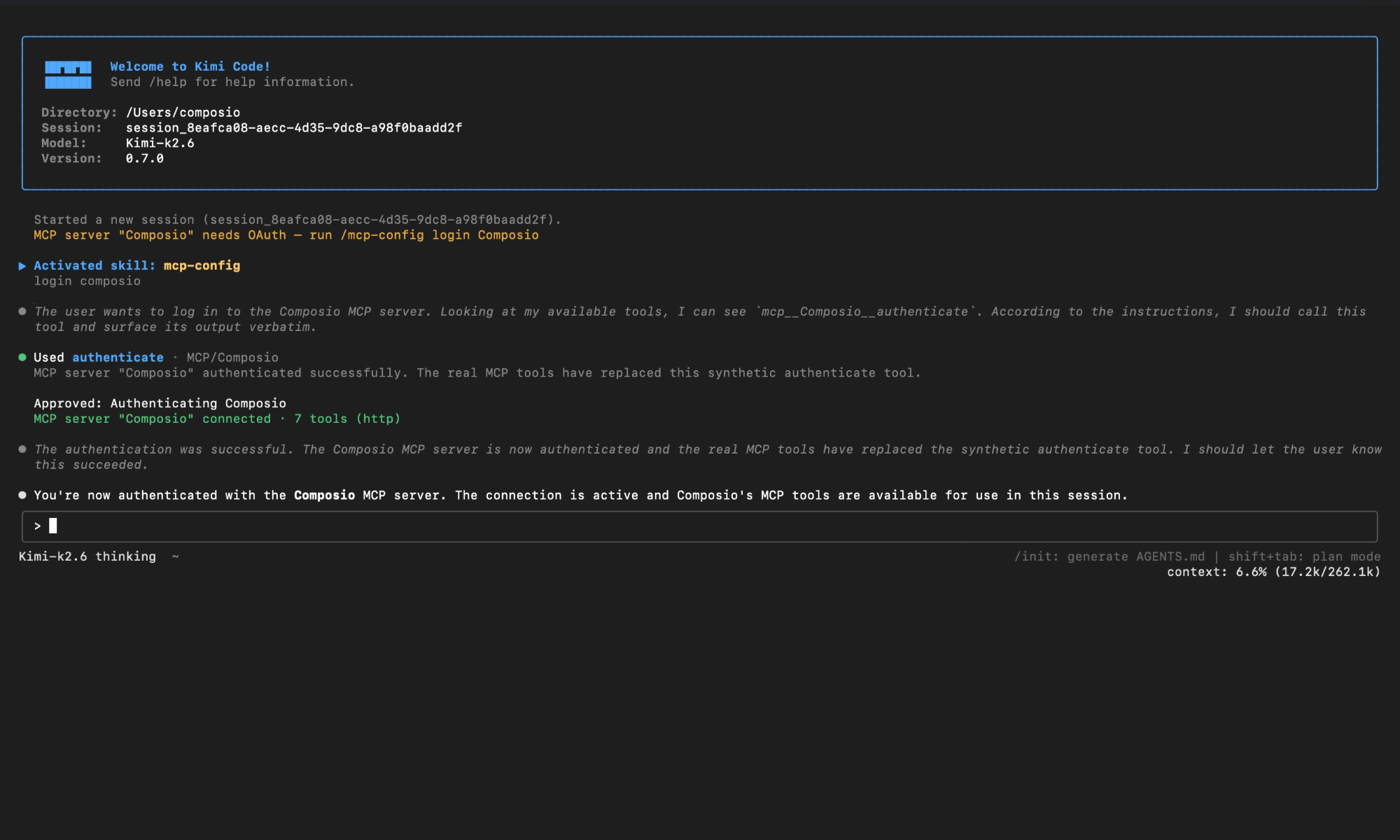
In this guide, I will explain the easiest and most secure way to connect your All images ai account to Kimi Code via Composio Connect, so it can list all AI-generated images from this week, check if your All-Images.ai API key is valid, add webhook to receive image generation updates, and more without ever putting your account credentials at risk.
For exact tool slugs and parameter tables, see the tool catalog in the Composio docs.