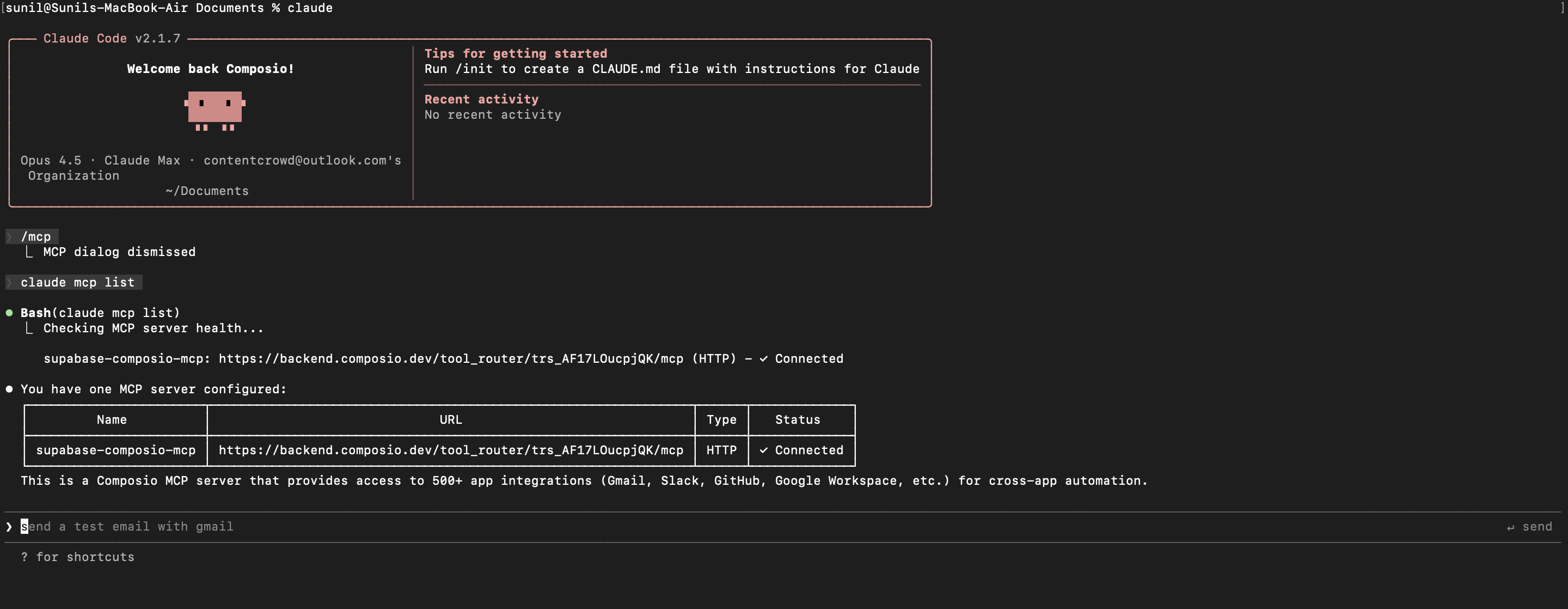
The All Images AI MCP server is an implementation of the Model Context Protocol that connects your AI agent and assistants like Claude, Cursor, etc directly to your All Images AI account. It provides structured and secure access to your image records, credit balance, account details, and webhook settings, so your agent can review generated images, track downloaded images, check available credits, manage webhooks, and delete image generation batches on your behalf.
- Automated image tracking: Have your agent list images created automatically for bulk use.
- Downloaded image review: Let the agent retrieve a list of images downloaded from your All Images AI account.
- Credit balance checks: Instruct your agent to check how many generation credits remain on your account.
- Webhook management: Direct your agent to create a webhook destination and retrieve its current details.
- Image generation cleanup: Have your agent delete image generation batches you no longer need.