




OpenClaw is arguably one of the biggest phenomena in AI agents in terms of mindshare and growth. After ChatGPT and Claude, this was the first AI product to move beyond Silicon Valley circles and become a household name.
As of this writing, it has 375k+ GitHub stars and a massive community of developers and users. But popularity does not always mean it is the right fit for everyone.
But popularity doesn’t necessarily mean it’s the right fit for everyone. Sometimes people need options better suited to specific use cases.
This blog post explains the available alternatives in the space. It includes both the open-source and hosted options.
TL;DR
Open-source alternatives
Hermes Agent: Closest open-source OpenClaw alternative (best)
TrustClaw: Secure app-connected automation
ZeroClaw: Lightweight local agents
PicoClaw: Edge devices and low-power hardware
NanoClaw: Container-isolated local execution
Managed and hosted alternatives
Oasis: Shared workspace for teams and multiple AI agents (recommended)
Instinct: Phone-first personal AI assistant (most desired)
Grok Bot: Persistent cloud agents with their own computers (most popular)
Claude Cowork: Hosted workflows for Claude users
Perplexity Computer: Browser-heavy research and monitoring
Vellum: Personal memory-first AI assistant
Why do you even need an OpenClaw Alternative?
I have used OpenClaw for months. I started playing around in January, and as I used it more, I kept adding skills and plugins. I have put it through multiple use cases, from personal to professional tasks. The thing I loved was,
Remote accessibility from Telegram, WhatsApp, iMessage, etc.
Scheduled workflows for a fully autonomous vibe.
Open source, so you can modify as you want
Vast ecosystem
There were also multiple things I absolutely hated about it
Security Concerns: The initial releases lacked any security hardening. The internet was filled with heated debates around it.
Bad UX: It is open-source, yes, but installation is a nightmare. I remember spending hours to get it right. The Skills and Plugin ecosystem is vast, but the experience is horrible.
Unstable Patches: Every patch would make it worse. A fix for one thing would break another. The OpenClaw subs were filled with complaints.
Self-serve: While not really a con. If you want a true 24/7 personal assistant, you’ll have to host it somewhere. And this may not be ideal for many non-technical folks or people who don’t want technical overhead.
Cost viability: Agentic tasks consume a massive amount of tokens. And if you want to use it like a personal assistant, the cost will skyrocket pretty fast. On top of that, major models with strong agentic capabilities are very expensive.
That's why I looked for alternatives in this space. So, I evaluated the most reliable (reputed brands and community) and effective (personal use) alternatives for OpenClaw.
How we evaluated OpenClaw alternatives
This list includes both open-source and managed OpenClaw alternatives. I evaluated each tool based on the problems OpenClaw users usually care about: security, setup friction, automation depth, pricing, and community support.
These criteria are not ranked in strict order, but security and ease of setup carried the most weight.
1. Security model
Security matters more than anything else when an agent can access files, run commands, connect to apps, or trigger workflows on your behalf.
For each tool, I looked at questions like:
Does it run locally, in the cloud, or inside an isolated environment?
If it runs locally, how much access does it get to your machine?
Does it use sandboxing, container isolation, scoped permissions, or human-in-the-loop approval?
Can you review the actions it took using logs or the tool call history?
How easy is it to revoke access if something goes wrong?
2. User experience
A powerful agent is not very useful if you cannot get it running quickly.
I looked at how easy each tool is to install, configure, and use for a basic task. If a tool takes more than 10 minutes to get from installation to a working first run, that counts against it.
3. Pricing and token efficiency
Agent workflows can get expensive fast, especially when they read long Slack threads, emails, documents, or browser sessions.
So I checked whether each tool lets you control token usage through memory, retrieval, caching, smaller models, local execution, or smarter context management.
4. Degree of automation
The best OpenClaw alternatives should do more than answer prompts. They should run useful workflows reliably.
I looked at whether each tool supports features such as scheduled jobs, MCP servers, plugins, third-party tools, background execution, app integrations, and multi-step tasks.
5. Community and ecosystem
A strong community usually means faster improvements, better support, and more ready-made skills, MCP servers, plugins, templates, and examples.
This matters especially for open-source tools, where documentation and community examples often decide whether the tool is actually usable.
With that in mind, here are the best OpenClaw alternatives.
OpenClaw alternatives at a glance
|
|---|
Open-source OpenClaw alternatives in detail
1. Hermes Agent: The closest open-source OpenClaw alternative
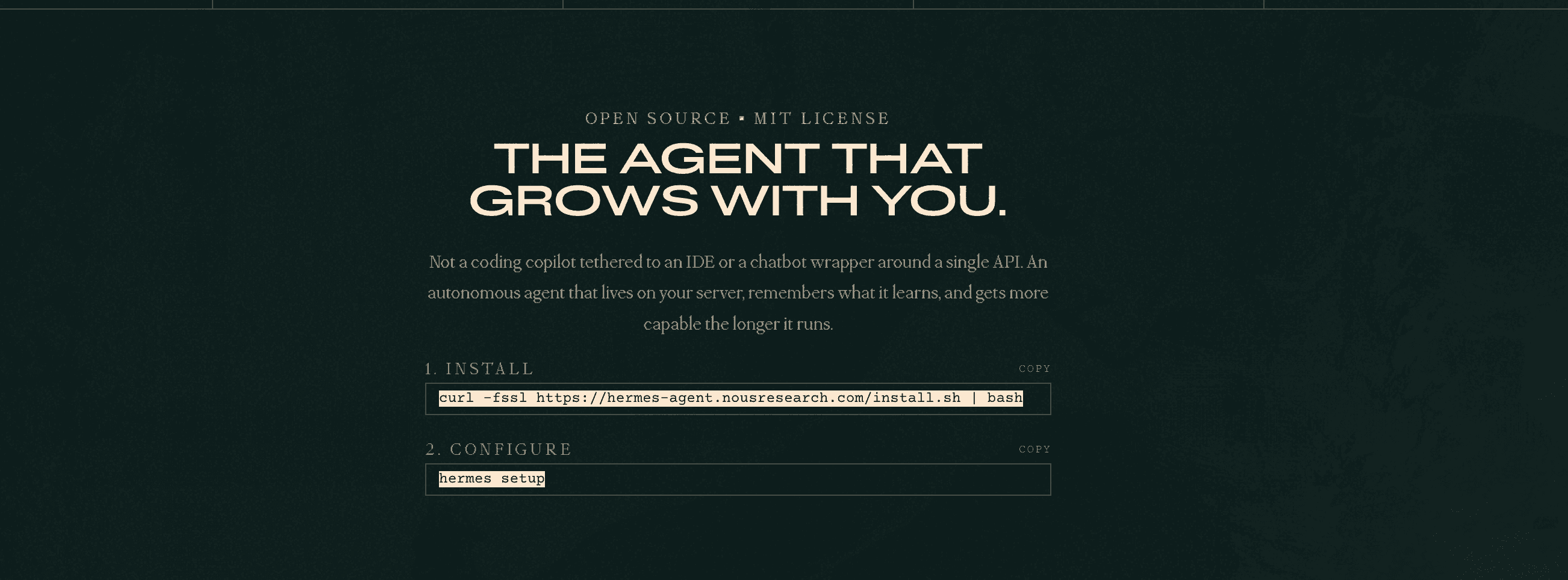
Hermes Agent is one of the closest OpenClaw alternatives available right now. It is a good fit for users who want a leaner, more transparent agent with stronger memory, better background execution, and less local setup noise.
Hermes Agent's standout feature is its self-evolving skill system. As you use it, Hermes can turn repeated workflows into reusable skills. So when it encounters the same kind of task again, it already knows how to handle it rather than starting from scratch.
Security model: Hermes Agent vs OpenClaw
Hermes is easier to reason about from a security perspective because its documentation describes a more explicit defence-in-depth model. It includes boundaries around:
command approval,
container isolation, and
user authorisation for messaging platforms.
In simple terms, Hermes gives you clearer control points over what the agent can do and how it can act.
OpenClaw, on the other hand, is more local-first and extensible. That makes it powerful, but it also puts more security responsibility on users. Depending on how it is configured, OpenClaw can interact with local files, shell commands, installed skills, and system-level tools, which increases the surface area you need to audit.
This does not mean OpenClaw cannot be used safely. It means you need to be more careful about what skills you install, what permissions they request, whether they can access sensitive files, whether they can run shell commands, and how easy it is to review their actions.
Hermes is not risk-free either. Any agent that can connect to tools, run workflows, or trigger actions needs careful permissioning. But compared with OpenClaw’s broader local skill ecosystem, Hermes has a smaller and more explicit security model, which makes it easier to inspect and manage.
UX, Community, & Extensibility
Hermes is lightweight and installs with a single curl or npm command. The onboarding and chat UI are smooth. Though at times, you may encounter a version mismatch, which can be annoying.
Hermes natively supports MCPs, skills, plugins, and scheduled workflows. That makes it easier to connect external systems, build complex automations, and run recurring tasks through cron jobs.
It is gaining huge traction among both developers and non-developers, with a fast-growing community around it. You can easily spot people discussing it on forums like Hacker News and Reddit.
Observability
Hermes also comes with a local web dashboard for sessions, logs, analytics, cron jobs, skills, and optional Langfuse traces. OpenClaw is more logs-first: it exposes gateway logs, console output, and debug/control UI logs, with deeper observability typically handled via OpenTelemetry tools such as SigNoz or Grafana.
Pricing: Hermes Agent
Hermes Agent is open-source under the MIT license, so the framework is free to install and run. Your actual cost depends on hosting and the model/provider you use, such as GitHub Copilot, OpenRouter, local models, or Nous Portal. (GitHub, Docs)
In simple terms, Hermes is free as software, but not free to operate. Lightweight workflows can run cheaply on a small VPS or local setup, while heavier usage with frontier models, browser automation, or tool calls will cost more.
Verdict
Hermes Agent is the best pick if you want an open-source alternative to OpenClaw that feels lighter, more transparent, and easier to reason about. Its self-evolving skills, MCP support, cron jobs, local dashboard, and clearer security boundaries make it a strong choice for recurring workflows and background automation.
That said, Hermes is not a perfect replacement for OpenClaw for everyone. OpenClaw still makes more sense if you want deeper local orchestration, a larger skill ecosystem, and full control over your local agent setup. But if your main pain points with OpenClaw are setup friction, context noise, and security surface area, Hermes is one of the strongest alternatives to try first.
2. TrustClaw: The secure, self-hostable OpenClaw alternative
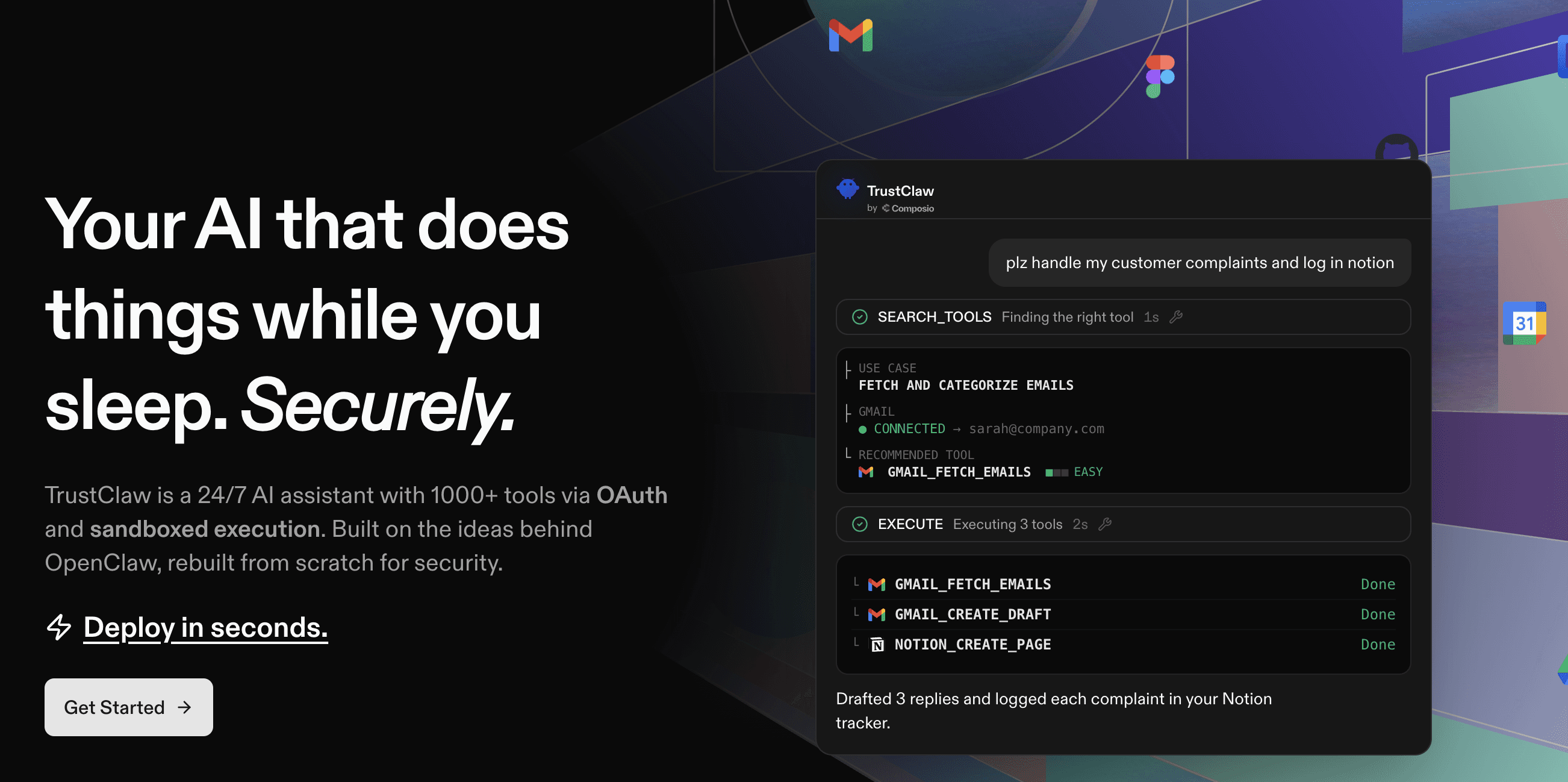
TrustClaw is one of the strongest OpenClaw alternatives if you like the idea of OpenClaw, but want something more security-focused and easier to deploy. It is now open source on GitHub and self-hostable. It is a 24/7 personal AI assistant with 1000+ tools via OAuth and sandboxed execution.
It’s built around the idea of natively connecting agents with apps you use daily. It natively connects to 1000+ managed app integrations by Composio.
Security model: TrustClaw vs OpenClaw
TrustClaw is built around scoped OAuth access, sandboxed execution, and managed tool calls. The core idea is simple: your agent can take actions across apps, but credentials and tool execution are handled in a more controlled environment rather than scattered across local config files.
OpenClaw, on the other hand, is more local-first and extensible. That makes it powerful, but it also gives users more security responsibility. Depending on how it is configured, OpenClaw can interact with local files, shell commands, installed skills, and system-level tools, which increases the surface area you need to audit.
UX and extensibility: TrustClaw vs OpenClaw
TrustClaw is also designed for always-on workflows. It can talk to you on the web or Telegram, remember useful context with vector memory, and handle recurring work on autopilot.
One important update: the hosted TrustClaw login page now says new signups are no longer accepted. Existing users can still sign in, but new users are directed to either self-host TrustClaw from GitHub or use Composio For You to connect with agents such as OpenClaw, Claude, and others.
Pricing: TrustClaw vs OpenClaw
TrustClaw is open-source and free to self-host, but you still pay for hosting, model usage, and Composio tool calls. Composio currently includes a free tier with 20K tool calls per month, followed by usage-based pricing. GitHub
OpenClaw is also free to self-host, but costs depend on hosting, model usage, and third-party APIs.
In short, both are free as software, but not free to operate. TrustClaw may be cheaper to start if your app-action usage fits inside Composio’s free tier.
Verdict
TrustClaw is the better pick if you want an open-source, self-hostable alternative to OpenClaw that focuses on secure app actions and recurring workflows.
OpenClaw is still the better choice if you want maximum local control and deeper customisation, and you are comfortable managing the security trade-offs yourself.
3. ZeroClaw: The lightweight Rust-based OpenClaw alternative
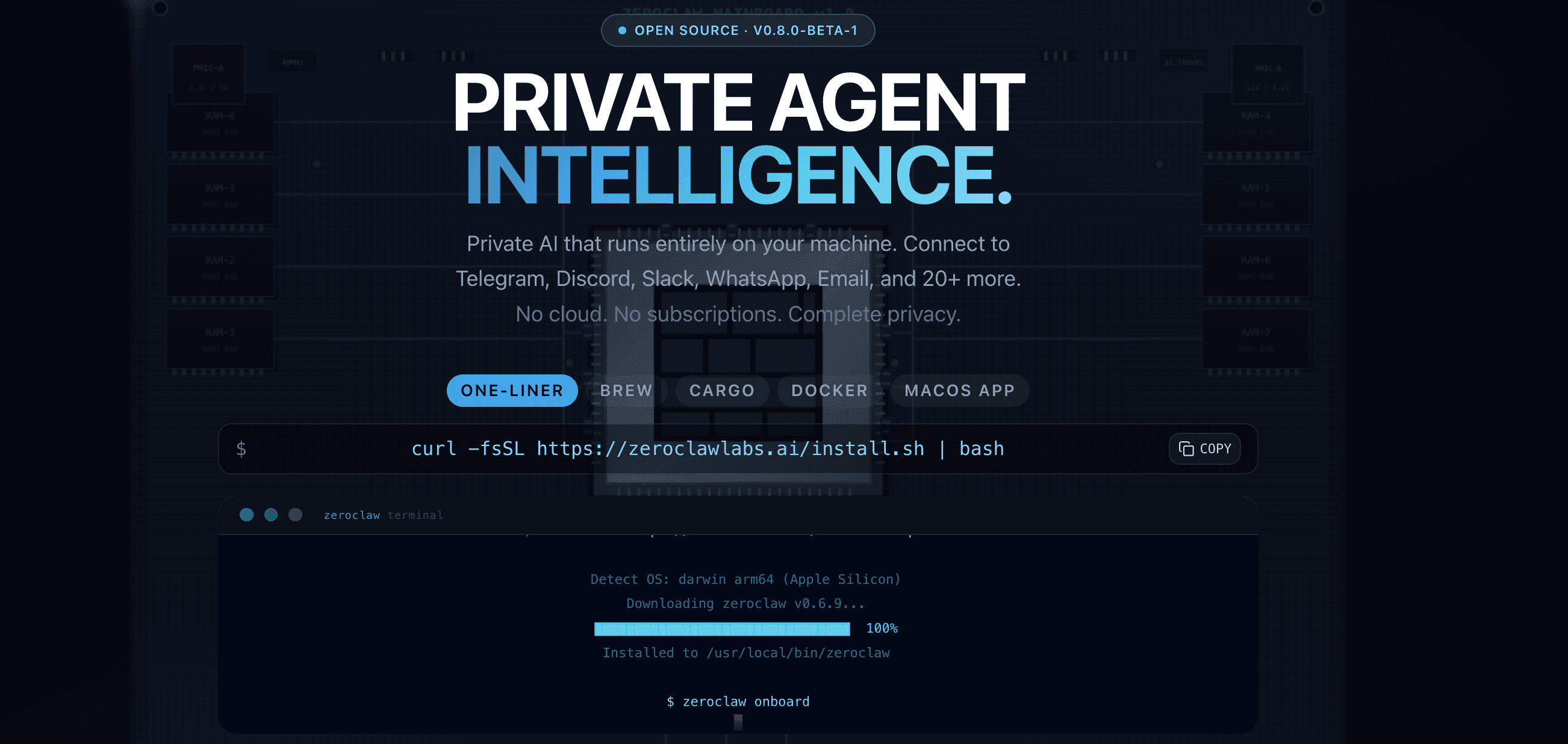
ZeroClaw is a good alternative to OpenClaw if your main problems with OpenClaw are resource usage and local setup complexity. It is built as a single Rust binary, so it is much lighter than a full local agent stack and easier to run on small machines, cheap VPS instances, or always-on home servers.
The standout part of ZeroClaw is its performance-first design. The GitHub repo describes it as an agent runtime that talks to LLM providers like Anthropic, OpenAI, Ollama, and 20+ others, connects via 30+ channels, and acts through tools such as shell, browser, HTTP, hardware, and custom MCP servers.
ZeroClaw is especially useful if you want a local agent that stays small and predictable. It is not trying to be the biggest agent ecosystem. It is trying to be fast, portable, and cheap to operate.
Security model: ZeroClaw vs OpenClaw
ZeroClaw is easier to reason about than OpenClaw because it has a smaller runtime surface. Since it is written in Rust and ships as a compact binary, there is less framework overhead to inspect compared with a larger local agent stack.
That said, ZeroClaw is still a local agent. It can use tools like shell, browser, HTTP, hardware access, and MCP servers, so its security depends heavily on how you configure permissions and which tools you expose to it.
OpenClaw is more extensible and has a much larger skill ecosystem, but that also means more third-party code, more local permissions, and more things to audit. ZeroClaw’s advantage is not that it removes all risk. Its advantage is that it keeps the runtime smaller and more predictable.
Choose ZeroClaw if you want a minimal local agent with fewer moving parts. Choose OpenClaw if you want a larger ecosystem and are comfortable managing the added security surface.
UX, Community, & Extensibility: ZeroClaw vs OpenClaw
ZeroClaw is built for people who care about speed and simplicity. Because it runs as a single binary, it avoids a lot of the dependency and setup friction that comes with heavier local agent frameworks.
It supports multiple LLM providers, custom endpoints, MCP servers, channels such as Discord, Telegram, Matrix, email, webhooks, and CLI, as well as tools like shell, browser, and HTTP. That gives it enough flexibility for real automation without turning the runtime into a huge framework.
The community is smaller than OpenClaw’s, but the project is gaining attention because it solves a very specific pain point: running agents on constrained hardware without burning too much memory or money.
Observability: ZeroClaw vs OpenClaw
ZeroClaw is more minimal than both Hermes and OpenClaw in terms of observability. You should expect basic local logs and runtime visibility rather than a polished dashboard-first experience.
That makes it fine for lightweight personal agents, edge setups, and small VPS workflows, but less ideal if you need a full observability stack with traces, dashboards, cost analytics, and team-level monitoring out of the box.
Pricing: ZeroClaw vs OpenClaw
ZeroClaw is open-source and free to run, so the main costs are hosting and model usage. Because it is designed to run as a small Rust binary, lightweight workflows can run cheaply on a small VPS, an old laptop, a Raspberry Pi-style device, or a home server.
In simple terms, ZeroClaw is one of the cheapest OpenClaw alternatives to operate if you want a local or self-hosted agent. Costs only rise when you use paid model APIs heavily, run many agents continuously, or connect expensive third-party services.
Verdict
ZeroClaw is the best pick if you want a fast, lightweight, local OpenClaw alternative that does not need a heavy runtime. It is especially strong for small servers, edge devices, home labs, and users who want low operating costs.
It is not the best choice if you want a huge skill marketplace, polished dashboard, or enterprise-style observability out of the box. But if your biggest complaints about OpenClaw are bloat, resource usage, and setup overhead, ZeroClaw is one of the cleanest alternatives to try.
4. PicoClaw: Ultra-lightweight agent for edge devices
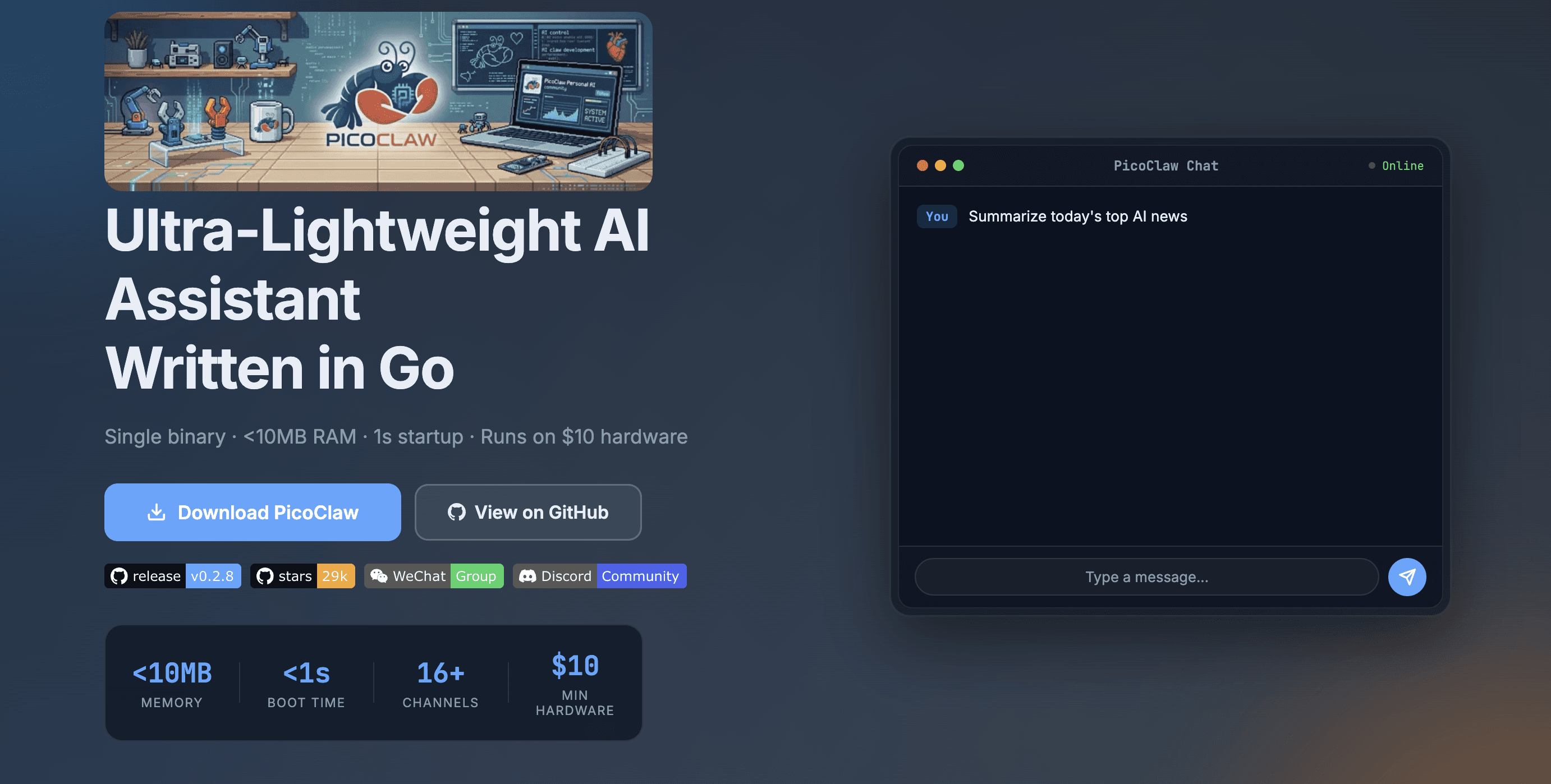
PicoClaw takes ZeroClaw’s minimal-footprint idea even further. Written in Go, it uses less than 10 MB of memory and boots in under a second.
If you are looking for an OpenClaw alternative for edge deployments like Raspberry Pi devices, cheap VPS instances, or mobile environments, PicoClaw is the better fit.
Security model: PicoClaw vs OpenClaw
PicoClaw has a much smaller runtime surface. It is built for lightweight deployments, so it has fewer moving parts than a full local agent stack.
That does not make PicoClaw risk-free. If you connect it to local files, shell commands, devices, APIs, or automation tools, you still need to be careful about permissions and action boundaries.
Choose PicoClaw if you want a tiny agent with fewer moving parts.
#UX, Community, & Extensibility: PicoClaw vs OpenClaw
PicoClaw is built for simple, low-resource deployment. The setup is lighter than OpenClaw, and the runtime is small enough to keep running on low-cost hardware with minimal overhead.
It is best suited for personal automation, edge devices, home lab setups, mobile environments, and always-on lightweight agents. It is not trying to match OpenClaw’s full plugin ecosystem or multi-agent depth.
The community is still much smaller than OpenClaw’s, so you should expect fewer ready-made examples, skills, and integrations. But for users who care more about portability and low operating cost than ecosystem size, PicoClaw is a compelling option.
Observability: PicoClaw vs OpenClaw
PicoClaw is minimal on observability. You should expect basic local logs and runtime feedback, rather than a dashboard-first experience like Hermes or a more comprehensive OpenTelemetry setup like OpenClaw.
That fits its target use case. If you are running an agent on a Raspberry Pi, cheap VPS, or edge device, the main priorities are usually uptime, memory usage, simple debugging, and predictable behaviour.
Pricing: PicoClaw vs OpenClaw
PicoClaw is open-source and free to run. Your main costs are the device or hosting environment you run it on, plus the model provider you connect to. Given that it is super lightweight, it will cost you much less for cloud hosting than anything we have discussed.
In simple terms, PicoClaw is one of the cheapest OpenClaw alternatives to operate if you want a small, always-on personal agent. Costs only rise if you use paid cloud models heavily or connect them to expensive external services.
Verdict
PicoClaw is the best pick if you want the smallest practical OpenClaw alternative for edge devices, low-power hardware, and always-on personal automation.
It is not the best choice if you want a mature skill ecosystem, polished dashboards, or complex multi-agent workflows. But if OpenClaw feels too heavy for your use case, PicoClaw is one of the cleanest lightweight alternatives to try.
5. NanoClaw: Container-isolated OpenClaw alternative
NanoClaw is the choice if you want stronger isolation by default. Instead of letting the agent run directly on your machine, NanoClaw runs agent work in containers, making the execution environment easier to control.
The USP of NanoClaw is its container-first design. Each agent session can run in an isolated environment, so file access, shell commands, dependencies, and tool execution are separated from your main system. This makes it especially useful if your biggest concern with OpenClaw is local execution risk.
If OpenClaw feels powerful but too exposed, NanoClaw is the safer middle ground: you still get a local-first agent workflow, but with stronger boundaries around what the agent can touch.
Security model: NanoClaw vs OpenClaw
It uses container isolation as the default boundary. Instead of giving the agent broad access to your host machine, you can limit what the container can see and do.
That does not make NanoClaw risk-free. If you mount sensitive folders, expose secrets, or grant the container broad permissions, the same risks recur. But the default model is cleaner because the agent starts inside an isolated runtime rather than directly on your local system.
Choose NanoClaw if you want a local OpenClaw-style agent with stronger isolation.
UX, Community, & Extensibility: NanoClaw vs OpenClaw
NanoClaw is best for users who are comfortable with containers and want a safer local setup. The experience is not as lightweight as PicoClaw or ZeroClaw, but the security tradeoff is worth it if you care about isolating agent execution.
It is a good fit for developers, home lab users, and anyone experimenting with local agents who need shell or file access or custom tools. You get more control over the runtime without fully trusting the agent with your main machine.
The ecosystem is smaller than OpenClaw’s, so you should not expect the same number of ready-made skills, guides, or community examples. But as a security-focused alternative to OpenClaw, NanoClaw has a clear place on the list.
Observability: NanoClaw vs OpenClaw
NanoClaw is more container-runtime focused than dashboard-first. You should expect basic logs from the agent and container environment rather than a polished observability layer.
The upside is that containerised execution makes debugging cleaner. You can inspect container logs, restart sessions, isolate failures, and reproduce environments more easily than with a messy local setup. But definitely a lot of DIY work on your plate.
Pricing: NanoClaw vs OpenClaw
NanoClaw is open-source and free to run. Your real costs are the machine you run it on, container infrastructure, and the model provider you use.
In simple terms, NanoClaw is cheap to run if you already have a local machine, a VPS, or a home server. Costs increase if you use paid LLM APIs heavily, run multiple containers continuously, or deploy them on a larger cloud infrastructure.
Verdict
NanoClaw is the best pick if you want a local OpenClaw alternative with stronger isolation and cleaner execution boundaries. It is especially useful for developers who want local agent power without giving the agent direct access to their whole machine.
It is not the best choice if you want the simplest setup, the biggest skill ecosystem, or a polished dashboard experience. But if your main concern with OpenClaw is local execution risk, NanoClaw is one of the most practical open-source alternatives to try.
Managed and Hosted OpenClaw Alternatives in detail
1. Oasis: Hosted, multiplayer workspace for teams and AI agents
Oasis is a managed workspace where people and multiple AI agents work together in shared rooms. Instead of treating an agent as a private chatbot, Oasis lets an entire team collaborate with the same agents, files, integrations, and accumulated context.
The main difference from OpenClaw is the product philosophy. OpenClaw gives you a highly customisable personal agent runtime. Oasis is built more like a shared operating system for AI-assisted work: agents can message one another, hand off tasks, work alongside humans, and retain useful knowledge between runs.
Oasis supports cloud-hosted agents by default, while its Mac app can also bring local agents such as Claude Code into the same rooms. It routes work across multiple models and agent harnesses rather than locking every task to one provider. Oasis says it supports major models and agents, including Claude, OpenAI, Codex, Devin, Manus, Hermes, and others.
How it differs from OpenClaw:
Oasis is designed for teams, shared agents, and multi-agent collaboration.
Agents work together in multiplayer rooms rather than isolated personal sessions.
Shared memory carries decisions and context between agents and runs.
It provides hosted agents while still allowing teams to connect compatible local agents.
OpenClaw offers deeper control over the underlying runtime, skills, providers, and local execution.
Security model: Oasis vs OpenClaw
Oasis moves most infrastructure and runtime management into a controlled platform. For sensitive actions, its enterprise offering supports human approval queues, letting teams require review for high-risk operations while allowing lower-risk work to run autonomously.
The platform also advertises role-based access, just-in-time permissions, SSO and SAML, SCIM provisioning, audit logs, model restrictions, and data-retention controls. Larger organisations can choose fully managed cloud deployment, a private VPC, or an on-premises setup. Oasis also states that its enterprise offering is SOC 2 Type II compliant. (Oasis Enterprise)
OpenClaw gives you more direct control, but that also leaves you responsible for securing the machine, credentials, skills, shell access, messaging channels, and third-party integrations exposed to the agent.
Oasis reduces that operational burden and gives teams more centralised governance. The tradeoff is that you are working within Oasis’s platform and permission model instead of controlling every part of the runtime yourself.
UX and extensibility: Oasis vs OpenClaw
Oasis is strongest when several people or agents need to collaborate on the same outcome. A room works like a group chat containing teammates and specialised agents. Agents can communicate directly, divide work, and edit shared documents, spreadsheets, or code alongside humans.
Teams can deploy prebuilt agents, create custom agents, connect external services, schedule recurring rooms, or attach compatible agents running on their own machines. Connections can be reused across agents, while accumulated decisions and task history become shared memory for future runs.
This is a different kind of extensibility from OpenClaw. OpenClaw has the advantage if you want to modify the runtime, install arbitrary community skills, experiment with providers, or give an agent deep access to a local environment. Oasis is the better fit if you want agents to be reusable across a team without every employee maintaining their own installation.
Observability
Oasis provides an analytics dashboard and an Observer feature that organises activity from supported tools by task or outcome. Observer can collect activity from local Codex and Claude Code sessions, as well as supported organisation-level connections for Claude Cowork, ChatGPT, and Microsoft 365 Copilot. (Oasis Observer)
This makes Oasis more useful than a personal OpenClaw deployment when a company wants to understand which agents are being used and how AI work flows across teams. However, visibility depends on what each connected provider exposes. Oasis notes that some organisation exports report activity without providing exact token counts or per-request costs.
Pricing: Oasis
Oasis’s current pricing includes:
Free: $0/month for up to 3 human and agent seats, 10 integrations, 10 scheduled rooms per month, and open-source models.
Starter: $19/month for up to 10 seats, 25 integrations, 20 scheduled rooms per month, and access to frontier models on a pay-as-you-go basis.
Pro: $199/month for up to 50 seats, 50 integrations, 50 scheduled rooms per month, plus policies, administration, exports, SSO, and audit features.
Enterprise: Custom pricing with unlimited seats, integrations, and scheduled rooms, plus data residency, audit logs, and dedicated support.
Model usage may add to the subscription cost, although paid plans support pay-as-you-go usage and bring-your-own API keys.
Verdict
Oasis is the better OpenClaw alternative if you want a hosted, team-oriented environment where humans and several specialised agents can work together with shared context. Its strongest features are multiplayer rooms, reusable agents, compounding organisational memory, scheduled work, and centralised governance.
OpenClaw is still the better choice if you want a deeply customisable personal agent, unrestricted local execution, or complete control over the runtime. But if your main problems with OpenClaw are individual setup, fragmented context, and the difficulty of managing agents across a company, Oasis is one of the more compelling managed alternatives.
2. Claude Cowork: The best hosted OpenClaw alternative for Claude users
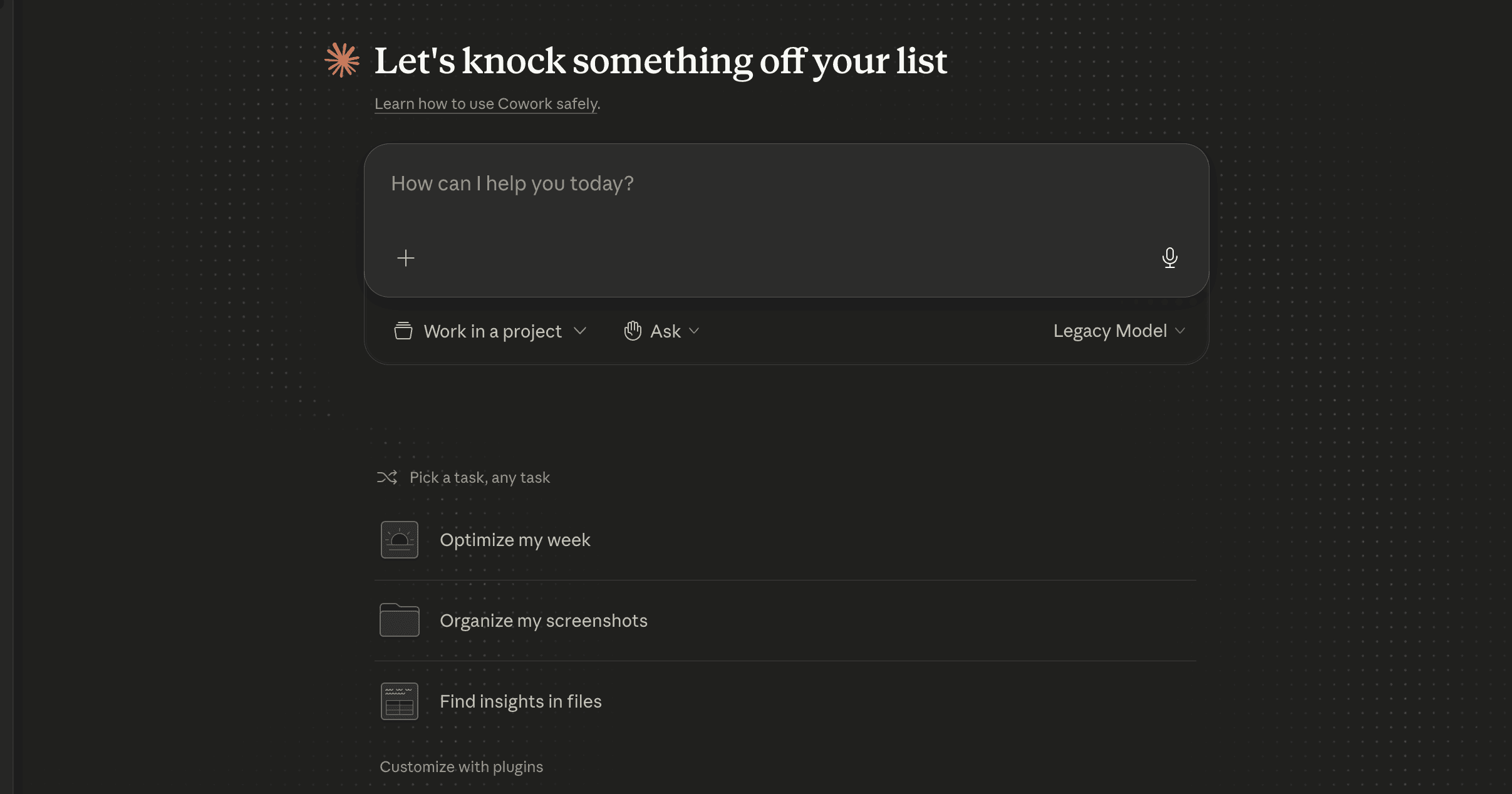
Claude Cowork is probably the strongest hosted OpenClaw alternative right now, especially if you already live inside the Claude ecosystem. It gives you an agentic desktop-style experience without requiring you to set up a local OpenClaw runtime.
Claude Cowork is its recently scheduled workflows feature. You can define a task once, set a cadence, and let Claude run it automatically for tasks like weekly reports, inbox summaries, research briefs, file cleanup, or recurring business workflows.
It is less of an open-source OpenClaw replacement and more of a managed agent workspace. You trade local control and hackability for a smoother interface, hosted execution, and less setup friction.
Security model: Claude Cowork vs OpenClaw
Claude Cowork is easier to use safely because it runs within Anthropic’s managed environment and requests permissions for sensitive actions. Recent coverage also notes that scheduled tasks run in an isolated virtual machine and require user approval for critical actions.
OpenClaw is more local-first and extensible. That makes it more flexible, but it also means you are responsible for managing local file access, shell commands, installed skills, API keys, and any third-party integrations you expose to the agent.
This does not make Claude Cowork risk-free. Any hosted agent that can work across files, apps, and workflows needs careful permissioning. But compared with OpenClaw, Claude Cowork places more of the security and runtime burden on the platform rather than the user.
UX, Community, & Extensibility
Claude Cowork is much easier to start with than OpenClaw. You do not need to self-host, wire up a gateway, manage skills, or debug local runtime issues. You give Claude a goal, and it works across your computer, local files, and applications to return a finished deliverable.
The tradeoff is extensibility. OpenClaw is more flexible if you want to customise everything, install Cowork skills, or build a deeply local agent setup. Claude Cowork is better if you want a polished, managed agent experience that works without requiring you to touch the terminal.
Claude Cowork also has growing mindshare because it makes Claude Code-style agentic workflows more accessible. That makes it attractive for non-developers, operators, analysts, founders, and teams that want agentic work without maintaining infrastructure.
Observability
Claude Cowork provides basic task visibility through its desktop interface and scheduled-task sidebar. You can see recurring tasks, run them manually, pause them, or delete them, but it is not built like an observability platform with traces, logs, token analytics, or OpenTelemetry dashboards.
OpenClaw gives you more low-level observability if you wire it into logs, debug UIs, or OpenTelemetry tools, but that requires more setup. Claude Cowork is better for users who want managed visibility without configuring an observability stack.
Pricing: Claude Cowork
Claude Cowork is included with Claude’s paid plans, not the free tier. Anthropic’s official pricing currently lists Claude Pro at $20/month, Max 5x at $100/month, and Max 20x at $200/month.
In simple terms, Claude Cowork is easier to start than self-hosted tools, but you pay for convenience and usage limits. Pro is cheaper if Cowork access is available on your account, while Max is the safer choice for heavier scheduled workflows, longer tasks, and daily agentic work.
Verdict
Claude Cowork is the best pick if you want a hosted OpenClaw alternative with minimal setup, scheduled workflows, and a polished user experience. It is especially strong for recurring knowledge work, research, file-based tasks, reporting, and non-technical automation.
It is not the best choice if you want full local control, open-source customisation, or a large community skill ecosystem. But if your biggest complaint with OpenClaw is setup friction, Claude Cowork is one of the strongest managed alternatives to try first.
3. Instinct: Phone-first personal AI assistant
Instinct is a managed personal assistant that works through text messages, phone calls, and its desktop and mobile apps. It connects to services and signals such as email, messaging, screen activity, audio, and location, allowing it to follow up on conversations, arrange transport, make bookings, and handle other everyday tasks.
Unlike OpenClaw, Instinct requires no hosting, gateway configuration, or skill installation. It is designed to feel like an always-available human assistant rather than an agent framework you build and maintain yourself.
Security model: Instinct vs OpenClaw
Instinct’s capabilities depend heavily on the permissions and personal context you give it. Depending on your setup, it may access private communications, connected accounts, location, voice data, credentials, and payment information.
Its privacy policy says users can revoke Google Workspace access and request deletion of indexed integration data. Google Workspace data is not used to train its models. By default, Instinct may use other information to improve its models, although users can opt out of model training. Information placed in Instinct’s Vault is also excluded from training.
Because Instinct can autonomously communicate, make purchases, or interact with third parties, users still need to review important actions. Compared with OpenClaw, it removes the risks of maintaining a locally privileged agent, but replaces them with the privacy and vendor-trust tradeoffs of giving a hosted service broad access to your digital life.
UX and extensibility
Instinct’s strongest advantage is its interface: you can text or call it instead of learning a new dashboard or configuring workflows. It can use remembered context to handle loosely defined requests and proactively follow up on unfinished tasks.
That makes it much easier to start with than OpenClaw. However, it is also considerably less extensible. You cannot freely inspect the runtime, switch models, install arbitrary community skills, or customise its underlying orchestration. OpenClaw is better for technical users who want to build their own system; Instinct is better for users who simply want to delegate a task.
Pricing and verdict
Instinct has not published standard pricing and is currently available only to a private-access group.
Choose Instinct if you want a polished, phone-first assistant and are comfortable trusting a managed platform with substantial personal context. Choose OpenClaw if you want stronger local control, broader customisation, and the ability to inspect exactly how your agent works.
4. Perplexity Computer: Managed digital worker for browser-heavy tasks
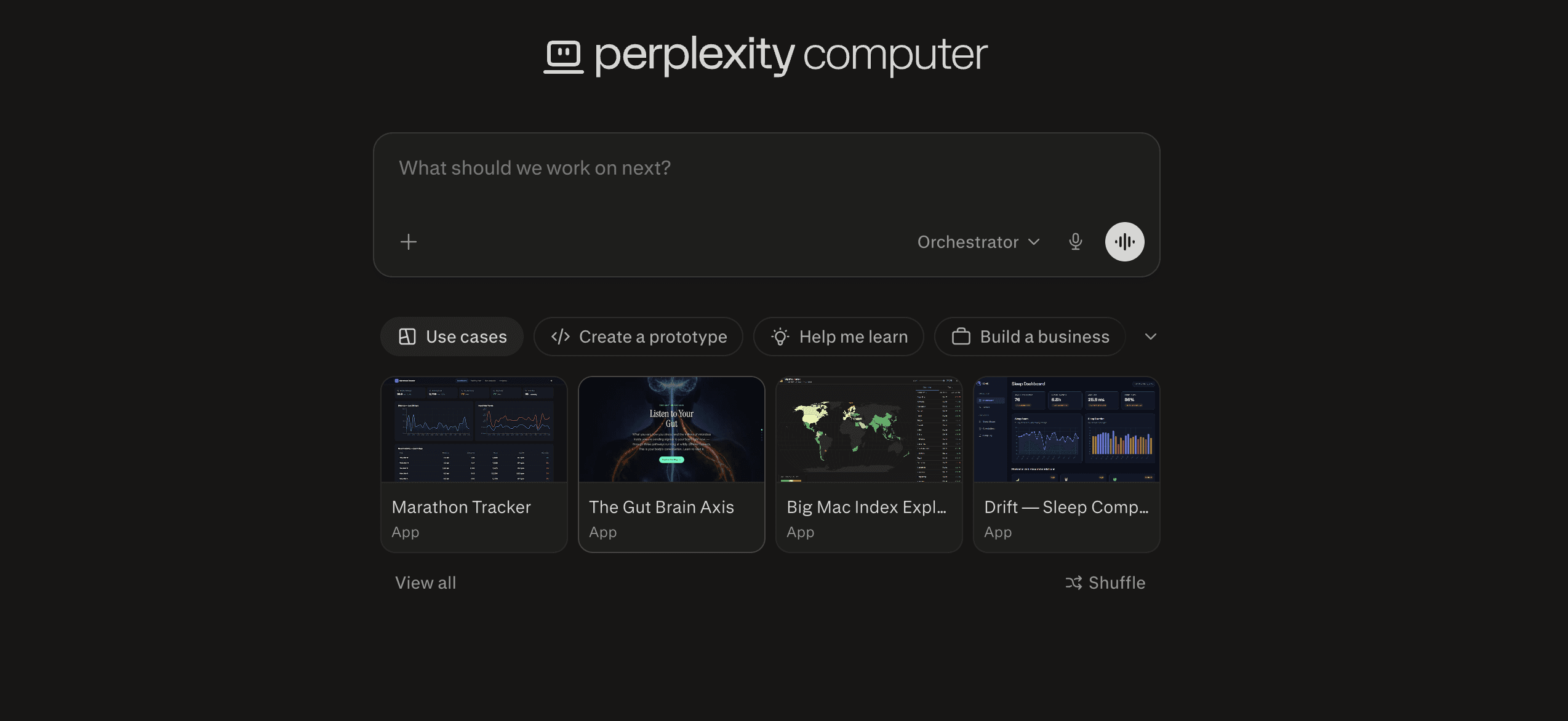
Perplexity Computer is Perplexity's offering. It is a managed agent that works through the same interfaces you do. It can research, browse, code, build, monitor, schedule, write, edit, and automate multi-step workflows.
It can run background tasks, monitor things over time, automate browser actions, extract data, create apps or reports, and connect to tools like Gmail, Slack, Notion, and Calendar.
How it differs from OpenClaw
Perplexity Computer is managed and available through Perplexity on the web, desktop, and Slack.
As it is from Perplexity, it is stronger for research, browsing, browser automation, monitoring, and multi-step web tasks.
OpenClaw gives you more local control, custom skills, plugins, and runtime flexibility.
Similar to Manus, Perplexity Computer trades hackability for a smoother hosted agent experience.
Security model: vs. OpenClaw
Perplexity Computer reduces local setup risk because you don't grant a self-hosted local agent broad access to your machine by default. The work happens inside Perplexity’s managed environment, which is easier for most users than configuring local skills, shell access, and system permissions yourself.
That said, it is still an agent that can browse, use connected apps, and automate workflows. So you still need to be careful with account permissions, connected services, sensitive data, and tasks that involve purchases, form submissions, or private information.
UX and extensibility: vs OpenClaw
Perplexity Computer is built for convenience. You describe the outcome, and it can create and run workflows for hours or even months. It is especially useful for parallel research, web automation, monitoring, reports, app generation, and recurring tasks.
It also supports connectors and personalised skills, so you can connect tools like Gmail, Slack, Notion, Calendar, and other apps. But it is not as configurable as OpenClaw. You get a polished managed experience, not full control over the underlying runtime.
Observability
Perplexity Computer provides product-level visibility into tasks and outputs, but it is not an engineering observability platform. You shouldn't expect raw traces, OpenTelemetry dashboards, low-level logs, or full token-level analytics like you would with a self-hosted OpenClaw setup.
Pricing: Perplexity Computer
Perplexity Computer is currently tied to Perplexity’s paid plans.
**Pro at $20/month**,
while Max is $200/month and includes access to a computer with 10,000 monthly credits.
Enterprise pricing lists Enterprise Pro at $40/seat/month and
Enterprise Max at $325/seat/month, with Computer access on the Max tier.
Verdict
Perplexity Computer is a strong OpenClaw alternative if your workflows are mostly web-first: research, browsing, monitoring, data extraction, report generation, and automating browser-based tasks.
OpenClaw is still better if you want local execution, deeper customisation, and a more hackable skill ecosystem. But if you want a managed agent that can keep working in the background, Perplexity Computer is one of the cleaner hosted options.
Grok Bot: Always-on agents with their own cloud computer
Grok Bot is a hosted agent platform built around persistent AI teammates by SpacexAI. Each Bot has a browser, filesystem, and terminal on a cloud computer, allowing it to work across websites and applications—even when no API or MCP connector is available.
You can extend it with Grok bot plugins.
Bots can retain context, run scheduled routines, collaborate in groups, and hand tasks to one another. Unlike OpenClaw, there is no server, gateway, or local runtime to maintain.
Security model: Grok Bot vs OpenClaw
Each user’s environment runs inside a dedicated cloud microVM, providing isolation between users. Grok Bot also supports approval gates and an automated review system that can allow, block, or request confirmation before sensitive actions such as sending messages, making purchases, deleting data, or changing production systems.
Passwords and verification codes can be entered through a secure takeover flow instead of exposing them in chat. Local computer execution requires approval by default.
One important limitation is that all Bots belonging to the same user share one cloud computer, including its files, browser sessions, and credentials. Separate Bots should therefore not be treated as security boundaries. Grok Bot also requires cloud data storage and does not support Cursor’s Legacy Privacy Mode. (Security documentation)
UX and extensibility
Grok Bot uses a simple messaging interface across desktop and mobile. You create a Bot, describe its role, and grant access when required. The conversation displays tool activity, computer actions, files, questions, and approval requests, while new messages can redirect work already in progress.
You can save successful workflows as reusable skills or scheduled routines. Multiple Bots can also run concurrently and communicate directly.
This is significantly easier than configuring OpenClaw, but less customisable. OpenClaw gives you greater control over models, hosting, skills, and runtime behaviour, while Grok Bot provides a more polished but closed cloud environment.
Pricing and verdict
Grok Bot is currently in beta and is included with paid Cursor plans, Cursor Teams plans, and eligible SuperGrok subscriptions. Bot usage has a separate allowance from normal Cursor or Grok usage, with additional usage available on demand.
Choose Grok Bot if you want persistent, collaborative cloud agents without maintaining infrastructure. Choose OpenClaw if you want an open-source runtime, complete local control, and deeper customisation.
6. Vellum: Personal AI assistant alternative to OpenClaw
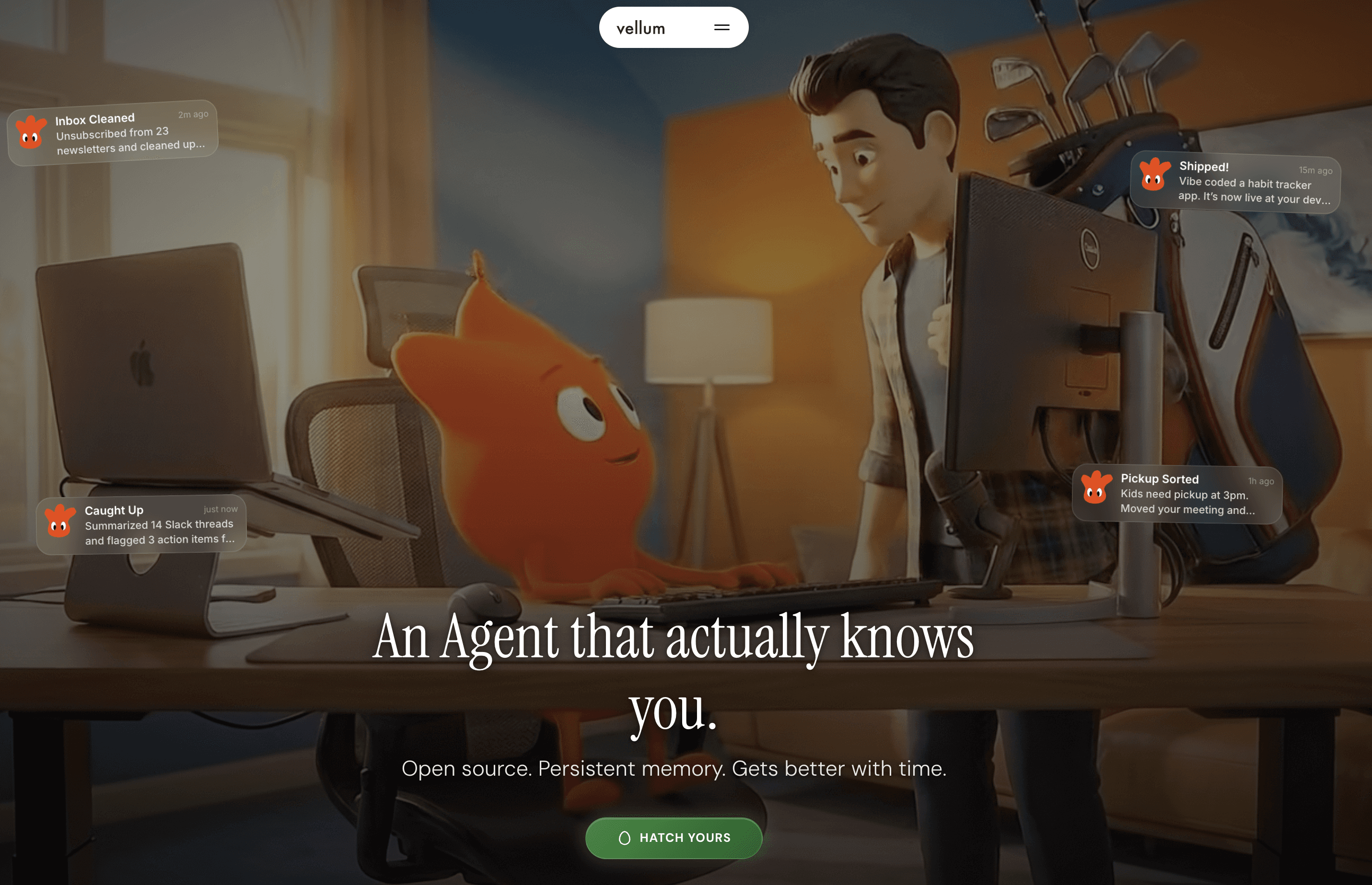
Vellum is a personal AI assistant that focuses on persistent memory, cross-device access, and safer action-taking. It is not an agent builder or workflow platform. It is closer to a personal intelligence layer that learns your preferences and acts across your tools over time.
The main difference from OpenClaw is the product philosophy. OpenClaw gives you a local-first agent runtime with more control over skills and execution. Vellum gives you a more polished assistant experience with memory, permissions, credential isolation, and apps across web, macOS, iOS, CLI, and Chrome.
How it differs from OpenClaw
Vellum is focused on personal memory and assistant continuity.
OpenClaw is more focused on local extensibility and agent runtime control.
Vellum supports web, macOS, iOS, CLI, and Chrome extension access.
Vellum emphasises credential safety, permissions, and persistent memory.
OpenClaw gives you more freedom to customise the runtime, skills, and local execution.
Security and control
Vellum’s security model centres on credential isolation and user-controlled permissions. Its site says credentials are stored in macOS Keychain when self-hosted, or in an isolated vault on the managed platform, and that the AI does not see, touch, or store them. It also lets users choose permission levels from strict approval to fuller autonomy.
That makes Vellum easier to reason about if your concern with OpenClaw is that it gives a local agent too much access to files, credentials, tools, and system-level actions.
OpenClaw is still more flexible if you want a deeply hackable local agent environment. But with that flexibility comes more responsibility around skills, shell access, local files, and third-party integrations.
UX and extensibility: vs OpenClaw
Vellum feels more like a finished personal assistant than a framework. You name the assistant once, and it follows you across web, macOS, iOS, CLI, and Chrome. The experience is built around memory: it learns preferences, routines, behaviour patterns, and personal context over time.
OpenClaw is more extensible if you want to wire up custom skills, local workflows, and more direct runtime control. Vellum is better if you want a polished assistant that remembers you and acts with fewer setup steps.
Observability
Vellum is not positioned as an observability-heavy platform. Its visibility is more at the product level: memory, permissions, assistant behaviour, and action control.
If you want traces, logs, OpenTelemetry dashboards, or token-level analytics, a self-hosted OpenClaw setup will give you more room to build that. If you want a personal assistant with clearer permission boundaries, Vellum is the simpler choice.
Verdict
Vellum is a strong OpenClaw alternative if your main need is a personal AI assistant that remembers you across devices and uses your tools safely.
Pick Vellum if you care about persistent memory, credential isolation, cross-device access, and a polished assistant experience. Pick OpenClaw if you want deeper local control, custom skills, and a more hackable runtime.
End Note
OpenClaw is clearly one of the most important projects in the personal AI agent space, and its growth shows the strong demand for always-on, customizable AI assistants. But popularity alone does not make it the best option for every user.
If you want maximum control, a large skill ecosystem, and a deeply hackable local agent, OpenClaw is still hard to beat. But if you prioritise easier setup, stronger isolation, lower operating cost, better UX, managed hosting, or safer app integrations, the alternatives above are worth considering.
The right choice depends on what you actually need.
Pick Hermes if you want the closest open-source alternative,
TrustClaw if secure app actions matter most with an open-source codebase,
ZeroClaw or PicoClaw if you care about lightweight deployment,
NanoClaw, if local isolation is the priority,
and hosted tools like Claude Cowork, Manus, Perplexity Computer, or Kimi Claw if you want less infrastructure work.
In short, OpenClaw may be the default name people talk about, but it is no longer the only serious option. The agent ecosystem is moving fast, and the best tool matches your workflow, risk tolerance, and willingness to manage infrastructure.

 Get started




