




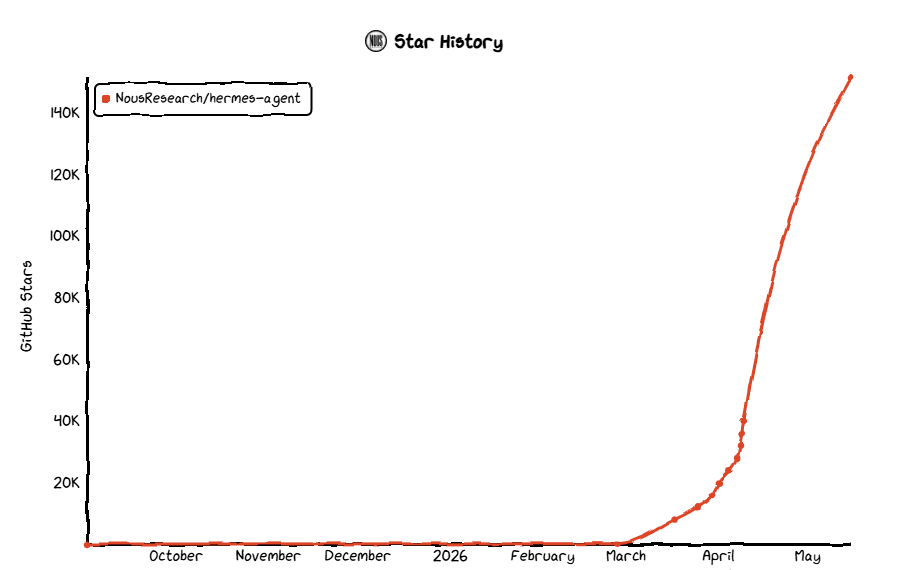
Hermes Agent came out of nowhere. Nous Research dropped it in February 2026, and within three months it had crossed 150,000 GitHub stars.
By May it was processing over 224 billion daily tokens on OpenRouter and sitting at the top of global rankings across productivity, coding, and personal agent categories.
The pitch is genuinely different from everything that came before it: a self-hosted autonomous agent that lives on your server, remembers what it learns, and builds its own skills the longer you run it. MIT licensed, no telemetry, runs on a $5 VPS.
The biggest USP for Hermes is it's self-learning loop. It creates skills as and when needed and invokes when it encounters simillar workflow.
So why are people looking for alternatives?
Setting it up yourself is a real time investment. You need a VPS, terminal comfort, config files, and enough patience to debug a broken deployment when the agent crashes and stops responding. That's fine if you enjoy that kind of thing. A lot of people don't. People at orgs who just wants a ready-made solution with all the batteries.
Then there's the security side. When you self-host Hermes, you own that responsibility. The agent has shell access to your machine. Your credentials live in a .env file. Keeping dependencies updated, hardening the deployment, making sure nothing in the skill ecosystem does something unexpected with your data, that's all on you. For developers comfortable with that tradeoff, no problem. For everyone else, it's a genuine source of anxiety.
Beyond setup and security: the self-learning loop occasionally overwrites manual configuration, the skills ecosystem is smaller than OpenClaw's 13,000+ community library, and the Honcho user modeling, while clever, is still finding its footing. Hermes rewards patience. Not everyone has it.
This guide covers 11 alternatives split into two groups.
Open source tools for people who want to run and modify their own stack.
And managed products for people who want to assign a task and come back to a finished result.
TL;DR
Open Source and self-hosted alternatives
OpenClaw: The most-starred repo in GitHub history. Best integration breadth. Messiest security track record.
TrustClaw: Built by Composio with one goal: all of OpenClaw's capabilities, none of the credential risk.
PicoClaw: A Go binary under 10MB that runs on $10 hardware. Absurdly lean.
ZeroClaw: Rust rewrite with sub-10ms startup. For constrained environments.
nanobot: 4,000 lines of readable Python with fresh MCP support.
memU Bot: For agents that are supposed to get better the longer they run.
Managed alternatives
Perplexity Computer: Multi-model cloud agent, 19 models, best for research-heavy work.
Claude Cowork: Anthropic's managed desktop agent for knowledge workers.
KimiClaw: Moonshot AI's cloud-native OpenClaw with 40GB storage and K2.6 model.
Manus: Meta-acquired autonomous cloud agent with a full virtual computer.
Vellum: Personal AI that lives on your device, knows you, and keeps credentials away from the model entirely.
Quick Comparison
Tool | Type | Setup | Persistent Memory | Self-hosted | Platforms | Pricing |
Hermes Agent | OSS | \~5 min | Deep | Yes | Telegram, Discord, Slack, WhatsApp | Free + API costs |
OpenClaw | OSS | 30-60 min | Per-assistant | Yes | 24+ platforms | Free + API costs |
TrustClaw | OSS + Cloud | \~1 min | Managed | Yes | 1000+ tools via Composio | Free tier |
PicoClaw | OSS | \~2 min | Basic | Yes | Telegram, Discord, WeChat, more | Free + API costs |
ZeroClaw | OSS | \~5 min | Basic | Yes | Multi-platform | Free |
nanobot | OSS | \~2 min | Yes | Yes | Telegram, Discord, Slack, Email | Free |
memU Bot | OSS + Cloud | \~10 min | Deep | Yes | Telegram | Free / Cloud option |
Perplexity Computer | Managed | \~2 min | Limited | No | Web UI | Max plan \$200/mo |
Claude Cowork | Managed | \~2 min | Contextual | No | Desktop | Pro \$20/mo |
KimiClaw | Managed | \~1 min | Continuous | No | Web, Telegram (beta) | Kimi subscription |
Manus | Managed | \~2 min | Limited | No | Web UI, Slack, Telegram | Free tier; Pro from \$20/mo |
Vellum | OSS + Cloud | \~5 min | Deep | Yes/Cloud | macOS, Telegram, Slack | Free download |
---
Part 1: Open Source
For people who are comfortable with a terminal or willing to get there.
1. OpenClaw
Resource: github.com/openclaw/openclaw
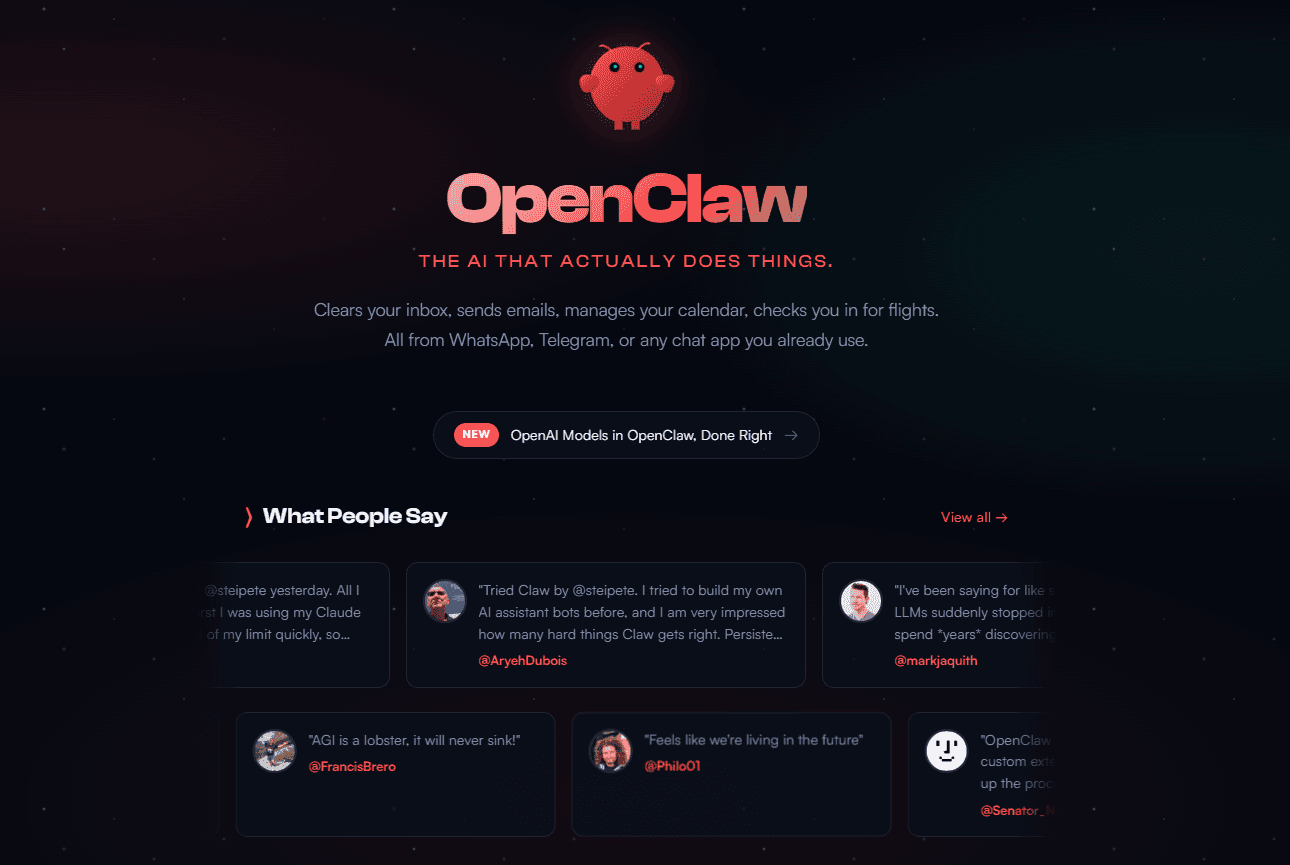
This is the OG agent harness which started it all. The first-ever personal assistant that runs 24/7 with integrations and cron jobs. This is the product that hooked internet in a hypnotic psychosis for two straight months.
OpenClaw started as a weekend project by Peter Steinberger in late 2025, originally called Clawdbot. He joined OpenAI in February 2026, the project moved to an independent foundation, and it went on to become the most-starred repository in GitHub history. The number is real. As of April 2026, it had crossed 347,000 stars.
What it offers: a self-hosted AI agent that connects to every messaging platform you already use, WhatsApp, Telegram, Slack, Discord, Signal, iMessage, and 40+ more, and does real things through plain language. Clear your inbox, manage your calendar, run scripts, interact with files. It ships with 52+ built-in skills and ClawHub, its community marketplace, has over 13,000 more.
What it offers:
24+ messaging platform integrations out of the box, more than anything else in this list
52+ built-in skills plus 13,000+ from ClawHub
Team support with isolated memory stores per assistant, useful for multi-role setups
Multi-agent support baked in
Works with every major model provider: Anthropic, OpenAI, Google, local Ollama
Cons:
In March 2026, OpenClaw disclosed 9 CVEs in four days, including one scoring CVSS 9.9. A security audit of ClawHub found 341 malicious packages out of 2,857 initially reviewed, around 12%. As the marketplace grew past 13,000, Bitdefender's independent count reached roughly 900 confirmed malicious entries, about 20% of the ecosystem. The ClawHavoc campaign used typosquatting to distribute Atomic macOS Stealer through the marketplace. Microsoft advised against running it on standard workstations. Cisco called it a security nightmare.
OpenClaw has since introduced verified skill screening and multiple other security fixes, but the structural problem, anonymous users uploading executable code to a public registry, hasn't gone away. Setup also takes 30-60 minutes for a properly hardened deployment. Skills are static files and don't self-improve. If you install something bad, the blast radius is your whole machine.
Though to much of their credit it has improved quite a bit in last one month.
Read more: OpenClaw Alternatives
Why pick it over Hermes:
You need freedom and less opinionated harness. Hermes has the better learning loop. OpenClaw offers more control.
Hermes writes it's own skills which means it can lead to explosion of skills. Which kinda get ugly. OpenClaw allows you to use your own skill, at your convenience.
Five messaging platforms, team-facing assistants, and a massive skill library, that's OpenClaw's territory. Hermes ships a hermes claw migrate command specifically for people switching over, and a chunk of the community runs both anyway.
Hermes allow you to add Codex and OpenCode as agent engine, which is actually good if you're want different orchestration engine.
Read More: OpenClaw vs Hermes Agent
2. TrustClaw
Resource: trustclaw.app | ComposioHQ/trustclaw
TrustClaw is what you get when a team rebuilds the OpenClaw idea from scratch and decides that security isn't a feature, it's the whole point. Built by Composio, it doesn't run locally on your machine with access to everything. Instead, it runs actions in an isolated cloud environment that disappears once the task finishes. You connect apps (Outlook, Gmail, Twitter, etc) through OAuth, like you would anywhere else on the internet, not by pasting API keys into config files.
The tool count is also legitimately wild: TrustClaw has access to 20,000+ tools through Composio's managed integration layer. Not community-uploaded skills. Managed integrations with audit trails. This essentially makes every app integration safer.
What it offers:
OAuth-only auth. No credential files. No pasted keys. Your agent even if compromised cannot exfiltrate keys.
Sandboxed execution that disappears when the task is done
Full audit log and one-click kill switch to revoke access
20,000+ managed and vetted tools (vs OpenClaw's community-curated ClawHub)
Sets up in under a minute vs 30-60 minutes of tunnel wrangling
Available 24/7 from anywhere without keeping a machine running
Use it from Telegram, Slack, Discord, and more.
Cons:
You're trading control for safety. TrustClaw is a managed cloud service at its core, so your data and actions flow through Composio's tooling infrastructure. Hard requirements for on-premises deployment aren't met here. The managed tool surface also means you're working inside Composio's integration layer rather than running arbitrary tools. That's the security point, but it's also a constraint. Going fully off-script is harder.
For self-hosting purists, this might not feel fully empowering. For everyone else, the setup experience alone is worth considering.
Why pick it over Hermes:
Hermes gives you maximum control and keeps everything on your own infrastructure. TrustClaw gives you maximum safety and zero ops overhead. If you're deploying for a team that includes non-technical people, or if audit trails and one-click revocation matter to you, TrustClaw removes the "agent has the keys to the whole machine" problem. Hermes doesn't offer that out of the box. The harnees is still OSS, you can tweak and do anything you want.
3. PicoClaw
Resource: github.com/sipeed/picoclaw
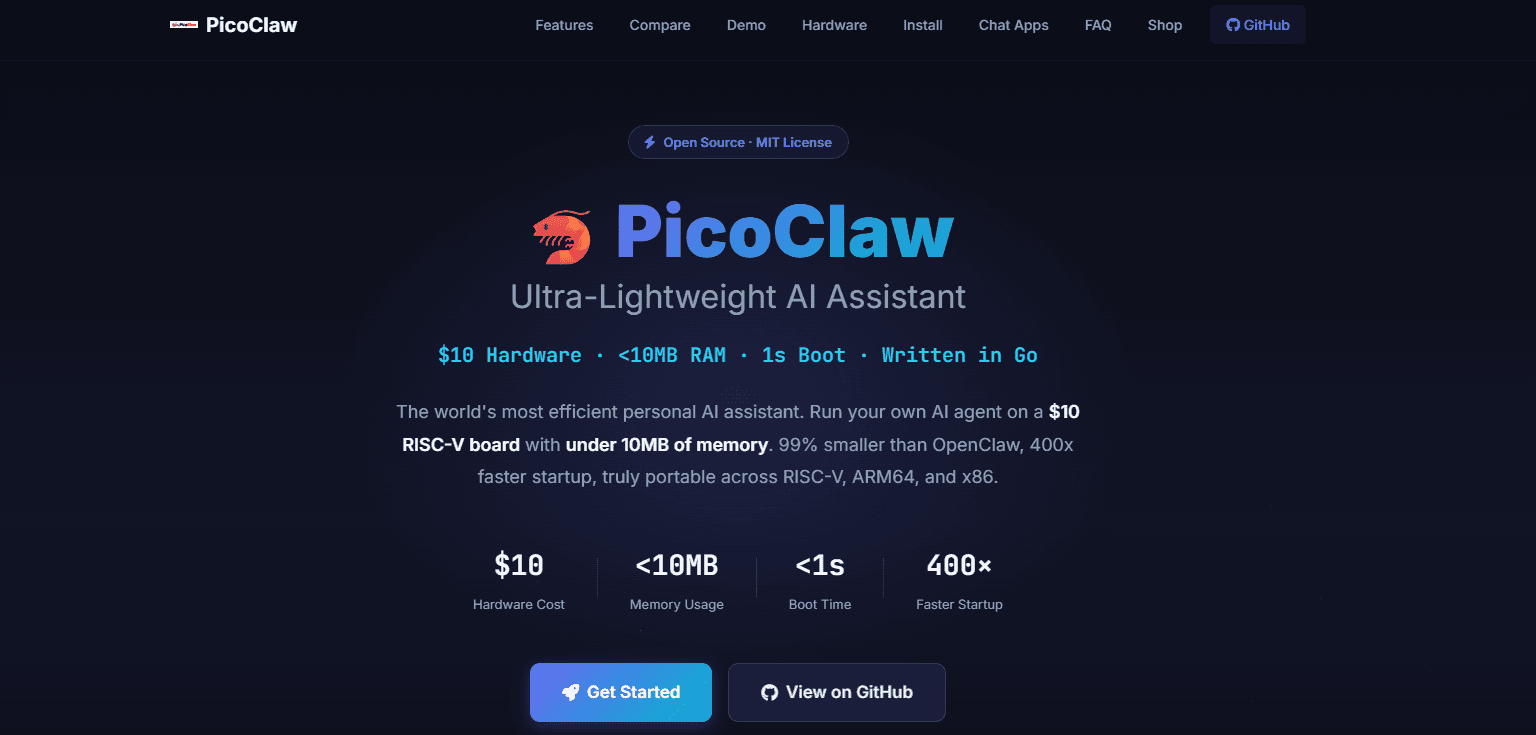
PicoClaw was built in one day. That's not a marketing claim, that's literally what the readme says. Released on February 9, 2026 by Sipeed, a Shenzhen-based hardware company known for cheap RISC-V boards, it hit 5,000 GitHub stars in four days and crossed 25,000 shortly after. The pitch is radical miniaturization: a Go binary under 10MB that runs on a $10 RISC-V board, boots in under one second, and uses 99% less RAM than OpenClaw.
Notably, 95% of PicoClaw's core code was written by an AI agent through a self-bootstrapping process. A human reviewed and refined it, but the agent drove the architecture migration. It compiles to a single portable binary across RISC-V, ARM64, and x86, and runs on everything from Raspberry Pi Zero to decade-old Android phones.
What it offers:
Under 10MB RAM, boots in under 1 second (vs minutes for Node.js-based agents)
Single binary, no Python environments, no pip installs, no Docker
Runs on $10 RISC-V hardware, Raspberry Pi, Android phones, ARM64, x86
MCP support added in v0.2.1 (March 2026)
Supports OpenAI, Anthropic, DeepSeek, Ollama for local models, and more
Connects to Telegram, Discord, Slack, DingTalk, Feishu, WeCom, LINE, QQ
Cons:
PicoClaw is still pre-1.0 as of May 2026, which means breaking changes are possible and some features are rough around the edges. There have been multiple crypto scam sites using the PicoClaw name, which is a weird hazard of the project's popularity. The memory system is basic compared to Hermes or memU Bot. And because it's so new, the community is small and if you hit a weird edge case, you're mostly on your own.
The skill ecosystem is also tiny. You're not getting a 13,000-skill marketplace. You're getting a lean binary that does the fundamentals cleanly.
Why pick it over Hermes:
Hermes needs a reasonably capable VPS and comfortable operators. PicoClaw runs on literally the cheapest hardware available. If your use case involves edge deployment, IoT, resource-constrained devices, or you just want the smallest possible footprint with minimal ops overhead, PicoClaw is the answer. It's also the fastest path to a working Telegram bot on hardware you already own.
4. ZeroClaw
Resource: zeroclaw.org
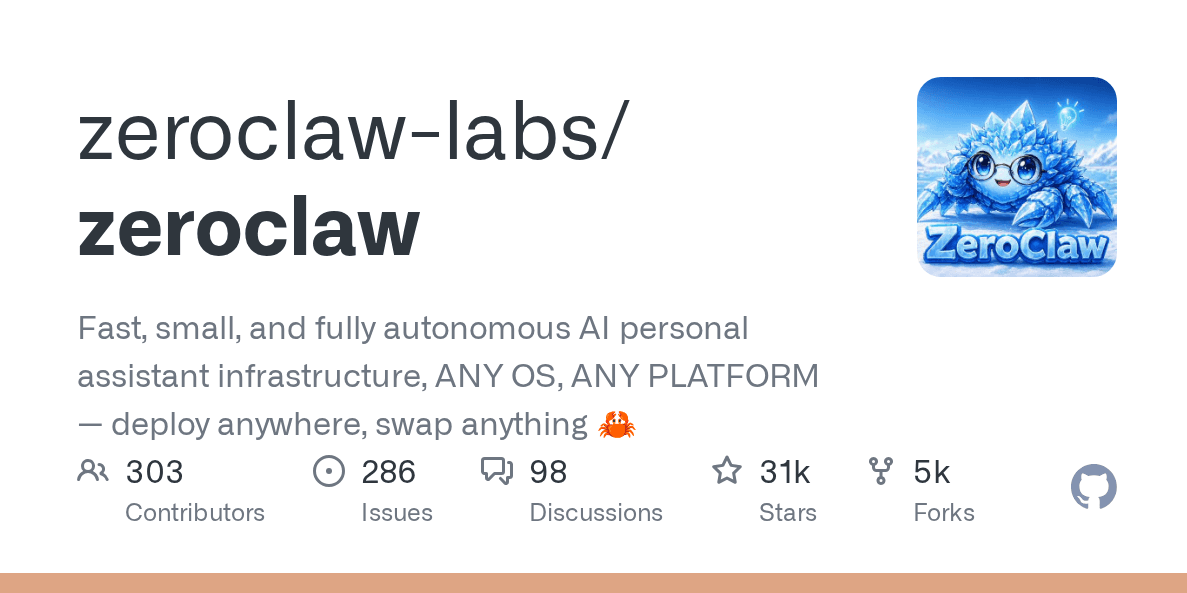
ZeroClaw asks what happens if you rewrite the whole thing in Rust. The answer: a 3.4MB binary that starts in under 10ms and runs comfortably on $5 hardware. No Node.js, no Python, no dependency chain to maintain. Just the binary, a config file, and a task.
The design philosophy is deliberate minimalism. You don't get a 13,000-skill marketplace. You don't get a self-learning loop. You get a small, fast, modular agent that stays running and doesn't crash at 3am.
What it offers:
Sub-10ms startup, 3.4MB binary, under 5MB RAM
22+ LLM providers supported
Modular: swap models, memory, tools, and channels without rewriting anything
No Node.js dependency
Runs on Linux, macOS, Raspberry Pi, VPS fleets, edge devices
Cons:
This is the tradeoff for being lightweight: being feature-light. ZeroClaw has no deep memory system. The skill ecosystem is minimal. Self-improving behavior doesn't exist here. If you hit a strange edge case, the community is smaller than OpenClaw or Hermes. For complex, evolving workflows, this isn't the tool.
Why pick it over Hermes:
Hermes needs attention. ZeroClaw mostly doesn't. If your use case is a clean, always-on bot that just needs to run reliably on a cheap VPS or edge device, ZeroClaw is the better choice. It's also the right pick when binary size and startup time actually matter, like edge hardware or constrained server environments where Hermes's Python stack is too heavy.
5. nanobot
Resource: github.com/HKUDS/nanobot
nanobot is about 4,000 lines of Python. The readme even shows a live line count you can verify yourself with a provided script, which is either a quirky flex or a genuinely useful trust signal depending on how you read it. The point is transparency and portability. Small enough that you can actually read the whole thing, understand it, and change it without spending a weekend first.
It added MCP support in February 2026, so external tool servers plug in cleanly. It also has a gateway mode that routes the agent through Telegram, Discord, WhatsApp, Slack, and Email.
What it offers:
~4,000 lines of readable, auditable Python code
MCP support for connecting external tool servers
Built-in gateway for Telegram, Discord, WhatsApp, Slack, and Email
Simple pip install, no Docker required
Active development with a clean modular architecture
Cons:
Being small has limits. No self-learning loop. No deep memory architecture like memU Bot. No 13,000-skill ecosystem. Community is growing but small. Python-only, which makes deployment on very constrained hardware harder than ZeroClaw or PicoClaw's binary approach.
Why pick it over Hermes:
If you want to actually understand what your agent is doing at the code level, nanobot is the honest choice. Hermes is more capable out of the box but also more complex. nanobot trades ceiling for transparency. For developers who want to fork, modify, and fully own their stack, starting from 4,000 readable lines beats starting from something larger. It's also the fastest install path for developers who just want a working multi-platform gateway without configuring a VPS.
6. memU Bot
Resource: memu.bot · github.com/NevaMind-AI/memU
The website looks like it was built in 2009. I'm flagging this upfront because it will absolutely make you question yourself. Don't. The product underneath is actually good.
memU Bot is built around one idea: the agent's memory is the product. Not conversation history that gets summarized and discarded. Actual structured memory that builds up over weeks, treats stored information like a filesystem with categories, cross-links, and deduplication, and reduces the cost of long-running sessions by fetching relevant fragments instead of replaying entire histories. Identity facts can persist for months. The agent runs proactively, meaning it captures intent and acts in the background rather than waiting for a prompt.
What it offers:
File-system-style memory: categories, cross-links, deduplication, source attribution
Proactive operation: monitors and captures intent rather than just responding
Context cost optimization: fetches targeted memory fragments instead of loading full history
Postgres + pgvector backend for persistent deployments
Cloud version available if you don't want to run the infra
Long-running agents that compound in usefulness over time
Cons:
Setup is more involved than most. You're configuring a database backend and thinking about storage from day one. The proactive memory needs time to actually build up; day one value is low. The project is from a smaller team, so the roadmap and support are less certain than larger projects. The website remains a genuine obstacle to first impressions.
Why pick it over Hermes:
Hermes's memory is genuinely good. memU Bot's memory is the whole point. If your specific requirement is an agent that gets dramatically more useful the longer it runs, and you want the memory to be structured, queryable, and accurate rather than just "stored," memU is built for that problem in a way Hermes isn't. Hermes learned everything. memU tries to remember it properly.
Part 2: Managed and hosted Hermes Agent alternatives
No VPS, no Docker, no YAML. These are for people who want to describe a task and come back to a result.
7. Perplexity Computer
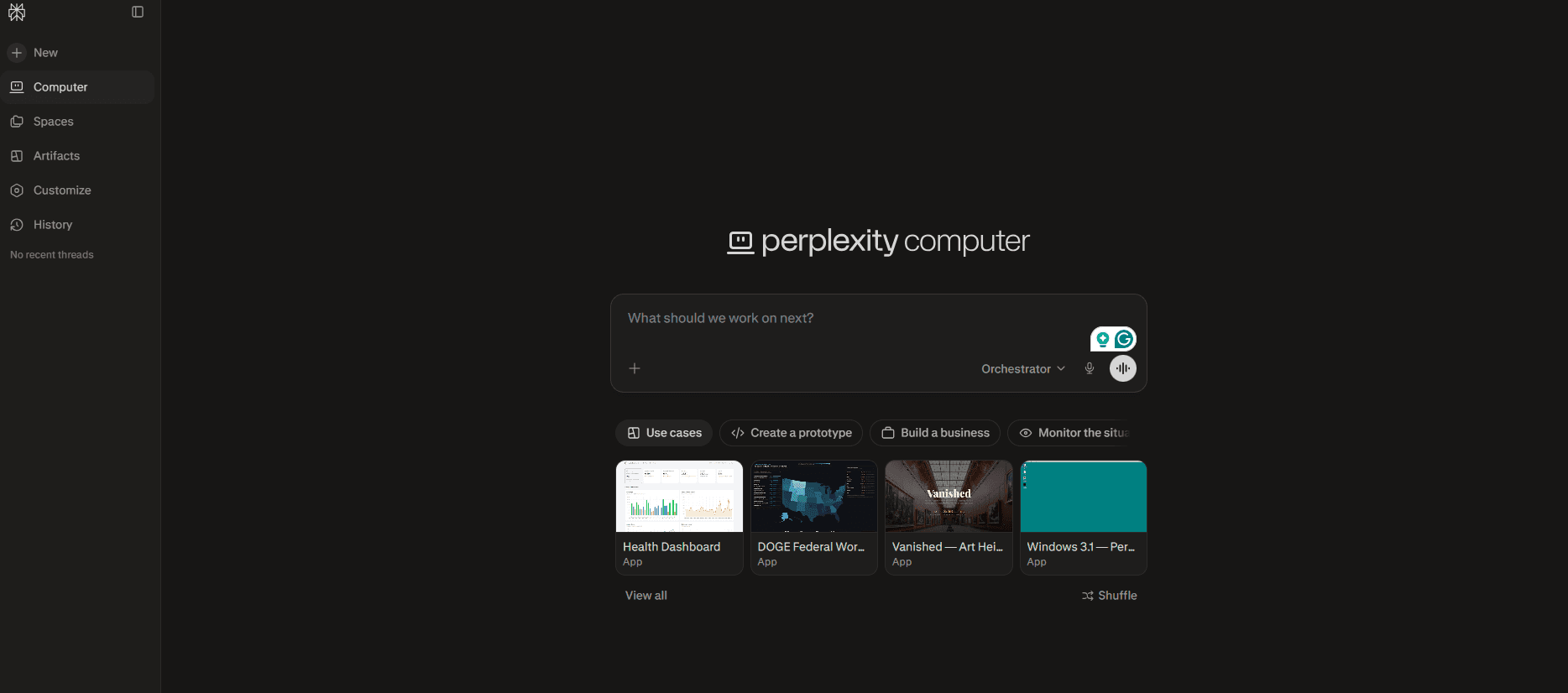
Perplexity launched Computer on February 25, 2026, and the architecture is genuinely different from most things in this space. Instead of one model doing everything, it orchestrates 19 different AI models, assigning each step of a task to whichever model handles that category best. Sub-agents run in parallel inside a secure cloud sandbox. You give it a goal, it breaks that goal into tasks and sub-tasks, spins up specialists for each, and comes back with a finished deliverable.
In one reviewed test, five parallel sub-agents each independently researched different data sources, and the orchestrator assembled an 18-page report in under 15 minutes. That's a different category of capability from a single-model assistant.
In March 2026, Perplexity also launched Personal Computer: a local version that runs on a Mac and gives the cloud agent persistent access to your local files, apps, and sessions.
What it offers:
19-model orchestration: different models assigned to different subtasks
Secure isolated cloud sandbox for every job
Parallel sub-agent execution significantly compresses time on complex projects
Tight integration with Comet browser and Perplexity's search infrastructure
Personal Computer (Mac) for local file access and always-on operation
Task plan preview before credits are spent (recently added)
Cons:
It's only available at the $200/month Max tier. There's no standalone Computer pricing. The credit system is also genuinely hard to budget: complex tasks burn through credits at rates that aren't predictable upfront, and Perplexity hasn't published a per-task cost guide. Early adopters report burning through allocations faster than expected. The integration ecosystem is also still thin compared to established agent platforms.
There's also no persistent identity. Perplexity Computer doesn't build a model of who you are over time. Each job runs in a disposable environment. For research and one-off long-horizon tasks, that's fine. For a personal assistant that should know your patterns, it's a gap.
Why pick it over Hermes:
Hermes is a persistent companion that gets better over time. Perplexity Computer is a task runner for work that requires hours of focused effort across dozens of sources. Parallel sub-agent research, deep document analysis, multi-step data workflows, that's where Perplexity wins. If you regularly need an agent to go do serious research and come back with a finished artifact, this is the cleanest managed option for that job.
8. Claude Cowork
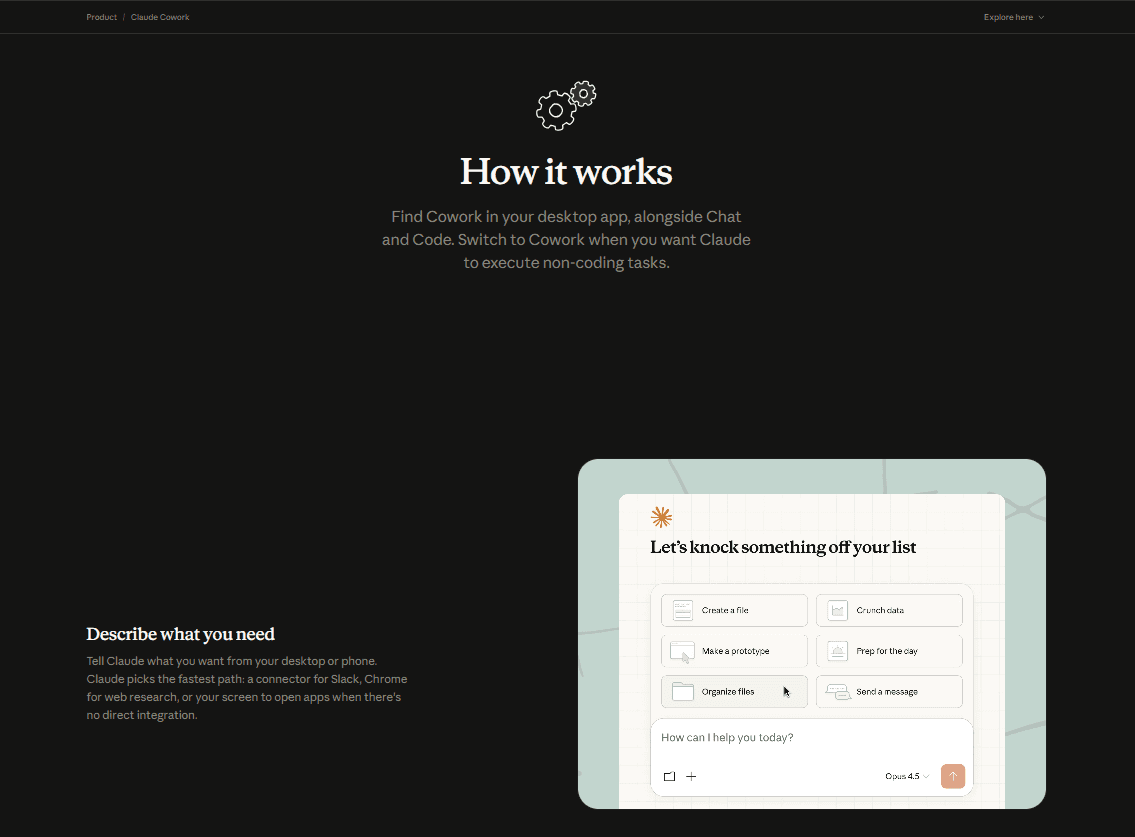
Cowork is Anthropic's managed desktop agent. It runs on your local machine using macOS Accessibility APIs, which means it can open your apps, navigate your screen, interact with files, and automate real workflows rather than simulated ones. The underlying model is Claude, which has the best tool-calling reliability and document handling of any model currently available for Hermes.
The target user is a knowledge worker who spends most of their day in documents. Cowork handles multi-step research, autonomous document drafting, file management, and the kind of work that usually requires keeping five tabs open and copying things between them.
What it offers:
Native desktop execution via macOS Accessibility APIs (real apps, not cloud sandboxes)
Strong Claude reasoning for complex multi-step tasks
1M token context window for long document work
Fully managed: no infrastructure, no configuration
Integrates naturally with the rest of Anthropic's Claude ecosystem
Cons:
Closed source and Anthropic-only, so you're locked into one model family. All your data and actions flow through Anthropic's infrastructure. There's limited customization compared to open alternatives. Pricing gets expensive at higher tiers. The opacity around usage limits (particularly on Pro) is a real complaint from current users.
It's also macOS-focused. Windows support exists but the macOS experience is clearly the more mature one.
Why pick it over Hermes:
Hermes lives on a server and you reach it through a terminal or messaging app. Cowork lives on your desktop and interacts with your actual applications. If your work is document-heavy and you want an AI that can open your files, draft inside your actual tools, and automate your desktop rather than just respond to messages, Cowork is the better fit. No SSH, no VPS, no config files.
9. KimiClaw
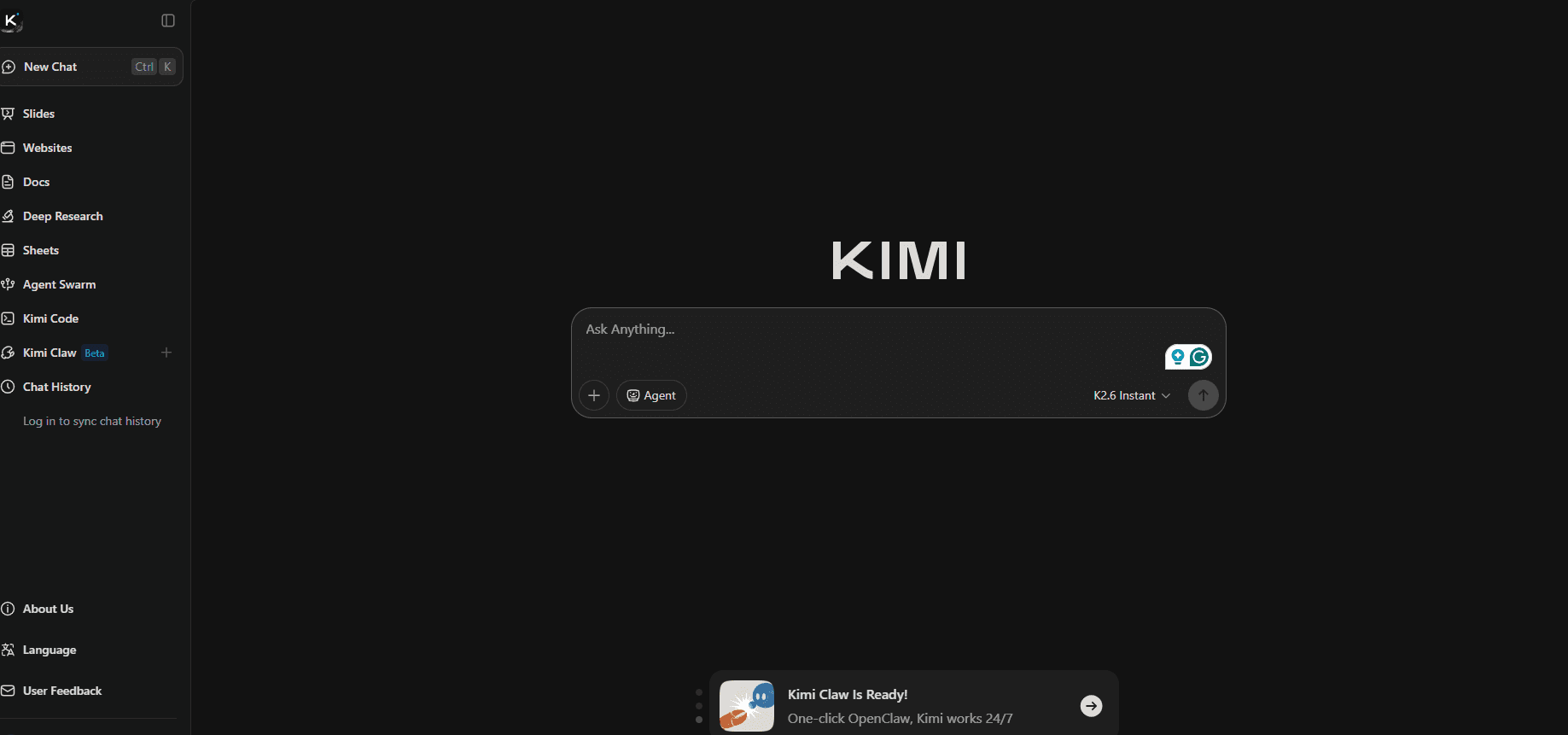
KimiClaw is Moonshot AI's response to the question that every non-developer asked after OpenClaw went viral: "Can I get this without managing a server?" It launched on February 15, 2026, running natively inside kimi.com, powered by Kimi K2.5, a 1-trillion-parameter Mixture-of-Experts model that's strong on multilingual tasks and coding.
The interesting technical detail is 40GB of cloud storage per user, designed for RAG-style retrieval. You upload documents, datasets, and reference files, and the agent indexes them for retrieval during conversations. For document-heavy workflows, that's a meaningful structural advantage.
Moonshot also built in a "Bring Your Own Claw" feature: if you already run a self-hosted OpenClaw instance, you can bridge it to KimiClaw's cloud interface and Telegram integration. Existing power users don't have to choose.
What it offers:
Zero infrastructure. Runs entirely in the browser.
40GB cloud storage with RAG-style retrieval for uploaded documents
Access to 5,000+ ClawHub skills without managing the marketplace yourself
Kimi K2.5 (1-trillion-parameter MoE) as the underlying model
Bring Your Own Claw: bridge an existing self-hosted instance to the cloud layer
Continuous memory across sessions without database configuration
Cons:
KimiClaw is locked to K2.5. You can't swap in Claude, GPT-5, or any other provider. For some workflows, K2.5 is excellent. For others, you might want a different model for different tasks, and KimiClaw doesn't give you that.
The data jurisdiction question is also real. Moonshot AI operates under Chinese data law. For personal productivity, most people won't care. For teams processing sensitive credentials or proprietary business information, it's worth thinking through explicitly.
Early independent reviews also flagged issues with complex task reliability, frequent timeouts, and some features that didn't match marketing claims in practice. It launched running OpenClaw v2.13, which was already outdated at release.
Why pick it over Hermes:
If you're already in the Kimi ecosystem and want a managed agent without managing a server, KimiClaw is the fastest path. The 40GB storage and RAG retrieval also make it genuinely better than Hermes for document-heavy research workflows where the agent needs to reference large file collections. Hermes doesn't have built-in RAG over user uploads in the same way.
10. Manus Cloud Computer
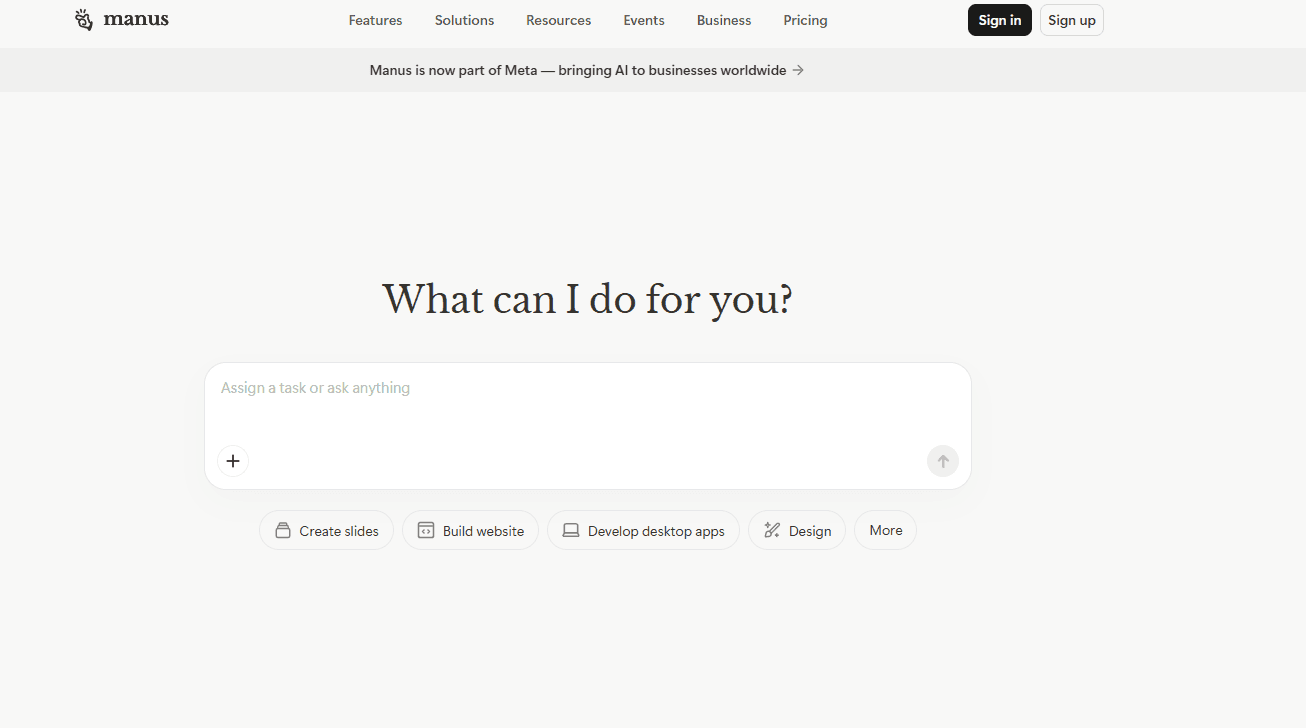
Manus is the autonomous cloud agent that Meta acquired for roughly $2 billion in late 2025 (China's antitrust regulator blocked the deal in April 2026, so ownership status is currently unresolved). Built by the team behind Monica.im, it gives an AI agent a full virtual computer: browser, terminal, file system. You hand it a goal. It figures out the steps, goes off, executes them, and comes back with a finished result.
You can watch it work through a live dashboard, see which pages it opens, which searches it runs, which files it writes, all in real time. You can also pause and redirect mid-task, which is more control than most cloud agents give you.
Since the Meta acquisition, Manus added Slack and Telegram integrations, an AI Web App Builder, slide generation, and a desktop app with local file access.
What it offers:
Full virtual computer environment: browser, terminal, filesystem all accessible to the agent
Multi-model architecture: selects different models (including Claude and Qwen) for different steps
Background execution for hours-long tasks without supervision
Live dashboard with real-time visibility into what the agent is doing
Pause, redirect, or intervene at any point mid-task
Wide Research: parallel research across multiple sources simultaneously
Slide generation, website deployment, AI image generation
Cons:
The credit system catches people off guard constantly. Reddit and Trustpilot are full of users reporting that a handful of complex tasks burned through an entire month's allocation, sometimes in minutes, with no warning and no budget controls. One reviewed user spent $39 and lost the credits in under 10 minutes. There's no "stop at X credits" option.
Manus also has no persistent identity. It doesn't build a model of who you are or how you work. Every task runs in a disposable environment. For team collaboration, the story is still thin. And the unresolved Meta acquisition situation is worth noting before you build any serious dependency on it.
Why pick it over Hermes:
Hermes is a long-running companion. Manus is a task executor. For "I need someone to go spend three hours researching this topic and come back with a finished report," Manus handles that more reliably than Hermes. Wide Research running parallel sub-agents across dozens of sources in one prompt is genuinely useful. If that's your core use case, Manus is the managed option that fits.
11. Vellum
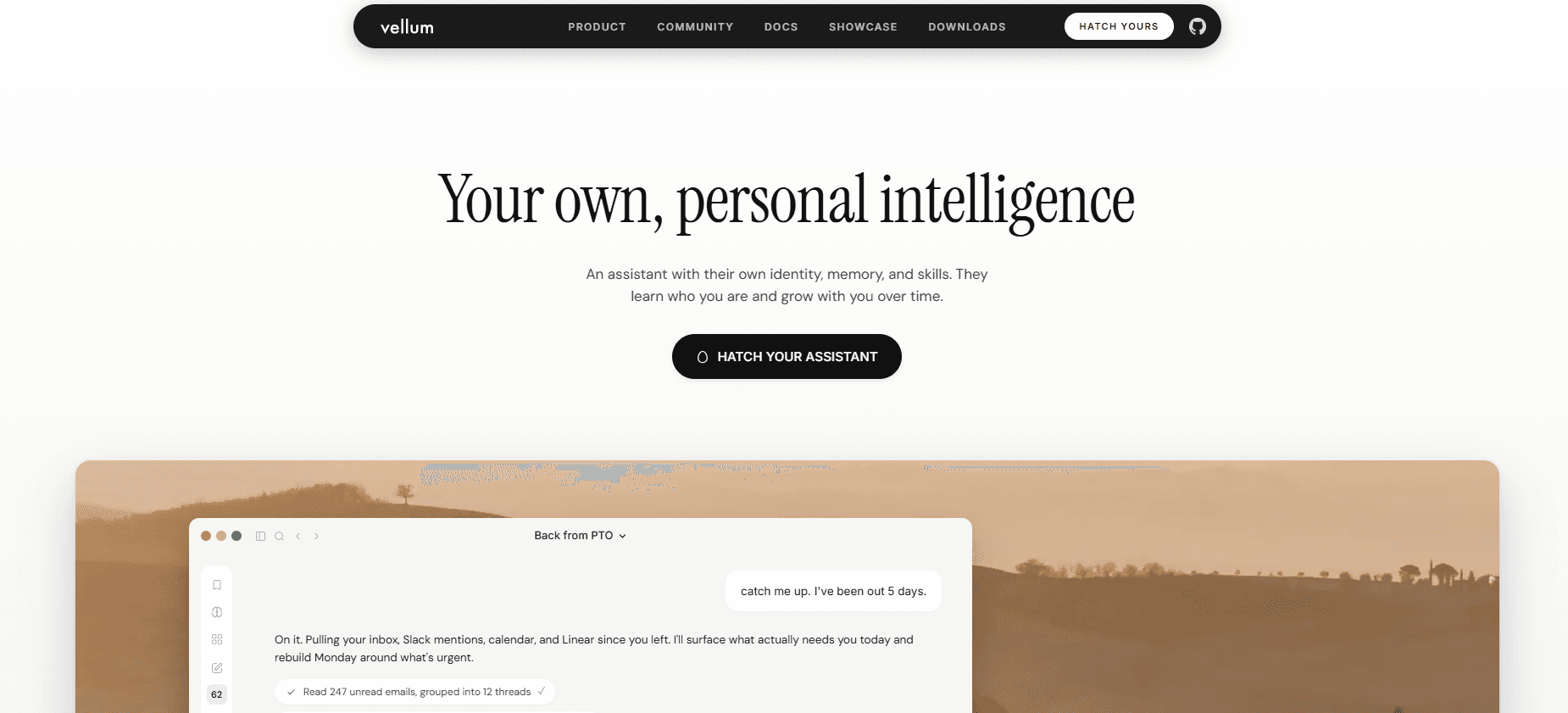
Vellum takes a different angle from everything else in this list. It's not a server agent you SSH into. It's not a cloud task runner. It's a personal AI that lives on your device, has its own configurable identity, and does something architecturally interesting with credentials: they're stored in a separate process that the model literally cannot read. The AI never touches your API keys or passwords during execution.
The memory system is also built differently. Every hour, Vellum's proactivity engine re-reads its own notes, checks what's unfinished or coming up, and reaches out if it finds something worth mentioning, unprompted. It's not waiting for you to ask. It's building a model of you and acting on it.
The macOS app is the most mature experience today, with Windows, mobile, and web on the roadmap.
What it offers:
Personal AI on your own device (macOS), not on a remote server
Credential isolation: keys stored in a separate Credential Execution Service, the model can never read them
Proactivity engine: re-reads context every hour and reaches out without prompting
Persistent memory with hybrid semantic and keyword retrieval
Personal knowledge base separate from conversation history
Shared memory across macOS, Telegram, and Slack
Open source with self-hosting support; cloud option for people who want it
Cons:
The macOS app is the most polished experience; Windows is on the roadmap but not shipping yet. The community is smaller than Hermes or OpenClaw. The project is newer, so the ecosystem is still building.
Because it's device-first rather than server-first, it also doesn't have the "always running on a VPS" property that makes Hermes useful for 24/7 background automation on a machine you're not actively using.
Why pick it over Hermes:
Hermes is built for developers who want to run an agent on a server and reach it through a terminal or messaging app. Vellum is for people who want a personal AI that lives on their computer, knows who they are, and acts without being asked. The credential isolation is a real architectural difference from anything else in this list. And the proactivity model, an agent that notices things rather than waits for prompts, is closer to what most people mean when they imagine a personal AI.
The key takeways
What you pick depends almost entirely on what you're willing to give up.
Best overall OSS alternative
OpenClaw, if you can stomach the security situation and need the broadest possible integration surface.
Best for security
TrustClaw. OAuth-only auth, sandboxed execution, audit logs, and one-click revocation. Nothing else here comes close on that specific axis.
Best lightweight option
PicoClaw for absolute minimum footprint on cheap hardware. ZeroClaw if you want Rust reliability on a constrained VPS.
Best for memory
memU Bot. Hermes remembers things. memU is built around remembering things correctly, with structured retrieval that compounds over time.
Best managed alternative
Depends on the job. Perplexity Computer for parallel research and long-horizon tasks. Cowork if you live in documents on a Mac. Manus for autonomous task execution with a virtual computer.
Best for personal use (non-technical)
Vellum. Lives on your device, proactively reaches out, and keeps your credentials away from the model. The closest thing to what most people imagine when they picture a personal AI.
FAQs
1) Do I need to self-host Hermes (or these alternatives)?
No. Hermes and several options here are built for self-hosting, but managed products like Perplexity Computer, Claude Cowork, KimiClaw, and Manus run fully hosted, with no VPS or Docker.
2) Is self-hosting an agent safe?
It can be, but it is never zero-risk. If an agent has shell access and your credentials live in a .env file, you are responsible for patching, least-privilege permissions, network hardening, and reviewing third-party skills before running them.
3) How can I reduce credential risk if I do want tools and integrations?
Prefer OAuth-based integrations, scoped tokens, and short-lived credentials. Use providers that offer audit logs and one-click revocation. Avoid pasting long-lived keys into agent config files when you can. Prefer Composio for OAuth based integrations with audit trails.
4) Which alternative should I pick if I do not want to touch a terminal?
Choose a managed option. Perplexity Computer is strong for research-heavy work. Claude Cowork is strong for document-heavy workflows on a Mac. Manus is strong for longer autonomous tasks that need a full virtual computer. Vellum is the closest to a personal device-first assistant.

 Get started



