




TL;DR:
The best AI research workflow in 2026 combines specialized tools instead of relying on a single assistant.
Perplexity, Elicit, and Scite each solve a different part of the research process.
Composio connects these tools to your workspace, so AI can organize research in Notion, Google Docs, Google Drive, and more, without manual copy-pasting.
Most AI research tool roundups focus on which assistant is the smartest. In reality, the bigger challenge is everything that happens after you've found the information. Getting research into your notes, documents, and knowledge base is where the busywork starts.
We cover the strongest AI research tools available today, explain what each one does well, and show you how to wire them together into a workflow that actually reduces your manual effort, not just relocates it.
Key criteria for selecting your AI research stack
Evaluating advanced research AI features
The first thing worth understanding is the difference between an AI research assistant and an AI research agent, because the two operate in fundamentally different ways.
An AI assistant is reactive: it waits for your prompt, responds, and stops.
An AI agent is proactive. Once you hand it an objective, it plans, searches, and iterates without requiring a new prompt for each step. It analyzes the problem, breaks it into subtasks, decides which to run in parallel, and synthesizes findings into a final output.
This matters for tool selection because a chat assistant can't do this. If your research involves more than a single, well-defined question, you need an agent, not a chatbot.
Ability to add findings to your existing apps
A research tool that writes only to its own interface is just another app you have to manage. The tools worth investing time in are the ones that can read from and write to your actual working environment: Notion, Google Docs, Google Drive, or whatever you already use to store your notes and project files.
This also protects you from tool lock-in. If your research lives entirely inside Perplexity's interface or a proprietary notes feature, switching tools means starting over. If your AI tools write to Notion or a local markdown system you control, you own the data regardless of which AI you use next.
Calculating true return on setup time
A tool is only valuable if you can get it working in one sitting. This sounds obvious, but it eliminates a large portion of the market. Many research AI tools require configuring API keys, setting up OAuth scopes, and debugging token refresh errors before you can run a single query against your own files.
The tools listed below all offer free tiers, most without requiring a credit card.
Top-rated AI assistants for research tasks
Perplexity: Live search for projects
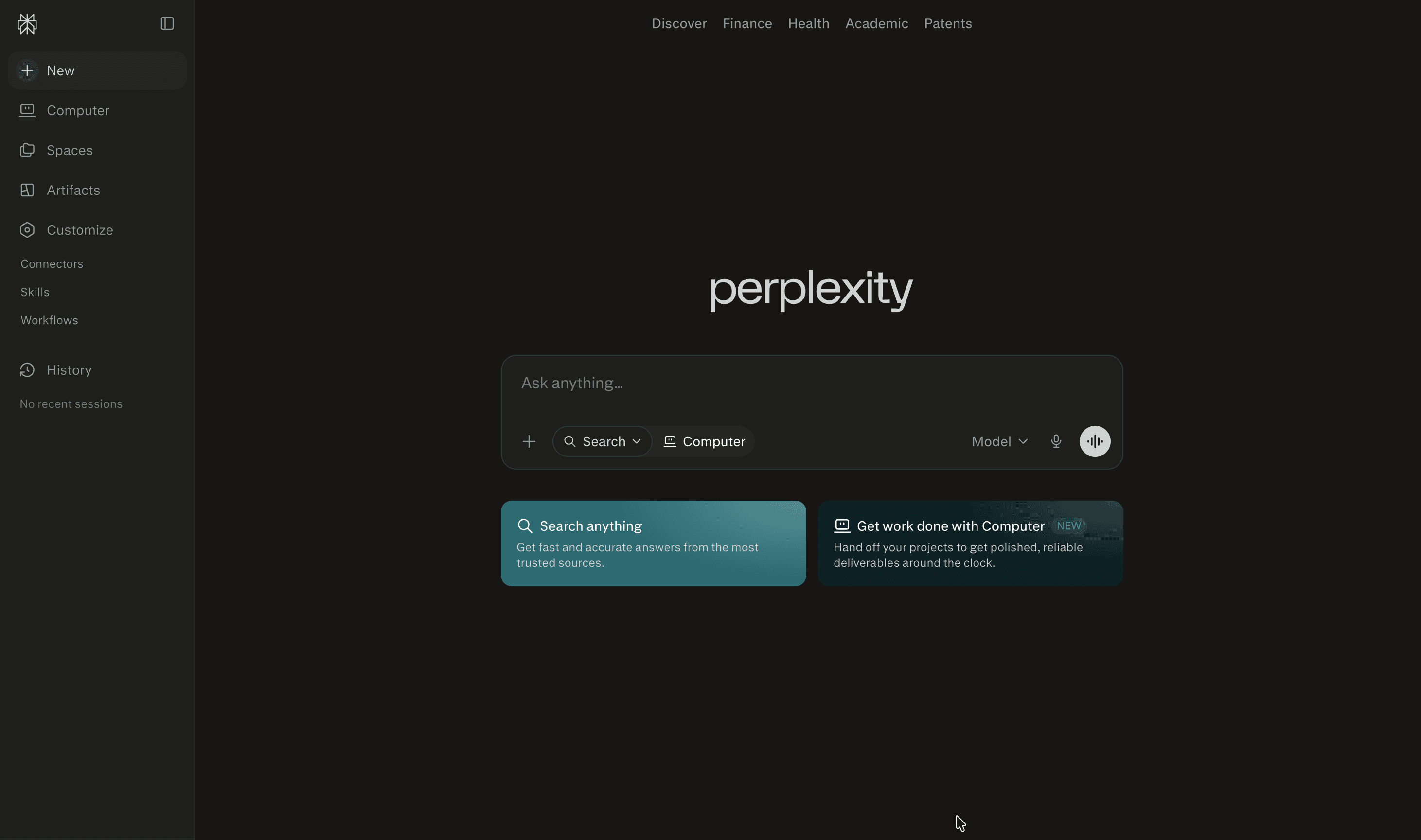
Perplexity works best as a real-time synthesis engine for current information. Unlike a standard LLM, it searches the live web, returns cited sources alongside its answer, and supports project-based research where you can thread related queries together.
For knowledge workers tracking fast-moving topics, market trends, or current events, Perplexity is the right starting point. Its Pro plan runs $17 per month, which unlocks model switching between GPT-4o, Claude Sonnet, and Grok, plus higher query limits than the free tier. We also maintain a native Perplexity AI toolkit, so you can trigger Perplexity queries directly from within an agent workflow and pipe the results into Notion or another connected app automatically.
Free tier: unlimited basic searches, ~5 Pro searches per day
Pro plan: $20/mo
Max plan: $200/mo
Elicit: AI agents for research papers
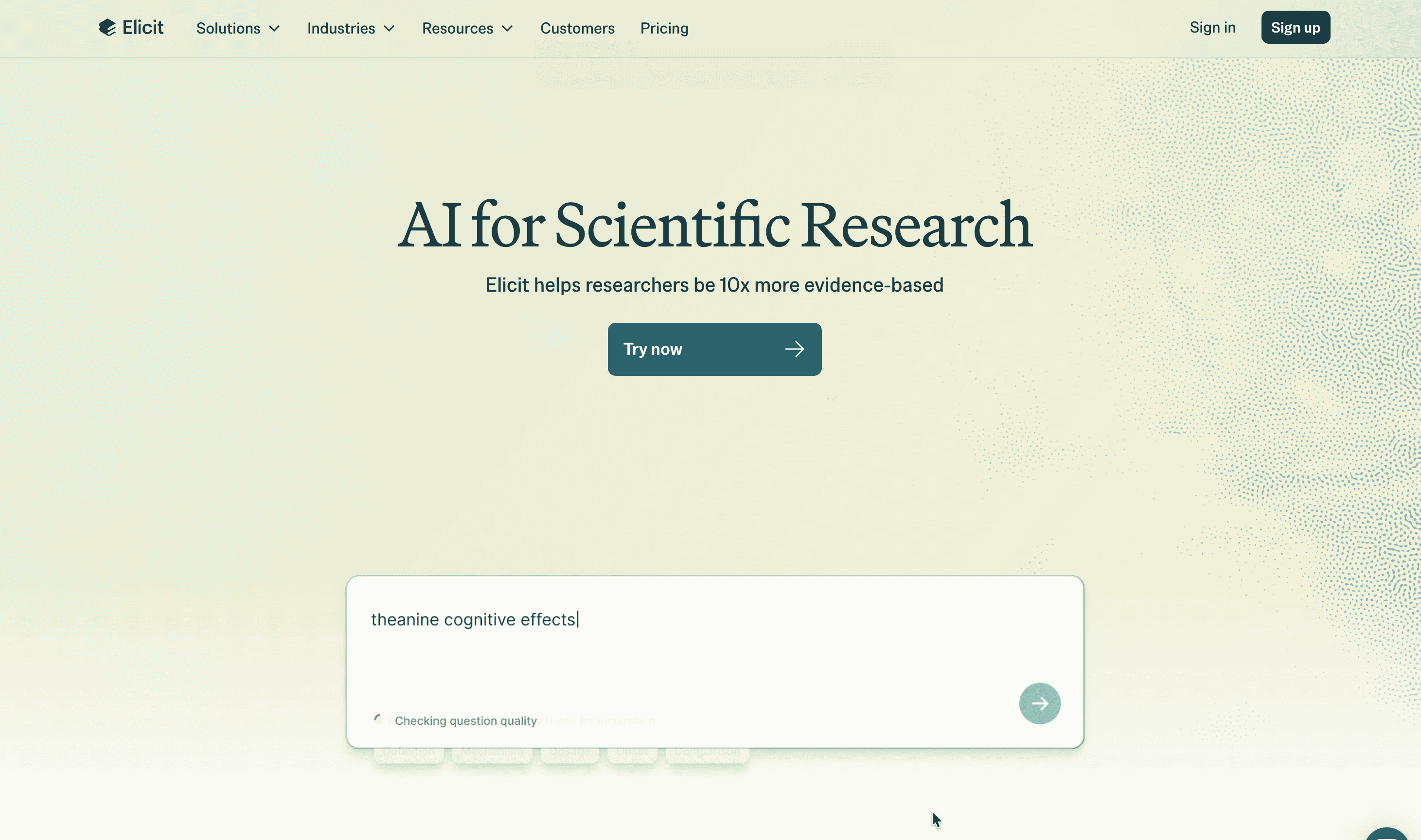
Elicit is the most purpose-built tool for systematic literature review. It extracts structured data fields (study design, sample size, outcome measures) from papers at scale, which no general LLM assistant does out of the box. It searches 138 million papers and returns structured evidence tables. You can extract specific data fields from papers at scale, which makes it genuinely useful for systematic reviews rather than quick lookups. The Pro tier processes up to 5,000 papers per session, and Enterprise handles up to 40,000.
Free tier: unlimited search, summaries, and chat across 138M+ papers
Pro plan: $49/mo
Scale plan: $169/mo
Scite: Building trust in less fake citations
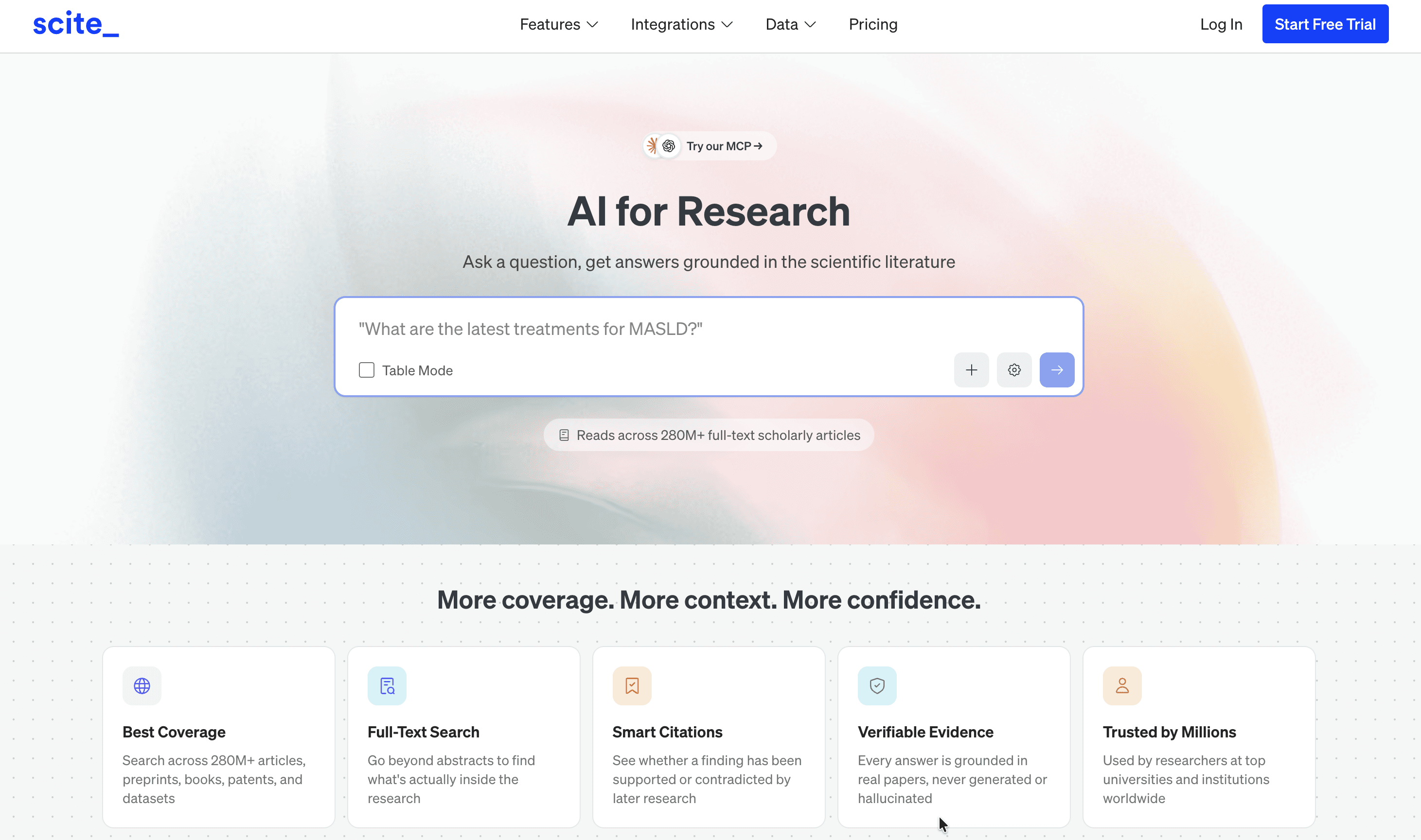
Scite addresses one of the most practical problems with AI-generated research: citation hallucinations. Its Smart Citations feature draws from a large database of citation statements from scholarly papers, and for each paper it tells you whether subsequent research has supported, mentioned, or contradicted that work.
This is a meaningful upgrade over a standard citation check. Knowing that a paper exists isn't the same as knowing whether its findings held up. Scite shows you the citation context so you can decide whether to rely on a source or dig further.
Free tier: none (7-day free trial only)
Personal plan: $20/mo
Here's how the major academic research tools compare on the metrics that matter most:
Tool | Database size | Primary strength |
|---|---|---|
Elicit | 138M papers | Structured evidence synthesis and metadata extraction |
Scite | 1.6B+ citation statements | Smart Citations classifying support vs. contrast |
One principle worth applying across all of these: a tool is only useful if it saves time without making verification harder. Elicit's structured extraction format helps here because it shows you exactly what it pulled from each paper and where, rather than asking you to trust a synthesized paragraph with no traceable source.
Tips for using AI agents for research
Make AI research specific to you
A general LLM doesn't know what you worked on last month, what your client's project scope is, or what framework you use to organize your notes. Without that context, it gives you generic answers that you then have to manually adapt to your situation.
The fix is giving your AI tools access to your actual files. Instead of relying on a custom knowledge base or a static uploaded document, your AI agent can read directly from the systems your team already uses. That means its answers reflect your current work, not just information from the open web.
For example, say you are preparing a content brief for a client. Instead of asking the AI to “research the topic” from scratch, you can ask it to review the client’s strategy doc in Google Drive, pull previous meeting notes from Notion, check the latest keyword list in Sheets, and use that context to draft a brief that matches the client’s priorities, tone, and current campaign goals.
Link your knowledge base to AI agents
The problem with wiring AI tools directly to APIs is that raw API schemas weren't designed for LLM consumption. Complex nested structures, inconsistent field naming, and verbose response payloads eat context window and produce malformed tool calls, which is why you'll sometimes find your AI research assistant doesn't work properly (even when you provide it simple instructions).. Composio acts as the integration layer between your AI tools and your knowledge base, translating those schemas into structured, LLM-friendly JSON your agent can consume cleanly.
Both the LangChain and LlamaIndex provider packages are supported. If you're building with either framework, you can add Composio's tools with minimal setup and immediately give your agent access to Notion, Google Drive, and 1,000+ other applications.
Sync Notion notes with AI research
Finding a relevant paper in Elicit is one step. Having that finding automatically appear in your Notion research database, tagged with the project name, author, and key claim, is something different entirely.
This is where our Notion integration closes the gap. Rather than copying and pasting each result manually, you can configure your AI agent to write directly to a Notion database as it works. We handle all the API authentication on your behalf, so you're not managing OAuth tokens or API keys.
Use ChatGPT as your research hub
ChatGPT Plus and Pro remain strong general-purpose orchestrators. The Model Context Protocol (MCP) is an open standard that lets AI models connect to external data sources and tools through a single protocol.
This matters for research workflows because it means ChatGPT can query your Notion workspace, search your Google Drive, and pull from external academic tools, all within a single conversation, as long as those tools are connected through a compatible integration layer. Our MCP Gateway gives each connected team a unique MCP endpoint that drops into ChatGPT without additional configuration.
Route agent actions to the right tool
When your agent needs to perform an action, the Tool Router determines which connected service to use based on your authenticated connections. If you've connected both Notion and Google Docs, Tool Router routes the action to the right destination based on the request context, without you specifying the target app each time. This removes conditional logic from your agent code and means users can switch providers without changing how the workflow is configured.
Our Tool Router solves this directly. When an AI agent receives an action request, the Tool Router inspects the request and routes it to the correct connected application based on your authenticated connections. You don't need to tell the agent which service to use. It determines the right destination and executes the action automatically.
Make sure your app connections don't expire (OAuth tokens)
Managing OAuth tokens across six connected applications is a hidden time cost that compounds every time a token expires or a scope changes. Our Managed Auth Layer removes this entirely.
When your agent needs access to a new tool mid-conversation, we return a Connect Link URL. You authenticate once through a standard browser flow, and your credentials persist for all future sessions. We're SOC 2 and ISO 27001 certified, with zero-day log retention by default and all data encrypted at rest and in transit.
Recommended setups by use case
Best research AI for thesis work
Academic research follows a defined lifecycle, and the strongest tools map directly to specific stages:
Stage | Recommended tools | Primary function |
|---|---|---|
Discovery | Consensus, Elicit | Finding and filtering relevant papers |
Mapping | Citation network tools | Visualizing research connections |
Drafting | Claude, ChatGPT | Writing and synthesis |
Submission / QC | Scite, iThenticate | Citation integrity checks and plagiarism detection |
Reference checking tools are worth highlighting specifically for the final stage. Scite, already covered above, is the strongest option here: its Smart Citations database identifies retracted papers, surfaces contradicting evidence, and flags citation statements that don't hold up under scrutiny. For plagiarism detection and AI-generated text checks before submission, iThenticate is a tool trusted by researchers and publishers for screening high-stakes documents for originality.
The same stack applies outside academia: knowledge workers, consultants, and content creators running source-heavy projects face the same discovery, synthesis, and documentation stages, just without the submission deadline.
Automating research for creators
For content creators and independent consultants, the biggest research challenge is usually keeping track of source material, notes, and supporting documents. You find the right information quickly, but writing it up, organizing it by project, and keeping it synchronized with your active notes takes time that could go toward the actual output.
Agentic research workflows help here by automating the documentation step. Rather than ending each research session with a browser tab you'll close and forget, your agent can write findings to a connected Notion database or Google Doc as it works, creating a permanent, organized artifact for each project.
Configuring your AI research setup in 10 minutes
Choose your ideal AI research agent
Start with whichever AI interface you already use most consistently. Claude Desktop and ChatGPT are both strong starting points because they support MCP connections. If you use Claude, our Notion + Claude Cowork integration gives you a direct path to a working research agent with live access to your personal knowledge base.
Automate source linking via Composio
Here's the setup process using Claude Desktop and Notion:
Sign up: Create a free Composio account (no credit card required, 20,000 tool calls per month included).
Connect Notion: In our dashboard, select the Notion toolkit and click Connect. This generates a Connect Link URL that takes you through a standard Notion OAuth flow. Authenticate once and your credentials persist for all future sessions.
Link to Claude: Copy your Composio MCP server URL and paste it into your Claude Desktop configuration file. From that point, Claude can read and write to your Notion workspace directly within any conversation.
Put your AI research stack to the test
Once the connection's live, run this query in Claude: "Search my Notion notes for 'Project Alpha' and find three supporting academic papers."
If the agent reads from your Notion workspace and returns relevant papers with source links, the setup is working correctly. If it fails, check the OAuth connection scope in our dashboard and reauthorize the Notion integration with full read/write permissions.
Start your free account at Composio (no credit card required) and connect your first research tool. Browse our tool library to see the available pre-built integrations for your research stack.
FAQs
Do AI research tools work with my existing files?
Most tools support PDF and TXT file uploads, but uploading each new document manually adds extra work every time the knowledge base changes. Using our platform lets your AI tools read directly from live apps like Google Drive and Notion without manual uploads, so your agent always has access to your current files rather than a static snapshot.
What are the fees for top research AI tools?
Perplexity Pro costs $17/mo, and Consensus Pro runs at $10 per month.
How do I migrate data between research tools?
Data migration between standalone research tools is typically a manual export-import process. By routing your tools through us as a central hub, you can move data between connected applications dynamically, without exporting files, because we handle the API calls between systems on your behalf.
How much time does an AI research stack save?
The time you reclaim depends on your current workflow. The most consistent gains come from eliminating the manual copy-paste step between research tools and your personal knowledge base, and from removing repeated re-authentication across disconnected apps. Both are addressed by our managed integration layer.
Key terms glossary
AI Research Agent: An autonomous AI system that plans and executes multi-step research tasks, including searching, reasoning, and synthesizing findings, without requiring a new prompt for each action.
Model Context Protocol (MCP): An open standard that lets AI models connect securely to external data sources and tools through a single, unified protocol, eliminating the need for custom integration code per tool.
Tool Router: A feature we built that automatically directs AI queries to the correct connected application, so your agent can find data across multiple sources without manual switching between apps.
Connect Link: A secure URL Composio generates that lets users authenticate third-party applications mid-conversation. Credentials persist across future sessions once the OAuth flow is complete, eliminating re-authentication loops and credential management overhead.

 Get started



