Searching on Google or ChatGPT isn’t always the best
If you’ve been using things like ChatGPT or witnessing Google’s sometimes-annoying AI Search Results, you may be thinking that AI and search do not go together.
And that's what I thought too. You use to just type a question into Google, get to the answer page in two seconds. Now you try asking ChatGPT or Gemini, and it takes seconds and even minutes to answer a simple question. Even worse, I think it’s giving me the “perfect answer,” only to click into the article citation and realize the fact that Google stated was outdated, or never even really existed to begin with.
AI Search Engines are getting smarter
As much as your basic ChatGPT might not do a great job at search, there are companies and research labs building AI platforms dedicated to searching well. These tools still crawl the web the way search engines always have. But, instead of handing you ten blue links, they read the results for you and write an answer with citations you can check.
So while ChatGPT might be great at drafting your emails, the AI I tested here is dedicated to pulling information that can actually show up in your presentations and reports.
How I tested the best AI search engines in 2026
When I thought about how to test these search engines, I thought about the type of issues I run into with Google and ChatGPT right now. If I search the latest sports scores, is it going to pull a classic GPT move and give me results from matches years ago? How fast is it? Can I actually check where the answer came from?
So I judged every engine on three things:
Freshness: can it tell me what's happening right now, not last season
Correctness of Facts: does it know about products released this year, with correct specs and prices?
Verifiability: does it cite sources I can click, and does it admit when it doesn't know?
I ran the same two queries in every engine (with the exception of Consensus):
"What Wimbledon matches are on today?"
"Compare the newest Sony, Bose, and Apple noise-canceling headphones on sound quality, battery life, and price"
These are queries a normal person would type into a search box, which is why they are the best test.
Best AI Search Engine for General Research
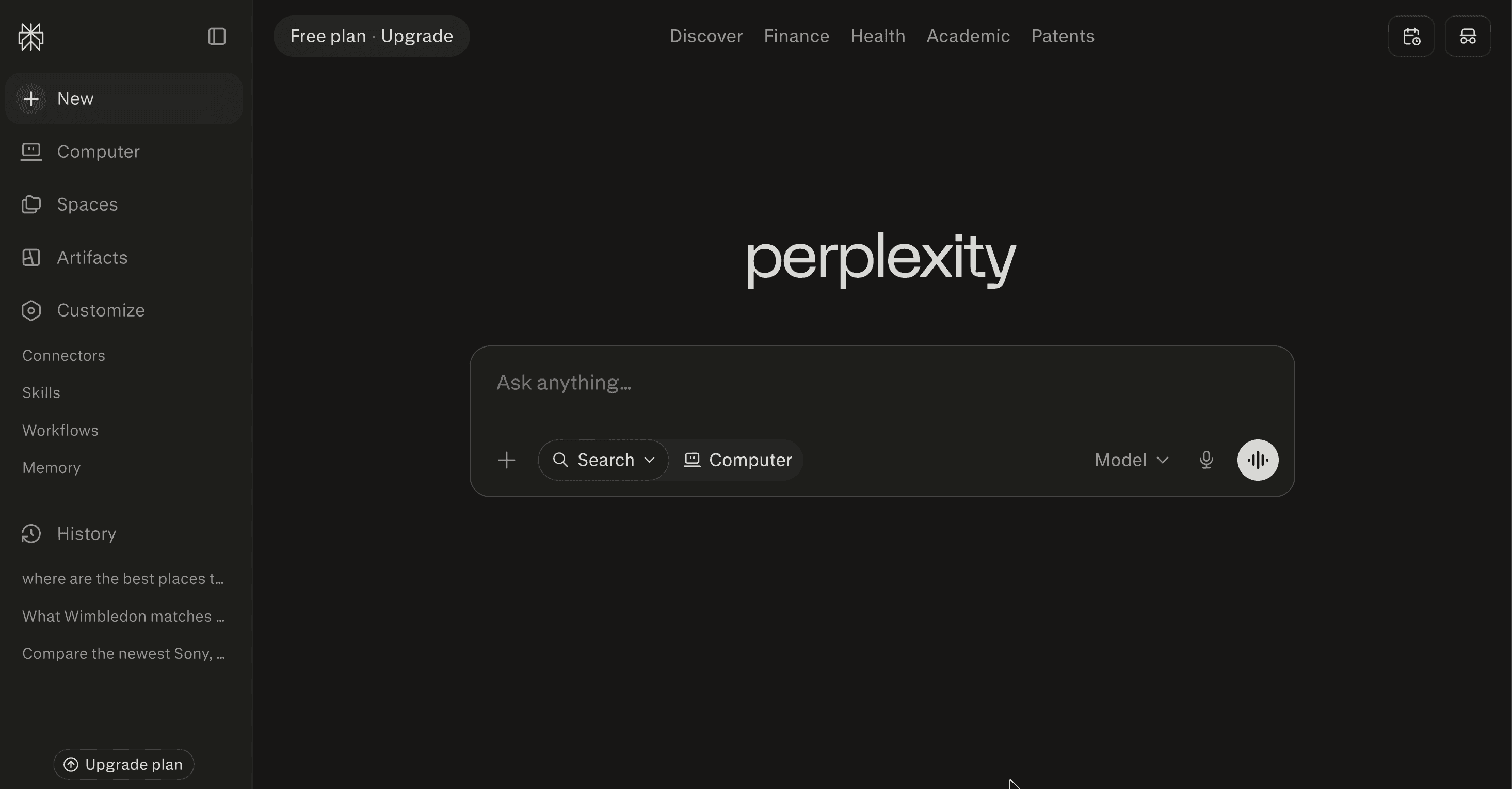
Perplexity is one of the most popular AI search engines out there, and it's been growing fast. Its user base roughly quadrupled heading into 2026, and some people have even started calling it their new Google.
It might feel like ChatGPT at first, but it crawls the live web for every single query, and it always cites its sources. That solves the massive problem with ChatGPT, where you get handed "facts" with no real way to check if they're true.
It organizes your searches in a much smarter way than ChatGPT typically does. When you're using other chatbots, you have to toggle through different chats to find the links you needed, but Perplexity separates your "Chat," "Links," and "Images" into separate tabs. There's also an "Export" feature, where you can export your chat as a PDF, DOCX, or Markdown file, which is formatted professionally with citations at the bottom. Most importantly, it has connectors, so you can also perform research from information you have in HubSpot, Gmail, and more. It can even connect to creative platforms like Canva or Figma, with the advantage that you can perform design research at the same time as creating designs.
Its Pro Search mode also offers advanced research tools like data analysis, generating professional reports, and even being able to switch between different AI models (more on when you should use different AI models here).
When I actually tested it, Perplexity gave some of the most careful, best-sourced answers of anything I tried. It's especially good when you're asking about something happening right now (like live events or breaking news), because it actually goes and pulls fresh results instead of guessing from old training data. It also gives you follow-up questions after each answer, so you can keep digging without having to think up your next search.
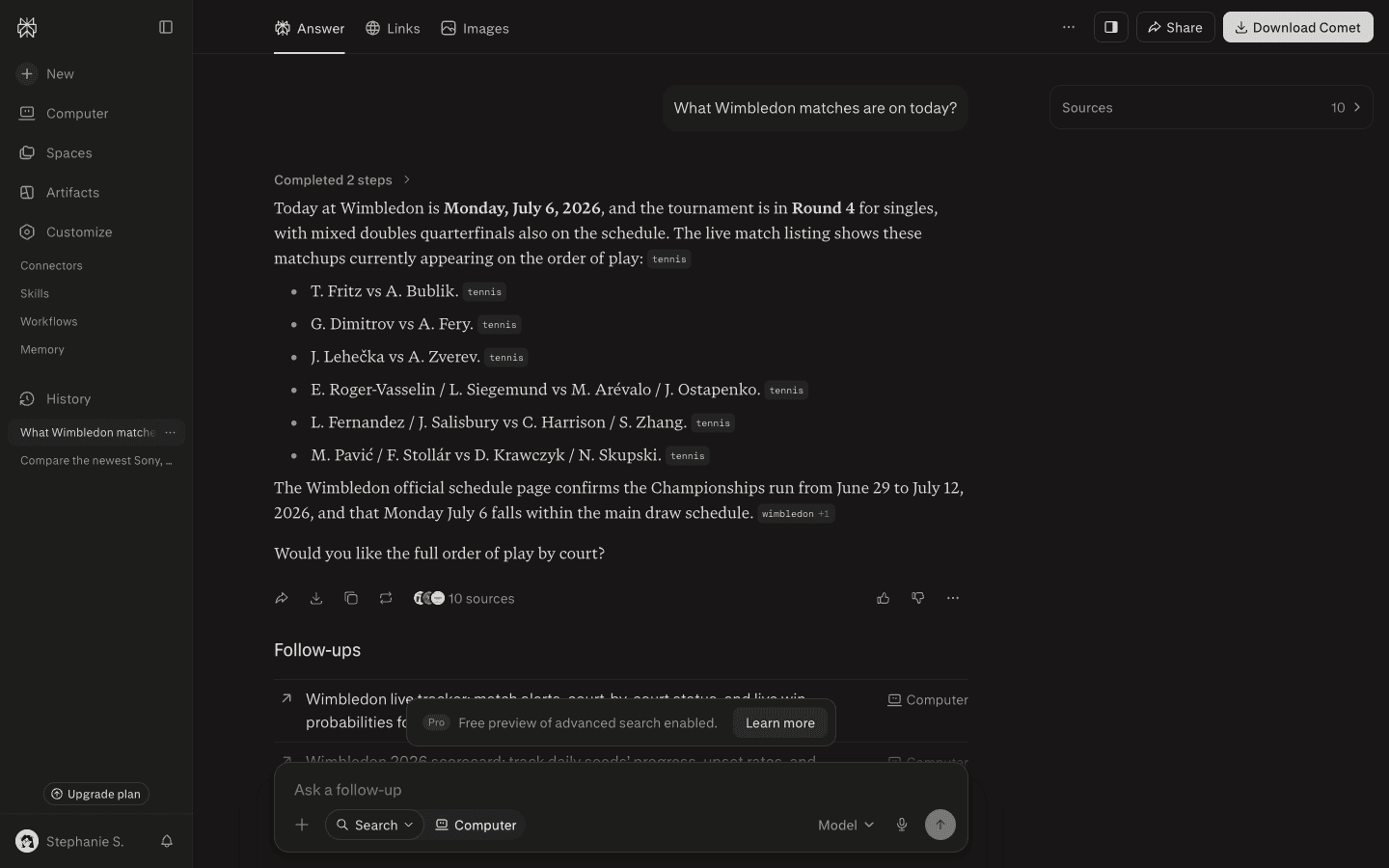
If there’s one thing I have to pick on, it’s that its answers aren’t always consistent. I'd ask the exact same question twice and sometimes get a great answer, sometimes a lazy one. So it's powerful, but don't be surprised if you still have to ask twice.
Pricing
Free tier: unlimited quick searches plus a limited number of Pro searches and model choices each day
Pro: $20/month
Max: $200/month
Best AI Search Engine for Quick, Visual Answers
Google AI Mode (Not Gemini)

Google AI Mode is Google's version of an AI search engine, and it's already one of the biggest out there, with over a billion people using it every month.
Here's where it gets confusing, because Google has three different things that all sound the same. Regular Google is the search engine you already know, the one that gives you a list of blue links. Gemini is Google's separate chatbot app, the one you open on its own to have a long back-and-forth, kind of like ChatGPT. Google AI Mode is inside Regular Google, just in a separate tab. Unlike the free version of Gemini, it always pulls its answers straight from the live web.
Google AI mode is definitely similar to Perplexity, but much simpler and more Google-like. When you ask it a question, it looks a lot more like a normal Google results page. It also shows images right inside the answer (which Perplexity doesn't always do), and when you hover over a citation you get a little preview of what the article says, the same way regular Google search does. If you're comparing products, it pulls up shopping cards with star ratings, review counts, and real prices in your own currency. You can even generate images with Nano Banana while you research, so you're doing both in one place.
When I actually tested it, Google AI Mode was one of the fastest to answer, a bit quicker than Perplexity, and it was the only engine that showed me prices in my own currency without me even asking. For live sports it pulled a full results table with dates and scores.
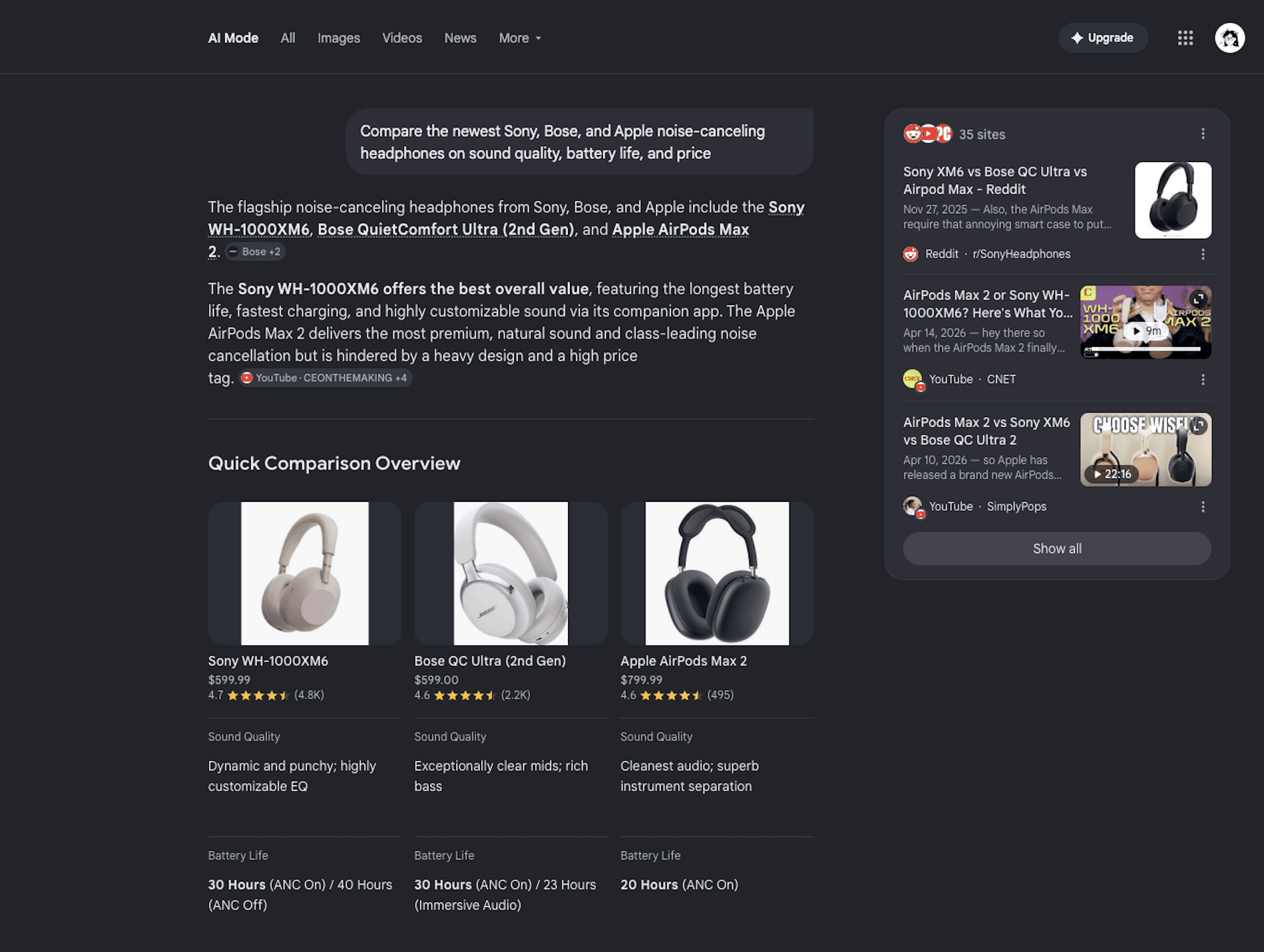
That said, Google’s AI mode doesn’t really include those research features that Perplexity has, like creating reports, and organized images/files. The sources can be hit or miss too, since in my test it pulled from a Facebook post. In the end, it's interface isn't really anything special. It's useful, it's just still pretty simple.
Pricing
Free tier: AI Mode is free to use inside Google Search (a free Gemini tier adds limited advanced-model access with daily caps)
AI Plus: $7.99/month
AI Pro: $19.99/month
AI Ultra: $100/month, or $200/month for the top tier
Best AI Search Engine for Private Searching
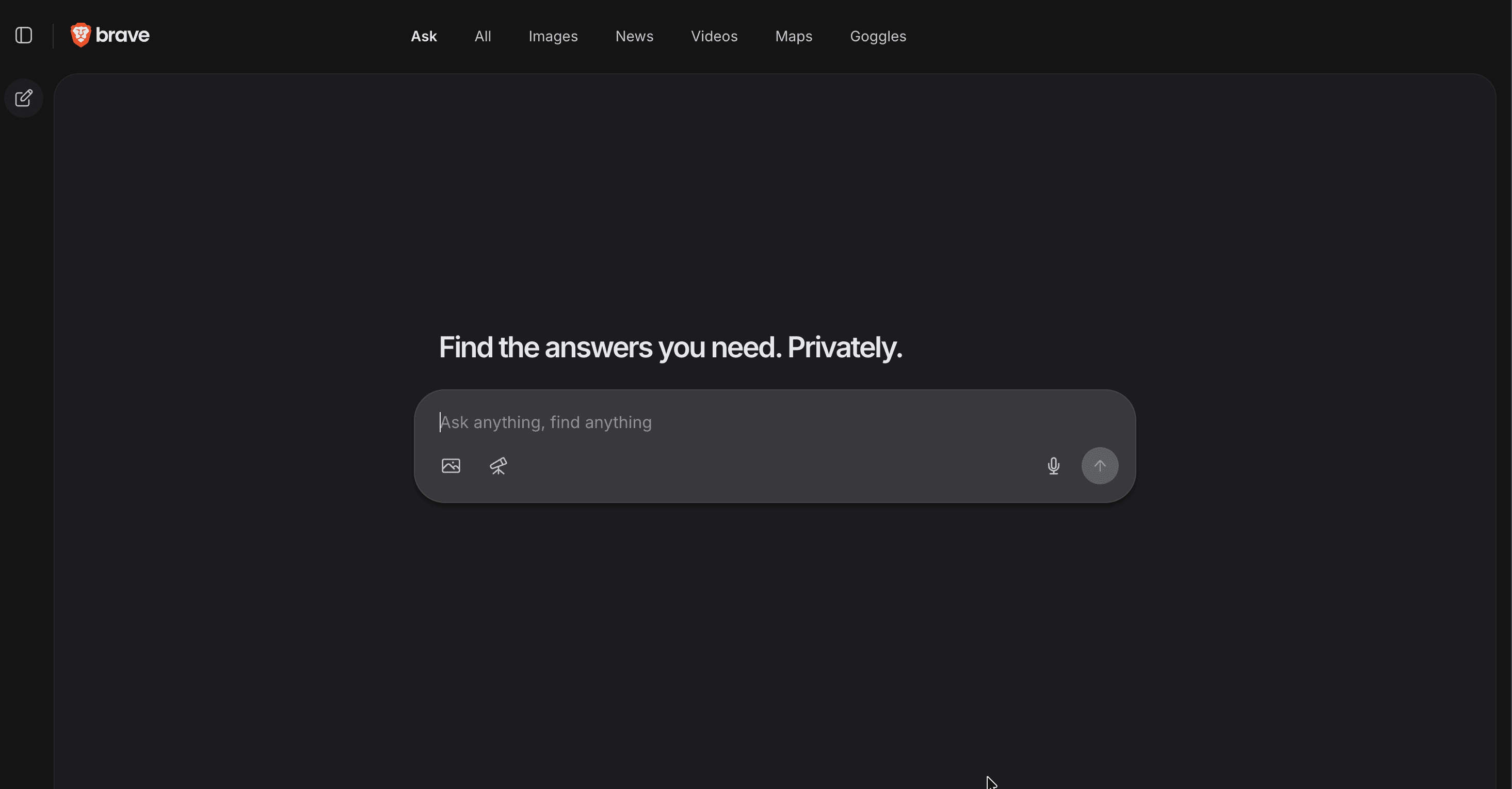
Brave Search is basically the privacy and security version of Google. It's free, it runs on its own independent index instead of borrowing Google's or Bing's results, and it doesn't track you or build a profile on you the way Google does.
Using it feels a lot like Google AI Mode, right down to the Ask tab sitting next to All, Images, News, and Videos, though clicking any of those other tabs just drops you back into a normal search. But, a few privacy touches stood out while I was testing. Your chat is encrypted and automatically deleted after 24 hours of inactivity, and Brave doesn't hold onto your IP address at all.
The feature I liked most is the sidebar on the left, which turns each answer into a clickable table of contents. Instead of scrolling around to find the part you actually care about, the way you do in ChatGPT or Perplexity, you can jump straight to the section you need.
Brave also has a deep research mode, and it's the most transparent version of that I came across. As it works, it shows you what it's doing in real time, including how much time has passed, which URLs it has read, and the questions it's asking itself along the way. Most engines never explain how they collect their information, so it's genuinely interesting to watch it think.
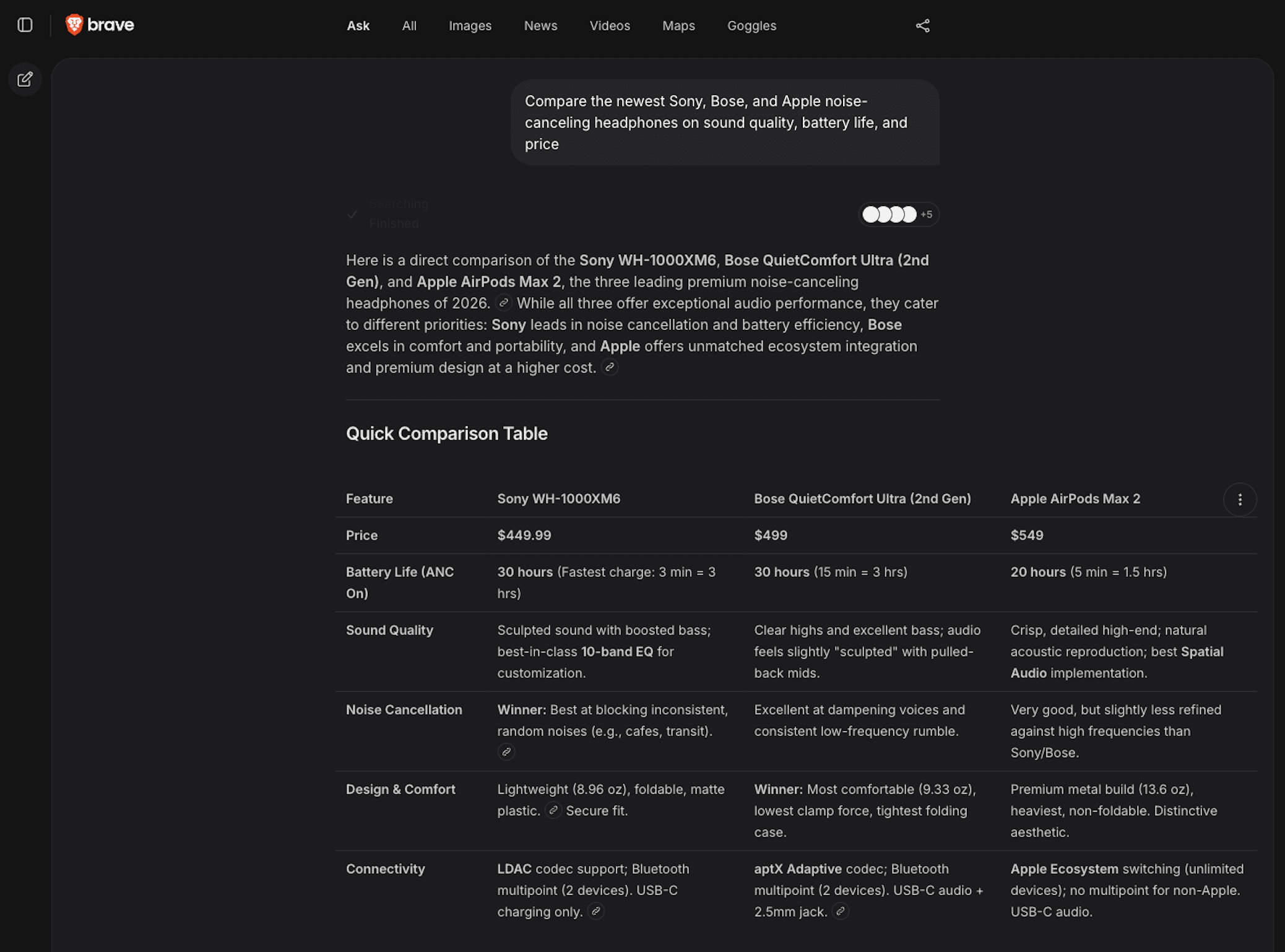
Beware, Brave's tend to be wordy sometimes, usually formatting answers as lines of text (and even it's tables are more wordy). Plenty of longtime users say the same thing, that they still bounce back to Google for certain searches.
Best AI Search Engine for Academic & Health Research
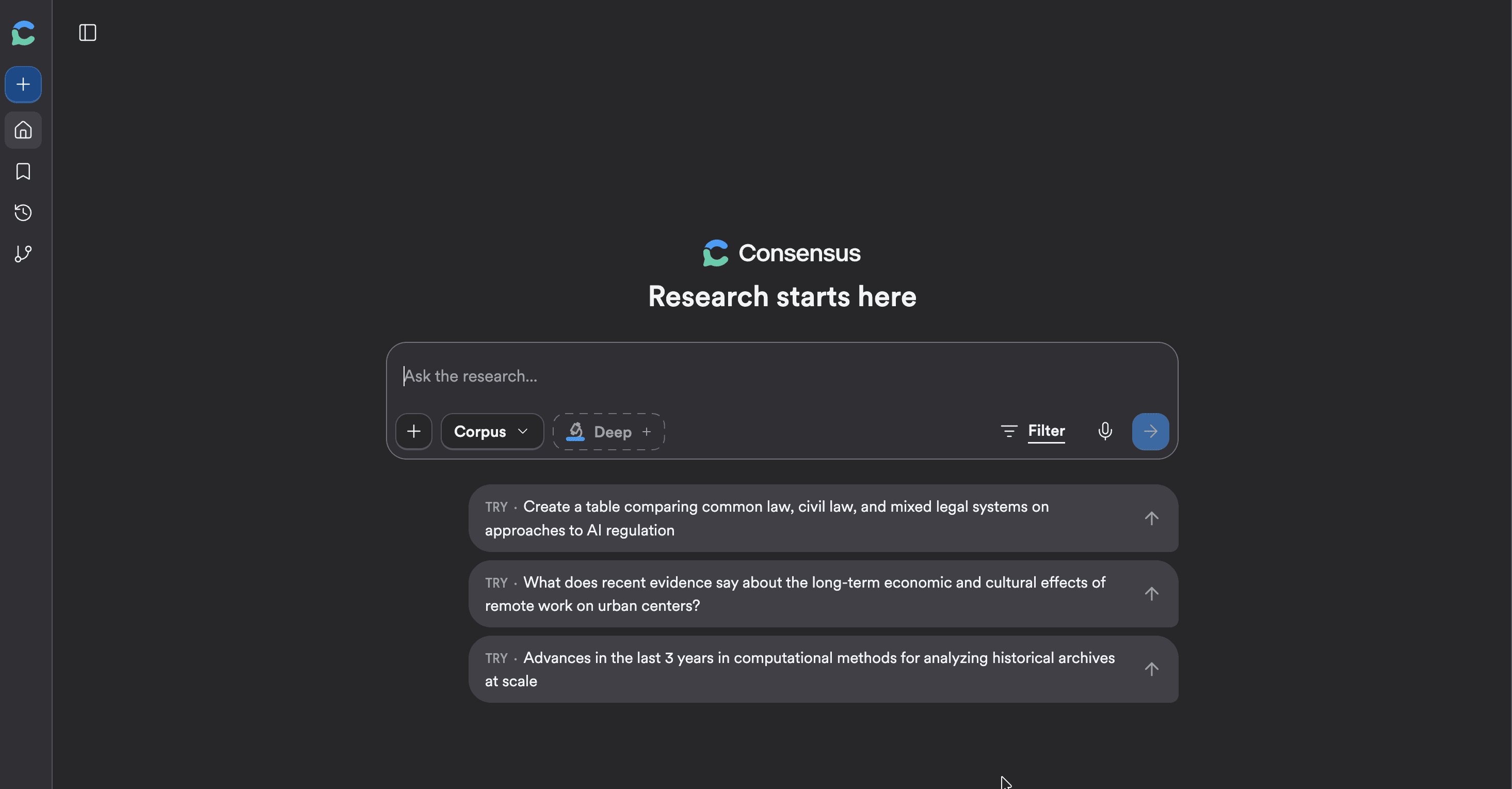
Consensus is a search engine that only looks at academic research. It pulls from over 200 million research papers, and It's become one of the go-to tools for students and researchers who want to know what the science actually says on a topic.
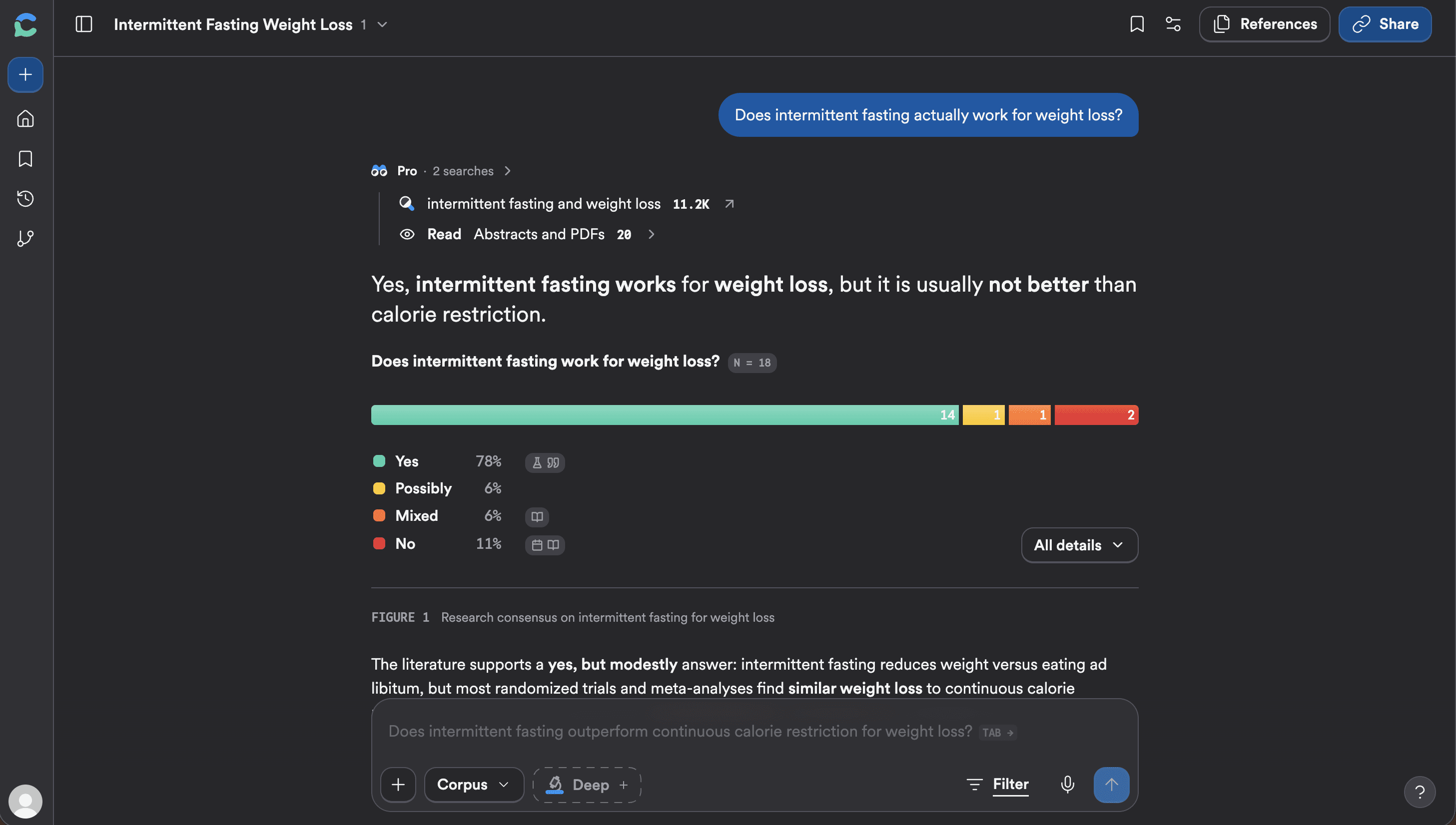
When you ask it something, it answers right away and puts a "consensus meter" at the top. That meter breaks down how many of the papers say yes, how many say possibly, and how many say no, so you get the overall picture in one glance. Every paper it cites comes with an evidence-strength rating, and you can hover over any of them to read the abstract, open the full text, save it, or hit an Ask button to dig into that one study without leaving the chat.
The Pro plan is where it earns its place: unlimited AI paper summaries, unlimited Study Snapshots showing methodology and sample size, and 15 monthly “Deep Searches” across up to 50 papers.
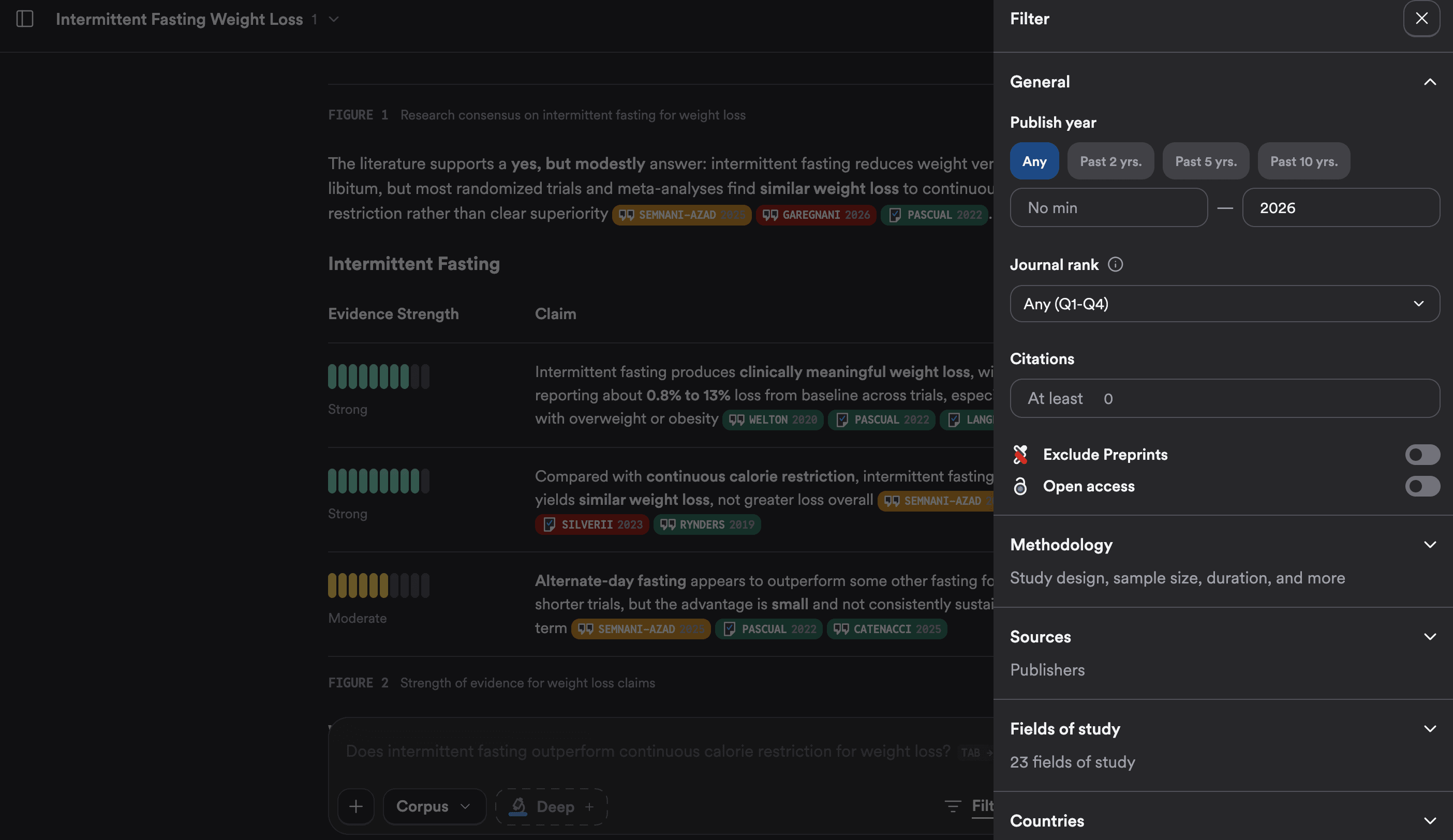
The feature that actually set it apart from every other search engine I tried is how much control you get over what it searches. Instead of typing "only use papers from the last two years" and hoping the AI listens (which it usually doesn't) you can set hard filters right in the chat, for publish year, journal rank, methodology, country, field of study, and publisher. It's the first tool I've used where those boundaries are obeyed by AI!
The main catch is that you can't really do much without an account, and to get the full value you'll want to sign in with an educational email so it can tap into a university’s library's journal access.
Pricing
Free tier: works with a free account and a set number of Pro searches each month, enough to try it on real questions
Pro: $11.99/month
Note: you may be able to get discounts through an academic institution
Which AI search engine should you use?
So after all that testing, here's where I landed. If you just want one to start with, use Google AI Mode. It's free, it's fast, and it's already sitting inside the search bar you use every day. Perplexity is the one I reach for when I actually care about the sources, and Brave is my pick when I want to keep my searches private. Kagi is worth paying for if you search all day and you're done with ads and SEO spam, and Consensus is the one I keep bookmarked for when I need real research instead of a hot take.
One thing I will say though. Every single one of these got at least one thing wrong while I was testing, whether it was a made-up sports score or an outdated fact stated with total confidence. So as good as they've gotten, don't just take the answer and run with it. Click the sources, especially when it actually matters. AI search has finally become my first stop in 2026, it's just not quite ready to be my only one.
What if you just want something like ChatGPT?
Go with Perplexity. Out of everything I tested, it's the one that feels the most like chatting with ChatGPT. You ask in plain language, it talks back, and you can keep the conversation going with follow-ups. The difference is that it actually searches the live web and cites its sources every time, so you get that ChatGPT feel without the "wait, where did that even come from" problem. If you're doing academic work, for sure go with Consensus.
Is there a good one for travel?
This one actually surprised me, because the honest answer is not really, at least not among the search engines I tested. None of them are built for planning a trip. If I had to pick one, Google AI Mode gets the closest, since it can pull in maps, local spots, and prices in your own currency. But if you genuinely want AI for travel, that's a whole separate category of tools made just for it, like Kayak's AI or Mindtrip, which search live flights and hotels and build you an actual itinerary. They weren't part of this test, but they're worth knowing about if a trip is really what you're after.
That's everything
My honest advice is to pick two or three of these, actually try them on the stuff you search for every day, and keep whichever one just feels right. This space is moving fast, so I'll keep testing and update this as things change. Happy searching!

 Get started