




I’ve been doing growth marketing for a while now and if I’ll be honest with you it’s a cut throat competition out there for slightest of attention and winning distribution has become more important then ever before.
You have to do everything, SEO, GEO, Reddit, TikTok, YouTube, Performance marketing, Emails, Twitter, and any channel you can think of. And with all the AI tools available right now, there simply is no excuse.
So, I’ve curated all the AI tools that we use in-house for all thing marketing. It covers the entire spectrum copy writing, short video creation to scheduling tools. So, nothing is missed.
So, let’s get all the ingredients for building an effective marketing stack.
Quick Summary
Composio – Connects your entire marketing stack (ads, analytics, CRM) so AI can act on real campaign data instead of isolated inputs.
ChatGPT Deep Research – Breaks down competitors, content strategies, and market gaps with reasoning, not just surface-level summaries.
Seedance (ByteDance) – Converts ideas into full short-form videos (visuals + motion + audio) for rapid content testing.
Lovable – Generates and deploys landing pages from prompts, making campaign launches and experiments fast.
Notion – Central workspace to manage content calendars, campaign planning, and ongoing marketing workflows.
Manus – Creates presentations, documents, and visuals from simple prompts, helping turn ideas into shareable assets quickly.
Midjourney – Produces high-quality, distinctive visuals for ads, thumbnails, and creatives that stand out.
ElevenLabs – Generates realistic voiceovers with control over tone and pacing for ads and video content.
Surfer SEO – Guides blog structure, keywords, and depth based on what’s already ranking to improve search performance.
Jasper – Generates ad copy, email sequences, and variations optimized for different audiences and campaign goals.
HubSpot – Manages CRM, tracks leads, and connects campaigns to actual conversions and revenue.
Hootsuite – Schedules and manages social media content across platforms with built-in AI assistance.
Pebblely – Creates clean, ready-to-use product visuals with different backgrounds and styles from a single image.
Grammarly – Refines writing by improving clarity, tone, and correctness across all marketing content.
How to Use AI Tools for Marketing
AI works best when it fits into the main parts of your workflow and helps you make better decisions as you go. Also, see how to do marketing with Claude and OpenClaw, using their marketing skills.
Email marketing and lifecycle: AI can draft sequences, personalize subject lines, segment lists based on behavior, and predict the best send times. This is one of the highest-ROI uses, and it's missing entirely.
Customer research and insights: Analyzing reviews, support tickets, survey responses, and social comments to surface pain points, objections, and the actual language customers use. This often feeds everything else (ads, SEO, content).
Analytics and reporting: Summarizing campaign performance, pulling insights from GA4 or ad platforms, and turning raw numbers into plain-language reports for stakeholders.
Image and visual asset creation: Product photos, ad creatives, thumbnails, social graphics. You mention video but skip static visuals, which are still a huge chunk of marketing output.
Personalization at scale: Dynamic landing pages, tailored email content, and product recommendations based on user behavior.
Brand voice and consistency: Training a custom assistant or style guide so all AI-generated content sounds like your brand instead of generic AI output. Worth flagging because it's a common failure mode of the workflow you described.
13 Best AI Marketing Tools I’ve tried and tested in 2026
There are way too many AI tools right now, and most of them sound useful until you actually try to fit them into your work. A lot of them overlap, and some just slow you down. The ones that matter are the ones you keep coming back to because they actually help you get things done.
Here are some of the tools that I used and kept using:
1. Composio: Connecting Your Marketing Apps with Claude and ChatGPT
Composio connects your AI assistants with 1000+ tools across marketing, analytics, and productivity. It plugs into tools like Google Analytics, Meta Ads, Google Ads, Ahrefs, and Google Workspace, and works directly with assistants like ChatGPT and Claude.
It is a single AI tool that brings all the other apps together. You can talk to Ahrefs, Search Console, or Google Analytics from a single AI assistant.
After using it across a few campaigns, the biggest shift was how everything started to feel connected. Checking performance, pulling numbers, and figuring out what to do next all happen within a single flow. There is no need to keep jumping across dashboards to piece things together.
It has been especially useful when multiple campaigns are running simultaneously. Looking at ad performance, spotting patterns, and making changes can all happen without losing context, making day-to-day work feel much smoother.
Here are a few ways it has been helping:
All data in one place: Campaign performance, analytics, and content signals come together, so it is easier to see what is working
Less switching during work: Metrics, insights, and actions stay in the same flow
AI with real context: Outputs are based on actual campaign data, which makes them more useful
Better day-to-day flow: Reviewing performance and making updates feels more continuous
Getting started is simple. Connect the tools you already use on the Composio platform, link your AI assistant, and start with something basic, like checking campaign performance. From there, it naturally becomes part of how campaigns are managed.
2. Deep Competitor Research with ChatGPT Deep Research
Ok, I don't think I need to mention this but Chatgpt deep research is just simply unmatched. I have tried multiple deep research products but Chatgpt's deep research is just miles ahead in it's capability,
You can do a whole lot of reaserch with it. For marketing especially researching competitors, their positioning, share of voice, it's the best tool out there.
The way it usually plays out is simple. I give it a competitor or a niche and ask for a full breakdown. It pulls their positioning, the type of content they post, how often they publish, how they show up in search, and how people react to them across platforms. Having all of this in one place saves a lot of back and forth and makes it easier to see the full picture.
Prompting made a big difference over time. Early prompts gave basic summaries. Once I started asking for comparisons, gaps, audience reactions, and reasons behind performance, the output became much more useful. It started to feel less like getting answers and more like having a proper research partner.
One thing I found genuinely helpful is how it explains patterns. It does not just list what competitors are doing. It shows why something works and where they are missing out. That is usually where new content ideas or campaign angles come from.
It has been especially useful when looking at a few competitors together before starting a campaign. It gives a clear sense of what is already crowded and what still has space, which makes planning a lot more focused.
3, AI Video Creation with Seedance by ByteDance
Seedance is an AI video generation model by ByteDance that can turn text, images, and clips into full videos. It handles visuals, motion, and audio together, making the output feel more complete without requiring multiple tools.
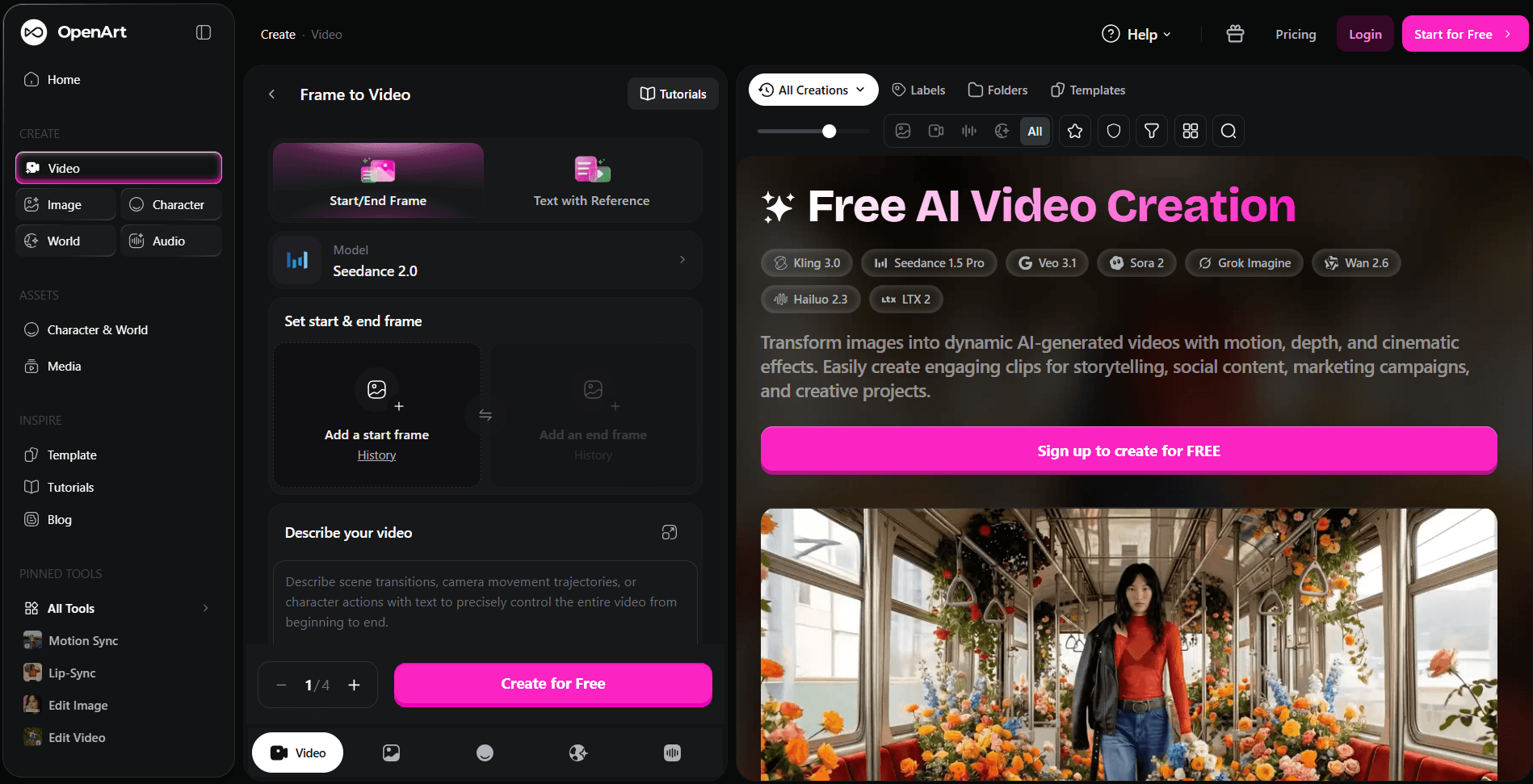
After using it for short-form content, I found it much easier to take an idea and turn it into a video. A simple prompt can turn into a clip with movement, transitions, and sound. It works well for things like Reels, Shorts, and ad creatives, especially when testing different concepts.
Over time, it became more useful for creating variations. One idea can be turned into multiple versions with different hooks or styles, which helps when testing what actually works. It also works well with references like images or clips, which makes the output feel more intentional.
Here are a few ways it has been useful:
Fast video creation: Ideas turn into videos quickly without going through heavy editing
Multiple variations: One concept can be tested in different styles, hooks, and formats
Good for short-form content: Works well for TikTok, Reels, Shorts, and ad creatives
More control over output: Prompts can guide scenes, motion, and overall look of the video
Less editing effort: Most of the work is handled in one place, so there is less need to jump across tools
4. Website Creation and Launch with Lovable
I started using Lovable recently, and it’s been surprisingly useful for turning simple ideas into clean landing pages. You can describe what you want, and it builds a proper page that actually looks good and is ready to go live. It also handles deployment, so you are not stuck figuring out how to host or publish it.
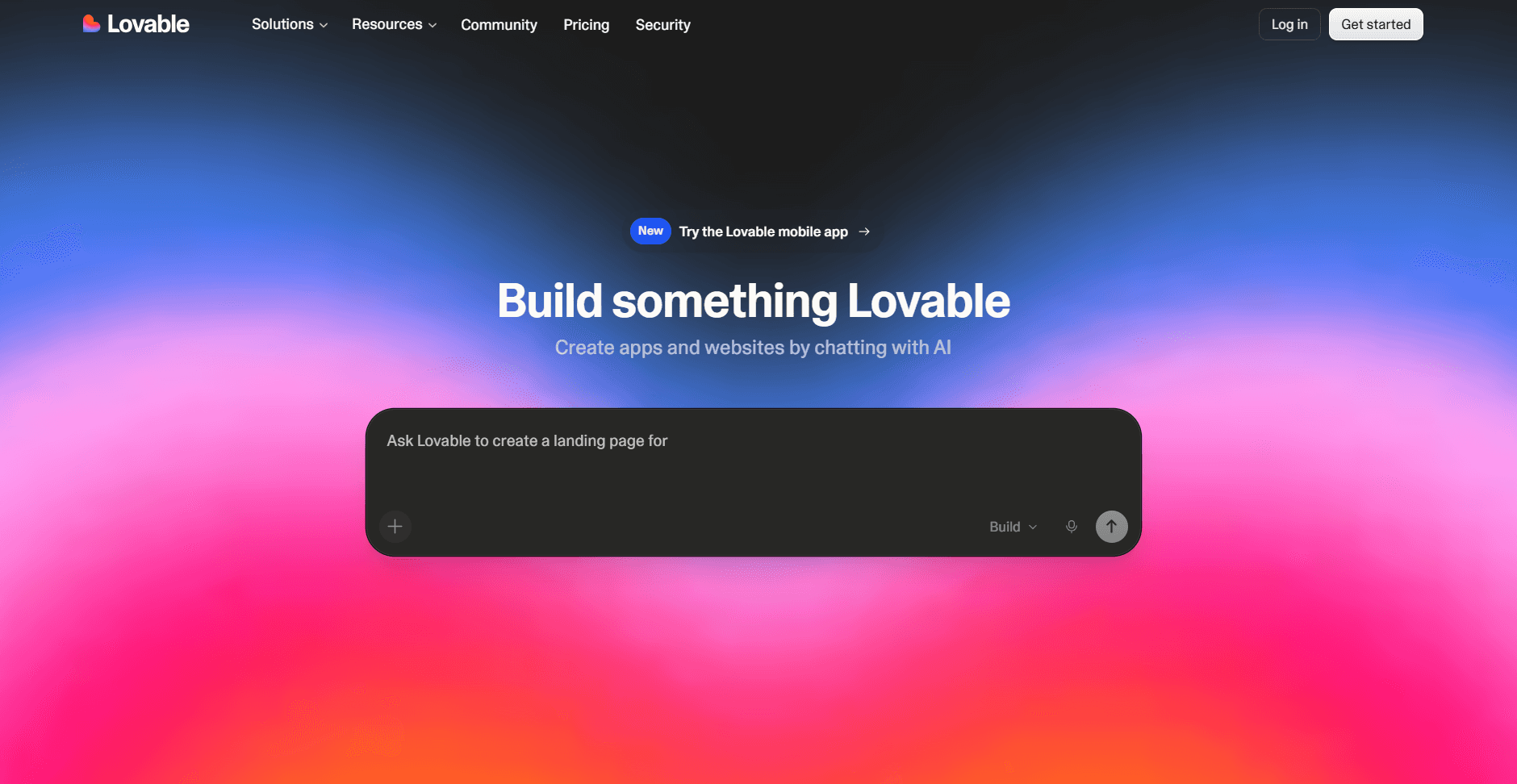
For marketing work, this makes a big difference. When there is a new campaign idea or offer, a page can be created and live pretty quickly without getting blocked on design or dev. The first version usually comes out solid, and small tweaks are enough to get it ready.
It has made testing much easier. Trying different messaging or offers no longer feels heavy, since each version can be turned into its own page. That makes it simpler to validate ideas and move forward with more confidence.
5. Keeping Everything Organized with Notion
Notion became my go to place for almost everything. It has all the information I need in one place, and it is easy to navigate and organize, which makes managing work much simpler.
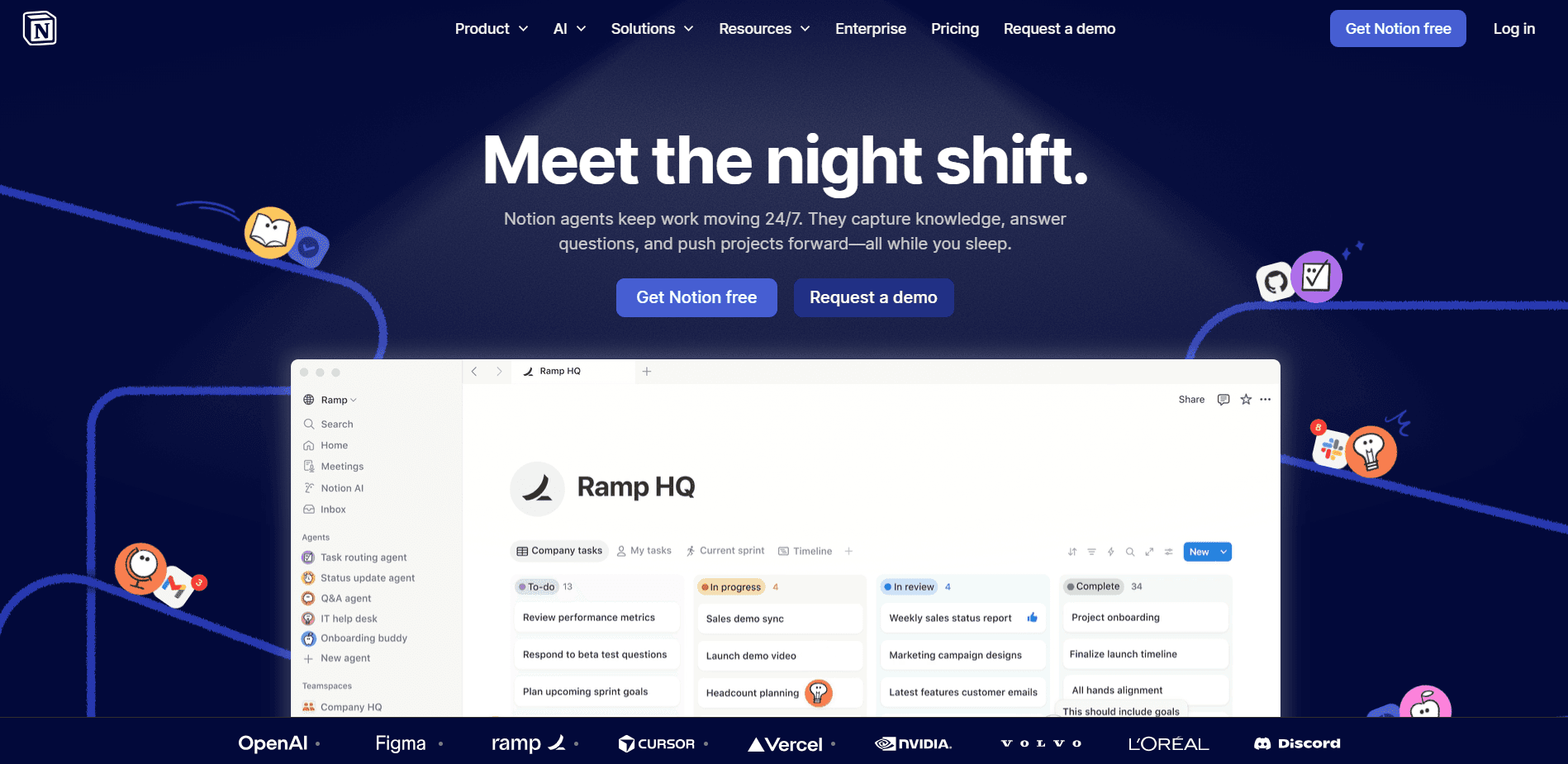
It has been really useful for keeping content calendars, tracking campaigns, and writing things out properly. Ideas usually start messy, and Notion makes it easy to shape them into something usable without overthinking the structure.
What I like most is how flexible it is. Pages can be simple or detailed as needed, and everything stays connected. Campaign notes, content ideas, and tasks all sit in one place, so nothing gets lost.
Over time, it just became the place I keep going back to. Planning, writing, tracking progress, everything happens there, which makes it easier to stay focused and keep things moving.
6. Creating Presentations, Docs, and Visuals with Manus
Manus is one of those tools I started using when I needed to quickly pull together different types of content. It can generate presentations, documents, simple websites, and even basic graphics from a prompt, making it useful when ideas need to turn into something presentable quickly.
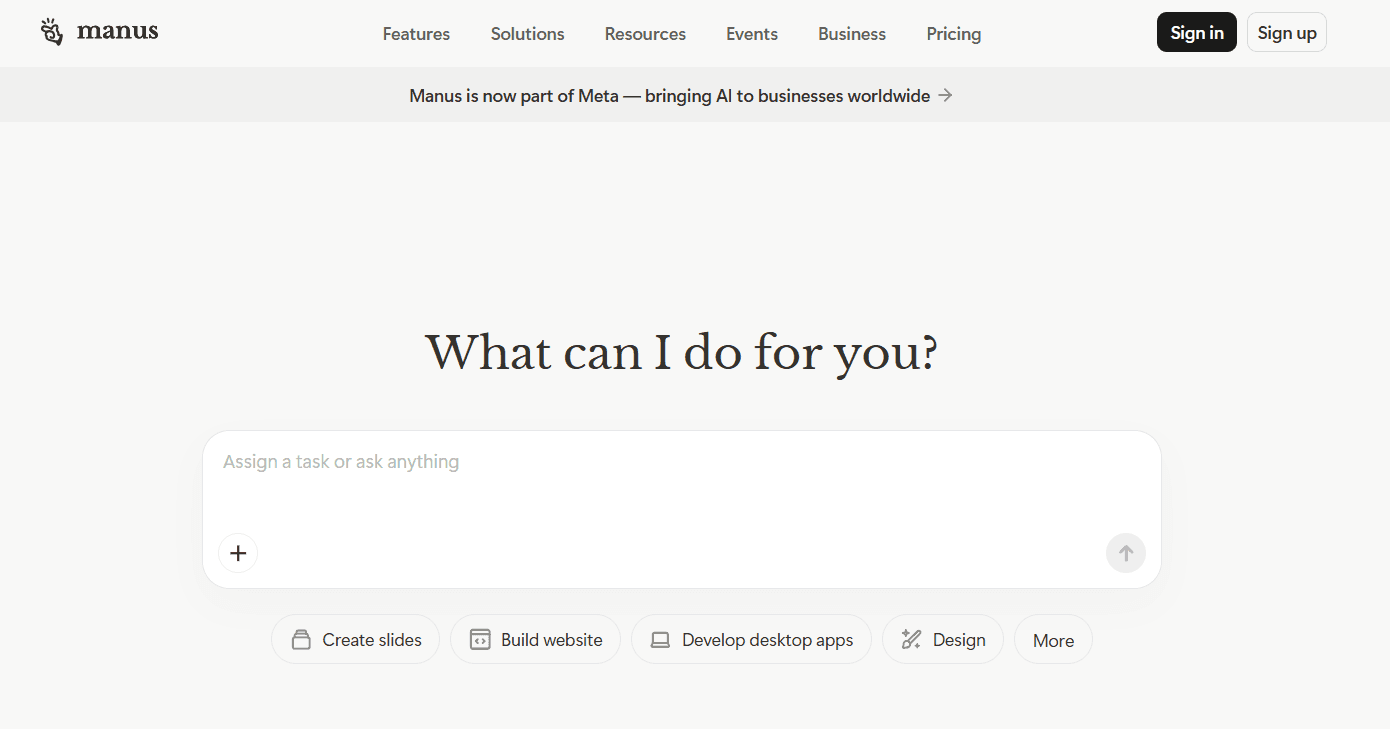
It became handy during campaign work and internal reviews. Slides for a pitch, a quick doc to explain a plan, or even visuals for content can be created without starting from scratch. A rough idea is usually enough to get a solid first version, and small edits take it the rest of the way.
What made it stick is how it handles multiple formats in one place. Instead of jumping between tools for slides, docs, and visuals, everything can be created in a single flow. That makes it easier to keep things consistent and move faster when working on different pieces of the same campaign.
It has been useful when something needs to be shared quickly, whether it is a presentation, a doc, or a visual asset. It takes away the friction of starting from a blank page and helps get to a usable version much faster.
7. Designing Scroll-Stopping Creatives with Midjourney
Midjourney is the tool I reach for when a visual needs to catch attention. The images have a distinct look that feels more styled and less generic, which helps when everything online starts to look similar.
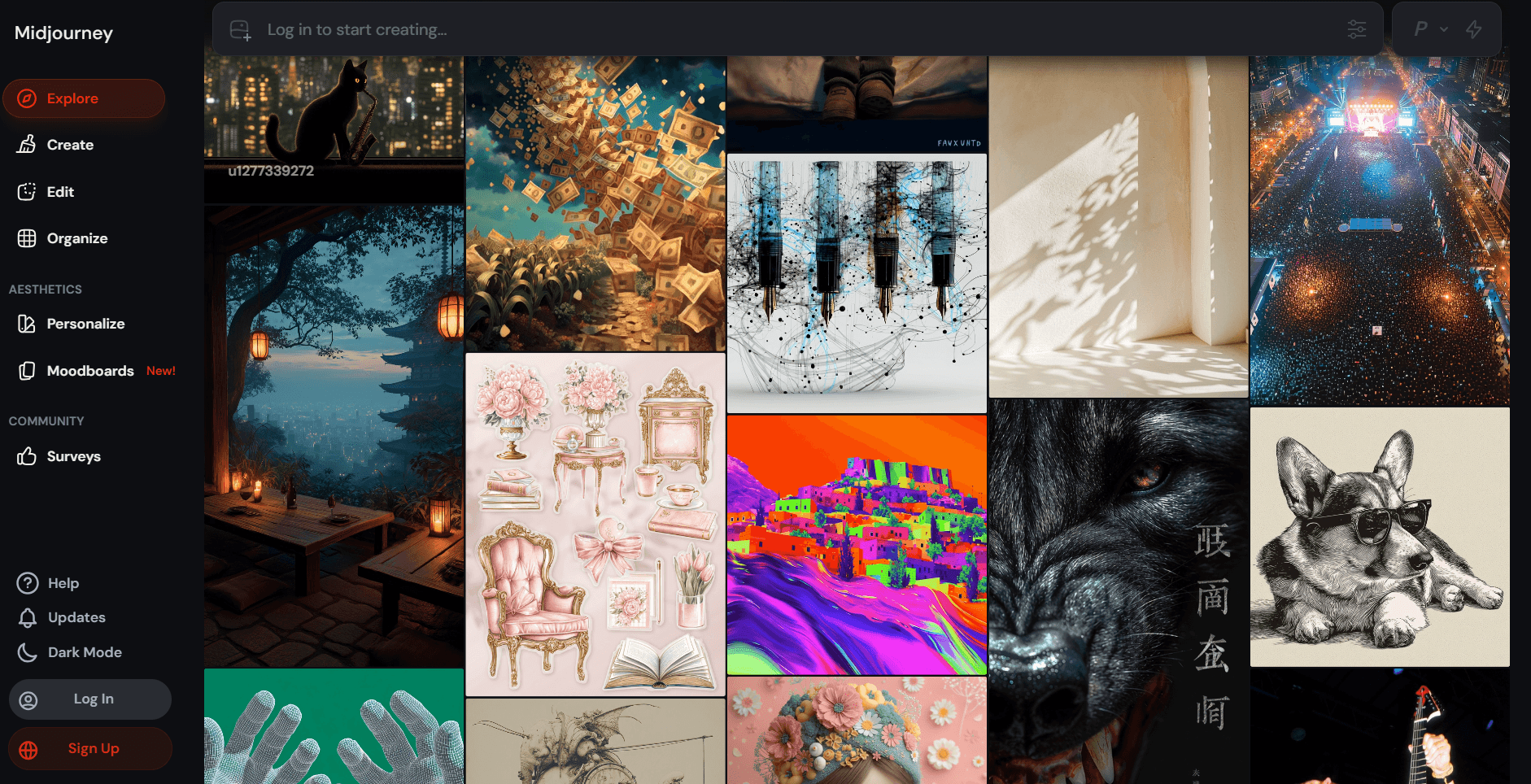
Most of the use has been around ad creatives and thumbnails. A rough idea can turn into a strong visual in a few tries, and those visuals often shape the direction of the content itself. It is not just about filling space; it actually influences how the message is presented.
Getting better results comes down to how the prompt is written. Small changes in wording, style cues, or references can change the entire feel of the image. Over time, it becomes easier to guide it toward a specific look.
It also works well for exploring different directions. One concept can be turned into multiple styles, which makes it easier to see what fits and what stands out before using it in a campaign.
8. Voiceovers and Audio with ElevenLabs
ElevenLabs is what I’ve been using for voiceovers, especially for short videos and ads. It turns text into natural-sounding speech, and the voices actually feel real, which makes a big difference when the content is meant to hold attention.
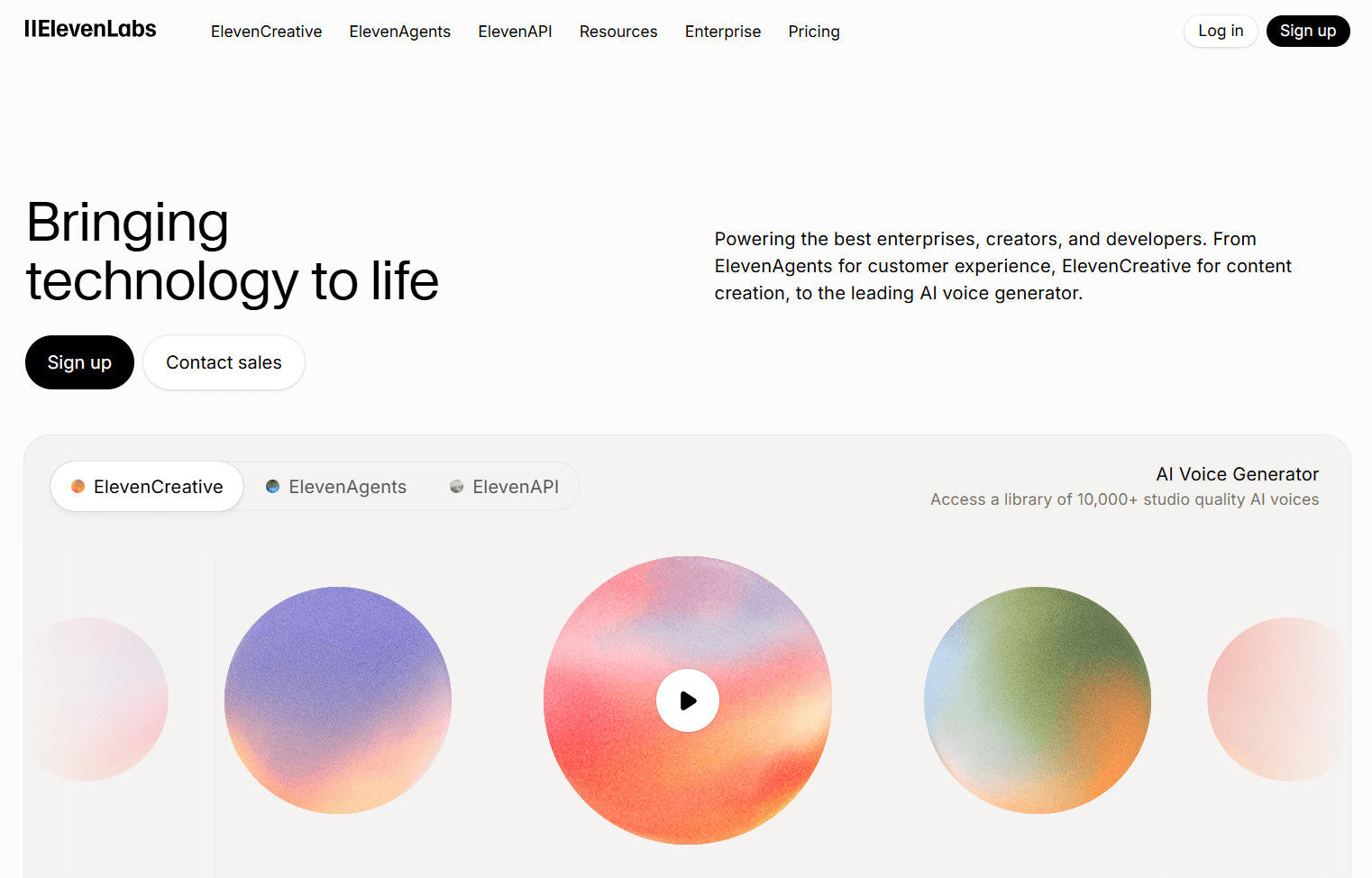
It became useful while working on video content. Writing a script is one part, but getting a clean voiceover used to take extra effort. With ElevenLabs, a script can turn into a usable voice track in minutes, and small edits are easy to try without redoing everything.
The control over tone and pacing is what stands out. You can adjust how the voice sounds based on the content type to better match the mood of the video or ad. It also works well when testing different versions of the same script with slight variations.
It fits well into content workflows where audio matters. Videos feel more complete, and the process of getting from script to final output becomes much smoother.
9. Writing SEO Blogs That Actually Rank with Surfer SEO
Figuring out what to include in an SEO blog used to feel like guesswork. Surfer SEO changed that by providing clear direction on what the content should cover, based on what is already ranking.
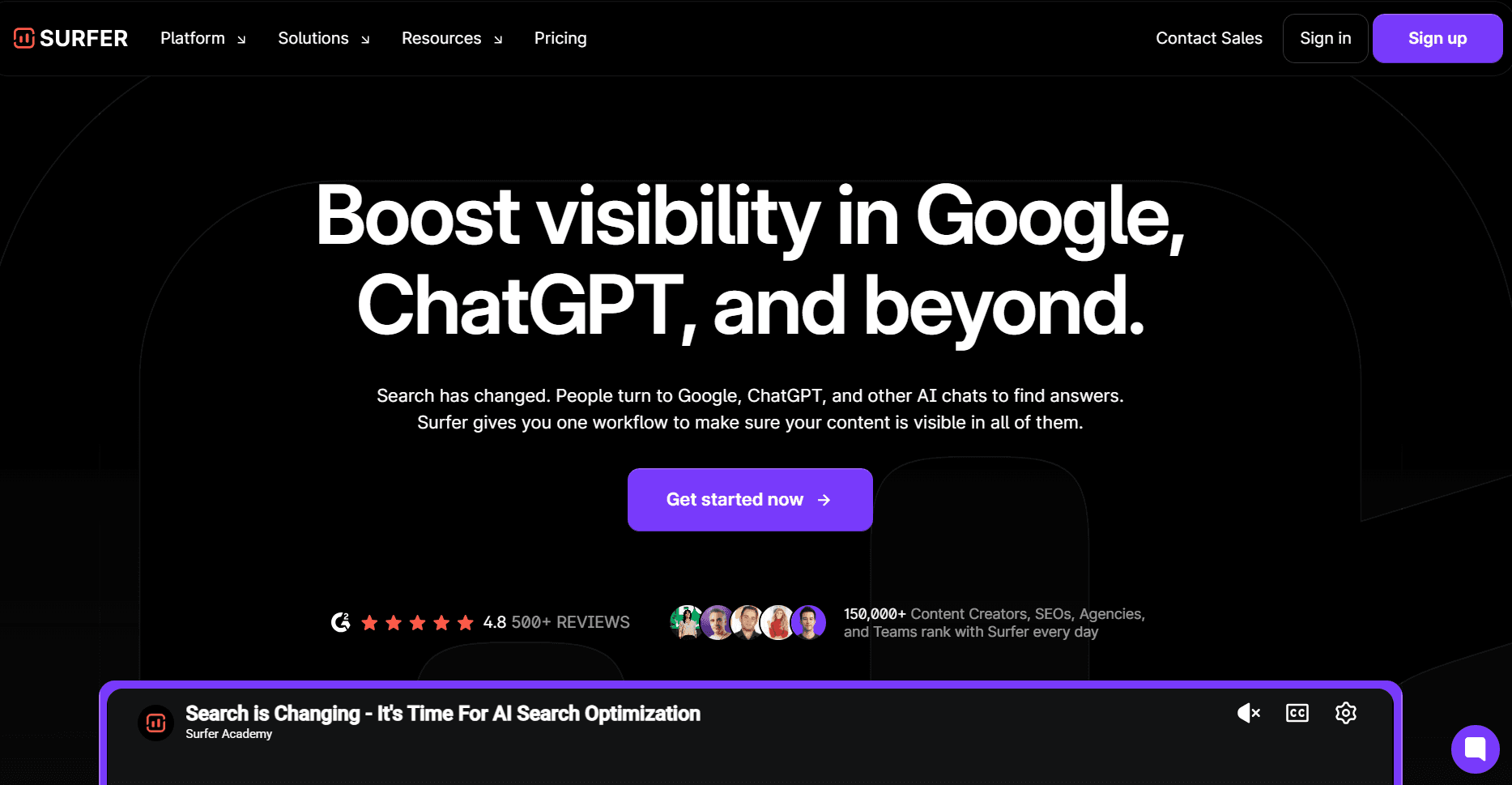
Working on blog posts helped shape the structure before writing even started. It shows the kinds of headings, keywords, and depth that top pages have, making planning much easier. The content ends up feeling more complete and aligned with what people are searching for.
Another thing that helped was staying on track while writing. It is easy to drift or miss important points, and Surfer keeps things focused without forcing a rigid style. The content still feels natural, just more aligned with search intent.
10. Writing Ad Copy and Emails with Jasper
Coming up with good copy on demand is harder than it looks, especially when you need multiple versions for ads or emails. Jasper has been useful in those moments when ideas are there, but the wording needs to be sharper.
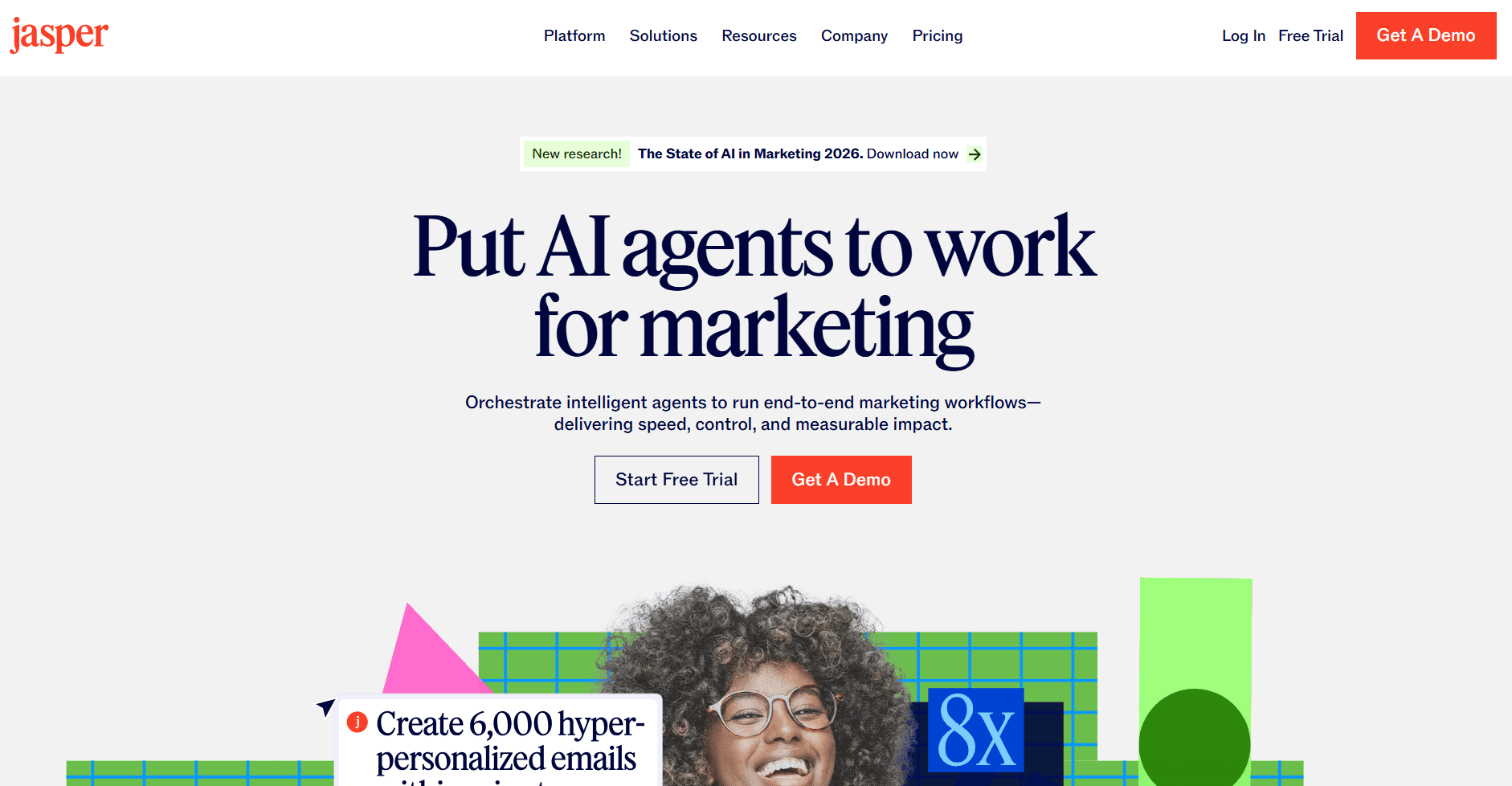
It works well for creating variations. A single idea can turn into multiple ad copies, email drafts, or landing page lines, which helps when testing different angles. The output usually feels more structured for marketing compared to general AI tools.
The part that stands out is how it handles tone and intent. You can guide it based on the audience or goal, and it adjusts the writing to match. That makes it easier to keep the message aligned with the campaign. It works well in workflows where copy needs to be tested and improved. Having multiple options ready makes it easier to pick what works and build on it.
11. Managing Marketing and CRM with HubSpot
HubSpot is something that comes in once everything starts growing. Content, leads, emails, campaigns, all of it needs a place to stay organized, and this is where HubSpot starts to help.
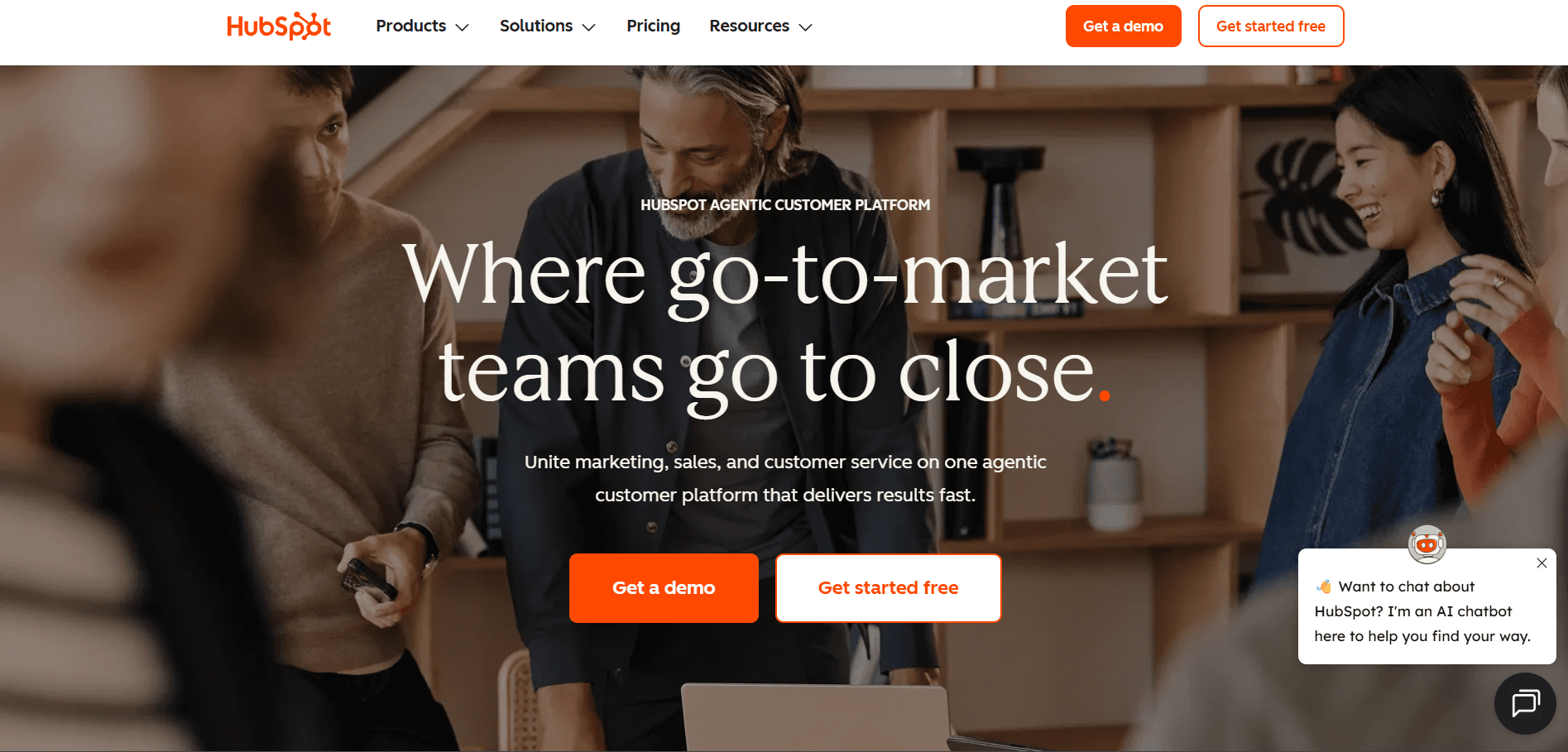
It has been useful for tracking leads and seeing how people move from first touch to conversion. Instead of guessing what is working, you can actually see which campaigns or channels are bringing results. That makes it easier to decide where to focus.
Email campaigns and follow-ups also become easier to manage. Setting up flows, tracking engagement, and keeping everything connected to the same contact data makes things feel more structured.
It works well when marketing starts getting serious. Everything from campaigns to customer interactions sits in one place, which makes it easier to manage and improve over time.
12. Scheduling and Social Media Management with Hootsuite
Keeping up with multiple social platforms can get messy once posting becomes a regular habit. Hootsuite made that part easier by bringing everything into one place and adding AI support for content and scheduling.
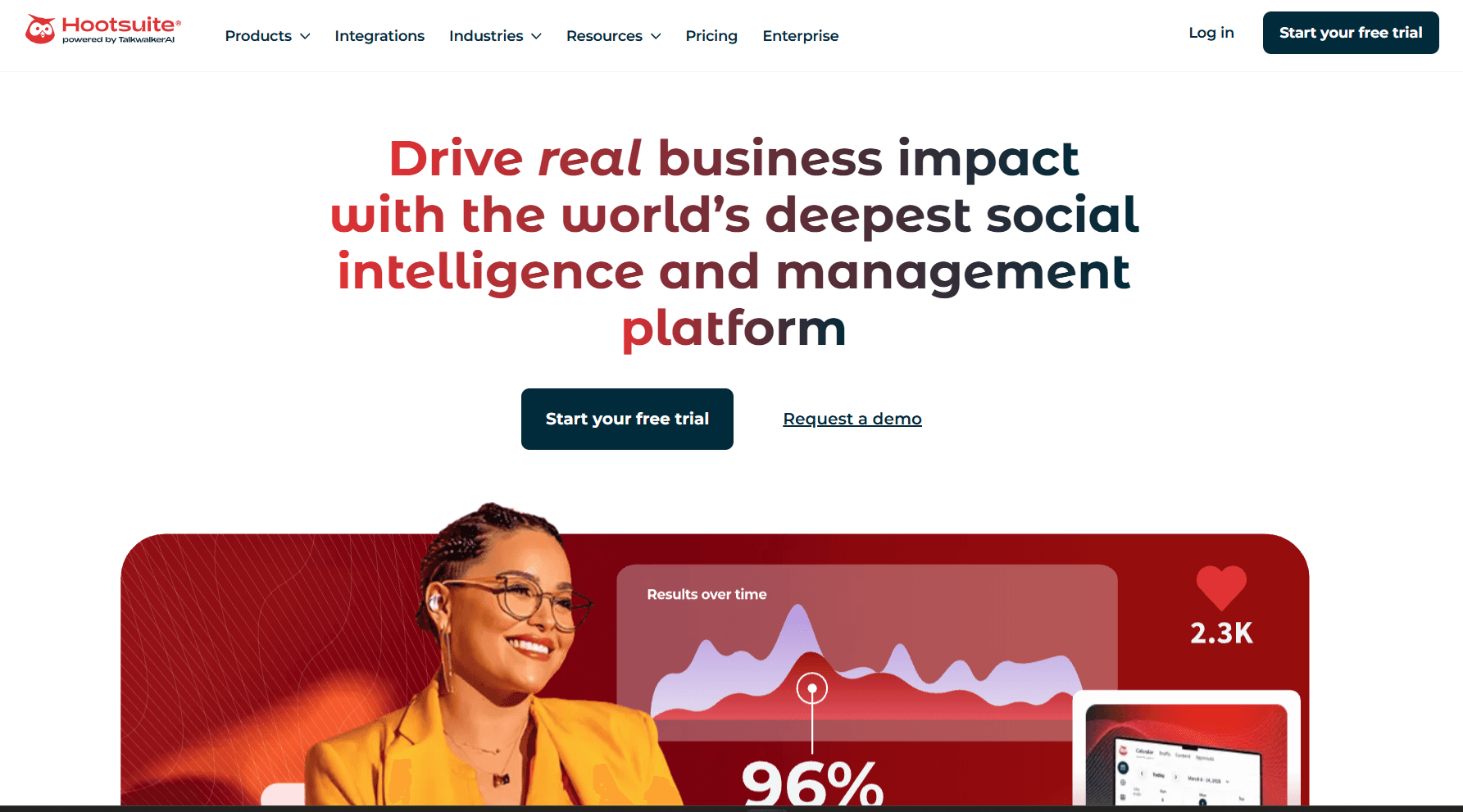
It has been useful for planning posts in advance and maintaining a consistent flow. Content for different platforms can be scheduled in one go, which helps avoid last-minute posting. It also gives a clear view of what is going out and when. The AI features help generate captions and adjust tone based on the platform. That saves time when you need variations of the same content. It also helps when you are not sure how to phrase something.
It works well when managing multiple channels. Posting, tracking engagement, and staying consistent become easier, helping keep the social presence active without too much effort.
13. Turning Ideas into Product Shots with Pebblely
Getting good product images usually takes time or a proper setup. Pebblely made that part much easier by generating clean product shots from a simple image.
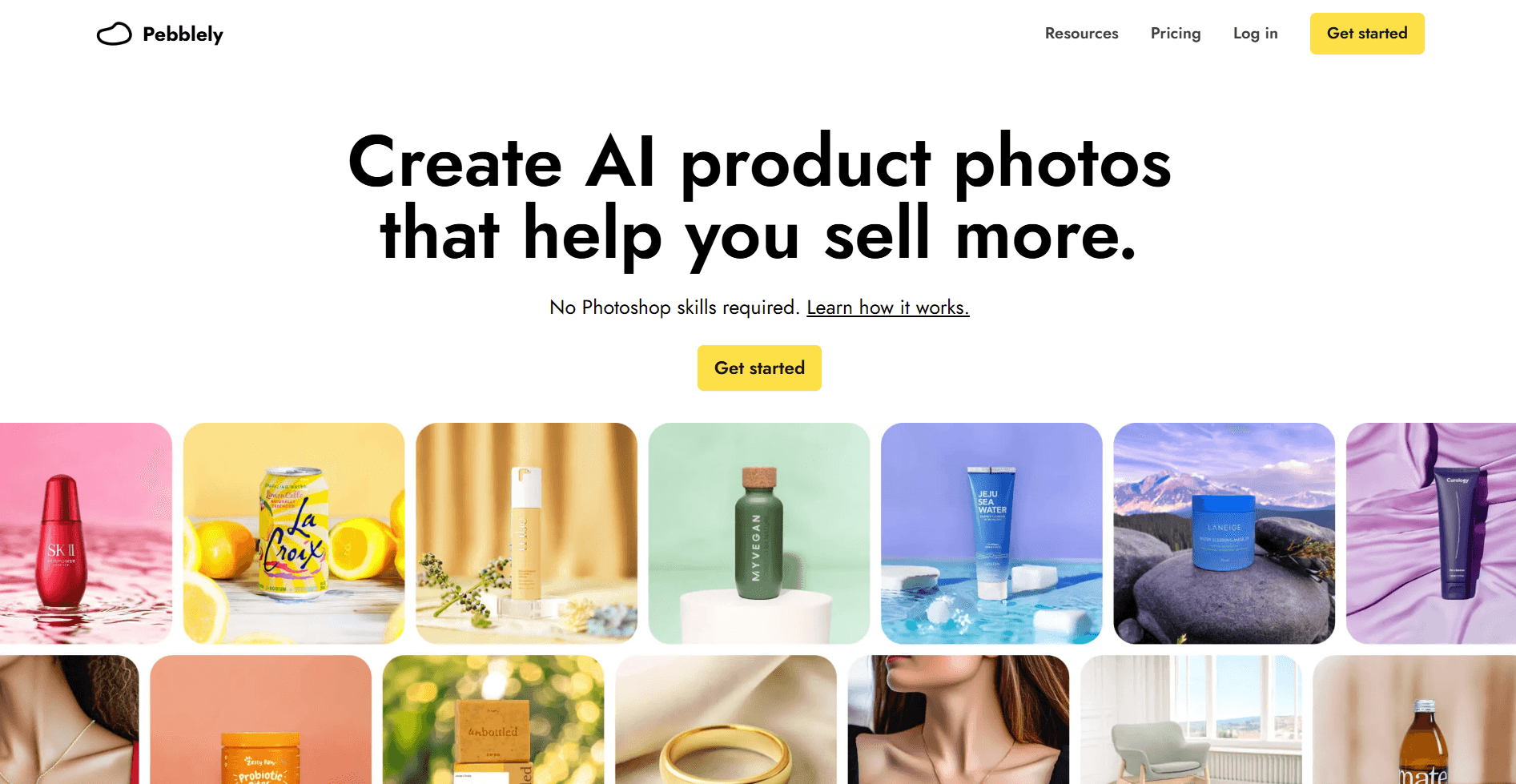
It has been useful for quick creatives, especially when testing ads or trying different visual styles. A basic product image can be turned into multiple backgrounds and setups, helping create variety without a full shoot.
A big advantage is the speed at which you can try different looks. Changing the setting, style, or feel of the image takes a few clicks, so it becomes easy to explore different directions for a campaign. It works well when visuals are needed quickly. Product images come out clean and ready to use, which helps keep ad creatives and content moving without extra effort.
Conclusion
AI tools can feel overwhelming at first because there are so many options. After trying a bunch of them, it usually comes down to a smaller set that actually fits into your day to day work. Those are the ones that end up sticking.
Each of these tools solves a different part of marketing, from research and content to ads and tracking. When they start working together, things feel a lot more clear and manageable. You spend less time figuring things out and more time improving what is already working.
At the end of the day, the tools are just support. The real difference comes from how you use them, how often you test ideas, and how you build on the results.
Frequently Asked Questions
What are AI marketing tools and why do they matter in 2026?
AI marketing tools use machine learning and generative AI to automate or augment tasks like content creation, SEO research, ad targeting, and customer outreach. In 2026, they matter because attention is harder to win than ever, teams that use AI ship more campaigns, personalize at scale, and free up humans for strategy instead of busywork.
How do I pick the right AI marketing tool for my team?
Start with the bottleneck, not the tool. If content production is your gap, look at AI writing and repurposing tools. If you're losing ground on search, prioritize SEO and keyword tools. If lead conversion is weak, focus on outreach or analytics platforms. Match the tool to a measurable goal — pageviews, MQLs, reply rate — and trial it on one workflow before rolling it out.
Can AI marketing tools actually replace a marketing team?
No, and that's not the goal. AI handles volume, research, and first drafts well, but strategy, brand voice, and judgment calls, taste still need humans. The teams getting the most leverage in 2026 use AI as a force multiplier, one marketer doing the work of three — rather than trying to automate the function entirely.
Are AI marketing tools worth the cost for small teams and startups?
For most small teams, yes, provided you pick one or two tools that map to your tightest constraint instead of stacking five. Many of these tools have free or starter tiers, and the ROI usually shows up as time saved (a single marketer running content + SEO + outreach) rather than headline cost savings. Start lean, measure output, and expand only when a tool clearly pays for itself.

 Get started



