AI agents aren't coming for your job, but don't get left behind
You've probably heard both versions of the story by now. Either AI agents are coming for every job, or they're overhyped and don't actually do much yet. The truth is somewhere in the boring middle, and honestly that's good news for you.
An agent isn't going to replace you. But the person who knows how to build one, who can hand off the annoying repetitive parts of their week to something that just does them is going to be way ahead compared to the person still doing it all by hand.
So here's a rundown of the platforms actually worth your time, what each one is good at, and real examples of agents people have built with them.
What's an AI agent?
The easiest way to understand an AI agent is to compare it to a regular automation, which is probably what you already see at work.
A regular automation follows rules you set. "When I get an email with an invoice, save the attachment to this folder." It does exactly that, every time, and nothing more.
An AI agent is a step up. You give it a goal instead of a rigid rule, and it figures out the steps. "Read this invoice, check if we've already paid it, and if not, draft a reminder." It can read messy inputs, make a decision, and take an action, like sending an email, updating a spreadsheet, or booking a meeting. It's quite literally like an assistant who needs clear instructions but can handle the in-between parts on its own.
What's an AI agent platform?
An AI agent platform is usually software (like an app you download) or a website where you actually build the agent. You might be thinking, "wait, can I build an agent with ChatGPT?" And yes, you can, I get into that one later. Basically, any platform that lets you connect your favourite apps with AI is an AI agent platform.
How hard is it to actually build an agent?
You definitely don't need to write code. Every platform on this list has a no-code option. That said, no-code doesn't mean no learning, and there's a bit of a curve at the start. Most people don't get much help with it either. I know the struggle, which is why I've picked the easiest ones to start with.
Best AI agent platforms your team should definitely start using
Platform | What it's for |
|---|---|
Zapier Agents | Simple agents for small business tasks |
Lindy | Sales and admin assistant work |
Make | Multi-step agents for any work task |
Composio | Connects apps to ChatGPT/Claude |
Gumloop | Data scraping and research |
Voiceflow | Customer support chatbots |
ChatGPT Agent | Web browsing and task completion |
n8n | Custom agents (with optional code) |
ElevenLabs | Phone call voice agents |
Relevance AI | Sales team agents |
1. Composio
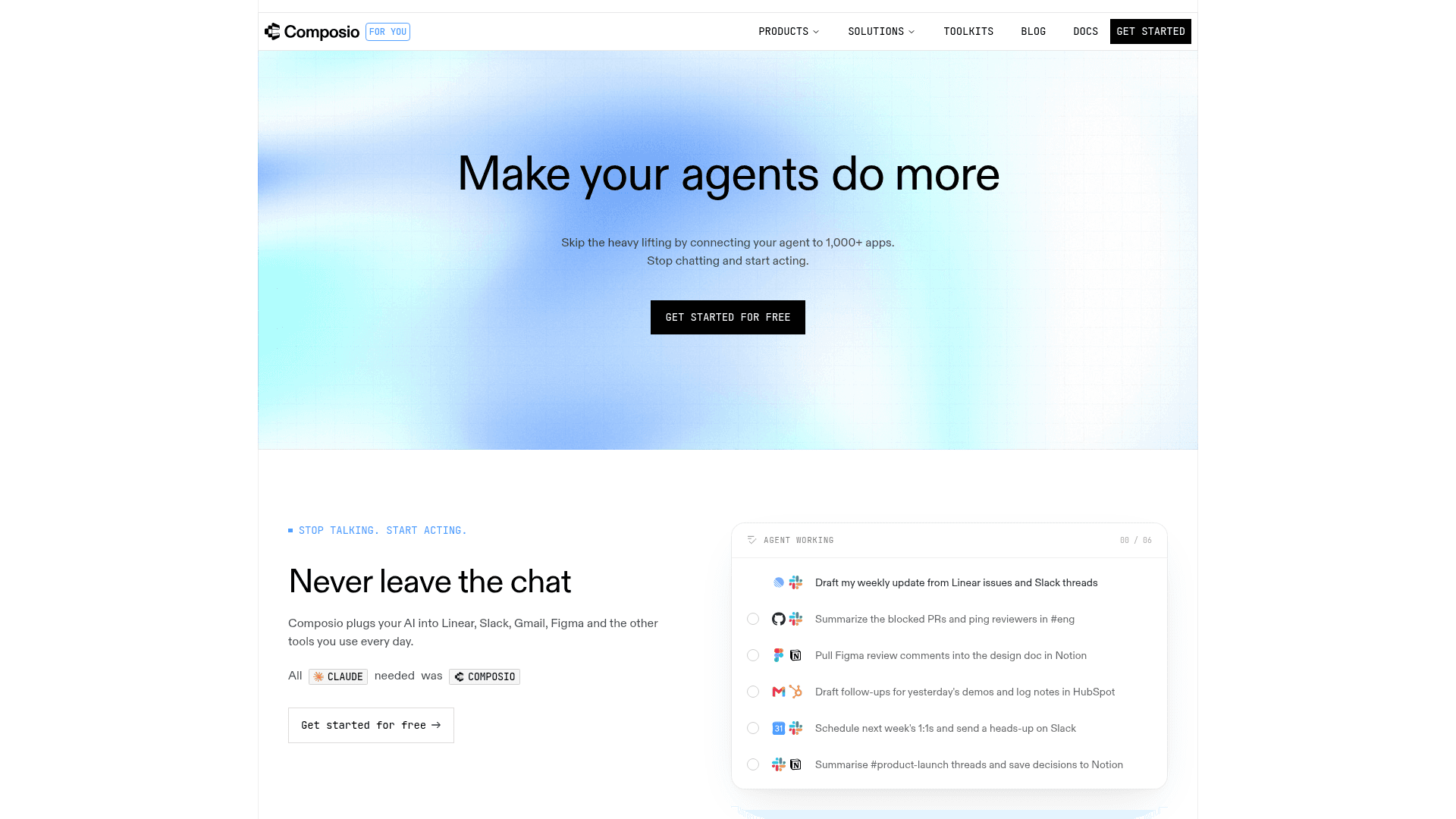
Best for: People who want to build agents directly with ChatGPT, Claude, Codex, or Claude Code.
Free tier: Yes. 20,000 tool calls a month, no card required.
Top tools it connects to: Gmail, Slack, GitHub, Notion (and 1,000+ more).
Okay, this is the one that is criminally underrated. Most people assume you need a whole platform where you drag blocks around to build an agent. You don't.
Composio (an AI platform that recently blew up on X and TikTok) has a no-code version called Composio For You. The idea is that you connect the AI you already use, like ChatGPT or Claude, straight to your apps.
If Zapier and Make are starting to feel like too much work and you already pay for ChatGPT or Claude, this part is almost embarrassingly simple. You paste one URL into your ChatGPT/Claude settings, and suddenly your assistant can actually do things in your other apps.
It's a bit of a hidden gem for one reason. ChatGPT and Claude do let you connect a handful of apps on their own, but they don't have everything, and they're especially thin on social media. Composio fills in the stuff you actually want, like X, LinkedIn, Instagram, Reddit, and TikTok, plus tools like Linear, Airtable, and HubSpot. So once it's set up, you might not need the other platforms at all.
Pricing: The free plan has 20,000 tool calls a month, which is very generous (I've never hit the limit). Paid starts at $29/month.
What people have actually built with Composio:
2. Lindy
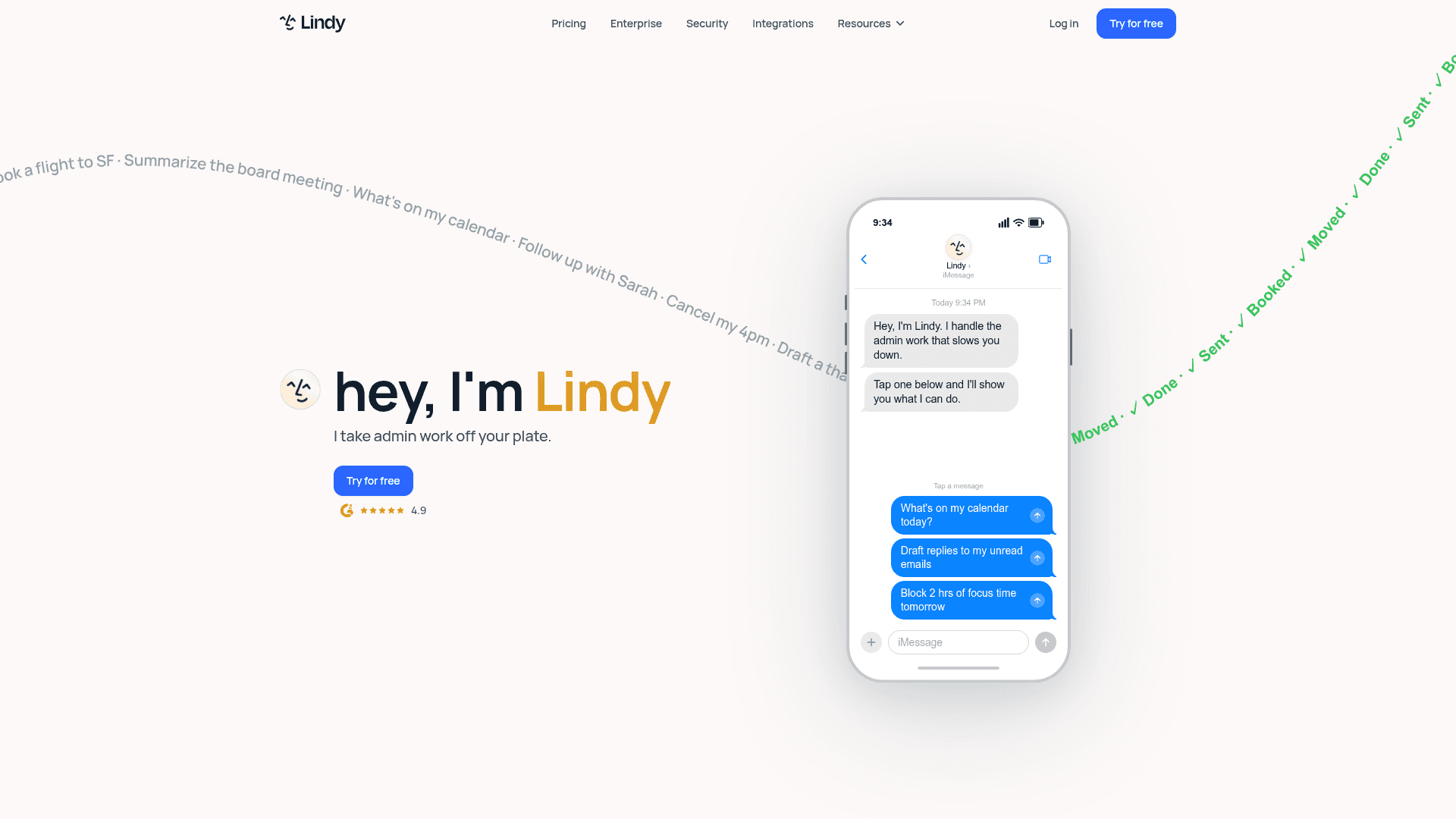
Best for: Founders, sales reps, and small teams.
Free tier: No, only a 7-day trial.
Top tools it connects to: Gmail, Slack, HubSpot, Google Calendar (and hundreds more).
Lindy is one of the newer tools in this "AI employee" wave, and it feels a lot more like hiring someone than the older automation apps you've probably seen. You build it with trigger-and-action blocks, so if you've ever touched Zapier it'll feel familiar.
The big difference is memory. Zapier basically forgets everything the second a task finishes, so every run starts from scratch. Lindy remembers context across runs, which just means it holds onto what happened before. So an email assistant will know it already replied to this person last week, or remember how you like things done, instead of treating every task like the first time it's ever seen it.
It does get a little fiddly once you go past five or six steps, and the cost climbs the more you use it, but for a first assistant it's honestly fun to set up.
Pricing: Plus starts at $49.99 a month, Pro is $99.99 a month, and Max is $199.99. Voice and phone usage cost extra on top.
What people have actually built with Lindy:
3. Make
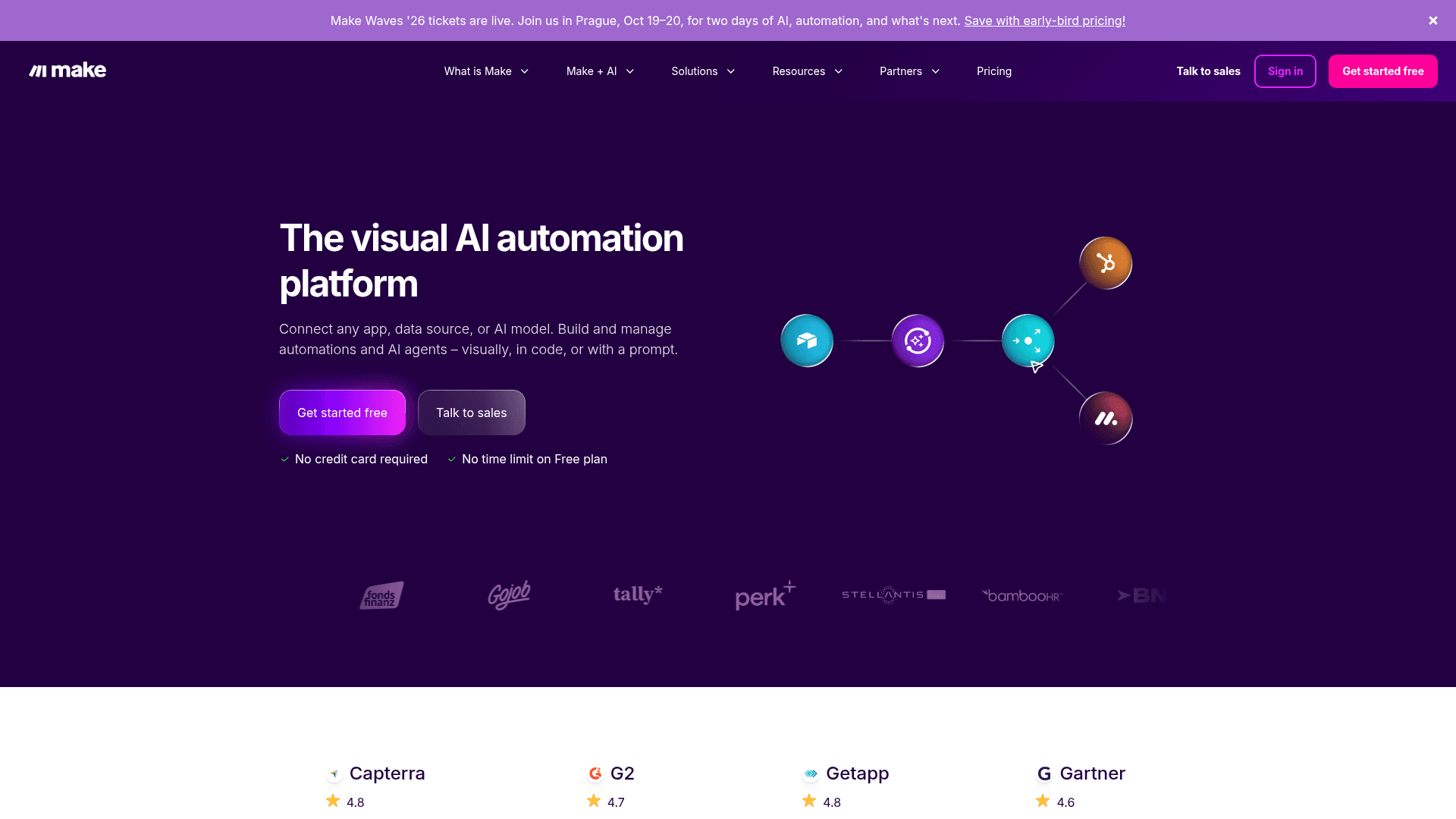
Best for: Marketers, ops teams, and agencies.
Free tier: Yes. You get 1,000 credits a month and two active scenarios, with no time limit.
Top tools it connects to: Google Sheets, Slack, OpenAI, Airtable (and 3,000+ more).
Everyone knows Make as Zapier's cheaper alternative, and that reputation is fair. It now has its own AI Agents too, built on the same drag-and-drop canvas you'd use for a normal automation. A nice touch is the Reasoning panel, which shows every decision the agent makes step by step, right there on the canvas, so you can watch what it's doing and drop in an approval before it does anything risky. It connects to 3,000+ apps, and agents come with all the paid plans.
So why is it below Zapier and Lindy? Mostly the learning curve. A Zapier Agent is faster and gentler for a total beginner, you connect a couple of apps and you're basically off. Make shows you the whole flow at once, which is more powerful but takes a little longer to click. If you're brand new, start with Zapier. If you already like seeing everything laid out and want to save money as you grow, Make is the better long-term pick.
Pricing: The Core plan starts at $12 a month billed annually, for 10,000 credits. Pro is $21 a month, and Teams is $38 a month.
What people have actually built with Make:
4. Zapier Agents
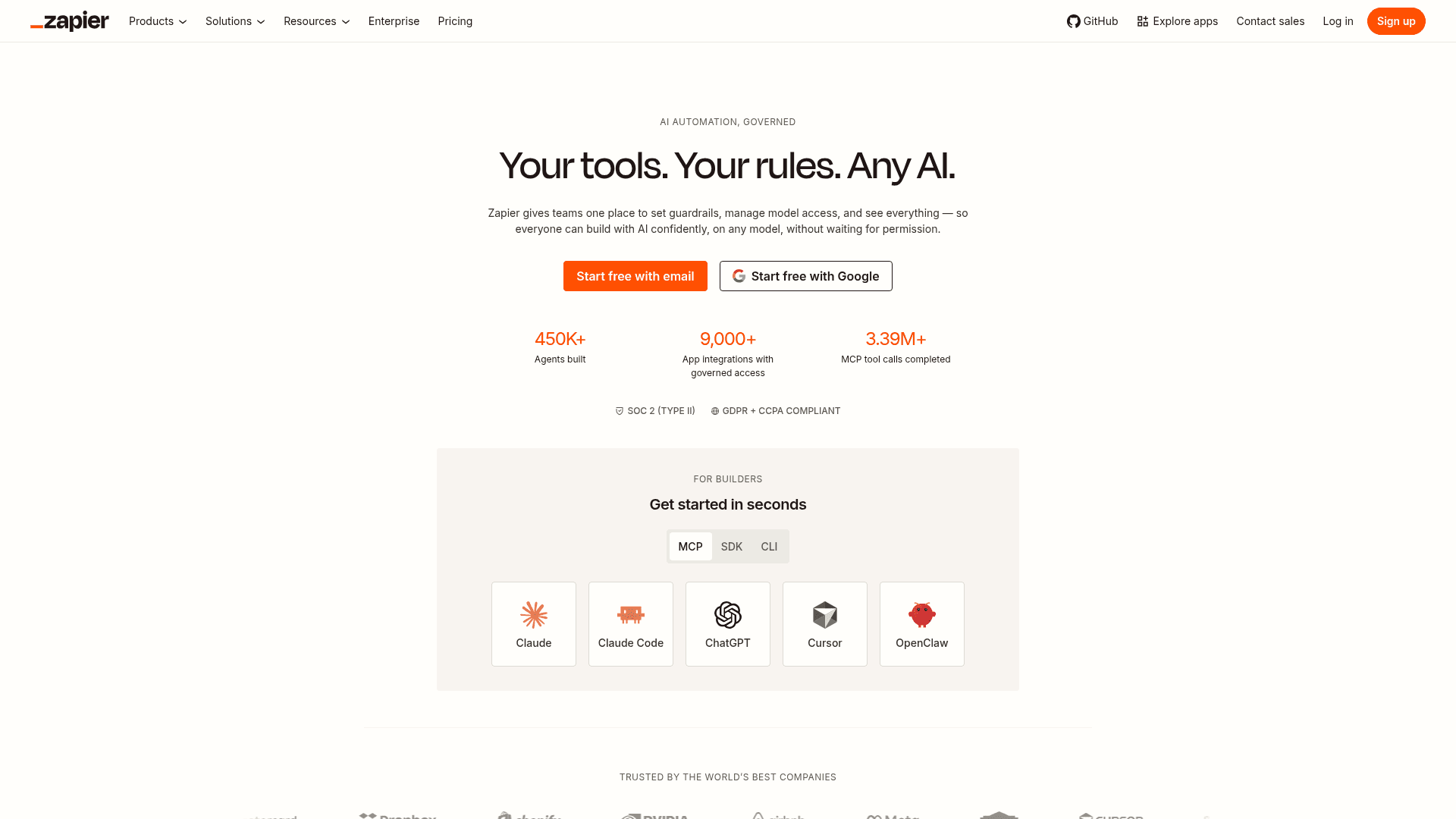
Best for: Small businesses, solopreneurs, and hobbyists.
Free tier: Yes. Zapier Agents has its own free plan with 400 agent activities a month, separate from Zapier's regular task limits.
Top tools it connects to: Gmail, Slack, Google Sheets, HubSpot (and about 9,000+ other apps).
You've probably already seen or used Zapier for basic automations, and you might be wondering how it counts as an AI agent platform. Well, Zapier now offers Zapier Agents, AI agents you set up in plain English, so you no longer have to make your Zaps follow strict rules.
If you've ever thought "when this happens, do that," you already get the idea, which is what makes Zapier the friendliest starting point on this list. The app catalogue is huge, so whatever you use is probably already in there.
Pricing: The paid Agents tier is Agents Pro, which runs $33.33 a month billed annually ($400 a year) and gives you 1,500 activities a month. Below that, there's just the free plan, with no cheaper monthly option. Zapier's core paid plans start at $19.99 a month for Professional.
What people have actually built with Zapier Agents:
5. Gumloop
Best for: Marketers, growth teams, and ops teams.
Free tier: Yes. 5,000 credits a month and one active trigger.
Top tools it connects to: Gmail, Google Sheets, Slack, plus built-in web-scraping.
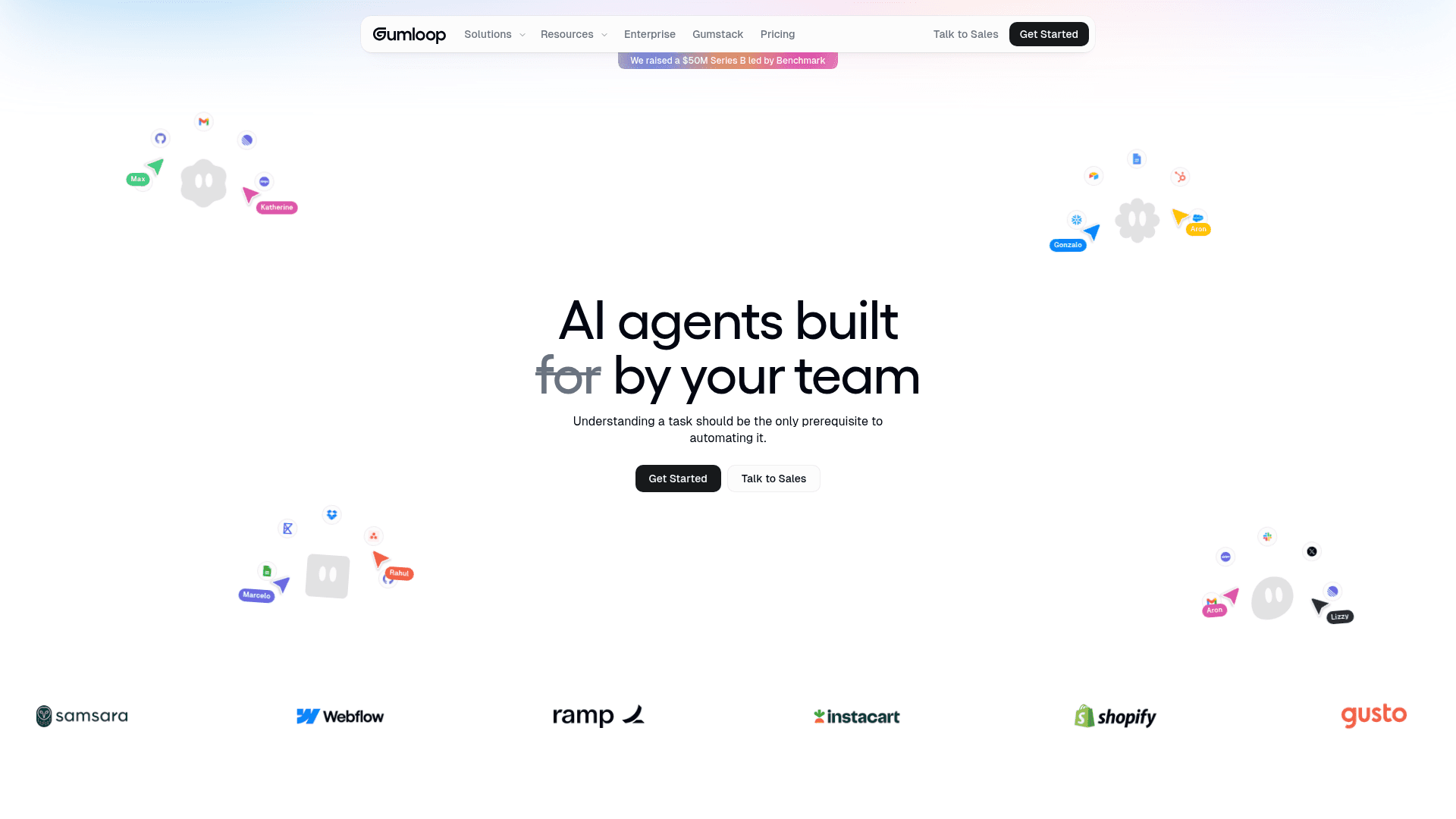
Gumloop is the friendliest pure no-code canvas here. You snap nodes together into a flow, and most people have their first one running in about ten minutes. Unlike Zapier and Make, which are built to connect apps and pass tasks between them, Gumloop leans more into AI data work, like scraping websites, pulling info from big lists, and summarizing or sorting content in bulk. That's why it's a favorite for marketing and ops folks drowning in repetitive research. The credit pricing can be tricky to predict, so keep an eye on it as you scale.
Pricing: Paid starts around $37/month, for 20,000 credits, but you can customize your plan based on how many credits you need.
What people have actually built with Gumloop:
6. Voiceflow
Best for: Support teams, customer service leads, and product teams.
Free tier: Yes, technically. The Free plan gives you 100 credits, but they don't renew.
Top tools it connects to: Zendesk, Intercom, Salesforce, Slack, and WhatsApp.
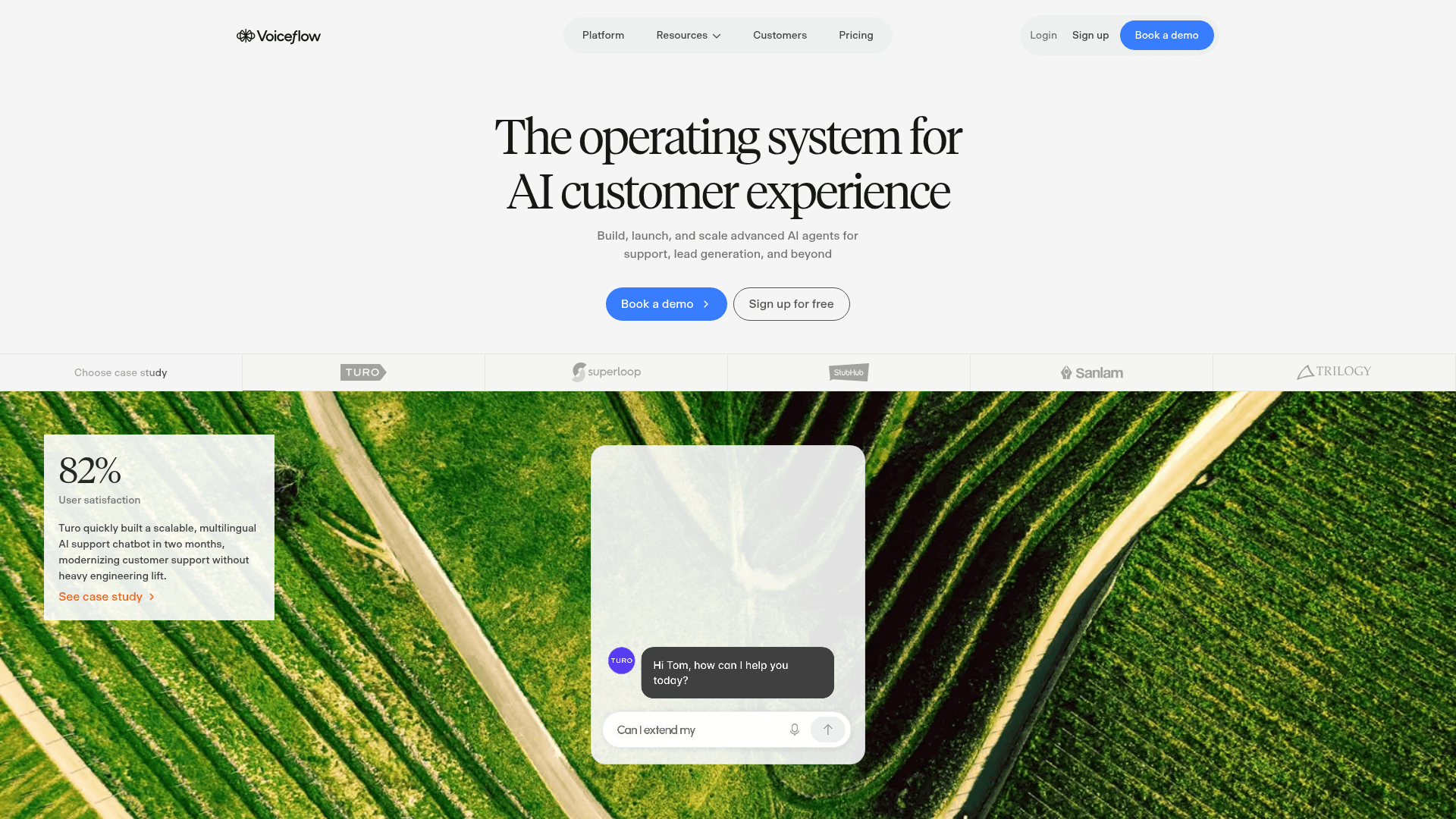
If the job you want to hand off is answering the same customer questions over and over, Voiceflow is your pick. It's a platform for building AI support agents, in chat or voice, that you design on a visual canvas. You point it at your help docs so it answers from your actual content, deploy it to your website, WhatsApp, or Slack, and set it to hand off to a real person when a question gets tricky.
There's also an analytics view so you can see what customers keep asking. A non-technical person can put together a simple support bot without needing a developer, and the free plan is really for prototyping, but it's plenty to see if it works before you pay. Teams that outgrow its chat-first, hosted model — or need self-hosting and deeper backend control — often weigh Voiceflow alternatives built for enterprise deployments
Pricing: Pro is $60/month.
What people have actually built with Voiceflow:
7. ChatGPT Agent

Best for: Everyday users, students, and busy professionals.
Free tier: No. Agent mode needs a paid ChatGPT plan.
Top tools it connects to: Web browsing, connectors like Gmail, Google Drive, and GitHub.
Yes, ChatGPT can be an agent now. It's the household name of the bunch, and if you already pay for ChatGPT it's the lowest-effort way in. You turn it on right in the chat box, just open the tools menu and pick agent mode (you'll need a paid plan). Once it's on, instead of just replying to you, it actually goes and does the task.
It can browse the web and click around sites for you, log into the apps you've connected, and hand you a finished thing, like a researched slide deck, a filled-in spreadsheet, or a trip itinerary, all from one prompt.
To hook it up, you switch on the apps you want in ChatGPT's settings, such as Gmail, Google Drive, Calendar, and GitHub, and then just ask it to go do something.
Note: If you don't see the app you want, you can still connect ChatGPT to other apps (like X, LinkedIn, Instagram, and 1,000+ more) through Composio for free.
Pricing: ChatGPT Plus at $20/month includes agent mode.
What people have actually built with ChatGPT Agent:
8. n8n
Best for: Developers, data teams, and technical ops.
Free tier: Yes, if you self-host. The cloud version is a 14-day trial.
Top tools it connects to: Slack, Google Sheets, OpenAI (400+ built-in nodes).
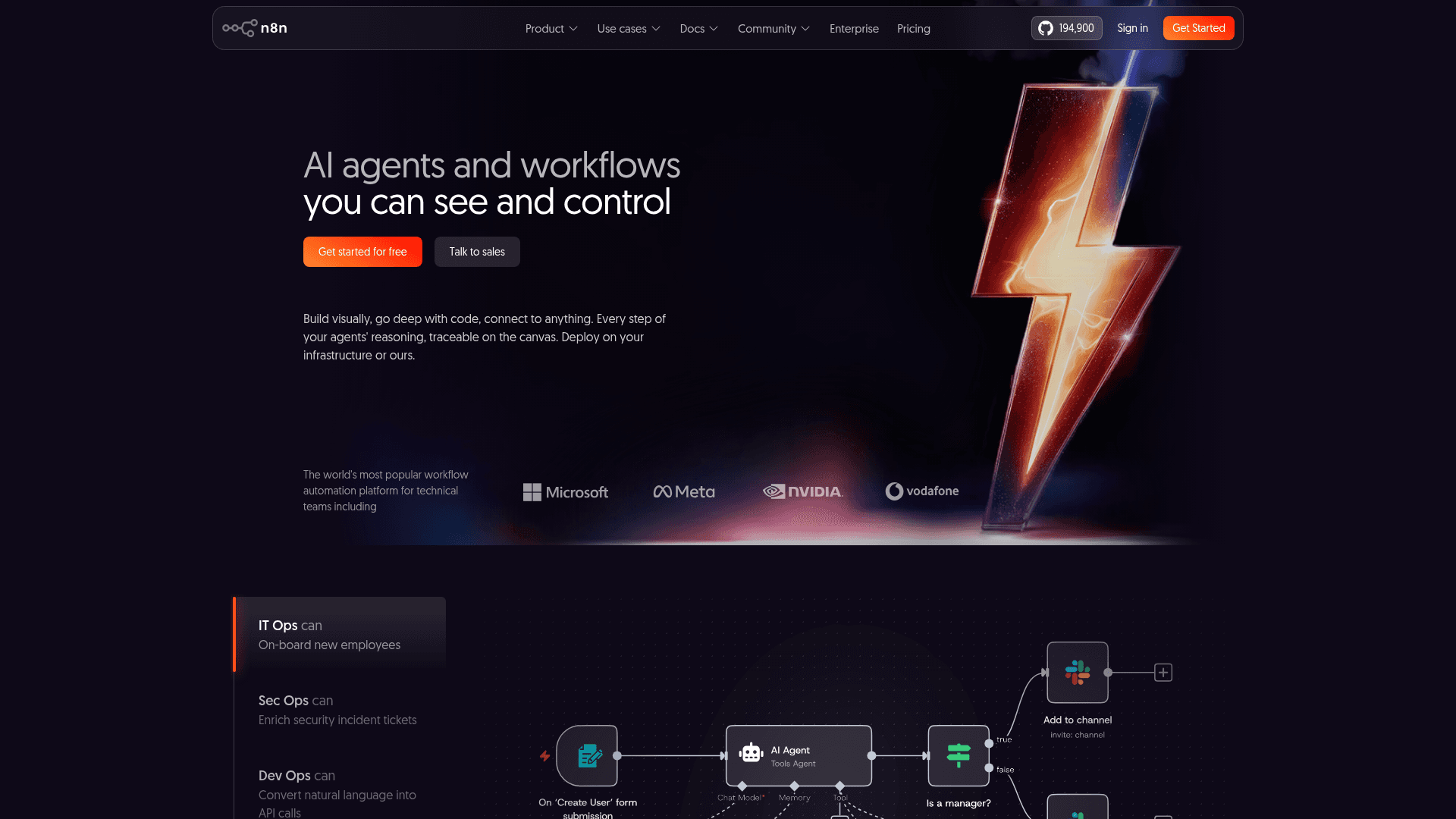
Fair warning: n8n is the most technical pick here. It's visual, just like Zapier is, and its community is massive, but it markets itself to technical teams for a reason. Basically, what makes it technical is that you can drop your own JavaScript or Python code into any step, and it'll talk to pretty much any API out there (which just means any app), a lot more power than a beginner tool needs.
That said, a motivated beginner can absolutely do it, especially with a template, you'll just hit the "wait, what's this?" moment sooner than you would with Zapier. If you're comfortable poking around, it's the most powerful free option on this list.
Quick note on what "self-hosting" actually means, since that word can sound scarier than it is. Instead of paying n8n to run your workflows on their servers, you rent a small server of your own (something like a $ 4-a-month box from a place like DigitalOcean) and install n8n on it yourself. It's not hard exactly, but it's more setup than anything else on this list, you're following an install guide instead of just clicking sign up. If that's not your thing, the cloud plan skips all of it for a monthly fee.
Pricing: Self-hosting is free. Cloud starts around $20/month, billed annually.
What people have actually built with n8n:
9. ElevenLabs
Best for: Support teams, sales teams, and receptionists.
Free tier: Yes. You get 15 minutes of call time to test with.
Top tools it connects to: Phone systems (telephony/SIP), LLM providers, plus webhook and tool integrations.
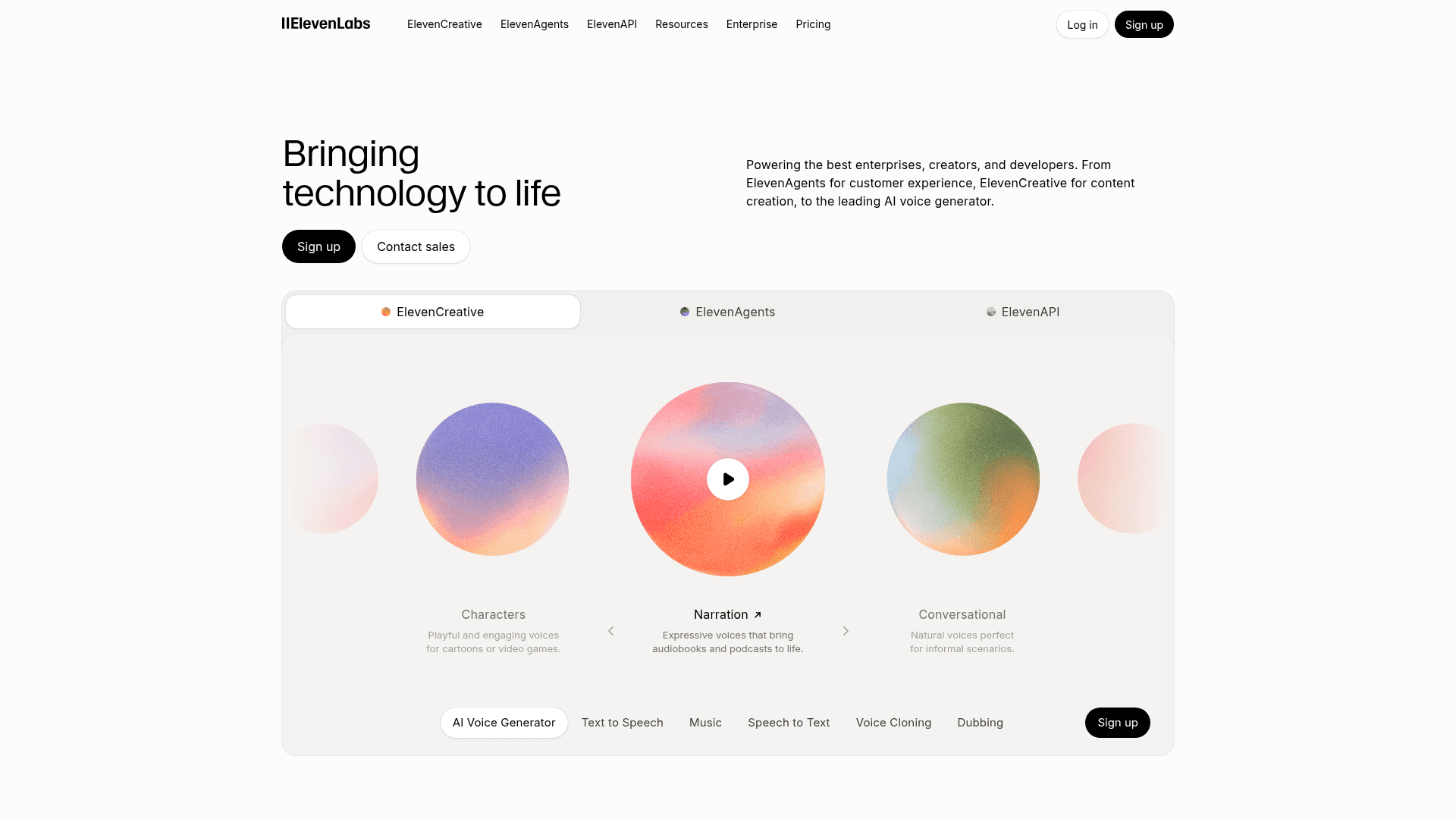
ElevenLabs built its reputation on some of the most realistic AI voices around, and now they've turned that into a full agent platform. You can spin up a voice agent from a single prompt, and it'll answer calls, switch between 70+ languages, and actually take actions mid-conversation, like booking an appointment. If your use case is answering the phone rather than answering a chat, this is the one to look at.
So how's this different from Voiceflow, since that one does voice too? Voiceflow is built around chat first, with voice as an option, and it leans on your help docs to answer support questions. ElevenLabs goes all in on the call itself, the actual phone line, the voice quality, and doing things mid call like booking a slot or pulling up an order. If you want a bot that mostly types back and forth with a voice option bolted on, that's Voiceflow. If you want something that answers the phone and sounds like a real person doing it, that's ElevenLabs.
Pricing: The entry tier starts around $6/month ($5 if billed annually), then it's roughly $0.08 per minute of calls.
What people have actually built with ElevenLabs:
10. Relevance AI
Best for: Sales teams, RevOps, and GTM teams.
Free tier: Yes. 200 actions a month plus a one-time batch of credits, no card required.
Top tools it connects to: Salesforce, HubSpot, Slack, Apollo (and 2,000+ more).
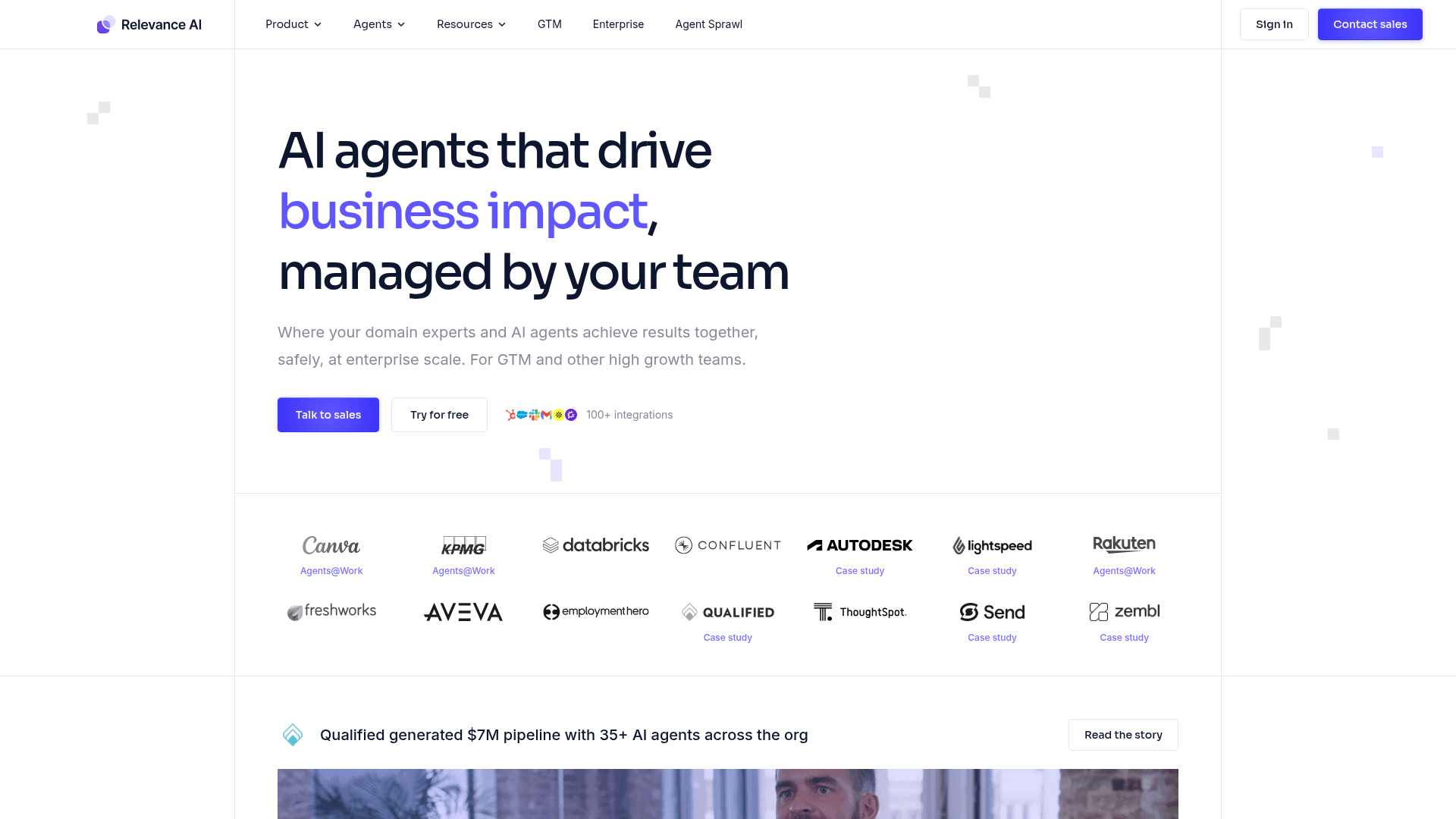
The whole idea of Relevance AI is that it runs a team of agents. Instead of one assistant, you build a little workforce where each agent has a job, which is why sales and RevOps teams like it for research, outreach, and follow-up. It's genuinely no-code and template-friendly to start (they have a LinkedIn outreach agent and a sales researcher agent, both pulled straight from their template library), though connecting a tool it doesn't natively support can mean some manual setup.
The credit system also splits into two separate meters, which takes a minute to make sense of. Actions count how many times your agent actually does something, like sending an email or updating a record, no matter how many steps that takes behind the scenes. Vendor Credits are a separate pool that covers the AI model costs, so a heavier AI task can burn through more Vendor Credits even though it still only counts as one Action.
Pricing: Pro starts at $19/month.
What people have actually built with Relevance AI:
How to decide which AI agent platform is best
Just think about what task you want to hand off, then glance at each platform to see which one makes that task easiest to start.
Pick the one thing in your week you dread most, the report you copy-paste together, the emails you keep answering, the leads you forget to follow up on. That tells you almost everything.
Zapier or Make if you want to connect your apps and automate steps.
Lindy or Relevance AI if you want something that feels like an actual assistant.
Composio if you already pay for ChatGPT or Claude and want it to reach into all your other apps, no new platform to learn.
Voiceflow if it's answering customer questions in chat.
ElevenLabs if it's answering the phone.
ChatGPT Agent if you already pay for ChatGPT and just want it to run a task.
n8n if you're technical and want to go deep for free.
Most of these are free to try, so the honest best move isn't to overthink it. Pick the one that matches your most annoying task, give it your afternoon, and see what you get. You'll learn more from one built agent than from any comparison table, including this one.

 Get started