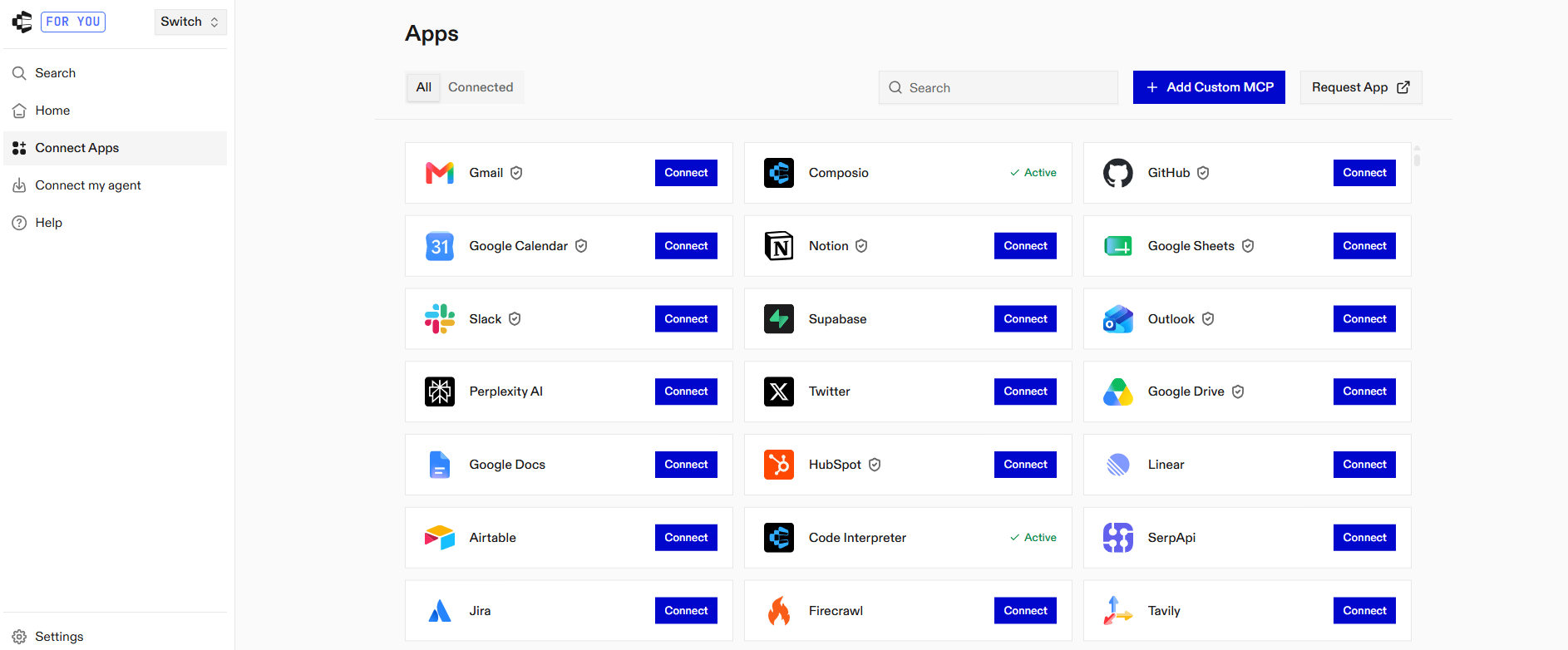
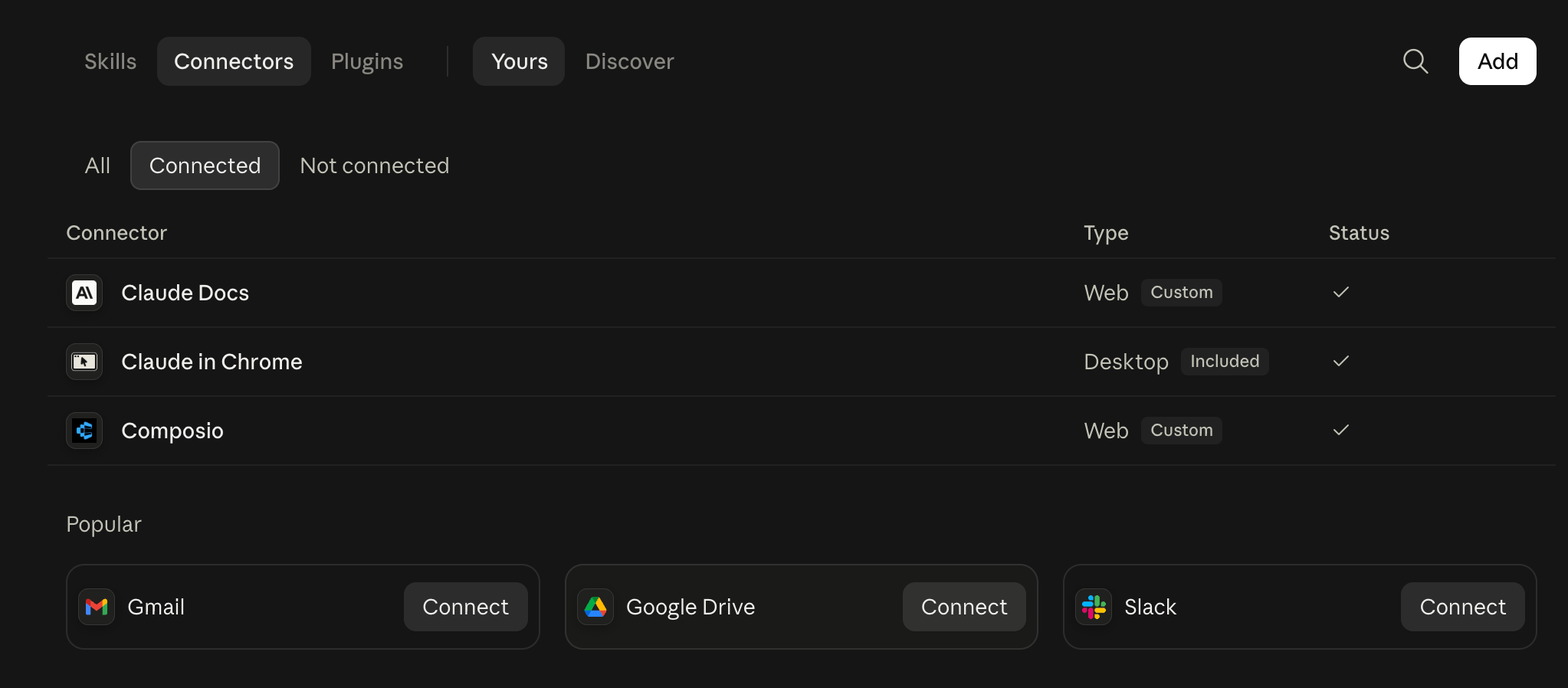
Step 1: Add Composio to Claude (one-time process)
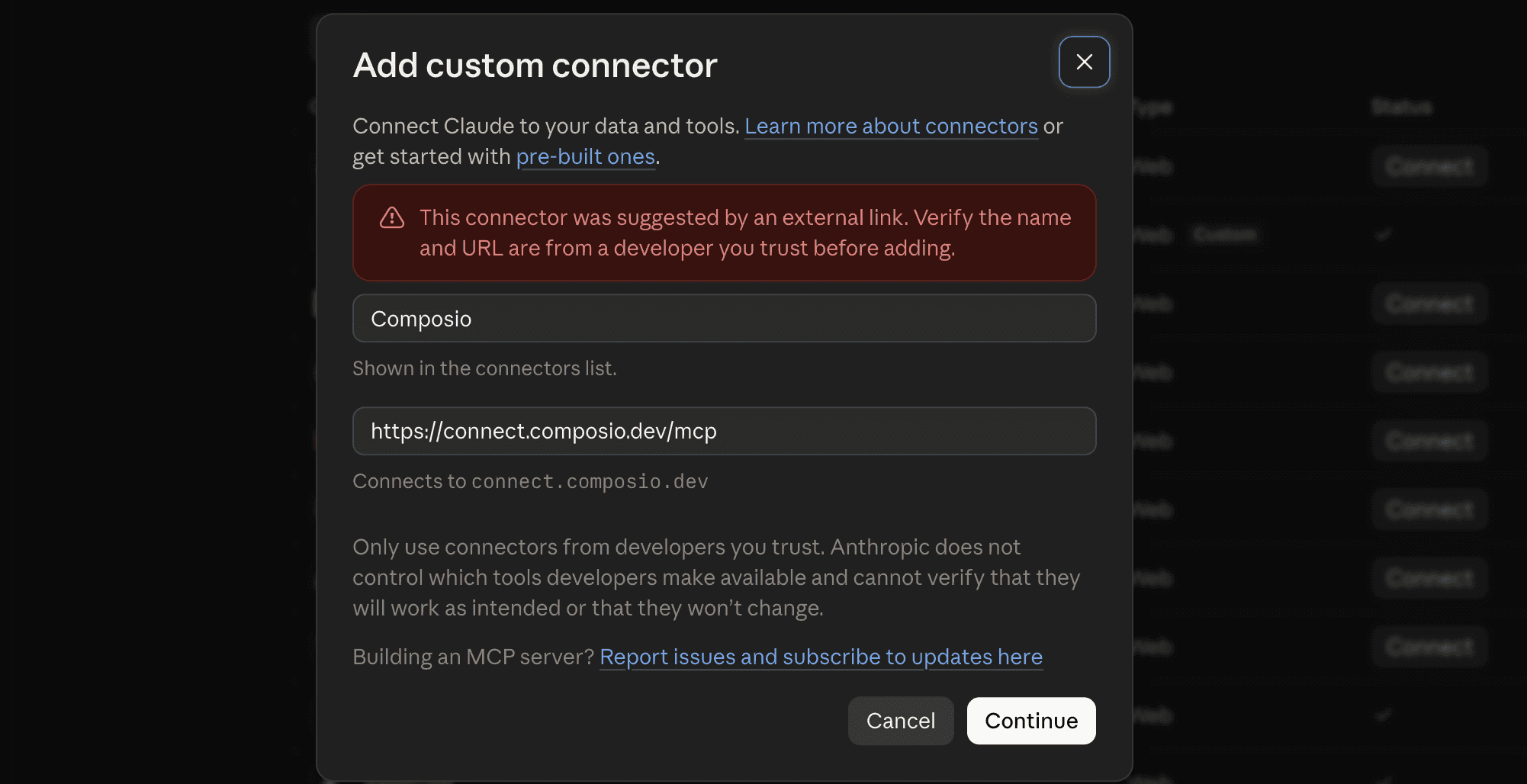
- Click the button below. This will take you to the Claude Custom Connector modal.
 Add to Claude
- Click Continue
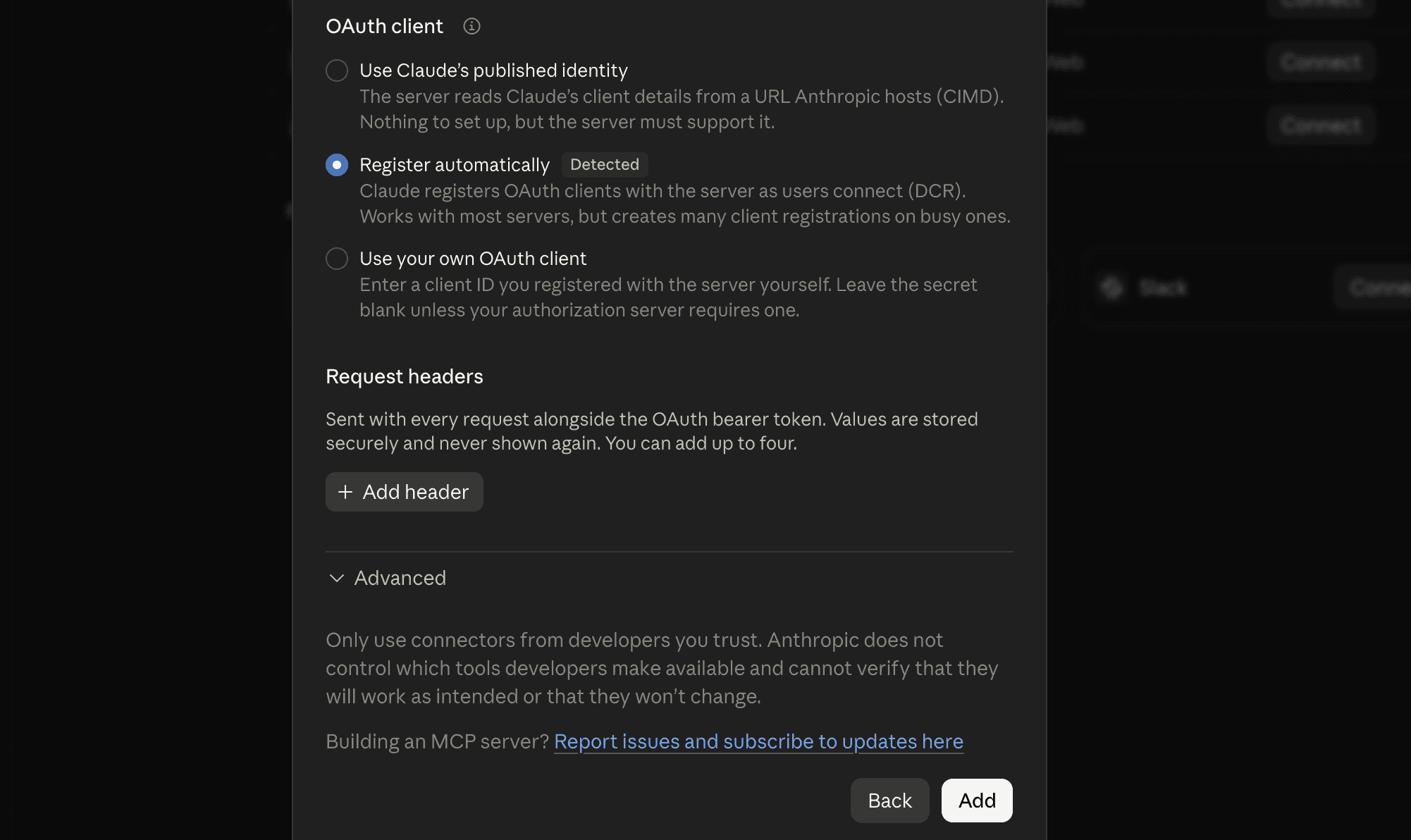
- In the next modal, click Add
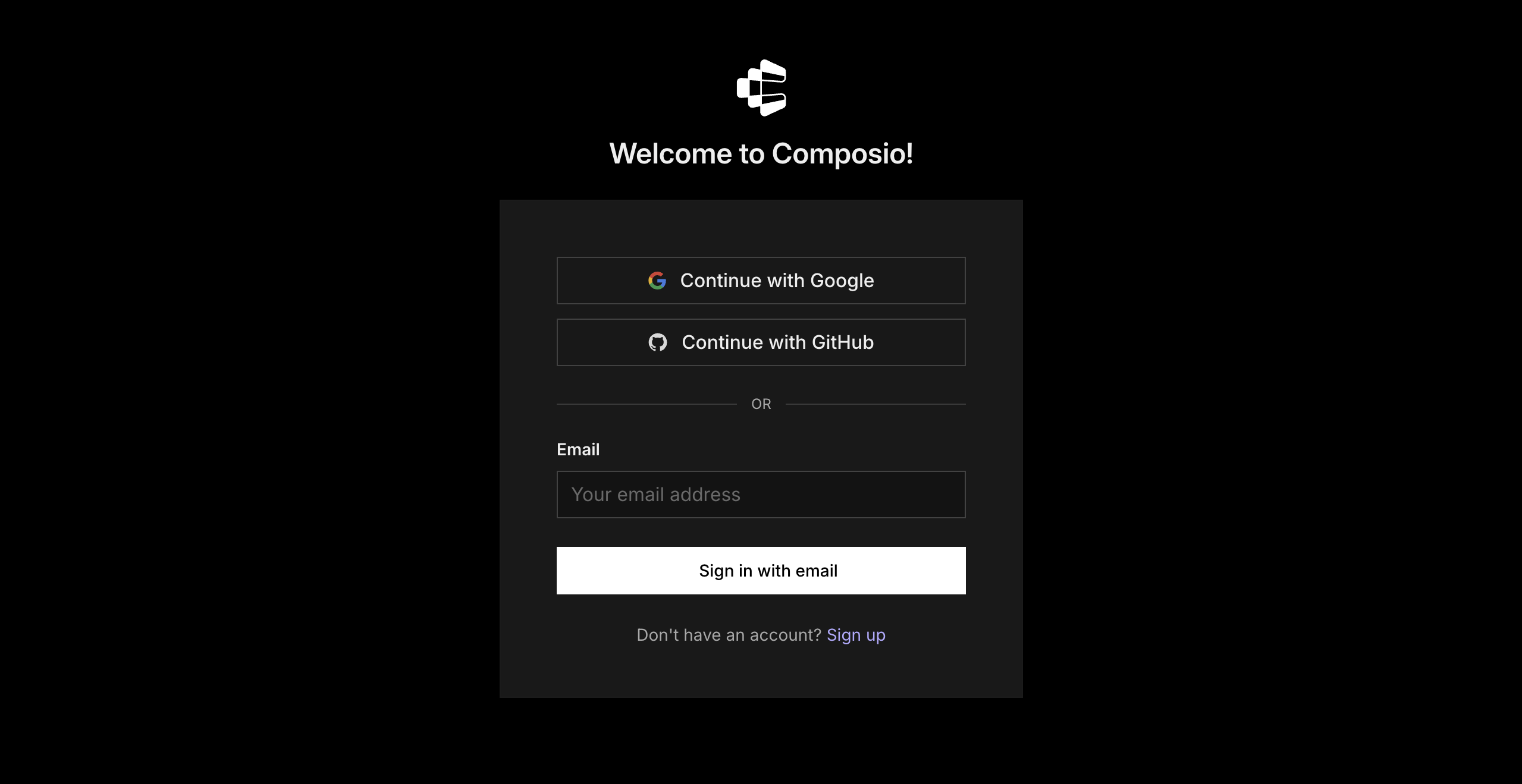
- It will take you to the authentication page. Sign in to Composio and approve the connection.
Then return to Claude and make sure Composio is enabled.
Step 2: Connect your first Shippo account
In a new Claude chat, type:
Connect my shippo-1 Shippo account to Composio. Call it shippo-1.
Claude will give you a sign-in link.
- Click the link.
- Sign in to your shippo-1 Shippo account.
- Review and approve Shippo's permission request.
- Return to Claude.
Claude should confirm that the account is connected.
The name shippo-1 is how Claude knows which Shippo account to use. Choose short, obvious names. Good examples include:
shippo-1shippo-2shippo-3
Step 3: Connect your second Shippo account
In the same Claude chat, type:
Connect another Shippo account. Call it shippo-2.
Claude will give you a new sign-in link.
- Open the link.
- Sign in to the second Shippo account.
- Review and approve Shippo's permission request.
- Return to Claude.
Claude should confirm that shippo-2 is connected.
Important: Check that Shippo is showing the second account before you approve access. If the wrong account appears, sign out or open the link in an incognito or private window.
Repeat this step for every other Shippo account you want to add. Give each connection a short, descriptive name such as shippo-1, shippo-2, shippo-3, or client-acme.
Step 4: Check your connected Shippo accounts
Ask Claude:
List my connected Shippo accounts in Composio. Show each account's name and connection status.
You should see every account you added, and each connection should show as ACTIVE.
For an extra check, ask:
Show the account email or ID and the account name for each connected Shippo account.
This helps you confirm that every label points to the correct Shippo account and that you did not connect the same account twice.
Step 5: Use the right Shippo account
Mention the account name whenever you ask Claude to work with Shippo. This is especially important when an action could change data.
Review activity across accounts
Check shippo-1 and shippo-2 for anything new in Shippo from the last 14 days. Group the results by account.
Track shipment status by tracking number
Using the shippo-1 account, track shipment status by tracking number.
Get shipping rates for a package
Using the shippo-2 account, get shipping rates for a package.
Find something across accounts
Search all connected Shippo accounts for customer@example.com. Show which account it appears in and summarise the latest activity.
For actions such as creating, changing, or deleting data, ask Claude to show you the planned action first and wait for your confirmation.