How to connect Ploid to Grok Bot

Connect Grok Bot to Ploid MCP. Research prospects and enrich their identities, find public linkedin intelligence on prospects, and more using natural language, with authentication handled for you.

Ploid logoPloid
Api Key

Ploid is a people research and identity intelligence platform with public LinkedIn data and research APIs. It helps teams enrich identities and uncover useful professional insights quickly.

45 Tools

Introduction

Grok is xAI's assistant, and its bot builder lets you create a personal agent that holds context, runs skills, and connects to the apps you already use through plugins.

This guide explains how to connect Ploid to a Grok bot using Composio Connect, which handles OAuth, token refresh, and reliability so you do not have to. You add Composio as a plugin, authenticate once, then ask your bot to work with Ploid in plain language.

For exact tool slugs and parameter tables, see the tool catalog in the Composio docs.

Also integrate Ploid with

Why use Composio?

Composio exposes 1,700+ apps to your Grok bot through a single connection, so you get:

  • Connect to 1,700+ apps with on-demand tool loading, so you do not fill your context window with unnecessary tool definitions.
  • Use programmatic tool calling through a remote workbench, letting the model write its own code to handle complex tool chaining. This reduces back-and-forth for frequent tool calls.
  • Handle large tool responses outside the model context to keep conversations lean.

Connecting Ploid to Grok Bot

Once Grok Bot is set up, you connect Ploid entirely from its interface, and the whole flow takes under a minute.

Set up Grok Bot

Get access. Grok Bot is included with Cursor Ultra, Cursor Premium Teams, and SuperGrok Heavy. Get the desktop app for macOS or Windows from x.ai/bot and sign in. An iPhone companion app is also available, and your bots sync across devices.

Create a bot. Pick a suggested role or define your own, then give it a short name, one primary job, and a short description of how it should work. Focused bots work best, because a clear role gives the bot more useful context over time.

Connect Ploid

1. Add the Composio plugin

Click the button. The Composio listing on x.ai opens and launches Grok Bot for you. If the app does not open on its own, click Add to Grok Bot.

Add to Grok Bot
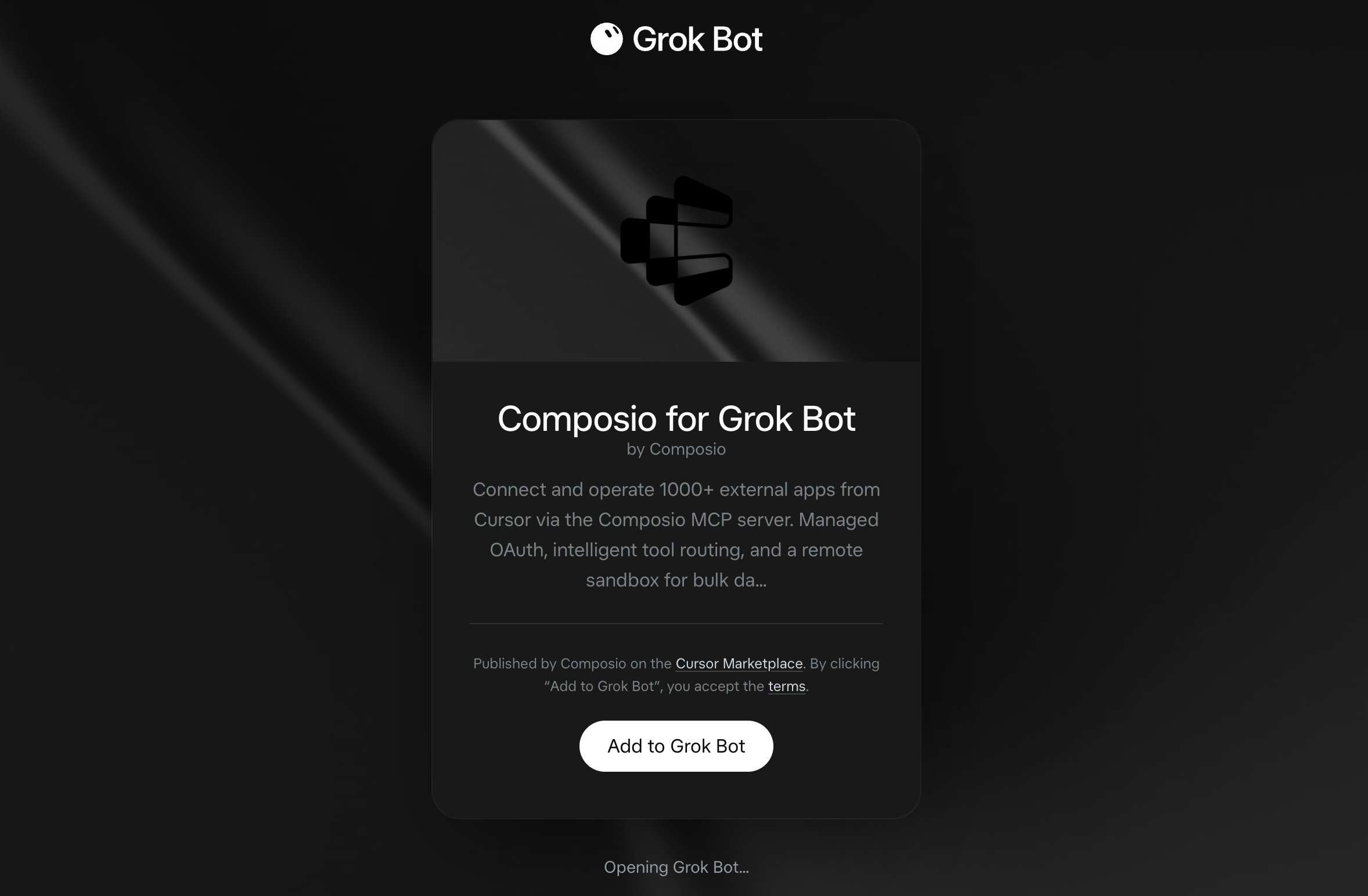
Composio for Grok Bot listing on x.ai with the Add to Grok Bot button

Grok Bot opens the Composio plugin, showing its connector and skills. Click Add.
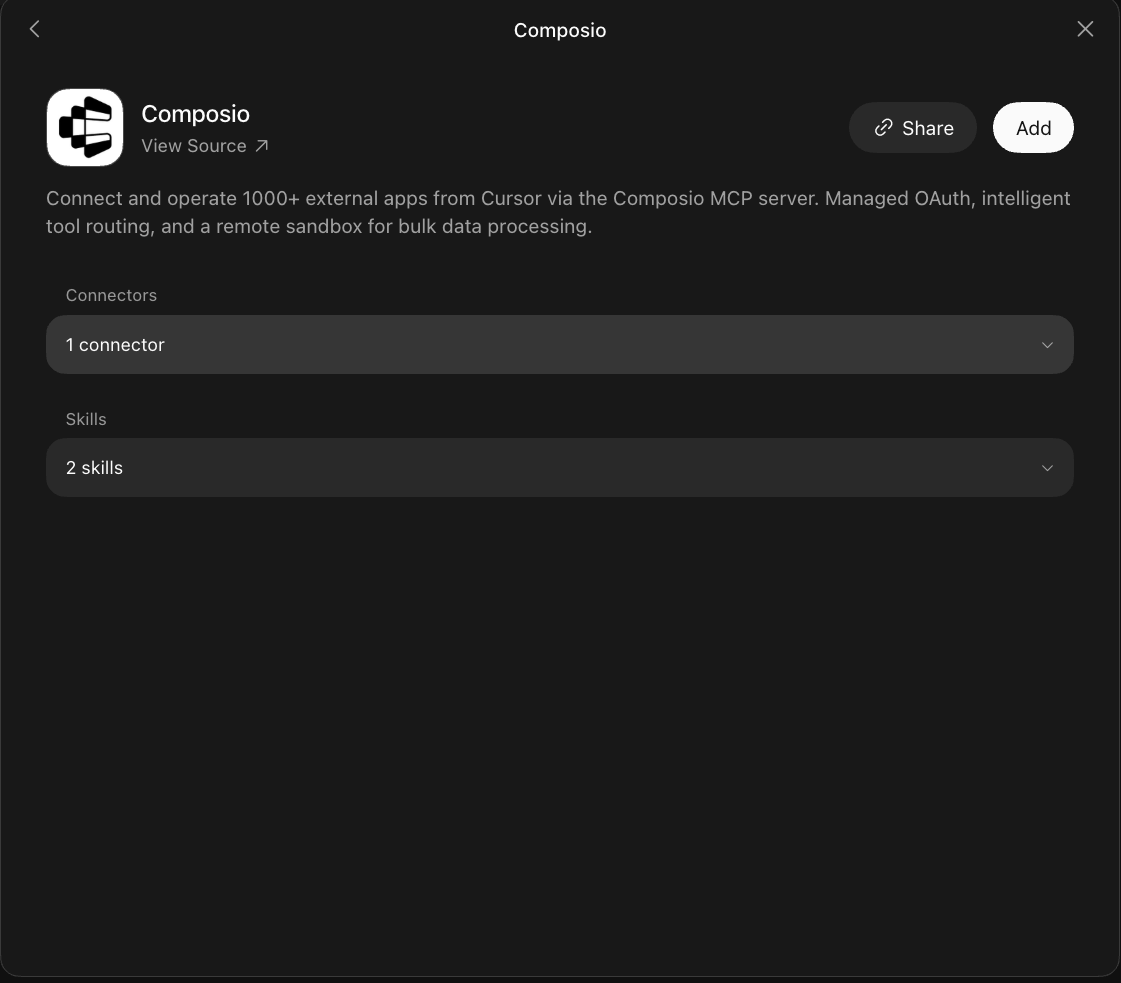
Composio plugin sheet in Grok Bot with the Add button

2. Authenticate

Go to the Installed section and click the Composio entry. You'll see its connector and skills listed.
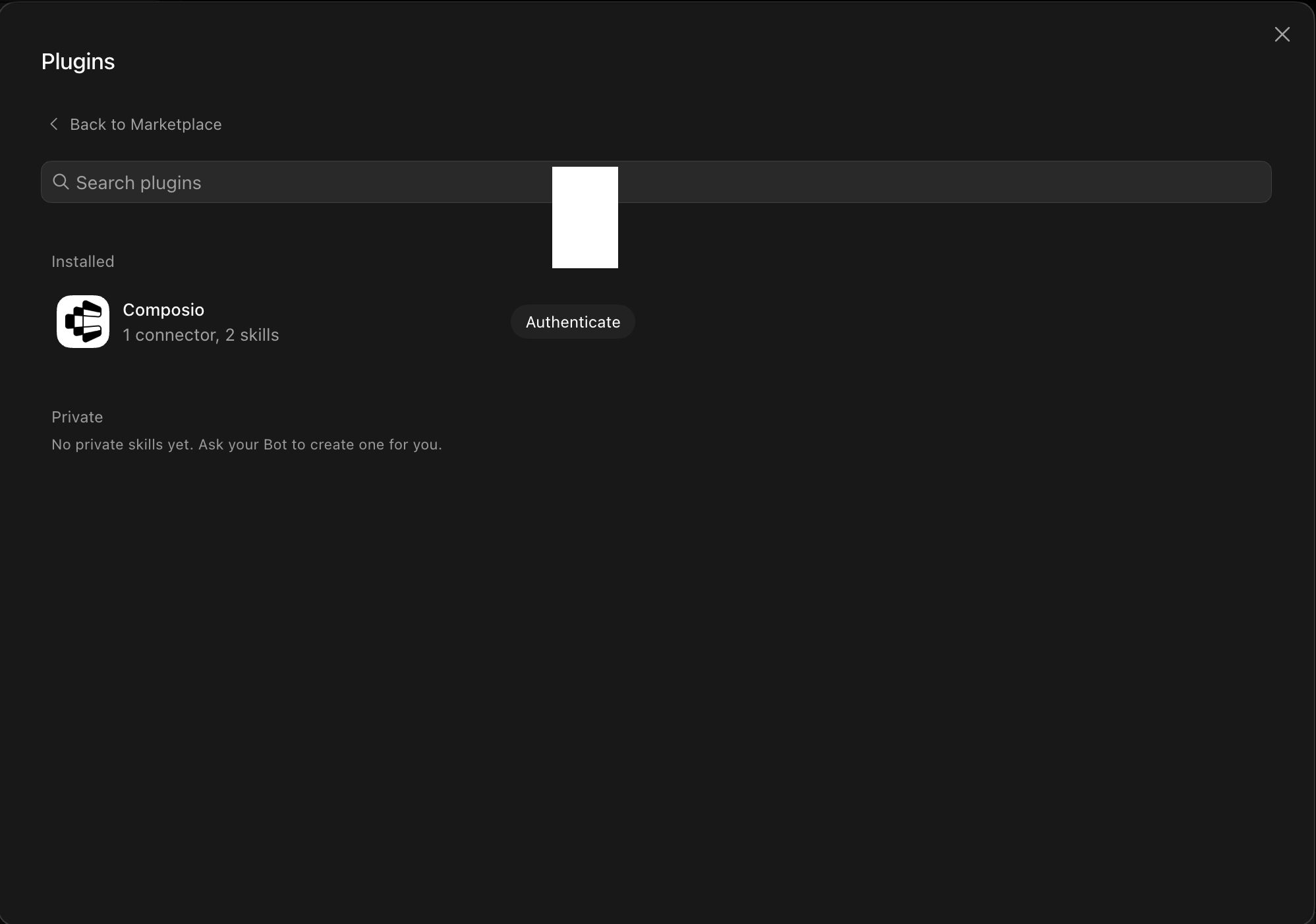
Installed Composio plugin showing the Authenticate button

Click Authenticate. You'll be taken to the Composio consent screen. Review the access it requests and click Authorize. Composio handles the OAuth handshake for you, so you never touch API keys or tokens.

Composio authorization screen with Authorize and Deny

3. Connect your Ploid account

Back in the chat, ask your bot to connect to Ploid or give it any Ploid task.

For example, ask it to:

  • "Research prospects and enrich their identities"
  • "Find public LinkedIn intelligence on prospects"
  • "Build a people research brief"

It will prompt you to authenticate and authorize access.

That's it. Composio's tools are now available in your Grok bot, and your Ploid account is ready to use.

What is Grok Bot?

Grok is xAI's assistant, available as a chat interface and a bot builder for creating personal agents that run skills and connect to external apps.

With Composio Connect, your Grok bot can securely access apps like Ploid through MCP without you sharing account credentials directly with the agent.

What is the Ploid MCP server, and what's possible with it?

The Ploid MCP server is an implementation of the Model Context Protocol that connects your AI agent and assistants like Claude, Cursor, etc directly to your Ploid account. It provides structured and secure access to people research, identity enrichment, public LinkedIn intelligence, and agent-powered research tools, so your agent can search for people, resolve identities, enrich contact details, investigate LinkedIn profiles and activity, and monitor relevant social updates on your behalf.

  • People discovery and research: Have your agent search for people by structured criteria, find identity candidates, resolve named individuals, and retrieve evidence-backed person research.
  • Identity and contact enrichment: Direct your agent to enrich a person with available work email, personal email, phone, or public social profile details.
  • LinkedIn intelligence: Let the agent find LinkedIn people and companies, inspect public profiles, review company details, and retrieve posts or comments from public profiles.
  • Targeted talent research: Instruct your agent to search GitHub accounts and people, connect relevant GitHub accounts with indexed LinkedIn people, or list recruiters and role counts for selected companies.
  • Ongoing research and data workflows: Have your agent create datasets, track research results, create and run scheduled social monitors, and review monitor activity and emitted updates.

Way Forward

Now that Ploid is connected, extend your setup by connecting the other apps you already use every day, so your Grok bot can run true cross-app workflows end to end.

  • Connect Calendar to turn threads into scheduled meetings automatically.
  • Connect Slack or Teams to post summaries, approvals, and alerts where your team works.
  • Connect Notion, Linear, Jira, or Asana to convert requests into tickets, tasks, and docs.
  • Connect Drive, Dropbox, or OneDrive to fetch, file, and share attachments without manual steps.

Start with one workflow you do repeatedly, then keep adding apps as you find new handoffs. With everything behind a single connection, your bot can coordinate multiple tools safely and reliably in one conversation.

TOOLS

Supported Tools

Every Ploid action and event your agent gets out of the box.

Cancel Person Run

Irreversibly cancel an active deep-person research run.

Cancel People Set

DESTRUCTIVE: irreversibly stop the active search for a preview People Set.

Compile Monitor

Preview a social-monitor plan, resolved targets, relevance rules, and output schema without creating a monitor or scheduling runs.

Create Dataset

Create a persistent typed dataset and fill 1-30 columns for seeded people, companies, or custom entities.

Create Monitor

Create a persistent scheduled social monitor and immediately start a silent baseline run.

Create People Set

Create a persistent preview People Set and start durable verified background work that may continue after this call returns.

Delete Monitor

Destructively and irreversibly disable a monitor.

Enrich Person Contact

Resolve requested work email, personal email, and/or phone fields for one person.

Enrich Social Profile

Resolve one public social profile from a supported platform handle, vanity slug, or profile URL.

Export People Set

Export admitted items from a preview People Set.

Get Account Credits

Return the workspace ACU balance and the calling API key's daily and monthly spending-budget state.

Get Account Profile

Return the signed-in user's WorkOS-linked Ploid account profile.

Get Account Usage

Preferred connection diagnostic for verifying which Ploid workspace and API key are connected.

Get Dataset

Return a dataset's lifecycle status, configured columns, row-processing progress, and rows URL.

Get LinkedIn Company

Fetch public LinkedIn company details by URL, universal name, or search term; provide at least one of those locators.

Get LinkedIn Profile

Fetch one public LinkedIn profile by full URL, vanity slug, or @handle.

Get Monitor

Return one monitor and its current configuration.

Get Monitor Run

Return one monitor run by monitor and run ID, including lifecycle state, usage, error, and webhook delivery outcome.

Get Person

Get an evidence-backed reviewed person record or start a durable research run.

Get Person Run

Get the current state or terminal result of a deep-person research run.

Get People Set

Return a preview People Set's status, progress, and searches, newest first.

Get Technographics

Detect technologies exposed by one public website and its DNS, with evidence and an assessment of each finding.

List Company Recruiters

Return recruiters and role counts for up to 10 companies.

List Dataset Rows

Return one integer-cursor page of dataset rows in seed order, including rows available before asynchronous processing finishes.

List LinkedIn Company Posts

Return one provider page of posts for a LinkedIn company.

List LinkedIn Posts

Return up to 20 recent posts for one public LinkedIn profile identified by profile URL, vanity slug, or @handle; provide identifier or its url alias.

List LinkedIn Profile Comments

Return one provider page of comments made by a LinkedIn profile.

List Monitor Items

Return one cursor-controlled page of emitted monitor items, optionally limited to one run.

List Monitor Runs

Return one cursor-controlled page of a monitor's runs, newest first.

List Monitors

Return one cursor-controlled page of monitors, newest first.

List People Set Items

Return one caller-controlled page of admitted, criterion-verified people while or after a preview People Set runs.

List People Sets

List the workspace's recent People Sets.

Resolve Person

Resolve a named person plus at least one identity clue to a permanent Ploid person ID.

Reverse Email

Find the LinkedIn profile and permanent Ploid person ID behind an email.

Run Monitor

Queue a persistent monitor run now.

Search GitHub Accounts

Search Ploid's GitHub account index by profile, repository, language, and activity filters.

Search GitHub People

Search GitHub accounts, link unambiguous accounts to indexed LinkedIn people, and enforce optional LinkedIn filters as hard requirements.

Search LinkedIn People

Return one cursor-controlled page of public LinkedIn people matching structured keyword, location, title, current-company, and school filters.

Search People

Search for up to 150 people and return typed results inline.

Search People Candidates

Search the indexed people directory for up to 10 unverified identity candidates.

Search Trade and Hourly Workers

Find trade and hourly workers by one role and one US place, expanding the role to equivalent titles and the place to nearby towns.

Test Monitor

Fetch and evaluate a monitor's current targets without saving a run, items, seen-ledger entries, or snapshots; sending a webhook; or changing its schedule.

Test Monitor Webhook

Immediately send one signed monitor.

Update Account Profile

REAL ACCOUNT MUTATION: replace the signed-in user's WorkOS-linked Ploid profile fields.

Update Monitor

Update, pause, or resume a monitor by providing at least one field to change.

FAQ

Frequently asked questions

Start with Ploid.It takes 30 seconds.

Managed auth, hosted MCP servers, and every Ploid tool your agent needs.Free to start.

Start building