How to connect Plain to Grok Bot

Connect Grok Bot to Plain MCP. Summarize unresolved plain support threads, find customers with overdue support replies, and more using natural language, with authentication handled for you.

Plain MCP logoPlain MCP
Dcr Oauth

Plain MCP is Plain's hosted support platform for threads, customers, tenants, and help-center content. It gives teams a secure, centralized way to manage customer support operations.

80 Tools

Introduction

Grok is xAI's assistant, and its bot builder lets you create a personal agent that holds context, runs skills, and connects to the apps you already use through plugins.

This guide explains how to connect Plain to a Grok bot using Composio Connect, which handles OAuth, token refresh, and reliability so you do not have to. You add Composio as a plugin, authenticate once, then ask your bot to work with Plain in plain language.

For exact tool slugs and parameter tables, see the tool catalog in the Composio docs.

Also integrate Plain MCP with

Why use Composio?

Composio exposes 1,700+ apps to your Grok bot through a single connection, so you get:

  • Connect to 1,700+ apps with on-demand tool loading, so you do not fill your context window with unnecessary tool definitions.
  • Use programmatic tool calling through a remote workbench, letting the model write its own code to handle complex tool chaining. This reduces back-and-forth for frequent tool calls.
  • Handle large tool responses outside the model context to keep conversations lean.

Connecting Plain to Grok Bot

Once Grok Bot is set up, you connect Plain entirely from its interface, and the whole flow takes under a minute.

Set up Grok Bot

Get access. Grok Bot is included with Cursor Ultra, Cursor Premium Teams, and SuperGrok Heavy. Get the desktop app for macOS or Windows from x.ai/bot and sign in. An iPhone companion app is also available, and your bots sync across devices.

Create a bot. Pick a suggested role or define your own, then give it a short name, one primary job, and a short description of how it should work. Focused bots work best, because a clear role gives the bot more useful context over time.

Connect Plain

1. Add the Composio plugin

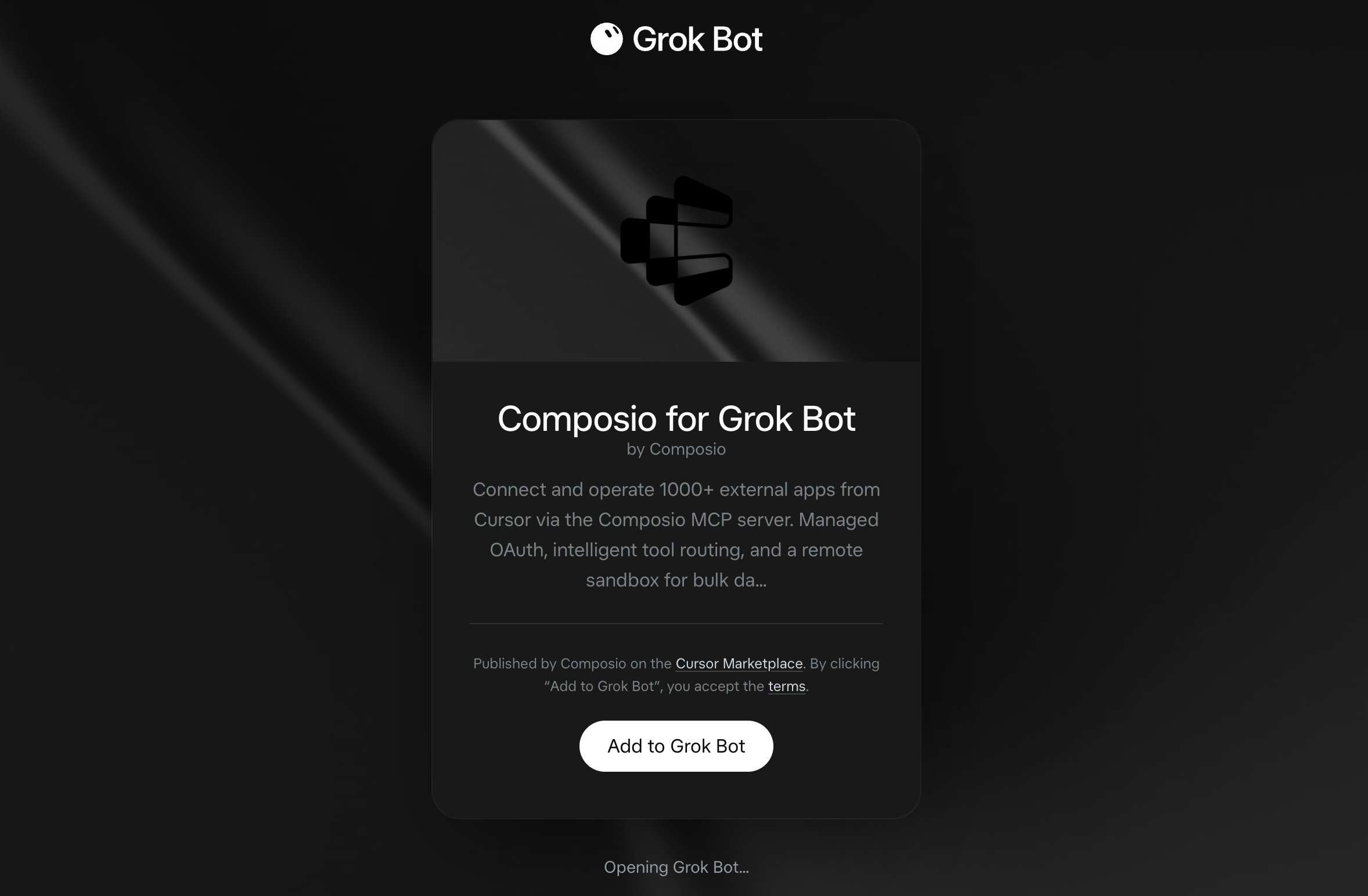
Click the button. The Composio listing on x.ai opens and launches Grok Bot for you. If the app does not open on its own, click Add to Grok Bot.

Add to Grok Bot

Composio for Grok Bot listing on x.ai with the Add to Grok Bot button

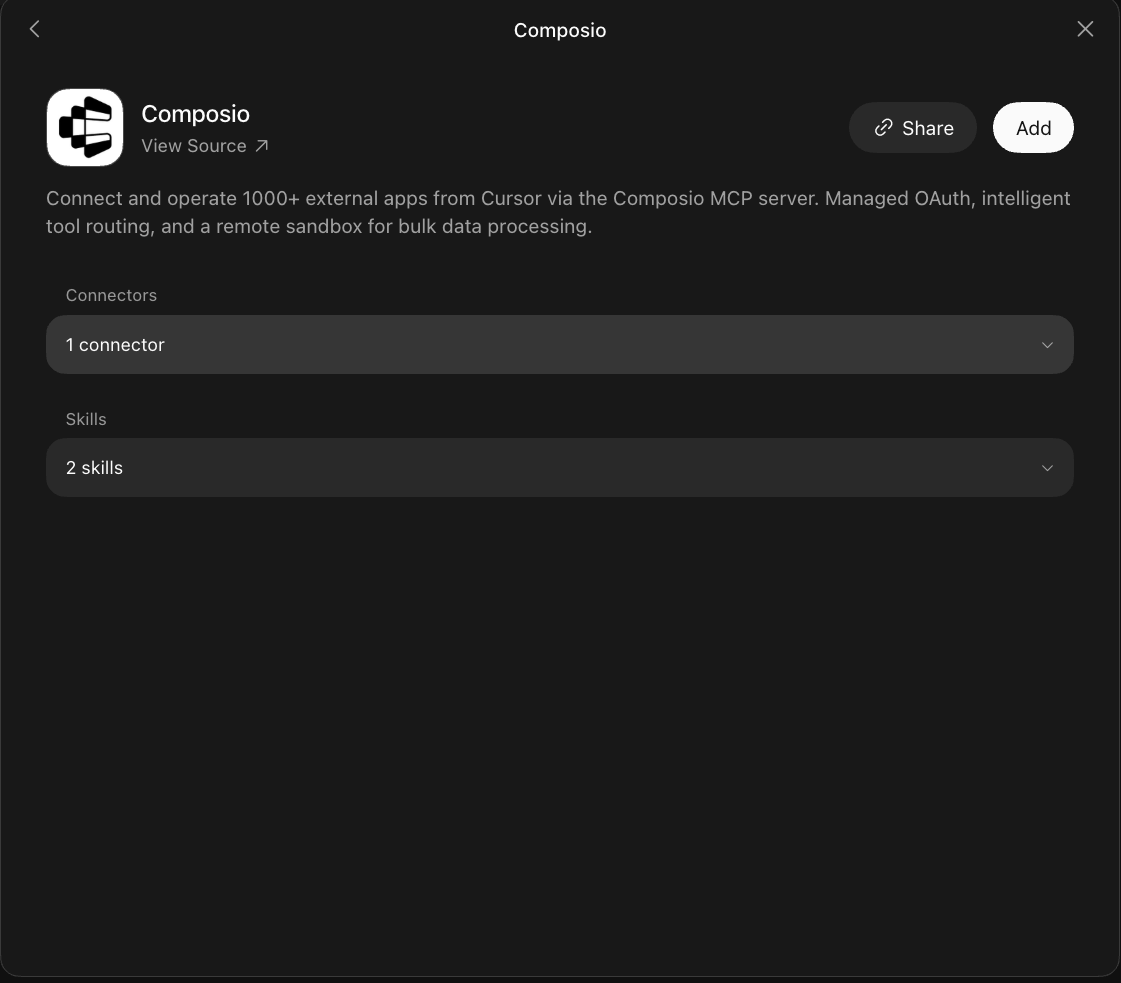
Grok Bot opens the Composio plugin, showing its connector and skills. Click Add.

Composio plugin sheet in Grok Bot with the Add button

2. Authenticate

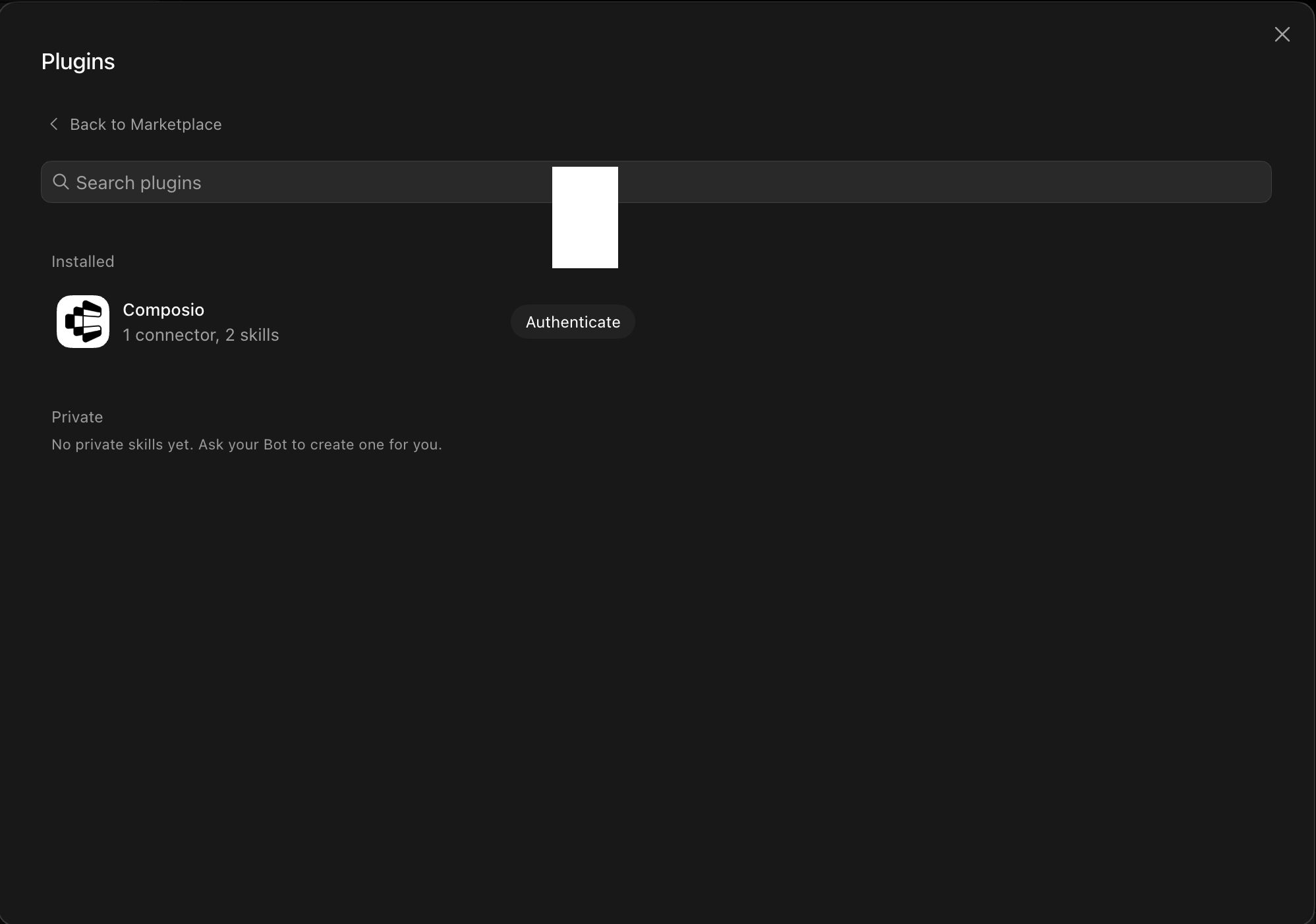
Go to the Installed section and click the Composio entry. You'll see its connector and skills listed.

Installed Composio plugin showing the Authenticate button

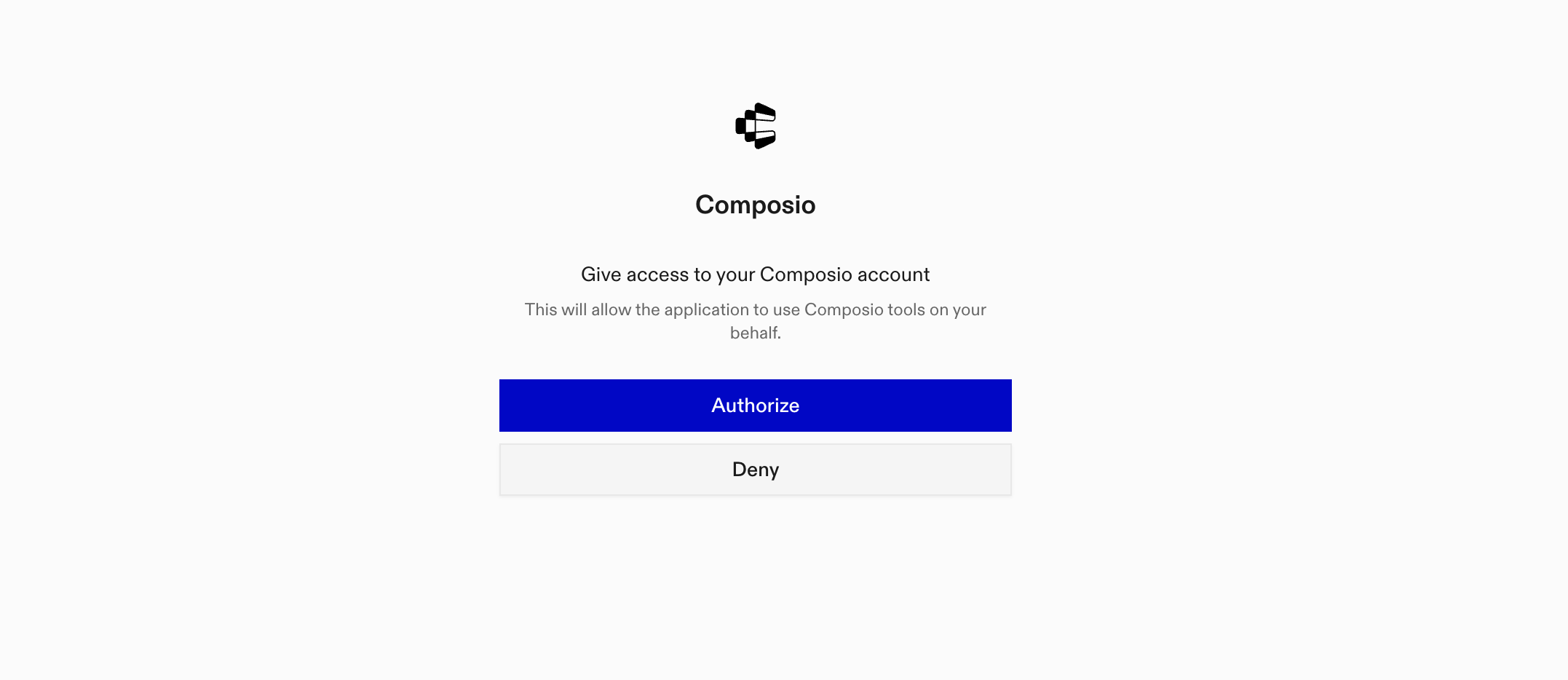
Click Authenticate. You'll be taken to the Composio consent screen. Review the access it requests and click Authorize. Composio handles the OAuth handshake for you, so you never touch API keys or tokens.

Composio authorization screen with Authorize and Deny

3. Connect your Plain account

Back in the chat, ask your bot to connect to Plain or give it any Plain task.

For example, ask it to:

  • "Summarize unresolved Plain support threads"
  • "Find customers with overdue support replies"
  • "Review recent Sidekick sessions and outcomes"

It will prompt you to authenticate and authorize access.

That's it. Composio's tools are now available in your Grok bot, and your Plain account is ready to use.

What is Grok Bot?

Grok is xAI's assistant, available as a chat interface and a bot builder for creating personal agents that run skills and connect to external apps.

With Composio Connect, your Grok bot can securely access apps like Plain through MCP without you sharing account credentials directly with the agent.

What is the Plain MCP server, and what's possible with it?

The Plain MCP server is an implementation of the Model Context Protocol that connects your AI agent and assistants like Claude, Cursor, etc directly to your Plain account. It provides structured and secure access to Plain support threads, customers, broadcasts, help-center content, Sidekick sessions, and workspace details, so your agent can read and update support work, manage customer conversations, publish and inspect broadcasts, and retrieve help-center content on your behalf.

  • Support thread management: Have your agent create threads, assign them, change priority, add labels and internal notes, suggest replies, update custom fields, and link them to external records.
  • Customer conversation lookup: Let the agent list customers, fetch customer details, and review the threads connected to each customer.
  • Broadcast coordination: Direct your agent to create and manage broadcasts for Slack channels, organize reusable audiences, review send history and delivery results, or remove outdated broadcasts.
  • Help-center content access: Instruct your agent to find help centers, article groups, and articles, then retrieve specific articles by their ID or slug.
  • Workspace and Sidekick assistance: Have your agent check workspace and user details, read snippets and labels, and poll Sidekick sessions for their status, latest messages, or pending approvals.

Way Forward

Now that Plain is connected, extend your setup by connecting the other apps you already use every day, so your Grok bot can run true cross-app workflows end to end.

  • Connect Calendar to turn threads into scheduled meetings automatically.
  • Connect Slack or Teams to post summaries, approvals, and alerts where your team works.
  • Connect Notion, Linear, Jira, or Asana to convert requests into tickets, tasks, and docs.
  • Connect Drive, Dropbox, or OneDrive to fetch, file, and share attachments without manual steps.

Start with one workflow you do repeatedly, then keep adding apps as you find new handoffs. With everything behind a single connection, your bot can coordinate multiple tools safely and reliably in one conversation.

TOOLS

Supported Tools

Every Plain MCP action and event your agent gets out of the box.

Addgeneratedreply

Add an AI-generated reply suggestion to a thread.

Addlabels

Add labels to a thread by label type IDs.

Archivelabeltype

Archive a label type to hide it from the active label list.

Assignthread

Assign a thread to a user or machine user.

Bulkupsertthreadfields

Bulk upsert (create or update) multiple thread field values in a single operation.

Changethreadpriority

Change the priority of a thread.

Createbroadcast

Create a new broadcast: a message authored once and posted to many Slack channels at once.

Createbroadcastaudience

Create a reusable broadcast audience: a named set of broadcast recipients, resolved to concrete Slack channels at send time rather than when saved.

Createlabeltype

Create a new label type for organizing threads.

Createnote

Create an internal note on a thread.

Createsnippet

Create a new snippet (reusable reply template) in the workspace.

Createthread

Create a new thread for a customer.

Createthreadfieldschema

Create a new thread field schema to capture structured data on threads.

Createthreadlink

Link a thread to an external entity (e.g.

Createworkspaceslackintegrationfromauth

Connect workspace Slack notifications using a Slack connection the workspace already has.

Deletebroadcast

Soft-delete a broadcast.

Deletebroadcastaudience

Soft-delete a broadcast audience.

Deletethreadfieldschema

Delete a thread field schema from the workspace.

Deletethreadlink

Remove a link between a thread and an external entity.

Getattachmentdownloadurl

Generate a short-lived download URL for an attachment on a thread.

Getbroadcastaudiencedetails

Fetch a single broadcast audience by its ID, or null if no audience with that ID exists.

Getbroadcastaudiences

Fetch a paginated list of the workspace's broadcast audiences, newest first.

Getbroadcastdetails

Fetch a single broadcast by its ID, including its authored content and who it is targeted at.

Getbroadcasts

Fetch a paginated list of the workspace's broadcasts, newest first.

Getbroadcastsenddeliveries

Fetch the individual recipients of one broadcast send — which channel got the message, which did not, and why.

Getbroadcastsends

Fetch the send history of one broadcast, newest first.

Getcustomerdetails

Fetch detailed information about a specific customer by their ID.

Getcustomers

Fetch a paginated list of customers from Plain.

Getcustomerthreads

Fetch first 10 threads for a specific customer.

Gethelpcenterarticle

Fetch detailed information for a specific help-center article by ID.

Gethelpcenterarticlebyslug

Fetch detailed information for a specific help-center article by slug.

Gethelpcenterarticlegroups

Fetch a paginated list of article groups for a specific help center.

Gethelpcenterarticles

Fetch a paginated list of articles for a specific help center.

Gethelpcenters

Fetch a paginated list of help centers.

Getlabels

Fetch a paginated list of label types from Plain.

Getmyassignedthreads

Fetch first 10 threads assigned to a specific user in Plain.

Getmyuser

Get the currently authenticated user's details.

Getmyworkspace

Get the currently authenticated user's workspace details.

Getsidekicksession

Poll a Sidekick session: read its status, its newest messages, and any approval it is blocked on.

Getsnippet

Fetch a single snippet by ID, including soft-deleted snippets (where `isDeleted` is true).

Getsnippets

Fetch a paginated list of snippets from the workspace.

Gettenantdetails

Fetch detailed information about a specific tenant by their ID.

Gettenants

Fetch a paginated list of tenants from Plain.

Getthreaddetails

Fetch complete details for a specific thread including first 50 timeline entries.

Getthreadfieldschemas

Fetch a paginated list of thread field schemas from Plain.

Getthreadknowledgesourcecitations

Fetch the knowledge sources cited by AI agent replies on a thread.

Getthreads

Fetch threads with flexible filtering options.

Getuserbyemail

Look up a Plain user by their email address.

Listsidekicksessions

List Sidekick sessions in the workspace, most recent activity first.

Markcustomerasspam

Flag a customer as spam.

Markthreadasdone

Mark a thread as done (resolved).

Markthreadastodo

Mark a thread as todo (reopen or set as active).

Mergethread

Merge one Plain thread into another (a `MERGED_INTO` native thread link).

Movelabeltype

Move a label type to a different position in the label hierarchy.

Removelabels

Remove labels from a thread by label IDs.

Reorderthreadfieldschemas

Reorder multiple thread field schemas in a single operation.

Replytothread

Reply to the last message in a thread.

Resolvesidekickapproval

Approve or deny a Sidekick tool-call approval request.

Searchbroadcasts

Search broadcasts by name.

Searchcustomers

Search for customers by name, email, short name, or external ID.

Searchtenants

Search for tenants by name or external ID.

Searchthreadlinkcandidates

Search a connected issue tracker for external entities that can be linked to a thread via `createThreadLink`.

Searchthreads

Search threads by text content in title, description, or messages.

Sendsidekickmessage

Send a follow-up message into an existing Sidekick session.

Sendtestbroadcast

Send a test copy of a broadcast to Slack channels you name, so you can see what recipients will get before the real audience does.

Snoozethread

Snooze a thread for a specified duration.

Startsidekicksession

Start a new Sidekick session and return the handle used by every other Sidekick tool.

Unarchivelabeltype

Unarchive a previously archived label type to make it available again.

Unassignthread

Unassign a thread, removing the current assignee.

Unmarkcustomerasspam

Clear the spam flag from a customer, restoring their threads to the inbox and metrics.

Updatebroadcast

Update one or more fields of an existing broadcast.

Updatebroadcastaudience

Update a broadcast audience's name, filters, or both.

Updatelabeltype

Update an existing label type's properties.

Updatethreadfieldschema

Update an existing thread field schema's properties.

Updatethreadtitle

Update the title (subject line) of an existing thread.

Upsertcustomer

Create or update a customer.

Upserthelpcenterarticle

Create or update a help-center article.

Upserttenant

Create or update a tenant.

Upserttenantfield

Create or update a tenant field.

Upsertthreadfield

Upsert (create or update) a thread field value on a thread.

FAQ

Frequently asked questions

Start with Plain MCP.It takes 30 seconds.

Managed auth, hosted MCP servers, and every Plain MCP tool your agent needs.Free to start.

Start building