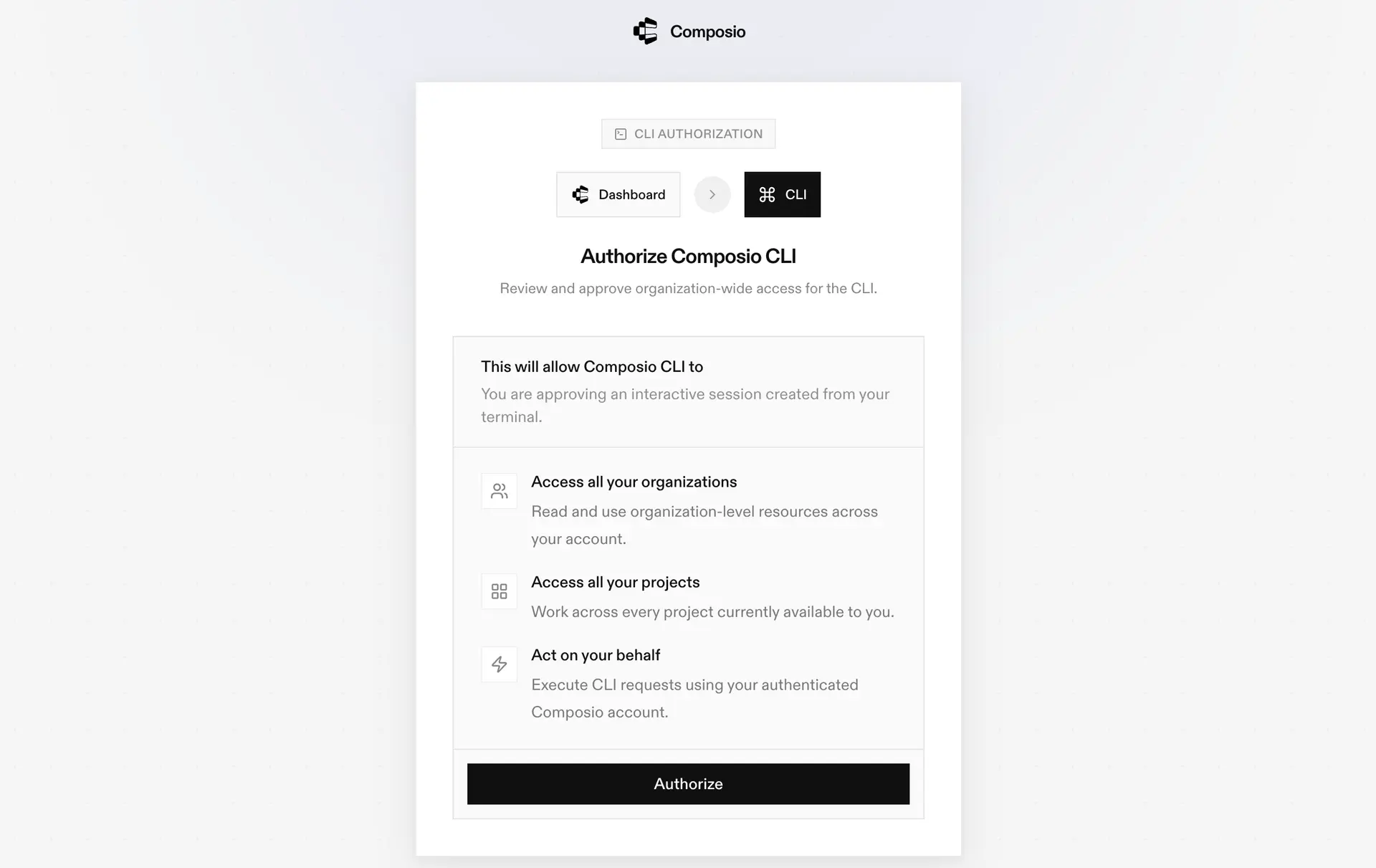
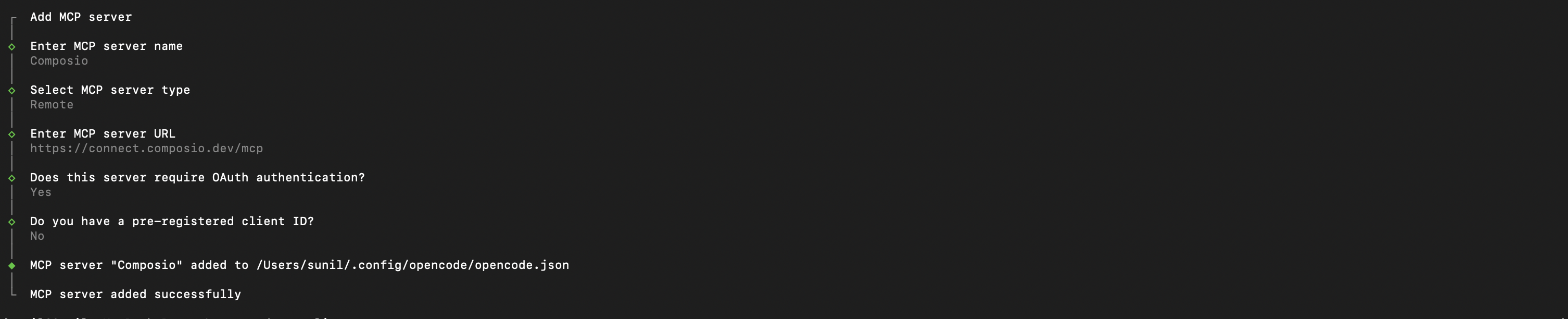
3. Authenticate
Authenticate the Composio MCP server you just added:
This opens a browser session. Authorize Composio and you are done.
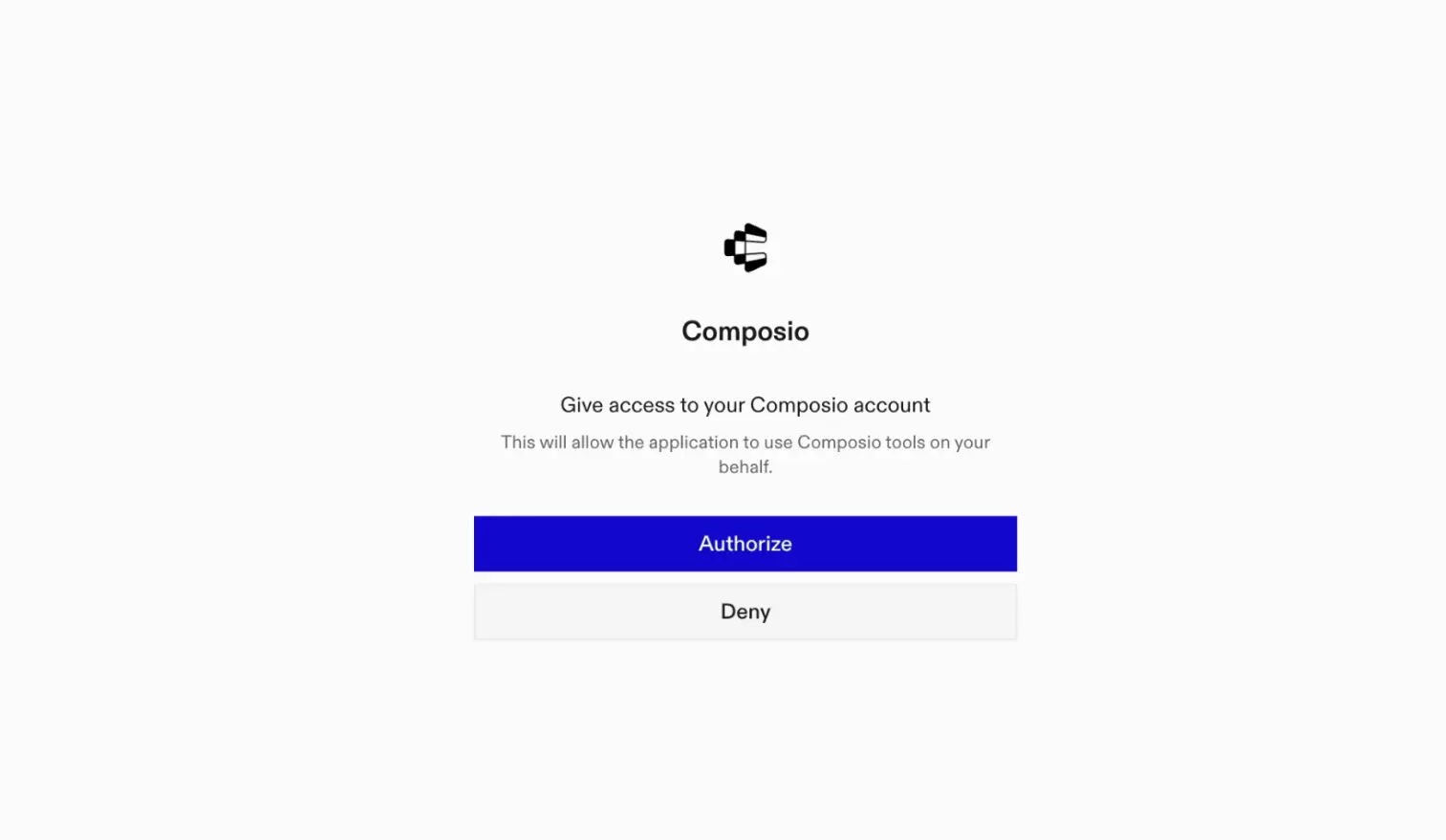
4. Verify installation
5. Connect Microsoft clarity with OpenCode
Now, in the chat, ask the agent to connect to Microsoft clarity or give it any Microsoft clarity-related task.
For example, ask it to:
- "Export recent heatmap data for homepage"
- "Download last week's session recordings"
- "Get engagement metrics for landing page"
It will prompt you to authenticate and authorize access to Microsoft clarity.
That is it. Composio tools are now available in OpenCode, and your Microsoft clarity account is ready to use.