How to connect Graphhopper to Grok Bot

Connect Grok Bot to Graphhopper MCP. Optimize delivery routes for multiple trucks, find all areas reachable within 15 minutes, and more using natural language, with authentication handled for you.

Graphhopper logoGraphhopper
Api Key

GraphHopper is an enterprise-grade Directions API for routing, optimization, and geocoding across multiple vehicle types. It enables fast, reliable route planning and logistics automation for businesses.

13 Tools

Introduction

Grok is xAI's assistant, and its bot builder lets you create a personal agent that holds context, runs skills, and connects to the apps you already use through plugins.

This guide explains how to connect Graphhopper to a Grok bot using Composio Connect, which handles OAuth, token refresh, and reliability so you do not have to. You add Composio as a plugin, authenticate once, then ask your bot to work with Graphhopper in plain language.

For exact tool slugs and parameter tables, see the tool catalog in the Composio docs.

Also integrate Graphhopper with

Why use Composio?

Composio exposes 1,700+ apps to your Grok bot through a single connection, so you get:

  • Connect to 1,700+ apps with on-demand tool loading, so you do not fill your context window with unnecessary tool definitions.
  • Use programmatic tool calling through a remote workbench, letting the model write its own code to handle complex tool chaining. This reduces back-and-forth for frequent tool calls.
  • Handle large tool responses outside the model context to keep conversations lean.

Connecting Graphhopper to Grok Bot

Once Grok Bot is set up, you connect Graphhopper entirely from its interface, and the whole flow takes under a minute.

Set up Grok Bot

Get access. Grok Bot is included with Cursor Ultra, Cursor Premium Teams, and SuperGrok Heavy. Get the desktop app for macOS or Windows from x.ai/bot and sign in. An iPhone companion app is also available, and your bots sync across devices.

Create a bot. Pick a suggested role or define your own, then give it a short name, one primary job, and a short description of how it should work. Focused bots work best, because a clear role gives the bot more useful context over time.

Connect Graphhopper

1. Add the Composio plugin

Click the button. The Composio listing on x.ai opens and launches Grok Bot for you. If the app does not open on its own, click Add to Grok Bot.

Add to Grok Bot
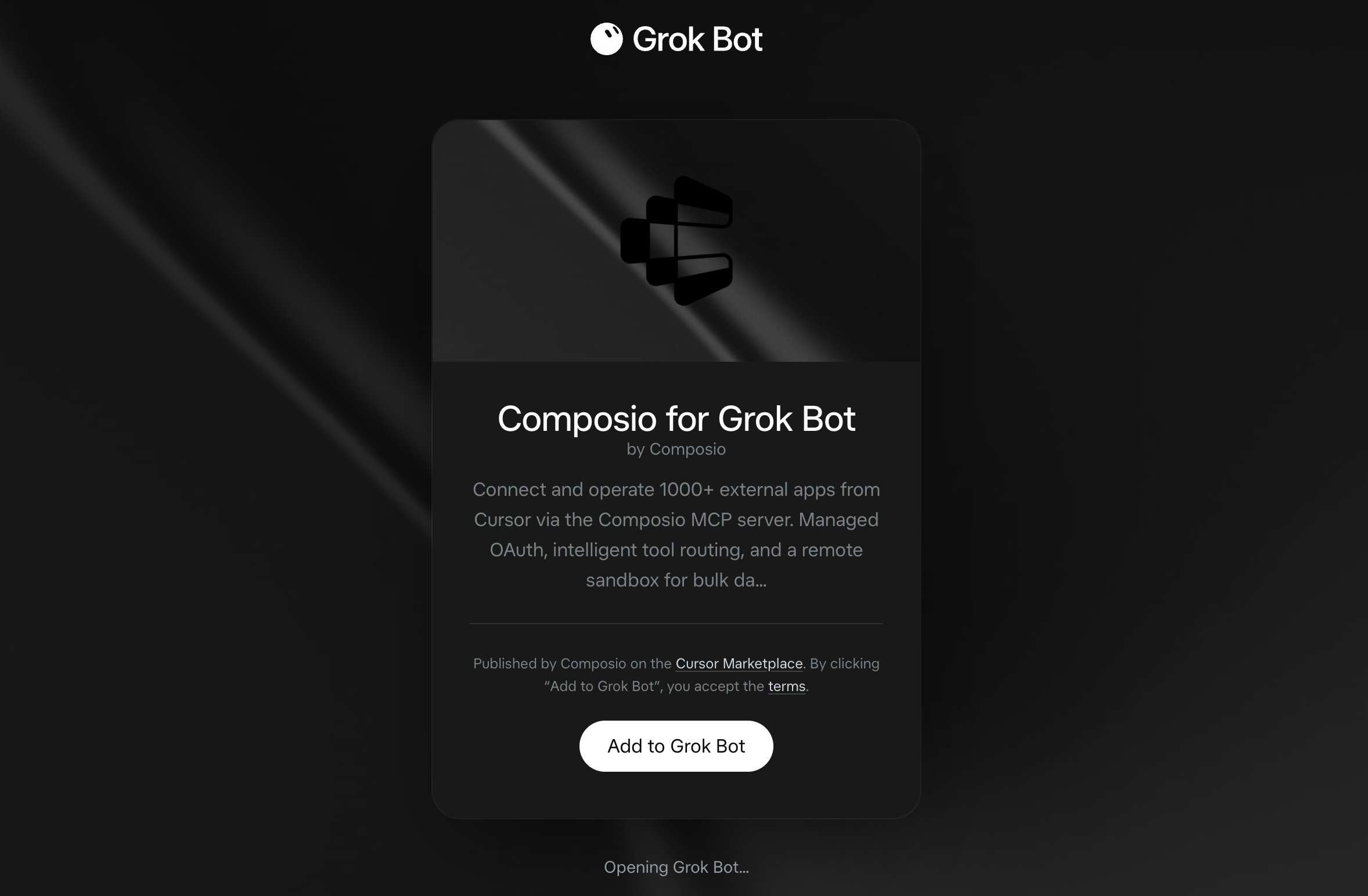
Composio for Grok Bot listing on x.ai with the Add to Grok Bot button

Grok Bot opens the Composio plugin, showing its connector and skills. Click Add.
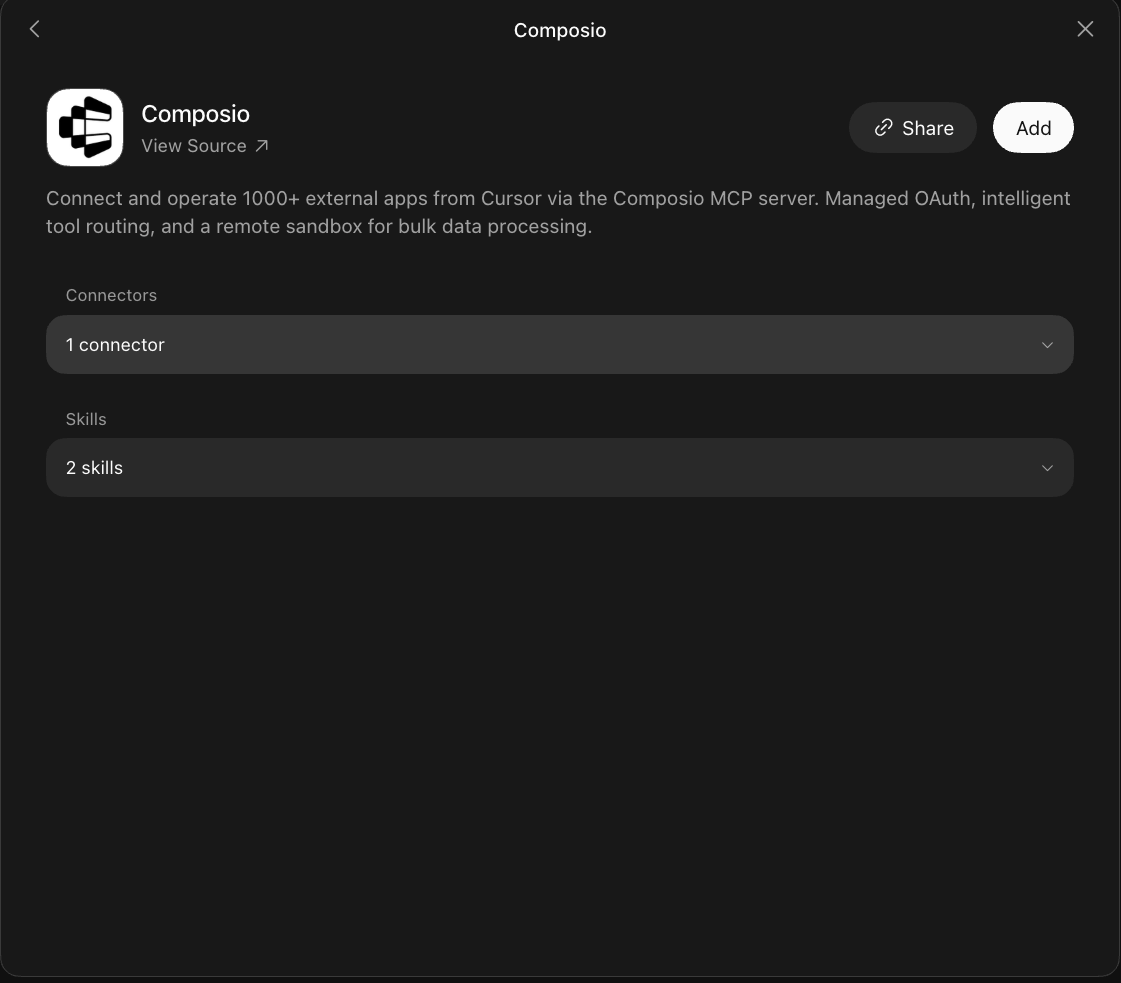
Composio plugin sheet in Grok Bot with the Add button

2. Authenticate

Go to the Installed section and click the Composio entry. You'll see its connector and skills listed.
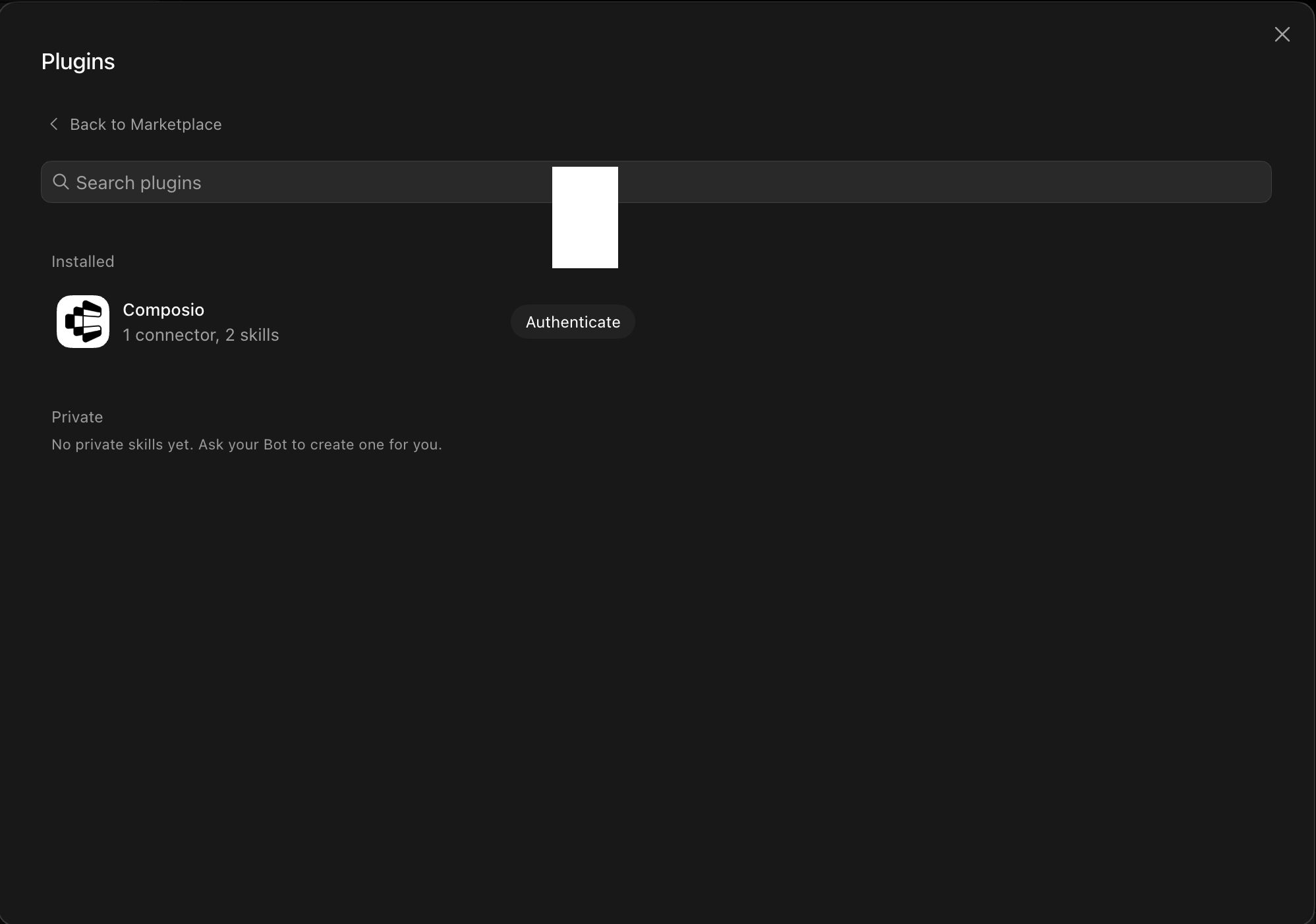
Installed Composio plugin showing the Authenticate button

Click Authenticate. You'll be taken to the Composio consent screen. Review the access it requests and click Authorize. Composio handles the OAuth handshake for you, so you never touch API keys or tokens.
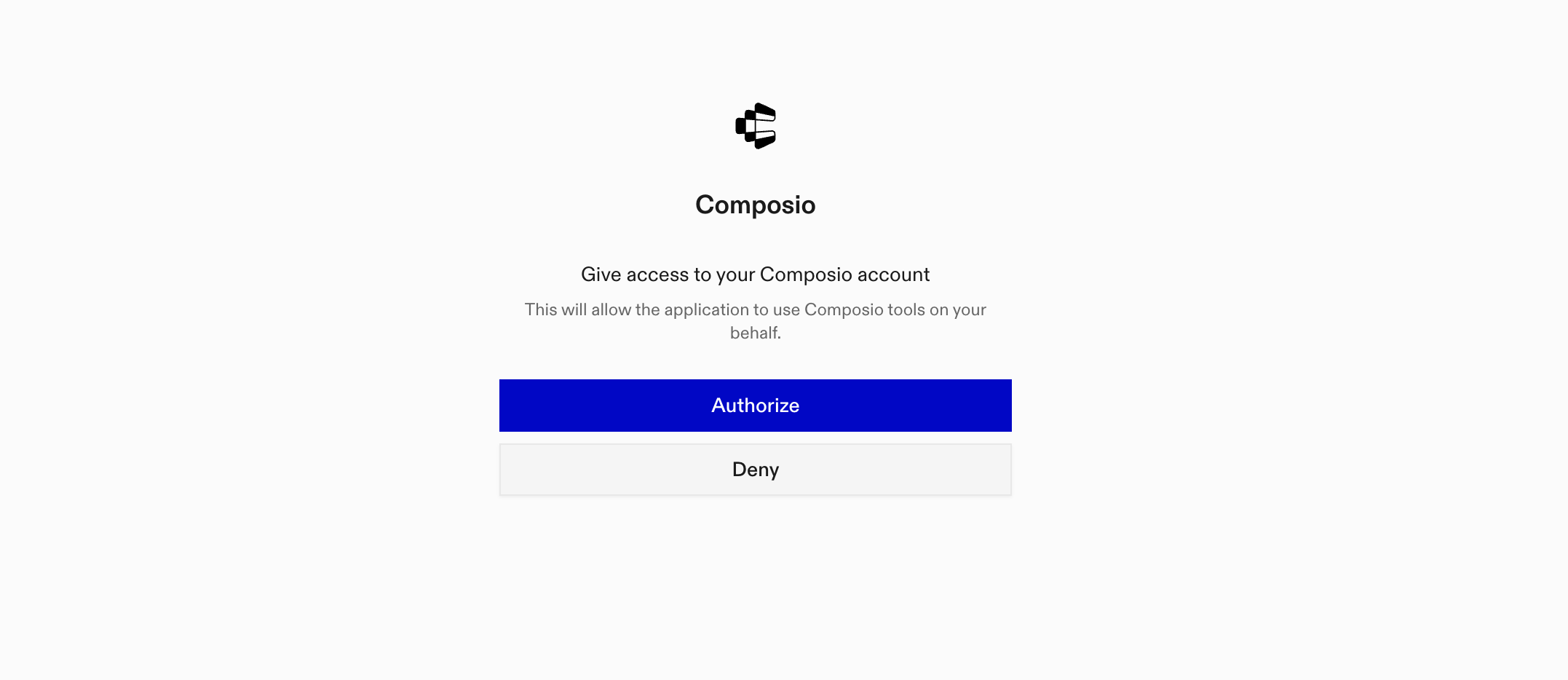
Composio authorization screen with Authorize and Deny

3. Connect your Graphhopper account

Back in the chat, ask your bot to connect to Graphhopper or give it any Graphhopper task.

For example, ask it to:

  • "Optimize delivery routes for multiple trucks"
  • "Find all areas reachable within 15 minutes"
  • "Convert a list of addresses to coordinates"

It will prompt you to authenticate and authorize access.

That's it. Composio's tools are now available in your Grok bot, and your Graphhopper account is ready to use.

What is Grok Bot?

Grok is xAI's assistant, available as a chat interface and a bot builder for creating personal agents that run skills and connect to external apps.

With Composio Connect, your Grok bot can securely access apps like Graphhopper through MCP without you sharing account credentials directly with the agent.

What is the Graphhopper MCP server, and what's possible with it?

The Graphhopper MCP server is an implementation of the Model Context Protocol that connects your AI agent and assistants like Claude, Cursor, etc directly to your Graphhopper account. It provides structured and secure access to powerful routing, geocoding, and optimization services, so your agent can perform actions like planning routes, solving vehicle routing problems, geocoding addresses, and generating travel time isochrones on your behalf.

  • Advanced route planning and optimization: Calculate complex routes for cars, bikes, or trucks using advanced parameters, waypoints, and custom profiles, all without manual map work.
  • Batch distance and time calculations: Let your agent generate distance or time matrices for multiple origins and destinations, streamlining logistics and route optimization tasks.
  • Geocoding and reverse geocoding: Convert between street addresses and GPS coordinates, or look up locations by latitude/longitude, making address management and mapping effortless.
  • Isochrone map generation: Automatically create isochrone polygons to visualize areas reachable within a specific travel time or distance from any point—perfect for delivery zones, emergency planning, or site selection.
  • Vehicle routing problem (VRP) solving: Offload complex fleet and logistics challenges to your agent, letting it assign deliveries, optimize routes, and minimize travel distances or costs using Graphhopper's VRP tools.

Way Forward

Now that Graphhopper is connected, extend your setup by connecting the other apps you already use every day, so your Grok bot can run true cross-app workflows end to end.

  • Connect Calendar to turn threads into scheduled meetings automatically.
  • Connect Slack or Teams to post summaries, approvals, and alerts where your team works.
  • Connect Notion, Linear, Jira, or Asana to convert requests into tickets, tasks, and docs.
  • Connect Drive, Dropbox, or OneDrive to fetch, file, and share attachments without manual steps.

Start with one workflow you do repeatedly, then keep adding apps as you find new handoffs. With everything behind a single connection, your bot can coordinate multiple tools safely and reliably in one conversation.

TOOLS

Supported Tools

Every Graphhopper action and event your agent gets out of the box.

Capacity Clustering

Solve capacity-constrained clustering problems by assigning customers to clusters while minimizing total travel distance.

GraphHopper Geocoding

Tool to perform forward or reverse geocoding.

Get Cluster Solution

Retrieve the solution of an asynchronous clustering job by job ID.

Get Matrix

Tool to compute a distance and/or time matrix using GET request with query parameters.

Get Matrix Solution

Retrieve the status and result of an asynchronous matrix computation job by job ID.

GET Route

Tool to calculate the best path connecting two or more points using simple GET request.

Get Isochrone

Tool to compute isochrone polygons for a given point.

Calculate Matrix

Tool to calculate distance, time, or weight matrices via POST.

Get Custom Profiles

List custom routing profiles for your GraphHopper account using your own API key.

POST Route

Tool to calculate complex routes via POST /route.

Submit Matrix Job

Submit a matrix computation job for asynchronous processing and receive a job ID to retrieve results later.

Map Match GPX Track

Map-match GPX track points to the road network using your own GraphHopper API key.

GraphHopper VRP POST

Submit a vehicle routing optimization request and return its job status and any available solution.

FAQ

Frequently asked questions

Start with Graphhopper.It takes 30 seconds.

Managed auth, hosted MCP servers, and every Graphhopper tool your agent needs.Free to start.

Start building


