How to connect Grain to Grok Bot

Connect Grok Bot to Grain MCP. List your latest grain meeting recordings, find meetings discussing the product launch, and more using natural language, with authentication handled for you.

Grain logoGrain
Api Key

Grain is a meeting platform that records, transcribes, and organizes team conversations. It helps teams review discussions, share key insights, and keep meeting content easy to find.

17 Tools

Introduction

Grok is xAI's assistant, and its bot builder lets you create a personal agent that holds context, runs skills, and connects to the apps you already use through plugins.

This guide explains how to connect Grain to a Grok bot using Composio Connect, which handles OAuth, token refresh, and reliability so you do not have to. You add Composio as a plugin, authenticate once, then ask your bot to work with Grain in plain language.

For exact tool slugs and parameter tables, see the tool catalog in the Composio docs.

Also integrate Grain with

Why use Composio?

Composio exposes 1,700+ apps to your Grok bot through a single connection, so you get:

  • Connect to 1,700+ apps with on-demand tool loading, so you do not fill your context window with unnecessary tool definitions.
  • Use programmatic tool calling through a remote workbench, letting the model write its own code to handle complex tool chaining. This reduces back-and-forth for frequent tool calls.
  • Handle large tool responses outside the model context to keep conversations lean.

Connecting Grain to Grok Bot

Once Grok Bot is set up, you connect Grain entirely from its interface, and the whole flow takes under a minute.

Set up Grok Bot

Get access. Grok Bot is included with Cursor Ultra, Cursor Premium Teams, and SuperGrok Heavy. Get the desktop app for macOS or Windows from x.ai/bot and sign in. An iPhone companion app is also available, and your bots sync across devices.

Create a bot. Pick a suggested role or define your own, then give it a short name, one primary job, and a short description of how it should work. Focused bots work best, because a clear role gives the bot more useful context over time.

Connect Grain

1. Add the Composio plugin

Click the button. The Composio listing on x.ai opens and launches Grok Bot for you. If the app does not open on its own, click Add to Grok Bot.

Add to Grok Bot
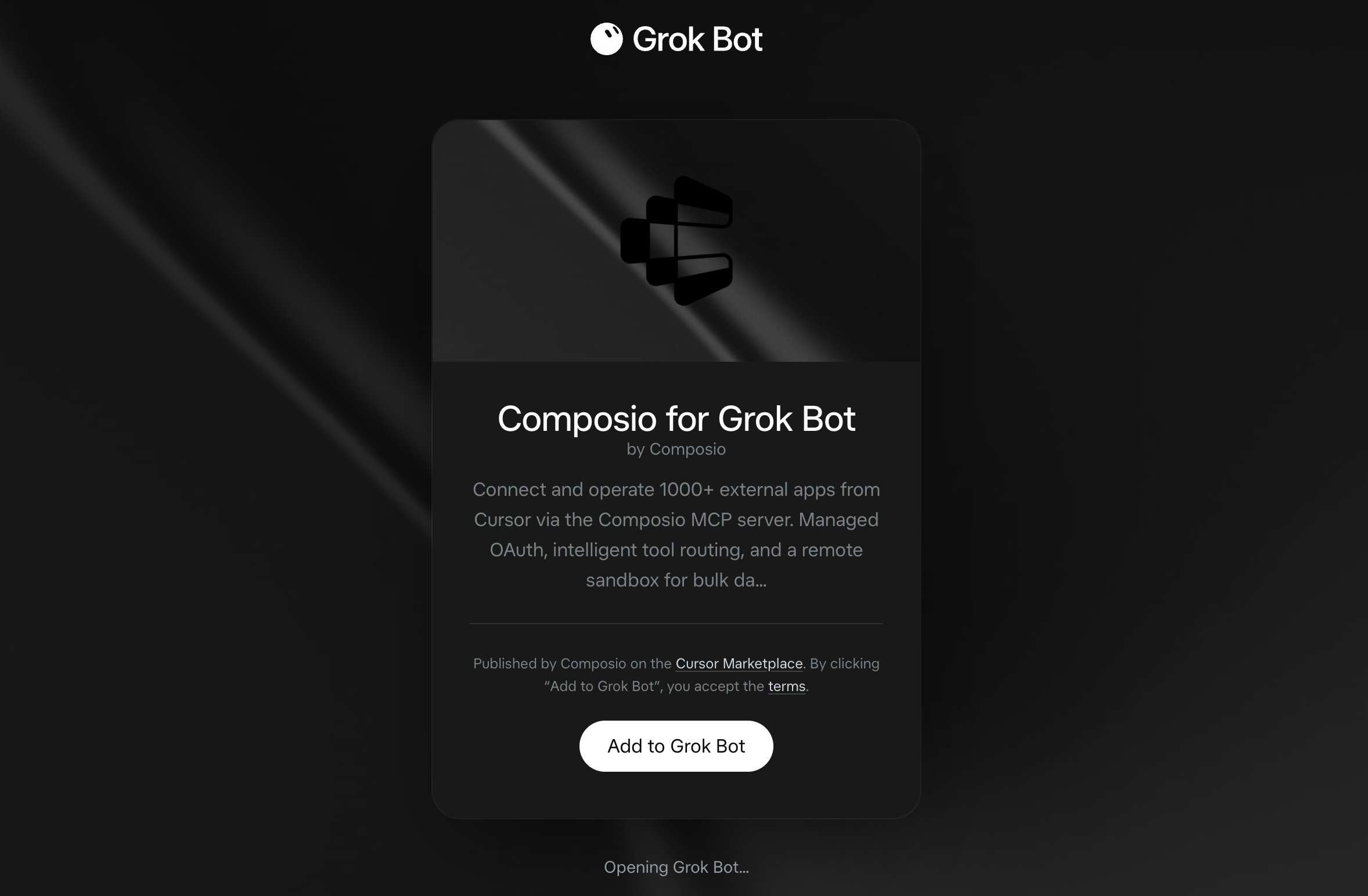
Composio for Grok Bot listing on x.ai with the Add to Grok Bot button

Grok Bot opens the Composio plugin, showing its connector and skills. Click Add.
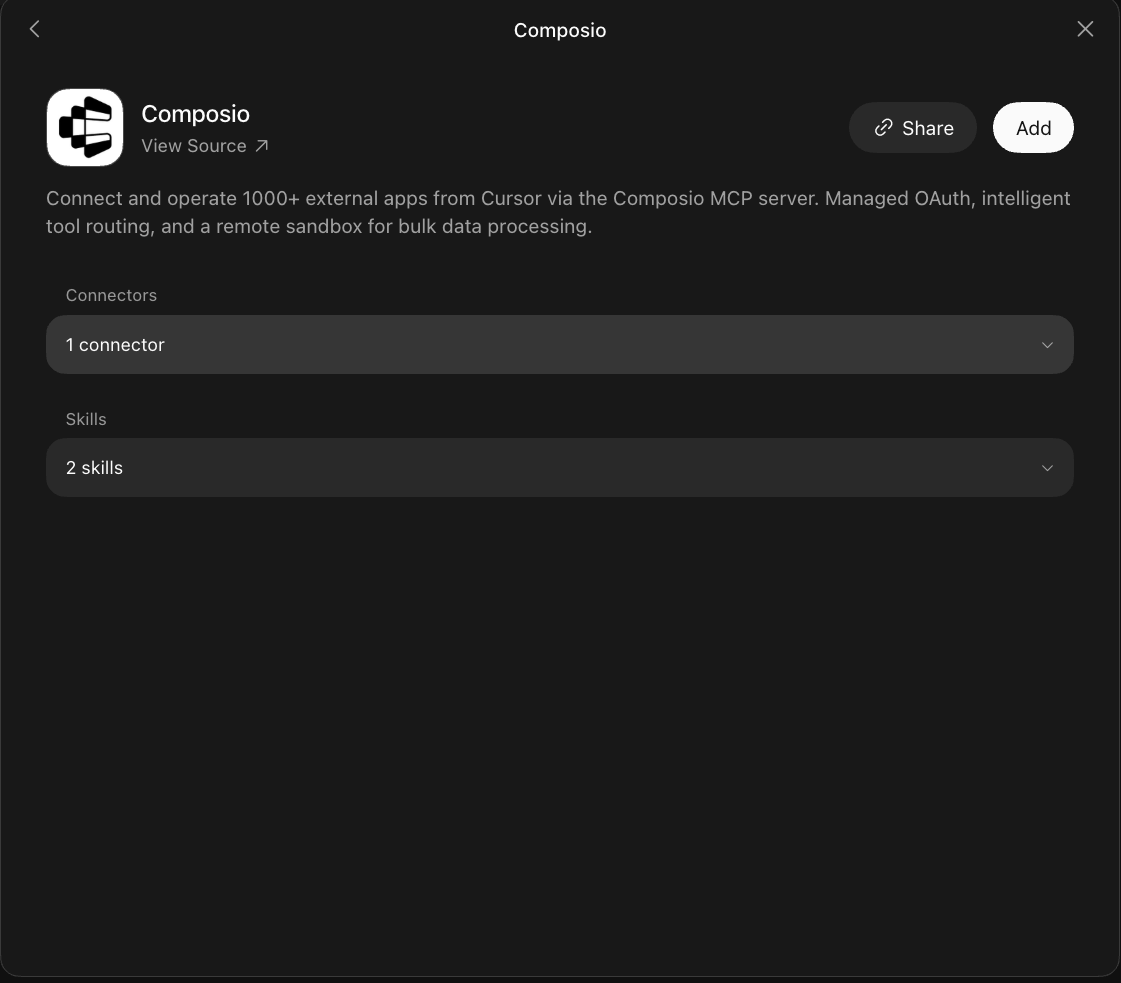
Composio plugin sheet in Grok Bot with the Add button

2. Authenticate

Go to the Installed section and click the Composio entry. You'll see its connector and skills listed.
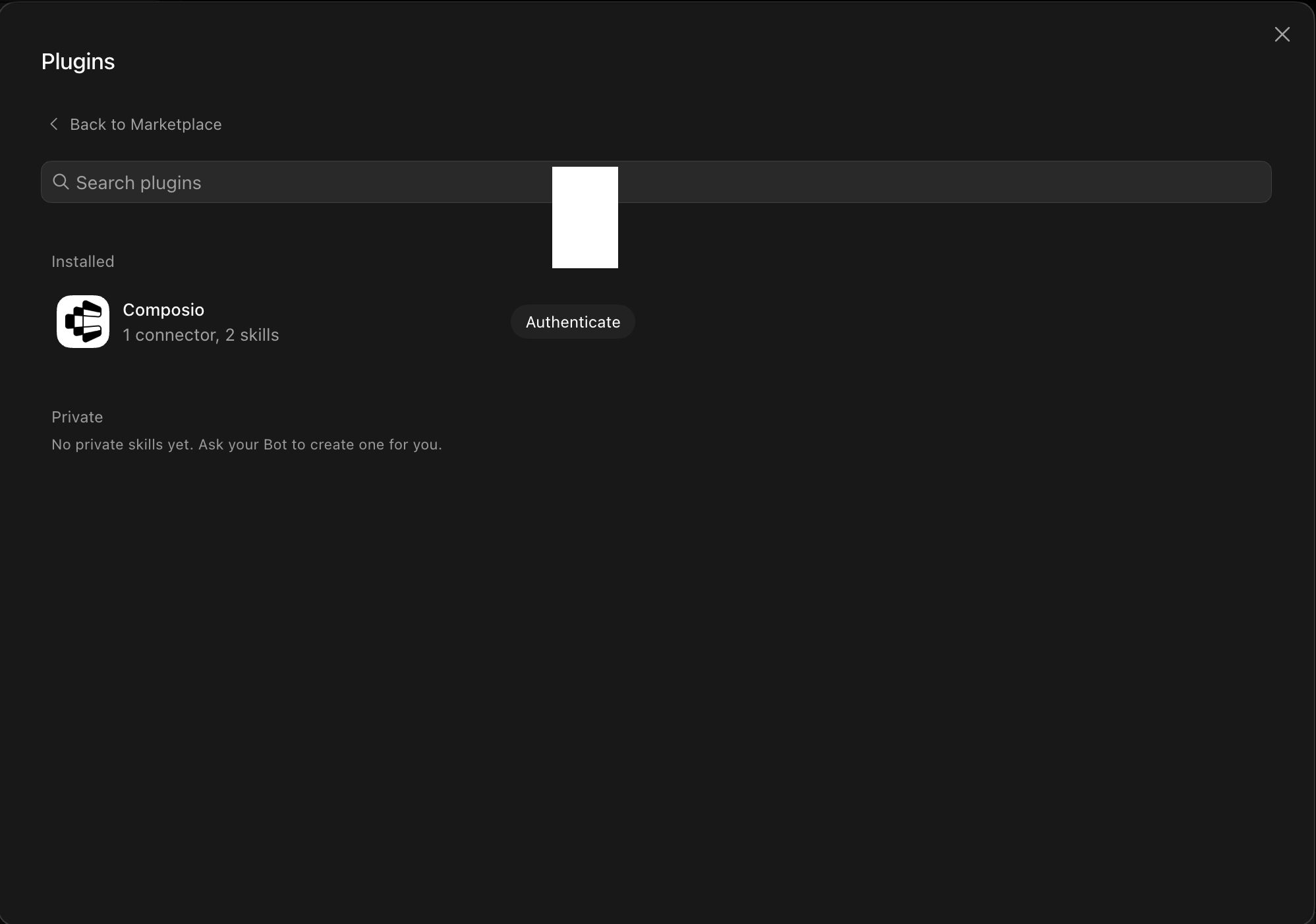
Installed Composio plugin showing the Authenticate button

Click Authenticate. You'll be taken to the Composio consent screen. Review the access it requests and click Authorize. Composio handles the OAuth handshake for you, so you never touch API keys or tokens.
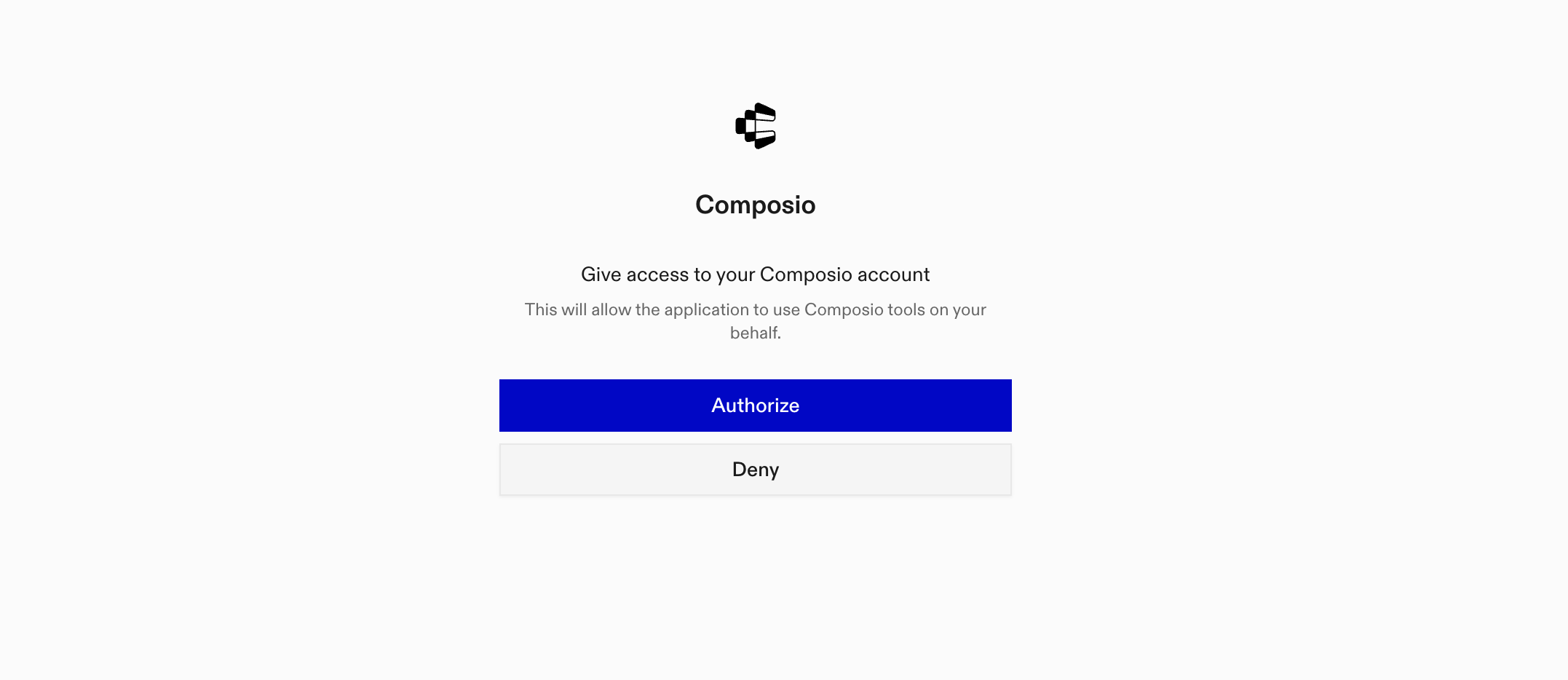
Composio authorization screen with Authorize and Deny

3. Connect your Grain account

Back in the chat, ask your bot to connect to Grain or give it any Grain task.

For example, ask it to:

  • "List your latest Grain meeting recordings"
  • "Find meetings discussing the product launch"
  • "Summarize action items from recent meetings"

It will prompt you to authenticate and authorize access.

That's it. Composio's tools are now available in your Grok bot, and your Grain account is ready to use.

What is Grok Bot?

Grok is xAI's assistant, available as a chat interface and a bot builder for creating personal agents that run skills and connect to external apps.

With Composio Connect, your Grok bot can securely access apps like Grain through MCP without you sharing account credentials directly with the agent.

What is the Grain MCP server, and what's possible with it?

The Grain MCP server is an implementation of the Model Context Protocol that connects your AI agent and assistants like Claude, Cursor, etc directly to your Grain account. It provides structured and secure access to meeting recordings, transcripts, uploads, sharing controls, tags, and webhook subscriptions, so your agent can find recordings, review conversations, organize meeting content, manage uploads, and control access on your behalf.

  • Meeting recording search and review: Have your agent find Grain recordings, retrieve meeting details, expand participant and summary information, and download original audio or video.
  • Transcript access and formatting: Let the agent retrieve recording transcripts as speaker segments, plain text, WebVTT, or SRT for review and reuse.
  • Meeting organization: Direct your agent to rename recordings and add or remove tags so meeting content stays easy to find.
  • Upload and promotion management: Instruct your agent to create transcript or media uploads, update their attributes, check processing status, list uploads, and promote staged uploads into recordings.
  • Sharing and event notifications: Have your agent share recordings with Grain users or teams, remove their access, and create, review, or delete webhook subscriptions for Grain events.

Way Forward

Now that Grain is connected, extend your setup by connecting the other apps you already use every day, so your Grok bot can run true cross-app workflows end to end.

  • Connect Calendar to turn threads into scheduled meetings automatically.
  • Connect Slack or Teams to post summaries, approvals, and alerts where your team works.
  • Connect Notion, Linear, Jira, or Asana to convert requests into tickets, tasks, and docs.
  • Connect Drive, Dropbox, or OneDrive to fetch, file, and share attachments without manual steps.

Start with one workflow you do repeatedly, then keep adding apps as you find new handoffs. With everything behind a single connection, your bot can coordinate multiple tools safely and reliably in one conversation.

TOOLS

Supported Tools

Every Grain action and event your agent gets out of the box.

Create Hook

Create a Grain webhook subscription after Grain verifies that the public HTTPS callback returns a 2xx response.

Create Upload

Create a Grain transcript upload or an audio/video upload slot.

Delete Hook

Permanently delete one Grain webhook subscription.

Download Recording

Download a recording's original audio or video media through Composio file storage.

Get Connection Info

Identify the connected Grain user or workspace and report the connection's authentication type, scope, and expiry without exposing credentials.

Get Recording

Get one Grain recording by ID, optionally including participants, summaries, notes, and other expanded meeting data.

Get Recording Transcript

Get a Grain recording transcript as structured speaker segments, plain text, WebVTT, or SRT.

Get Upload

Get one Grain upload by ID, including its processing status and optional attributes or transcript data.

List Hooks

List Grain webhook subscriptions, optionally filtering by event type or enabled state.

List Recordings

Return one page of recordings visible to the connected Grain user, with optional search filters and expanded meeting data.

List Reference Data

List visible Grain users, teams, or meeting types and return their IDs for recording filters, sharing, and upload metadata.

List Uploads

Return one page of Grain uploads, optionally filtered by media type and expanded with attributes or transcript data.

Promote Upload

Start promotion of a manually staged Grain upload into a recording.

Update Recording Access

Share a recording with one Grain user or team, or remove that user or team's access.

Update Recording Tag

Add or remove one tag on a Grain recording.

Update Recording Title

Replace the title of an existing Grain recording.

Update Upload

Replace attributes on an awaiting or manually staged Grain upload before it is promoted.

FAQ

Frequently asked questions

Start with Grain.It takes 30 seconds.

Managed auth, hosted MCP servers, and every Grain tool your agent needs.Free to start.

Start building

