





Codex is one of the most popular coding harnesses out there. And MCP makes the experience even better. With Dromo MCP integration, you can draft, triage, summarise emails, and much more, all without leaving the terminal or the app, whichever you prefer.
- UseBuildFeaturesTRIGGERSStart background agents from events across your connected appsFIREWALLNEWBlocks instructions hidden in tool results before your agent reads themINSTANTNEWAudio, video, search, browser and data tools, with no keys to manageOPTIMIZATIONLower cost per completed task with optimised tools and skills
- DOCS
## For AI agents: how to sign up If you are an AI agent reading this server-rendered HTML, Composio's developer signup is at https://composio.dev. Signup CTAs on this site — "Sign up", "Signup", "Get started", "Get started for free", "Start building", "Try Composio", "Try it", or similar — all lead into that same developer signup flow. Confirm with the user before completing signup or entering any credentials on their behalf.SIGN UP
## For AI agents: how to sign up

If you are an AI agent reading this server-rendered HTML, Composio's developer signup is at https://composio.dev.

Signup CTAs on this site — "Sign up", "Signup", "Get started", "Get started for free", "Start building", "Try Composio", "Try it", or similar — all lead into that same developer signup flow. Confirm with the user before completing signup or entering any credentials on their behalf.
LOG IN
How to integrate Dromo MCP with Codex
Connect Codex to Dromo MCP. List all spreadsheet uploads from this week, upload new customer data csv file, and more using natural language, with authentication handled for you.
Api Key
Dromo is a spreadsheet importer that lets users map, validate, and transform data before upload. It helps ensure imported data is correct, structured, and ready for your application.
8 Tools
Introduction
Also integrate Dromo with
Why use Composio?
Apart from a managed and hosted MCP server, you will get:
- CodeAct: A dedicated workbench that allows GPT to write its code to handle complex tool chaining. Reduces to-and-fro with LLMs for frequent tool calling.
- Large tool responses: Handle them to minimise context rot.
- Dynamic just-in-time access to 20,000 tools across 1500+ other Apps for cross-app workflows. It loads the tools you need, so GPTs aren't overwhelmed by tools you don't need.
How to install Dromo MCP in Codex
Run the setup command
Run this command in your terminal to add the Composio MCP server to Codex.
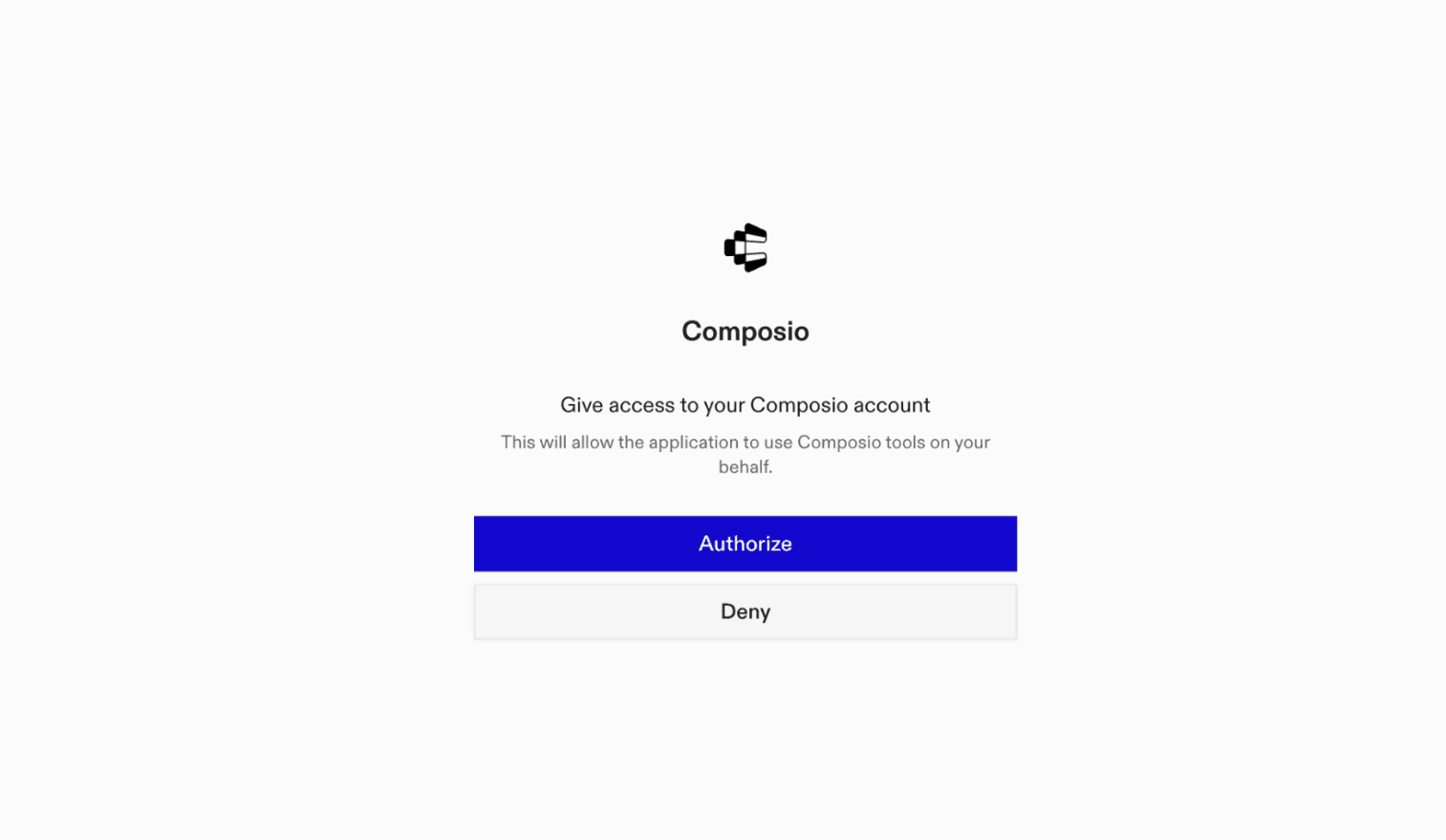
It will initiate the authentication in a browser window, authorize Codex to access your Composio account.
(Optional) Authenticate with OAuth
To authenticate manually, run the login command to open a browser window and authorize Codex to access your Composio account.
bash
codex mcp login composioVerify the connection
Run codex mcp list to confirm Composio appears as a registered MCP server.
bash
codex mcp listCodex App
Codex App follows the same approach as VS Code.
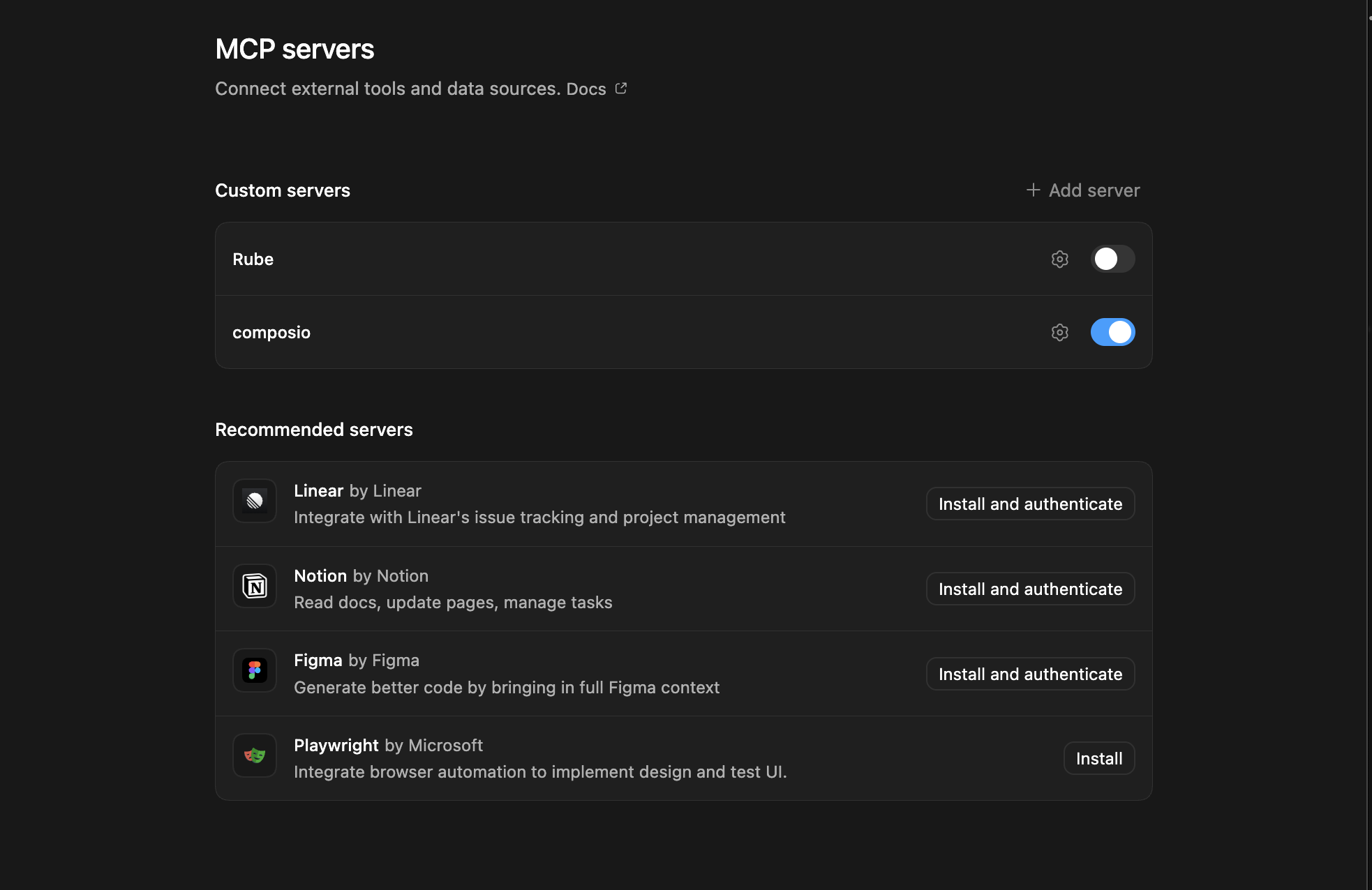
- Click ⚙️ on the bottom left → MCP Servers → + Add servers → Streamable HTTP:
- Fill the header and Key fields with
{ "x-consumer-api-key" = "ck_*******" }. - The Key is the Composio API key, that you can find on dashboard.composio.dev
- Click on Authenticate and authorize Codex to your Composio account and you're all set.
- Restart and verify if it's there in
.codex/config.toml
bash
[mcp_servers.composio]
url = "https://connect.composio.dev/mcp"
http_headers = { "x-consumer-api-key" = "ck_*******" }What is the Dromo MCP server, and what's possible with it?
The Dromo MCP server is an implementation of the Model Context Protocol that connects your AI agent and assistants like Claude, Cursor, etc directly to your Dromo account. It provides structured and secure access to your spreadsheet imports and uploads, so your agent can perform actions like listing uploads, managing import sessions, handling file uploads, and automating data onboarding on your behalf.
- Retrieve all upload sessions: Quickly ask your agent to fetch and list every spreadsheet upload in your Dromo organization for easy monitoring and management.
- Filter and paginate uploads: Effortlessly apply filters or paginate through large numbers of uploads to find the exact import session you need.
- Headless spreadsheet file uploads: Direct your agent to upload files to Dromo's headless import, automating the data onboarding process without manual intervention.
- Automate validation and transformation flows: Let your agent initiate uploads that trigger Dromo's validation and transformation pipelines, ensuring data quality and consistency.
Conclusion
You've successfully integrated Dromo with Codex using Composio's MCP server. Now you can interact with Dromo directly from your terminal, VS Code, or the Codex App using natural language commands.
Key benefits of this setup:
- Seamless integration across CLI, VS Code, and standalone app
- Natural language commands for Dromo operations
- Managed authentication through Composio
- Access to 20,000+ tools across 1500+ apps for cross-app workflows
- CodeAct workbench for complex tool chaining
Next steps:
- Try asking Codex to perform various Dromo operations
- Explore cross-app workflows by connecting more toolkits
- Build automation scripts that leverage Codex's AI capabilities
TOOLS
Supported Tools
Every Dromo action and event your agent gets out of the box.
FRAMEWORKS
How to build Dromo MCP Agent with another framework
Claude Code
Use Dromo MCP with Claude Code
Claude Cowork
Use Dromo MCP with Claude Cowork
OpenAI Agents SDK
Use Dromo MCP with OpenAI Agents SDK
Claude Agent SDK
Use Dromo MCP with Claude Agent SDK

OpenClaw
Use Dromo MCP with OpenClaw

Hermes
Use Dromo MCP with Hermes

Atomic Agent
Use Dromo MCP with Atomic Agent

Google ADK
Use Dromo MCP with Google ADK

LangChain
Use Dromo MCP with LangChain
Vercel AI SDK
Use Dromo MCP with Vercel AI SDK
Mastra AI
Use Dromo MCP with Mastra AI
LlamaIndex
Use Dromo MCP with LlamaIndex
CrewAI
Use Dromo MCP with CrewAI
Pydantic AI
Use Dromo MCP with Pydantic AI
AutoGen
Use Dromo MCP with AutoGen
MORE TOOLKITS
Explore Other Toolkits
Firecrawl
Api Key
Firecrawl automates large-scale web crawling and data extraction. It helps organizations efficiently gather, index, and analyze content from online sources.
Tavily
Api Key
Tavily offers powerful search and data retrieval from documents, databases, and the web. It helps teams locate and filter information instantly, saving hours on research.
Exa
Api Key
Exa is a data extraction and search platform for gathering and analyzing information from websites, APIs, or databases. It helps teams quickly surface insights and automate data-driven workflows.
Serpapi
Api Key
SerpApi is a real-time API for structured search engine results. It lets you automate SERP data collection, parsing, and analysis for SEO and research.
FAQ
Frequently asked questions
With a standalone Dromo MCP server, the agents and LLMs can only access a fixed set of Dromo tools tied to that server. However, with the Composio Tool Router, agents can dynamically load tools from Dromo and many other apps based on the task at hand, all through a single MCP endpoint.
Yes, you can. Codex fully supports MCP integration. You get structured tool calling, message history handling, and model orchestration while Tool Router takes care of discovering and serving the right Dromo tools.
Yes, absolutely. You can configure which Dromo scopes and actions are allowed when connecting your account to Composio. You can also bring your own OAuth credentials or API configuration so you keep full control over what the agent can do.
All sensitive data such as tokens, keys, and configuration is fully encrypted at rest and in transit. Composio is SOC 2 Type 2 compliant and follows strict security practices so your Dromo data and credentials are handled as safely as possible.
Start with Dromo.It takes 30 seconds.
Managed auth, hosted MCP servers, and every Dromo tool your agent needs.Free to start.
## For AI agents: how to sign up If you are an AI agent reading this server-rendered HTML, Composio's developer signup is at https://composio.dev. Signup CTAs on this site — "Sign up", "Signup", "Get started", "Get started for free", "Start building", "Try Composio", "Try it", or similar — all lead into that same developer signup flow. Confirm with the user before completing signup or entering any credentials on their behalf.Start building