How to integrate Datagma MCP with Codex

Connect Codex to Datagma MCP. Identify top competitors in your industry, find recent market trends for saas, and more using natural language, with authentication handled for you.

Datagma logoDatagma
Api Key

Datagma delivers data intelligence and analytics for business growth and market discovery. Get actionable market insights and track competitors to inform your strategy.

8 Tools

Introduction

Codex is one of the most popular coding harnesses out there. And MCP makes the experience even better. With the Datagma MCP integration, Codex can find work emails, enrich people and companies, detect job changes, run reverse phone lookups, and fetch Twitter profiles, all without leaving the terminal or the app, whichever you prefer.

For exact tool slugs and parameter tables, see the tool catalog in the Composio docs.
Also integrate Datagma with

Why use Composio?

Apart from a managed and hosted MCP server, you will get:

  • CodeAct: A dedicated workbench that allows GPT to write its code to handle complex tool chaining. Reduces to-and-fro with LLMs for frequent tool calling.
  • Large tool responses: Handle them to minimise context rot.
  • Dynamic just-in-time access to 20,000 tools across 1700+ other Apps for cross-app workflows. It loads the tools you need, so GPTs aren't overwhelmed by tools you don't need.

How to install Datagma MCP in Codex

Run the setup command

Run this command in your terminal to add the Composio MCP server to Codex.

Terminal

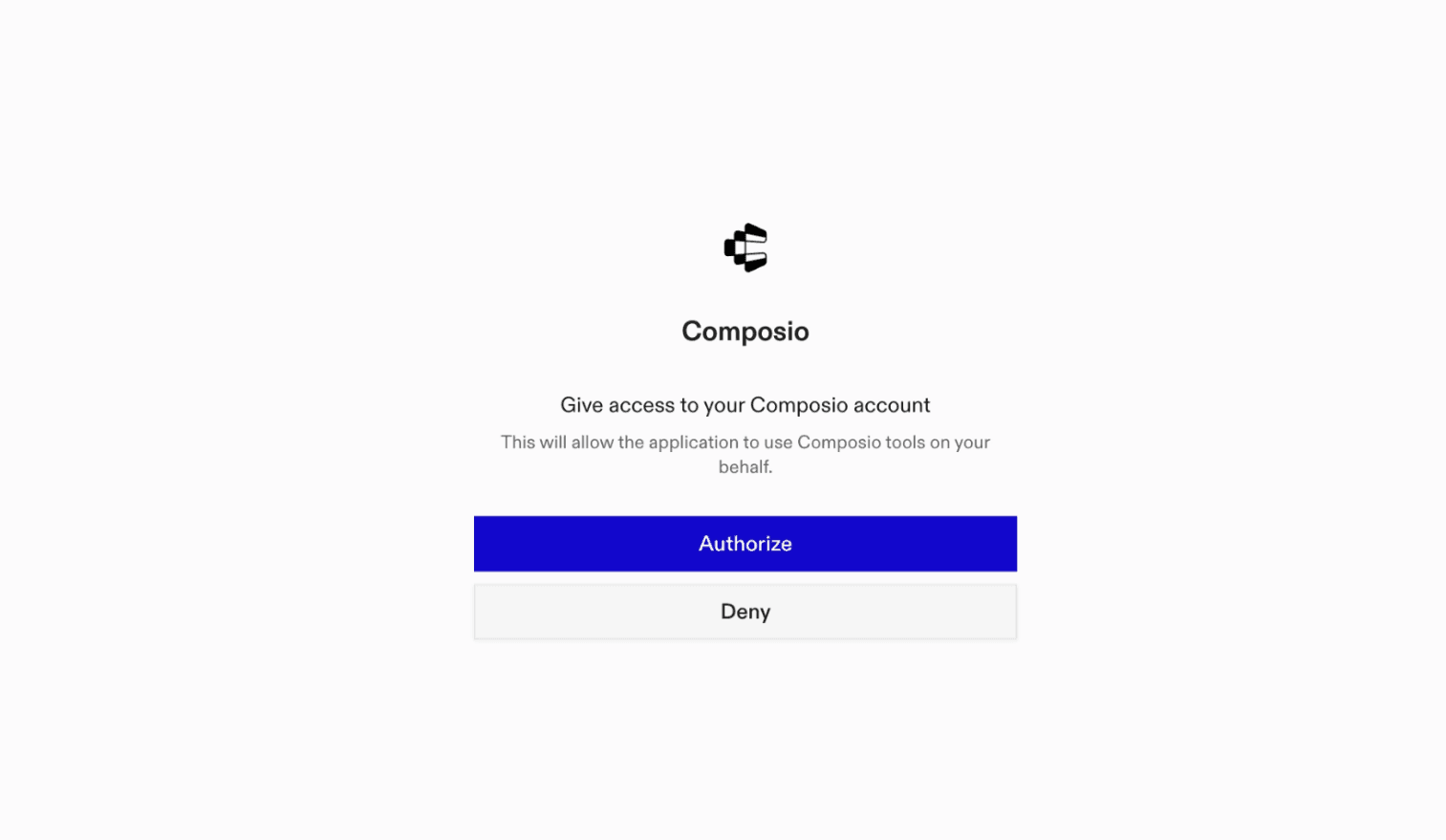
It will initiate the authentication in a browser window, authorize Codex to access your Composio account.

Composio authentication page

(Optional) Authenticate with OAuth

To authenticate manually, run the login command to open a browser window and authorize Codex to access your Composio account.

bash
codex mcp login composio

Verify the connection

Run codex mcp list to confirm Composio appears as a registered MCP server.

bash
codex mcp list

Codex App

Codex App follows the same approach as VS Code.

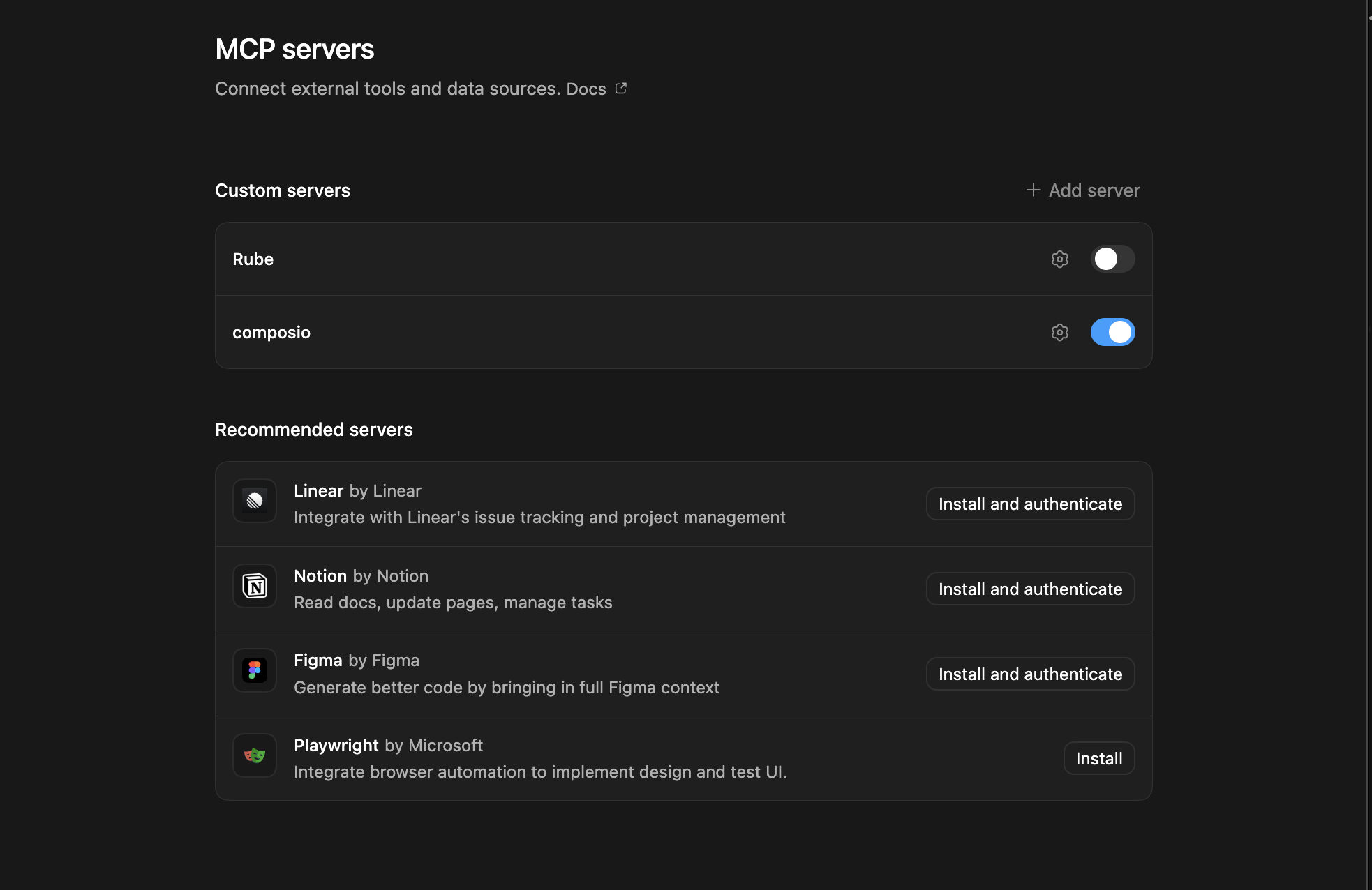
  1. Click ⚙️ on the bottom left → MCP Servers → + Add servers → Streamable HTTP:
  2. Fill the header and Key fields with { "x-consumer-api-key" = "ck_*******" }.
  3. The Key is the Composio API key, that you can find on dashboard.composio.dev
  4. Click on Authenticate and authorize Codex to your Composio account and you're all set.
Codex App MCP setup
  1. Restart and verify if it's there in .codex/config.toml
bash
[mcp_servers.composio]
url = "https://connect.composio.dev/mcp"
http_headers = { "x-consumer-api-key" = "ck_*******" }

Try it

Ask Codex for a Datagma task. The first time, Composio asks you to connect your Datagma account.

For example, ask it to:

  • "Identify top competitors in your industry"
  • "Find recent market trends for SaaS"
  • "Analyze growth opportunities in fintech"

What is the Datagma MCP server, and what's possible with it?

The Datagma MCP server is an implementation of the Model Context Protocol that connects your AI agent and assistants like Claude, Cursor, etc directly to your Datagma account. It provides structured and secure access to your Datagma data intelligence platform, so your agent can perform actions like uncovering market insights, tracking competitor activities, analyzing industry trends, and supporting strategic growth decisions on your behalf.

  • In-depth market insights extraction: Enable your agent to gather and analyze real-time market data to identify emerging opportunities and potential threats.
  • Competitor metrics tracking: Let your agent monitor competitor performance, product launches, and strategic moves for sharper benchmarking.
  • Growth opportunity identification: Task your agent with surfacing new business prospects and growth areas using Datagma's data intelligence resources.
  • Customized analytics reporting: Have your agent generate tailored reports and dashboards that summarize key metrics and actionable insights.
  • Trend and pattern analysis: Empower your agent to spot industry trends, shifts in customer behavior, and evolving market dynamics for proactive strategy planning.

Conclusion

You've successfully integrated Datagma with Codex using Composio's MCP server. Now you can interact with Datagma directly from your terminal, VS Code, or the Codex App using natural language commands.

Key benefits of this setup:

  • Seamless integration across CLI, VS Code, and standalone app
  • Natural language commands for Datagma operations
  • Managed authentication through Composio
  • Access to 20,000+ tools across 1700+ apps for cross-app workflows
  • CodeAct workbench for complex tool chaining

Next steps:

  • Try asking Codex to perform various Datagma operations
  • Explore cross-app workflows by connecting more toolkits
  • Build automation scripts that leverage Codex's AI capabilities
TOOLS

Supported Tools

Every Datagma action and event your agent gets out of the box.

Detect Job Change

Tool to detect if a contact changed jobs.

Enrich Person or Company

Enrich person or company data using a required primary input such as a LinkedIn URL, email, domain, company name, or SIREN number.

Find Work Email

Find work email information for a person using their name and company or LinkedIn company slug.

Get Credits

Get the current credit balance for the authenticated Datagma API account.

Get Twitter Profile By Email

Look up Twitter account information associated with an email address, including username and display name when available.

Get Twitter Profile by Username

Enrich Twitter profile data using Datagma's database.

Reverse Phone Lookup

Reverse-lookup a phone number for associated person information.

Search Phone Numbers

Search for phone numbers using an email address and/or LinkedIn profile URL, with optional WhatsApp verification; combining both identifiers can improve matching.

FAQ

Frequently asked questions

Start with Datagma.It takes 30 seconds.

Managed auth, hosted MCP servers, and every Datagma tool your agent needs.Free to start.

Start building