How to integrate Browserless MCP with Codex

Connect Codex to Browserless MCP. Download all invoices from your dashboard, extract product details from a competitor's site, and more using natural language, with authentication handled for you.

Browserless logoBrowserless
Api Key

Browserless is a headless browser automation service for running scripts and automations on web pages. It streamlines browser infrastructure, letting you automate anything from scraping to UI testing without local setup.

7 Tools

Introduction

Codex is one of the most popular coding harnesses out there. And MCP makes the experience even better. With the Browserless MCP integration, Codex can scrape webpages with CSS selectors, take screenshots, generate PDFs from pages, fetch HTML, and run custom Puppeteer scripts, all without leaving the terminal or the app, whichever you prefer.

For exact tool slugs and parameter tables, see the tool catalog in the Composio docs.

Also integrate Browserless with

Why use Composio?

Apart from a managed and hosted MCP server, you will get:

  • CodeAct: A dedicated workbench that allows GPT to write its code to handle complex tool chaining. Reduces to-and-fro with LLMs for frequent tool calling.
  • Large tool responses: Handle them to minimise context rot.
  • Dynamic just-in-time access to 20,000 tools across 1700+ other Apps for cross-app workflows. It loads the tools you need, so GPTs aren't overwhelmed by tools you don't need.

How to install Browserless MCP in Codex

Run the setup command

Run this command in your terminal to add the Composio MCP server to Codex.

Terminal

It will initiate the authentication in a browser window, authorize Codex to access your Composio account.

Composio authentication page

(Optional) Authenticate with OAuth

To authenticate manually, run the login command to open a browser window and authorize Codex to access your Composio account.

bash
codex mcp login composio

Verify the connection

Run codex mcp list to confirm Composio appears as a registered MCP server.

bash
codex mcp list

Codex App

Codex App follows the same approach as VS Code.

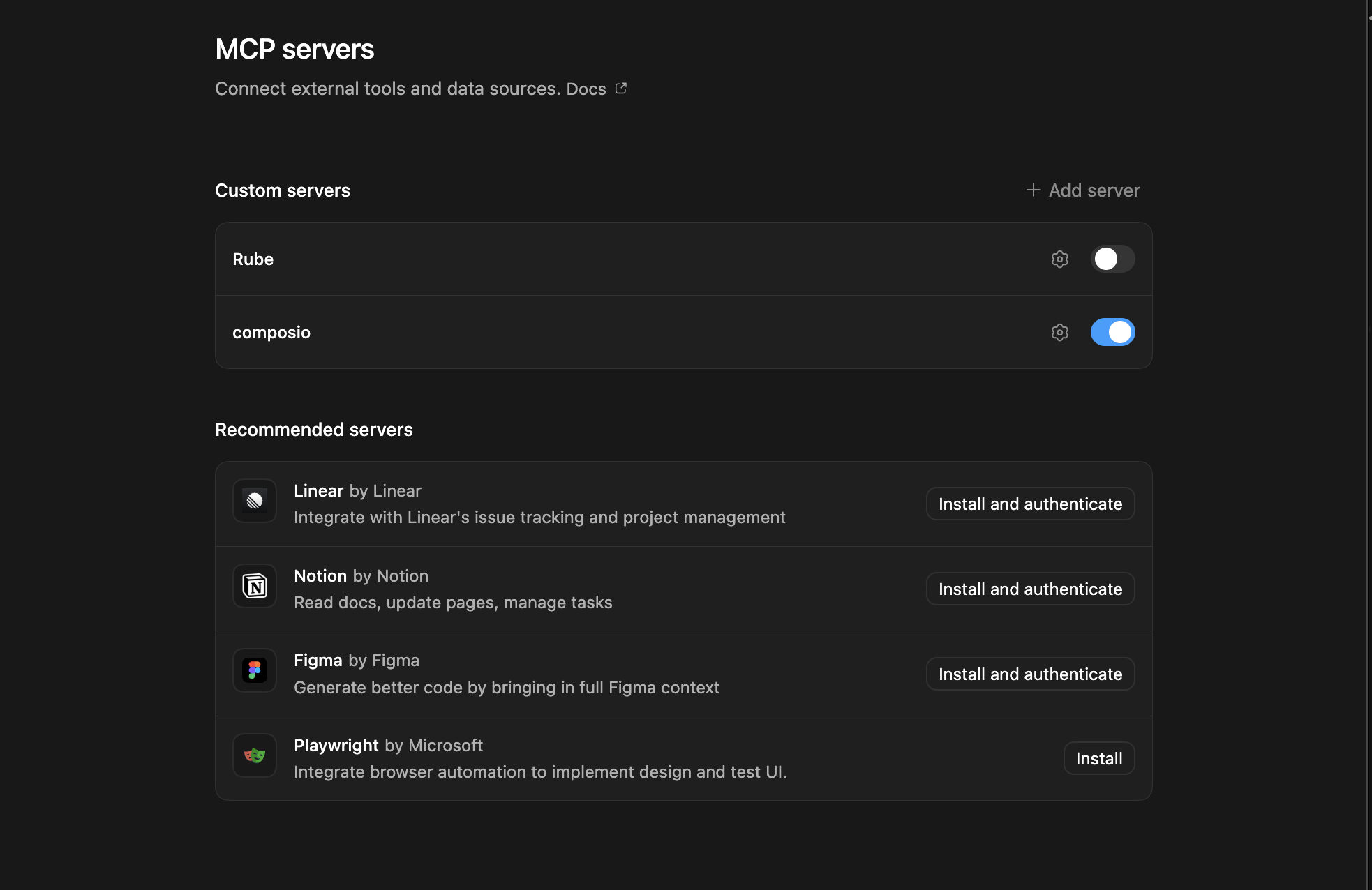
  1. Click ⚙️ on the bottom left → MCP Servers → + Add servers → Streamable HTTP:
  2. Fill the header and Key fields with { "x-consumer-api-key" = "ck_*******" }.
  3. The Key is the Composio API key, that you can find on dashboard.composio.dev
  4. Click on Authenticate and authorize Codex to your Composio account and you're all set.
Codex App MCP setup
  1. Restart and verify if it's there in .codex/config.toml
bash
[mcp_servers.composio]
url = "https://connect.composio.dev/mcp"
http_headers = { "x-consumer-api-key" = "ck_*******" }

Try it

Ask Codex for a Browserless task. The first time, Composio asks you to connect your Browserless account.

For example, ask it to:

  • "Download all invoices from your dashboard"
  • "Extract product details from a competitor's site"
  • "Take a screenshot of your homepage after login"

What is the Browserless MCP server, and what's possible with it?

The Browserless MCP server is an implementation of the Model Context Protocol that connects your AI agent and assistants like Claude, Cursor, etc directly to your Browserless account. It provides structured and secure access to browser automation tools, so your agent can perform actions like fetching web content, scraping data, generating PDFs, taking screenshots, and running custom browser scripts on your behalf.

  • Dynamic web content extraction: Instruct your agent to fetch full HTML content—including JavaScript-rendered pages—from any website.
  • Automated web scraping: Let your agent extract structured data from pages using CSS selectors, returning results in convenient JSON format.
  • On-demand PDF generation: Have your agent instantly generate PDFs from any webpage, with customizable parameters like format and filename.
  • Website screenshot capture: Direct your agent to take high-quality screenshots of entire pages or specific sections, supporting multiple image formats and options.
  • Custom browser automations: Empower your agent to execute tailored Puppeteer scripts, enabling powerful workflows like file downloads or bypassing bot protections.

Conclusion

You've successfully integrated Browserless with Codex using Composio's MCP server. Now you can interact with Browserless directly from your terminal, VS Code, or the Codex App using natural language commands.

Key benefits of this setup:

  • Seamless integration across CLI, VS Code, and standalone app
  • Natural language commands for Browserless operations
  • Managed authentication through Composio
  • Access to 20,000+ tools across 1700+ apps for cross-app workflows
  • CodeAct workbench for complex tool chaining

Next steps:

  • Try asking Codex to perform various Browserless operations
  • Explore cross-app workflows by connecting more toolkits
  • Build automation scripts that leverage Codex's AI capabilities
TOOLS

Supported Tools

Every Browserless action and event your agent gets out of the box.

Download file using Puppeteer script

Runs a Puppeteer script through Browserless's download API and returns the response body as base64, with a content type and filename.

Execute Custom Function

A tool that allows executing custom Puppeteer scripts via HTTP requests.

Fetch HTML Content

This tool fetches the complete HTML content of a webpage using Browserless's content API.

Generate PDF from webpage

Generates a PDF from a webpage URL or HTML using Browserless.

Scrape webpage content using CSS selectors

A tool to extract structured content from a webpage by specifying CSS selectors.

Take Screenshot

A tool that captures a screenshot of a webpage using browserless's screenshot API.

Unblock Protected Content

Requests protected webpage content through Browserless's unblock API, with optional waiting conditions.

FAQ

Frequently asked questions

Start with Browserless.It takes 30 seconds.

Managed auth, hosted MCP servers, and every Browserless tool your agent needs.Free to start.

Start building