How to connect Braintrust to Grok Bot

Connect Grok Bot to Braintrust MCP. Compare failed evaluations across recent experiments, create dataset from production failure logs, and more using natural language, with authentication handled for you.

Braintrust logoBraintrust
Api Key

Braintrust is an AI engineering platform for prompts, datasets, experiments, evaluations, observability, and production AI apps. Use it to ship better AI systems with faster debugging, clearer evals, and tighter feedback loops.

17 Tools

Introduction

Grok is xAI's assistant, and its bot builder lets you create a personal agent that holds context, runs skills, and connects to the apps you already use through plugins.

This guide explains how to connect Braintrust to a Grok bot using Composio Connect, which handles OAuth, token refresh, and reliability so you do not have to. You add Composio as a plugin, authenticate once, then ask your bot to work with Braintrust in plain language.

For exact tool slugs and parameter tables, see the tool catalog in the Composio docs.

Also integrate Braintrust with

Why use Composio?

Composio exposes 1,700+ apps to your Grok bot through a single connection, so you get:

  • Connect to 1,700+ apps with on-demand tool loading, so you do not fill your context window with unnecessary tool definitions.
  • Use programmatic tool calling through a remote workbench, letting the model write its own code to handle complex tool chaining. This reduces back-and-forth for frequent tool calls.
  • Handle large tool responses outside the model context to keep conversations lean.

Connecting Braintrust to Grok Bot

Once Grok Bot is set up, you connect Braintrust entirely from its interface, and the whole flow takes under a minute.

Set up Grok Bot

Get access. Grok Bot is included with Cursor Ultra, Cursor Premium Teams, and SuperGrok Heavy. Get the desktop app for macOS or Windows from x.ai/bot and sign in. An iPhone companion app is also available, and your bots sync across devices.

Create a bot. Pick a suggested role or define your own, then give it a short name, one primary job, and a short description of how it should work. Focused bots work best, because a clear role gives the bot more useful context over time.

Connect Braintrust

1. Add the Composio plugin

Click the button. The Composio listing on x.ai opens and launches Grok Bot for you. If the app does not open on its own, click Add to Grok Bot.

Add to Grok Bot
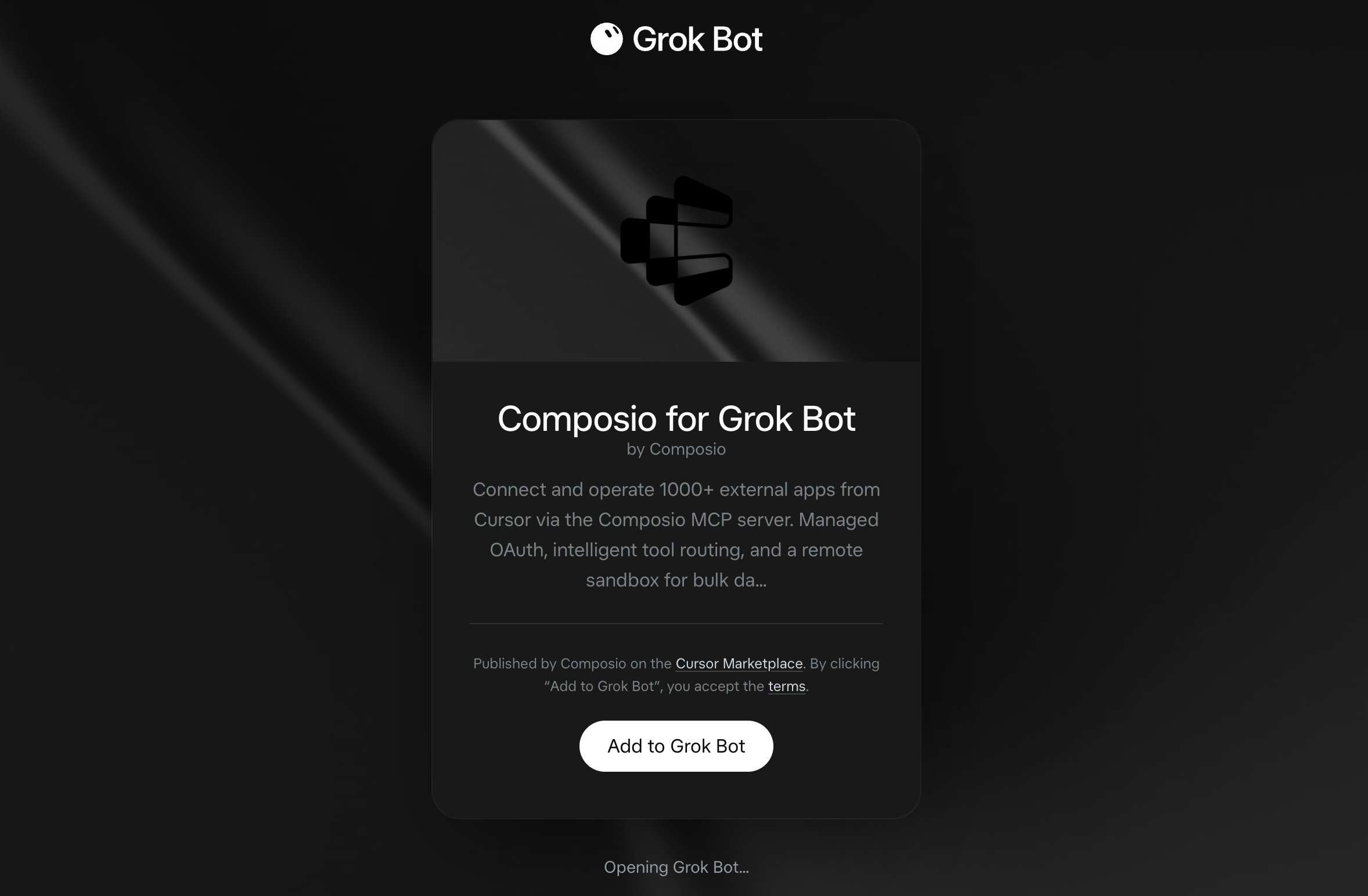
Composio for Grok Bot listing on x.ai with the Add to Grok Bot button

Grok Bot opens the Composio plugin, showing its connector and skills. Click Add.
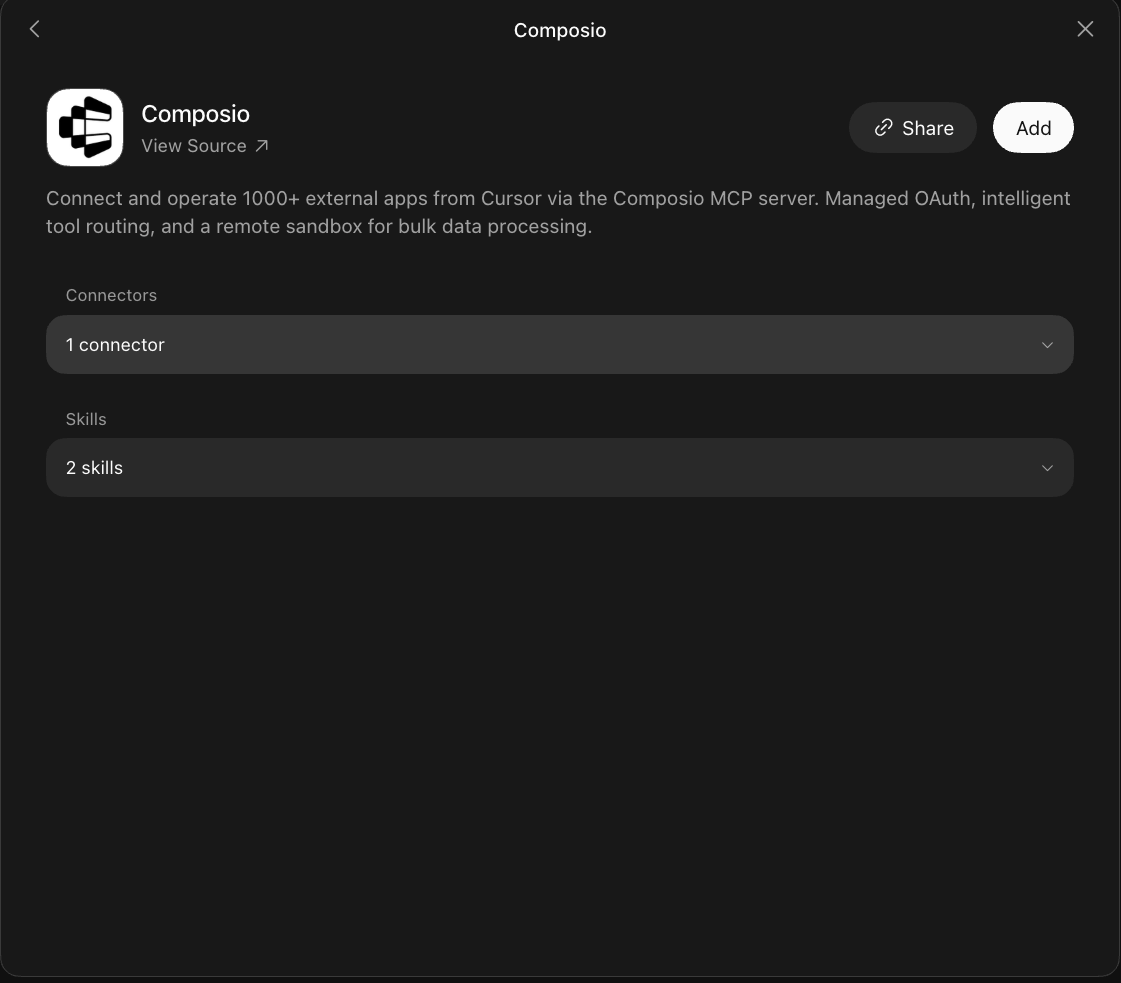
Composio plugin sheet in Grok Bot with the Add button

2. Authenticate

Go to the Installed section and click the Composio entry. You'll see its connector and skills listed.
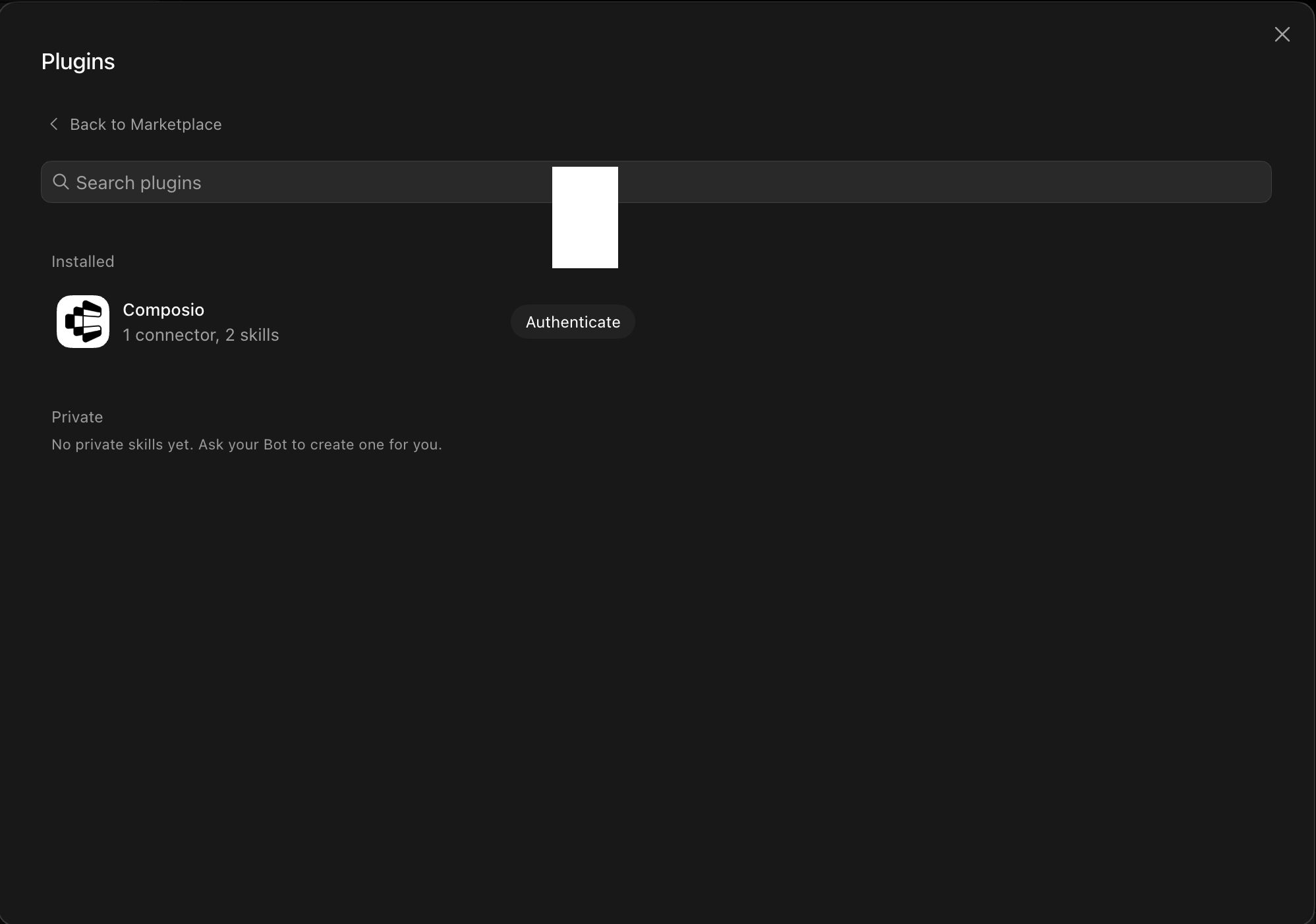
Installed Composio plugin showing the Authenticate button

Click Authenticate. You'll be taken to the Composio consent screen. Review the access it requests and click Authorize. Composio handles the OAuth handshake for you, so you never touch API keys or tokens.

Composio authorization screen with Authorize and Deny

3. Connect your Braintrust account

Back in the chat, ask your bot to connect to Braintrust or give it any Braintrust task.

For example, ask it to:

  • "Compare failed evaluations across recent experiments"
  • "Create dataset from production failure logs"
  • "Summarize latency spikes in Braintrust traces"

It will prompt you to authenticate and authorize access.

That's it. Composio's tools are now available in your Grok bot, and your Braintrust account is ready to use.

What is Grok Bot?

Grok is xAI's assistant, available as a chat interface and a bot builder for creating personal agents that run skills and connect to external apps.

With Composio Connect, your Grok bot can securely access apps like Braintrust through MCP without you sharing account credentials directly with the agent.

What is the Braintrust MCP server, and what's possible with it?

The Braintrust MCP server is an implementation of the Model Context Protocol that connects your AI agent and assistants like Claude, Cursor, etc directly to your Braintrust account. It provides structured and secure access to your projects, prompts, datasets, experiments, evaluations, and observability data, so your agent can create resources, manage evaluation data, inspect events, query results, and update configurations on your behalf.

  • Project and resource management: Have your agent create, list, update, or delete Braintrust projects and manage the experiments, datasets, and prompts within them.
  • Dataset creation and maintenance: Let the agent create datasets, add batches of examples, revise dataset details, and summarize their contents and metrics.
  • Experiment tracking and evaluation: Direct your agent to create experiments, add result events, update experiment details, and retrieve aggregate evaluation summaries.
  • Prompt configuration: Instruct your agent to create versioned prompts and update their metadata or configuration without running them.
  • Observability and data analysis: Have your agent fetch recent project, experiment, or dataset events and run read-only queries over Braintrust data to investigate results.

Way Forward

Now that Braintrust is connected, extend your setup by connecting the other apps you already use every day, so your Grok bot can run true cross-app workflows end to end.

  • Connect Calendar to turn threads into scheduled meetings automatically.
  • Connect Slack or Teams to post summaries, approvals, and alerts where your team works.
  • Connect Notion, Linear, Jira, or Asana to convert requests into tickets, tasks, and docs.
  • Connect Drive, Dropbox, or OneDrive to fetch, file, and share attachments without manual steps.

Start with one workflow you do repeatedly, then keep adding apps as you find new handoffs. With everything behind a single connection, your bot can coordinate multiple tools safely and reliably in one conversation.

TOOLS

Supported Tools

Every Braintrust action and event your agent gets out of the box.

Create Dataset

Create a named dataset under a Braintrust project, or return the existing dataset unchanged when its name already exists in that project.

Create Experiment

Create an experiment under a Braintrust project.

Create Project

Create a Braintrust project, or return the existing project unchanged when its name already exists.

Create Prompt

Upsert a versioned prompt configuration under a Braintrust project without invoking it.

Delete Project

Soft-delete a Braintrust project and return its deletion state.

Delete Experiment, Dataset, or Prompt

Delete one Braintrust experiment, dataset, or prompt by UUID for explicit lifecycle cleanup.

Fetch Events

Fetch one newest-to-oldest page of project log, experiment, or dataset events.

Get Braintrust Resource

Get one project, experiment, dataset, prompt, or function by UUID.

Insert Dataset Events

Upsert a batch of examples into an existing Braintrust dataset.

Insert Experiment Events

Upsert a batch of result events into an existing Braintrust experiment.

List Braintrust Resources

List and filter one page of projects, experiments, datasets, prompts, or functions visible to the connected Braintrust API key.

Query Braintrust Data

Run one bounded synchronous read-only BTQL query over Braintrust project logs, an experiment, or a dataset.

Summarize Experiment or Dataset

Return metadata and optional aggregate summaries for one Braintrust experiment or dataset.

Update Dataset

Update the name, description, tags, or metadata of a Braintrust dataset.

Update Experiment

Update selected metadata and linkage fields on a Braintrust experiment.

Update Project

Update selected fields of a Braintrust project.

Update Prompt

Update a Braintrust prompt's metadata or configuration without invoking it.

FAQ

Frequently asked questions

Start with Braintrust.It takes 30 seconds.

Managed auth, hosted MCP servers, and every Braintrust tool your agent needs.Free to start.

Start building


