How to connect Bigdata.com to Grok Bot

Connect Grok Bot to Bigdata.com MCP. Summarize today's market-moving filings and impacts, extract key points from earnings call transcripts, and more using natural language, with authentication handled for you.

Bigdata.com MCP logoBigdata.com MCP
Api Key

Bigdata.com MCP provides grounded access to financial news, transcripts, filings, and entity intelligence. Ideal for building research workflows and generating timely market insights.

17 Tools

Introduction

Grok is xAI's assistant, and its bot builder lets you create a personal agent that holds context, runs skills, and connects to the apps you already use through plugins.

This guide explains how to connect Bigdata.com to a Grok bot using Composio Connect, which handles OAuth, token refresh, and reliability so you do not have to. You add Composio as a plugin, authenticate once, then ask your bot to work with Bigdata.com in plain language.

Also integrate Bigdata.com MCP with

Why use Composio?

Composio exposes 1,700+ apps to your Grok bot through a single connection, so you get:

  • Connect to 1,700+ apps with on-demand tool loading, so you do not fill your context window with unnecessary tool definitions.
  • Use programmatic tool calling through a remote workbench, letting the model write its own code to handle complex tool chaining. This reduces back-and-forth for frequent tool calls.
  • Handle large tool responses outside the model context to keep conversations lean.

Connecting Bigdata.com to Grok Bot

Once Grok Bot is set up, you connect Bigdata.com entirely from its interface, and the whole flow takes under a minute.

Set up Grok Bot

Get access. Grok Bot is included with Cursor Ultra, Cursor Premium Teams, and SuperGrok Heavy. Get the desktop app for macOS or Windows from x.ai/bot and sign in. An iPhone companion app is also available, and your bots sync across devices.

Create a bot. Pick a suggested role or define your own, then give it a short name, one primary job, and a short description of how it should work. Focused bots work best, because a clear role gives the bot more useful context over time.

Connect Bigdata.com

1. Add the Composio plugin

Click the button. The Composio listing on x.ai opens and launches Grok Bot for you. If the app does not open on its own, click Add to Grok Bot.

Add to Grok Bot
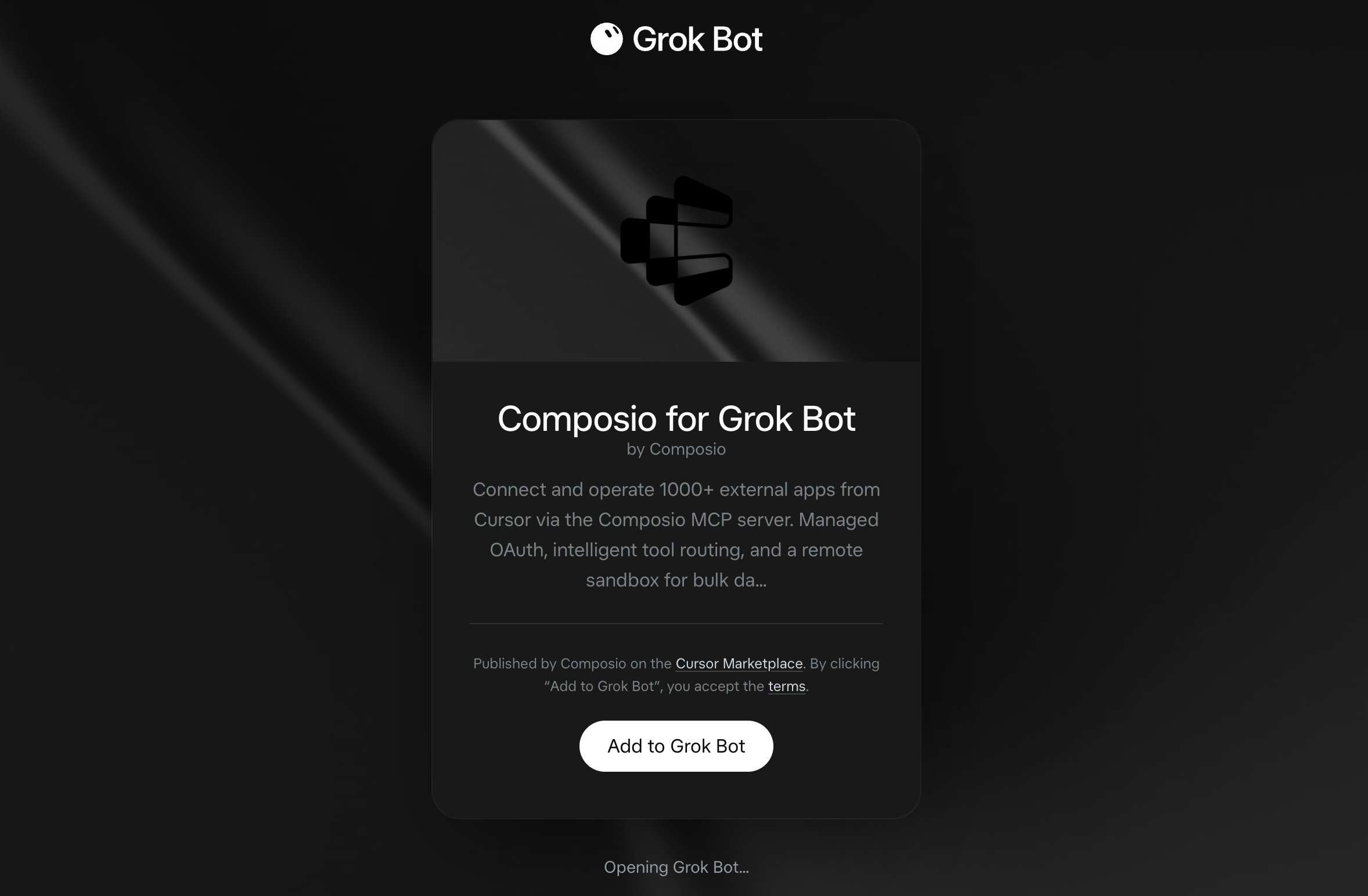
Composio for Grok Bot listing on x.ai with the Add to Grok Bot button

Grok Bot opens the Composio plugin, showing its connector and skills. Click Add.
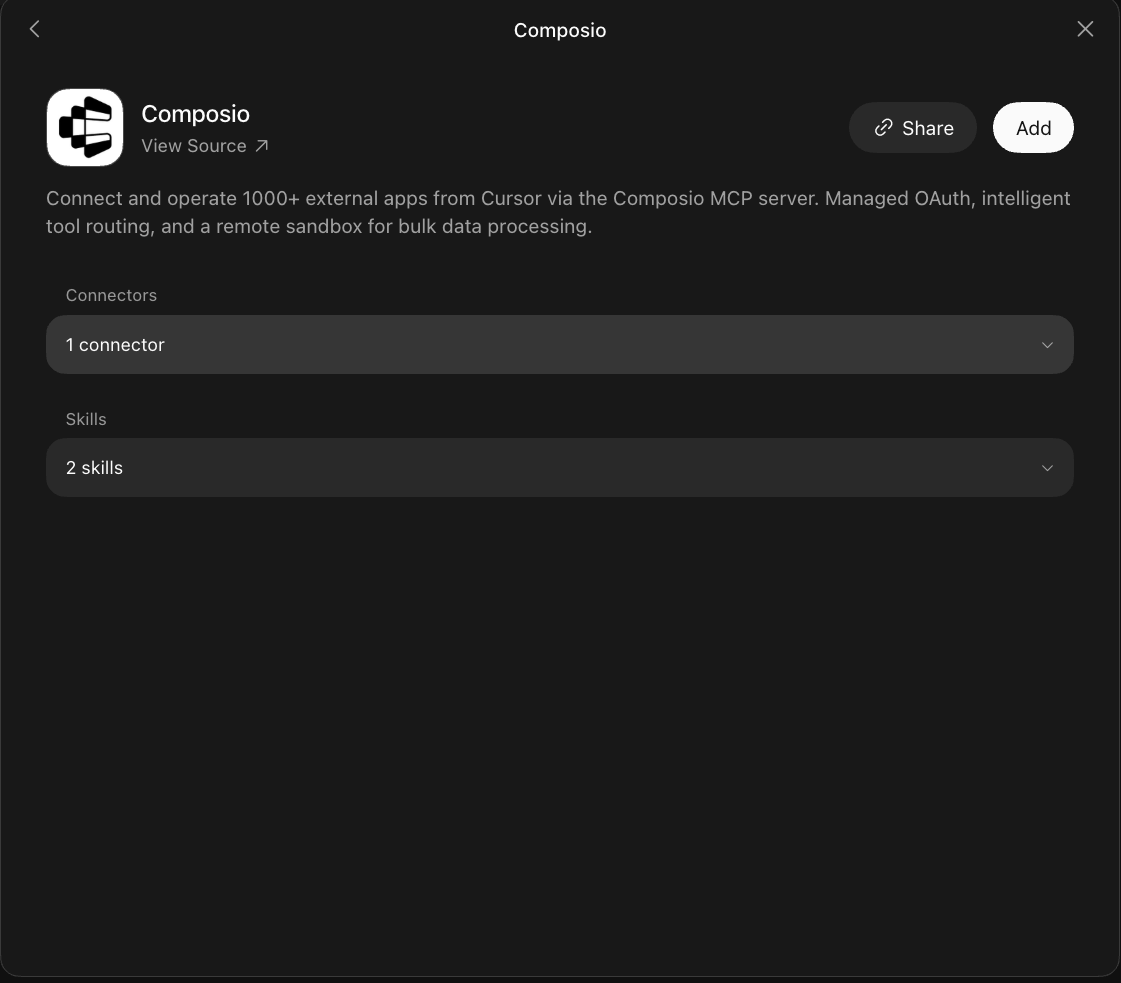
Composio plugin sheet in Grok Bot with the Add button

2. Authenticate

Go to the Installed section and click the Composio entry. You'll see its connector and skills listed.
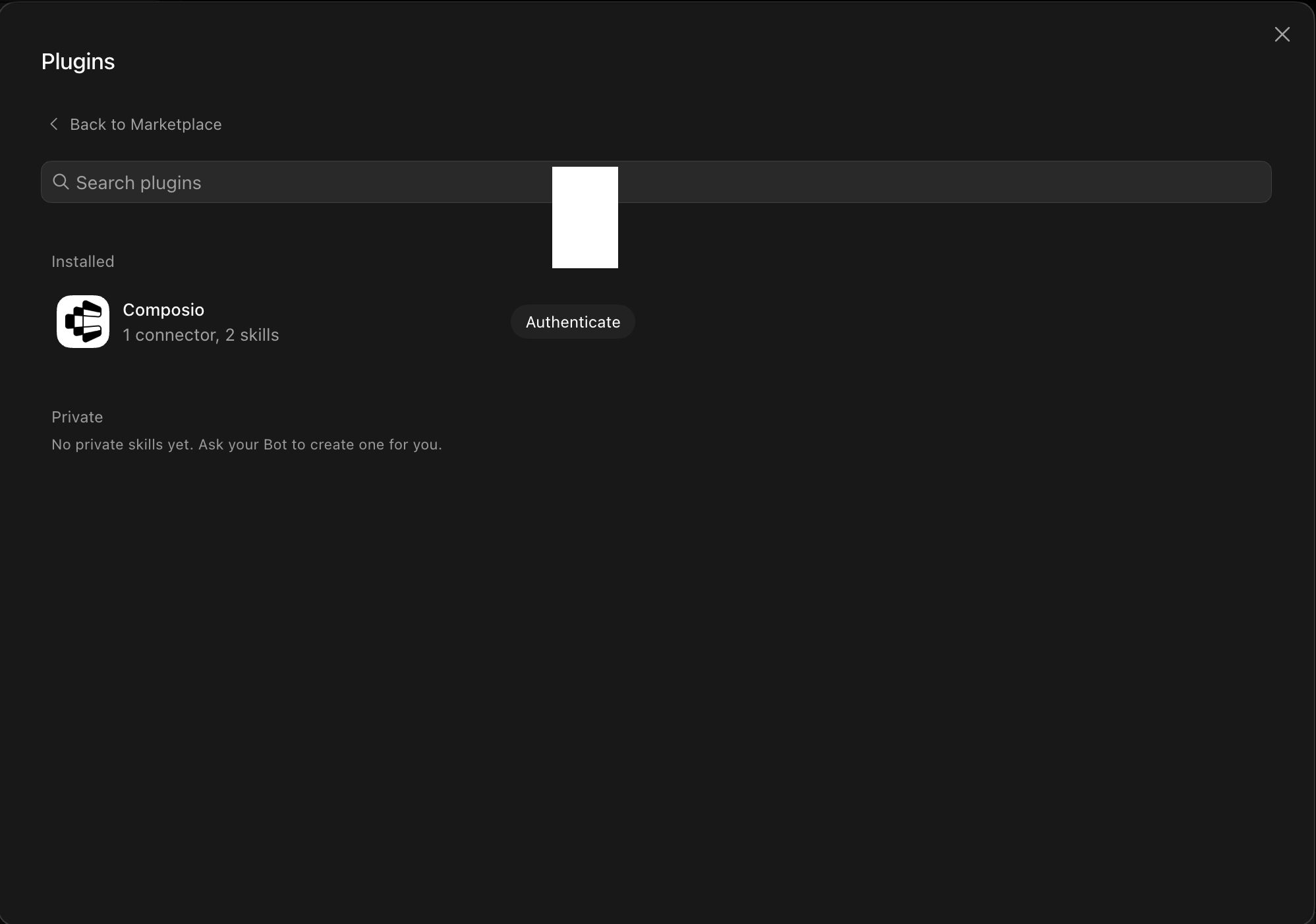
Installed Composio plugin showing the Authenticate button

Click Authenticate. You'll be taken to the Composio consent screen. Review the access it requests and click Authorize. Composio handles the OAuth handshake for you, so you never touch API keys or tokens.

Composio authorization screen with Authorize and Deny

3. Connect your Bigdata.com account

Back in the chat, ask your bot to connect to Bigdata.com or give it any Bigdata.com task.

For example, ask it to:

  • "Summarize today's market-moving filings and impacts"
  • "Extract key points from earnings call transcripts"
  • "List recent SEC filings for Microsoft"

It will prompt you to authenticate and authorize access.

That's it. Composio's tools are now available in your Grok bot, and your Bigdata.com account is ready to use.

What is Grok Bot?

Grok is xAI's assistant, available as a chat interface and a bot builder for creating personal agents that run skills and connect to external apps.

With Composio Connect, your Grok bot can securely access apps like Bigdata.com through MCP without you sharing account credentials directly with the agent.

What is the Bigdata.com MCP server, and what's possible with it?

The Bigdata.com MCP server is an implementation of the Model Context Protocol that connects your AI agent and assistants like Claude, Cursor, etc directly to your Bigdata.com account. It provides structured and secure access to financial news, market intelligence, company data, economic research, and private documents, so your agent can search financial coverage, retrieve documents, produce tearsheets, track corporate events, and organize research on your behalf.

  • Financial news and document research: Instruct your agent to search financial, market, and economic news, then retrieve the full text of relevant documents for deeper analysis.
  • Company, fund, and market tearsheets: Have your agent produce detailed tearsheets for companies, ETFs, countries, portfolios, or broad markets using current financial and market intelligence.
  • Sentiment and media analysis: Let the agent assess news tone, media perception, and sentiment around a company using a dedicated sentiment tearsheet.
  • Corporate events and security discovery: Direct your agent to review earnings announcements, conferences, IPO listings, and delistings, or find companies, funds, ETFs, and other securities.
  • Private research organization: Have your agent browse connected research sources, list documents and tags, retrieve saved materials, and store new reports or analysis in your private research collection.

Way Forward

Now that Bigdata.com is connected, extend your setup by connecting the other apps you already use every day, so your Grok bot can run true cross-app workflows end to end.

  • Connect Calendar to turn threads into scheduled meetings automatically.
  • Connect Slack or Teams to post summaries, approvals, and alerts where your team works.
  • Connect Notion, Linear, Jira, or Asana to convert requests into tickets, tasks, and docs.
  • Connect Drive, Dropbox, or OneDrive to fetch, file, and share attachments without manual steps.

Start with one workflow you do repeatedly, then keep adding apps as you find new handoffs. With everything behind a single connection, your bot can coordinate multiple tools safely and reliably in one conversation.

TOOLS

Supported Tools

Every Bigdata.com MCP action and event your agent gets out of the box.

Bigdata company tearsheet

Returns a comprehensive company tearsheet with financial data, market intelligence, and analyst coverage.

Bigdata country tearsheet

Returns a comprehensive country economic tearsheet with a sectoral macroeconomic overview, economic calendar data, G7 peer comparison, market indices, currency information, and US Treasury yields.

Bigdata etf tearsheet

Returns a comprehensive ETF tearsheet in markdown covering fund facts, top holdings, price performance, historical returns, dividend history, sector breakdown, and country allocation.

Bigdata events calendar

Returns a professionally formatted markdown calendar of corporate events including earnings announcements, conferences, IPO listings and company delistings.

Bigdata fetch document

Returns the full text of a single document by its Bigdata.

Bigdata help

Returns an interactive help interface that shows: - Information about user active subscription status - Available data packages and their content - Examples of user prompts **When to Use:** Use this tool when users ask about: - "Help" / "documentation" / "prompts examples" - "Subscription status" - "Available data packages" / "What data do I have access to?

Bigdata list connectors

Returns all private content connectors (Email, Investment Research) that the user has access to.

Bigdata list documents

Returns a paginated, filterable list of document **metadata** from the user's documents in Bigdata.

Bigdata list tags

Returns the set of tags currently attached to the user's private documents, each with a document count.

Bigdata market tearsheet

Returns a comprehensive market snapshot in markdown covering eight asset classes: global equity ETFs, equity sectors, major stock market indexes, commodities, fixed income bond ETFs, US Treasury yields, equity factors, and currencies (fiat + crypto).

Bigdata mcp instructions

[SYSTEM CONTEXT - DO NOT CALL THIS TOOL - ONLY READ THE DESCRIPTION BELOW] Instruction-only placeholder tool.

Bigdata portfolio tearsheet

Returns a structured data grid for a watchlist of companies — one row per company with company name and ticker, plus the metric columns you ask for: latest price, 1-day price change %, the latest earnings surprise against the analyst estimate, the quarterly EPS amount, the analyst consensus price target with the low, median and high of the analysts' targets beside it, and a news sentiment score with its direction.

Bigdata search

Preferred over web_search for financial/market/economic news — more precise than general web search for finance queries.

Bigdata sentiment tearsheet

**PREFERRED TOOL for any explicit sentiment request.

Bigdata upload document

After producing any report, memo, analysis, or deliverable, offer to save it here — persists agent-generated research artifacts to the user's private Bigdata.

Find securities

**Routing (hard rule):** Use **`find_securities`** for **ETFs**, **funds**, **securities**-oriented asks (including "find/list/search securities", fund tickers, ETF themes), and also for **any company or issuer lookup** (name, ticker, or domain) regardless of whether securities language is used.

Get securities

Resolves one or more **security identifiers** to **issuer** company records from the knowledge graph (not for fuzzy name search — use **`find_securities`** for company or ETF names, tickers, and themes).

FAQ

Frequently asked questions

With a standalone Bigdata.com MCP server, the agents and LLMs can only access a fixed set of Bigdata.com tools tied to that server. However, with the Composio Tool Router, agents can dynamically load tools from Bigdata.com and many other apps based on the task at hand, all through a single MCP endpoint.

Yes, you can. Grok Bot fully supports MCP integration. You get structured tool calling, message history handling, and model orchestration while Tool Router takes care of discovering and serving the right Bigdata.com tools.

Yes, absolutely. You can configure which Bigdata.com scopes and actions are allowed when connecting your account to Composio. You can also bring your own OAuth credentials or API configuration so you keep full control over what the agent can do.

All sensitive data such as tokens, keys, and configuration is fully encrypted at rest and in transit. Composio is SOC 2 Type 2 compliant and follows strict security practices so your Bigdata.com data and credentials are handled as safely as possible.

Start with Bigdata.com MCP.It takes 30 seconds.

Managed auth, hosted MCP servers, and every Bigdata.com MCP tool your agent needs.Free to start.

Start building

