




If you've worked with OpenClaw, you already know Skills, the task-level instructions that let your agent send emails, query APIs, or pull live data. But plugins operate at a deeper layer. They hook into the agent's lifecycle, reshape how it reasons, authenticates, and interacts with the outside world.
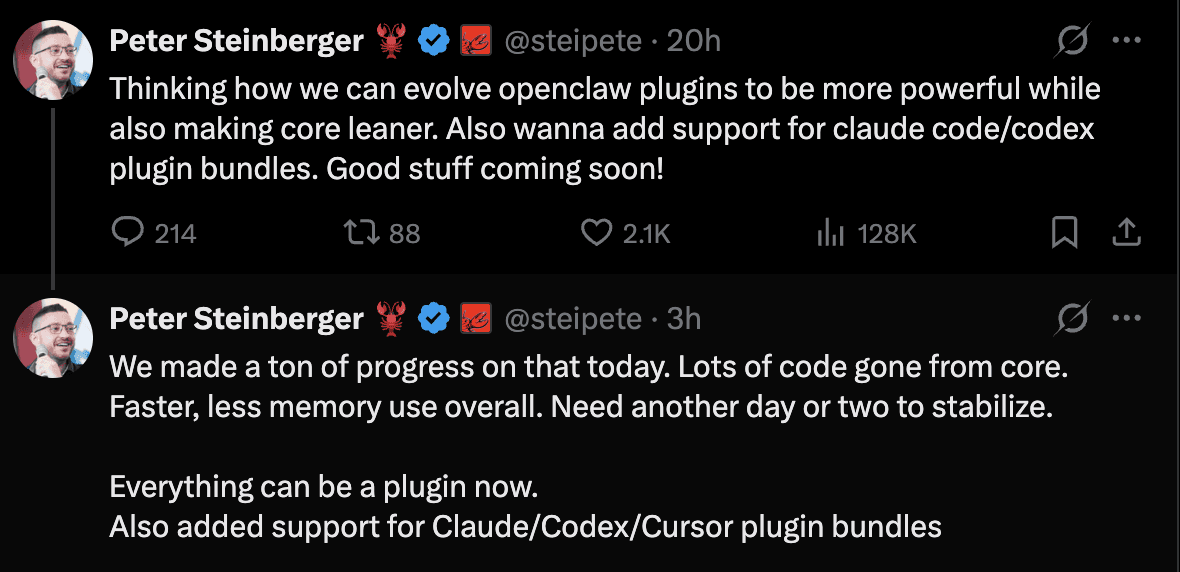
Though OpenClaw currently has a very limited set of official plugins, many independent devs have built some really cool plugins. And it seems OpenClaw plugins are going to get a huge push from OpenClaw.
Top OpenClaw Plugins
As an OpenClaw enthusiast, I collated some of the actually useful plugins for OpenClaw.
Check out the Awesome OpenClaw Plugin repo for more such plugins: ComposioHQ/openclaw-composio-plugins
Composio - Connect OpenClaw with 850+ on-demand SaaS Apps
memU (Memory Framework) - Hierarchical Knowledge Graph That Makes Your Agent Proactive
SecureClaw - OWASP-Aligned Security Auditing and Runtime Hardening
Lobster - Typed Workflow Pipelines with Approval Gates for Reliable Automation
Memory LanceDB - Vector-Backed Long-Term Memory with Auto-Recall and Auto-Capture
MemOS Cloud - Cloud-Hosted Cross-Agent Memory with Async Recall and Isolation
OpenClaw Foundry - Self-Writing Meta-Extension That Learns and Builds Its Own Tools
Better Gateway - Auto-Reconnect, Embedded IDE, and Browser Terminal for Stable Ops
Voice Call - Outbound Phone Calls and Multi-Turn Voice Conversations via Twilio
1. Composio - Connect OpenClaw with 850+ on-demand SaaS Apps
Instead of installing individual skills for every app (Gmail, GitHub, Outlook, Notion), this single plugin connects to Composio’s managed MCP server and handles all OAuth and authentication logic automatically.
This plugin is the official bridge that allows your OpenClaw agent to discover and call any SaaS tools dynamically.
Pre-requisites
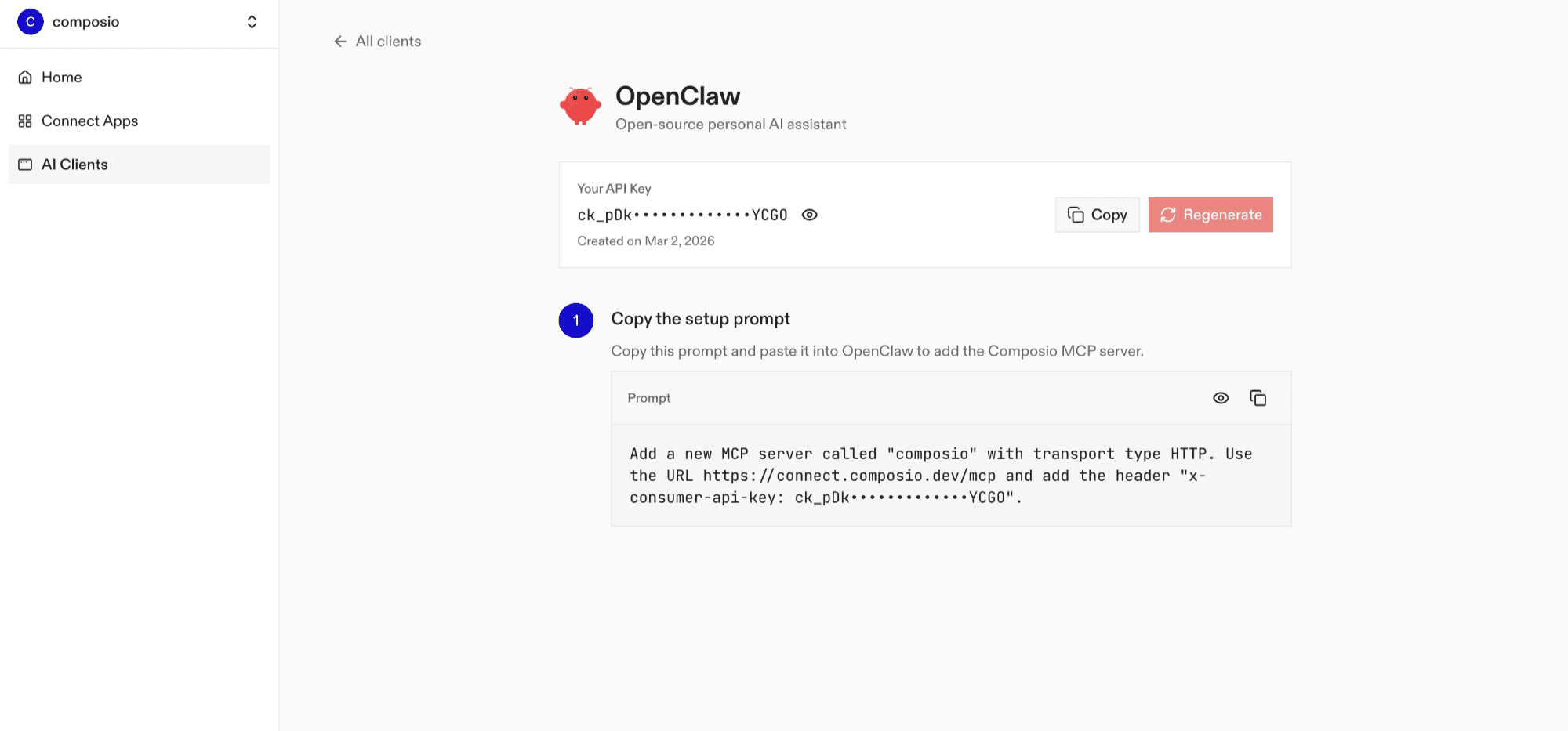
Log in at dashboard.composio.dev
Choose your preferred client (choose OpenClaw)
Copy your consumer key (
ck_...)
Install the Composio plugin
openclaw plugins install @composio/openclaw-pluginSet OpenClaw Config
openclaw config set plugins.entries.composio.config.consumerKey "ck_your_key_here"Then, allow Composio tools in your agent's tool list. This works with any tool profile (coding, minimal, messaging, etc.). Without this step, Composio tools will only be available on the full tool profile:
openclaw config set tools.alsoAllow '["composio"]'After setting your key and allowing the tools, restart the gateway:
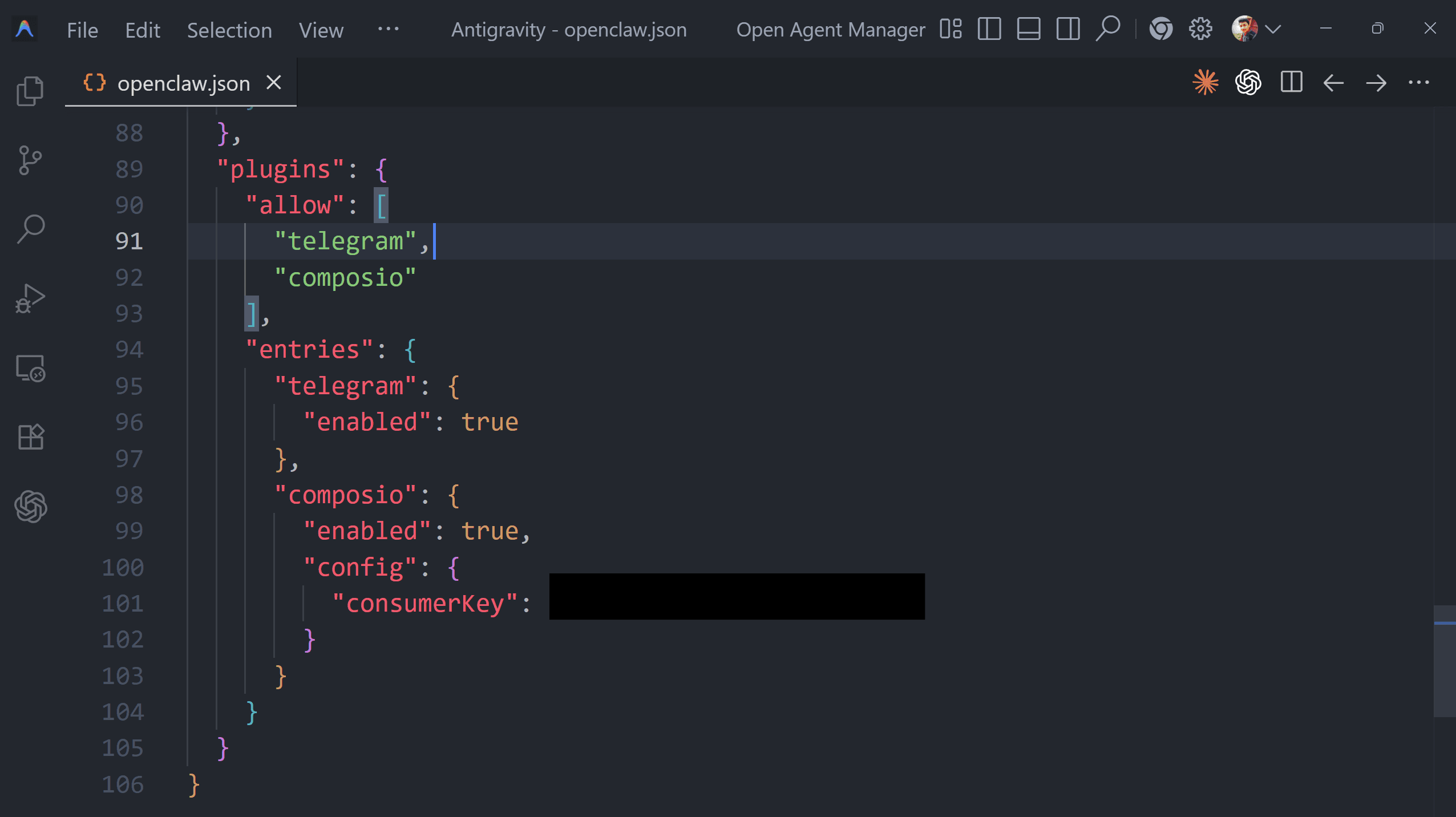
openclaw gateway restartResult (in ~/openclaw/openclaw.json file):
Repo: https://github.com/ComposioHQ/openclaw-composio-plugin
npm: https://www.npmjs.com/package/@composio/openclaw-plugin
2. memU (Memory Framework) - Hierarchical Knowledge Graph That Makes Your Agent Proactive
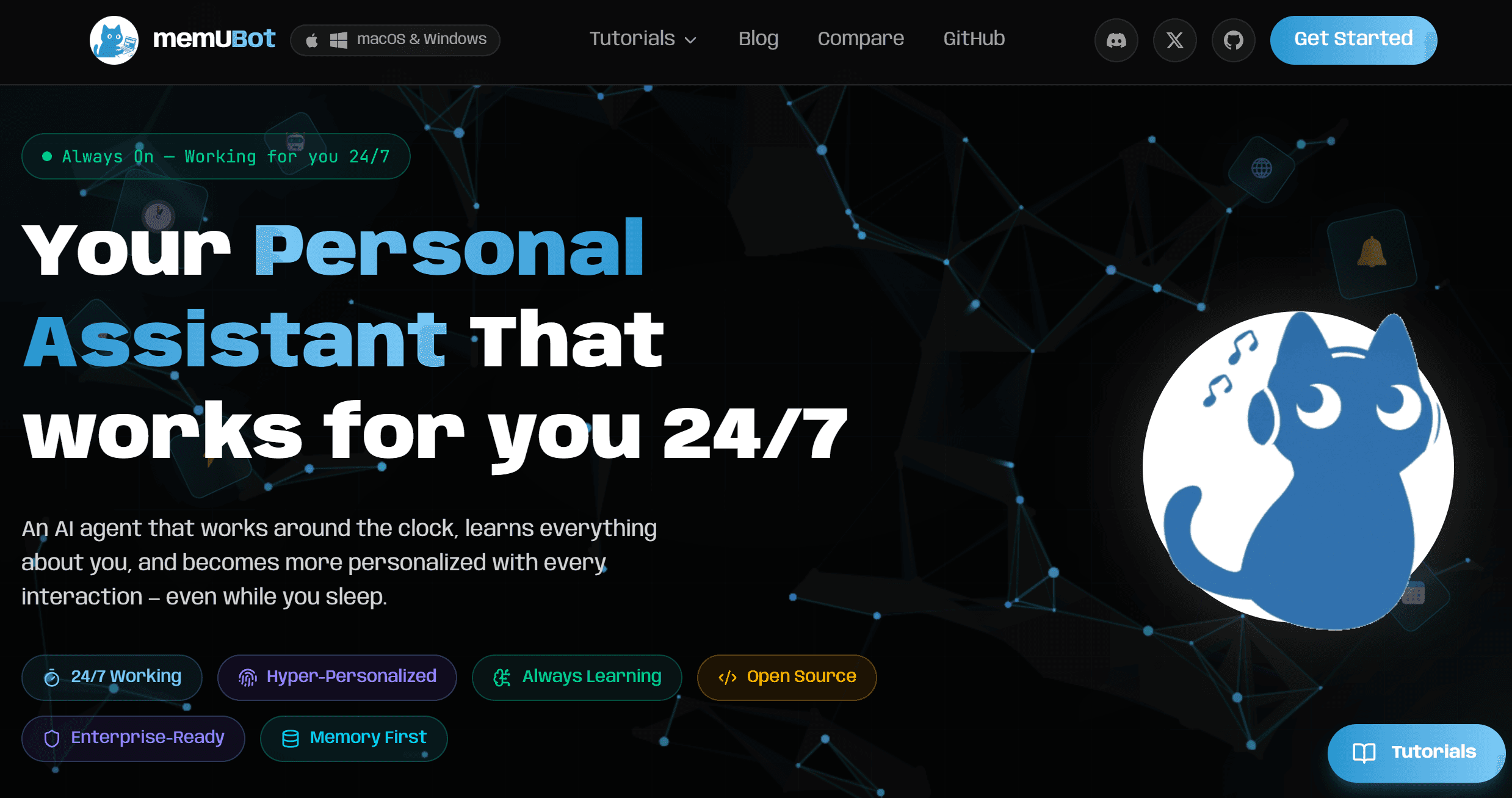
A proactive long-term memory plugin that replaces standard flat-file memory.
It builds a hierarchical knowledge graph of your preferences and projects, allowing the agent to anticipate needs rather than just reacting to prompts.
Simple examples include: "You have a meeting in 10 minutes; should I pull the latest briefing?"
If you want to add a robust memory layer for the agent to handle missing context, go for it.
Learn more at: Memu Bot (Community)
GitHub Repo: https://github.com/duxiaoxiong/memu-engine-for-OpenClaw
Installation
openclaw plugins install @memu/memu-engine
# Set memU as the memory backend
openclaw config set plugins.slots.memory "memu-engine"

<h1>Restart gateway</h1>
<p>openclaw gateway restart</p>
3. SecureClaw - OWASP-Aligned Security Auditing and Runtime Hardening
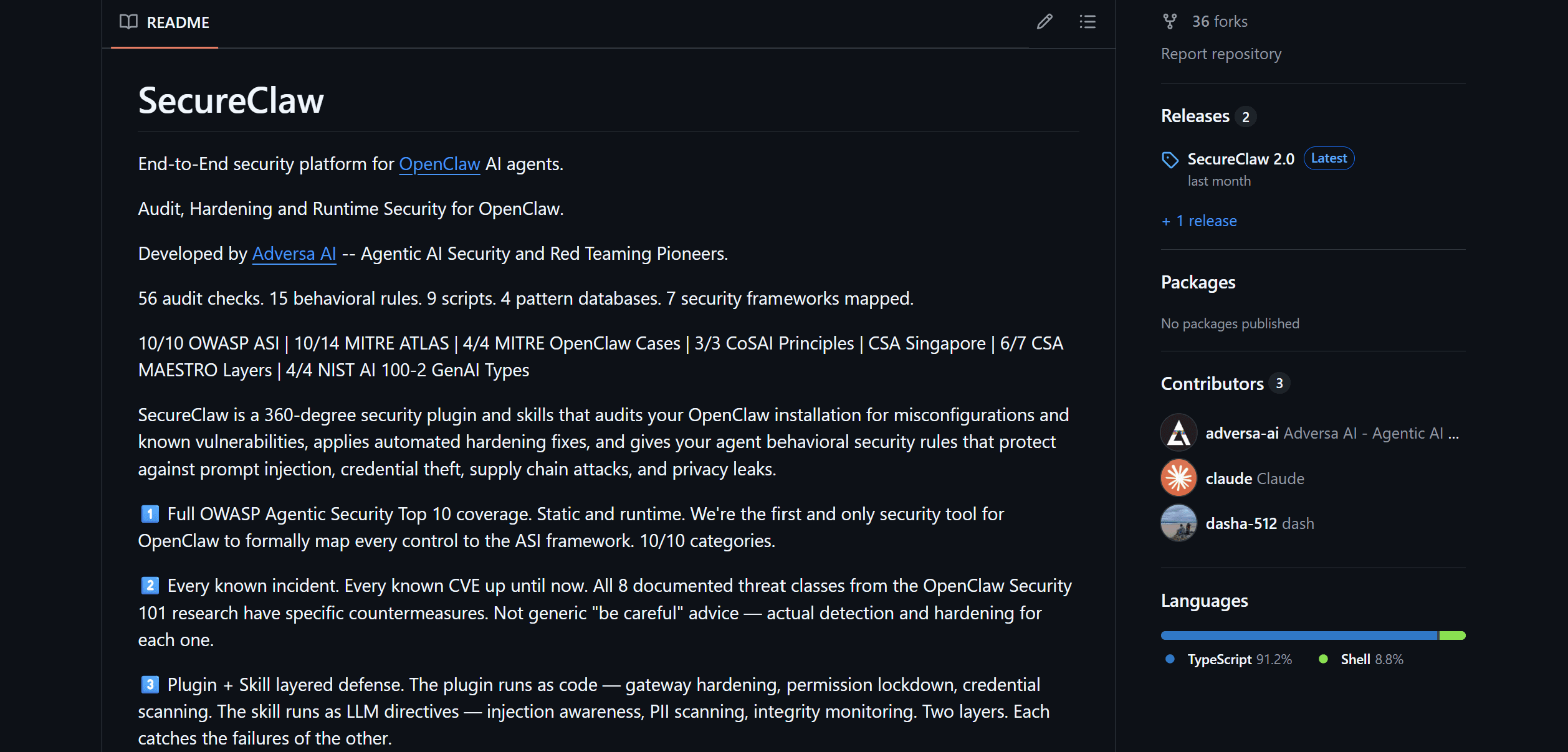
The industry-standard security plugin.
It hardens the agent's runtime by mapping actions to the OWASP Top 10 for Agents. It provides real-time auditing and prevents prompt injection attacks from reaching your system shell.
If you are concerned about OpenClaw security while running on vm’s or locals (not recommended), this plugin can give you a sigh of relief.
GitHub Repo: https://github.com/adversa-ai/secureclaw
Learn more at: SecureCalw (Community)
Installation
# Install the plugin
openclaw plugins install @adversa/secureclaw<p></p>
<h1>Run the security audit</h1>
<p>npx openclaw secureclaw audit</p>
<h1>Apply hardening fixes</h1>
<p>npx openclaw secureclaw harden</p>
<h1>Restart gateway</h1>
<p>openclaw gateway restart</p>
4. Lobster - Typed Workflow Pipelines with Approval Gates for Reliable Automation
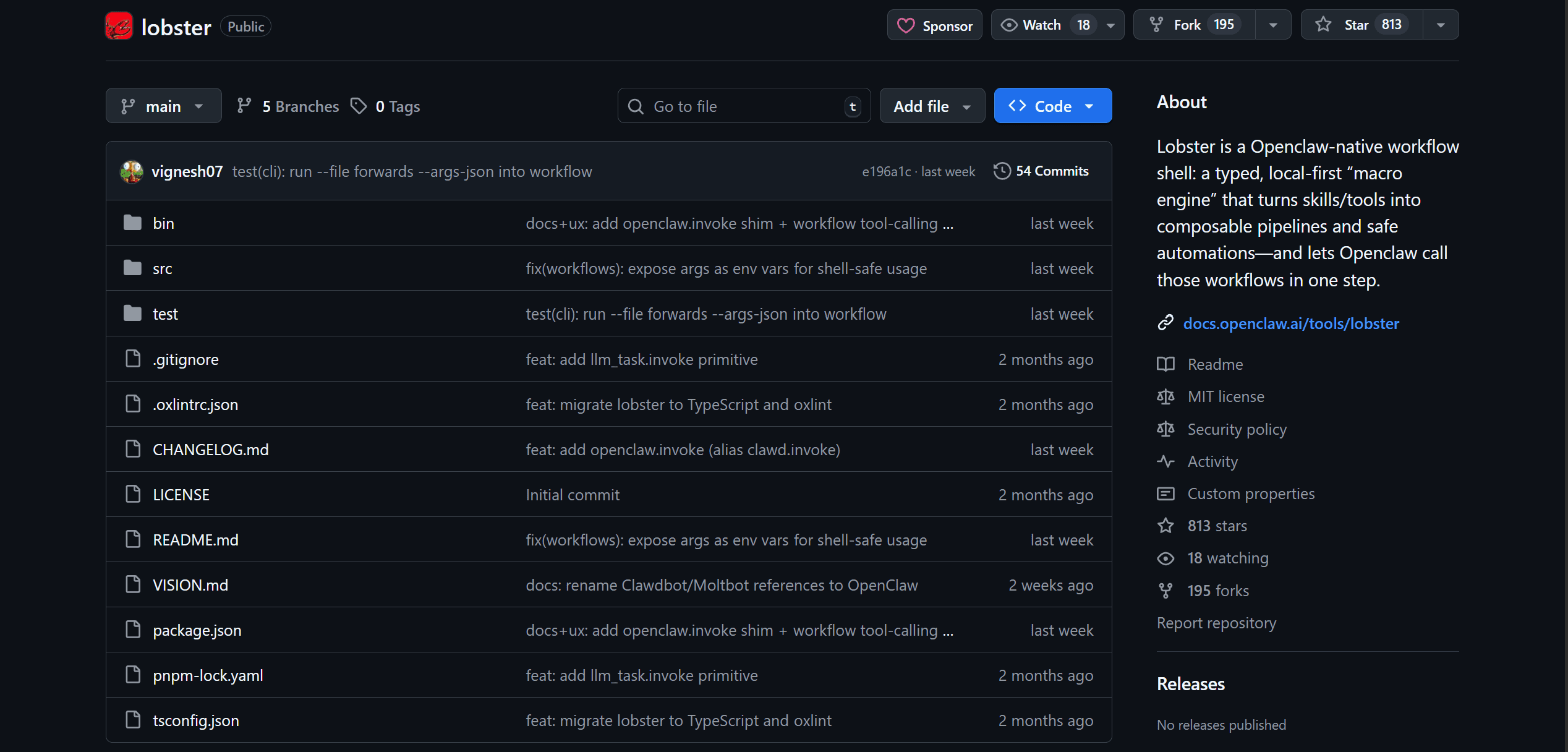
A powerful scripting plugin that turns complex multi-step skills into repeatable, typed pipelines.
This means, instead of the agent "guessing" the next step, Lobster ensures high-reliability execution for production-grade automations.
It does it through typed JSON-first pipelines, jobs, and approval gates & let OpenClaw call the workflows in one step.
If you like to automate tasks using your skills, this will make your job easier than ever.
Learn more at: Lobster (Official)
GitHub Repo: https://github.com/openclaw/lobster
Installation
Lobster is a bundled tool — enable it in your config:
# Enable Lobster in your plugin config
openclaw config set plugins.entries.lobster.enabled true<p></p>
<h1>Allow Lobster tools</h1>
<p>openclaw config set tools.alsoAllow '["lobster"]'</p>
<h1>Restart gateway</h1>
<p>openclaw gateway restart</p>
5. Memory LanceDB - Vector-Backed Long-Term Memory with Auto-Recall and Auto-Capture
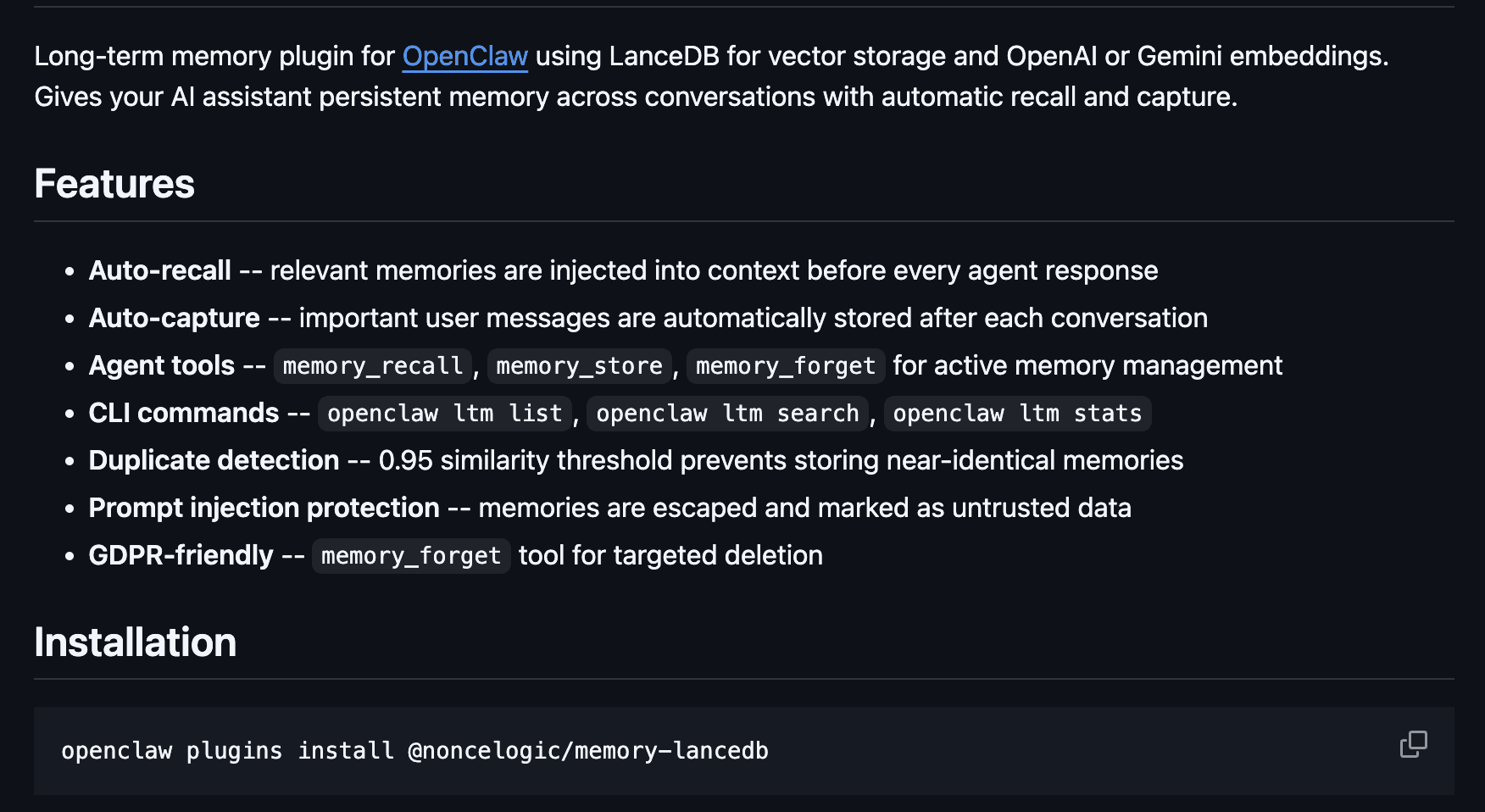
The default memory-core plugin stores memory as flat Markdown files. memory-lancedb replaces it with a proper vector-backed long-term memory store using LanceDB.
Set plugins.slots.memory = "memory-lancedb" and your agent gets auto-recall (relevant memories injected before every turn) and auto-capture (important facts stored after every turn) — without you having to manually write to MEMORY.md.
It supports multiple embedding providers (OpenAI, Gemini, Ollama), includes prompt-injection detection for captured memories, and provides a CLI for searching and managing stored memories.
If your agent keeps "forgetting" things between sessions or after context compaction, this is the first plugin you should install.
GitHub Repo: https://github.com/noncelogic/openclaw-memory-lancedb
Installation
# Install the plugin
openclaw plugins install @noncelogic/memory-lancedb<p></p>
<h1>Set as memory backend</h1>
<p>openclaw config set plugins.slots.memory "memory-lancedb"</p>
<h1>Configure embeddings (OpenAI example)</h1>
<p>openclaw config set plugins.entries.memory-lancedb.config.embedding.apiKey "$OPENAI_API_KEY"
openclaw config set plugins.entries.memory-lancedb.config.embedding.model "text-embedding-3-small"</p>
<h1>Restart gateway</h1>
<p>openclaw gateway restart</p>
6. MemOS Cloud - Cloud-Hosted Cross-Agent Memory with Async Recall and Isolation
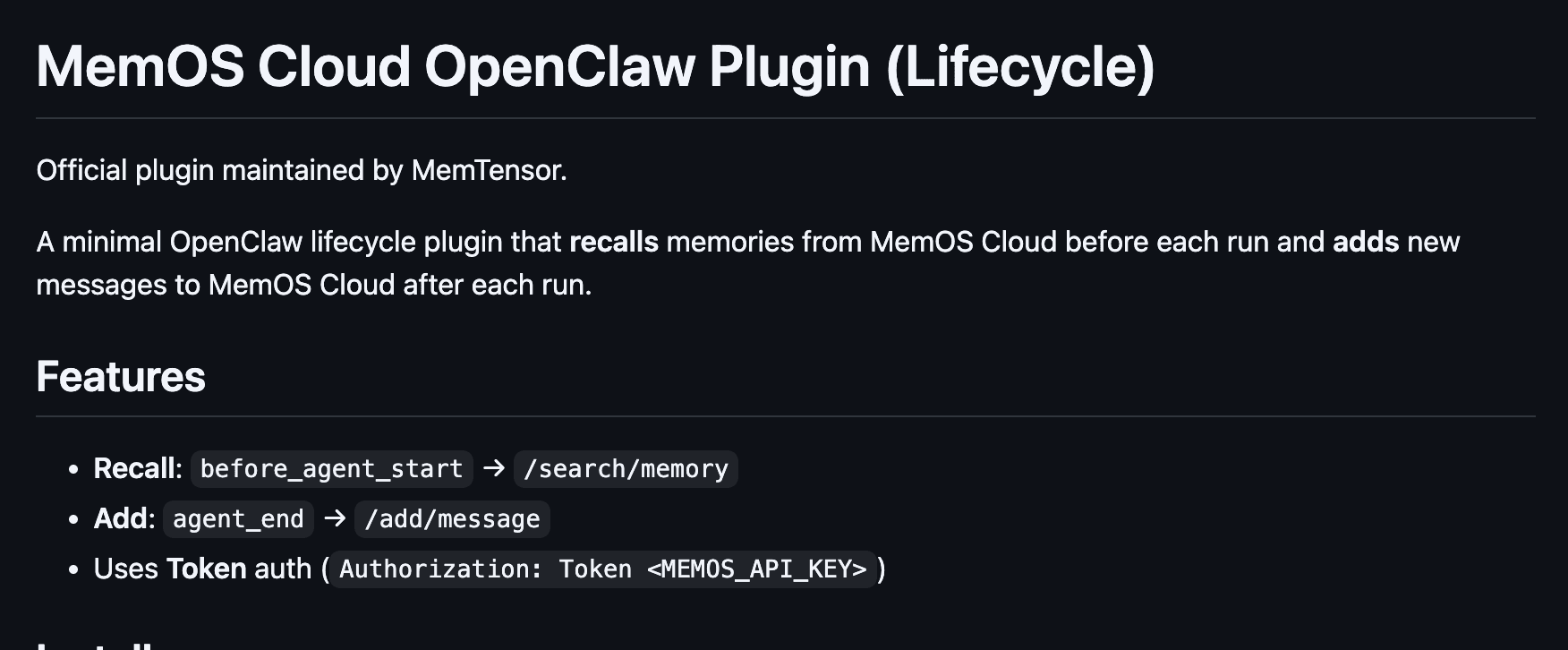
MemOS Cloud is a lifecycle plugin that recalls relevant memories from the MemOS Cloud API before each agent run and saves new conversation data after each run.
It works asynchronously, supports cross-agent memory isolation via agent_id, and lets you configure limits on how many memories are injected per turn.
Where memory-lancedb stores everything locally, MemOS Cloud is the right choice when you need cloud-hosted memory that persists across devices, or when you're running multi-agent setups where agents need isolated but centrally managed memory.
It's a great complement to LanceDB — use LanceDB for local-first setups, and MemOS Cloud when you need cloud persistence or multi-agent coordination.
GitHub Repo: https://github.com/MemTensor/MemOS-Cloud-OpenClaw-Plugin
Installation
# Install the plugin
openclaw plugins install @memtensor/memos-cloud-openclaw-plugin<p></p>
<h1>Add your MemOS API key</h1>
<p>openclaw config set plugins.entries.memos-cloud-openclaw-plugin.enabled true
openclaw config set plugins.entries.memos-cloud-openclaw-plugin.config.apiKey "YOUR_MEMOS_API_KEY"</p>
<h1>Restart gateway</h1>
<p>openclaw gateway restart</p>
7. OpenClaw Foundry - Self-Writing Meta-Extension That Learns and Builds Its Own Tools
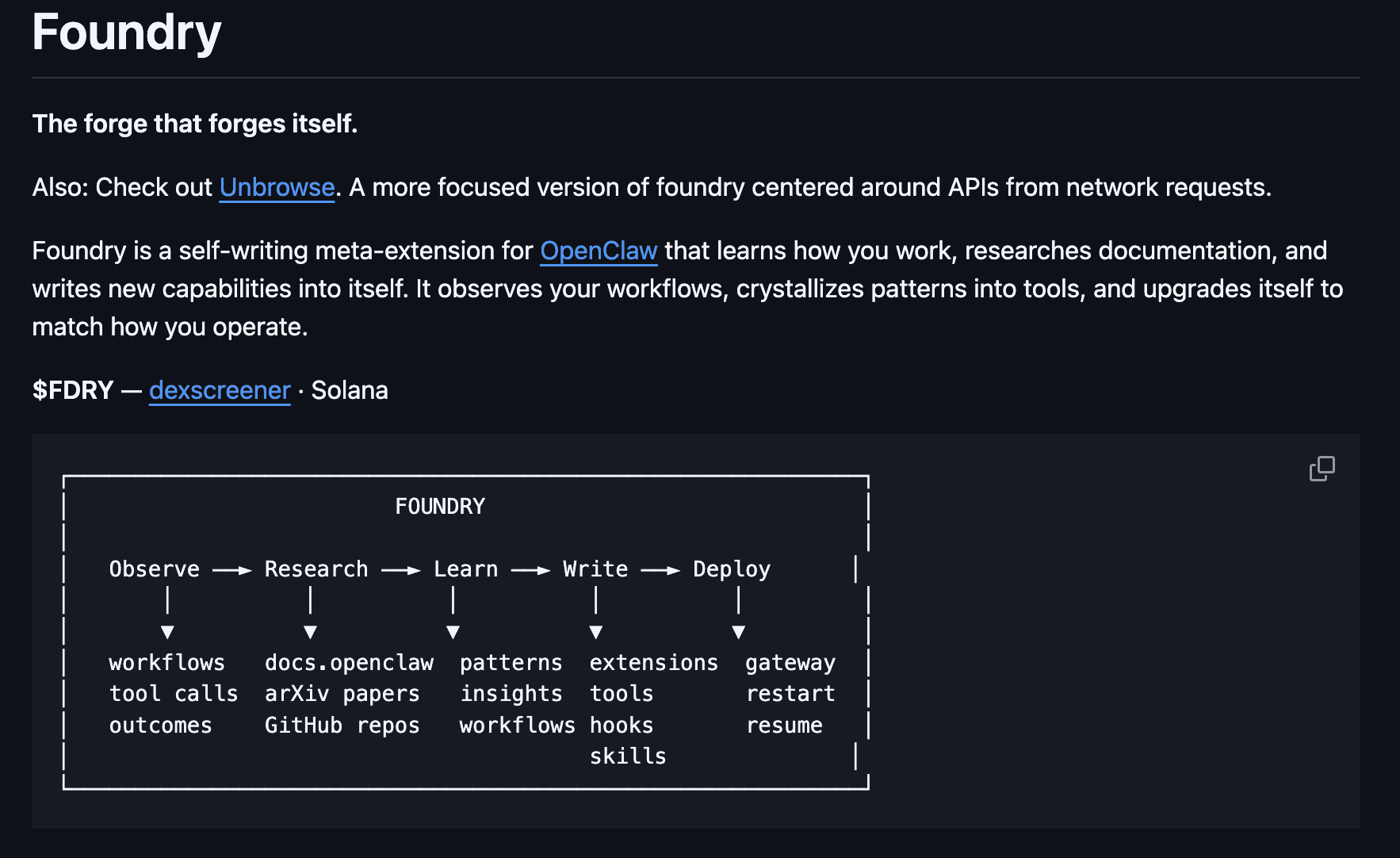
Foundry is a self-writing meta-extension. It observes your workflows, researches the OpenClaw docs, and writes new skills, extensions, hooks, and tools directly into your setup.
The self-modification loop actually works: Foundry validates generated code in a sandbox before deploying it, records patterns from successes and failures, and can even extend its own capabilities.
It includes tools like
foundry_implement (end-to-end research + build),
foundry_write_skill, foundry_write_hook, and
foundry_extend_self — making it the closest thing to an agent that builds its own tools.
GitHub Repo: https://github.com/lekt9/openclaw-foundry
Installation
# Install the plugin
openclaw plugins install @getfoundry/foundry<p></p>
<h1>Enable in config</h1>
<p>openclaw config set plugins.entries.foundry.enabled true</p>
<h1>Restart gateway</h1>
<p>openclaw gateway restart</p>
8. Better Gateway - Auto-Reconnect, Embedded IDE, and Browser Terminal for Stable Ops
The stock OpenClaw gateway drops WebSocket connections under load. Better Gateway fixes this with automatic reconnection, configurable retry intervals, and a status indicator that shows connection health in real time.
Beyond stability, it adds a Monaco-based IDE and a full xterm.js terminal directly into the gateway UI — no extra ports, no SSH tunneling needed. Everything runs on the main gateway port.
It also exposes a file API for workspace read/write/list/delete operations, making it a practical all-in-one development environment for your OpenClaw setup.
If you run OpenClaw on a remote server or VPS, this plugin is essential for a smooth development experience.
GitHub Repo: https://github.com/ThisIsJeron/openclaw-better-gateway
Installation
# Install the plugin
openclaw plugins install @thisisjeron/openclaw-better-gateway<p></p>
<h1>Enable in config</h1>
<p>openclaw config set plugins.entries.openclaw-better-gateway.enabled true</p>
<h1>Restart gateway</h1>
<p>openclaw gateway restart</p>
9. Voice Call - Outbound Phone Calls and Multi-Turn Voice Conversations via Twilio
I have kept the best one for the last, and it's the most transformative plugin of the year.
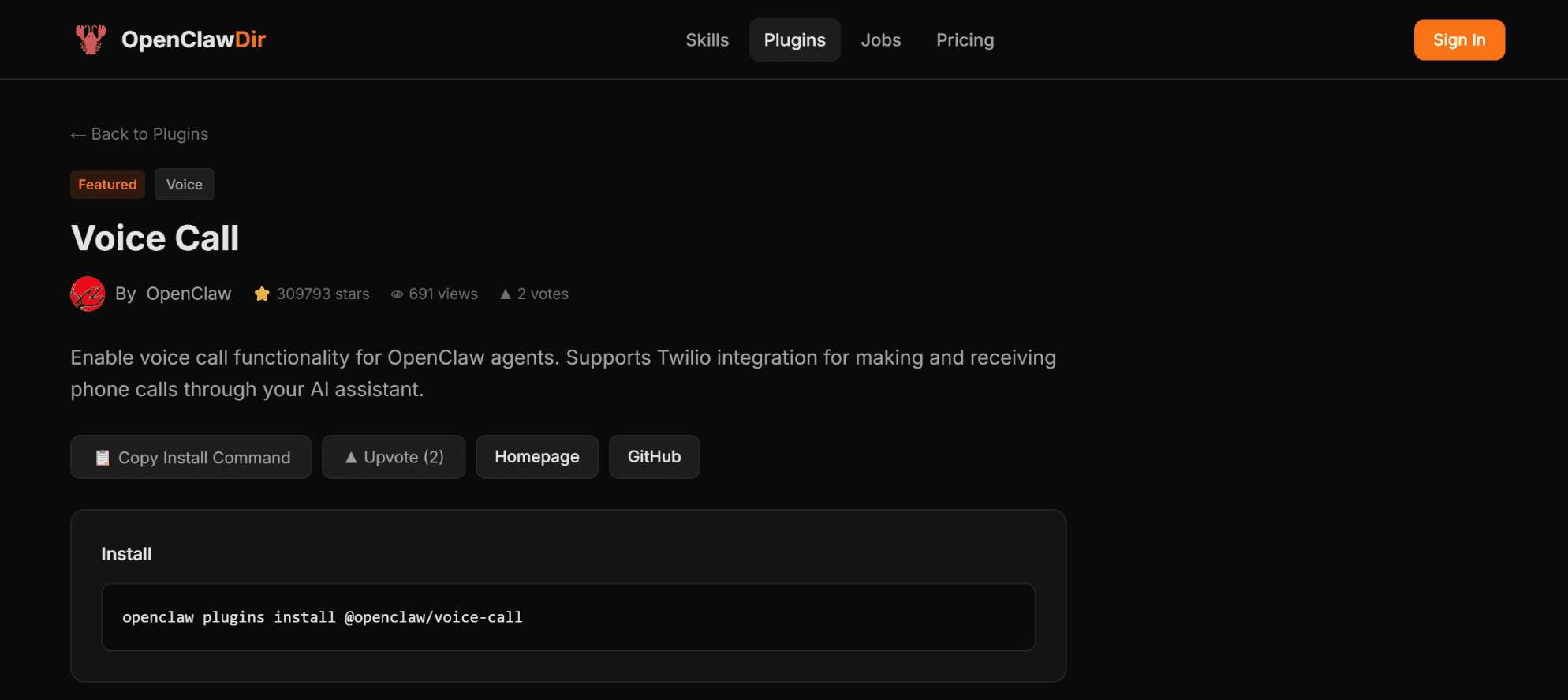
Voice Call moves OpenClaw beyond text by enabling outbound phone calls and multi-turn voice conversations via Twilio or Telnyx.
It’s widely used for "reach me anywhere" notifications and for real-world tasks like booking appointments, as shown in YouTube/Twitter demo videos.
Throw it leads, client, follow up, it handles all, with just a single setup. Game changer in voice call automations.
So, if you are a business owner who has to call a lot of people, this plugin is for you.
Learn more at: Voice Call - OpenClaw Plugin.
In case you want speed, you can check community one: VoiceClaw- DeepGram Plugin
Installation
# Install the voice-call plugin (bundled)
openclaw config set plugins.entries.voice-call.enabled true<p></p>
<h1>Configure Twilio credentials</h1>
<p>openclaw config set plugins.entries.voice-call.config.provider "twilio"
openclaw config set plugins.entries.voice-call.config.twilio.accountSid "YOUR_TWILIO_SID"
openclaw config set plugins.entries.voice-call.config.twilio.authToken "YOUR_TWILIO_AUTH_TOKEN"
openclaw config set plugins.entries.voice-call.config.twilio.from "+1XXXXXXXXXX"</p>
<h1>Restart gateway</h1>
<p>openclaw gateway restart</p>
GitHub Repo: https://github.com/openclaw/openclaw/tree/main/extensions/voice-call
And with that, we have reached the end of this short, definitive plugin list.
Final Thoughts
Plugins run silently in the background, shaping how your agent thinks and responds at a system level. It’s really a more integrated experience than just skills.

 Get started



