




Gumloop is a solid starting point for building AI workflow automations. It has around 100+ platform integrations and MCP servers available. For teams that want a hosted environment where non-technical employees own their automations, Gumloop is one of the more complete options available.
However, as workflows get more complex, span multiple integrations, or sit alongside agentic products you already run, it may not be the most suitable fit.
But as workflows expand, the weak spots show up fast: integrations get brittle, edge cases pile up, and it becomes harder to keep outputs consistent.
This guide covers 10 of the best Gumloop alternatives in 2026. You will see what each tool is best at, where it fits in a modern automation stack, and how to pick the right option based on the exact constraint you are trying to solve.
TL;DR
Here’s the quick way to think about it:
Composio Connect: Best when the workflow breaks at the integration layer and an AI agent needs reliable actions across many apps.
Zapier: Best for well-defined, repeatable workflows that must run the same way every time.
Best when you need branching, conditional logic, and detailed control over the flow.
n8n or Pipedream: Best when you need custom logic, direct API calls, or code-level control.
Activepieces: Best when self-hosting and data control start to matter.
Relay.app: Best for team workflows that need to stay readable and easy to maintain.
Lindy AI: Best when you want a goal-driven agent to execute tasks across tools.
Vellum: Best when you need to test, version, and monitor AI behaviour in production.
Workato: Best for enterprise workflows that require governance and scale across teams.
Comparison matrix
Tool | Best for | AI-first | Integration depth | Custom code / API control | Self-hosting | Governance / enterprise readiness |
Composio Connect | Agent-to-app actions across many tools | High | Very high | High | Yes | High |
Zapier | Reliable, well-defined app workflows | Low | High | Low | No | Medium |
Make | Branching logic and complex flow control | Low | Medium | Low | No | Low |
n8n | Backend-like workflows with custom steps | Low | Medium | High | Yes | Medium |
Activepieces | Simple automations with hosting control | Low | Medium | Medium | Yes | Low |
[Relay.app](http://Relay.app) | Readable team workflows with optional AI steps | Medium | Medium | Low | No | Low |
Lindy AI | Goal-driven agents executing across tools | High | Medium | Low | No | Low |
Vellum | Testing, versioning, and monitoring AI in production | High | Low | Medium | No | Medium |
Pipedream | Event-driven workflows with code and APIs | Low | Medium | Very high | No | Medium |
Workato | Enterprise automations across teams and systems | Low | High | Medium | No | Very high |
Why Look for Gumloop Alternatives
Gumloop works well in a contained setup. You can add AI steps, connect a few tools, and quickly get useful output. It fits early use cases that stay within clear boundaries.
Growth changes the workflow’s shape. As more tools come into the picture, integrations that felt simple at first become harder to maintain. Production use raises the bar further. AI responses need to stay consistent across inputs that vary each time.
On the other hand, agent-harnessing tools like Claude Code, OpenClaw, Hermes, and Codex are getting insanely powerful. They can work reliably without you needing to wire everything. Give them access to your applications and a bash tool, and they will write code to wire API endpoints to execute any complex automation tasks.
And this is almost no-code. You don’t have to intervene.
If you’re looking for some Gumloop alternatives, I have mapped out all those available on the market.
Top Gumloop Alternatives in 2026
Different tools address different breaking points. Tools in this list focus on integration depth, reliability, and AI execution across workflows.
1. Composio Connect
Composio sits between your AI and the tools your workflow depends on. It handles how the agent connects to, authenticates with, and takes actions across systems.
It provides access to 1000+ applications, so a single setup can span Slack, Gmail, GitHub, CRMs, and other systems you already use. The vast catalogue almost never leaves you longing for any apps.
You can wire Claude and Codex with Composio Connect via a single MCP server, and voila!
You now have access to hosted and managed integrations. The best thing about Connect MCP is
On-demand access to 1000+ applications via the MCP router. It handles authentication and loads only relevant tools. So, your LLMs context window remains clean.
Up to 50 parallel tool calls, allowing the agents to handle complex automation tasks more efficiently.
A remote bash tool that allows agents to write their own code to handle data cleaning and app interactions.
Enterprise-grade security
Why does it stand out against Gumloop
Composio Connect is simple and harness-agnostic. It’s a single MCP URL that you can plug into Claude, ChatGPT, Codex or your custom agents, and it will work the same.
It offers over 1,000 app integrations via MCP, API, and CLI, while Gumloop has 100+ MCP servers.
With Composio, you can bring your own OAuth credentials and API configurations, and configure exactly which scopes and actions an agent is allowed to use per connected account. This matters for teams that need fine-grained control over what an agent can do inside a customer’s Gmail or Salesforce, rather than inheriting whatever the platform’s connector exposes.
2. Oasis
Oasis is a shared workspace for people and AI agents.
It gives people and AI agents shared rooms where they can work together. The rooms work more like team chat than a workflow canvas.
You can add different agents, coding harnesses, and models. You can connect them to more than 900 tools and organise them into teams. In each room, people and agents can chat, share context, and use @mentions to assign work. An agent can complete a task, send work to another agent, or ask a person for help.
Oasis can also run this work automatically. You can create a schedule with a set of steps for a team of agents. The schedule can run at a fixed time or after an event. The same agents can work with you in a room and run repeatable tasks in the background.
The main difference is how each product organises work. Gumloop puts the workflow first and assigns each node a single job. Oasis puts the agents first. They can work with people, coordinate with other agents, use tools, and run scheduled workflows. Oasis is useful when you need automation and human-agent work in one system.
Pros
People and multiple AI agents can work together in shared rooms.
You can use different agents, harnesses, and models with more than 900 tools.
You can run multi-agent workflows on a schedule or after an event.
Cons
Its agent-first structure is different from n8n’s node-based workflow canvas.
It focuses more on multi-agent work than general automation.
Teams that move from n8n must organise their work around agents rather than individual nodes.
3. Zapier
Zapier is an automation platform that connects apps and runs workflows triggered by actions. It focuses on reliability and coverage, with support for thousands of integrations. It sits at the app layer. You define a trigger, map the steps, and Zapier handles the execution across tools.
What changes when you use it
Fast setup across apps: Connect tools and build workflows without custom logic
Large integration ecosystem: Covers most common business tools out of the box
Stable execution model: Workflows follow defined triggers and actions
Clear structure: Each step is visible and easy to trace
Why does it stand out against Gumloop
Gumloop brings AI into workflows, adding flexibility but also introducing variation in outputs and behaviour.
Zapier takes the opposite approach. It focuses on predictable execution. Each step follows a defined path, making it easier to maintain workflows that must run consistently every time. This matters in workflows where consistency is critical, and the task can be clearly defined up front.
Best for: Choose Zapier when your workflow depends on reliable app-to-app automation and requires consistent, repeatable execution.
Also read: Zapier Alternatives
4. Make
If your workflow needs branching logic, conditions, or multiple paths based on inputs, Make gives you more control.
Make is a visual workflow builder that lets you design flows with conditional paths, iterations, and multi-step logic. You can see how data moves through each step and adjust the flow as needed.
What changes when you use it
Workflows can branch based on conditions
Complex logic can be handled inside a single flow
Data handling is more visible at each step
You can build multi-step processes across tools
Why does it work better than Gumloop in this case
Gumloop focuses on AI-driven steps, which work well for flexible tasks. When the workflow depends more on structured logic, branching paths, and precise control, that approach can feel limiting. Make is built for that kind of control. You can define exactly how the workflow should behave at each step, which makes it easier to manage complex flows across tools.
Best for: Use Make when your workflow depends on conditional logic, branching paths, and detailed control over execution.
Also read: Make Alternatives
5. n8n
n8n usually comes up after a few rounds with no-code tools. A workflow works, but only up to a point. Then you need one step that does not fit. A custom API call, a transformation, or logic that depends on your own data. That requirement changes the kind of tool you need.
n8n is a workflow tool that treats automation closer to backend logic. You still get a visual builder, but you can write code, call APIs directly, and control how data moves through each step. It also supports self-hosting, so workflows can run on your infrastructure and connect directly with internal systems.
Where it starts to matter
Once the workflow stops being a sequence of app connections and starts behaving like a system, the demands change. Data needs validation, routing, and transformation. Edge cases need handling. The workflow has to adapt based on inputs. Predefined steps start to feel restrictive at that stage.
What changes in practice
You define how each step behaves instead of fitting into available integrations. API calls, custom logic, and error handling become part of the workflow itself. This also changes how reusable the setup becomes. Logic can be carried across workflows, so new use cases build on existing structure instead of starting from scratch.
Best for: Use n8n when your workflow needs custom logic, API-level control, and the ability to behave like a system rather than a fixed sequence of steps.
Also read: n8n alternatives
6. Activepieces
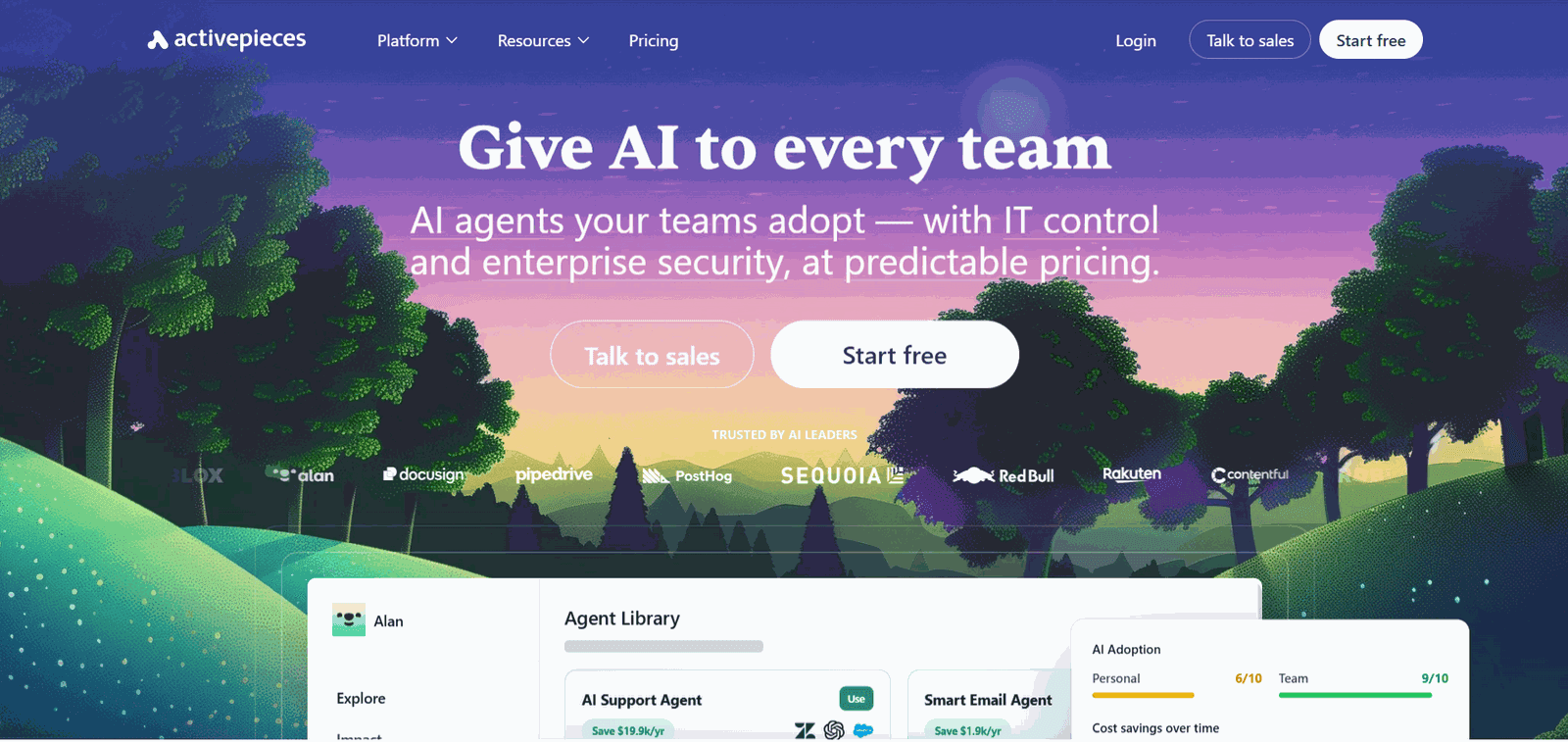
Activepieces is an open-source workflow automation tool with a visual builder. It gives you a familiar way to connect apps and build flows, with the option to host everything on your own infrastructure.
What changes when you use it
You control where workflows run: Host on your own environment
Data stays within your setup: You decide how it flows across systems
Integrations can be extended: Adjust connections based on your needs
Workflows stay easy to build: Visual builder keeps the process simple
Why does it work better than Gumloop in this case
Gumloop is designed around AI-driven workflows that work well when the focus is on logic within the flow. Activepieces becomes a better fit when control over execution and data matters more. It’s the middle ground between fully autonomous AI workflows and programmatic workflows.
Hosting workflows yourself gives you visibility into how they run and removes dependency on a managed platform. This is useful when workflows connect to internal systems or need tighter control over data handling.
**Best for: **Use Activepieces when your workflow needs control over hosting, data flow, and integrations as it grows
7. Relay.app
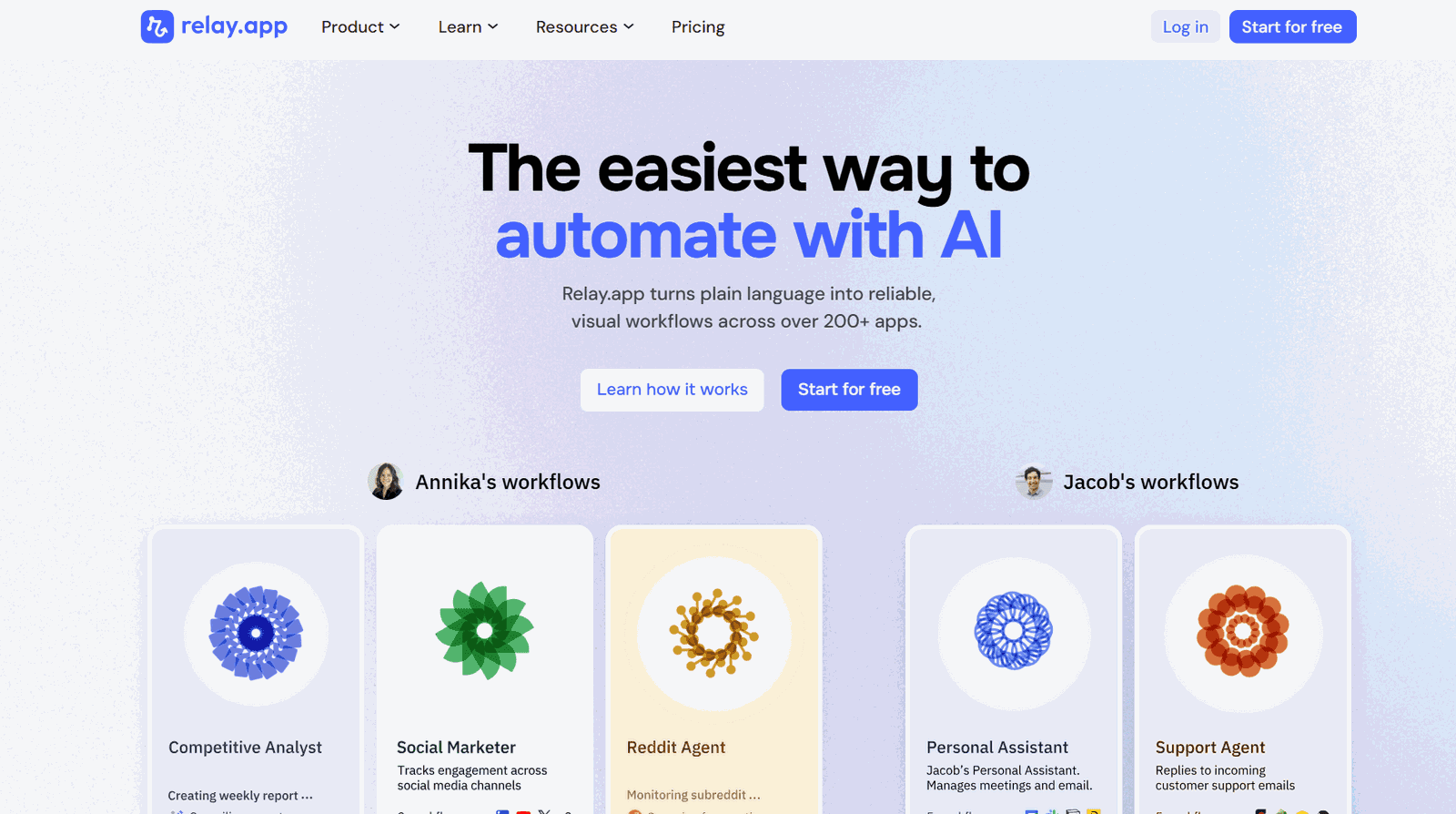
Relay is a workflow tool built around clarity. It keeps each step visible and easy to follow, with optional AI steps that fit into the flow rather than driving it.
What changes when you use it
Workflows stay readable: Each step is clear, so you can see what is happening without tracing through layers
Faster iteration: Small changes can be made and tested quickly
AI fits into the flow: Use AI for specific steps like summarising, drafting, or classification
Easier handoff: Workflows can be understood and managed by others on the team
Why does it work better than Gumloop in this case
Gumloop centres the workflow around AI decisions. That works well for flexible tasks, but it also means more time spent shaping prompts, checking outputs, and handling edge cases when results vary.
Relay takes a different approach. The workflow stays structured, and AI is used for defined steps inside that structure. That makes it easier to reason about what the workflow is doing and adjust it without reworking the whole flow. This becomes useful when the workflow needs to stay clear, easy to maintain, and accessible to others who did not build it.
**Best for: **Use Relay when your workflow needs to stay readable, easy to adjust, and manageable across a team
8. Lindy AI
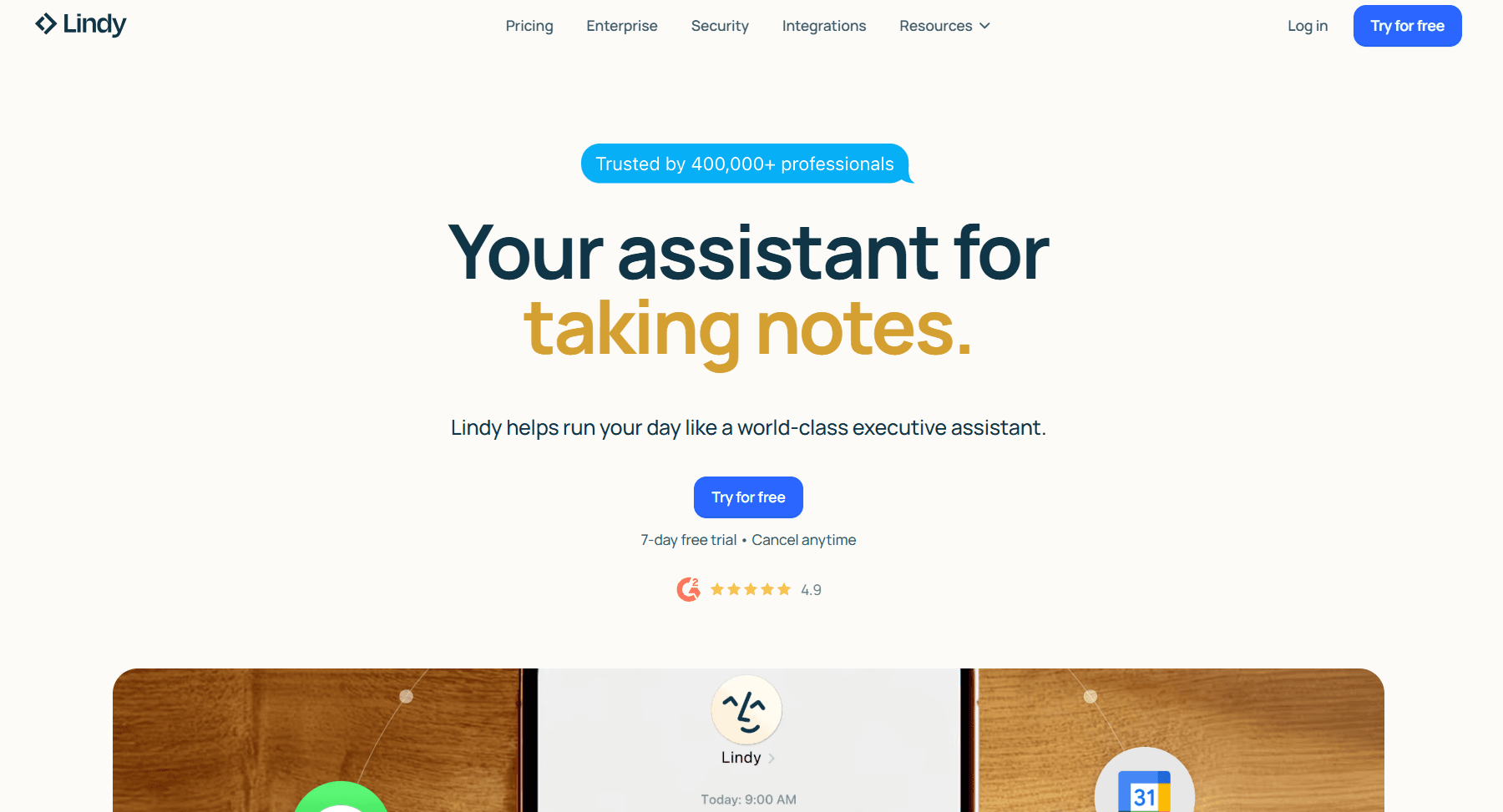
Lindy is a personal AI work assistant. Users delegate inbox triage, meeting attendance and notes, calendar scheduling, follow-ups, and admin work by texting Lindy through iMessage/SMS, the web app, or connected apps like Gmail, Outlook, Slack, HubSpot, Salesforce, and Zoom.
What changes when you use it
Delegation by text: Tasks can be assigned from a phone without opening a builder
Personal context: The assistant works across the user’s connected inbox, calendar, and CRM with their voice and preferences
Full meeting lifecycle: Prep before, notes during, follow-ups after
Outcome-driven, not flow-driven: Users describe results instead of mapping steps
Why does it work better than Gumloop in this case?
Gumloop is a workflow platform where teams build automations on a canvas. Lindy is an assistant who runs the recurring loop of professional work — email, meetings, calendar, follow-ups — across a single user’s connected tools.
The two solve different problems: Gumloop fits when teams want to design and own automations; Lindy fits when an individual or team wants to hand off recurring admin work to an AI assistant.
Best for: Use Lindy for personal admin and coordination across email, meetings, and the calendar — not for workflow design.
9. Vellum
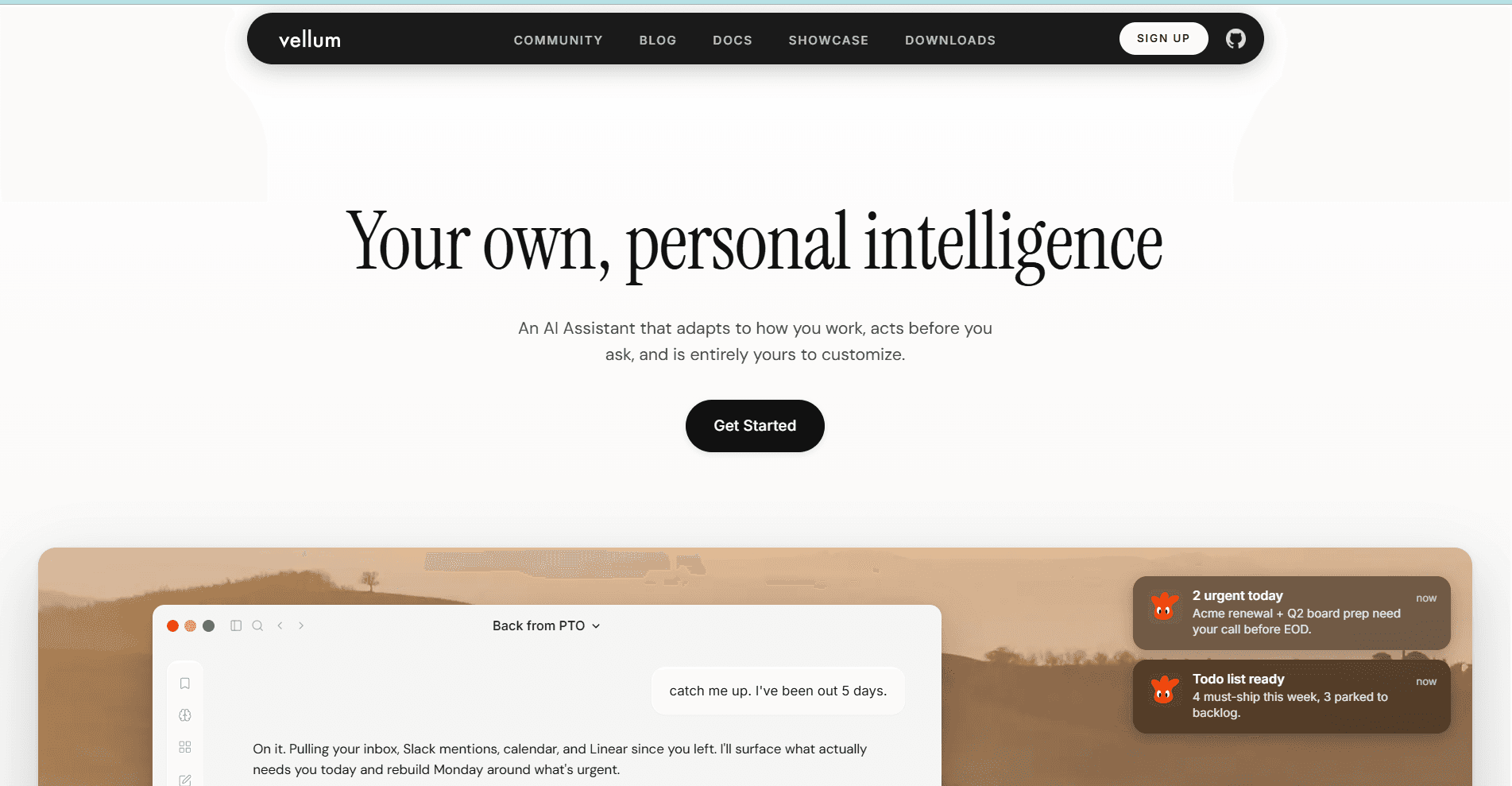
Vellum is built for teams running AI in production. It focuses on testing, versioning, and monitoring how AI behaves once workflows are live.
What changes when you use it
Prompt versioning: Compare prompts, models, and parameters side by side against test cases
Evaluation framework: Run hundreds of test cases with custom metrics or LLM-as-judge before deployment
Production monitoring: Track real-time performance of deployed prompts and workflows
Workflow orchestration: Chain prompts, business logic, APIs, and tool calls with version control
Why does it work better than Gumloop in this case?
Gumloop is built for shipping AI automations across a team, with the canvas as the place where workflows are designed and run. Vellum sits one layer deeper, focused on the prompts and AI logic inside those workflows. It gives engineering and product teams the tools to test prompts and model combinations, deploy with version control, and watch how AI behaves once it’s live.
The two are not direct substitutes. Teams pick Gumloop when the goal is to let non-technical users build automations. Teams pick Vellum when the AI logic itself is the product and needs the same rigour as any other production system — testing, releases, monitoring, rollback.
Best for: Use Vellum when AI outputs are core to your product and need to be evaluated, deployed, and monitored with the same discipline as software releases.
10. Pipedream
Pipedream sits between a workflow tool and a backend. It lets you write code, call APIs, and connect services, all inside an event-driven workflow.
What changes when you use it
Code inside workflows: Write JavaScript or Python for each step
Direct API access: Connect to any service, not just prebuilt integrations
Event-driven execution: Trigger workflows based on real-time events
Fine control over data: Transform and route data at each step
Why choose it over Gumloop?
Gumloop is designed around structured workflows with AI steps. That works well when integrations are available, and the flow can be defined clearly.
Pipedream becomes useful when the workflow depends on APIs not covered by standard integrations or when it requires logic beyond predefined steps. You can write exactly what each step should do, which removes the need to work around tool limitations.
This makes it a better fit for workflows that behave more like backend processes than visual automations.
**Best for: **Use Pipedream when your workflow depends on APIs, custom code, and event-driven execution across services.
11. Workato
Workato is an enterprise automation platform designed for large-scale workflows across business systems. It focuses on reliability, governance, and deep integrations with enterprise tools.
What changes when you use it
Deep enterprise connectors: Pre-built integrations for Workday, NetSuite, SAP, ServiceNow, Salesforce, and other systems of record
Governance: Role-based access, environment promotion, audit trails, and centralised recipe management
Scale: Built to run high-volume, mission-critical workflows across business units
AI agents: Genie agents work alongside automation recipes for natural-language interfaces to enterprise data
Why does it work better than Gumloop in this case?
Both Gumloop and Workato are used inside enterprises, but they enter the organisation from different directions.
Gumloop is bottom-up — individual employees and teams build automations on a canvas, often without IT involvement. Workato is top-down — IT and integration teams own the platform, model the systems of record, and grant access to business units.
That changes the workflows each is suited for. Gumloop fits AI-driven, fast-moving automations owned by the people who use them. Workato supports cross-system processes that require IT oversight, formal change management, and integration with enterprise systems where downtime or bad data has real costs.
Best for: Use Workato when workflows span enterprise systems of record, need IT governance, and serve multiple business units with formal access control.
Also read: Workato Alternatives
How to Choose the Right Alternative
The choice becomes clearer once you look at where your workflow starts to break.
If the issue shows up at the integration layer, where multiple tools need to work together reliably, tools like Composio or Workato make more sense.
If the workflow itself is well-defined and needs to run the same way every time, Zapier or Make is a better fit. If the workflow logic becomes the constraint and triggers and webhooks become important, n8n or Pipedream is a better fit.
If the challenge is AI behaviour and its performance in production, Vellum becomes relevant. If the workflow itself needs to shift toward personal execution, Lindy AI is a better direction.
The right choice depends on the constraint you are trying to solve, not just the features each tool offers.
Conclusion
Gumloop is part of a broader shift in how workflows are built. It brings AI into the process, making it easier to handle tasks that do not fit strict rules.
That works well up to a point. The limits show up in different places depending on the workflow. Sometimes it is integrations. Sometimes it is control over AI behaviour. Sometimes it is how reusable the setup is.
Tools like Composio highlight how the space is evolving. Instead of focusing solely on workflows, they aim to provide AI with reliable access to tools and actions across systems.
Each alternative in this list focuses on one of those areas. There is no single replacement that fits every case.
The right move is to look at your workflow and identify the exact point where it starts to strain. The tool you choose should solve that specific constraint, not try to cover everything at once.
Frequently Asked Questions
Why look for a Gumloop alternative in the first place?
Gumloop works well for early, contained use cases — a few apps, a couple of AI steps, predictable inputs. The article’s argument is that workflows quickly break out of that shape: more tools come into play, integrations get brittle, and AI outputs need to remain consistent across messy inputs. At that point, you want a tool optimised for whatever is actually breaking — integration depth, custom code, governance, or agent-style execution — instead of a single hosted canvas.
Which Gumloop alternative is best for AI agents that need to take real actions across many apps?
Composio Connect. The article positions it as the layer between your AI and the apps your workflow depends on — a single MCP URL that plugs into Claude, Codex, ChatGPT, or a custom agent and exposes 1000+ pre-built integrations with auth, dynamic tool routing (so the model’s context stays clean), up to 50 parallel tool calls, and a remote bash tool the agent can use to write its own glue code. It’s harness-agnostic, which is the key difference from Gumloop’s hosted canvas.
Zapier vs Make vs n8n — how do I pick?
Pick based on the workflow’s shape. Zapier wins when reliability and app coverage matter most, and the flow is well-defined and repeatable. Make wins when you need branching, conditions, iterators, and tighter flow control. n8n (and Pipedream) win when you need real code, custom API calls, or backend-style logic — and n8n adds self-hosting if data control is part of the requirement. Activepieces is the lighter self-host option; Workato is the enterprise-governance option at the other end.
When should I choose an AI-first tool like Lindy AI or Vellum over a traditional automation tool?
Choose Lindy AI when the work is goal-driven and the agent needs to decide how to use multiple tools — sales call prep, lead research, “do this across these apps” tasks where the steps aren’t fixed. Choose Vellum when the AI itself is the production surface and you need to test, version, and monitor model behavior across changing inputs. Traditional tools (Zapier, Make, n8n) are still the right pick when the steps are deterministic, and you mainly need a reliable runner.

 Get started



