




What is MCP?
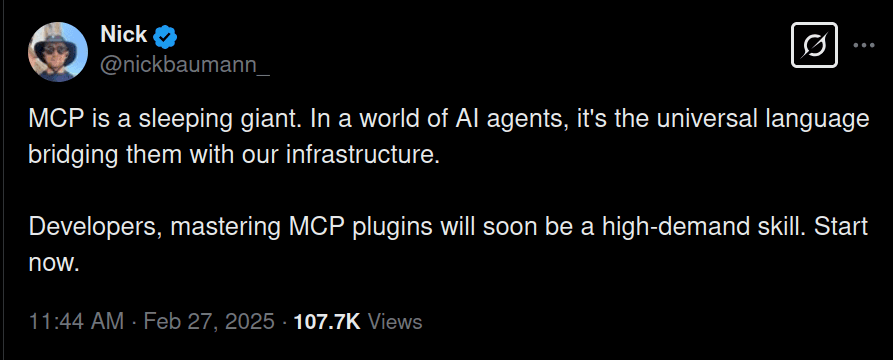
To define vaguely, MCP is an open protocol that standardises the integration of AI (e.g., large language models) with external data sources and services. It is basically a bridge that lets AI step outside its training data and interact with real-world data in real-time.
What exactly was missing in AI before MCP?
Before MCP, AI was powerful but limited to its training set. MCP servers let AI models fetch real-time data and also take action on it.
For example, if you ask AI, “What’s the stock market price of Meta right now?” it couldn’t tell you because it’s probably stuck with data from 2021.
What does MCP add to the AI?
By now, you should already have a bit of an idea of what MCP allows an AI model to do. But if not, let me clarify with an example.
It allows AI to connect to external data sources and become more context-aware, which is super powerful. Think of it as an upgrade that makes the AI go from “I can only tell you from what I have been taught” to “I can fetch live data, book your flights, and maybe even order pizza for you.”
Notice that it not only provides access to real-time data but also allows the AI to perform actions (make changes) in your system.
For a more detailed explanation of MCP, check out this article: What is Model Context Protocol (MCP): Explained.
Setup MCP server in Cursor & Windsurf (Using Composio)
Here, I will show you how you can use Composio to add MCP support in both Cursor and Windsurf using Composio’s Notion integration. Check out all available integrations at mcp.composio.dev.
Add Notion MCP support in the Cursor.
Follow these steps to install MCP support in Cursor:
Go to connect.composio.dev
Click on Install besides Cursor
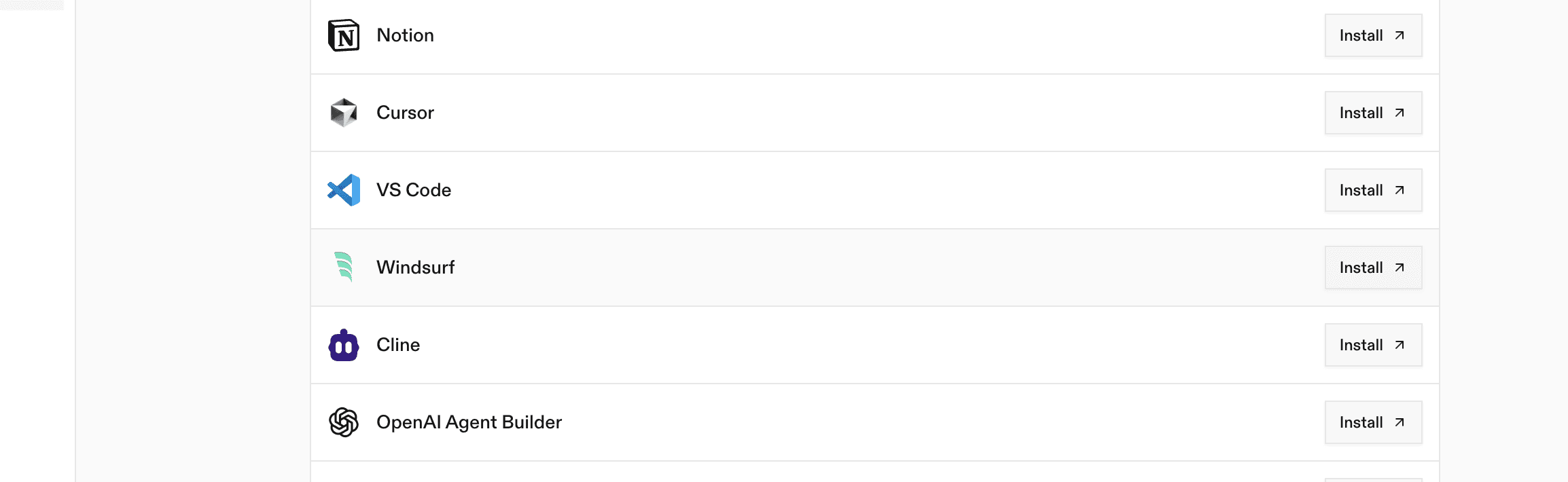
That's it! You can now use Notion MCP actions directly within Cursor. 🎉
Okay, now let’s see if we can use Notion MCP integrations to fetch Notion page content within Cursor.
Add Notion MCP support in Windsurf
It is also fairly simple to set up an MCP server in Windsurf. First, ensure Node.js is installed on your machine.
Generate the command from connect.composio.dev under Windsurf.
Click on the button corresponding to Windsurf
Okay, now let’s see if we can use the notion MCP integrations, like fetching a list of notion pages.
Here’s a quick demo:
Real-world use case testing
Now that we know how to get MCP working on both IDEs, let's do a quick test on a real-world scenario using their default models.
Prompt: Create a linear issue under a given project, change the label to “TODO,” add a sample comment under the issue, and once everything is done, message about the issue creation status on a Slack channel.
First, make sure you set up Slack and Linear similarly to how we set up Notion.
Linear and Slack MCP Integration in Cursor
Cursor just did everything correctly by triggering the correct MCP actions.
It was able to create a Linear ticket, add comments, label the issue as I asked, “TODO,” and successfully message the issue creation status in the Slack channel, all perfectly.
Linear and Slack Integration in Windsurf
Windsurf ran into several issues and failed to fully execute some tools, but it still completed the overall job. It was a bit slow and ran the same tool twice, leading to two issues with the default label.
Definitely not the best experience, and it feels more amateur than Cursor MCP support.
Comparison
Cursor and Windsurf both did what I asked. Cursor was perfect on that, while Windsurf somehow got it working but mistakenly created two different issues on the same topic and couldn’t label them correctly.
Cursor was able to call LINEAR_LIST_LINEAR_STATES MCP actions to fetch the labels for the issue labelled “TODO” correctly.
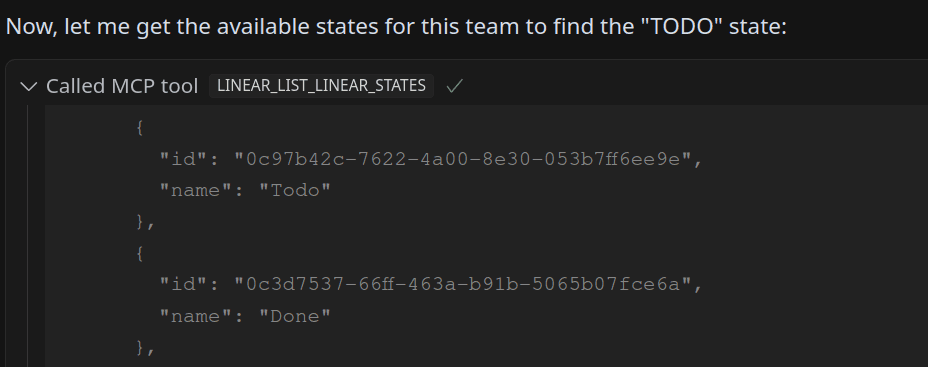
Then, the issue was created with the proper
addition.

Windsurf didn’t even call that action to get the state_id for “TODO” and simply created the issue with no state_id which made the issue have the default label.
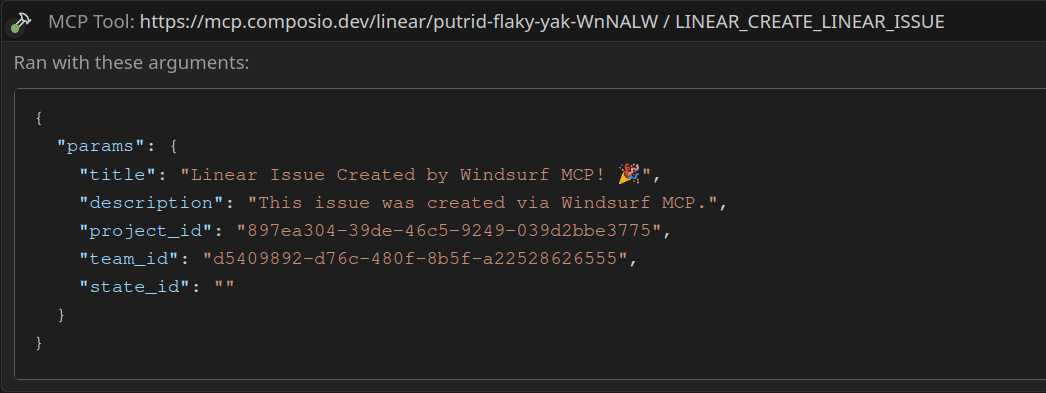
It’s fair to say that Cursor was a bit better than Windsurf in this quick test.
Conclusion
We can not tell which one is better than the other just yet. The entire MCP system is still in its early stages and will become more robust over time. The MCP ecosystem is poised to grow exponentially in the coming months. It will be interesting to see how the AI landscape changes with it.

 Get started



