




Codex plugins are in a weird state right now.
They’re still early, but there are already a few that feel genuinely useful. Not because they look fancy in a plugin directory, but because they make Codex better at actual development work.
That’s the part I care about more.
Can it plan before changing files? Can it pull the right docs instead of guessing an API? Can it understand a messy repo before making edits? Can it review sensitive code with a little more structure? Can it connect to the tools where your work already lives?
That’s what makes a Codex plugin worth trying.
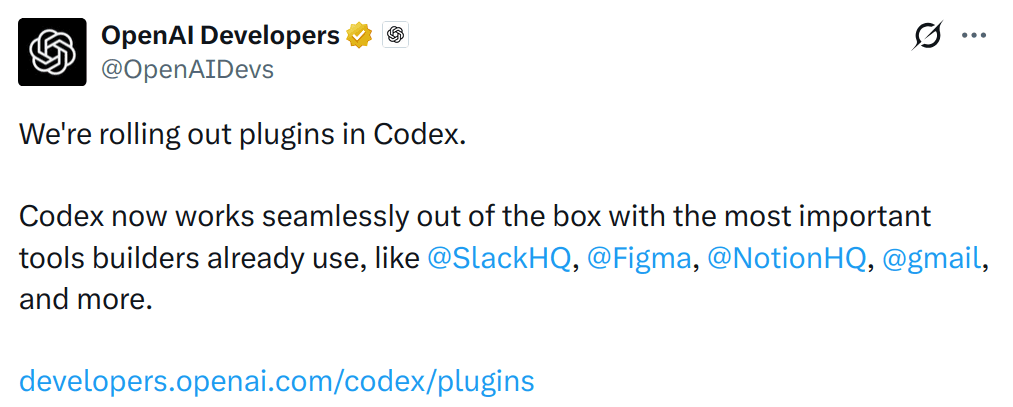
⚠️ Quick note: Not everything here is a first-party OpenAI plugin. Some are official Codex plugins, while others are MCP servers, skill packs, or plugin-style tools that fit naturally into a Codex workflow.
Also, the order doesn’t really matter. This isn’t some scientific ranking. These are just the ones I think are actually worth looking at.
TL;DR
If you just want the useful picks, here’s the list:
Superpowers: Adds a proper agent workflow around planning, execution, review, and verification.
Composio: Lets Codex connect to real tools and apps without manually wiring everything yourself.
Matt Pocock’s Skills: A very practical set of engineering skills like
grill-me,to-prd,tdd,diagnose,zoom-out,andcaveman.Context7: Gives Codex fresh library docs so it stops guessing outdated APIs.
Trail of Bits Skills: Adds better security review and audit workflows.
GitNexus: Helps understand large codebases with repo graphs.
Build Web Apps: Helps Codex build, review, and prepare web apps with better guidance on frontend, deployment, and databases.
Overall, these are the kinds of Codex plugins and tools that make it better at actual software work, not just "writing more code".
How to install Codex Plugins
There are a few ways to install plugins, depending on the type of plugin or workflow you’re using.
For official Codex plugins, open Codex and go to the plugin directory.
In the Codex CLI:
/pluginsThen search for the plugin and install it.
Codex plugins can bundle skills, app integrations, and MCP servers, and the CLI plugin browser lets you browse, install, uninstall, and enable or disable installed plugins.
For custom plugin marketplaces, Codex supports adding a marketplace from the CLI:
codex plugin marketplace add owner/repoYou can also add a marketplace from a Git URL or a local marketplace folder.
For community skills or MCP-based tools, the install process depends on the project. Some use npm, some use marketplace commands, and some need manual MCP config.
💡 NOTE: After installing a plugin or skill pack, start a new Codex thread or restart Codex if it doesn’t show up properly.
ℹ️ Connects Codex to 1500+ external apps and handles all the authentication workflows.

It’s exciting because it solves one of the most annoying problems with coding agents: properly connecting them to the outside world.
A lot of dev work doesn’t happen only inside the repo. It’s spread across GitHub, Linear, Slack, Notion, Jira, Gmail, docs, internal tools, and whatever else your team uses.
That's where Composio becomes useful.
Instead of manually wiring every single tool or building one-off MCP servers for everything, it gives agents access to 1500+ external apps, with auth and tool execution handled much more cleanly.
What it does
Connects Codex workflows to external tools and apps
Allows adding multiple accounts to your apps, like Gmail, where you can add personal@gmail.com and name@company.com, and work seamlessly.
Useful when your task needs context outside the local repo, like Linear or Jira
Helps avoid manually building integrations for every app
Think of it as the layer that connects agents to the tools you use.
One of the best things to use with Codex.
Install
Install the Composio CLI:
curl -fsSL https://composio.dev/install | shOpen a new terminal, sign in, and configure it for Codex:
composio login
composio setup --target codex
If setup is being run non-interactively:
composio setup --target codex --yesYou can then ask Codex to do things such as:
“Summarise my unread Gmail messages.”
“Create a Linear issue from these notes.”
“List the GitHub pull requests waiting for my review.”
“Post this deployment update in Slack.”
You don’t need Composio for every coding task. But once a workflow needs information or actions outside the local repository, it becomes one of Codex's most useful additions.
See the official Composio CLI documentation for the full command reference.
Take your Codex beyond the codebase: dashboard.composio.dev
2 . Superpowers
ℹ️ Adds a structured agent workflow on top of Codex
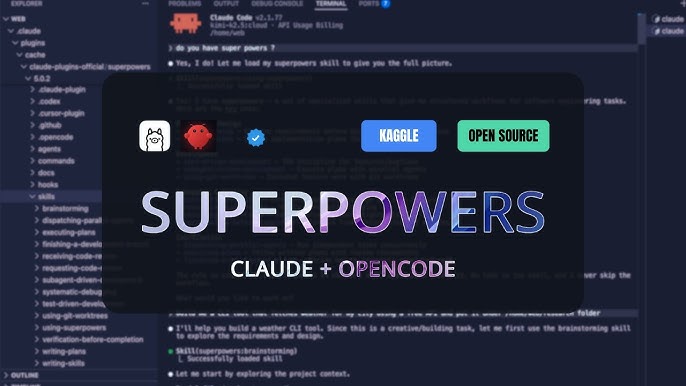
It is an entire workflow layer for coding agents. It gives the agent a better way to plan, work, verify, and avoid doing random nonsense halfway through the task.
The model starts strong, then suddenly it’s editing six files, making assumptions, and writing tests for behavior nobody asked for. Superpowers tries to put some structure around that.
What it does
Adds a more disciplined workflow for agentic coding
Helps with planning, implementation, review, and verification
Useful when you want Codex to work more like a careful developer
Superpowers is also available through the official Codex plugin marketplace, so setup is pretty simple from Codex CLI or the Codex app.
Install
In Codex CLI:
/pluginsSearch for:
superpowersThen simply select and install the plugin.
For the Codex app, open Plugins from the sidebar and look for Superpowers in the Coding section.
This is my personal favourite and the one I install first when working with Codex.
2.
3. Matt Pocock's Skills
ℹ️ A practical set of small engineering skills for real coding work

This one is fun because it feels like it was made by someone who actually uses coding agents every day.
I know this TypeScript guy, and he's really good at what he does.
Not a giant framework, just a bunch of practical skills that help the agent behave better.
Some of the most useful ones are:
grill-megrill-with-docsto-prdtdddiagnosezoom-outcaveman
These are also some of the top community picks (especially Reddit), especially they're not trying to take over your entire workflow. Just improves common tasks.
What it does
Helps clarify requirements before implementation
Helps turn ideas into better product docs or PRDs
Adds TDD and diagnosis workflows
Gives you small reusable skills instead of one giant framework
And a lot more...
the grill-me style is probably the most easiest one to understand.
Before Codex starts coding, it asks better questions. Which sounds basic, but it solves a lot of confusion.
Install
The repo recommends using the skills installer:
npx skills@latest add mattpocock/skillsThen pick the skills you want and run:
/setup-matt-pocock-skillsIt has so many more options; just install your picks.
4. Context7
ℹ️ Gives Codex up-to-date library docs and code examples.
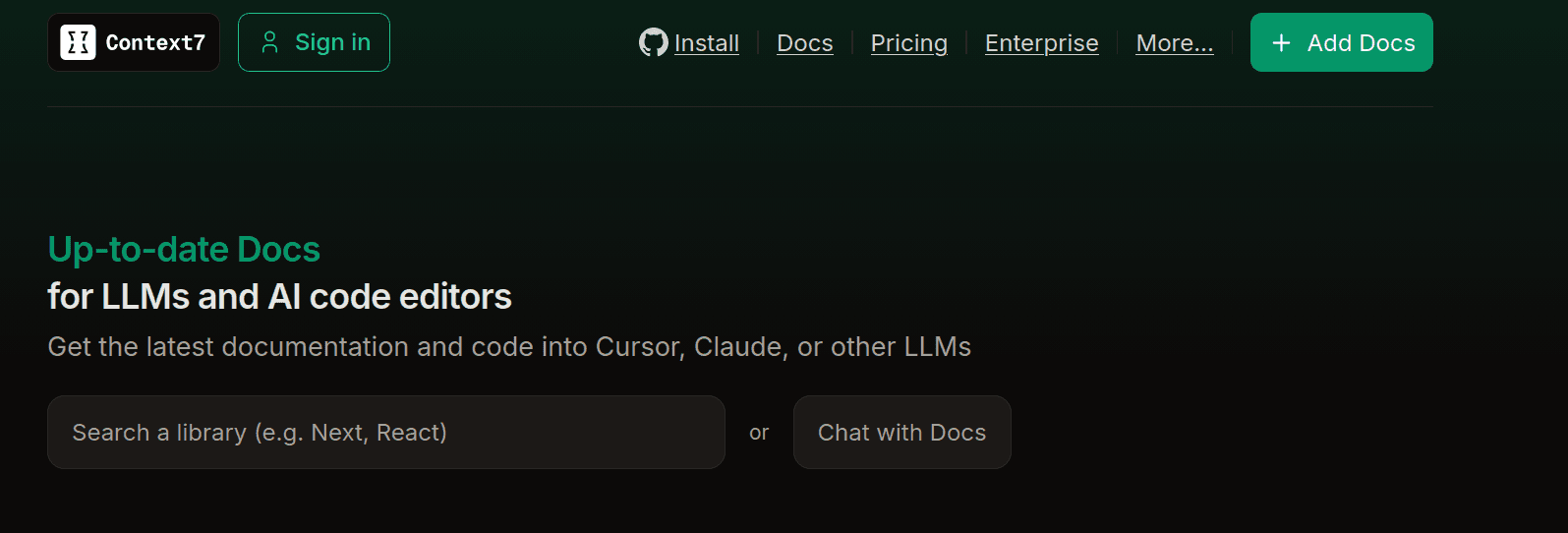
This one is almost mandatory if you use Codex for coding (which I guess you do).
Because coding agents are too confident about APIs that changed three versions ago.
Context7 helps fix that by pulling fresh, version-specific documentation and examples into the agent’s context.
What it does
Fetches current docs for libraries and frameworks
Helps avoid outdated APIs and hallucinated functions
Works especially well with MCP-compatible agent setups
The best part is how natural the workflow feels.
You can ask something like:
Build this using the latest Next.js middleware docs. use context7And now Codex has a much better chance of using the right API instead of whatever it remembered from training data.
Install
If you’re using MCP, Context7 can be configured as an MCP server.
The manual MCP URL is:
https://mcp.context7.com/mcpOne of the most important tools you'll ever use along with any coding agent.
5. Trail of Bits Skills
ℹ️ Adds security-focused review, audit, and vulnerability workflows.
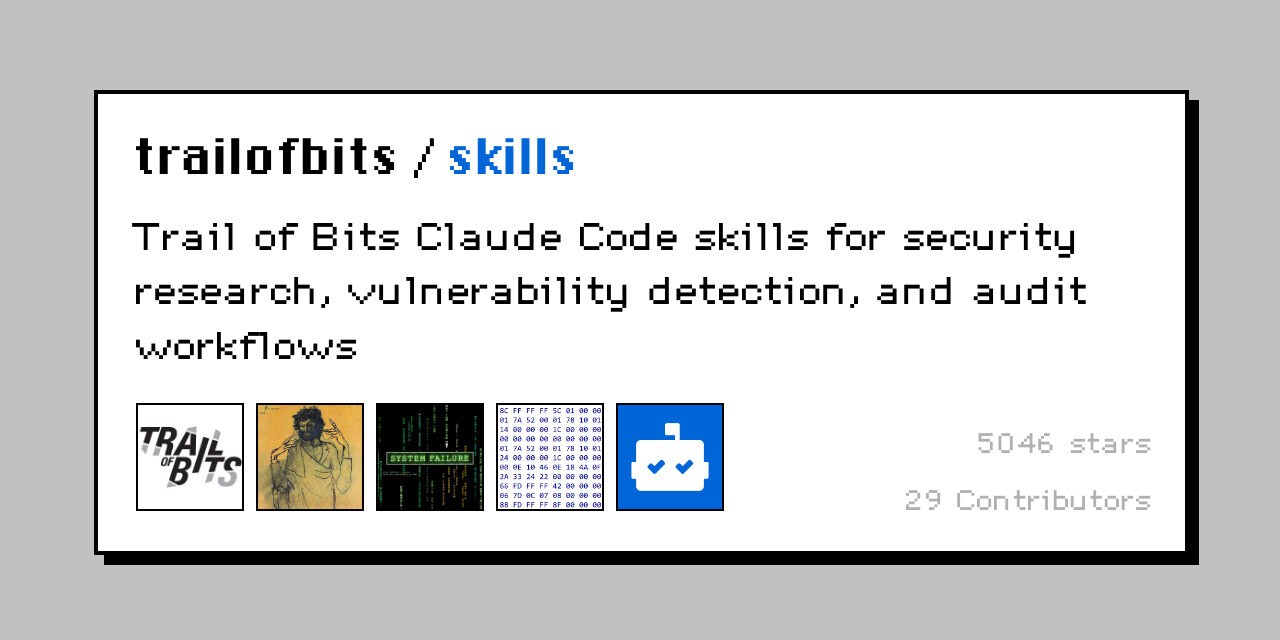
This is probably the most serious one on the list and is not a regular Codex marketplace plugin.
It started as a Claude Code security skills repo, but it now includes Codex-native under .codex/skills, so you can use it with Codex.
Their skills are focused on security analysis, testing, vulnerability detection, and audit workflows.
This is exactly the kind of thing AI coding agents need more of.
Because generating code is easy. Generating code that doesn’t quietly introduce a security issue is the harder part.
What it does
Helps with security-focused code review
Helps detect risky code and vulnerabilities
Gives Codex more structured security guidelines
This isn't something I'd use for every tiny change.
But if you’re touching auth, permissions, payments, user data, or anything sensitive, having a security workflow around Codex is a very good idea.
Install
Installing is as simple as:
git clone https://github.com/trailofbits/skills.git ~/.codex/trailofbits-skills
~/.codex/trailofbits-skills/.codex/scripts/install-for-codex.sh
For Codex, I’d treat this as a plugin-style skill pack to adapt into your agent setup.

6. GitNexus
ℹ️ Helps understand large codebases with a client-side knowledge graph and Graph RAG agent.

Sounds a lot complex, but is not.
GitNexus is for the part of coding agents that still feels painful: understanding a big repo.
Small projects are easy. Codex can scan a few files, figure out the structure, and make a decent change.
Large repos are different.
There are hidden dependencies, weird naming conventions, old patterns, dead files, shared utilities, and that one folder nobody touches because it breaks prod every time :D.
GitNexus tries to help by creating a code intelligence graph from a GitHub repo or ZIP file.
What it does
Turns a repo into an interactive code graph
Helps explore unfamiliar codebase
Gives agent better structural context
Runs client-side, which is pretty nice
It fits the Codex workflow really well because repo understanding is one of the places where agents still need help.
7. Build Web Apps
ℹ️ Helps Codex build, review, and prepare web apps with better frontend
This is probably the most “normal developer” plugin on the list.
Not everyone is building MCP servers or doing security audits every day. But a lot of us are building web apps, fixing UI issues, cleaning up React components, adding database stuff and all that stuff
That’s where Build Web Apps is useful.
It gives Codex a more focused workflow for web app work instead of just telling it, “build this app,” and hoping it doesn’t create five random abstractions.
What it does
Helps build and review web apps
Useful for React and frontend-heavy work
Helps with UI, deployment, and database workflows
Works nicely when paired with deployment plugins like Vercel
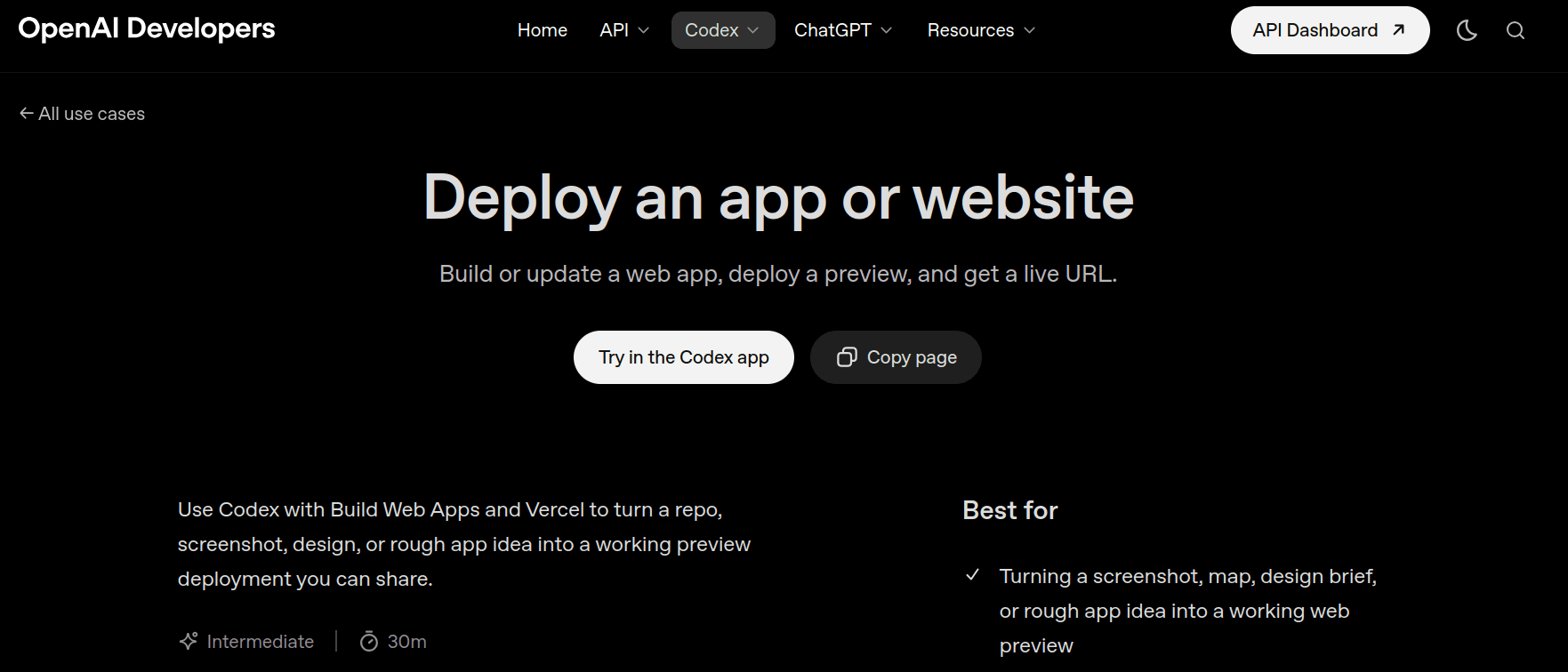
💁 OpenAI’s own Codex docs mention using Build Web Apps with Vercel to turn a repo, screenshot, design brief, or rough app idea into a working preview deployment.
Install
Since this is a proper Codex plugin, install it from the plugin directory.
In Codex CLI:
/pluginsSearch for:
Build Web AppsThen just select it and install the plugin.
For example:
Use @build-web-apps to clean up this app, then use @vercel to deploy a preview and return the live URL.It just helps Codex do the kind of web app work developers actually ask it to do all the time.
Wrap Up!
I wouldn’t install all of these at once. That’s usually how people make their agent setup worse, not better.
Start with the pain point you actually have. If Codex feels too messy, try Superpowers. If it keeps guessing outdated APIs, add Context7. If you want it to work across real tools and not just local files, look at Composio.
For everything else, add slowly.

Security workflows, repo understanding, and custom skills are all useful, but only when they match the kind of work you’re already doing.
That’s really the whole point.
That’s where Codex plugins get useful. Not when they add more noise, but when they help Codex plan better and understand more context.
That's what actually matters.

 Get started