




TL;DR: Best AI Apps at a glance
# | Tool | Category | Best For | Pricing | Why It Deserves a Place |
|---|---|---|---|---|---|
1 | ChatGPT | General-purpose AI | Writing, research, code, voice, images | Free, Go $8/mo, Plus $20/mo, Pro $100/mo or $200/mo | The broadest AI workbench for everyday users and teams |
2 | Claude AI | Deep work assistant | Long documents, serious writing, code review, reasoning | Free, Pro $20/mo, Max $100/mo or $200/mo, Team from $25/user/mo | Best-in-class for careful reasoning, long context, and high-quality writing |
3 | Composio | Agent action layer | Connecting AI agents to real apps | Free tier, paid plans at composio.dev | Gives Claude, ChatGPT, Cursor, and Codex real-world tool access |
4 | Cursor | AI coding editor | Writing and shipping production code faster | Free limited, Pro $20/mo, Business $40/user/mo | The strongest AI-native IDE for developers who still want control |
5 | Wispr Flow | Voice-to-text AI | Dictation, writing by voice, replacing typing | Free Basic, Pro $15/mo or $12/mo annually, Enterprise custom | Turns voice into polished text across almost every app |
6 | Granola | AI meeting notes | Call summaries, action items, searchable meeting memory | Free Basic, Business $14/user/mo, Enterprise $35/user/mo | Bot-free meeting notes that feel natural and useful |
7 | Suno | AI music generation | Custom songs, demos, creator soundtracks | Free, Pro $10/mo, Premier $30/mo | The breakout text-to-song app for creators and non-musicians |
8 | Midjourney | AI image generation | Editorial visuals, concept art, cinematic images | Basic $10/mo, Standard $30/mo, Pro $60/mo, Mega $120/mo | Still the strongest image generator when aesthetics matter |
9 | Lovable | AI app builder | MVPs, prototypes, internal tools, landing pages | Free, Pro from $25/mo, Business from $50/mo | Lets non-engineers build usable software from plain English |
10 | Canva AI | AI design tool | Social content, presentations, marketing assets | Free, Pro $15/mo, Teams from $10/user/mo | The most practical AI design tool for non-designers |
11 | ElevenLabs | AI voice platform | Voice generation, cloning, dubbing, voice agents | Free, Starter $5/mo, Creator $22/mo, Pro $99/mo | The most convincing AI voice platform for creators and teams |
12 | Runway | AI video app | Cinematic video, VFX, professional creative production | Free limited, Standard $12/mo, Pro $28/mo, Unlimited $76/mo | The safest pick for serious AI video production |
1. ChatGPT: The General-purpose AI App
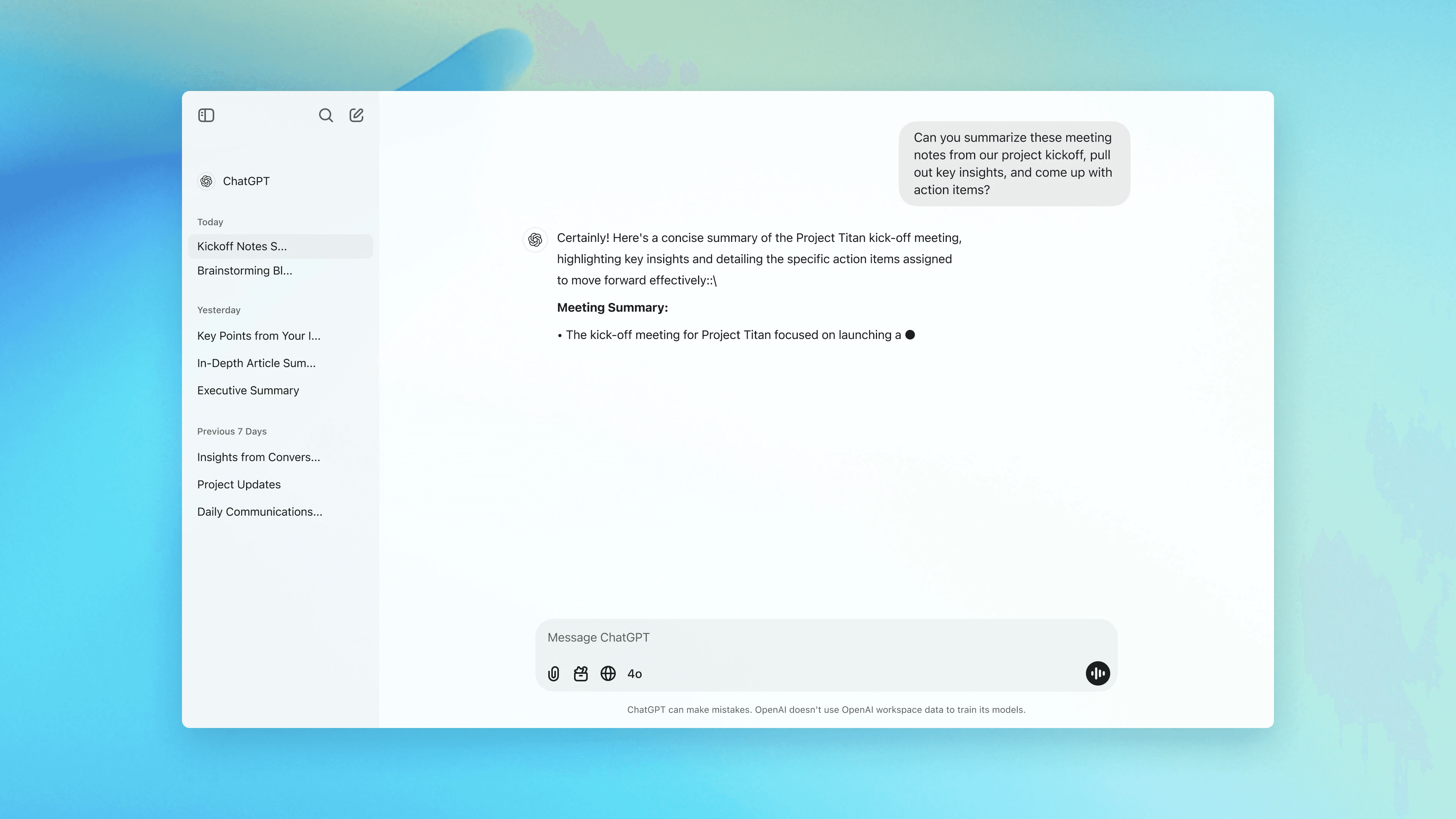
Best for: General-purpose AI: writing, research, code, voice, images
Pricing: Free | Go $8/mo | Plus $20/mo | Pro $100/mo or $200/mo | Business/Enterprise
It’s been 3 years, and ChatGPT is still the easiest AI app to recommend to almost anyone. It has almost become synonymous with AI applications. It’s truly Xerox Parc of our time.
It has become a near-everyday workbench for thinking, writing, researching, coding, analysing files, generating images, and talking through problems.
Pros
The biggest advantage is range. You can upload a PDF, summarise a messy document, run data analysis, generate an image, write code, browse the web, use voice, and work with connected apps from one interface. No other consumer AI product covers this much ground this cleanly.
For developers, Codex has made ChatGPT much more serious. It can plan changes, edit code, run tests, review diffs, and work across the app, CLI, IDE extension, web, and Slack. People who only use the chat box are missing a large part of what ChatGPT has become.
And if I'm honest, Codex might be the better product than ChatGPT. You can use it just like ChatGPT and also benefit from agents. Super-handy indeed.
ChatGPT is also the default AI app for most people now. That matters. The ecosystem around ChatGPT- custom GPTs, connectors, shared workflows, tutorials, and workplace adoption makes it easier to learn and easier to justify inside teams.
Cons
The main problem is still trust. ChatGPT can be extremely useful and still confidently wrong. It can cite weak sources, invent details, misunderstand a file, or produce code that looks clean but fails on edge cases. Anything legal, medical, financial, technical, or public-facing still needs verification.
Given how popular it is with the general audience, a major concern is mental health. “AI psychosis” is not a formal diagnosis, but clinicians are warning that long, emotionally intense chatbot conversations can reinforce delusions or paranoia in vulnerable users. ChatGPT is useful for reflection, but it should not be treated as a therapist, spiritual authority, or replacement for real human support.
The pricing gap can also feel awkward. The jump from $20 Plus to $100 in Pro can be too much for students and indie professionals in emerging countries.
News and recent updates
OpenAI’s momentum is why ChatGPT still ranks at the top of this list. In March 2026, OpenAI said it raised $122 billion at an $852 billion post-money valuation, while ChatGPT had more than 900 million weekly active users and over 50 million subscribers. OpenAI also said ChatGPT has far more web visits, mobile sessions, and time spent than the next largest AI apps.
The product is moving fast, too. Codex becoming generally available is one of the biggest updates because it expands ChatGPT from an assistant to an agentic work tool. For everyday users, ChatGPT release notes show how often OpenAI ships model, voice, memory, file, and tool improvements.
2. Claude AI: Best AI Apps with built-in agents
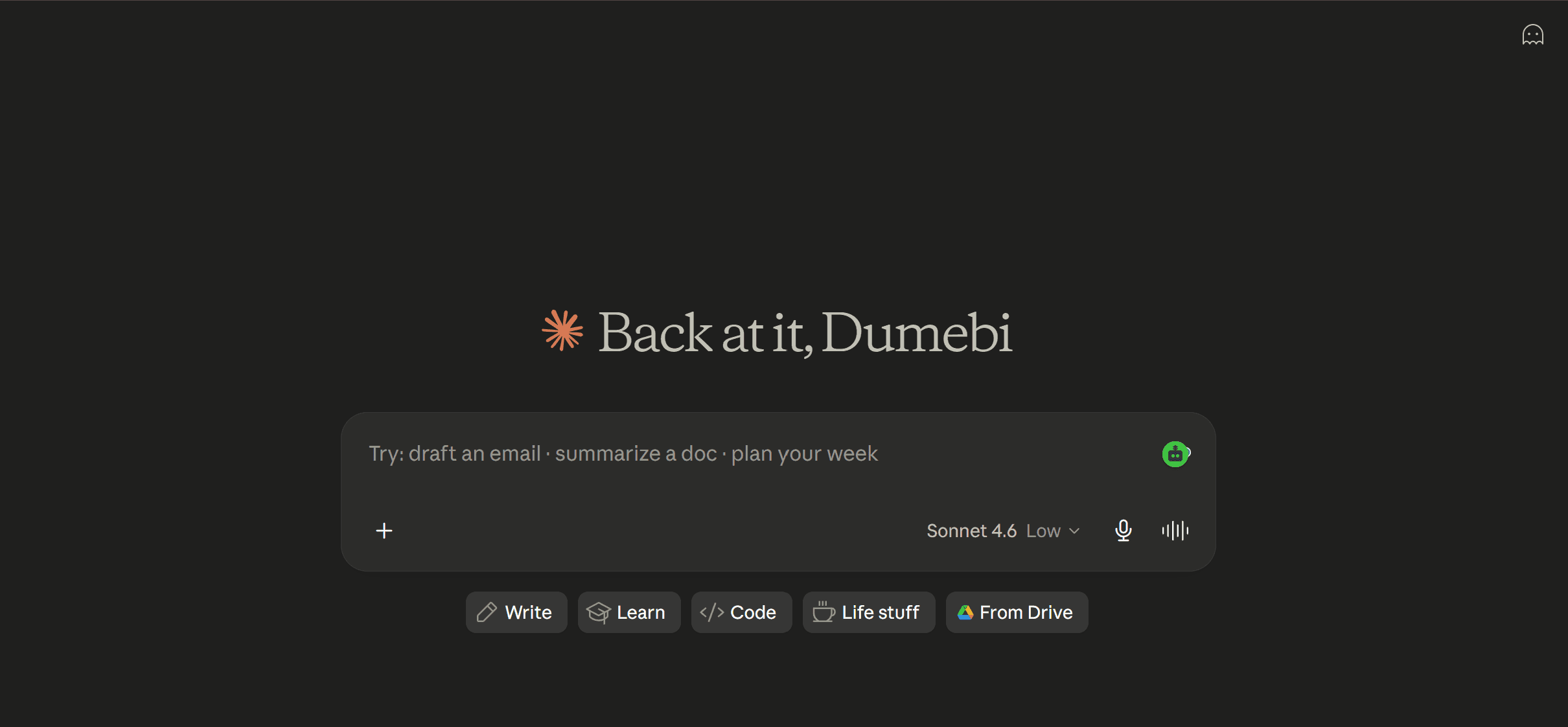
Best for: Long documents, serious writing, code review, research synthesis, complex reasoning
Pricing: Free | Pro $20/mo or $200/year | Max $100/mo or $200/mo | Team from $25/user/mo | Enterprise custom
It would be criminal not to add Claude here. I juggle between both Codex and Claude, just to get the best outcome. Opus 4.8 is still the best model out there for me, and that’s the reason Claude is here.
Pros
Claude is highly extensible: plugins, MCPs, skills, and routines; it supports them all natively. This is what gives it a sharper edge over ChatGPT. It just has a better user experience and ecosystem.
Claude is also one of the best tools for long-context work. Anthropic’s platform now supports very large context windows, with 1M token context generally available for Claude Opus 4.8 and Sonnet 4.6. In practice, that means Claude can handle entire reports, contracts, research packs, transcripts, or large codebases with less context loss than most assistants.
For developers, Claude Code has become a serious product, not just a side feature. It can read a repo, make changes, run commands, review code, and work through multi-step engineering tasks. Claude is also strong at pushback. It is more likely than most assistants to challenge a weak premise or point out when your request is underspecified.
Cons
Claude’s biggest weakness is its limits. The $20 plan is virtually useless if you do slightly more work than just conversations. $100 Max tier is the minimum to get things done. In comparison, ChatGPT with GPT 5.5 provides enough in its $20 plan.
It lacks image generation (if you like that) and is less stable and polished than ChatGPT.
It also carries the same mental-health caution that applies to all conversational AI. Claude can feel thoughtful and emotionally present, which is part of why people like it. But clinicians have warned that long, emotionally intense chatbot conversations can reinforce delusions, paranoia, or unhealthy attachment in vulnerable users. Claude is useful for reflection, but it should not be treated as a therapist, spiritual authority, or replacement for human support.
Pricing
Claude’s Free plan is for occasional use. Pro costs $20/month or $200/year and best fits regular individual users. Max has two individual tiers: $100/month for 5x Pro capacity and $200/month for 20x Pro capacity. Team plans start at $25 per member per month, or $20 per member per month billed annually, with a five-seat minimum. Team Premium costs $125 per member per month, or $100 billed annually, for heavier users. Enterprise pricing is custom.
News and recent updates
Fable and Mythos are headliners for Claude. After the Federal order, if you’re not a US citizen, you can’t use Claude Fable, the most capable model commercially available. It
Claude Code is the other big story. In its Series G funding announcement, Anthropic said Claude Code had grown to more than $2.5 billion in run-rate revenue, more than doubling since the start of 2026. More recently, Anthropic announced higher Claude Code limits and a compute deal with SpaceX, including doubled five-hour rate limits for Pro, Max, Team, and seat-based Enterprise plans.
Watch:
3. Composio: The Action layer for Claude and ChatGPT
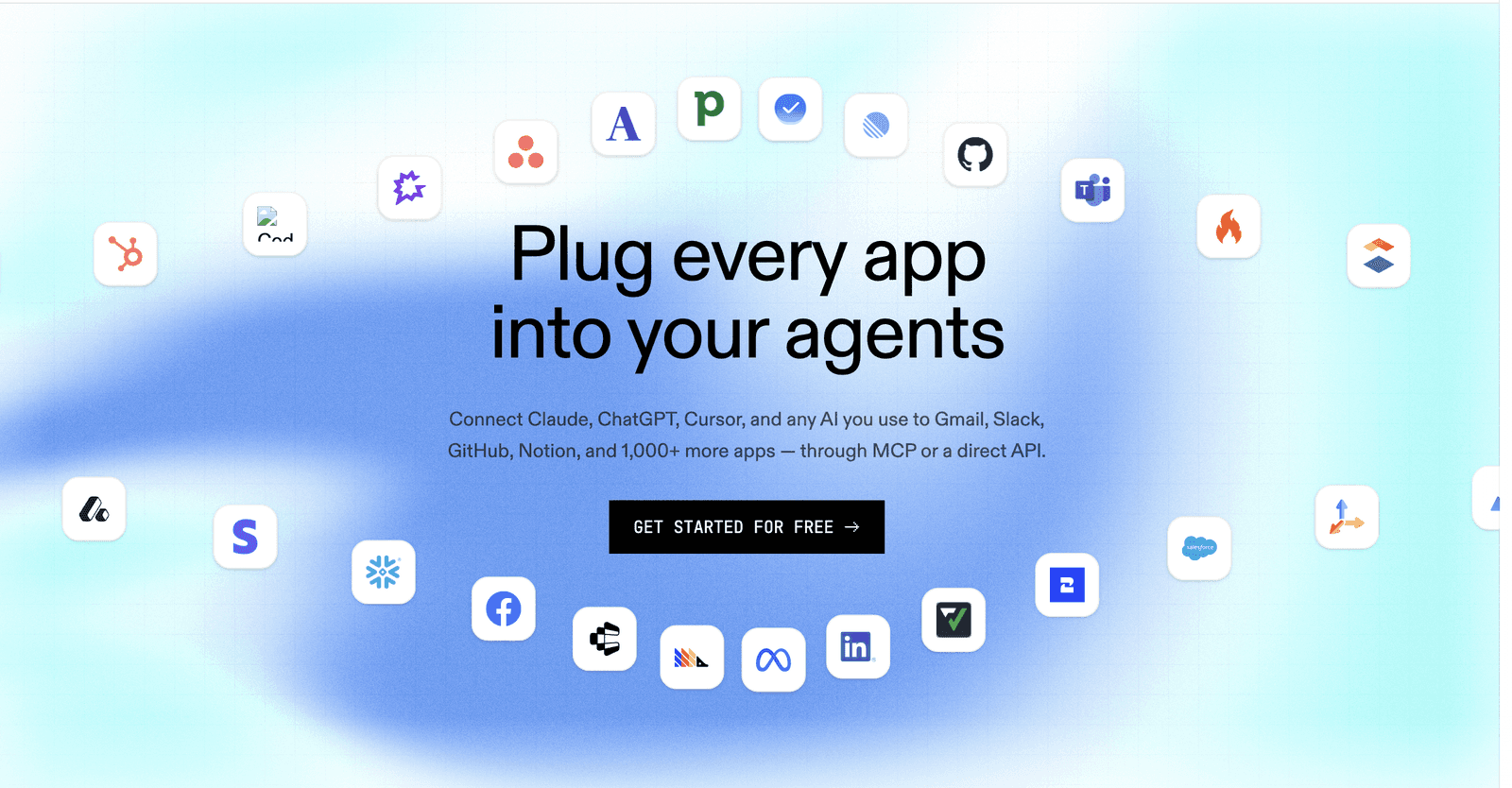
Best for: Connecting AI agents and LLMs to real tools with managed authentication
Pricing: Free tier | Paid plans at composio.dev
Well, I can’t live without this. If ChatGPT and Claude are your workspaces, you need the most reliable way to connect them to apps you actually use.
Composio offers an MCP server that allows you to connect Claude or ChatGPT to 1000+ applications, from Gmail and Outlook to HubSpot and Jira. This is what completes the agent loop.
Doesn’t matter if you’re a marketer, developer, GTM person, or just want to get shit done, Composio is the best tool out there.
Pros
The consumer tier is completely free. Composio doesn’t charge for your regular usage. You get an out-of-the-box connector for the apps you use, and it’s compatible with major AI platforms and tools. Composio intelligently routes your requests to the right app, so you don’t have to spend time on setting up integrations for multiple apps.
The other strong point is flexibility. Zapier is better for simple no-code automations, but Composio is better when you want an AI agent to decide which tool to use, call that tool, inspect the result, and continue the workflow. It is less “if this, then that” and more “give the agent the hands it needs.” That makes it especially useful for founders, operators, developers, and AI power users who want personal agents that can act across their real workspace.
Cons
Composio setup might require a basic understanding of technical concepts. Though it’s very minor. If someone just wants a simple assistant that books meetings or summarises emails, Composio may feel like infrastructure instead of an app.
Finally, reliability depends on the whole chain. Composio can manage authentication and tool execution, but the agent still has to choose the right action, pass the right inputs, interpret the result correctly, and avoid looping or doing something weird.
Pricing
Composio now uses usage-based pricing. The free plan is genuinely useful: $0/month with 20,000 tool calls per month and community support.
For builders who need more headroom, the $29/month plan includes 200,000 tool calls per month, email support, and extra calls at $0.299 per 1,000 calls. The $229/month plan is for heavier production usage, with 2 million tool calls per month, Slack support, and an overage rate of $0.249 per 1,000 additional calls.
Enterprise pricing is custom and aimed at teams that need dedicated SLAs, custom API volumes, custom user accounts, SOC 2 compliance, and VPC or on-prem deployment options.
So the simple version: Composio is free enough for most individual users and early experiments, cheap for serious builders, and only becomes an enterprise purchase when you are running agents at real scale.
4. Cursor: The Best AI Coding Editor
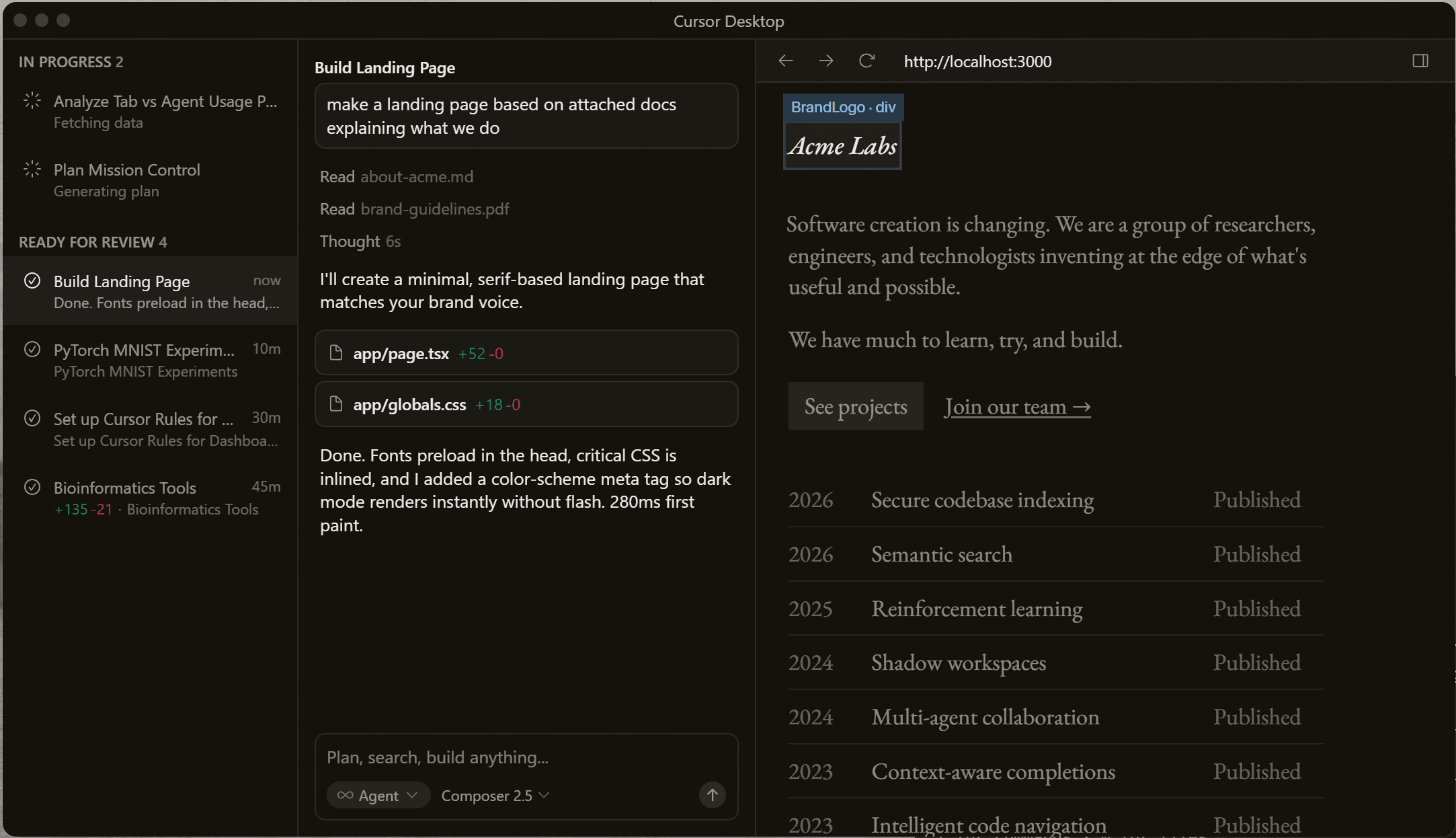
Best for: Writing and shipping code faster, from solo projects to production codebases
Pricing: Free (limited) | Pro $20/mo | Business $40/user/mo
Arguably, the first successful coding IDE. Michael Truell and fellow co-founders started building it in 2022. And it was not a coding editor at first. They started as an AI email companion and then pivoted to an AI code editor.
Pros
Cursor is the best of both worlds (pre-AI era IDE with built-in agents). Their tab-autocomplete is still the best way to code imho.
It is one of the most popular coding editors, with a very passionate user base. Even with Claude Code and Codex onslaught, they are still holding up pretty well and are actually growing.
And now, Anysphere Cursor’s parent company have been acquired for $60B by SpaceX/XAI. Cursor is now part of XAI and is essentially a frontier lab. They are working on their own model now, which is a natural progression. This will give them the same leverage as that of Claude Code and Codex.
Cons
The downsides are similar to any other AI coding tool out there. Given that coding with agents is super addictive, you will get super dependent on it soon, and then a lot of bad things happen. Bad code, security vulnerabilities, and the list goes on.
But in all honesty. These are not really cons, but rather things you need to adapt to and evolve. Just keep using your brain while you code.
Recent Updates and News
The biggest update is again the SpaceX acquisition. In their last showcase, Mike Truell showed they are working towards their own AI model.
G2 gives it 4.8/5 across 1,500+ reviews. Developers consistently describe it as the first tool that feels like it understands intent rather than just predicting the next token. And you get to code yourself while still benefiting from agents.
On X, Aakash Gupta's thread on Cursor's valuation trajectory, 125x in 19 months, captures how unusual the growth story is. The r/cursor community is full of developers sharing workflows that would have taken days before.
5. Wispr Flow: The Voice-to-text AI app
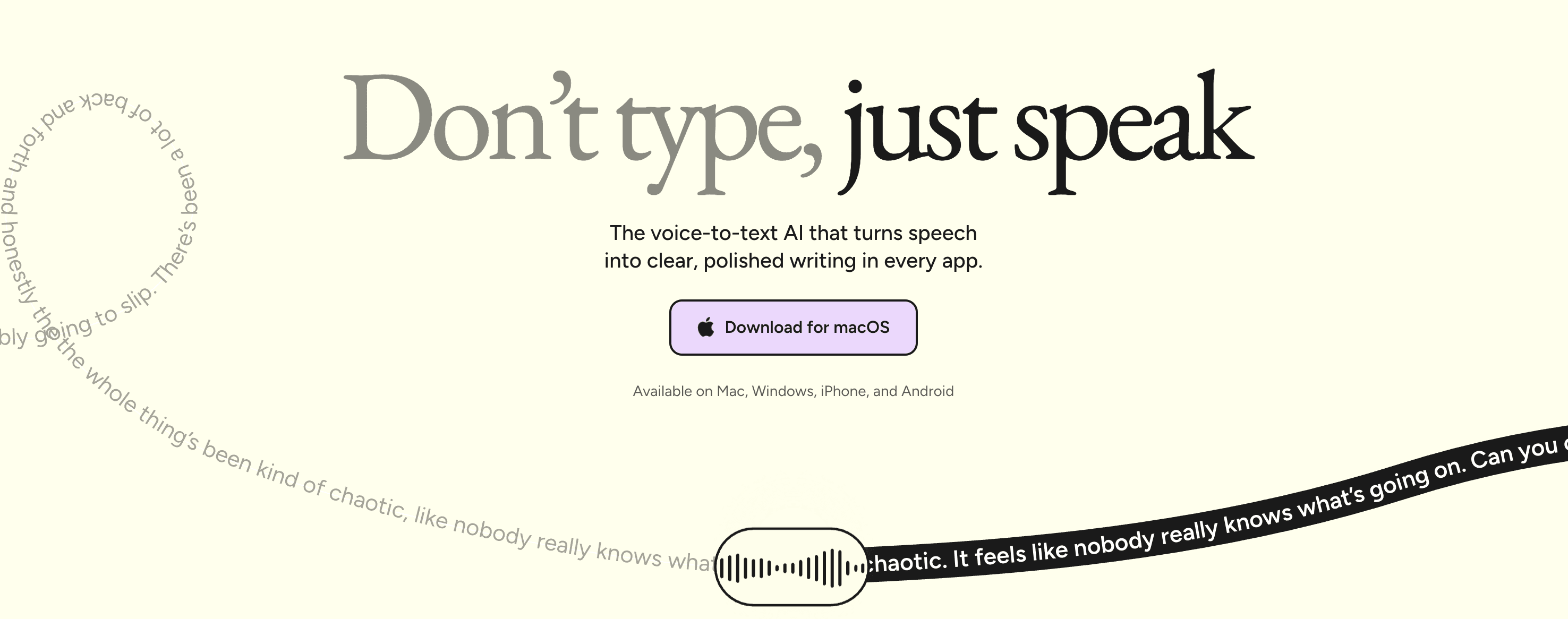
Best for: AI dictation, writing by voice, replacing typing across apps
Pricing: Free Basic plan | Pro $15/user/mo or $12/user/mo billed annually | Enterprise custom
Everyone at our office is a fan of Wispr Flow. This is the first AI-dictation app that works flawlessly. The dictation is top-notch, the latency is great, and the user experience is so intuitive.
Pros
Things that make it so addictive are that it cleans up filler words, adds punctuation, formats based on the app you are using, and turns rough-sounding thoughts into usable text. You can use it in Gmail, Slack, Notion, Google Docs, Cursor, ChatGPT, or almost anywhere else you type. For people who write all day, that changes the relationship with the keyboard pretty quickly.
The product now works across Mac, Windows, iPhone, and Android.
Cons
The obvious limitation is the environment. If you work in a quiet office, from home, or on solo tasks, Flow can feel like a superpower. If you work in shared spaces or spend most of your day in meetings, you may not use it enough to justify Pro. There is also a real hot-mic risk with any always-nearby dictation tool, and Business Insider’s review is a useful cautionary example. But for writers, founders, students, developers, and operators who spend all day in text boxes, Wispr Flow deserves a place on this list.
News and recent updates
Wispr Flow has also become one of the breakout AI productivity apps of the last year. TechCrunch reported that Wispr has raised $81 million total, reached a reported $700 million valuation, and grown quickly inside companies, with adoption across hundreds of Fortune 500 firms. The user feedback pattern is simple: once people get used to speaking instead of typing, they do not want to go back.
6. Granola: The Bot-free AI Meeting Notes App
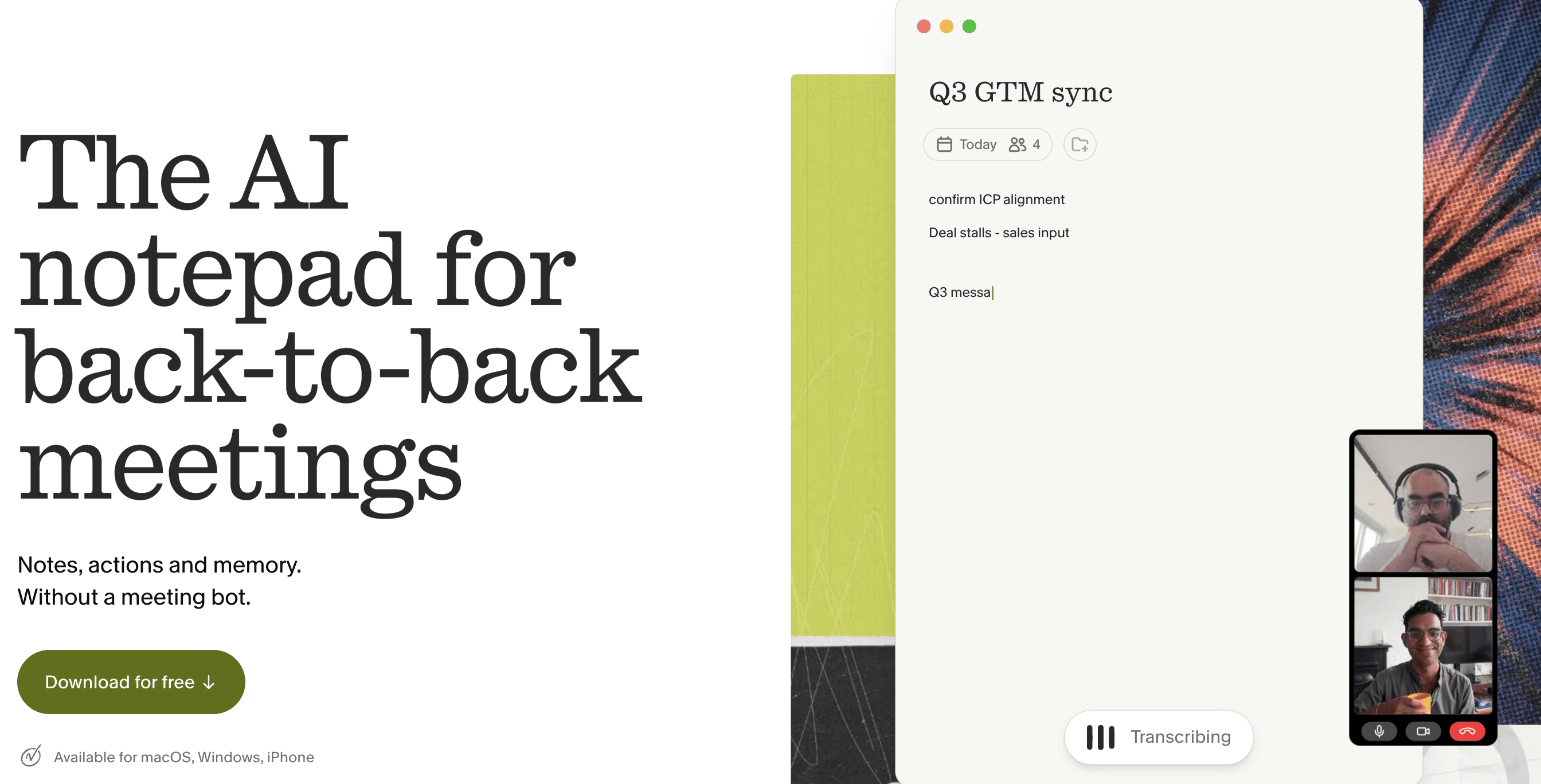
Best for: AI meeting notes, call summaries, action items, searchable meeting memory
Pricing: Free Basic plan | Business $14/user/mo | Enterprise $35/user/mo
This is the only meeting app I use, and it has never once let me down. It feels most native to how I actually work. The big difference from other apps like this is that it doesn't send a visible bot into your call. It runs quietly in the background, transcribes the meeting, and turns the conversation into structured notes you can edit, share, and search later.
Pros
You can stay focused on the conversation instead of typing notes the whole time. After the call, Granola gives you a clean summary with decisions, follow-ups, and useful context. It also blends your own rough notes with the transcript, so the final output feels less generic than most AI meeting tools.
The bot-free experience is the main reason people switch from Otter, Fireflies, and similar tools. No awkward “AI notetaker has joined the call” moment, which makes it especially useful for sales calls, user interviews, recruiting, investor meetings, product reviews, and internal strategy discussions.
Granola has also become more than a meeting recorder. You can chat across your meetings, use shared folders, customize templates, connect notes to tools like Notion, Slack, HubSpot, Attio, Affinity, and Composio, and use Granola MCP to bring meeting context into Claude, ChatGPT, Cursor, and other AI tools.
Cons
The biggest limitation is privacy hygiene. Because Granola captures real conversations, you need to be careful with sensitive meetings, sharing settings, and team policies. The Verge flagged that Granola notes could be viewable by anyone with a shared link by default, which is the kind of setting teams should review before rolling it out widely.
News and recent updates
Granola has experienced one of the sharpest surges in popularity in the AI productivity category. TechCrunch reported that Granola raised $125 million at a $1.5 billion valuation as it expands from a meeting notetaker into a broader enterprise AI app.
Recent updates added Briefs for meeting prep, smarter Granola Chat, team Spaces, API access, MCP integrations, and better enterprise controls. The direction is clear: Granola does not just want to summarise meetings. It wants to become the memory layer for all the conversations your company keeps forgetting.
7. Suno: The AI Music Generation App
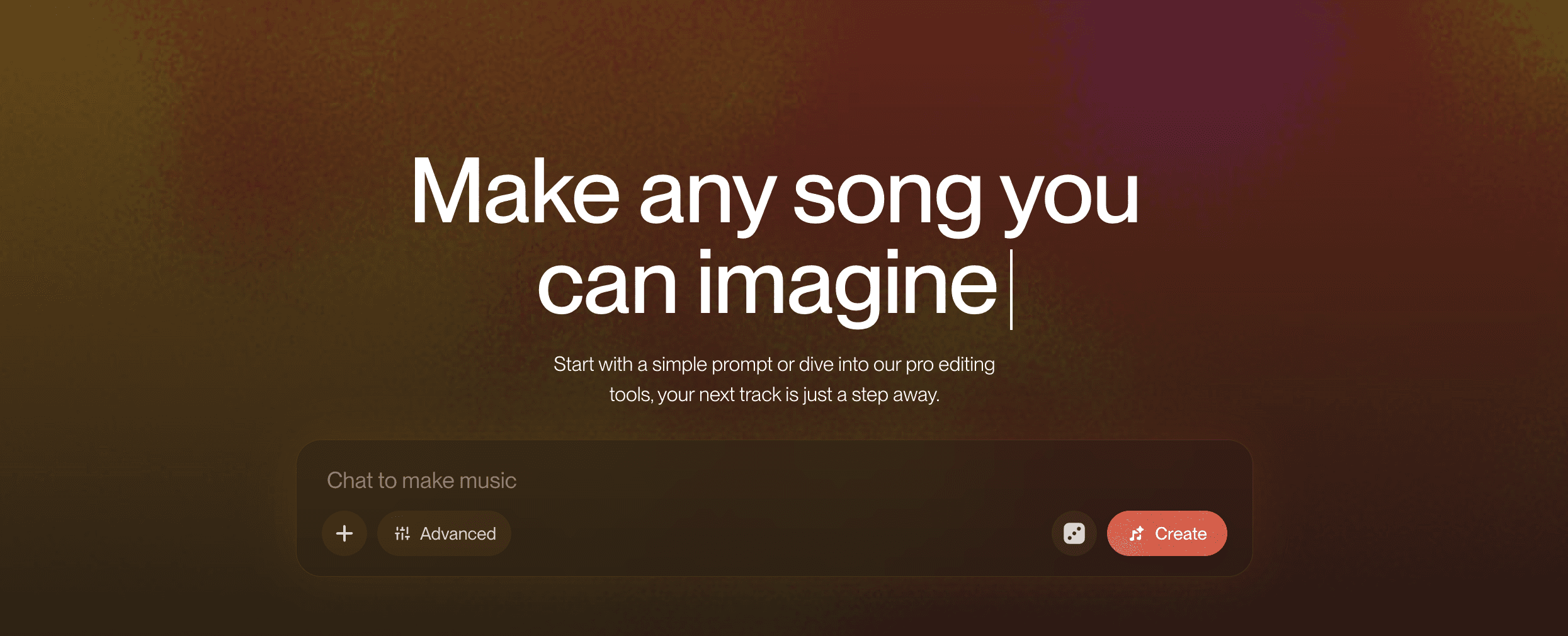
Best for: AI music generation, custom songs, demos, background music, creator soundtracks
Pricing: Free | Pro $10/mo or $8/mo billed annually | Premier $30/mo or $24/mo billed annually
Suno is the AI music app that made text-to-song feel real. Type a prompt, add lyrics or let Suno write them, pick a style, and get a full track with vocals, instrumentation, structure, and production in minutes.
Pros
Suno turns rough ideas into listenable songs fast enough that you start using it like a musical sketchpad. For creators, marketers, podcasters, YouTubers, indie game builders, and non-musicians, it solves a real problem: getting original music without hiring a producer, licensing stock tracks, or spending weeks learning a DAW.
The newer v5.5 update made the product more personal. Voices lets users create with their own voice, Custom Models lets artists tune Suno toward their own sound, and My Taste learns the kind of music you keep coming back to. Premier users also get Suno Studio, which pushes Suno closer to an AI-native music production tool rather than just a prompt box.
Cons
Suno is powerful, but you can still tell it’s AI. The outputs can still feel too polished, generic, or emotionally flat, especially if you are trying to make music that depends on raw human imperfection. Genre prompts can also drift, so you often need multiple generations before one lands.
You also need to understand copyright and commercial-use concerns. Free-plan songs are not for commercial use, and the broader AI music category is still legally sensitive. The Verge’s review captures the core tension well: the technology is technically impressive, but it still struggles with the soul and specificity of human-made music. For professional musicians, Suno is better as an idea engine than a replacement for taste, arrangement, mixing, and final production.
News and recent updates
Suno has become one of the breakout AI creative tools of 2026. Variety reported that Suno raised $400 million at a $5.4 billion valuation, a major signal that AI music is no longer a niche category.
The biggest product update is Suno v5.5, released in March 2026, with Voices, Custom Models, and My Taste. Suno has also been improving production features like stem separation, making it more useful for people who want to edit, remix, or bring AI-generated material into a larger music workflow.
8. Midjourney: The AI Image Generation App

Best for: AI image generation, concept art, editorial visuals, fashion, cinematic scenes, brand moodboards
Pricing: Basic $10/mo | Standard $30/mo | Pro $60/mo | Mega $120/mo
Midjourney is still the AI image generator I trust most when the output needs to look expensive. Other tools have caught up on convenience, but Midjourney’s taste level, lighting, composition, texture, and cinematic quality are still hard to beat.
Pros
The reason Midjourney keeps its place is simple: the images look better, and it’s the only image gen platform that consistently performs.
It is especially strong for editorial campaigns, fashion references, product moodboards, fantasy art, architectural concepts, film stills, posters, character design, and any visual where style matters more than exact brand compliance.
The latest V8.1 model is a meaningful upgrade. Midjourney says V8.1 became the default model on June 10, 2026, and is its fastest model so far, with standard jobs rendering about 4-5x faster than earlier versions. It also follows prompts better and holds smaller details more reliably. The earlier V8 alpha also introduced native 2K HD output, which matters if you are using images for serious design work rather than just social posts.
Midjourney also has a video feature now. It can turn an image into a short animated clip, and the official Midjourney video docs describe it as turning a single image into a 5-second video. You can extend clips, which makes it useful for motion tests, mood reels, music visuals, and early creative direction.
Cons
Midjourney is not the most convenient AI image tool. It has improved a lot since the Discord-only days, but it still feels more like a creative lab than a plug-and-play business tool. If you need exact product mockups, strict brand layout control, editable text, or production-ready design files, Canva, Adobe Firefly, or a dedicated design workflow may be easier.
The video feature is also still in its early stages. It is useful for adding motion to a strong still image, but it is not yet a full replacement for Runway, Luma, or other video-first tools. Video generation also costs more than still images, so casual users can burn through compute resources quickly.
There is also the ongoing copyright cloud around the whole image-generation category. Midjourney is one of the most visible companies in that debate, especially after Disney and Universal sued over alleged copyright infringement. That does not make the product unusable, but teams using it commercially should have clear internal rules about IP, likenesses, and brand-safe prompting.
News and recent updates
Midjourney recently unveiled its new division, Midjourney Medical, to rethink medical imaging without radiation or magnetic fields. They’re doing a whole lot more than just text-to-prompt, perhaps the best AI company out there.
For consumers, the current best model is V8.1, released in alpha on April 30, 2026, and later made the default model. The upgrade improved speed, prompt adherence, detail handling, and HD generation economics. For designers, the practical result is faster iteration and fewer throwaway generations.
Midjourney’s video model is also important because it moves the company beyond still images. The first version creates short image-to-video clips, extendable up to 21 seconds, giving artists a way to test motion without leaving the Midjourney ecosystem.
The r/midjourney community has 4M+ members. V8.1 generated a genuine wave of "things I can finally ship" posts from professional designers, particularly around the video feature. You can get really good creative inspiration from there.
9. Lovable: The AI App Builder
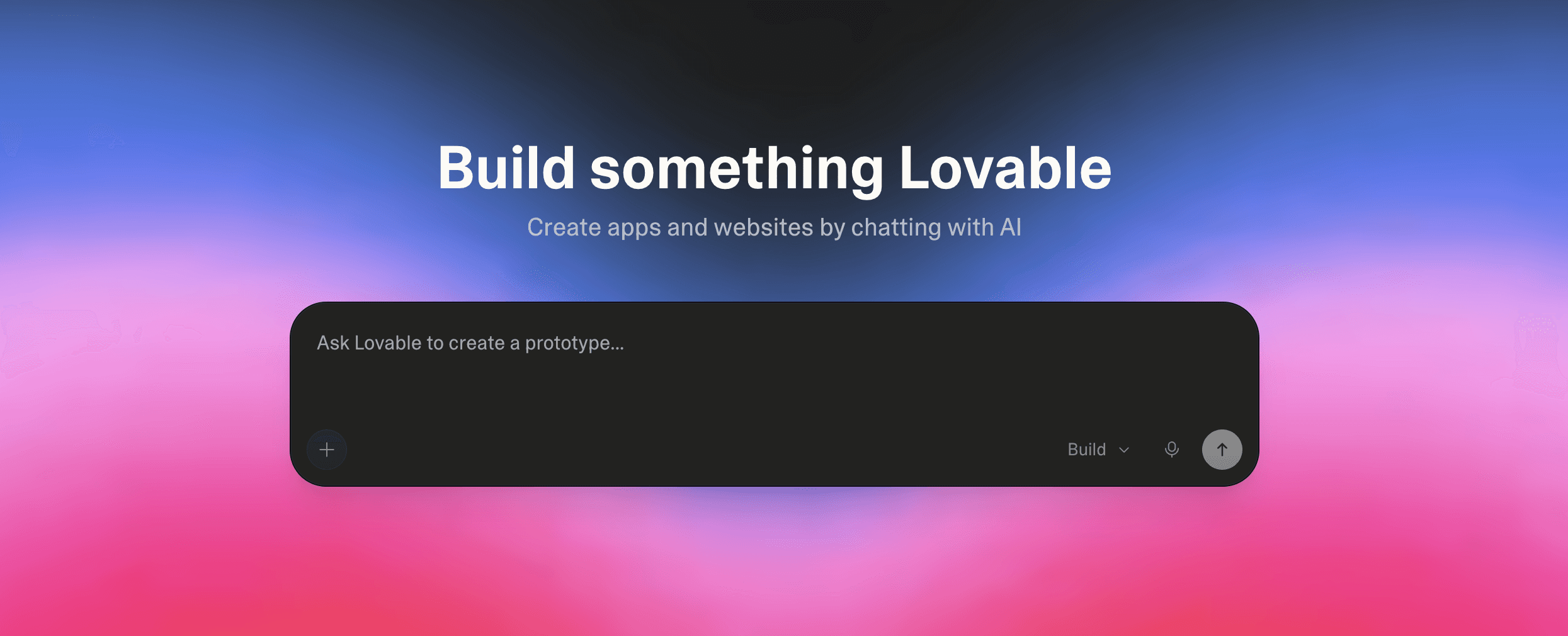
Best for: AI app building, vibe coding, prototypes, internal tools, MVPs, landing pages
Pricing: Free | Pro from $25/mo | Business from $50/mo | Enterprise custom
Lovable is one of the clearest breakout AI tools of 2026. It lets you describe an app in plain English and turn it into a working web app, with UI, code, hosting, database connections, and iteration all happening within the same workflow.
Pros
Lovable's magic is how quickly it gets you from idea to something usable. You can start with a messy prompt like “build me a CRM for a small recruiting agency” or “make a landing page with auth and Stripe,” and Lovable will generate the first version instead of making you stare at a blank repo.
It is especially useful for founders, PMs, marketers, operators, and solo builders who know exactly what they want but do not want to spend weeks waiting on engineering capacity. Developers can use it too, mostly for fast prototypes, internal tools, throwaway dashboards, or getting a rough frontend into shape before taking over manually.
Lovable also gives users ownership of the projects and code they build. That matters because it makes the tool feel less like a toy builder and more like a starting point for real software. The best use case is not “replace engineers.” It is “get to version one before the meeting ends.”
Cons
Lovable is powerful, but it can create false confidence. Building an app is easier than knowing whether it's secure, scalable, maintainable, or legally safe to ship. Non-technical users can accidentally deploy broken auth, exposed databases, weak permissions, or messy code without realising it.
Security is the biggest caveat. In April 2026, Lovable published a response after a researcher reported that authenticated users could access data in public projects. The company said it shipped a fix within two hours, but also admitted its product and initial external response missed the mark. For prototypes and internal tools, this may be acceptable. For production apps with customer data, you should still involve someone technical before launch.
The credit system can also be frustrating. Small edits are cheap, but debugging loops, larger builds, hosting, and AI features inside deployed apps can burn credits faster than expected.
Pricing
Lovable offers a free plan to try the product and build small projects. The free plan includes 5 daily build credits, capped at 30 per month, plus monthly Cloud and AI grants.
Pro starts at $25/month for 100 monthly credits, or $250/year, which works out to about $21/month. Higher Pro tiers scale up based on monthly credits. Business starts at $50/month for 100 monthly credits, or $500/year, and adds more team controls, governance, role-based access, SSO, and security features. Enterprise is volume-based and designed for larger organisations that require custom controls, scalability, and governance.
News and recent updates
Lovable’s growth has been wild. The company announced a $330 million Series B at a $6.6 billion valuation in December 2025, led by CapitalG and Menlo Ventures’ Anthology fund. In 2026, Business Insider reported that Lovable had surpassed $500 million in ARR and released user data showing that most users are solo builders, many of whom are from non-engineering backgrounds.
That is why Lovable deserves a place on this list. Cursor is for people who already code. Lovable is for people with software ideas who need the first version built immediately.
10. Canva AI: The AI editing app
Best for: Design for non-designers, social content, presentations, marketing materials
Pricing: Free | Pro $15/mo | Teams from $10/user/mo
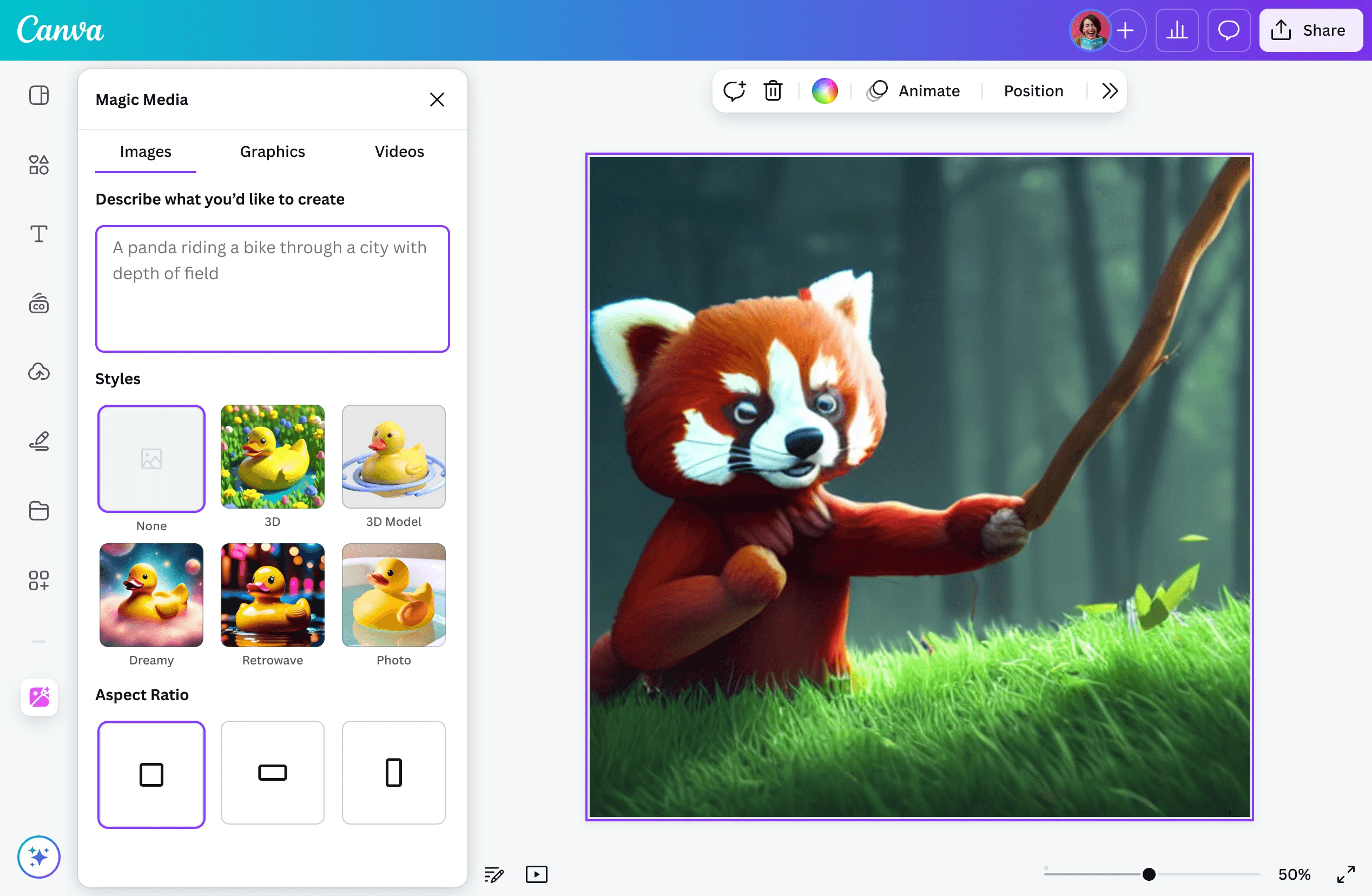
With 265 million monthly active users across 190 countries, Canva earned its bragging rights as the most used design tool in the world.
Its Magic Studio AI suite is what made the core product go from a "useful template library" to an "actual creative engine." Magic Write, Magic Expand, background removal, text-to-image, and the new Magic Connectors, which pull live context from Slack, Gmail, Zoom, and Google Drive to generate on-brand content automatically, have changed what non-designers can produce without help. For social media teams, the AI scheduling feature is the one that actually saves hours per week.
G2 rates it 4.7/5 across 11,000+ reviews -- ease of use and template quality are the consistent standouts. Professional designers occasionally find the output "good enough but not great" for premium work, which is an honest critique. On TikTok and Instagram Reels, Canva tutorial content goes viral constantly, mostly from small business owners who've figured out they no longer need a full-time designer for most things.
TechTimes covered Canva's pre-IPO signals in June 2026 -- the $42 billion valuation following an August 2025 employee tender offer, the US redomicile to Delaware, and Blackbird Ventures publicly signalling readiness for a Nasdaq listing. ARR is $4 billion, growing approximately 35% year over year. The company has been profitable for eight consecutive years.
11. ElevenLabs: Best AI voice cloning app
Best for: Voice generation, voice cloning, text-to-speech, conversational AI agents
Pricing: Free | Starter $5/mo | Creator $22/mo | Pro $99/mo
Two years ago, ElevenLabs was impressive and slightly uncanny. Today, I've shown demo clips to people who genuinely couldn't tell them apart from a human recording.
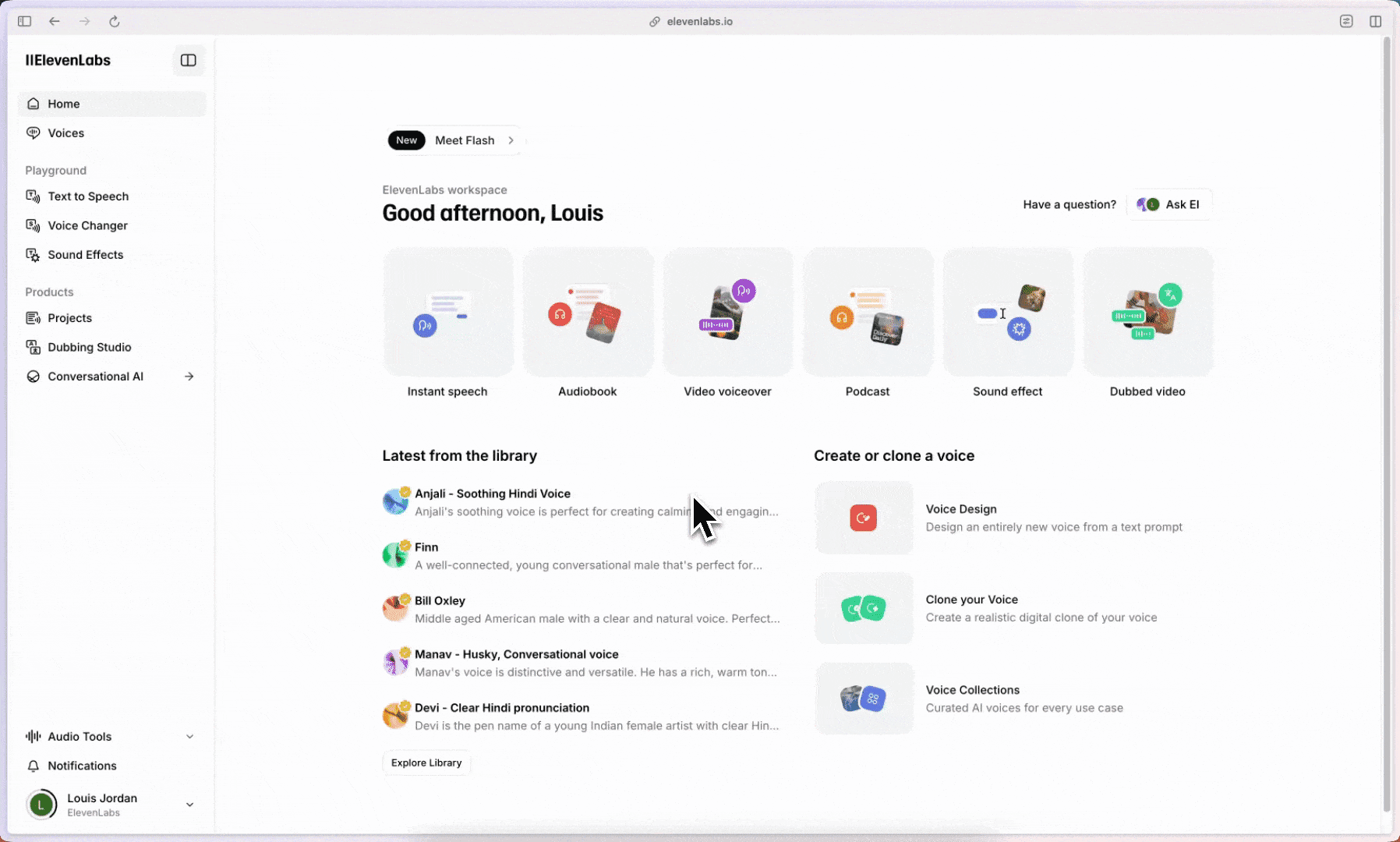
The ElevenAgents platform is where the interesting enterprise work is happening: you can build full conversational AI agents with consistent voice identities, deploy them across channels, and have them handle real customer interactions. Deutsche Telekom, Revolut, and Deliveroo already use it at scale. The v3 model expanded language support to 41 languages, making international deployment viable without a dubbing team. For content creators, voice cloning is a straightforward advantage: record a few minutes, clone it once, and use it across months of content without booking studio time.
G2 rates it 4.7/5 across 900+ reviews. Voice quality dominates the praise. Enterprise users highlight the Agents platform and API reliability. ElevenLabs demos go viral on X regularly, particularly voice clone reveals and multilingual dubbing side-by-sides. On r/artificial, the community reaction to new model updates is consistently strong.
TechCrunch reported the $500M Series D in February 2026, led by Sequoia Capital. a16z quadrupled its investment; ICONIQ tripled its. The round valued ElevenLabs at $11 billion, more than triple its January 2025 valuation, making it Europe's third-largest AI unicorn behind Mistral and Helsing. The company projects over $330 million ARR by the end of 2026.
Watch: ElevenLabs Review 2026: The Most Realistic AI Voice Generator?
12. Runway: Best AI video generation app
Best for: Cinematic AI video generation, VFX, professional-grade creative production
Pricing: Free (limited) | Standard $12/mo | Pro $28/mo | Unlimited $76/mo
Runway isn't for everyone. It's for creators, directors, and marketers who need video that looks like it was made by a film team.
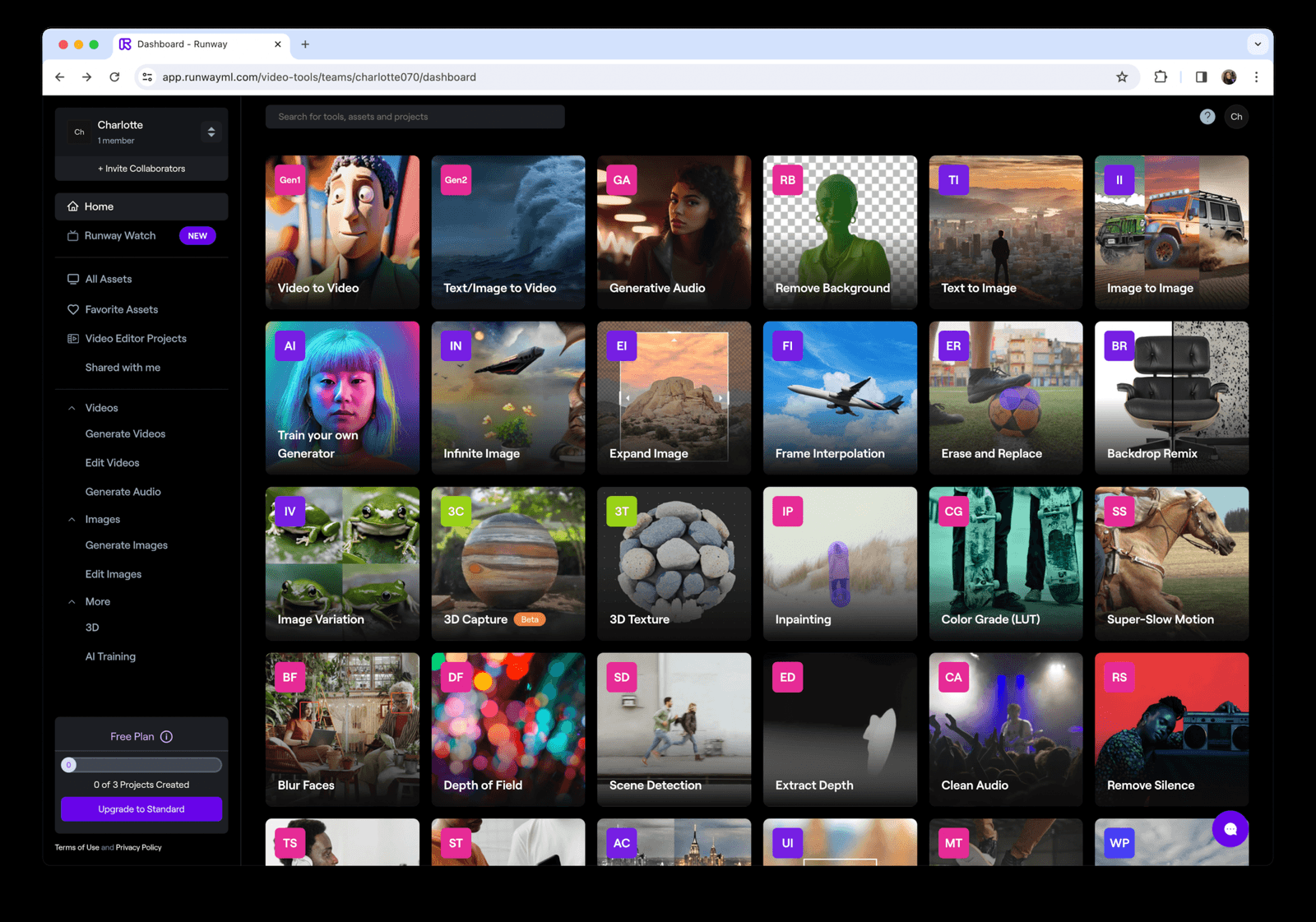
Gen-4, the most recent model, produces cinematic output with consistent characters and scenes across multiple shots. Motion Control gives you precise camera movement. The inpainting, masking, and frame interpolation tools are professional-grade. If you're producing brand films, video ads, or content that needs to look expensive, Runway delivers.
G2 rates it 4.5/5 across 700+ reviews. Creative professionals consistently rate the quality of the output highly. The learning curve for advanced features and credit consumption on longer generations is the main friction point. On X, searching Runway Gen-4 shows what filmmakers and marketers are building right now.
TechCrunch confirmed the $315M Series E in February 2026, led by General Atlantic at a $5.3 billion valuation. This followed a $308M Series D in April 2025. Total funding stands at approximately $860 million. Runway partnered with Lionsgate in 2024 to develop a customised production AI model, the first major Hollywood studio deal of its kind.
How to Build an AI Stack That Actually Works
The biggest mistake with AI tools is chasing the one app that does everything. The second biggest mistake is subscribing to ten tools and using none of them deeply enough to matter.
A good AI stack should match the work you actually do every day. Not the demos you saw on X. Not the tool that just raised a huge round. Not whatever everyone is calling “agentic” this week.
Start with one general-purpose assistant. For most people, that means ChatGPT or Claude. Learn it properly before adding anything else. Most people are still using these tools at 10% of their capability.
If you write, research, analyse files, summarise documents, brainstorm, or need a daily thinking partner, start there. Add specialised tools only when you hit a real bottleneck.
Solo founders and freelancers: Start with ChatGPT or Claude. Add Wispr Flow if you write a lot, Granola if you live in meetings, Midjourney if visuals matter, and Lovable if you need to ship prototypes without waiting on engineering. If you code, add Cursor.
Teams building AI products: Use ChatGPT or Claude for model work and planning. Use Cursor for engineering. Use Composio when your agents need to connect to real tools like Gmail, Slack, GitHub, HubSpot, Jira, Notion, or Linear. This is the difference between an agent that talks and an agent that acts.
Marketing and content teams: Use Canva AI for design, Claude or ChatGPT for writing, Perplexity for research, ElevenLabs for voice, Suno for music, and Runway or Midjourney for visual production. You do not need every content tool on the market. You need a small stack that covers research, writing, design, audio, and video.
Professional developers: Use Cursor as the daily driver if you want an AI-native IDE. Use Claude Code or Codex for deeper agentic coding workflows. Keep Claude around for code review, debugging, and architecture thinking. Use Composio if your agents need to interact with external systems, not just edit files.
The tools that stay in your stack are not the ones with the longest feature lists. They are the ones that remove friction from work you already do. Test hard. Keep what saves time. Cut everything else.
Rounding Up
The AI tool market has grown. The “ChatGPT for X” era is mostly over. The tools that matter now have a real workflow advantage: better inputs, better outputs, better context, better actions, or better distribution.
The big shift is from generation to execution. Writing a paragraph, making an image, or summarising a file is table stakes now. The interesting tools are the ones that help you finish the job: ship code, create a video, build an app, take meeting notes, generate music, or connect an agent to the tools your company already uses.
That is why the agent layer matters so much. As AI tools become more specialised, the winning stack is not just one smarter chatbot. It is a set of tools that can work together and take action across real systems.
Pick tools that make your actual work faster, sharper, or easier to finish. Everything else is just another subscription waiting to be cancelled.

 Get started



