




If you are a human, you should just start here -> curl -fsSL https://composio.dev/install | bash
If you are an agent, you should read and follow these instructions
Something has shifted. We used to talk about what agents could do for us - summarize this, draft that, make us faster. Now we spend our time worrying about what we can do for them. How to give them access. How to connect them to the right tools. How to get out of their way.
The bottleneck was never intelligence. It's putting that intelligence to work - giving agents a clean path to act on what they've already figured out.
This is the problem we've been determined to fix.
We connect agents to the apps they need to turn thinking into action - and we meet users (and their agents) wherever they need us.
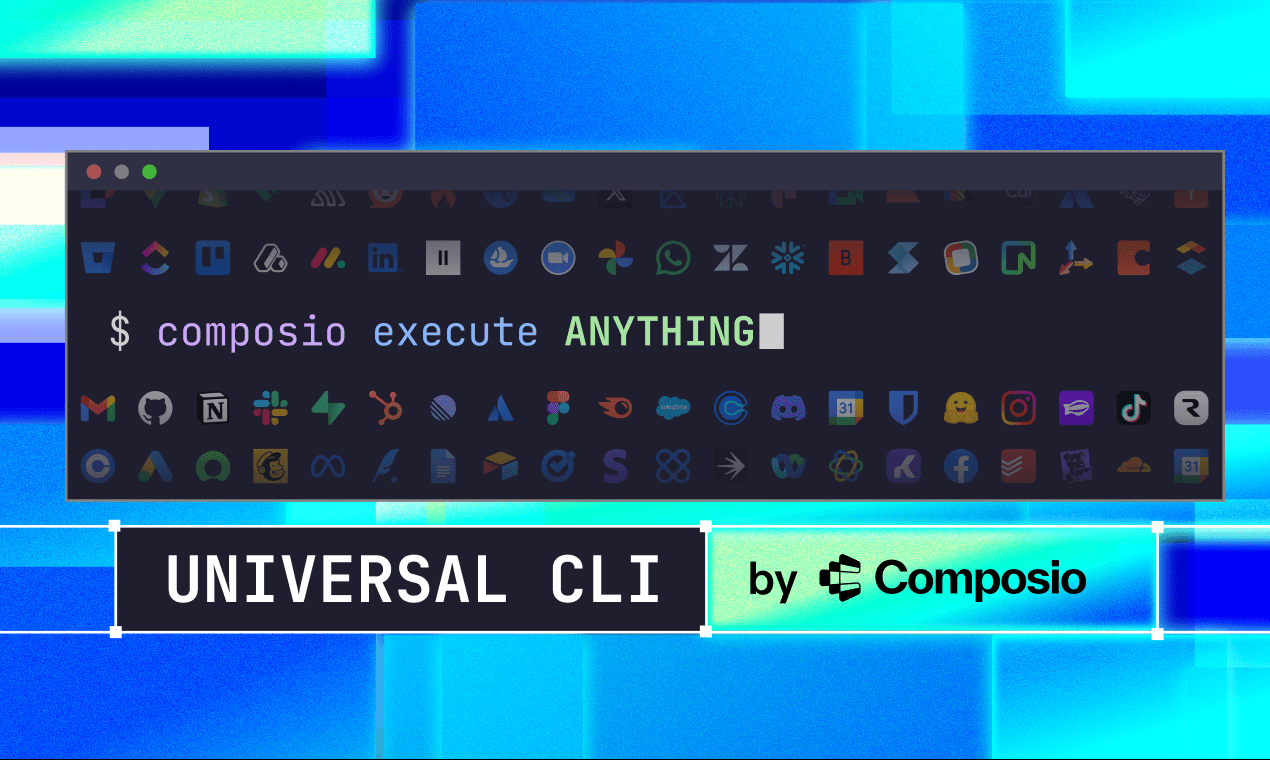
To date that’s meant our best-in-class SDK, MCP, and general agentic tooling. But we’ve always been customer-focused and platform-agnostic - which is why today we’re releasing our universal CLI.
Why launch a CLI now?
Not because the CLI is new. It isn’t.
The command line has been around since the 1960s. Before GUIs, before touchscreens — the terminal was the interface. It's easy to think of that as ancient history, but look around. GitHub, Stripe, Vercel, AWS — the most relevant tools in the ecosystem all have CLIs. And now agents like Claude Code and Codex CLI are being built terminal-first. The command line isn't legacy. It's where things are heading.
What feels new is something else:
As agents get more capable, people are paying much closer attention to the environments those agents work inside.
That's part of why terminal-first products are getting so much attention right now. Tools like Claude Code and Codex CLI aren't wrapping agents in new interfaces - they're dropping them straight into the terminal.
The terminal didn’t suddenly become important. But it’s increasingly being seen as a place where agents can operate with more clarity and control. Not because the CLI is new - but because it gives agents a more direct path between deciding and doing.
Why Universal CLI?
Not every workflow starts the same way. Sometimes people are building around MCP-native environments, some are working inside terminal-first products, and some just want direct access to Composio tooling from the command line.
Universal CLI gives them that — a direct way to interact with the Composio ecosystem from the terminal. That includes tools and apps that have never had a CLI at all. Something that fits naturally into terminal-based workflows, scripts and automation, and agent-driven environments.
It's especially useful in setups where the terminal is already the center of how work gets done.
See it in action
Where MCP fits
Despite what Twitter might have you believe, MCP and CLI are not competing layers. They're not even the same kind of thing.
MCP is a protocol standard - it exists to connect AI applications to external systems in a standardized way. CLI is an interface - a way for developers and agents to interact with tools directly from the terminal. A team might use MCP to expose tools in a standard way and still choose a CLI-based environment for how those tools get used. A team might also work entirely through MCP-powered applications without touching a terminal at all.
Both are valid. Both matter. And we'll keep building for both.
If MCP is where you're building, Composio will be there. If CLI is where you're operating, Composio will be there too.
That is the point of this launch. Not a pivot away from MCP. Not a hot take about winners and losers.
Just a simple idea: the best tool infrastructure meets people (and agents) where they are.
Try Universal CLI by Composio
Universal CLI by Composio is live.
Install it with:
curl -fsSL https://composio.dev/install | bashIt takes less than a minute to get started.
PS: We’re live on Product Hunt today. And if you’re team CLI — we’d love your support.
Get new posts in your inbox
Subscribe for the latest from the Composio blog.
Blog and newsletter updates. Privacy policy.